
21 Best Email Tools With Firebase Integration (2026)

Firebase powers a massive number of apps, from mobile-first products to web SaaS. But Firebase's built-in email capabilities are limited to Firebase Auth emails (verification, password reset). For everything else, you need to connect an external email tool.
The good news: Firebase's Cloud Functions and Firestore triggers make it relatively straightforward to connect to any email platform. The question is which email tool best complements a Firebase-based application. If you are building a SaaS product on Firebase and want a broader view of what to look for, our guide on choosing an email platform for SaaS covers the key criteria worth evaluating before you commit.
Best Firebase Email Tool by Use Case
Best Firebase email tool for SaaS onboarding: Sequenzy
Sequenzy is the best fit when Firebase Auth or Firestore events should start onboarding, activation, trial, and retention sequences. Cloud Functions can forward signup and product events to Sequenzy, while billing events from Stripe complete the lifecycle picture. Use the automate onboarding guide and SaaS onboarding templates to map the first flows.
Best Firebase email tool for the easiest extension setup: SendGrid
SendGrid is the easiest choice if you want a Firebase Extension and minimal custom code. It is less elegant for full lifecycle marketing, but it is practical for straightforward transactional sends from Firestore documents. If you are deciding whether that convenience outweighs platform complexity, read the SendGrid comparison.
Best Firebase email tool for modern transactional DX: Resend
Resend works well when Firebase is powering a React or Next.js app and developers want clean TypeScript APIs, React Email templates, and simple transactional sending. It is not a full lifecycle automation platform, so it pairs best with teams that plan to keep marketing logic in code or elsewhere. The React Email tools guide is the natural next read.
Best Firebase email tool for critical system messages: Postmark
Use Postmark when Firebase sends must be highly reliable: password resets, security alerts, billing notices, or account invitations. It does not solve marketing automation, but it is excellent for transactional delivery. Compare the Postmark page and Resend vs Postmark if deliverability is the main decision criterion.
How Firebase + Email Integration Works
Firebase gives you several connection points:
- Firebase Auth triggers: Cloud Functions that fire on user creation, deletion, and sign-in
- Firestore triggers: Cloud Functions that fire when documents are created, updated, or deleted
- Cloud Functions (HTTP): Custom endpoints that can call email APIs
- Firebase Extensions: Pre-built integrations (some email tools have extensions)
The most common pattern: Firestore triggers that call your email tool's API via Cloud Functions.
Why Cloud Functions Are the Best Approach
While some email tools offer Firebase Extensions for plug-and-play setup, Cloud Functions give you the most flexibility. You control exactly which events trigger emails, what data gets passed along, and how errors are handled. Extensions abstract this away, which is convenient until you need custom logic.
The Cloud Functions approach also lets you enrich the data before sending it to your email tool. For example, when a user signs up (Auth trigger), you might query Firestore for additional profile data, then send a single enriched event to your email platform. Extensions typically only forward the raw trigger data.
Common Firebase Email Integration Patterns
Pattern 1: Auth Event to Welcome Sequence
A user signs up via Firebase Auth. A Cloud Function fires on onCreate, collects the user's profile data from Firestore, and sends an "add subscriber" or "trigger event" API call to your email tool. The email tool starts a welcome/onboarding sequence.
Pattern 2: Firestore Change to Behavioral Email
A user completes an action (e.g., creates a project, invites a team member, upgrades a plan). The action writes to Firestore. A Cloud Function listens for that write and fires an event to your email tool. The email tool uses the event to trigger a relevant email or move the user through an automation.
Pattern 3: Scheduled Cloud Function for Digest Emails
A Cloud Function runs on a schedule (e.g., daily or weekly), queries Firestore for activity data, and sends digest or summary emails through your email tool's API. This is useful for weekly reports, usage summaries, and activity digests.
Pattern 4: Extension-Based Transactional Email
Install a Firebase Extension (available for SendGrid and Mailgun) that watches a Firestore collection for new documents. Write a document with email content and recipient, and the extension sends the email automatically. Best for simple transactional use cases where you do not need complex logic.
Quick Comparison
| Tool | Best For | Starting Price | Free Tier | Integration Type |
|---|---|---|---|---|
| Sequenzy | SaaS on Firebase wanting lifecycle email | $19/mo | Yes (2.5k emails/mo) | API via Cloud Functions |
| SendGrid | Firebase users wanting easiest built-in integration | $20/mo | Yes (100/day) | Firebase Extension (native) |
| Resend | Modern devs wanting clean Firebase email | $20/mo | Yes (100/day) | API via Cloud Functions |
| Loops | Early-stage apps wanting simple event-driven email | $49/mo | Yes (1k contacts) | API via Cloud Functions |
| Postmark | Firebase apps prioritizing transactional deliverability | $15/mo | No | API via Cloud Functions |
| Customer.io | Technical teams building complex event-driven email | $100/mo | No | API via Cloud Functions |
| Brevo | Budget-conscious Firebase projects | $9/mo | Yes (300/day) | SMTP + API |
| Mailgun | High-volume apps needing affordable sending | $35/mo | Trial only | Firebase Extension available |
| Mailchimp | Teams wanting marketing email on Firebase backend | $13/mo | Yes (500 contacts) | API via Cloud Functions |
| ConvertKit | Creator-style SaaS on Firebase | $29/mo | Yes (10k subs) | API via Cloud Functions |
| ActiveCampaign | Sales-led SaaS wanting CRM + email | $29/mo | No | API via Cloud Functions |
| MailerLite | Solo founders wanting simple email | $10/mo | Yes (1k subs) | API via Cloud Functions |
| Beehiiv | Newsletter-led products on Firebase | $39/mo | Yes (2.5k subs) | API via Cloud Functions |
| HubSpot | Companies standardized on HubSpot CRM | $20/mo | Yes (free CRM) | API via Cloud Functions |
| Klaviyo | Hybrid e-commerce + Firebase products | $45/mo | Yes (250 contacts) | API via Cloud Functions |
| Encharge | Non-technical teams wanting visual flows | $79/mo | No | API via Cloud Functions |
| Userlist | B2B SaaS needing account-level data | $149/mo | No | API via Cloud Functions |
| Vero | Product teams wanting event-based messaging | $99/mo | No | Events API via Cloud Functions |
| Bento | Indie SaaS wanting events + email | $30/mo | No | API via Cloud Functions |
| Iterable | Enterprise SaaS with complex lifecycle | Custom | No | Events via warehouse or Cloud Functions |
| Amazon SES | Cost-sensitive teams on AWS | $0.10/1k | Yes (sandbox) | SMTP + API via Cloud Functions |
The 21 Best Options
1. Sequenzy
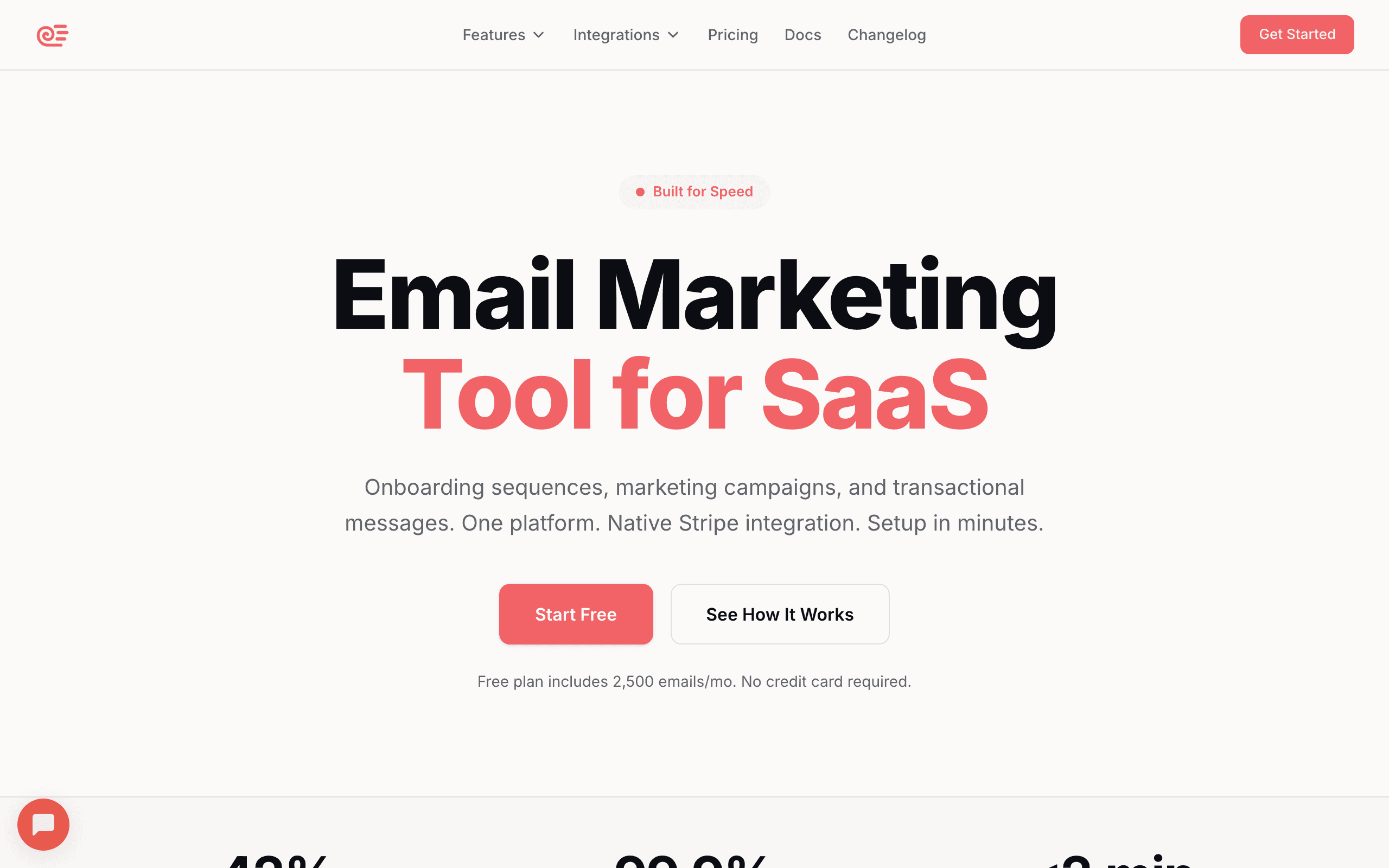
Best for: SaaS on Firebase wanting lifecycle email automation
Sequenzy's event tracking API works well with Firebase Cloud Functions. When users take actions in your Firebase app, fire events to Sequenzy and trigger lifecycle sequences. The transactional API handles system emails (welcome, receipts) while the marketing side handles campaigns and automations.
The event-driven architecture is a natural fit for Firebase. Since Firebase apps are already event-driven (Auth triggers, Firestore triggers, Cloud Functions), mapping those events to Sequenzy's event API is straightforward. A user signup triggers a Cloud Function that calls Sequenzy's API with a user.signed_up event, and your onboarding sequence starts automatically.
Where Sequenzy stands out for Firebase developers is the combination of transactional and marketing email in one platform. You do not need separate tools for password reset emails and onboarding sequences. Your dunning emails, trial conversion flows, and product update campaigns all live in the same place.
The Stripe integration is also relevant for Firebase-based SaaS. If you are using Stripe for payments alongside Firebase for your app backend, Sequenzy connects both sides: product events from Firebase and payment events from Stripe feed into unified lifecycle automations.
- Key Strength: AI integration
- Pricing: Free up to 2,500 emails/month, paid plans from $19/month
- Integration: Event API via Cloud Functions
- Pros: Lifecycle automation, AI sequences, transactional + marketing, Stripe integration, SaaS-focused
- Cons: No Firebase Extension, requires Cloud Function setup, newer platform with smaller template library
2. SendGrid
Best for: Firebase users wanting the easiest built-in integration
SendGrid has a Firebase Extension that makes integration nearly plug-and-play. Install the extension, configure your SendGrid API key, and you can trigger emails from Firestore document changes. It's the most "official" email integration for Firebase.
The extension works by watching a designated Firestore collection (typically called mail). When you write a document to that collection with fields like to, subject, and html, the extension picks it up and sends it through SendGrid. For basic transactional emails, this is the fastest path to working email in a Firebase app.
The extension handles both transactional (triggered by Firestore writes) and basic campaign email. For Firebase users who want minimal setup, it's the path of least resistance. SendGrid also supports Dynamic Templates, so you can create templates in the SendGrid dashboard and reference them by ID in your Firestore documents.
However, the extension has limitations. It only supports basic email sending, not SendGrid's marketing features like contact lists, segments, or campaigns. For those, you still need to use the SendGrid API via Cloud Functions. The extension is best thought of as a transactional email shortcut, not a full SendGrid integration.
- Pricing: Free for 100 emails/day, from $20/month
- Integration: Firebase Extension (native)
- Pros: Official Firebase Extension, minimal setup, mature platform, Dynamic Templates
- Cons: Extension has limitations, platform feels dated, pricing is confusing, marketing features require separate API integration
3. Resend
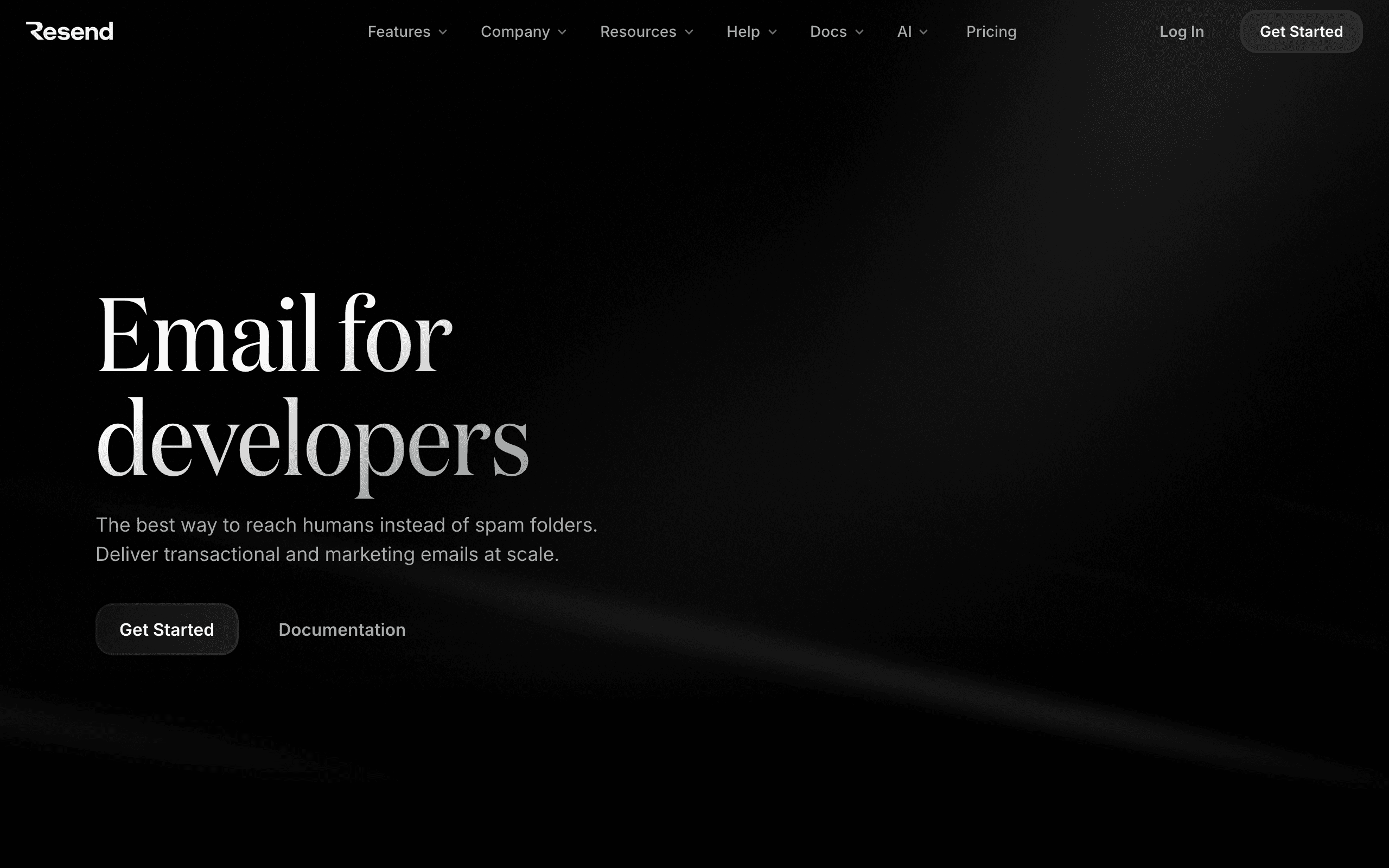
Best for: Modern developers wanting clean Firebase email integration
Resend doesn't have a Firebase Extension, but the API integrates cleanly with Cloud Functions. A few lines of code in a Cloud Function gives you full access to Resend's sending capabilities. The DX is excellent, and React Email templates work well for Firebase web apps.
For Firebase developers using React (or React Native), the ability to build email templates with React Email is a significant workflow advantage. Your email templates live in the same repository as your app code, use the same component model, and can share design tokens. You write JSX, Resend renders it to email-safe HTML.
The Cloud Function integration is minimal. Install the Resend SDK, initialize it with your API key, and call resend.emails.send() from any Cloud Function. The SDK handles everything else. For TypeScript users, the types are excellent and match the API surface exactly.
Resend is best for teams that want top-tier transactional email DX but do not need complex marketing automation. If your Firebase app needs welcome emails, receipts, notifications, and simple drip sequences, Resend handles it well. For full lifecycle automation with behavioral triggers and advanced segmentation, you might want something more full-featured.
- Pricing: Free for 100 emails/day, from $20/month
- Integration: API via Cloud Functions
- Pros: Best DX, React Email, clean API, affordable, TypeScript-first
- Cons: No Firebase Extension (requires Cloud Function code), marketing features maturing, limited automation depth
4. Loops
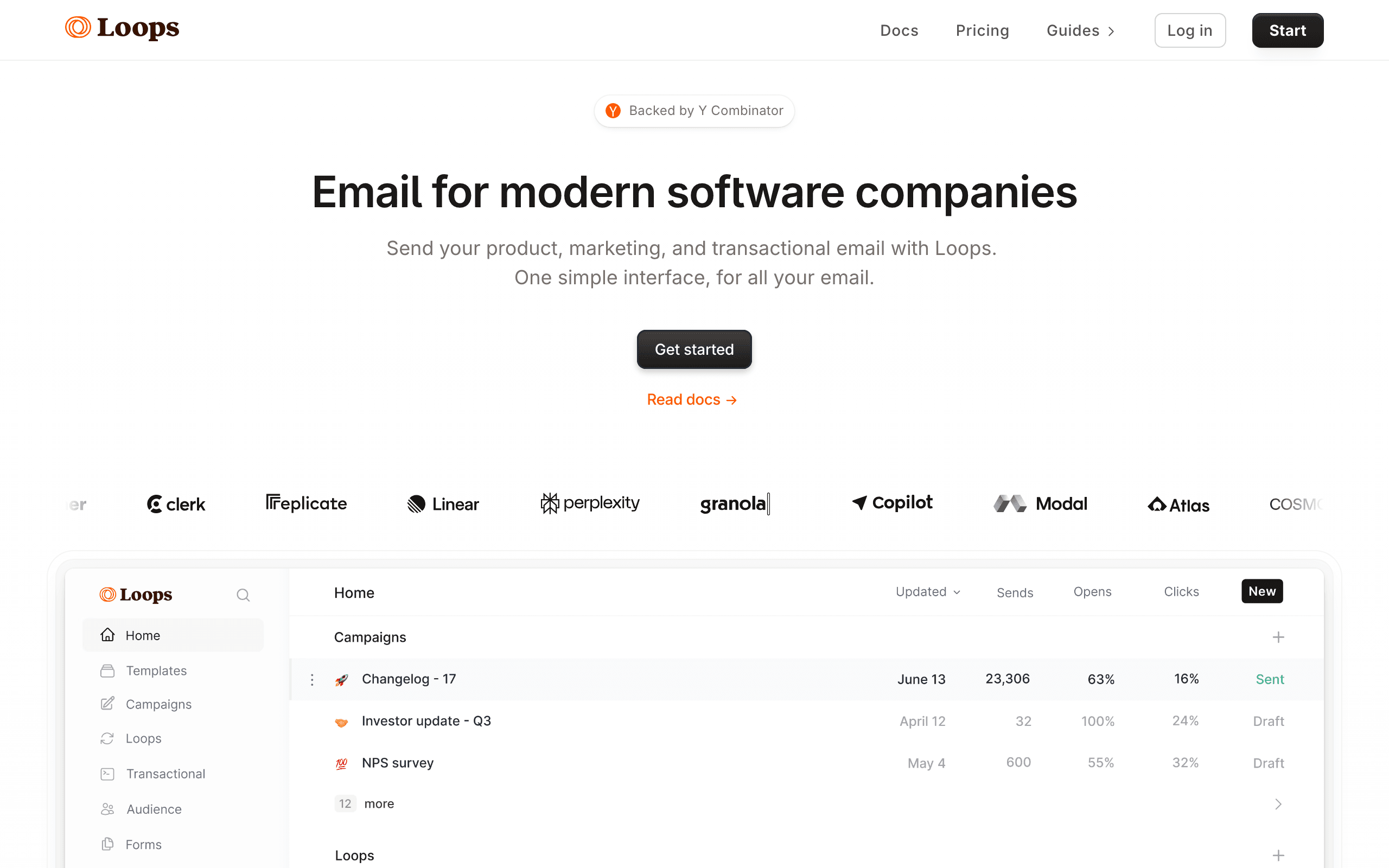
Best for: Early-stage Firebase apps wanting simple event-driven email
Loops and Firebase share a similar developer audience. Connect them through Firebase Cloud Functions that call the Loops API when users take actions. The event-driven model matches naturally with how Firestore triggers fire on document changes.
Loops is designed to be simple. You send events, and Loops triggers emails based on those events. There is no complex workflow builder or deep segmentation engine. For early-stage SaaS products that need basic onboarding sequences, product update emails, and simple automations, the simplicity is a feature, not a limitation.
The free tier (1,000 contacts) makes Loops attractive for early-stage Firebase projects that are not ready to invest heavily in email infrastructure. As your product grows and your email needs become more complex, you can evaluate whether Loops scales with you or if you need a more full-featured platform.
- Pricing: Free for 1,000 contacts, from $49/month
- Integration: API via Cloud Functions
- Pros: Simple, modern, good free tier, event-driven, quick setup
- Cons: Limited automation depth, basic segmentation, may outgrow quickly
5. Postmark
Best for: Firebase apps prioritizing transactional email deliverability
Postmark via Cloud Functions gives you the best transactional email deliverability available. For Firebase apps where email reliability is critical (fintech, healthcare, B2B), Postmark ensures your emails reach inboxes. If deliverability is your top concern, Postmark is the safest choice.
Postmark separates transactional and marketing email into different "streams," which protects your transactional email reputation from marketing email engagement. This is important for Firebase apps that send both system emails (verification, password reset, receipts) and marketing emails (updates, promotions). Your critical system emails maintain high deliverability even if your marketing engagement dips.
The API integration via Cloud Functions is clean. Postmark's SDKs are well-maintained, and the documentation is some of the best in the email industry. For Firebase developers who value reliable documentation and predictable behavior, Postmark is a strong choice.
Postmark also supports templates stored on their servers. You can create email templates in the Postmark dashboard, then reference them by alias from your Cloud Functions. This lets non-developers update email copy without touching Cloud Function code.
- Pricing: From $15/month
- Integration: API via Cloud Functions
- Pros: Best deliverability, fast delivery, excellent for transactional, separate streams, great docs
- Cons: Marketing features are basic, no Firebase Extension, less suitable for complex automation
6. Customer.io
Best for: Technical teams building complex event-driven email on Firebase
Customer.io's event model maps naturally to Firebase's event-driven architecture. Forward Firestore changes and Auth events to Customer.io and build sophisticated email workflows. For apps with complex user journeys, the flexibility is unmatched.
The way Customer.io works is fundamentally event-driven: you send events (user signed up, completed onboarding step 3, invited a teammate) and build visual workflows that respond to those events with emails, delays, conditions, and branching logic. Firebase's Cloud Functions are perfect for generating those events.
Customer.io also supports user attributes that update in real time. When a Firestore document changes (e.g., the user's plan changes from "free" to "pro"), a Cloud Function can update the corresponding Customer.io profile. Your automations can then use those attributes for segmentation and conditional branching.
The multi-channel support is worth mentioning. Beyond email, Customer.io can send push notifications, SMS, and in-app messages. If your Firebase app is mobile-first, having email and push in the same automation platform simplifies your messaging stack.
- Pricing: From $100/month
- Integration: API via Cloud Functions
- Pros: Most powerful automation, event-driven, multi-channel, real-time attribute updates
- Cons: Expensive, complex, requires significant setup, overkill for simple use cases
7. Brevo
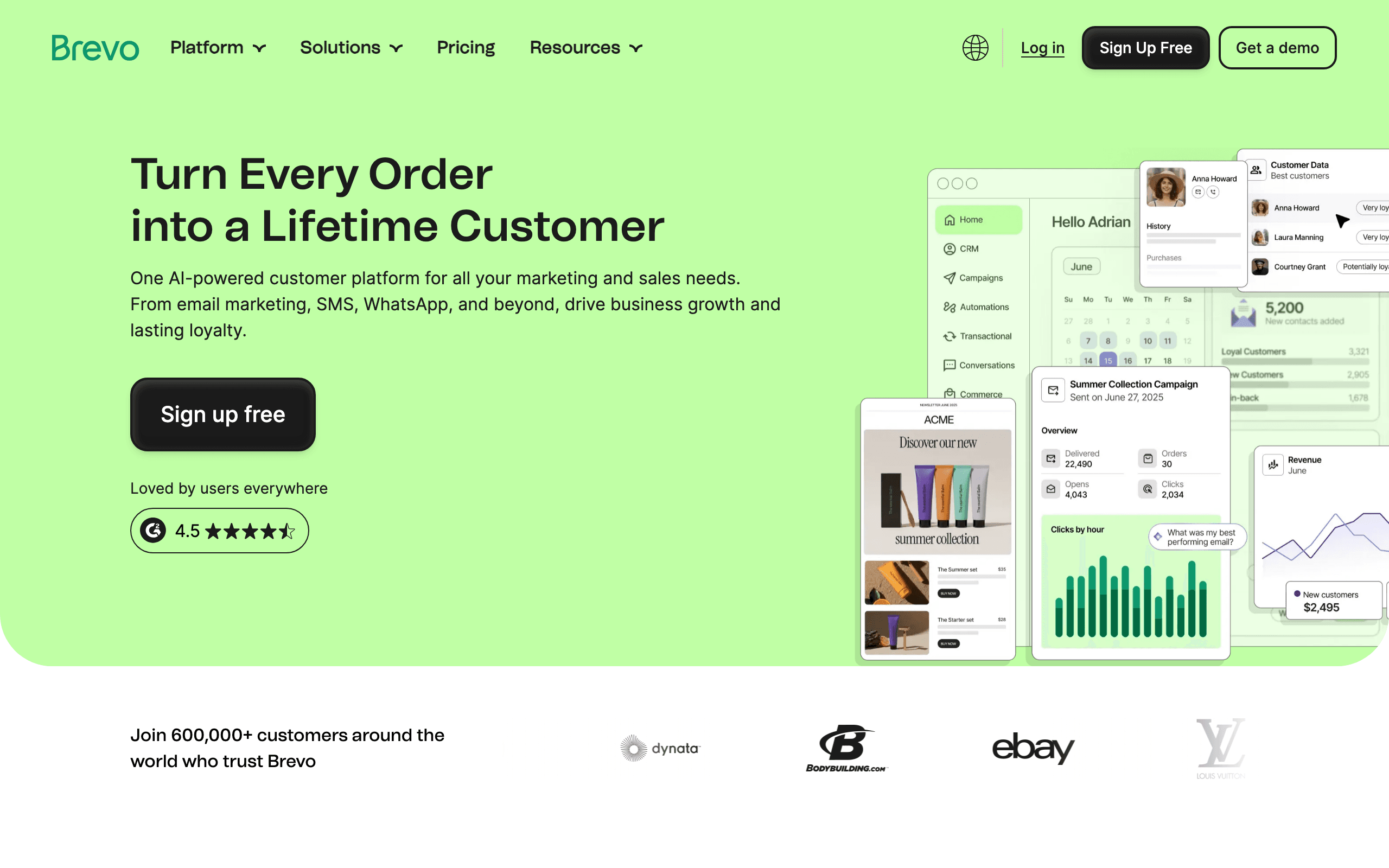
Best for: Budget-conscious Firebase projects
Brevo offers both transactional (SMTP/API) and marketing email at an affordable price. Use it as your Firebase auth SMTP provider and the API for marketing sequences. The free tier (300 emails/day) works for development and early stages.
For Firebase projects that need both transactional and marketing email without paying for two separate tools, Brevo is the most cost-effective option. The transactional API handles system emails, and the marketing side handles campaigns, contacts, and basic automations.
The trade-off is developer experience. Brevo's API and documentation are functional but not as polished as Resend or Postmark. The dashboard is older and less intuitive than newer alternatives. For teams that prioritize price over DX, it works. For teams that value clean developer tools, other options may be more enjoyable to work with.
- Pricing: Free for 300 emails/day, from $9/month
- Integration: SMTP for auth + API for marketing
- Pros: Affordable, both transactional and marketing, generous free tier, all-in-one
- Cons: Dated interface, less developer-focused than alternatives, basic automation
8. Mailgun
Best for: High-volume Firebase apps needing affordable sending
Mailgun has a Firebase Extension for basic email sending from Firestore. If your Firebase app sends high volumes of email and cost is a priority, Mailgun's infrastructure-level pricing is attractive.
The Mailgun Firebase Extension works similarly to SendGrid's: it watches a Firestore collection for new documents and sends emails through Mailgun's API. The setup is straightforward, and for teams that need reliable, high-volume transactional email without marketing features, Mailgun delivers.
Mailgun also offers strong webhook support for tracking email events. When emails bounce, are delivered, or generate complaints, Mailgun sends webhooks back to your application. You can use a Cloud Function as the webhook endpoint to update Firestore records based on email delivery status.
The trade-off is that Mailgun is infrastructure, not a marketing platform. There is no visual email editor, no automation builder, no subscriber management UI. If you need marketing campaigns and lifecycle automation alongside your Firebase app, Mailgun handles the sending but you will need another tool for the marketing layer.
- Pricing: Free trial, from $35/month
- Integration: Firebase Extension available
- Pros: Affordable at volume, Firebase Extension, infrastructure-level control, good webhooks
- Cons: Not a marketing platform, basic features, limited automation, no visual editor
9. Mailchimp
Best for: Teams wanting marketing email layered on a Firebase backend
Mailchimp is the most recognizable name in email marketing, and it does have a usable API that you can call from Firebase Cloud Functions. There is no native Firebase connector, but the workflow is the standard one: Firestore trigger fires, Cloud Function calls Mailchimp API to add or update a subscriber and trigger a journey.
Mailchimp's strength is its template library and the polish of its campaign editor. For teams that send a lot of broadcast newsletter content alongside product email, those tools save real time. The marketing automation is functional, though it has a more list-and-broadcast shape than the event-driven model Firebase developers tend to prefer.
The downsides are pricing that scales aggressively with contacts (including unsubscribed ones on some legacy plans), and a developer experience that feels dated next to Resend or Loops. If your team is already on Mailchimp for other reasons, layering it on Firebase works. If you are choosing fresh, there are better-fit options on this list.
- Pricing: Free for up to 500 contacts, paid plans from $13/month
- Integration: API via Cloud Functions, no native Firebase connector
- Pros: Mature template library, recognizable brand, broad ecosystem, polished campaign editor
- Cons: Pricing scales aggressively, dated DX, list-shaped not event-shaped, no native connector
10. ConvertKit (Kit)

Best for: Creator-style SaaS on Firebase
ConvertKit (now branded "Kit") is built for creators selling courses, paid newsletters, and digital products. Firebase teams shipping that kind of product get a clean fit: call the Kit API from Cloud Functions when users sign up, complete onboarding, or take key actions, and Kit handles tagging and automations from there.
The tag-based segmentation model is approachable, and the visual automation builder is easy to learn. For non-technical co-founders managing the email side of a Firebase product, Kit reduces the cognitive load compared to event-and-segment models like Customer.io or Vero.
For pure SaaS with deep lifecycle needs (multi-branch dunning, MRR-based segmentation, complex trial flows), Kit is shallower than purpose-built tools. The free tier is generous though, which makes it easy to try alongside an existing Firebase project.
- Pricing: Free up to 10,000 subscribers, paid from $29/month
- Integration: API via Cloud Functions
- Pros: Strong creator features, generous free tier, clean tagging-based segmentation, approachable automation
- Cons: Creator-shaped not SaaS-shaped, dunning is DIY, reporting is limited, fewer integrations than larger tools
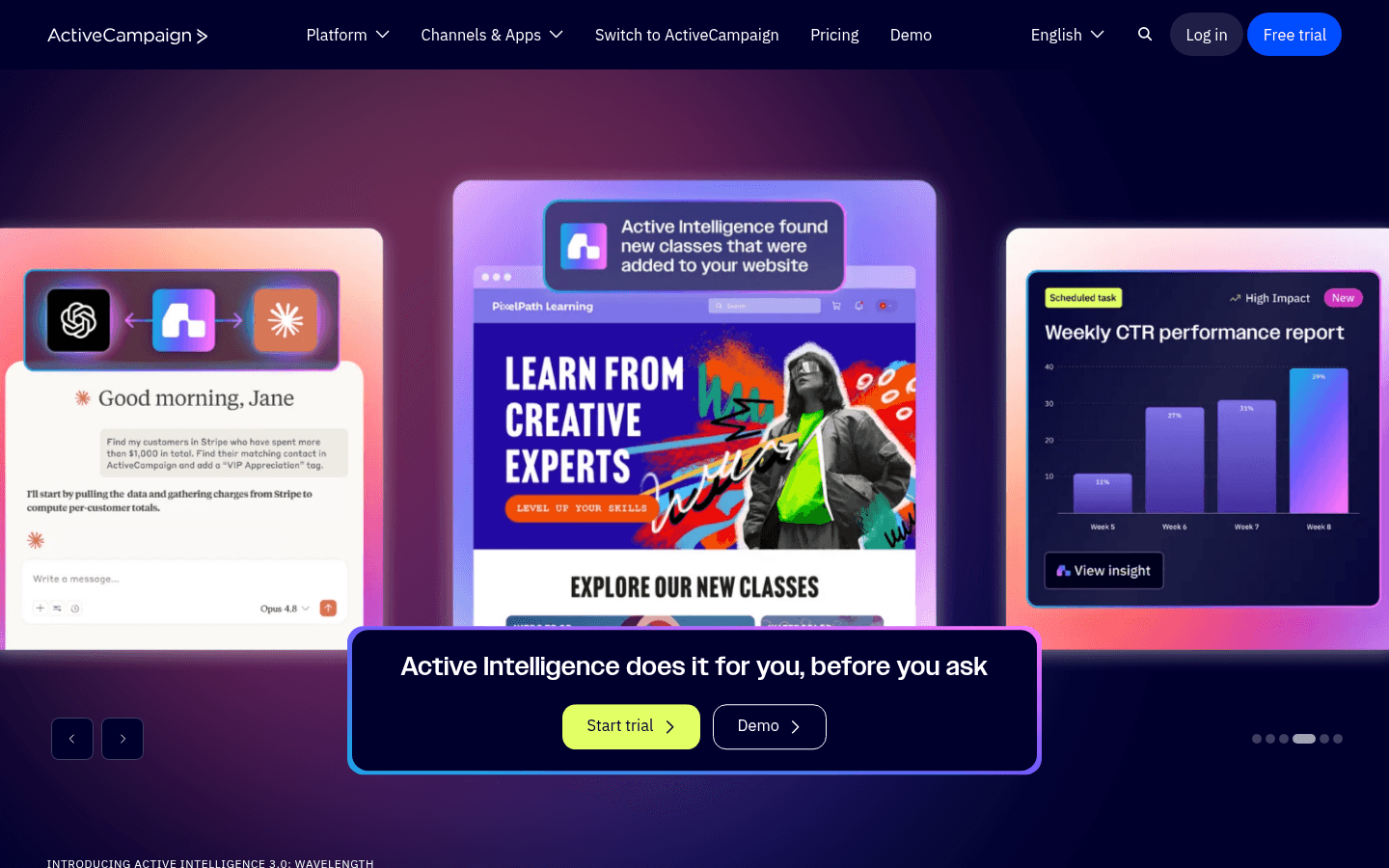
11. ActiveCampaign
Best for: Sales-led SaaS wanting CRM + email on a Firebase backend
ActiveCampaign bundles email automation with a built-in CRM, which can be useful for SaaS products that have a sales-assisted motion alongside self-serve. The Firebase integration is API-based: Cloud Functions call ActiveCampaign's contact and event APIs when users sign up, hit milestones, or change subscription state.
The automation builder is mature and supports branching, delays, and conditional logic. Combined with the CRM, you can build flows like "if a user from a high-MRR account stops logging in, notify their account manager and start a re-engagement sequence." That kind of cross-system automation is harder to assemble in pure email tools.
The trade-offs are a steeper learning curve, an interface that feels heavier than newer tools, and pricing that escalates as you add contacts and features. For Firebase teams without a sales motion, the CRM is wasted weight. For those with one, it is genuinely useful.
- Pricing: From $29/month (Lite plan)
- Integration: API via Cloud Functions
- Pros: Built-in CRM, mature automation builder, large ecosystem, good deliverability
- Cons: Steep learning curve, complex interface, pricing scales with contacts and features
12. MailerLite
Best for: Solo founders wanting simple email on top of Firebase
MailerLite is one of the most pleasant email tools to use day-to-day. The editor is clean, the dashboard is uncluttered, and the free tier is one of the most generous in the space. From Firebase, the integration looks familiar: Cloud Functions hit the MailerLite API to add subscribers and trigger automations.
For solo founders or very small teams running a Firebase-backed SaaS plus a newsletter, MailerLite is a reasonable single-tool answer. The pricing stays affordable as you grow, and the segmentation is enough for straightforward use cases.
The limits show up when you need event-driven behavioral email or complex multi-step automations. MailerLite is shaped around lists and broadcasts more than events and journeys. If your Firebase product needs deep lifecycle email, you will outgrow it.
- Pricing: Free up to 1,000 subscribers and 12,000 emails/month, from $10/month
- Integration: API via Cloud Functions
- Pros: Pleasant editor, generous free tier, simple pricing, easy to learn
- Cons: Segmentation is basic, not event-shaped, limited automation depth, fewer integrations
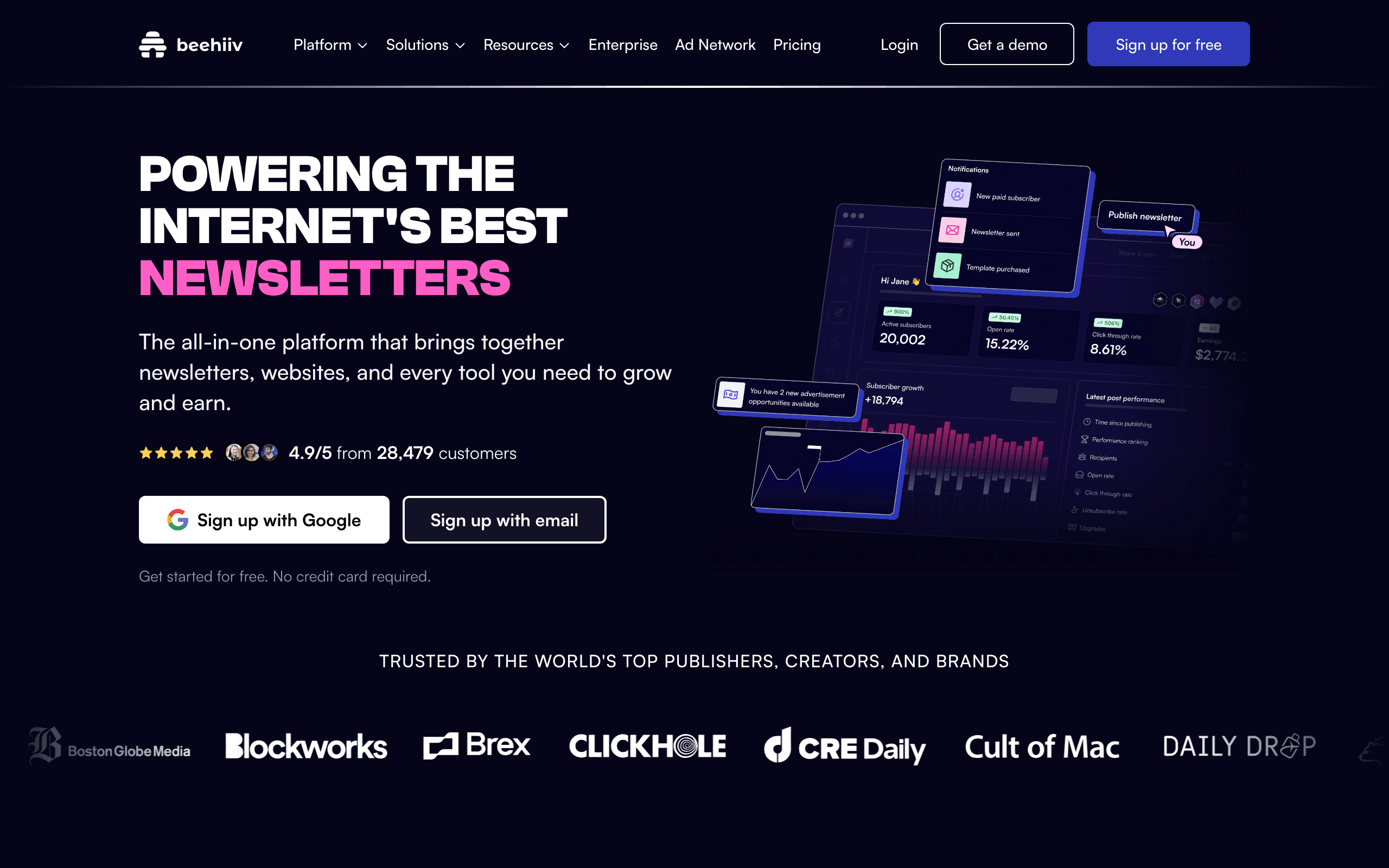
13. Beehiiv
Best for: Newsletter-led products built on Firebase
Beehiiv is a newsletter platform with strong audience growth tools (referral programs, recommendations network, ad network). For Firebase products that are really content businesses with a paid tier or a community layer, Beehiiv handles the publishing and subscription side better than general-purpose email tools.
The integration with Firebase is API-based. When a user signs up or upgrades in your Firebase auth, a Cloud Function calls Beehiiv's API to subscribe them to the right tier. For traditional SaaS use cases (dunning, onboarding sequences for an app), Beehiiv is the wrong tool because it is shaped around newsletters, not behavioral product email.
If your "SaaS" is really a paid media or community product on Firebase, Beehiiv is one of the cleanest answers in the space. If it is a real app, look elsewhere.
- Pricing: Free up to 2,500 subscribers, paid plans from $39/month
- Integration: API via Cloud Functions
- Pros: Strong audience growth tools, polished editor, native paid newsletter support
- Cons: Newsletter-shaped not SaaS-shaped, limited behavioral automation, weak transactional email
14. HubSpot

Best for: Companies standardized on HubSpot CRM
HubSpot is a full marketing and sales platform with a free CRM and paid Marketing Hub tiers. From Firebase, you call the HubSpot API from Cloud Functions to sync contacts, log events, and trigger workflows. There is no native Firebase connector, but the API is comprehensive.
The reason to use HubSpot with Firebase is usually that the rest of the company is already on HubSpot. Sales pipeline, support tickets, marketing campaigns, and customer data all live in one place, and adding Firebase product events into that picture means your sales and CS teams see the full customer story.
The honest caveats: HubSpot's automation pricing scales hard, the CRM-shaped data model means you do some translation between Firebase events and HubSpot's contact/company/deal model, and the platform can feel heavy for teams that just want product email automation.
- Pricing: Free CRM, Marketing Hub from $20/month, automation features gated by tier
- Integration: API via Cloud Functions
- Pros: Unified with CRM, deals, and pipelines, strong reporting, large ecosystem, good support
- Cons: Pricing escalates rapidly, CRM-shaped data model, complex permissions, heavy for product-focused teams
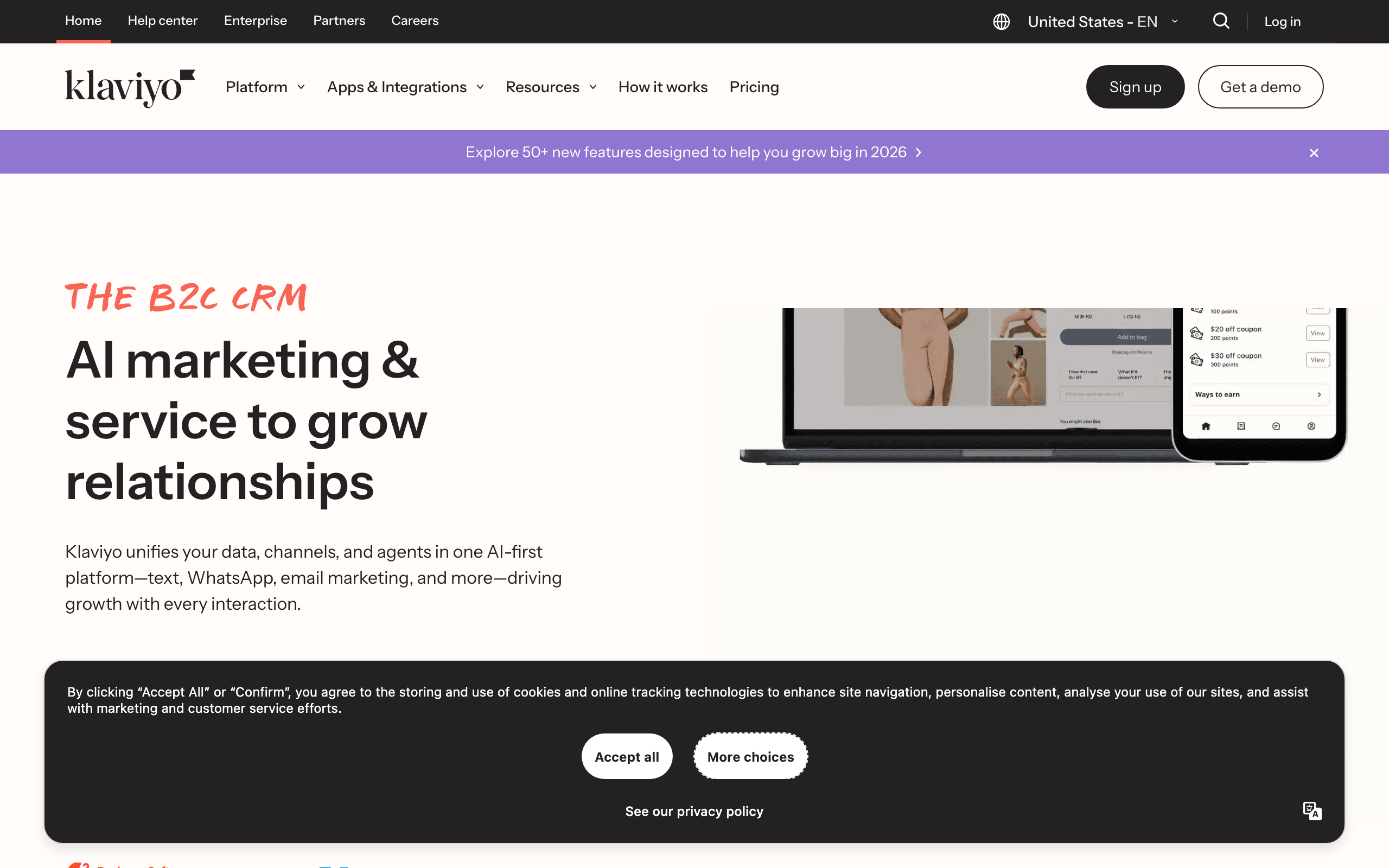
15. Klaviyo
Best for: Hybrid e-commerce + Firebase products
Klaviyo's core market is Shopify-style e-commerce, but the platform itself supports any data source you can pipe in via API. From Firebase Cloud Functions, you can call Klaviyo's events API to sync product behavior into customer profiles and trigger flows.
The segmentation engine is genuinely best-in-class. If your Firebase product has both transactional purchases and a SaaS-style subscription layer, Klaviyo can blend that data in a single profile better than most tools. Few platforms reason cleanly across e-commerce events and product events.
The mental model is e-commerce throughout, though. Flows, templates, terminology, and dashboards all assume order-based behavior. You can absolutely run SaaS lifecycle email on Klaviyo, but you will be translating concepts the whole way. Pricing also scales aggressively with contacts.
- Pricing: Free up to 250 contacts, from $45/month
- Integration: API via Cloud Functions
- Pros: Best-in-class segmentation, blends e-commerce + SaaS data, strong analytics, many templates
- Cons: Mental model is e-commerce, pricing scales aggressively, dunning is DIY, can feel heavy
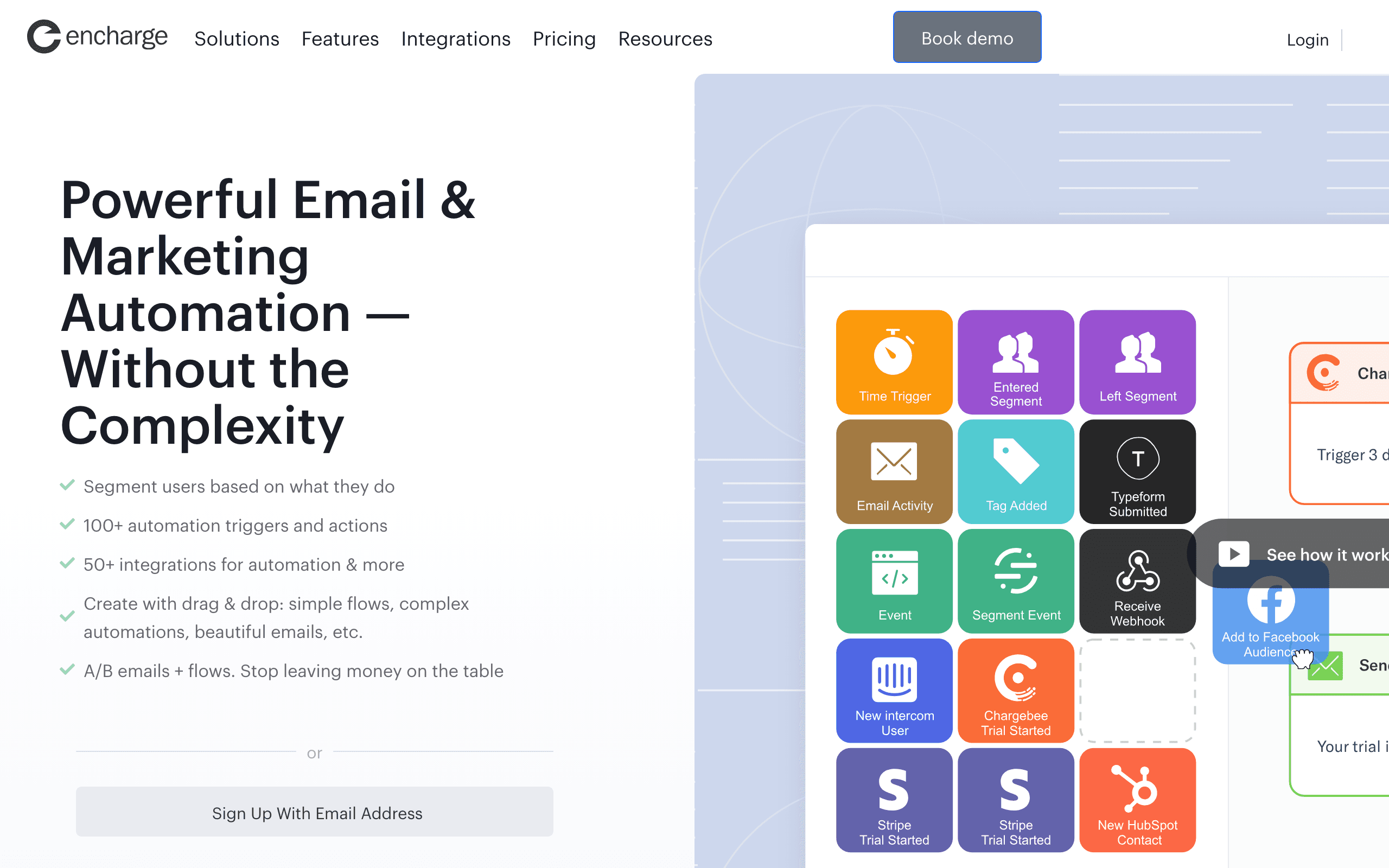
16. Encharge
Best for: Non-technical teams wanting visual flows on Firebase data
Encharge offers a visual flow builder that accepts events from external systems via its API. From Firebase, Cloud Functions push events into Encharge, and from there you build automations visually.
The visual builder is useful for non-technical co-founders who want to understand what is happening in their email program. Branching logic ("if user did X but not Y in 7 days, send this") is easier to read in a flow diagram than in code or in a list of segment rules. For teams where the founder wants to own email but does not want to write Cloud Functions, Encharge fits.
The downsides are mid-range pricing, a smaller user base than the major platforms, and an email editor that is functional but not the prettiest. For visual-first teams on Firebase, it covers the basics well.
- Pricing: From $79/month
- Integration: API via Cloud Functions
- Pros: Visual flow builder, approachable for non-technical users, supports common SaaS patterns
- Cons: Mid-range pricing, smaller user base, basic email editor, can get complex for sophisticated flows
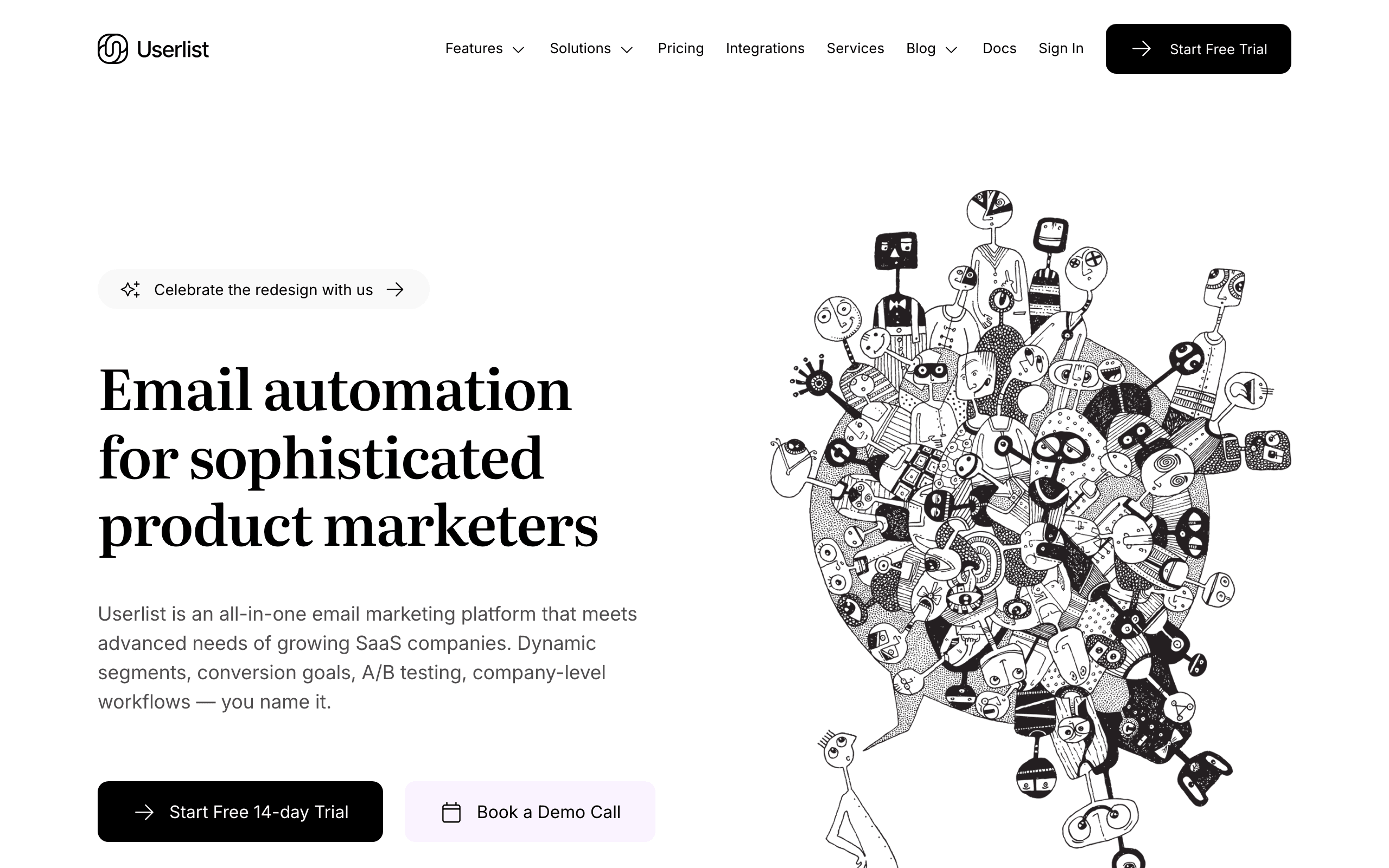
17. Userlist
Best for: B2B SaaS on Firebase needing account-level data
Userlist is built for B2B SaaS and supports both user-level and company-level (account) entities. Most email tools think only in terms of individual contacts, which makes B2B segmentation messy when multiple users belong to one paying account.
The Firebase integration is API-based. Cloud Functions sync users, companies, and events into Userlist. From there, you can build automations that target the right person on the account: "when a company's plan upgrades, email the admin AND the power users with different messages." That kind of role-aware automation is hard to build cleanly elsewhere.
The trade-offs are a higher starting price ($149/month), a smaller community, and a smaller template library than larger tools. For B2B SaaS founders running on Firebase, the account-level model often justifies the price.
- Pricing: From $149/month
- Integration: API via Cloud Functions
- Pros: Built specifically for B2B SaaS, clean account + user data model, role-aware automation
- Cons: Higher starting price, smaller community, fewer resources, limited template options
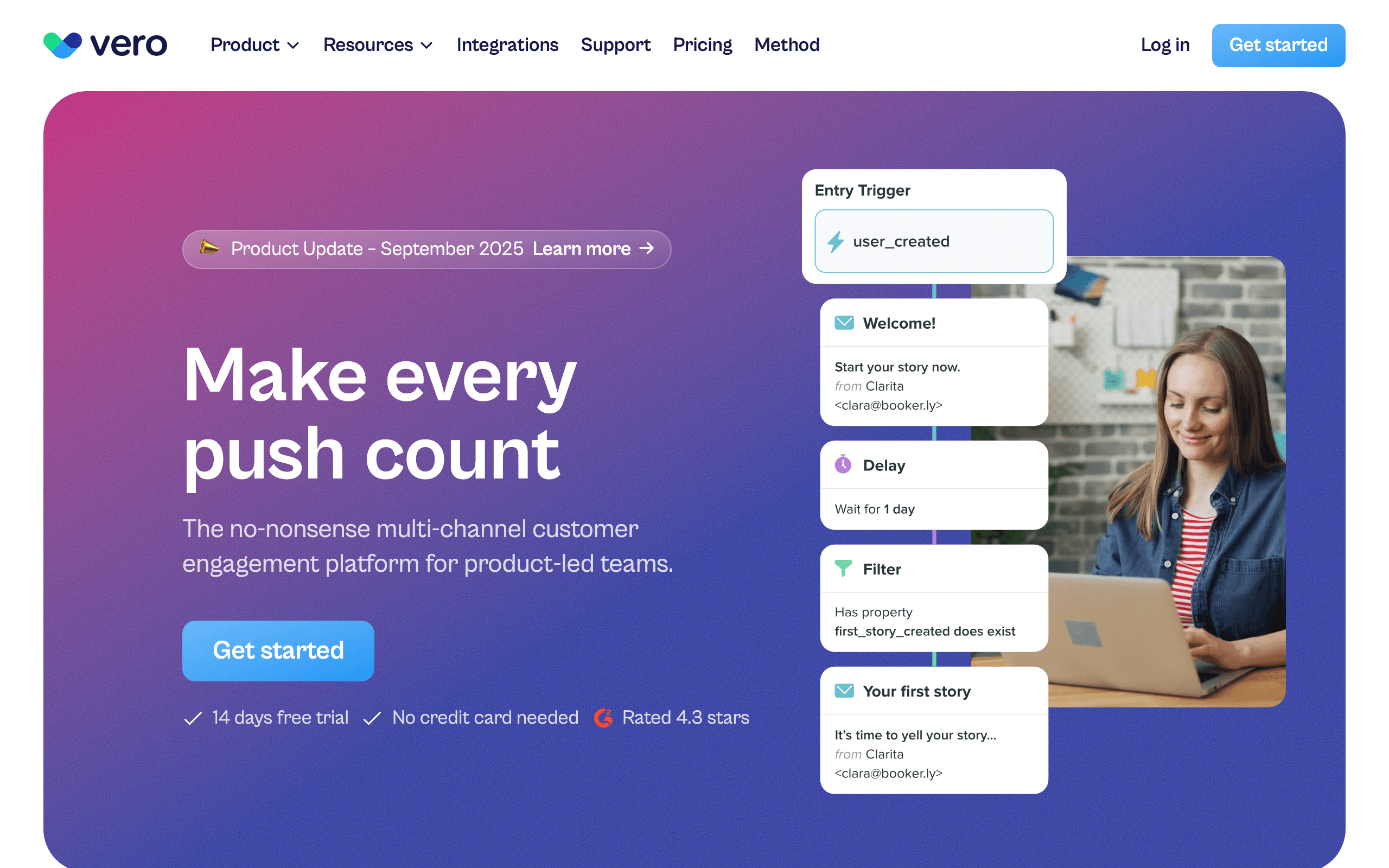
18. Vero
Best for: Product teams wanting event-based messaging with Firebase data
Vero is one of the older event-based messaging platforms in the category. There is no native Firebase connector, but Vero's events API and Segment integration make Firebase data straightforward to ingest. Forward Cloud Function output as Vero events, and every product action becomes something you can trigger workflows on.
The strength of Vero is its workflow engine. You can express "if event X happened, wait 24 hours, check condition, send email, branch on engagement" cleanly. The same workflow can drive email and push notifications, which matters for SaaS that ships mobile apps too.
It is not the trendiest tool in the category anymore, but for teams who want Customer.io-style flexibility at a slightly lower price point, Vero is worth a look.
- Pricing: From $99/month
- Integration: Events API via Cloud Functions or Segment
- Pros: Mature workflow engine, multi-channel (email + push), strong segmentation, predictable pricing
- Cons: No native Firebase connector, smaller ecosystem than Customer.io, dated UI in places
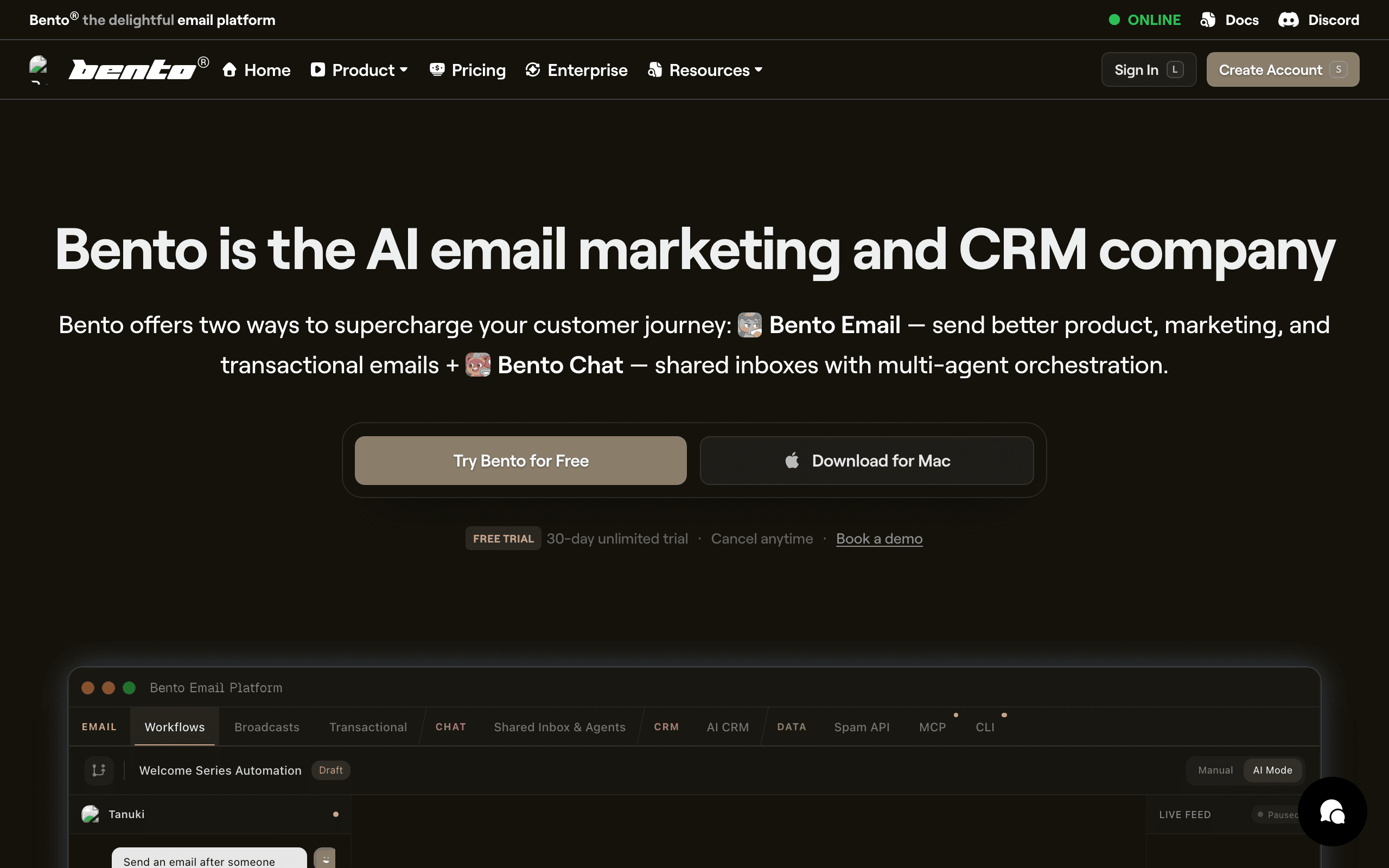
19. Bento
Best for: Indie SaaS wanting events + email + Firebase together
Bento markets itself to indie hackers and small SaaS teams as a behavior-driven email platform. The Firebase integration is the standard pattern: Cloud Functions push events to Bento's API, and Bento handles the automation, segmentation, and sending.
The platform leans heavily on events. Every product action becomes a Bento event you can use to trigger flows or build segments. This is closer to the Customer.io model than the Mailchimp model, but at indie pricing. For Firebase teams who want event-driven email without the Customer.io price tag, it is a fair fit.
Where Bento falls short is polish. The UI is busy, documentation can be uneven, and some workflows take more clicks than they should. If you can look past that, the underlying capability is genuinely strong for the price.
- Pricing: From $30/month
- Integration: API via Cloud Functions
- Pros: Real event-driven model at indie pricing, generous attribute sync, deliverability tooling included
- Cons: UI feels cluttered, documentation gaps, smaller ecosystem, fewer pre-built templates
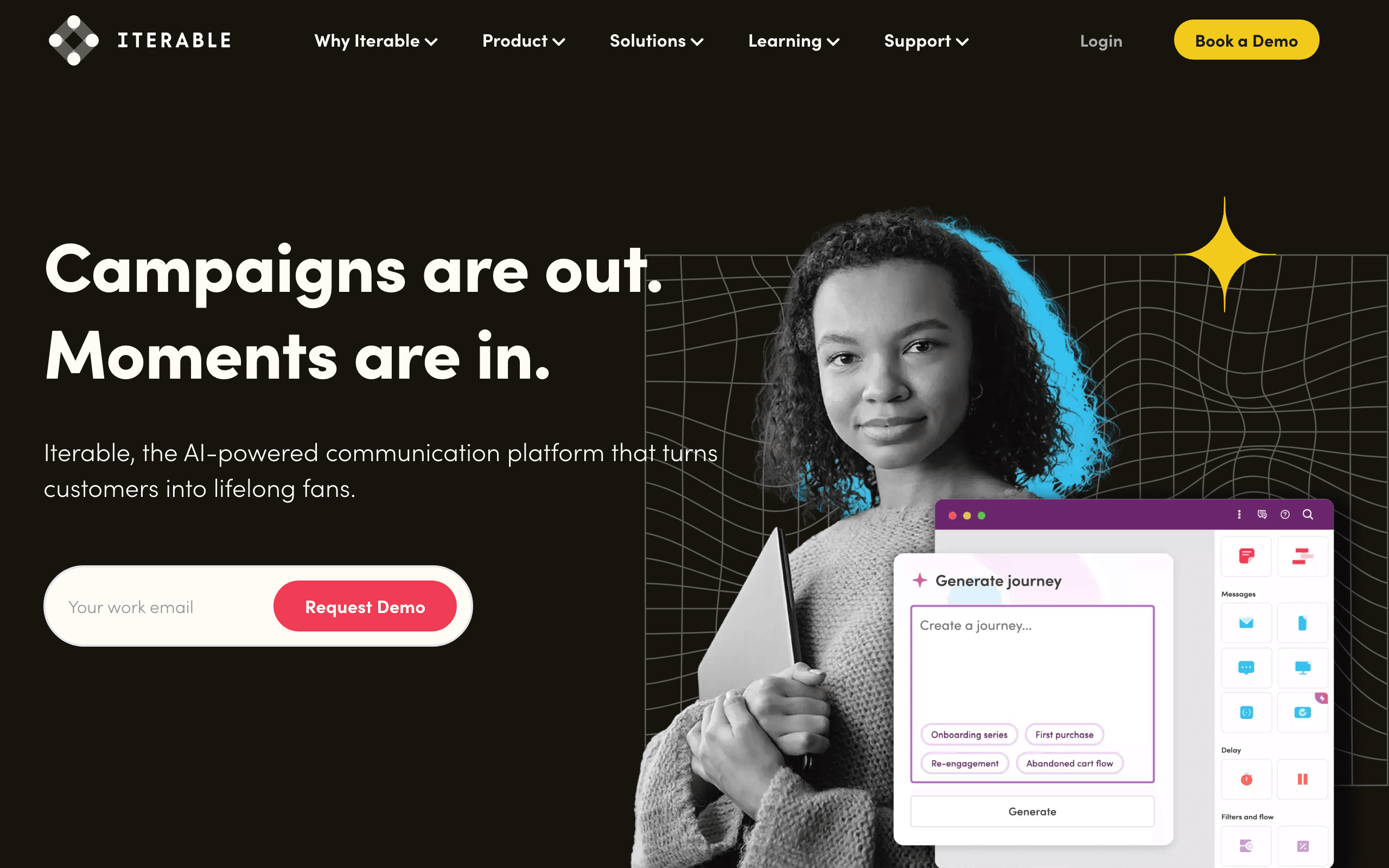
20. Iterable
Best for: Enterprise SaaS with complex multi-channel lifecycle programs
Iterable is an enterprise messaging platform used by larger SaaS businesses for cross-channel lifecycle programs (email, SMS, push, in-app). There is no point-and-click Firebase connector, but Iterable expects you to feed events from a CDP, data warehouse, or your own services. Firebase events typically arrive via Segment, your warehouse (BigQuery), or directly via Cloud Functions.
Once data is flowing, Iterable's strengths are real: sophisticated journey orchestration, robust experimentation, and the ability to run truly cross-channel lifecycle programs at scale. If you are a Series B+ SaaS on Firebase with a real growth team, this is the tool that scales.
For early or mid-stage SaaS, Iterable is overkill. Licensing alone usually rules it out, and the time-to-value on a custom Firebase integration is significant compared to plug-and-play options.
- Pricing: Custom enterprise pricing, typically $500+/month and up significantly with volume
- Integration: Events via warehouse, Segment, or direct Cloud Function ingestion
- Pros: Enterprise-grade orchestration, true cross-channel, strong experimentation, scales to billions of messages
- Cons: Expensive, custom integration work required, overkill for small/mid SaaS, long implementation timelines
21. Amazon SES
Best for: Cost-sensitive teams already running on AWS
Amazon SES is the cheapest reliable way to send email at scale. For Firebase teams that already have AWS accounts (or do not mind setting one up), SES costs roughly $0.10 per 1,000 emails, an order of magnitude less than most alternatives.
You can use SES as your Firebase auth SMTP provider and call the SES API from Cloud Functions for transactional sends. There are no automation features, no template editor worth mentioning, and no segmentation. SES is plumbing, not a marketing platform.
Deliverability is good once you are out of the SES sandbox and have warmed up your sending reputation, but the operational overhead is real. You manage suppression lists, bounces, complaints, and reputation yourself. For teams that want absolute lowest cost and are comfortable with AWS, SES paired with a marketing tool for lifecycle email is a defensible architecture. For teams that want everything handled, look elsewhere.
- Pricing: Pay-as-you-go, roughly $0.10 per 1,000 emails sent
- Integration: SMTP for auth + API via Cloud Functions
- Pros: Lowest cost at scale, reliable AWS infrastructure, generous sending limits
- Cons: No marketing features, operational overhead, sandbox approval required, weak DX
Integration Patterns
Pattern 1: Firestore Trigger to Email API
User action -> Firestore document change -> Cloud Function trigger -> Email tool API
Best for: Real-time event tracking. Cloud Functions process the event and forward it to your email tool immediately. This is the most common pattern for behavioral email triggered by user actions.
Pattern 2: Auth Trigger to Welcome Sequence
Firebase Auth triggers (onCreate, onDelete) fire Cloud Functions that call your email tool's API to add subscribers, trigger events, or send emails. Use this for welcome sequences, verification emails, and onboarding flows.
Pattern 3: Scheduled Cloud Function for Digest Emails
Use a scheduled Cloud Function (via Cloud Scheduler) to periodically query Firestore for activity data and send digest or summary emails through your email tool's API. Good for weekly reports, usage summaries, and activity digests.
Pattern 4: Firebase Extension for Transactional Email
Install a Firebase Extension (SendGrid, Mailgun) that watches a Firestore collection for new documents. Write a document with email content and recipient, and the extension sends the email automatically. Best for simple transactional use cases.
Choosing the Right Tool for Your Firebase App
If you need the easiest setup: SendGrid or Mailgun. Their Firebase Extensions get you sending emails with minimal code.
If you need the best developer experience: Resend. The API design and React Email support are excellent for modern Firebase web apps.
If you need full lifecycle automation: Sequenzy or Customer.io. Both handle event-based email automation triggered by Firebase events, with Sequenzy being more SaaS-focused and affordable, and Customer.io offering more flexibility at a higher price.
If you need the best deliverability: Postmark. For Firebase apps where every email must reach the inbox.
If you need high-volume infrastructure: Mailgun or Amazon SES. Affordable at scale with Firebase Extension support (Mailgun) or AWS infrastructure (SES).
If you are early-stage and budget-conscious: Loops (good free tier, simple), Brevo (generous free tier, all-in-one), or MailerLite (pleasant editor, simple pricing).
If you need complex multi-channel automation: Customer.io, Vero, or Iterable. Most powerful options for teams with complex messaging needs.
If you need B2B account-level data: Userlist supports company-level data alongside individual users.
If you have hybrid e-commerce + SaaS: Klaviyo blends both data shapes better than anything else on this list.
FAQ
Should I use Firebase Auth's built-in email or a custom provider? For basic auth flows (verification, password reset), Firebase Auth's built-in email is fine to start. For better deliverability and branding, configure a custom SMTP provider. Most email tools in this list can serve as your SMTP provider for Firebase Auth, giving you consistent branding and better inbox placement across all your emails.
Can I use Firebase Extensions for email marketing? Firebase Extensions handle basic transactional email sending (SendGrid, Mailgun). For marketing automation, sequences, and campaigns, you'll need to integrate via Cloud Functions and API calls. Extensions are a starting point for transactional email, not a replacement for a full email marketing platform.
How do I handle email unsubscribes with Firebase? Store unsubscribe preferences in Firestore and check them before sending. Most email tools also handle unsubscribe management on their end, but syncing the status back to your Firebase database keeps things consistent. You can use webhooks from your email tool to update Firestore when a user unsubscribes, ensuring your app always has the latest preference.
Is Cloud Functions the only way to integrate? It's the most common and recommended approach. You can also use client-side API calls (less secure because API keys are exposed), third-party services like Zapier, or Firebase Extensions where available. Cloud Functions is recommended because it keeps your API keys server-side and gives you full control over the integration logic.
How do I test email integration during development? Use the Firebase Local Emulator Suite to run Cloud Functions locally. Point your email tool to a test/sandbox environment (most email tools offer this) so you do not send real emails during development. Some tools like Resend have a test mode that simulates sends without delivering to real inboxes.
What about Firebase Cloud Messaging for push notifications? FCM handles push notifications, not email. For apps that need both push and email, you can use FCM for push and a separate email tool for email, or use a multi-channel platform like Customer.io that handles both email and push through a single automation layer.
Can I trigger emails from Firebase Realtime Database (not Firestore)? Yes. While Firestore triggers are more common, Cloud Functions also support Realtime Database triggers. The integration pattern is the same: listen for database changes, extract relevant data, and call your email tool's API. Firestore is generally recommended for new projects because of its richer querying and trigger capabilities.
How do I handle high-volume email sends from Firebase? For bulk campaigns or high-volume transactional email, do not send emails synchronously in Cloud Functions. Instead, write email jobs to a Firestore collection or a Cloud Tasks queue, and process them asynchronously with retries and rate limiting. This prevents Cloud Function timeouts and respects your email tool's rate limits.