
21 Best Email Tools With Chargebee Integration for SaaS (2026)

Chargebee is popular with SaaS companies that need sophisticated subscription management: complex pricing models, trials, add-ons, and enterprise billing. If you're using Chargebee, you want your email tool to understand that subscription complexity and react to it automatically.
The challenge: Chargebee has fewer native email integrations than Stripe. Most connections go through webhooks, APIs, or middleware. But the payoff is worth the setup. When your email tool understands a customer's subscription state, every email becomes more relevant: onboarding that references their specific plan, dunning that reflects their payment history, upgrade prompts timed to their usage patterns.
Here's what works best.
Best Chargebee Email Tool by Use Case
Best Chargebee email tool for SaaS dunning: Sequenzy
If Chargebee is your billing system and failed-payment recovery is the main email workflow, Sequenzy is the best fit for smaller SaaS teams. Forward Chargebee webhook events into Sequenzy, then trigger dunning, recovery, and win-back sequences from the same automation layer that handles marketing email. Use the recover failed payments guide and SaaS dunning email templates to shape the first flows.
Best Chargebee email tool for complex product-led journeys: Customer.io
Customer.io is the stronger choice when Chargebee data needs to branch against product events, account traits, and granular usage behavior. It costs more and needs more setup, but it handles complex event logic well. Compare it with Sequenzy on the Customer.io comparison if your shortlist is SaaS lifecycle automation rather than simple billing notifications.
Best Chargebee email tool for account-based B2B SaaS: Userlist
Userlist is a good fit when one Chargebee subscription maps to a company account with many users, admins, and billing contacts. It is especially useful when emails should go to the account owner instead of every user. If account-level lifecycle email is the priority, compare Userlist against Sequenzy and Customer.io before choosing.
Best Chargebee email tool for teams already using a CRM: HubSpot or ActiveCampaign
When Chargebee data needs to be visible to sales or customer success, CRM-native tools make sense. HubSpot is stronger for larger revenue teams; ActiveCampaign is more affordable for sales-assisted automation. The trade-off is cost and complexity compared with SaaS-first email tools. Read the HubSpot comparison and ActiveCampaign comparison if CRM visibility is central to the decision.
Why Chargebee Integration Matters for Email
Most email tools treat subscribers as a flat list: name, email, maybe a few tags. But Chargebee subscribers have rich billing context: plan type, billing cycle, trial status, add-ons, payment history, dunning state, and more. When your email tool has access to this data, you can build automations that would be impossible otherwise.
Consider the difference:
- Without Chargebee data: "Hey, upgrade to our premium plan!" (sent to everyone, including people already on premium)
- With Chargebee data: "You're on the Starter plan with 3 team members. Teams your size typically upgrade to Growth for the advanced reporting. Here's what you'd get." (sent only to Starter users with 3+ team members approaching their usage limit)
The specificity transforms generic marketing into relevant communication. And relevant communication converts better while generating fewer unsubscribes.
How Chargebee Integration Differs From Stripe
If you've worked with Stripe email integrations, Chargebee integration works similarly in concept but differently in practice:
- Stripe has more native integrations because of its larger market share. Many email tools connect to Stripe with one-click OAuth.
- Chargebee typically requires webhook forwarding or middleware. Fewer email tools offer native Chargebee connectors.
- Chargebee's data model is more complex than Stripe's. Chargebee handles metered billing, hierarchical subscriptions, and complex pricing tiers that Stripe users often manage through custom code.
- Chargebee's webhook events are more granular. You get events for specific state transitions that Stripe might not surface.
The bottom line: Chargebee integration requires more setup but gives you richer billing context for your email automations.
Quick Comparison
| Tool | Best For | Starting Price | Free Tier | Integration Type |
|---|---|---|---|---|
| Sequenzy | SaaS lifecycle email with billing context | $19/mo | Yes (2.5k emails/mo) | Event API (webhook forwarding) |
| Customer.io | Full Chargebee lifecycle automation | $100/mo | No | Webhooks + API |
| ActiveCampaign | CRM + email with Chargebee data | $29/mo | No | Native connector + Zapier |
| Encharge | Visual Chargebee automation | $79/mo | No | Integration connector |
| Userlist | B2B SaaS with complex Chargebee billing | $149/mo | No | API integration |
| HubSpot | Larger teams with Chargebee + CRM needs | $20/mo | Yes (free CRM) | Native Chargebee connector |
| Loops | Indie SaaS wanting modern, simple email | $49/mo | Yes (1k contacts) | Webhooks + API |
| Klaviyo | Hybrid e-commerce + SaaS businesses | $45/mo | Yes (250 contacts) | Via Zapier or webhooks |
| Mailchimp | Teams already on Mailchimp | $13/mo | Yes (500 contacts) | Via Zapier or custom |
| Postmark | Transactional from webhooks | $15/mo | No | Webhook-driven |
| Resend | Developers building email infra in code | $20/mo | Yes (100/day) | Webhook-driven |
| Bento | Indie SaaS wanting events + email | $30/mo | No | Via webhooks or API |
| Vero | Product teams wanting event-based messaging | $99/mo | No | Via webhooks or Segment |
| Ortto | Marketing teams wanting journey builder | $599/mo | No | Via webhooks or data warehouse |
| Drip | E-commerce-led SaaS hybrids | $39/mo | No | Via Zapier (no native) |
| Brevo | Budget-conscious teams | $9/mo | Yes (300/day) | Via Zapier or webhooks |
| MailerLite | Solo founders wanting simple newsletters | $10/mo | Yes (1k subs) | Limited (via Zapier) |
| ConvertKit | Creator-style SaaS with paid products | $29/mo | Yes (10k subs) | Via Zapier or webhooks |
| Iterable | Enterprise SaaS with complex lifecycle | Custom | No | Via webhooks / data warehouse |
| SendGrid | Transactional from Chargebee webhooks | $20/mo | Yes (100/day) | Webhook-driven |
| Braze | Enterprise teams needing cross-channel | Custom | No | Via webhooks / data warehouse |
The 21 Best Options
1. Sequenzy
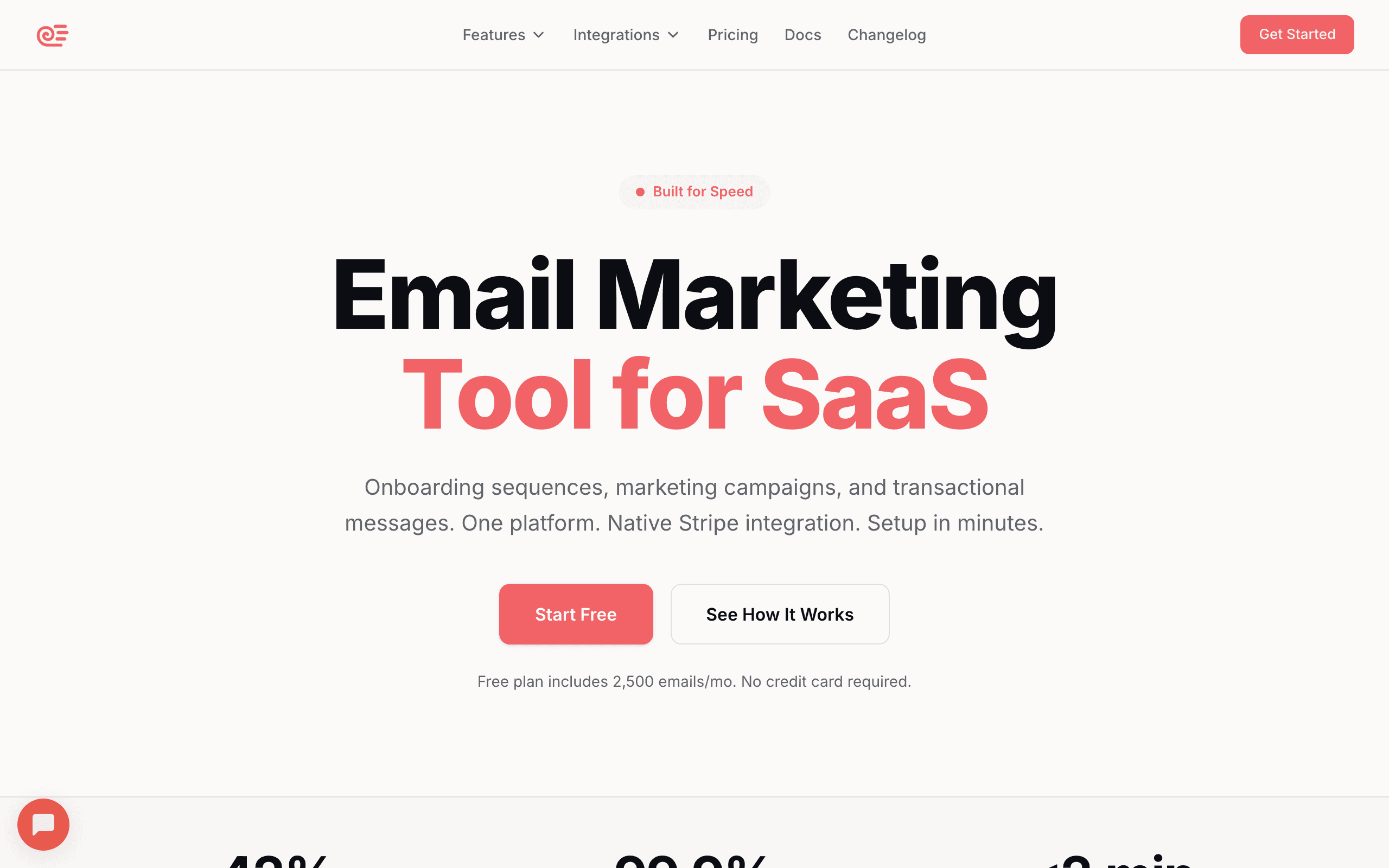
Best for: SaaS founders wanting lifecycle email with billing context
Sequenzy can receive Chargebee events through its event tracking API. Forward Chargebee webhooks (subscription created, cancelled, payment failed) as custom events, and trigger automated sequences. The lifecycle tags and sequences work the same as with any event source.
The setup involves creating a small webhook handler in your application that receives Chargebee events and forwards them to Sequenzy's API. Map Chargebee event types to Sequenzy event names, include relevant properties (plan name, amount, trial end date), and Sequenzy handles the automation.
Sequenzy's strength here is its SaaS lifecycle focus. The platform comes with patterns for the exact sequences Chargebee events should trigger: onboarding after subscription creation, dunning after payment failure, win-back after cancellation. You're not building these from scratch; you're mapping Chargebee events to existing lifecycle patterns.
For teams already using Sequenzy with Stripe, adding Chargebee as an additional payment source is straightforward. Both payment providers' events feed into the same lifecycle automation engine.
- Pricing: Free up to 2,500 emails/month, paid plans from $19/month
- Integration: Event API (webhook forwarding)
- Pros: Affordable, AI sequences, transactional + marketing, lifecycle automation, SaaS patterns included
- Cons: No native Chargebee OAuth, requires webhook setup
2. Customer.io
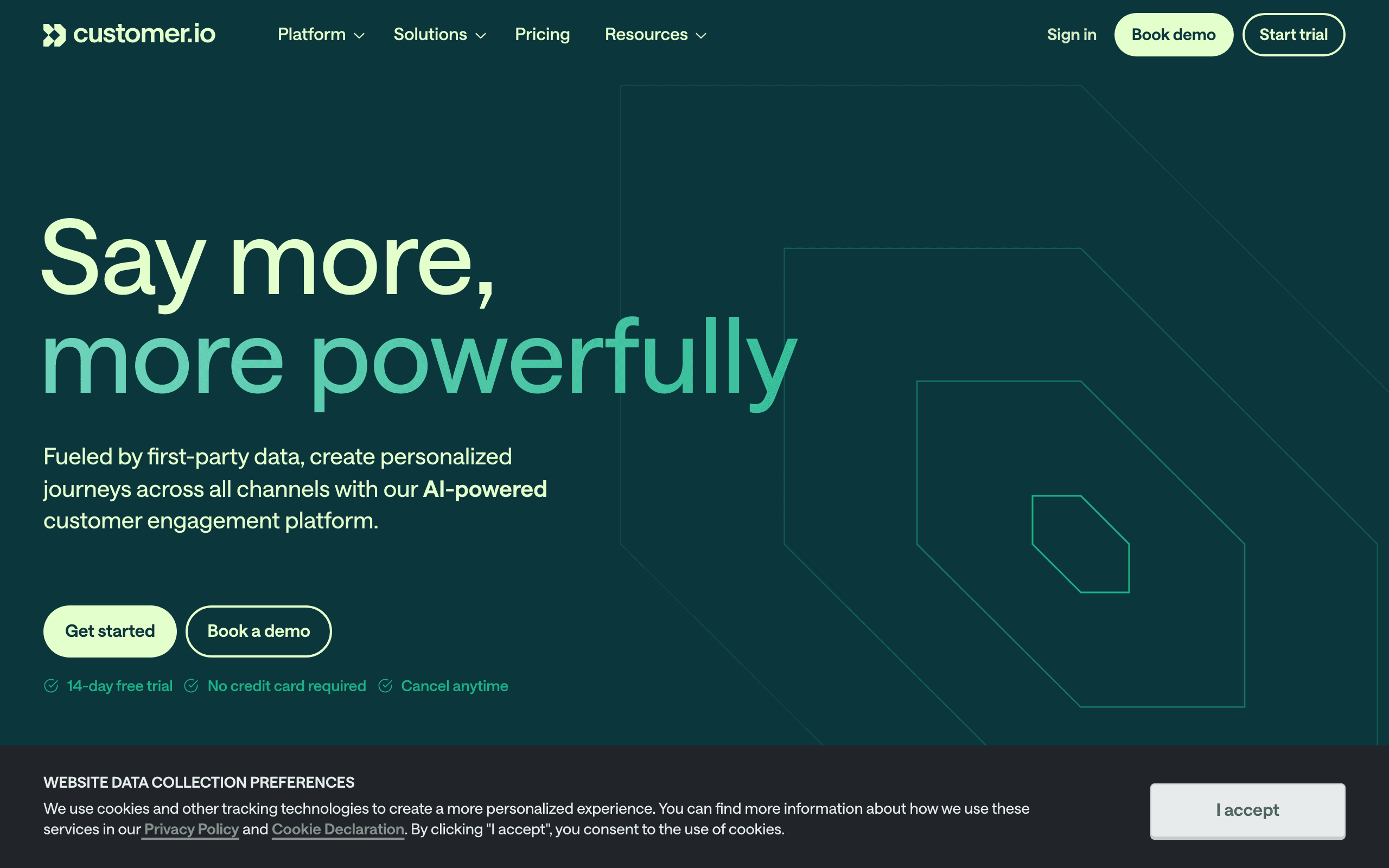
Best for: Technical teams wanting full Chargebee lifecycle automation
Customer.io's event-driven model handles Chargebee's webhook events cleanly. Forward subscription events to Customer.io and build complex lifecycle workflows that respond to every subscription state change. The flexibility handles Chargebee's complex pricing models (trials, add-ons, metered billing) well.
What makes Customer.io particularly well-suited for Chargebee is its ability to handle complex conditional logic. Chargebee's subscription model can get intricate: a customer might have a base subscription with three add-ons, a pending downgrade, and a metered component. Customer.io's workflow builder can branch on all of these attributes, sending different emails based on the specific subscription configuration.
Customer.io also supports storing rich customer attributes, so you can sync the full Chargebee subscription state (plan, add-ons, MRR, billing cycle, trial end date) and use all of it for segmentation and personalization.
- Pricing: From $100/month
- Integration: Webhooks + API
- Pros: Handles complex subscription logic, powerful workflows, multi-channel, rich attribute storage
- Cons: Expensive, requires engineering, steep learning curve
3. ActiveCampaign
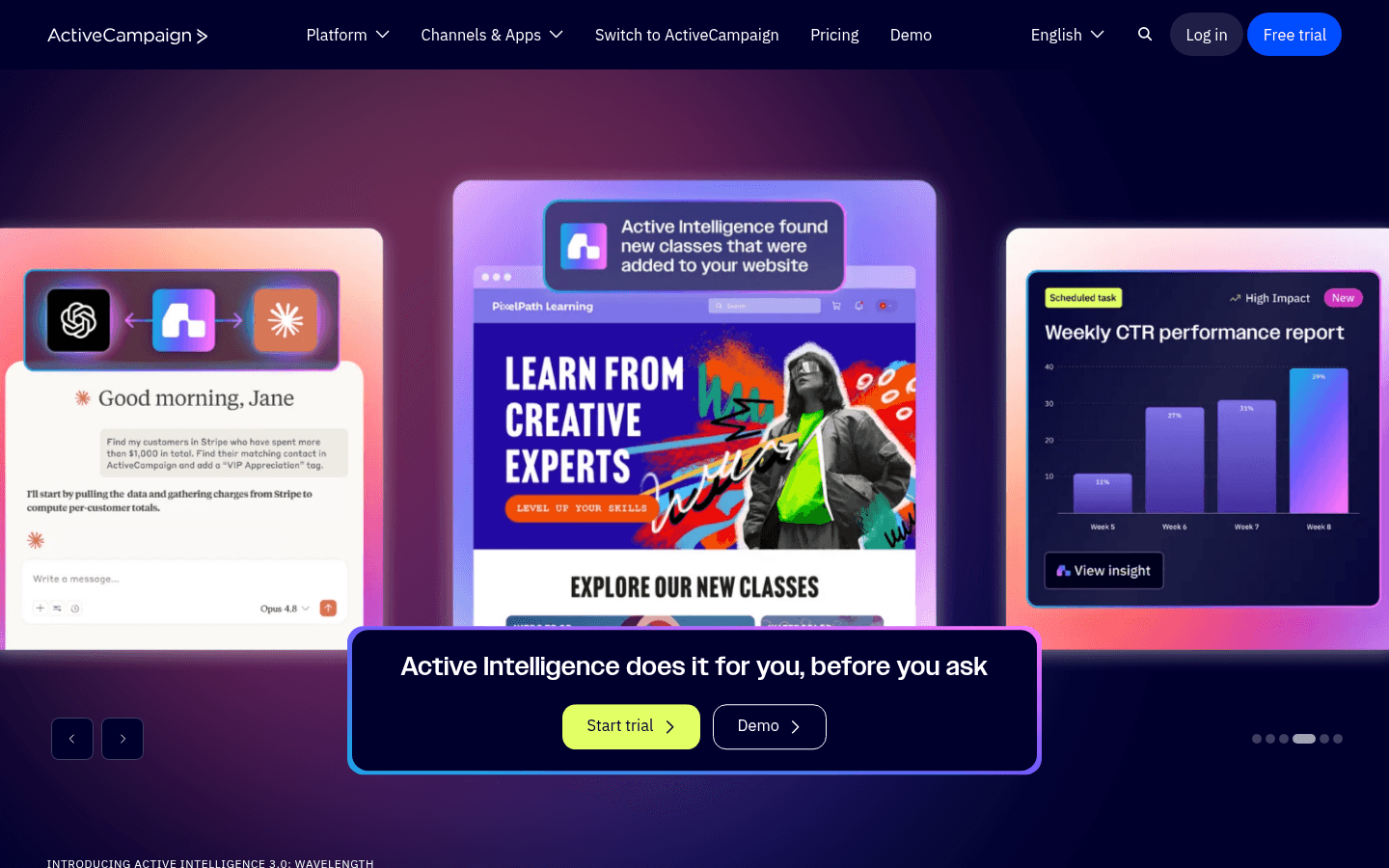
Best for: Teams wanting CRM + email with Chargebee data
ActiveCampaign has a Chargebee integration through their marketplace and Zapier. Sync customer data, subscription status, and plan information into ActiveCampaign's CRM and trigger automations based on billing events.
The CRM angle is what differentiates ActiveCampaign here. When Chargebee subscription data flows into ActiveCampaign's CRM, your sales team can see billing context alongside deal information. If a customer's subscription status changes, the CRM record updates automatically, and the sales team can act accordingly.
For teams where sales and customer success need visibility into billing status, ActiveCampaign's CRM + email combination provides that without requiring a separate CRM tool. The automation builder can trigger sequences based on Chargebee events, and the CRM ensures the human team stays informed.
The Zapier dependency adds some latency and cost, but for most use cases (onboarding sequences, renewal campaigns, upgrade prompts), the delay is negligible.
- Pricing: From $29/month
- Integration: Native connector + Zapier
- Pros: CRM alongside email, mature automation, good ecosystem, sales team visibility
- Cons: Integration setup required, not SaaS-specific, Zapier adds cost
4. Encharge
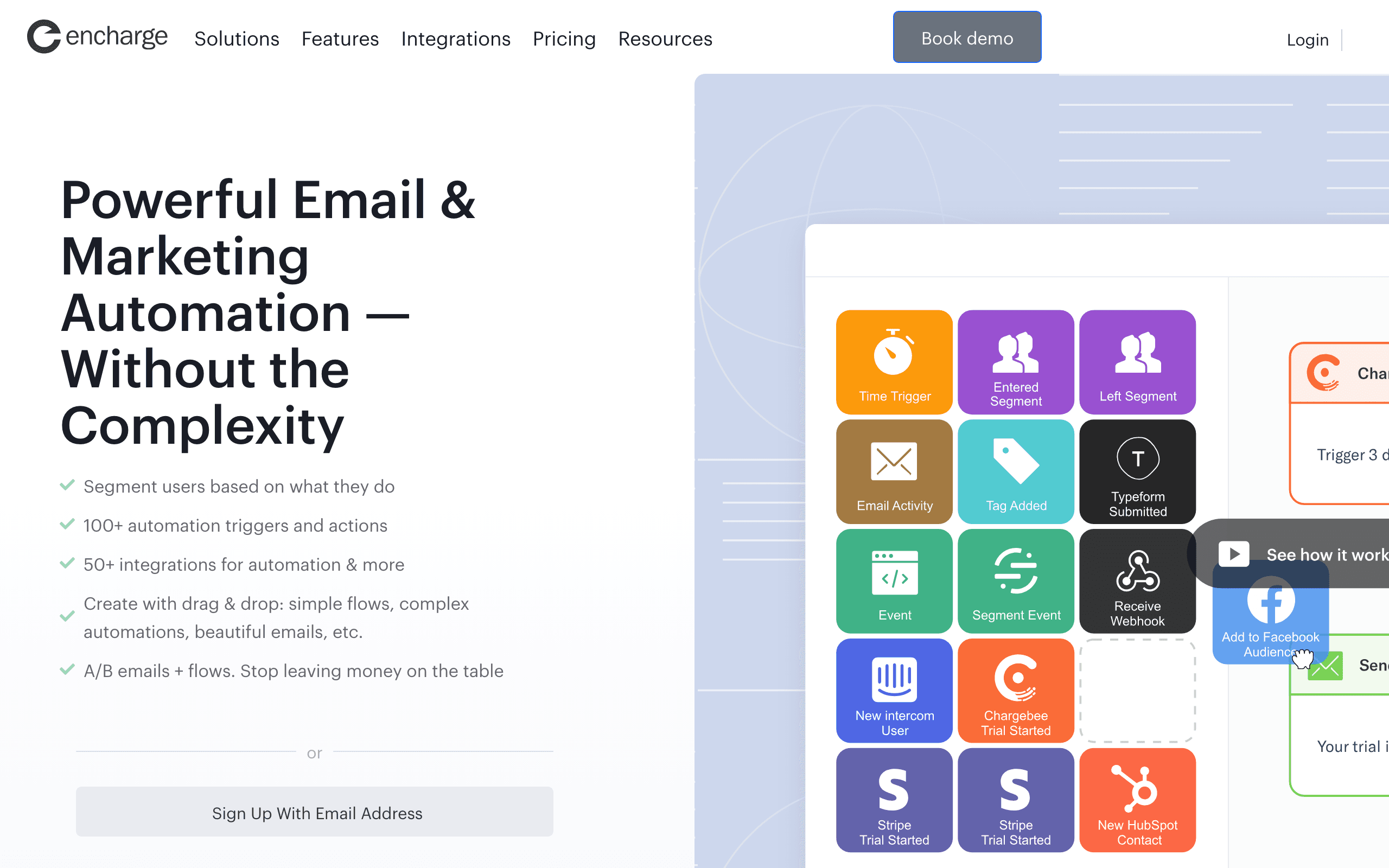
Best for: Non-technical teams wanting visual Chargebee automation
Encharge connects to Chargebee through their integration ecosystem. Build visual automation flows triggered by Chargebee subscription events. The visual approach makes it accessible without engineering resources.
Encharge's visual flow builder lets marketers create Chargebee-triggered automations without writing code. Drag a "Chargebee event" trigger onto the canvas, connect it to email actions and conditions, and publish. For teams without dedicated engineering support for email automation, this accessibility matters.
The trade-off is flexibility. Encharge's visual builder is more approachable than Customer.io's but less powerful. Complex conditional logic based on Chargebee's detailed subscription attributes is harder to express in a visual builder than in a code-based or event-driven system.
- Pricing: From $79/month
- Integration: Integration connector
- Pros: Visual builder, non-technical friendly, good automation engine, approachable UX
- Cons: Mid-range pricing, integration requires configuration, less flexible than code-based options
5. Userlist
Best for: B2B SaaS with complex Chargebee billing
Userlist's company-level data model pairs well with Chargebee's subscription management. Track company-level subscription status, plan details, and billing events. Target emails based on both individual user behavior and company billing state.
This company-level approach is important for B2B SaaS. A single Chargebee subscription often covers multiple users. When a subscription's payment fails, you might want to email the billing admin (not every user). When a company upgrades, you might want to congratulate the admin and notify other users about new features they've unlocked.
Userlist handles this distinction natively. Users belong to companies, companies have subscriptions, and email targeting can operate at either level. For B2B SaaS companies using Chargebee with team-based billing, this alignment is valuable.
- Pricing: From $149/month
- Integration: API integration
- Pros: Company-level tracking, B2B-native, SaaS-specific, user-company relationship modeling
- Cons: Higher price, smaller ecosystem, requires API integration
6. HubSpot

Best for: Larger teams with Chargebee + CRM needs
HubSpot's Chargebee integration syncs subscription data into the CRM. You get a unified view of customer lifecycle with billing context. Email automation triggers based on subscription changes, and the sales team sees billing status alongside deal information.
For larger teams that already use HubSpot as their CRM, adding Chargebee integration extends the CRM view to include billing data. The sales team, customer success team, and marketing team all work from the same customer record, which now includes subscription status, plan details, and billing history.
The downside is HubSpot's pricing for email features. The free CRM is generous, but Marketing Hub Professional (required for serious email automation) starts at $800/month. If you're already paying for HubSpot, adding Chargebee integration is natural. If you're evaluating from scratch, the total cost might push you toward more affordable options.
- Pricing: Free CRM, Marketing Hub from $20/month (Professional from $800/month for full automation)
- Integration: Native Chargebee connector
- Pros: Full CRM + email + billing view, large ecosystem, native integration, team-wide visibility
- Cons: Professional features are expensive, bloated for small teams, email features locked to higher tiers
7. Loops
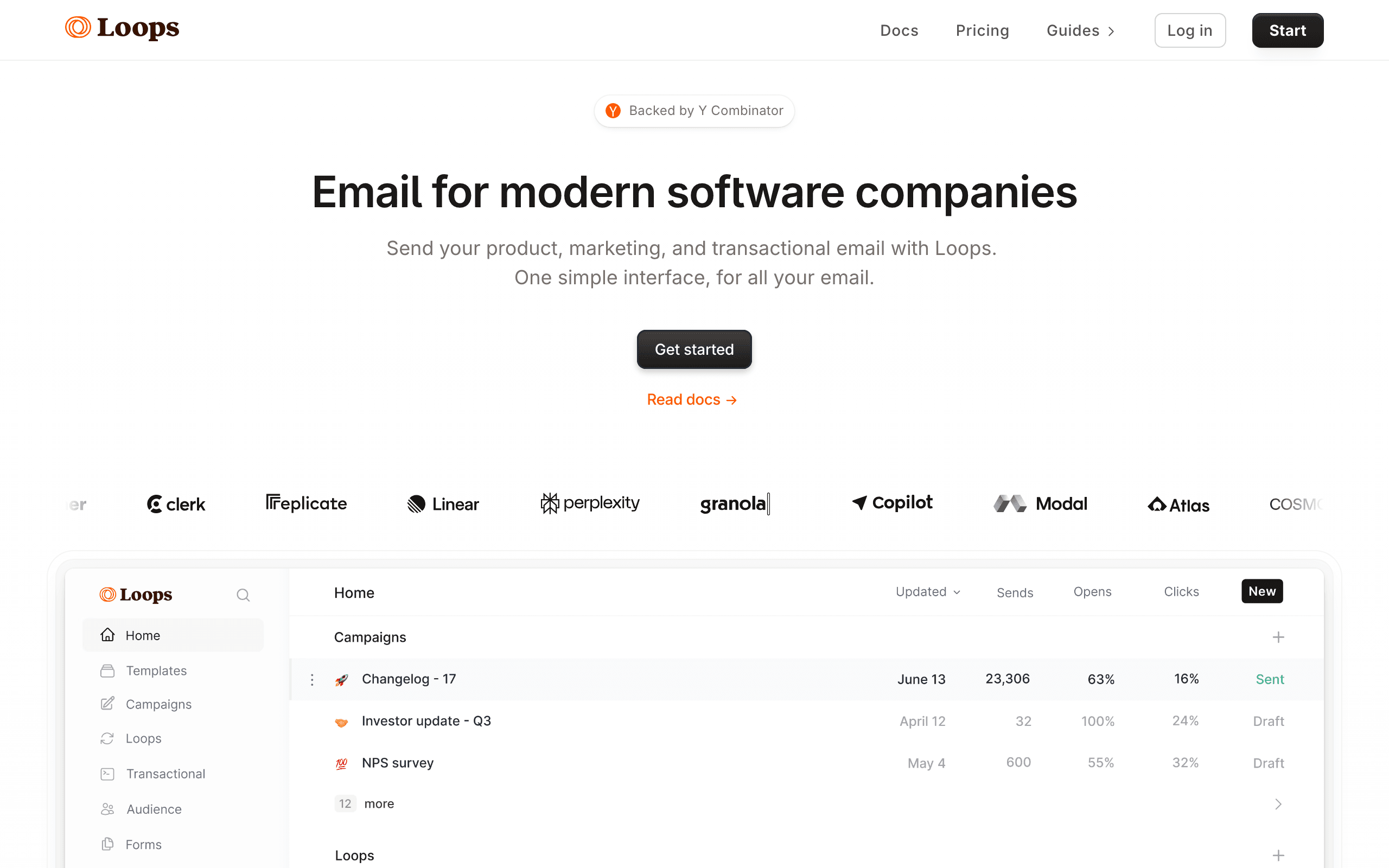
Best for: Indie SaaS wanting modern, simple email
Loops is a newer email platform popular with indie hackers and early-stage SaaS founders. For Chargebee, you'll forward webhook events to Loops via their API. The integration isn't native, but Loops' event system handles Chargebee events cleanly once configured.
The strength of Loops is its simplicity. You create custom event types for Chargebee actions (subscription created, payment failed, trial ended), forward webhooks from your application, and build automations triggered by those events. For early-stage SaaS not ready for enterprise pricing, Loops' free tier gives you room to experiment.
For Chargebee's more complex scenarios (add-ons, metered billing, proration), you'll need to decide which events matter and forward those explicitly. Loops doesn't have a native Chargebee app that handles everything automatically, so you'll spend some time mapping Chargebee's event structure to Loops' event model.
- Pricing: Free for up to 1,000 contacts, then starts at $49/month
- Integration: Webhooks + API (custom event forwarding)
- Pros: Clean, modern interface, simple event-driven automation, good free tier for early-stage, developer-friendly API
- Cons: No native Chargebee connector, requires webhook setup, limited segmentation compared to mature tools, basic analytics
8. Klaviyo
Best for: Hybrid e-commerce + SaaS businesses
Klaviyo is best known for e-commerce, but you can connect Chargebee through Zapier or by forwarding webhooks to Klaviyo's API. Chargebee events become Klaviyo events, and you can build flows triggered by subscription changes.
Klaviyo's segmentation engine is genuinely excellent. If your business has both e-commerce purchases (Shopify, etc.) and a SaaS layer (Chargebee), Klaviyo lets you blend that data in a single profile and segment across both. Few platforms do that as cleanly.
The downside for pure SaaS is that everything in Klaviyo is shaped like e-commerce. Flows, templates, terminology, and dashboards all assume order-based behavior. You can absolutely run Chargebee lifecycle email on Klaviyo, but you'll be translating concepts the whole way.
- Pricing: Free up to 250 contacts, from $45/month
- Integration: Via Zapier or custom webhook forwarding
- Pros: Best-in-class segmentation, blends e-commerce + SaaS data, strong analytics, many templates
- Cons: Mental model is e-commerce, not SaaS, pricing scales aggressively with contacts, no native Chargebee connector
9. Mailchimp
Best for: Teams already on Mailchimp adding basic billing data
Mailchimp does not have a native Chargebee integration. You'll connect via Zapier, n8n, Make, or by pushing events through Mailchimp's API from your own webhook handler. Once events are flowing, you can build automations and segments.
However, the integration is limited compared to SaaS-focused tools. Mailchimp is designed more for e-commerce (one-time purchases) than subscription lifecycle management. You won't get native trial/churn/dunning triggers without significant custom work. The Chargebee data appears as purchase events rather than subscription lifecycle events, which limits what you can automate.
If you're already on Mailchimp and want to add basic Chargebee data, the Zapier approach works. But if you're evaluating tools specifically for SaaS subscription management, Mailchimp isn't the right starting point.
- Pricing: Free for up to 500 contacts, paid plans from $13/month
- Integration: Via Zapier or custom webhooks
- Pros: Familiar interface if you already use Mailchimp, large template library, wide ecosystem of integrations, generous free tier
- Cons: No native Chargebee integration, basic and e-commerce-focused, no native subscription lifecycle triggers, gets expensive at scale
10. Postmark
Best for: Developers sending transactional from webhooks
Postmark isn't an email marketing platform. It's a transactional email service with exceptional deliverability. You'd use it alongside Chargebee by sending transactional emails (receipts, payment confirmations, dunning notices) directly from your application when Chargebee webhooks fire.
No automation builder, no sequences, no marketing campaigns. But for pure transactional email triggered by Chargebee events, it's hard to beat on deliverability and speed. Payment confirmation emails arrive in seconds. Dunning notices land in the inbox, not spam.
If your email strategy separates transactional and marketing, Postmark handles the transactional side exceptionally well. Pair it with a marketing platform (Sequenzy, Customer.io, etc.) for lifecycle sequences.
- Pricing: Starts at $15/month for 10,000 emails
- Integration: Webhook-driven from your own app; Postmark sends, you orchestrate
- Pros: Best-in-class transactional deliverability, fast delivery (seconds, not minutes), clean API and excellent documentation, template system for transactional emails
- Cons: No marketing email capabilities, no automation or sequences, requires development work to integrate with Chargebee, you'll need a separate tool for marketing email
11. Resend
Best for: Developers building email infra in code
Resend is an API-first transactional and broadcast email service with a strong developer experience. Like Postmark, it doesn't have a Chargebee integration in the dashboard sense. You listen to Chargebee webhooks in your own application, render an email (often with React Email), and call Resend's API to send.
The DX is the differentiator. The TypeScript SDK, React Email components, and broadcast features make Resend a comfortable place for engineering teams to own their email layer. If you're already shipping React for your product, your Chargebee receipts and dunning emails can be the same components, version-controlled in your repo.
What you don't get is an automation builder. Multi-step dunning, trial nurture sequences, and behavior-based branching all live in your code (or in a state machine you build). For some teams, that control is the point. For others, that's complexity to maintain.
- Pricing: Free for 100 emails/day, from $20/month
- Integration: Webhook-driven from your own app; Resend sends, you orchestrate
- Pros: Excellent developer experience, TypeScript SDK, React Email components, fast delivery, easy domain setup
- Cons: No automation builder, no native Chargebee connector, you build all sequencing and state yourself, broadcast features are still maturing
12. Bento
Best for: Indie SaaS wanting events + email in one tool
Bento markets itself to indie hackers and small SaaS teams as a behavior-driven email platform. Chargebee integration works via webhook forwarding: you create event types for Chargebee actions, forward webhooks from your app, and trigger flows based on those events.
The platform leans heavily on events. Every Chargebee action becomes an event you can use to trigger flows or build segments, and you can send your own product events to combine with Chargebee data. This is closer to the Customer.io model than the Mailchimp model, but at indie pricing.
Where Bento falls short is polish. The UI is busy, documentation can be uneven, and some workflows take more clicks than they should. If you can look past that, the underlying capability is genuinely strong for the price.
- Pricing: Starts at $30/month
- Integration: Via webhooks or API
- Pros: Event-driven model at indie pricing, generous attribute sync, includes deliverability tooling, flexible automation
- Cons: UI feels cluttered, documentation gaps, smaller ecosystem, fewer pre-built templates, no native Chargebee connector
13. Vero
Best for: Product teams wanting event-based messaging
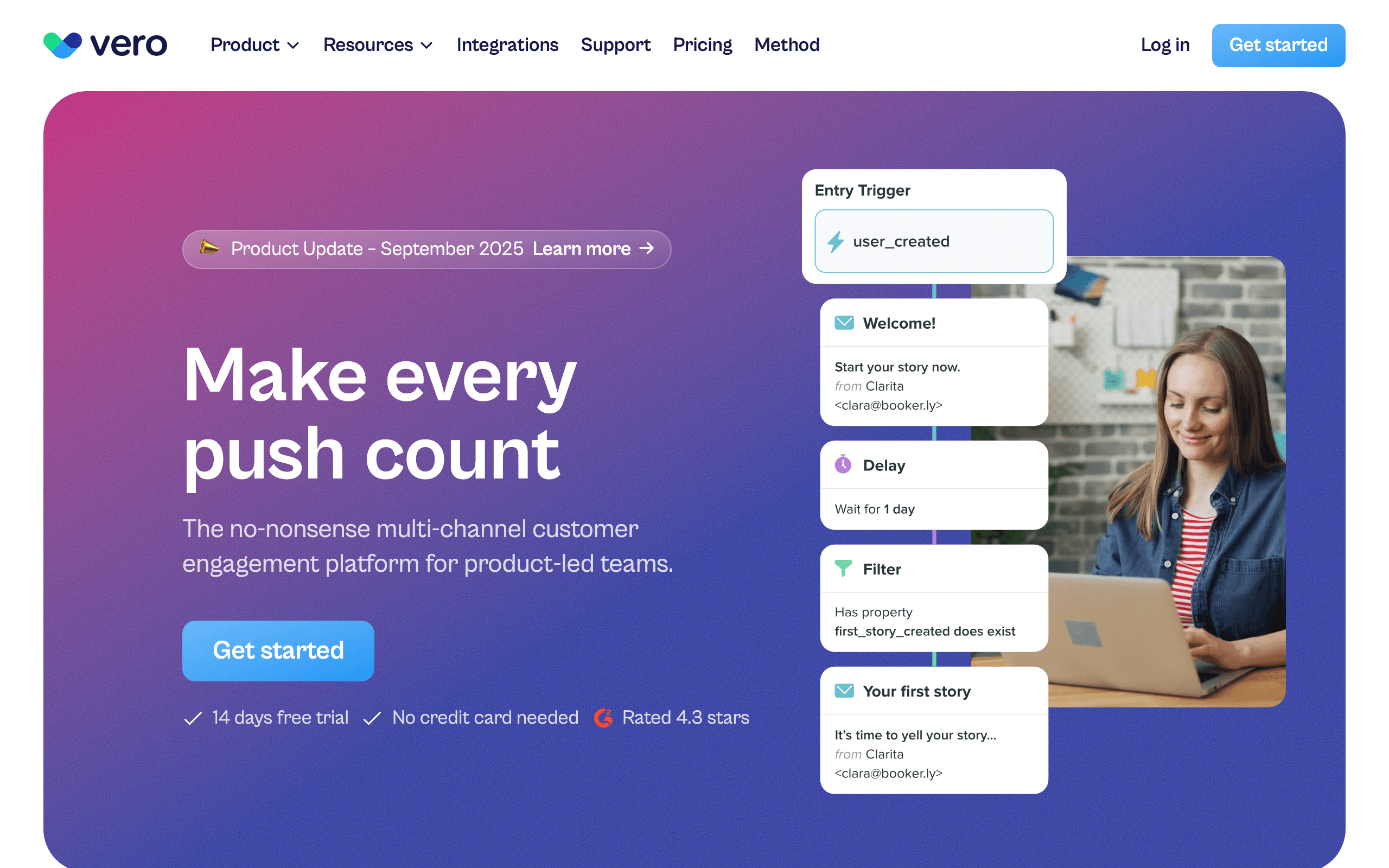
Vero is an event-based messaging platform. There's no one-click Chargebee connector, but Vero's event API and Segment integration make Chargebee data straightforward to ingest. Forward Chargebee webhooks via your app or via Segment, and every subscription event becomes a Vero event you can trigger workflows on.
The strength of Vero is its workflow engine. You can express "if payment failed, wait 24 hours, check if still past-due, send email, branch on engagement" cleanly, and the same workflow can drive email and push notifications.
It's not the trendiest tool in the category anymore, but for teams who want Customer.io-style flexibility at a slightly lower price point, Vero is worth a look.
- Pricing: Starts at $99/month
- Integration: Via webhooks or Segment
- Pros: Mature workflow engine, multi-channel (email + push), strong segmentation, predictable pricing
- Cons: No native one-click Chargebee app, smaller ecosystem than Customer.io, dated UI in places, fewer integrations than competitors
14. Ortto (formerly Autopilot)
Best for: Marketing teams wanting Chargebee data inside a journey builder
Ortto rebuilt and rebranded Autopilot into a more analytics-heavy marketing automation platform. Chargebee integration is possible via webhook forwarding, data warehouse sync, or their data sources. Chargebee events feed into Ortto's journey builder, dashboards, and segments.
You can build fairly sophisticated lifecycle journeys (onboarding, trial conversion, dunning, win-back) using Chargebee events as triggers, and segment customers by MRR or plan inside the audience builder. The journey builder is visual and powerful once you learn it.
The catch is pricing. Ortto's lower tiers don't include the data sources you actually need for SaaS, so realistically you're looking at the higher plans before Chargebee-driven journeys are usable.
- Pricing: Starts at $599/month for the plan tier where Chargebee data is genuinely usable
- Integration: Via webhooks or data warehouse
- Pros: Strong journey builder, multi-channel (email, SMS, push, in-app), polished UI, good analytics
- Cons: Expensive once you need Chargebee + automation, complex to learn, overkill for small SaaS, contracts can be rigid
15. Drip
Best for: E-commerce-led SaaS hybrids
Drip is positioned as ECRM (e-commerce CRM) and competes with Klaviyo. It does not currently have a native Chargebee integration. You'll connect Chargebee via Zapier, a custom webhook handler, or by piping events through their Events API.
Once events are flowing, Drip's workflow builder is capable and the segmentation is solid. But the lack of a first-party Chargebee connector means you carry the integration yourself, which feels out of step with where the rest of the category has moved.
For a SaaS with a strong e-commerce arm already on Drip, supplementing with Chargebee via Zapier might be acceptable. For a SaaS-first business, there are better-fit tools on this list.
- Pricing: Starts at $39/month for 2,500 contacts
- Integration: Via Zapier or custom webhook handler (no native Chargebee)
- Pros: Strong workflow builder, e-commerce-aware segmentation, decent template editor
- Cons: No native Chargebee integration, Zapier latency and cost, e-commerce mindset, less SaaS focus than competitors
16. Brevo (formerly Sendinblue)
Best for: Budget-conscious teams wanting email + SMS in one tool
Brevo is one of the most affordable platforms in the category and includes email, SMS, and basic CRM. Chargebee support, however, is not native. You'll connect via Zapier, n8n, Make, or by pushing events through Brevo's API from your own webhook handler.
Once events are in Brevo, you can build automations and segments. The automation builder is workable but not class-leading, and you won't get the polished SaaS-specific templates that come with dedicated tools.
If your SaaS is early enough that price is the primary constraint, and you're willing to wire up Chargebee yourself, Brevo can carry you for a long time before you outgrow it.
- Pricing: Free up to 300 emails/day; paid plans from $9/month
- Integration: Via Zapier, n8n, or custom webhooks
- Pros: Very affordable, includes SMS and basic CRM, decent deliverability, generous free tier
- Cons: No native Chargebee integration, generic automation builder, fewer SaaS-specific patterns, support quality varies
17. MailerLite
Best for: Solo founders wanting simple paid newsletters
MailerLite has limited Chargebee integration. For general subscription lifecycle automation (dunning, trial-to-paid, upgrade nudges), you'd treat MailerLite like Brevo: ingest events via Zapier or webhooks and build automations on top. That works for simple needs but doesn't compete with purpose-built SaaS tools.
The platform itself is pleasant to use, with a clean editor and one of the better free tiers in the space. For a solo founder shipping a small SaaS plus a paid newsletter, MailerLite is a reasonable single-tool answer, but don't expect deep Chargebee lifecycle support.
- Pricing: Free up to 1,000 subscribers and 12,000 emails/month; from $10/month
- Integration: Limited (via Zapier for general subscription events)
- Pros: Pleasant editor, generous free tier, simple pricing, good for newsletters
- Cons: Limited Chargebee support, broader SaaS automation is DIY, segmentation is basic, fewer integrations than larger platforms
18. ConvertKit (Kit)
Best for: Creator-style SaaS with paid products
ConvertKit (now branded "Kit") is primarily for creators selling courses, paid newsletters, and digital products. Chargebee integration is possible via Zapier or webhook forwarding, but Kit is shaped around creator workflows, not SaaS subscription management.
For creators who run a hybrid business (courses, paid newsletters, a small SaaS), ConvertKit is a defensible single-tool answer. The tagging system handles segmentation cleanly, the editor is solid, and the automation builder is approachable for non-technical founders.
For pure SaaS with serious lifecycle needs (multi-step dunning with branching, MRR-based segmentation, trial conversion sequences with usage signals), it falls short of dedicated tools. The platform is creator-shaped, not SaaS-shaped.
- Pricing: Free up to 10,000 subscribers; paid from $29/month
- Integration: Via Zapier or custom webhooks
- Pros: Strong creator features, generous free tier, clean tagging-based segmentation, good editor
- Cons: Creator-shaped, not SaaS-shaped, dunning is DIY, automation is approachable but not deep, reporting is limited
19. Iterable
Best for: Enterprise SaaS with complex multi-channel lifecycle programs
Iterable is an enterprise messaging platform used by larger SaaS businesses for cross-channel lifecycle programs (email, SMS, push, in-app). There's no point-and-click Chargebee connector, but Iterable expects you to feed events from a CDP, data warehouse, or your own services. Chargebee events typically arrive via Segment, your warehouse (Snowflake, BigQuery), or your application's event pipeline.
Once data is flowing, Iterable's strengths are real: sophisticated journey orchestration, robust experimentation, and the ability to run truly cross-channel lifecycle programs at scale. If you're a Series B+ SaaS with a real growth team, this is the tool that scales.
For early or mid-stage SaaS, Iterable is overkill. The licensing alone usually rules it out, and the time-to-value on a custom Chargebee integration is significant compared to plug-and-play options.
- Pricing: Custom enterprise pricing, typically $500+/month and up significantly with volume
- Integration: Via CDP (Segment), data warehouse, or your own webhook ingestion
- Pros: Enterprise-grade orchestration, true cross-channel lifecycle, strong experimentation, scales to billions of messages
- Cons: Expensive, custom integration work required, overkill for small/mid SaaS, long implementation timelines
20. SendGrid
Best for: Teams sending transactional from Chargebee webhooks
SendGrid (Twilio SendGrid) is one of the original transactional email APIs and is still heavily used for receipts, password resets, and other Chargebee-webhook-triggered emails. There's no native Chargebee automation, no journey builder for SaaS lifecycle. You listen to Chargebee webhooks in your app and call SendGrid's API to send the right template.
The Marketing Campaigns product on top of SendGrid does exist, but it's broadly seen as the weakest part of the platform. Most SaaS teams using SendGrid pair it with a marketing/lifecycle tool from this list and treat SendGrid purely as transactional infrastructure.
For Chargebee-triggered transactional email at high volume with mature deliverability tooling, SendGrid still earns a spot. Just don't expect it to be your dunning automation engine.
- Pricing: Free up to 100 emails/day; paid plans from $20/month
- Integration: Webhook-driven from your own app; no native Chargebee connector
- Pros: Mature transactional infrastructure, scales to high volume, established deliverability tooling, large ecosystem
- Cons: Marketing Campaigns is weak, no Chargebee-aware automation, requires engineering to wire up, support has a mixed reputation
21. Braze

Best for: Enterprise teams needing cross-channel messaging
Braze (formerly Braze) is an enterprise customer engagement platform supporting email, push, in-app, SMS, and more. Chargebee integration is achievable through webhook forwarding, data warehouse sync, or their data ingestion APIs. Like Iterable, Braze expects you to pipe event data in rather than providing a native billing connector.
For large SaaS companies that need sophisticated lifecycle orchestration across multiple channels, Braze is genuinely powerful. When a Chargebee subscription cancels, you can coordinate email, in-app messaging, and push notifications in a single workflow. The segmentation and experimentation capabilities are enterprise-grade.
The reality is that Braze is priced for companies with real revenue and engineering resources. If you're evaluating Braze for a small or mid-stage SaaS, you're likely overpaying for capabilities you won't use yet.
- Pricing: Custom enterprise pricing, typically $1,000+/month
- Integration: Via webhooks / data warehouse
- Pros: Enterprise-grade cross-channel orchestration, strong segmentation and experimentation, scales to billions of events, real-time data streaming
- Cons: Very expensive, custom integration required, overkill for small/mid SaaS, complex to learn and implement
Key Chargebee Events for Email Automation
Map these Chargebee events to your email sequences:
- subscription_created - Trigger welcome/onboarding sequence. Include plan-specific content (features available, getting started guides relevant to their tier).
- subscription_activated - Trial to paid conversion confirmation. Celebrate the milestone and set expectations for their paid experience.
- subscription_trial_end_reminder - Trial expiration warning. Send 7 days, 3 days, and 1 day before trial ends. Include clear conversion CTA.
- payment_failed - Start dunning sequence. Explain the issue, provide update payment link (pointing to Chargebee's hosted page), and set expectations for retries.
- payment_succeeded (after failure) - Stop dunning sequence immediately. Send a brief "you're all set" confirmation.
- subscription_cancelled - Exit survey, win-back sequence. Ask why they cancelled, offer alternatives (downgrade instead of cancel, pause instead of cancel).
- subscription_changed - Upgrade/downgrade acknowledgment. For upgrades: highlight new features unlocked. For downgrades: acknowledge gracefully and mention what they'll lose access to.
- subscription_renewed - Annual renewal confirmation. Good opportunity for a "year in review" email showing their usage and value received.
Building a Complete Dunning Sequence
Dunning (recovering failed payments) is the most critical Chargebee-triggered email workflow. Here's a recommended sequence:
Day 0 (payment_failed): Inform the customer their payment failed. Include a direct link to update their payment method (Chargebee's hosted page). Keep the tone helpful, not alarming.
Day 3: Follow up if payment still hasn't been recovered. Mention what they'll lose access to if the payment isn't resolved.
Day 7: More urgent tone. Include a clear deadline for when access will be suspended.
Day 14 (if still unresolved): Final warning before suspension. Offer to help if there's an issue.
payment_succeeded (any day): Immediately stop the dunning sequence. Send a brief confirmation. Never continue sending dunning emails after payment is recovered.
Coordinating this with Chargebee's own retry logic is important. Chargebee automatically retries failed payments on a schedule you configure. Your email sequence should complement these retries, not duplicate them. Disable Chargebee's built-in dunning emails if your email tool is handling the customer communication.
Practical Integration Tips
Setting Up Webhook Forwarding
For tools without native Chargebee connectors:
- Create a webhook endpoint in your application (a simple API route that receives POST requests)
- Register the endpoint in Chargebee under Settings > Webhooks
- Select which events to receive (don't subscribe to everything; pick the events that trigger emails)
- Transform the event data into your email tool's expected format
- Forward to your email tool's API with the mapped event name and properties
- Return 200 quickly and process asynchronously to avoid webhook timeouts
Handling Chargebee's Complex Subscription Model
Chargebee subscriptions can include:
- Base plan with specific features and limits
- Add-ons that extend functionality
- Metered components billed based on usage
- Coupons and discounts affecting pricing
- Trial periods with automatic conversion
Your email tool needs to understand enough of this complexity to send relevant emails. At minimum, sync these attributes to your email tool's subscriber profiles:
- Current plan name and tier
- Subscription status (active, trial, cancelled, paused)
- Trial end date (if applicable)
- Monthly/annual billing cycle
- MRR (monthly recurring revenue) for the subscription
These attributes power both targeting and personalization. You can segment subscribers by plan tier, target upgrade campaigns to specific plans, and personalize emails with plan-specific content.
FAQ
Does Chargebee have built-in email? Chargebee sends basic transactional emails (receipts, dunning notices, subscription confirmations) but doesn't have marketing email capabilities. You need a separate tool for campaigns, sequences, and lifecycle automation. Chargebee's built-in emails are functional but not customizable enough for most teams' branding requirements.
Is webhook forwarding reliable enough for dunning? Yes, if implemented properly. Chargebee's webhooks have retry logic built in: if your endpoint doesn't respond with a 200 status, Chargebee retries the webhook multiple times over several hours. Your forwarding endpoint should return 200 quickly and process asynchronously. For production use, add error handling, monitoring, and alerting for failed webhook deliveries.
Can I use Chargebee's dunning alongside an email tool's dunning? Yes, but coordinate them carefully. The recommended approach: use Chargebee for payment retries (the automated re-attempts to charge the card) and your email tool for the customer communication (the emails explaining what happened and how to fix it). Disable Chargebee's built-in dunning emails if your email tool is handling the messaging. Running both creates confusion and over-messaging.
How do I handle Chargebee's trial-to-paid transition in email?
Track the subscription_trial_end_reminder event (sent by Chargebee before trial ends) and the subscription_activated event (sent when trial converts to paid). Build a pre-trial-end sequence (reminders at 7, 3, and 1 day before expiration) and a conversion confirmation email. If the trial expires without conversion, trigger a win-back sequence.
What about Chargebee's revenue recognition data for email personalization? Chargebee tracks revenue metrics (MRR, ARR, LTV) that can power personalization. Sync MRR to your email tool and use it for segmentation: send different upgrade prompts to $29/month customers vs. $299/month customers. Higher-value customers might warrant personal outreach from customer success instead of automated email.
Should I sync all Chargebee data to my email tool? No. Sync only what you'll use for targeting, personalization, or triggering automations. Plan name, subscription status, trial end date, and MRR cover most use cases. Syncing every Chargebee attribute creates noise and can slow down your email tool's segmentation queries.
How do I test Chargebee webhook integration before going live? Chargebee has a test environment where you can simulate subscription events. Create test subscriptions, trigger events, and verify that your webhook handler correctly forwards them to your email tool. Test the full flow: Chargebee event to webhook handler to email tool to email delivery. Fix issues in the test environment before connecting production webhooks.
Can I use Chargebee + email integration for usage-based billing notifications? Yes. Chargebee tracks metered usage, and you can forward usage threshold events to your email tool. For example, when a customer reaches 80% of their plan's usage limit, send a proactive upgrade suggestion. This prevents surprise overage charges and creates a natural upgrade opportunity.
What's the difference between Chargebee and Stripe integrations? Stripe has more native email integrations because of its larger market share. Many tools offer one-click Stripe OAuth but require webhook forwarding for Chargebee. However, Chargebee's subscription model is more complex (metered billing, add-ons, hierarchical subscriptions), so once connected, Chargebee often provides richer billing context for automation. The trade-off is more setup time for deeper data.
Which tool has the best native Chargebee support? Customer.io and Userlist have the most mature Chargebee integrations for SaaS lifecycle automation. HubSpot has a native connector if you're already in their ecosystem. For most other tools, you'll be forwarding webhooks yourself. Sequenzy offers the best balance of SaaS-specific patterns and affordable pricing with minimal setup.
Should I choose based on native integration or build it myself? If you want zero-configuration automation, look for tools with native Chargebee connectors (HubSpot, some Customer.io setups). If you're comfortable with webhooks and want more control, event-driven platforms like Sequenzy, Customer.io, or Vero give you flexibility without forcing you into a rigid integration model. For most SaaS companies, forwarding webhooks is a one-time setup that takes a few hours, so don't over-index on "native" at the expense of other features.