
21 Best Email Tools for SaaS Trial Conversion (2026)

Trial conversion is where SaaS revenue is won or lost. The average SaaS free trial converts at 15-25%. That means 75-85% of people who sign up for your product leave without paying. Email is the primary lever for improving that number.
The right email tool for trial conversion needs to do more than send time-based reminders. It needs to understand what each trial user has done in your product and tailor the messaging accordingly. A user who completed setup and is actively using features needs different emails than a user who signed up and never came back. If you're looking for the actual email sequences to send, our SaaS trial-to-paid email sequences guide covers the strategy in depth.
Here's what works for trial conversion email in 2026.
What Trial Conversion Email Needs
Beyond basic email capabilities, trial conversion tools need:
- Trial status tracking: Know when each user's trial started, when it expires, and what they've done during the trial
- Behavioral triggers: Send emails based on product usage, not just day counts. This is the foundation of behavioral email marketing.
- Activation awareness: Differentiate between activated users (who've seen value) and non-activated users
- Expiration sequences: Automated escalation as the trial end approaches. For templates you can use immediately, see our free trial expiring email sequence guide.
- Conversion attribution: Track which emails actually drove the upgrade
Quick Comparison
| Tool | Best For | Starting Price | Free Tier | Conversion Features |
|---|---|---|---|---|
| Sequenzy | SaaS Stripe trials | $19/mo | Yes | AI integration |
| Customer.io | Technical teams | From $100/month | No | Workflow flexibility |
| Userlist | B2B team trials | From $149/month | No | Company-level tracking |
| Loops | Early-stage SaaS | $49/mo | Yes | Simplicity |
| Intercom | In-app + email | From $39/seat/month | No | Multi-channel |
| Encharge | Visual builders | From $79/month | No | Flow visualization |
| Drip | Ecommerce background | From $39/month | No | Automation maturity |
| HubSpot | CRM-powered trials | $20/mo | Yes | Data integration |
| ActiveCampaign | Marketing automation | From $29/month | No | Automation depth |
| Klaviyo | Ecommerce SaaS | $20/mo | Yes | Product data |
| Mailchimp | Basic trial emails | $13/mo | Yes | Accessibility |
| GetResponse | All-in-one marketing | $19/mo | Yes | Cross-channel |
| Braze | Mobile-first trials | Custom | No | Mobile strength |
| Iterable | Enterprise orchestration | Custom | No | Cross-channel scale |
| Autopilot | Visual journey mapping | From $49/month | No | Journey simplicity |
| Vero | Technical product teams | From $99/month | No | Event sophistication |
| Ortto | B2B SaaS focus | From $199/month | No | CDP integration |
| Netcore | Budget automation | From $18/month | No | Affordability |
| Omnisend | Ecommerce trials | $16/mo | Yes | Channel variety |
| ConvertKit | Simple creator tools | $29/mo | Yes | Creator focus |
| Brevo | Multichannel value | $9/mo | Yes | SMS + email |
Best Trial Conversion Email Tool by Use Case
Best trial conversion email tool for Stripe-based SaaS
Sequenzy is the best fit when trial start, conversion, expiration, failed payment, and upgrade events all come from Stripe. Pair the platform with the convert free trials guide and SaaS trial conversion templates if you want the practical sequence before choosing a tool.
Best trial conversion email tool for complex product-led teams
Customer.io is the stronger option when your trial conversion logic depends on many product events, custom attributes, and branching paths. The Customer.io comparison is the right next page if you need to understand when that flexibility justifies the extra cost.
Best trial conversion email tool for B2B team trials
Userlist is the more natural choice when trial health depends on company behavior, not just one user's activity. If activation depends on multiple teammates joining, projects created, or admin-level usage, compare it through the Userlist comparison.
Best trial conversion email tool for early-stage SaaS simplicity
Loops works well when your trial email logic is mostly "event happens, send sequence" and you do not need heavy branching. If you want a simpler product-event email tool, read the Loops comparison or the broader Loops alternatives page.
The 21 Best Trial Conversion Email Tools
1. Sequenzy
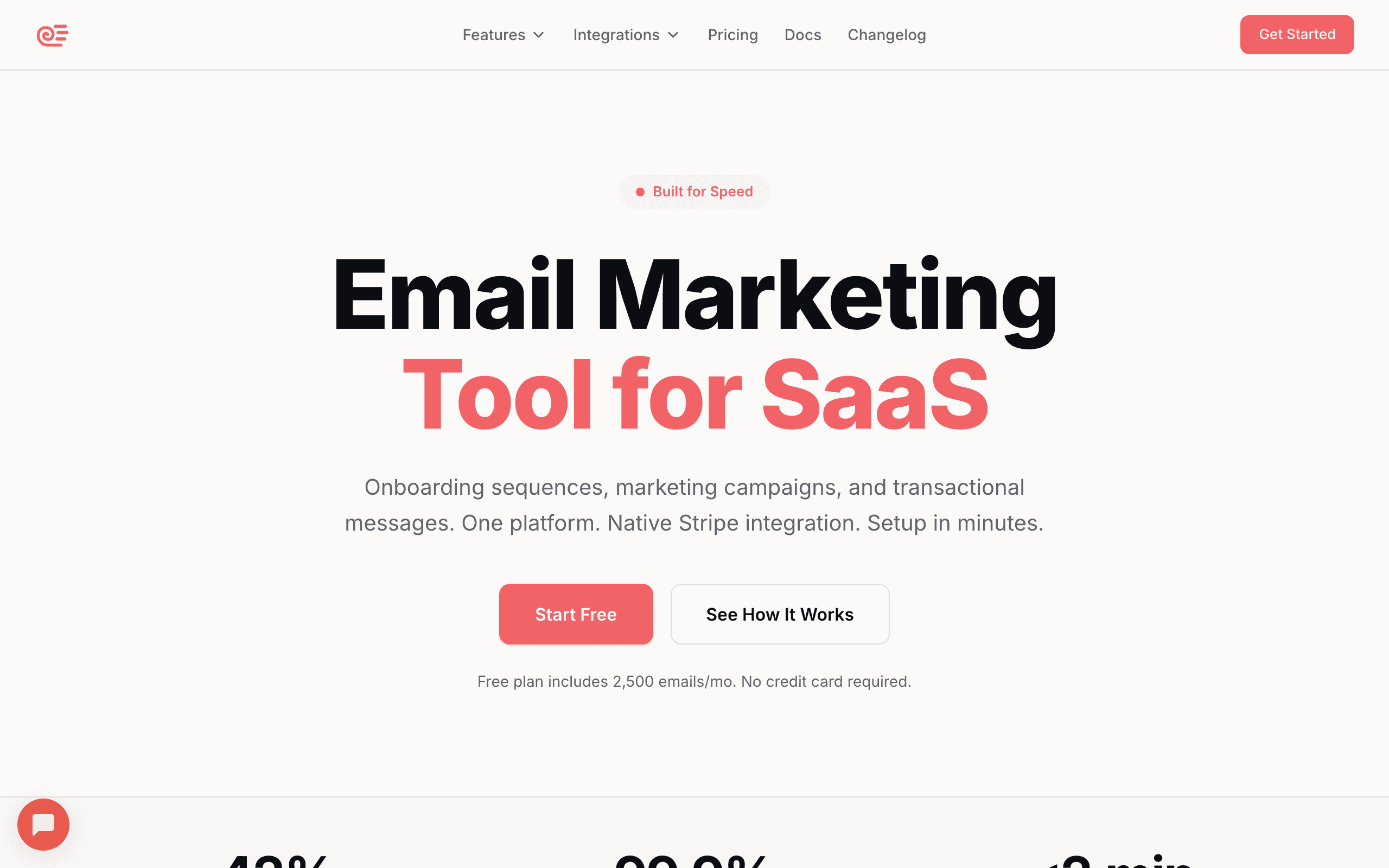
Best for: SaaS founders who want trial conversion automation with Stripe integration
Sequenzy connects to Stripe and automatically tracks trial status. When someone starts a trial, they get the "trial" tag. When they convert, the tag changes to "customer" and the trial sequence stops. If the trial expires without conversion, they enter a different follow-up sequence.
The behavioral layer adds depth. Track product events (setup completed, feature used, milestone reached) and use them to customize the trial sequence. Active users get "here's what you'd lose" messaging. Inactive users get "need help getting started?" messaging.
The AI sequence builder generates complete trial conversion sequences from a simple prompt. Describe your product and trial length, and you get a production-ready sequence in minutes.
What makes Sequenzy particularly effective for trial conversion is the seamless integration between Stripe trial data and product events. You don't need to build a bridge between your payment system and your email tool. Stripe tells Sequenzy when a trial starts, what plan it's for, and when it expires. Your product tells Sequenzy what the user has done. Together, this creates a complete picture that powers intelligent trial conversion emails.
The transition handling is also notable. When a trial user converts, they automatically exit the trial sequence and their tags update. When a trial expires without conversion, they can automatically enter a post-expiration follow-up sequence. These transitions happen without manual intervention, which matters when you have hundreds of trials running simultaneously.
- Pricing: Free up to 2,500 emails/month, paid plans from $19/month
- Trial features: Stripe trial tracking, behavioral triggers, auto-stop on conversion, AI sequence generation
- Pros:
- Stripe auto-tracks trial status
- Behavioral triggers customize by user activity
- AI generates trial sequences
- Sequence stops automatically on conversion
- Affordable for early stage
- Automatic post-expiration follow-up
- Cons:
- Newer platform
- Stripe-only for auto-tracking (manual for other processors)
- No in-app messaging
2. Customer.io
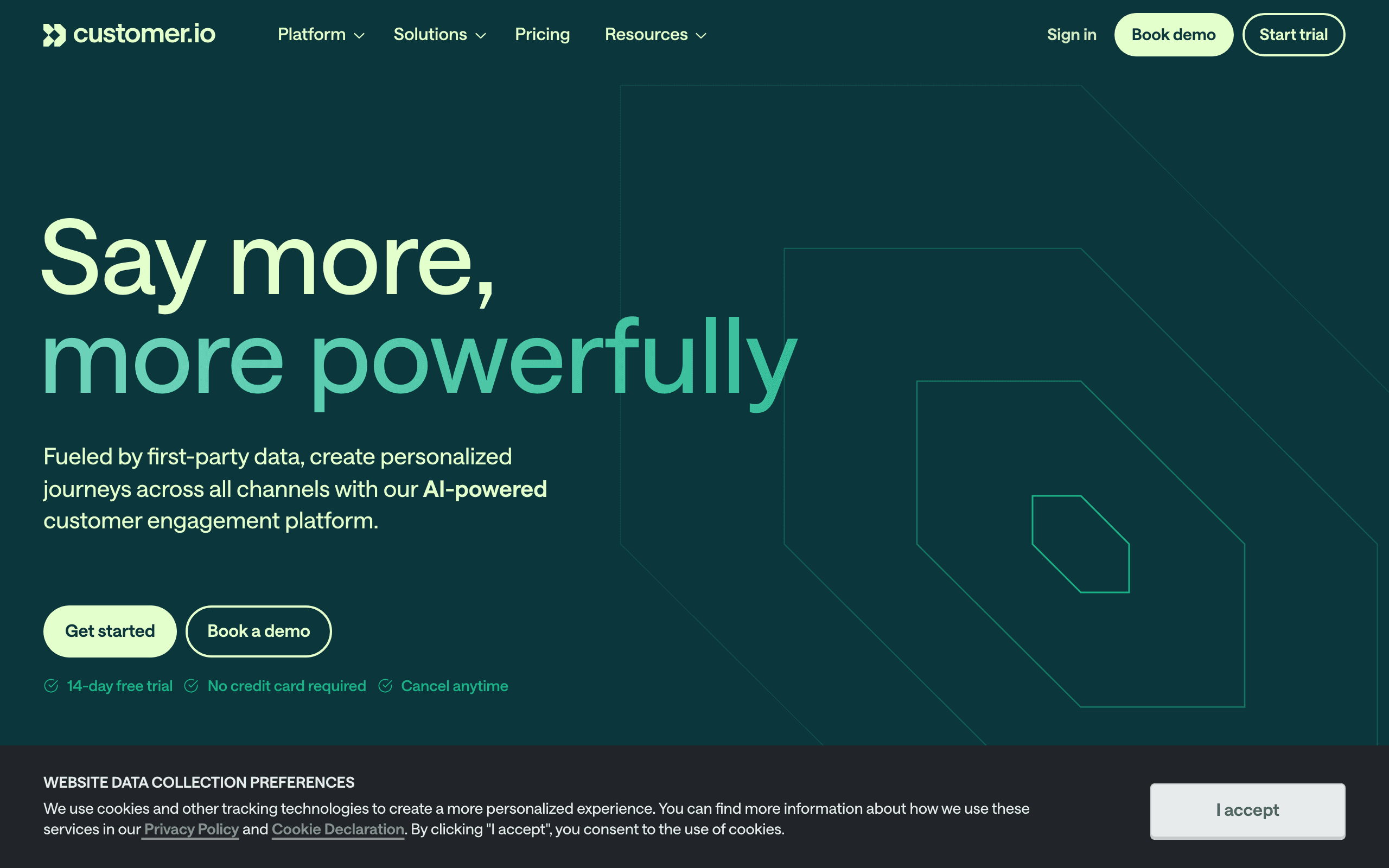
Best for: Technical teams wanting maximum trial sequence sophistication
Customer.io lets you build trial sequences that branch based on virtually any combination of user data and behavior. You can create different paths for users by plan, activity level, company size, or any custom attribute.
For example: if a user activated within 48 hours, send the "power user" trial path. If they haven't activated by day 5, send the "help" path. If they've used the product but haven't tried the premium feature, send the "feature highlight" path. Customer.io handles all of this.
The "wait for event" feature is particularly powerful for trial conversion. Instead of sending the conversion email on day 10 regardless of what the user has done, the workflow can wait until the user triggers a specific event (like using a premium feature) and then send the conversion email when the user is most receptive. This event-aware timing often produces better conversion rates than fixed schedules.
Customer.io also supports "workflow goals" that measure whether users in the workflow achieve a desired outcome (conversion). This gives you a clear metric for each workflow: what percentage of users who entered the trial sequence actually converted? You can compare this across different workflow versions to optimize systematically.
- Pricing: From $100/month
- Trial features: Complex multi-path trial workflows, event-driven timing, workflow goals
- Pros:
- Most flexible trial sequence logic
- Multi-path branching based on any data
- Event-driven with deep customization
- Multi-channel (email, push, SMS)
- Workflow goal tracking
- Cons:
- Expensive
- Requires engineering for event setup
- Complex to build and maintain
- Overkill for straightforward trials
3. Userlist
Best for: B2B SaaS with team-based trial conversion
Userlist excels at B2B trial conversion where the buying decision involves multiple people. You can target the admin (who makes the purchasing decision) differently from team members (who influence it).
Sequences can trigger based on company-level behavior: "send when 3+ team members are active during trial" or "send to admin when the company creates its 10th project." This company-level intelligence is crucial for B2B trial conversion.
The multi-stakeholder trial conversion is a genuine differentiator. In B2B SaaS, the person who signed up for the trial isn't always the person who decides to purchase. Userlist lets you identify which users in a trial account have influence over the buying decision and target them with different messages. The admin gets ROI-focused conversion emails. End users get "here's what you'd lose" emails. The billing contact gets pricing and comparison information.
Userlist also tracks company-level activation, which is often the real signal for B2B trial conversion readiness. When the company as a whole has reached its "aha" moment (enough users active, enough data imported, enough features used), that's the optimal time for the conversion push, and Userlist can trigger on these company-level milestones.
- Pricing: From $149/month
- Trial features: Company-level trial tracking, role-based targeting, multi-stakeholder conversion
- Pros:
- Company-level trial management
- Role-based email targeting
- B2B-specific trial templates
- User + company data model
- Multi-stakeholder conversion
- Cons:
- Higher starting price
- Best for B2B (less for B2C/individual)
- Smaller ecosystem
- Limited marketing features beyond automation
4. Loops
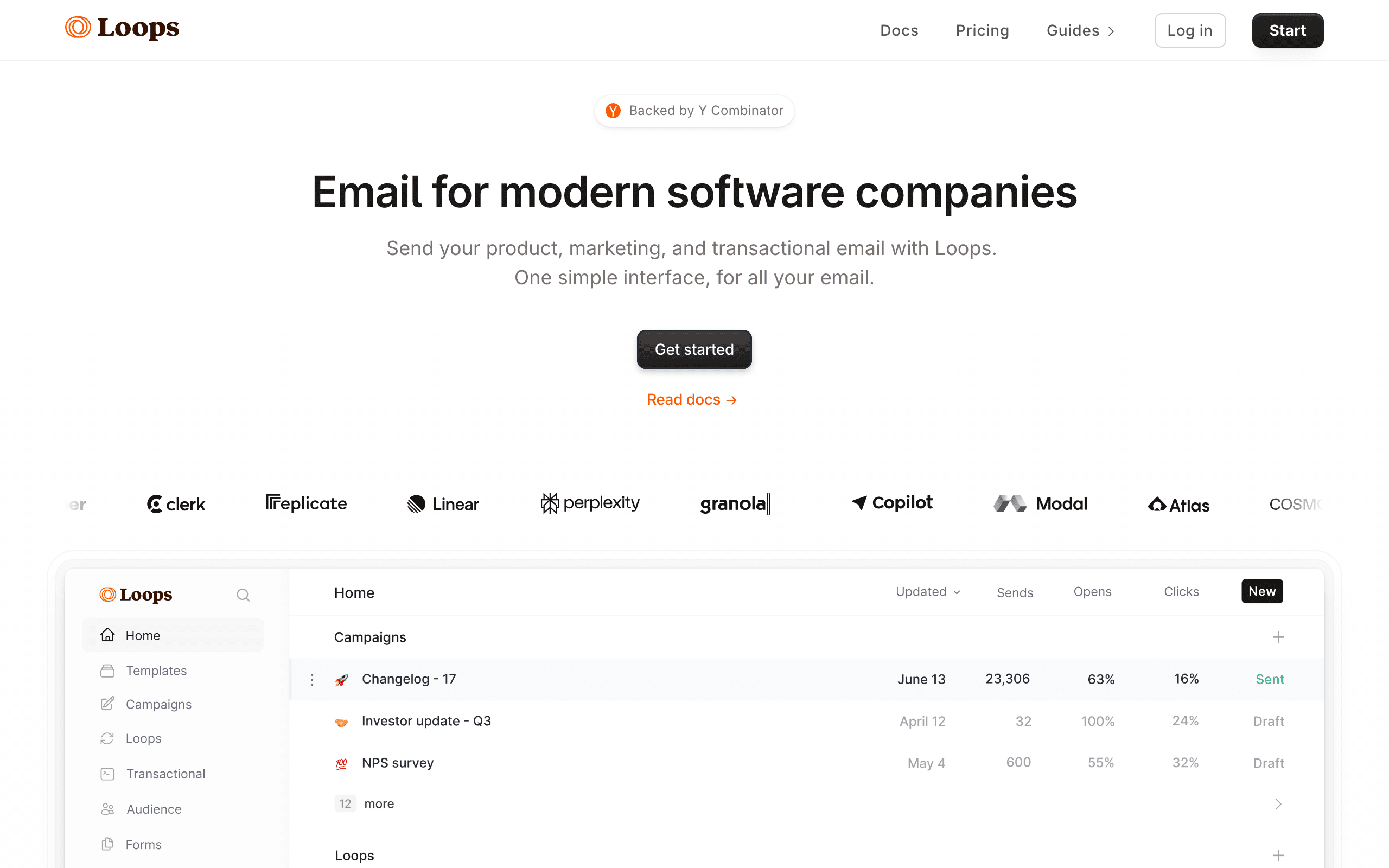
Best for: Early-stage SaaS wanting simple, effective trial emails
Loops handles trial conversion with a clean, simple approach. Send events when users sign up, complete actions, and when their trial is about to expire. Sequences trigger based on these events.
The simplicity is the point. You can have a working trial conversion sequence in under an hour. It won't have the branching complexity of Customer.io, but for most early-stage SaaS products, a well-timed linear sequence converts well enough.
The reality for many early-stage SaaS companies is that any trial conversion email is better than no trial conversion email. If you're currently not sending trial emails at all (common at the earliest stages), Loops gets you from zero to a functioning trial sequence faster than any other tool on this list. Ship a basic sequence now, optimize later.
The free tier also makes Loops an easy choice for validation. Before you know your trial conversion numbers well enough to justify a $100+/month tool, Loops lets you set up the basics and measure your baseline. Once you have data and know what you need, you can make a more informed decision about whether to upgrade or switch tools.
- Pricing: Free for 1,000 contacts, paid from $49/month
- Trial features: Event-based triggers, simple sequences, free tier
- Pros:
- Quick to set up
- Clean, modern interface
- Good free tier for testing
- Event-driven model
- Fast time to launch
- Cons:
- Limited branching logic
- Basic segmentation
- Small feature set
- Limited analytics
5. Intercom
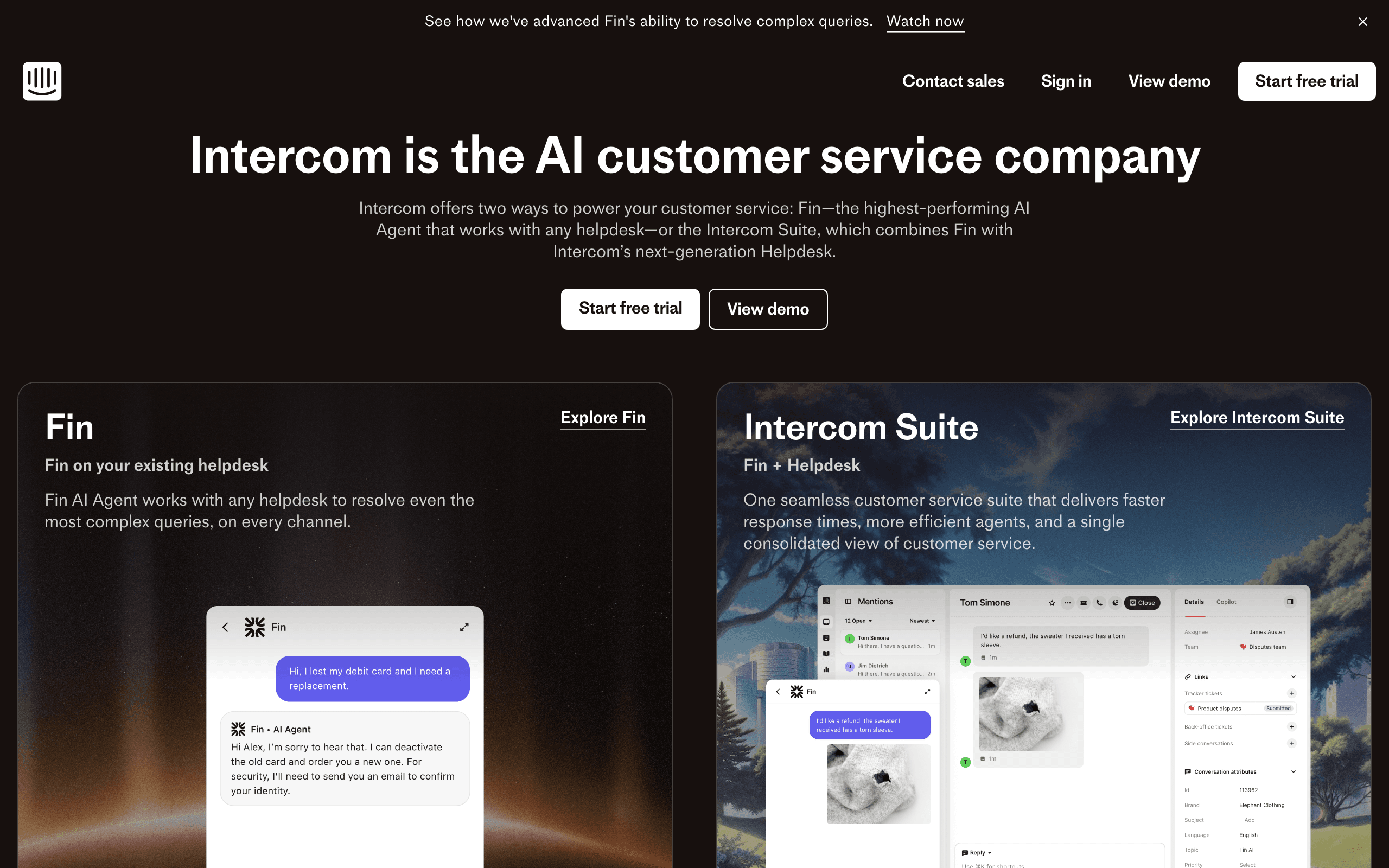
Best for: Teams wanting in-app trial prompts alongside email
Intercom's multi-channel approach is valuable for trial conversion. You can show in-app upgrade prompts when users are engaged AND send email sequences when they're not. The combination typically outperforms either channel alone.
The behavioral targeting works across channels. A user who's active in the app sees an in-app banner about the trial ending. A user who hasn't logged in gets an email nudge. This channel-aware approach maximizes touchpoints without doubling up.
The trial conversion use case is where Intercom's multi-channel strength really shines. When a trial user hits a feature gate (tries to use something that's only available on the paid plan), Intercom can show an in-app upgrade modal at that exact moment of intent. This is far more effective than an email sent hours later. The email sequence then serves as the backup for users who aren't in the app when the trial is ending.
Intercom's chat support also plays a role in trial conversion. Trial users who have questions can get immediate answers, and the support team can proactively reach out to high-value trial users. This human touch, coordinated with automated email and in-app messages, creates a comprehensive conversion experience.
- Pricing: From $39/seat/month
- Trial features: Multi-channel trial messaging, in-app prompts, feature-gate upgrades
- Pros:
- In-app + email trial messaging
- Product tours for trial features
- Behavioral targeting across channels
- Built-in chat for trial support
- Feature-gate upgrade prompts
- Cons:
- Expensive per-seat pricing
- Email features less sophisticated
- Complex setup
- Not purely an email tool
6. Encharge
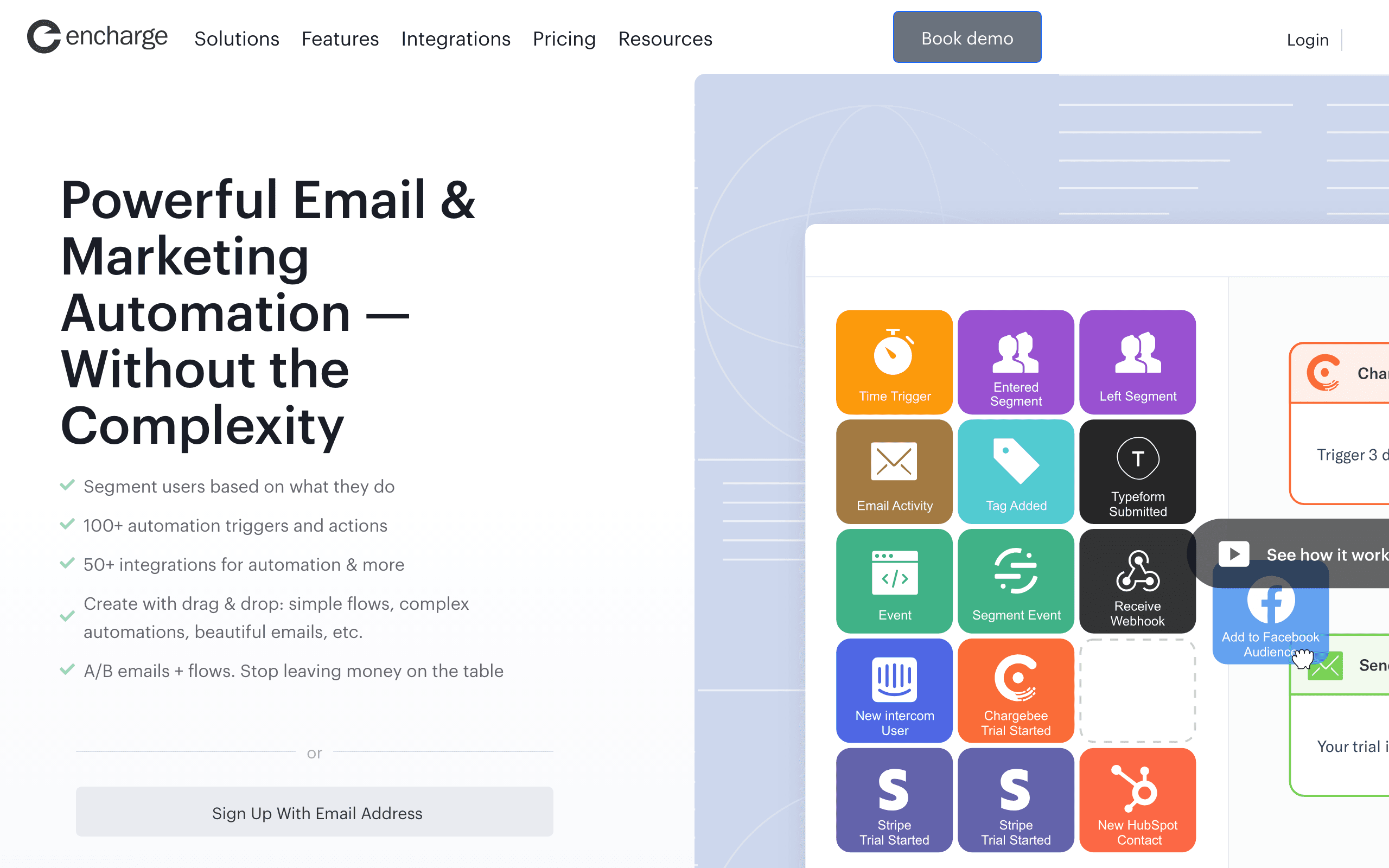
Best for: Non-technical teams wanting visual trial conversion flows
Encharge lets you build trial conversion logic visually. You can see the flow: signup triggers the sequence, activation events branch the path, trial expiration emails escalate, and conversion stops the sequence. The visual approach makes it easy to understand and modify.
User scoring helps prioritize which trial users to focus on. Users who score high (active, engaged, using multiple features) might get a different conversion approach than users who score low.
The visual builder is particularly helpful for trial conversion because the logic tends to be branching-heavy. Active trial users get different emails than inactive ones. Users who've tried premium features get different emails than those who haven't. Users close to expiration get different urgency levels. Seeing all of these paths laid out visually makes it easier to ensure every trial user gets the right message at the right time.
Encharge's scoring system also enables a tiered conversion approach. High-score trial users might receive a simple "ready to upgrade?" message, while low-score users get a "let me help you get more value" approach. This differentiation can meaningfully improve overall conversion rates compared to one-size-fits-all trial emails.
- Pricing: From $79/month
- Trial features: Visual flow builder, user scoring, tiered conversion
- Pros:
- Visual trial flow builder
- User scoring for prioritization
- Non-technical friendly
- Good integration options
- Tiered conversion approaches
- Cons:
- Visual builder has limitations
- Mid-range pricing
- Smaller user base
- Basic compared to power tools
7. Drip
Best for: Teams with e-commerce background adapting to SaaS trials
Drip's automation engine handles trial conversion well, with conditional workflows, behavioral triggers, and good template management. Originally built for e-commerce, its "purchase conversion" logic maps naturally to "trial conversion" with some adaptation.
The tag-based system lets you track trial status and build segments. The automation builder is mature and reliable. If you're comfortable with Drip from e-commerce work, the transition to SaaS trial conversion is smooth.
Drip's maturity gives it an edge in reliability. The automation engine has been processing millions of workflows for years, and the behavior is predictable and well-documented. When you set up a trial conversion sequence in Drip, you can trust that the triggers will fire, the delays will be accurate, and the branches will evaluate correctly. For trial conversion, where a missed or mistimed email can directly cost you revenue, this reliability matters.
The template system is also well-developed. You can create email variants for different trial segments and A/B test subject lines, body content, and CTAs. Over time, this systematic testing helps you optimize each email in your trial sequence for maximum conversion.
- Pricing: From $39/month for 2,500 contacts
- Trial features: Conditional workflows, behavioral triggers, mature automation
- Pros:
- Mature automation engine
- Good visual workflow builder
- Reliable deliverability
- Strong integration ecosystem
- Battle-tested automation
- Cons:
- E-commerce DNA (SaaS is secondary)
- Contact-based pricing
- Not built for SaaS specifically
- Limited event-driven capabilities
8. HubSpot
Best for: Teams wanting CRM-powered trial conversion
HubSpot's automation workflows can access the full CRM context when sending trial emails. When a trial user is at risk of churning, the workflow can reference their company size, industry, deal stage, and past engagement to personalize the conversion message.
The trial-to-customer handoff is seamless. When a trial converts, the contact automatically moves through your sales pipeline. When they don't convert, they can be enrolled in a re-engagement sequence or assigned to sales for outreach.
HubSpot also supports property-based triggers. "Send email when trial expiration date is 3 days away AND user hasn't activated" combines timing with behavioral data. This conditional logic is essential for sophisticated trial conversion without requiring custom engineering.
The platform's strength is the unified data model. Trial behavior, email engagement, CRM data, and deal pipeline all live in one place. This means your trial emails can reference deal value, company information, and sales activity - all the context that helps conversion emails feel personal rather than automated.
- Pricing: Free tier available, from $20/month
- Trial features: CRM-backed personalization, pipeline integration, property-based triggers
- Pros:
- Deep CRM integration
- Trial-to-customer pipeline handoff
- Rich contact data for personalization
- All-in-one platform
- Property-based workflow triggers
- Cons:
- Expensive at scale
- More complex than simple email tools
- Automation features gated to higher tiers
- Overkill for basic trial emails
9. ActiveCampaign
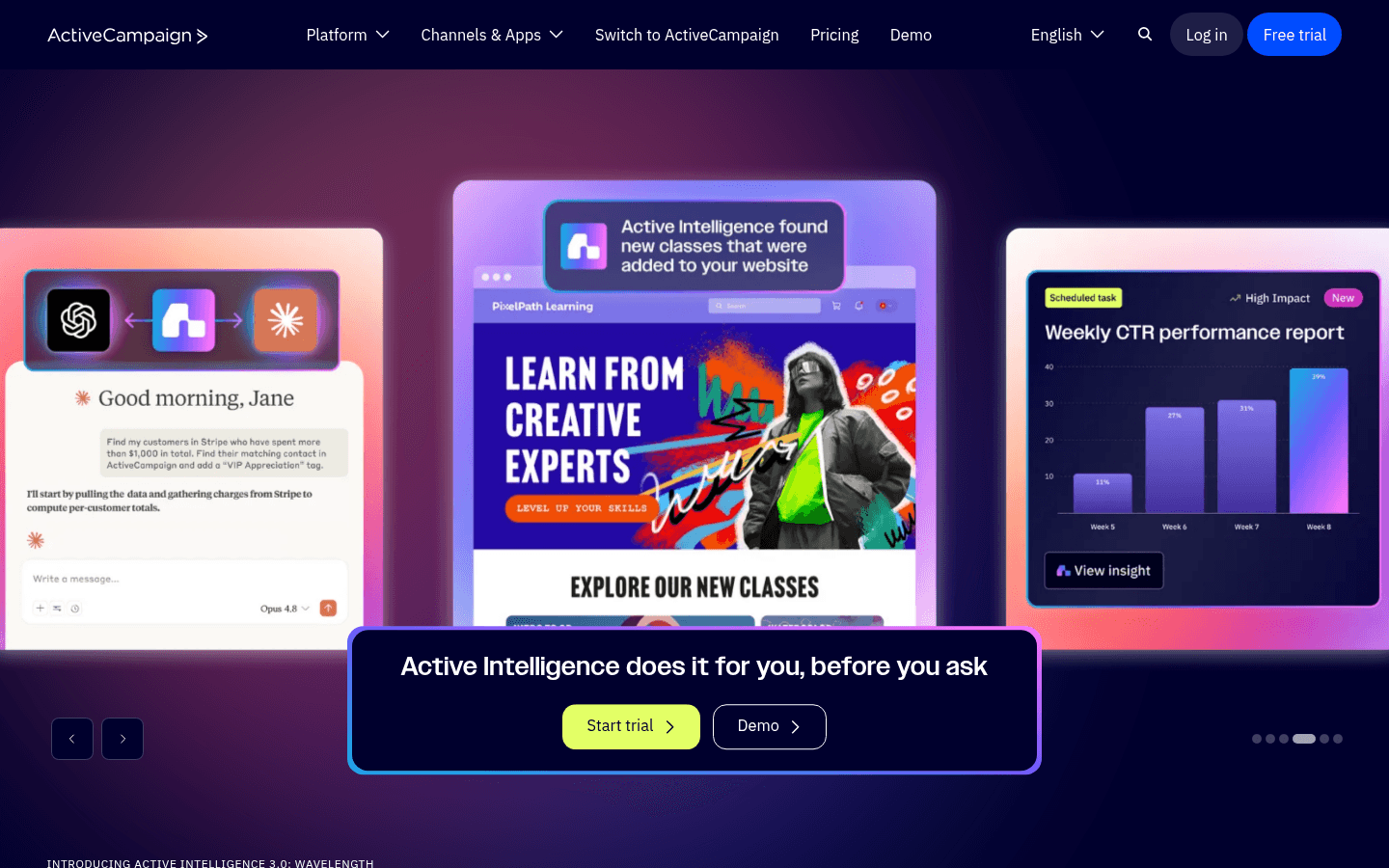
Best for: Marketing teams wanting sophisticated trial automation
ActiveCampaign's automation engine is one of the most capable on the market. You can build multi-path trial sequences with conditional branching, "if/else" logic, and wait states that respond to user behavior.
The site tracking feature adds behavioral data without engineering. When trial users visit your pricing page, help docs, or specific feature pages, ActiveCampaign tracks this and you can trigger emails based on visit patterns. A user who visited pricing five times during their trial might get a different conversion email than a user who never looked at pricing.
ActiveCampaign also supports lead scoring, which is valuable for prioritizing sales outreach. High-scoring trial users (engaged with emails, active in the product, visited pricing) can trigger alerts for your sales team to reach out personally.
The automation builder is visual but powerful. Complex trial logic (branch by activation status, plan type, engagement level) is manageable through the drag-and-drop interface. This makes sophisticated trial conversion sequences accessible without deep technical skills.
- Pricing: From $29/month
- Trial features: Multi-path automation, site tracking, lead scoring
- Pros:
- Sophisticated automation engine
- Site tracking for behavioral triggers
- Lead scoring for sales prioritization
- Visual automation builder
- Strong CRM features included
- Cons:
- Interface complexity
- Learning curve for advanced features
- Pricing scales with contacts
- Can be overkill for simple trials
10. Klaviyo
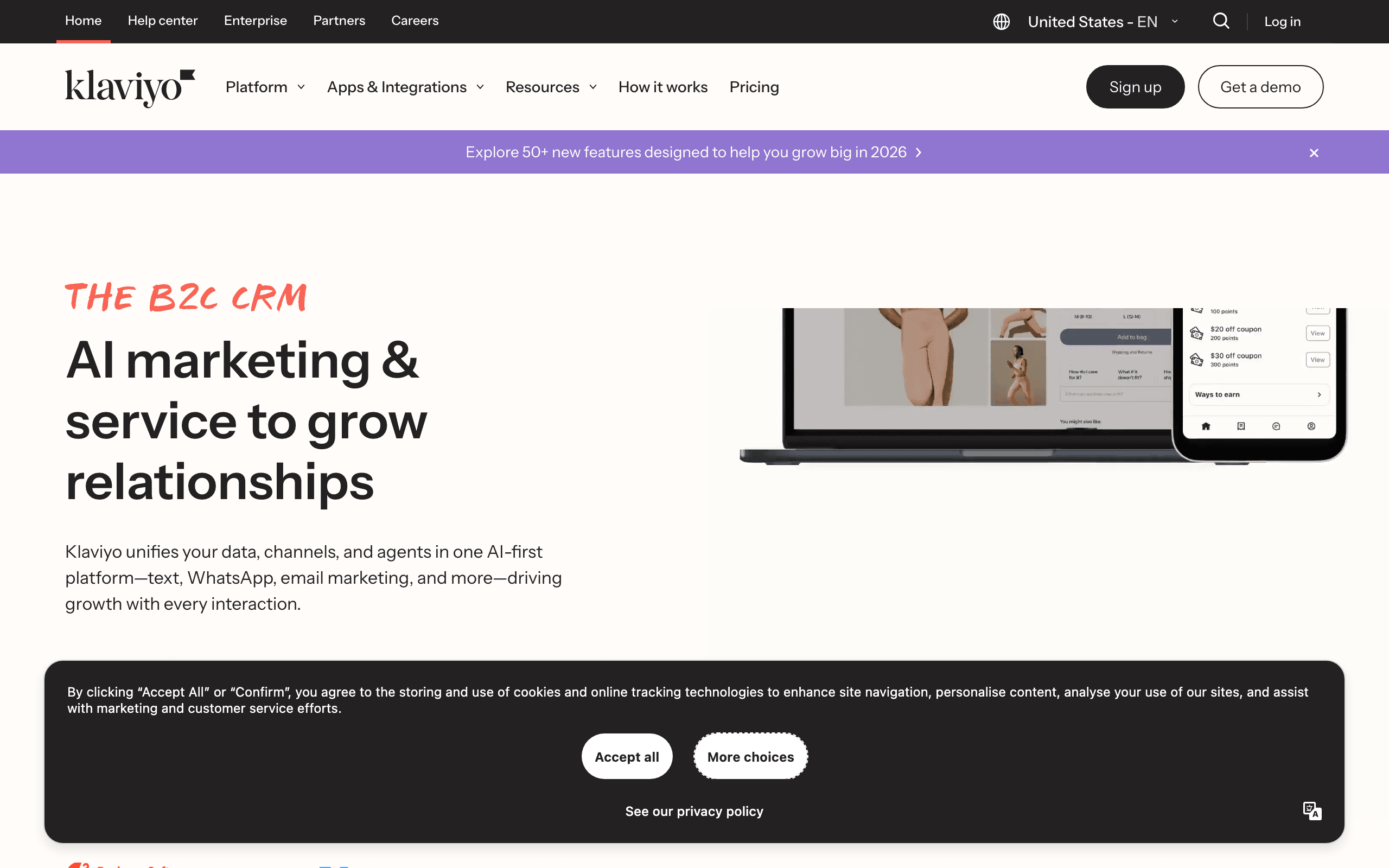
Best for: Ecommerce SaaS with product catalogs
Klaviyo is built for ecommerce but its behavioral automation engine works well for SaaS trial conversion, especially if your product has ecommerce-like patterns (subscriptions, usage tiers, add-on purchases).
The behavioral triggers are sophisticated. "Send when trial user abandons upgrade flow" mirrors abandoned cart automation. "Send when user hits usage limit" parallels low inventory alerts. The event-driven model adapts naturally to SaaS trial patterns.
Klaviyo also supports sophisticated segmentation based on behavioral cohorts. Create segments like "trial users who viewed pricing but haven't upgraded" or "trial users who used premium features" and target them with specific conversion emails.
The platform's strength is deep behavioral data. Every action a trial user takes feeds into their profile, and your emails can reference this behavior dynamically. "You used [feature] 3 times this week - upgrade to keep using it" is the kind of personalized, behavior-aware messaging that drives conversions.
- Pricing: Free up to 250 contacts, from $20/month
- Trial features: Behavioral triggers, flow automation, behavioral segmentation
- Pros:
- Deep behavioral tracking
- Sophisticated flow builder
- Rich segmentation capabilities
- Good for usage-based messaging
- Free tier for testing
- Cons:
- Ecommerce-focused (SaaS is secondary)
- Less flexible for custom events
- Interface optimized for ecommerce use cases
- Pricing scales with contacts
11. Mailchimp
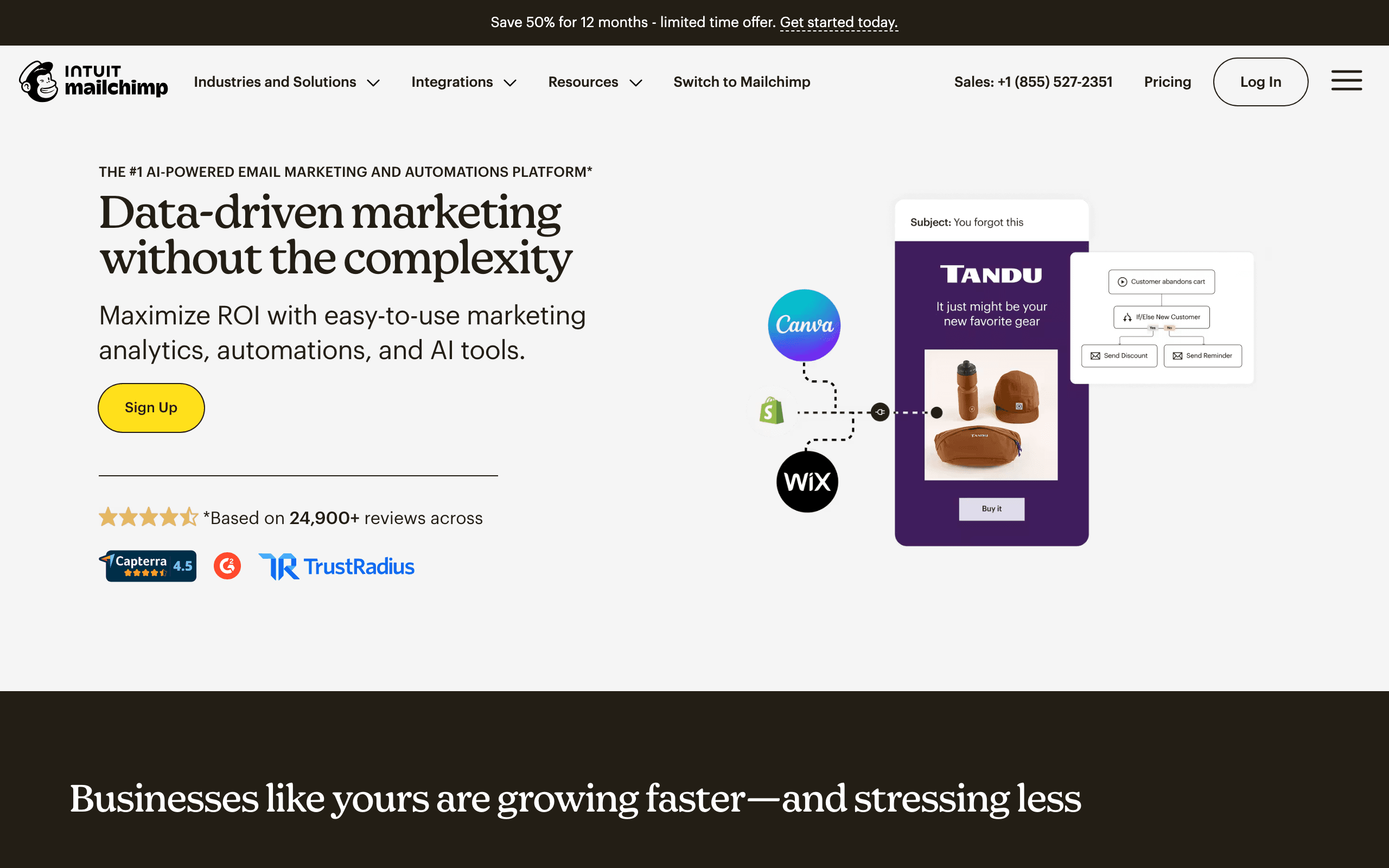
Best for: Non-technical teams wanting basic trial automation
Mailchimp's customer journey builder lets you create trial sequences with basic branching. Send one path if users click a link, another if they don't. Send different emails based on email activity. It's not as sophisticated as the power tools, but it covers common trial conversion patterns.
The strength is simplicity. If you're a non-technical team and your trial conversion needs are straightforward, Mailchimp gets the job done without a steep learning curve. The visual builder is intuitive and the templates are polished.
Mailchimp also offers basic behavioral targeting. You can create segments of trial users who opened (or didn't open) specific emails, clicked (or didn't click) links, or visited (or didn't visit) your website. This basic segmentation is enough to differentiate active from inactive trial users.
For early-stage SaaS or companies with simple trial models, Mailchimp's accessibility makes it a viable starting point. You can always migrate to a more sophisticated tool later when your trial conversion strategy matures.
- Pricing: Free up to 500 contacts, from $13/month
- Trial features: Customer journeys, basic behavioral triggers, segment-based targeting
- Pros:
- Easy to use, low learning curve
- Good templates and design tools
- Basic behavioral triggers
- Generous free tier
- Familiar interface for many users
- Cons:
- Limited automation sophistication
- Basic branching logic
- Less flexible for complex trial scenarios
- Pricing scales with contacts
- Not built for SaaS specifically
12. GetResponse
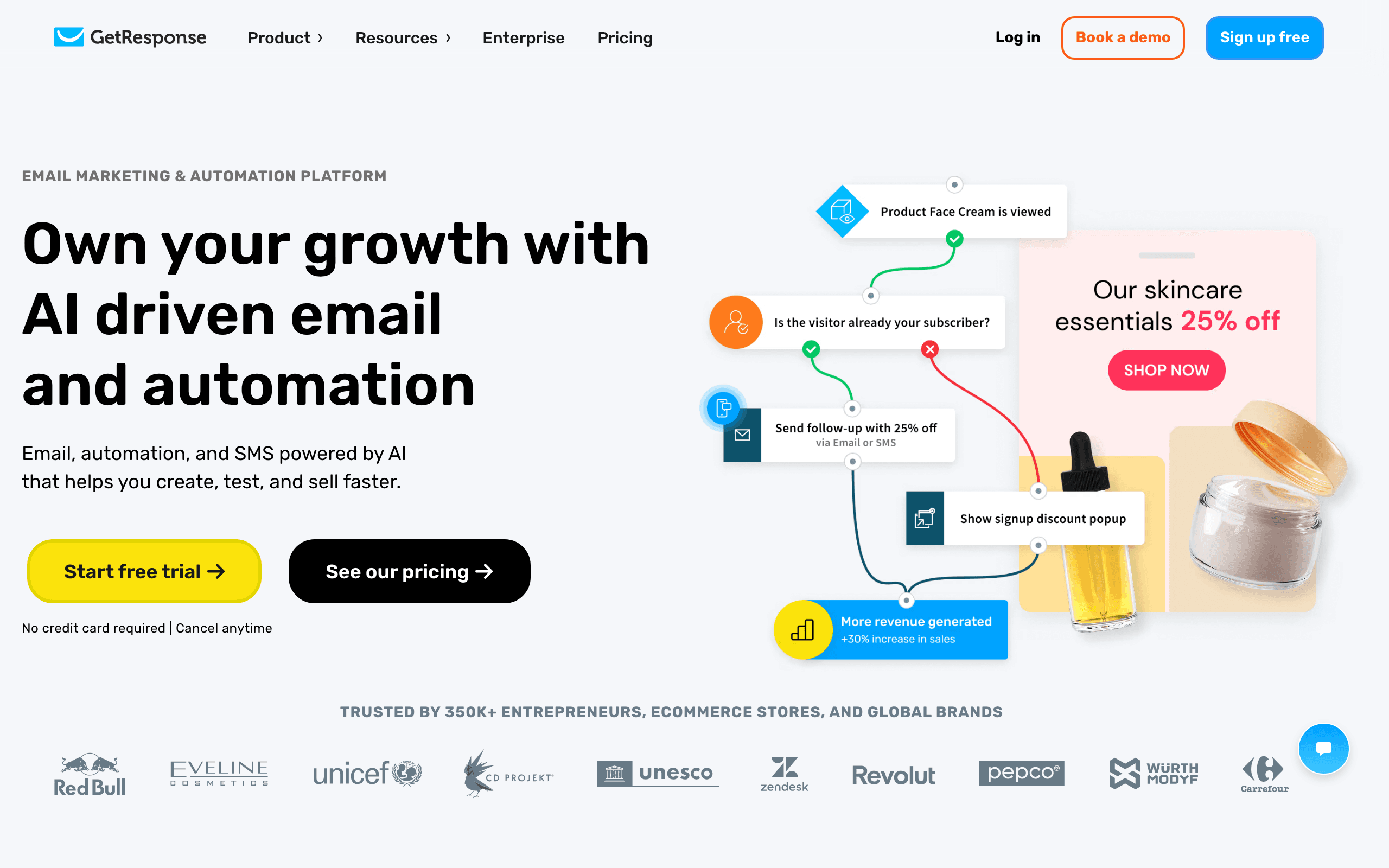
Best for: Teams wanting all-in-one marketing with trial automation
GetResponse offers marketing automation alongside landing pages, webinars, and other tools in a single platform. For trial conversion, this means you can build the full experience: trial signup landing page, email sequence, and post-trial workflows.
The automation workflow builder supports conditional logic and tags, which is enough for basic trial conversion sequences. Tag users when they start a trial, branch based on their activity, and auto-remove the tag when they convert.
GetResponse also offers webinars, which can be a powerful trial conversion tool. Invite trial users to a live product demo or Q&A session as part of the sequence. The tight integration between email automation and webinars makes this easy to execute.
The platform's value is consolidation. Instead of stitching together separate tools for landing pages, email, webinars, and automation, GetResponse brings them together. For teams who want simplicity over maximum sophistication, this unified approach has appeal.
- Pricing: Free tier available, from $19/month
- Trial features: Workflow automation, tagging, webinar integration
- Pros:
- All-in-one platform
- Landing page + email in one place
- Webinar integration for trial demos
- Automation features included
- Good free tier
- Cons:
- Less sophisticated automation than specialists
- Interface feels dated
- Not optimized for SaaS trial patterns
- Basic event-driven capabilities
13. Braze
Best for: Teams with mobile apps wanting cross-channel trial conversion
Braze excels at mobile messaging (push notifications, in-app messages) alongside email. For SaaS products with mobile components, this multi-channel strength is valuable for trial conversion.
The orchestration engine coordinates messaging across channels. A trial user who hasn't opened your mobile app might get a push notification. A user who's active in the app but hasn't upgraded might see an in-app message. Email catches users who aren't in the app at all.
Braze also supports deep personalization based on in-app behavior. If your trial users are engaging with specific features in your mobile app, Braze can reference this behavior in email content. "You've been using [mobile feature] - upgrade to keep access" connects mobile activity to email conversion.
The platform's strength is real-time messaging. When a trial user takes an action in your app, Braze can respond immediately with the right message on the right channel. This immediacy is powerful for trial conversion, where timing often matters more than anything.
- Pricing: Custom pricing (enterprise)
- Trial features: Cross-channel orchestration, real-time messaging, mobile behavioral data
- Pros:
- Excellent mobile + email coordination
- Real-time behavioral triggers
- Deep personalization capabilities
- Sophisticated segmentation
- Strong for mobile-first SaaS
- Cons:
- Very expensive for smaller teams
- Enterprise-focused
- Steep learning curve
- Overkill for simple needs
14. Iterable
Best for: Enterprise teams needing sophisticated cross-channel trial journeys
Iterable is an enterprise cross-channel platform that handles complex, multi-touch trial sequences across email, mobile push, in-app, SMS, and more. For large SaaS companies with sophisticated trial strategies, Iterable's flexibility is valuable.
The platform supports "journeys" that can branch extensively based on user behavior, attributes, and engagement. Create different trial paths for enterprise vs. SMB users, for technical vs. non-technical users, for different use cases. Iterable handles the complexity.
Iterable also offers AI-powered send time optimization and frequency management. For trial conversion, where timing is critical, having AI determine the optimal moment to send each message can lift conversion rates.
The enterprise strength is scale and governance. If you have thousands of trial users entering sequences daily, different teams collaborating on trial campaigns, and stringent compliance requirements, Iterable is built to handle this at scale.
- Pricing: Custom pricing (enterprise)
- Trial features: Cross-channel journeys, sophisticated branching, AI optimization
- Pros:
- Enterprise-grade sophistication
- Highly flexible journey builder
- Strong cross-channel orchestration
- AI-powered optimization
- Built for scale
- Cons:
- Very expensive
- Complex implementation
- Steep learning curve
- Overkill for smaller SaaS
15. Autopilot
Best for: Teams wanting visual journey mapping for trials
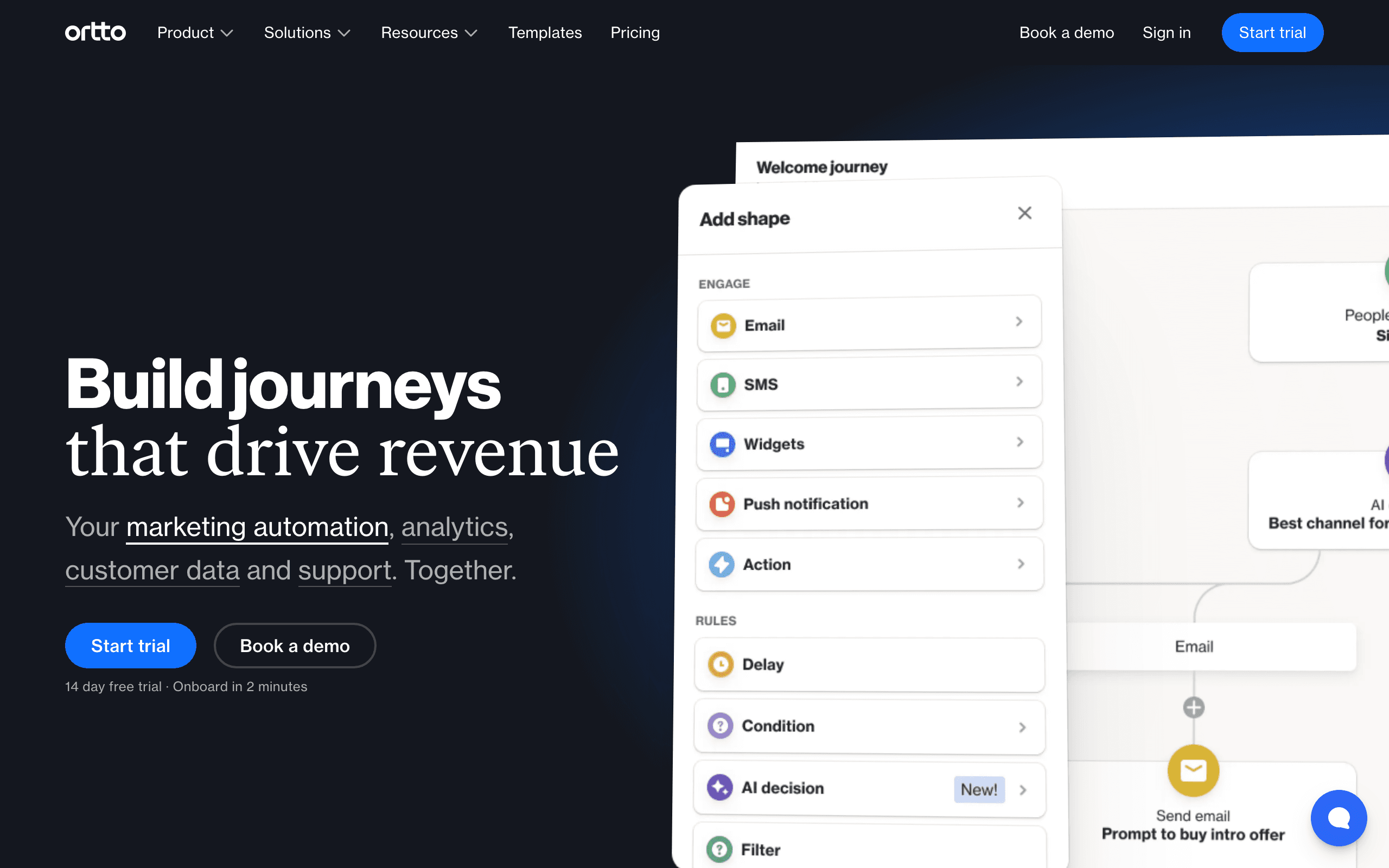
Autopilot (now part of Salesforce) offers visual journey mapping that makes trial logic easy to see and modify. You can map out the entire trial experience: signup, activation, usage milestones, expiration, and conversion.
The visual approach is particularly helpful for trial conversion because you can see all the paths at once. Active users go this way, inactive users go that way, users close to expiration get urgency messaging. Seeing the full journey helps ensure no trial users fall through the cracks.
Autopilot also supports "shape"-based automation logic that goes beyond simple branching. You can create complex trial workflows with multiple decision points, time delays, and branching paths - all visually.
For teams that prefer planning before building, the visual canvas is valuable. You can design your ideal trial conversion journey, get stakeholder input, and then implement it directly. This visual-first approach reduces the gap between strategy and execution.
- Pricing: From $49/month
- Trial features: Visual journey builder, shape-based automation, multi-path logic
- Pros:
- Intuitive visual interface
- Easy to see all trial paths
- Good for stakeholder collaboration
- Sophisticated automation capabilities
- Clean, modern design
- Cons:
- Acquired by Salesforce (future uncertain)
- Smaller user base
- Less sophisticated event tracking
- Not as flexible as code-based tools
16. Vero
Best for: Technical teams wanting event-driven trial sequences
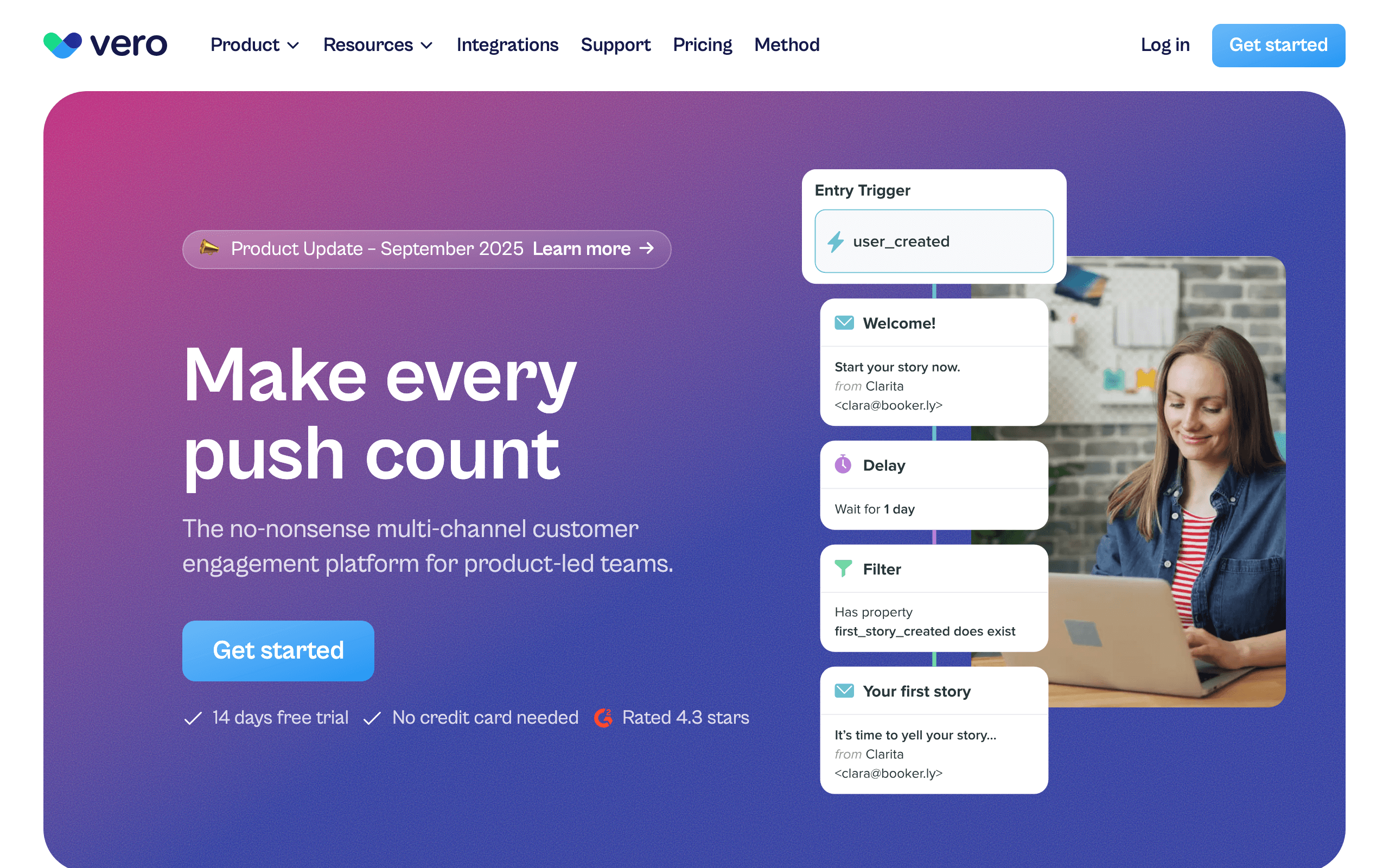
Vero is built for event-driven automation, making it well-suited for SaaS trial conversion where user behavior drives messaging. Track trial events (signup, activation, feature usage, expiration) and trigger sequences based on these events.
The API-first approach means engineering teams can integrate deeply. Send custom events from your product with rich metadata, and use this data in segmentation and conditional logic. Vero becomes an extension of your product rather than a separate marketing tool.
Vero also supports liquid templating for dynamic email content. You can reference user attributes, trial data, and behavioral history directly in email templates. "Your trial expires in 3 days and you've created 5 projects - upgrade to keep them" merges multiple data points into personalized messaging.
For technical teams who want control and flexibility, Vero's programmable approach is appealing. You can build sophisticated trial conversion sequences that would be difficult or impossible in visual builders.
- Pricing: From $99/month
- Trial features: Event-driven triggers, API-first design, liquid templating
- Pros:
- Excellent for technical teams
- Deep event tracking capabilities
- Flexible segmentation
- API-first approach
- Dynamic email templating
- Cons:
- Requires technical skills
- Less polished UI
- Smaller ecosystem
- Expensive starting price
17. Ortto
Best for: B2B SaaS wanting CDP-powered trial insights
Ortto (formerly Autopilot) combines email automation with a customer data platform (CDP). For trial conversion, this means deeper insights into user behavior and more sophisticated targeting.
The CDP unifies data from your product, CRM, website, and other touchpoints. When sending trial emails, you can reference the full user journey: which pages they visited, which features they tried, how they engage with support, and more. This rich context enables highly personalized conversion messaging.
Ortto also supports account-based marketing, which is valuable for B2B trial conversion. Track trial usage at the account level and target key stakeholders with different messages based on their role and engagement.
The platform's strength is data sophistication. For B2B SaaS companies where trial conversion involves multiple stakeholders and complex evaluation processes, Ortto's unified data model helps ensure every stakeholder receives relevant, timely messaging.
- Pricing: From $199/month
- Trial features: CDP integration, account-based marketing, behavioral data
- Pros:
- Deep data unification
- Account-based trial targeting
- Sophisticated segmentation
- Good for B2B SaaS
- Strong analytics
- Cons:
- Expensive
- Complex to set up
- Steep learning curve
- Overkill for simple trials
18. Netcore
Best for: Budget-conscious teams wanting capable automation
Netcore offers automation capabilities at a lower price point than many competitors. For teams that need trial conversion features but have limited budget, Netcore provides a viable middle ground.
The automation engine supports branching logic, behavioral triggers, and basic personalization. You can build trial sequences that differentiate between active and inactive users, send expiration reminders, and handle post-trial follow-up.
Netcore also offers multi-channel capabilities including email, SMS, and push notifications. For trial conversion, this means you can reach users where they are most likely to respond - email for some, SMS for others, push for mobile users.
The value proposition is affordability without basic capabilities. You won't get the sophistication of Customer.io or the data depth of HubSpot, but for straightforward trial conversion needs, Netcore delivers essential features at a price point that works for bootstrapped teams.
- Pricing: From $18/month
- Trial features: Automation workflows, behavioral triggers, multi-channel messaging
- Pros:
- Affordable pricing
- Essential automation features
- Multi-channel support
- Good for budget teams
- Decent deliverability
- Cons:
- Less sophisticated than premium tools
- Interface feels dated
- Limited advanced features
- Smaller integration ecosystem
19. Omnisend
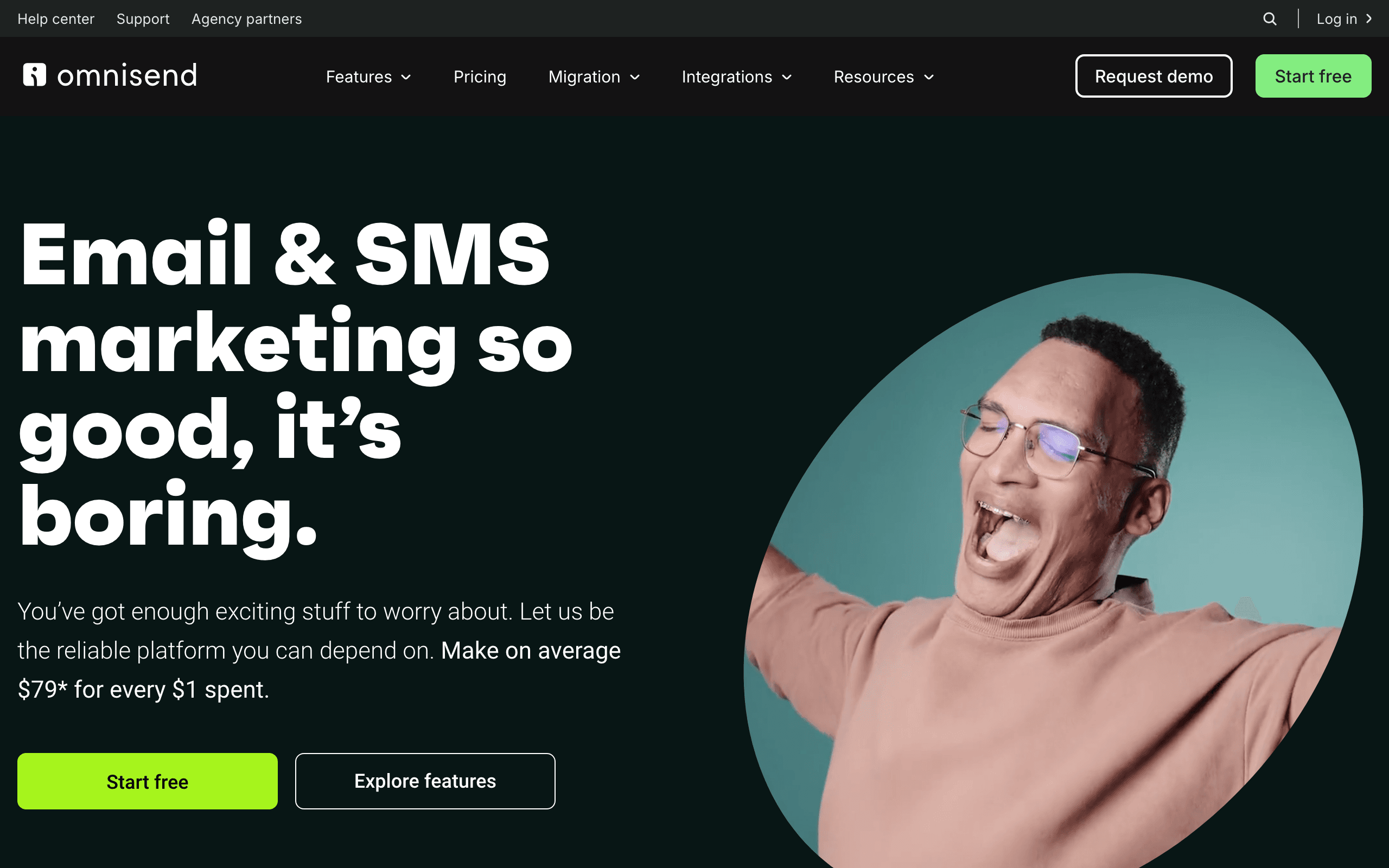
Best for: Ecommerce SaaS wanting omnichannel trial sequences
Omnisend is built for ecommerce but its automation engine works for SaaS trials, especially if your product has ecommerce components (subscriptions, marketplaces, payments tools).
The omnichannel approach coordinates email, SMS, and push notifications for trial users. A trial user who's been active in your product might see an in-app message. One who's been inactive might get an email. One close to expiration might get an SMS reminder. This coordinated approach maximizes touchpoints.
Omnisend also supports product catalog integration, which is valuable if your trial involves specific products, SKUs, or inventory. Users can receive trial emails referencing the exact products they've used or viewed.
For SaaS products in the ecommerce space (platforms, tools, integrations), Omnisend's ecommerce DNA can be an advantage. The platform understands ecommerce patterns and provides templates and automation optimized for these use cases.
- Pricing: Free tier available, from $16/month
- Trial features: Omnichannel automation, product catalog integration, SMS + email
- Pros:
- Good channel variety
- Affordable pricing
- Strong ecommerce features
- Omnichannel coordination
- Decent free tier
- Cons:
- Ecommerce-focused (SaaS is secondary)
- Less flexible for custom events
- Interface optimized for ecommerce
- Basic automation compared to specialists
20. ConvertKit
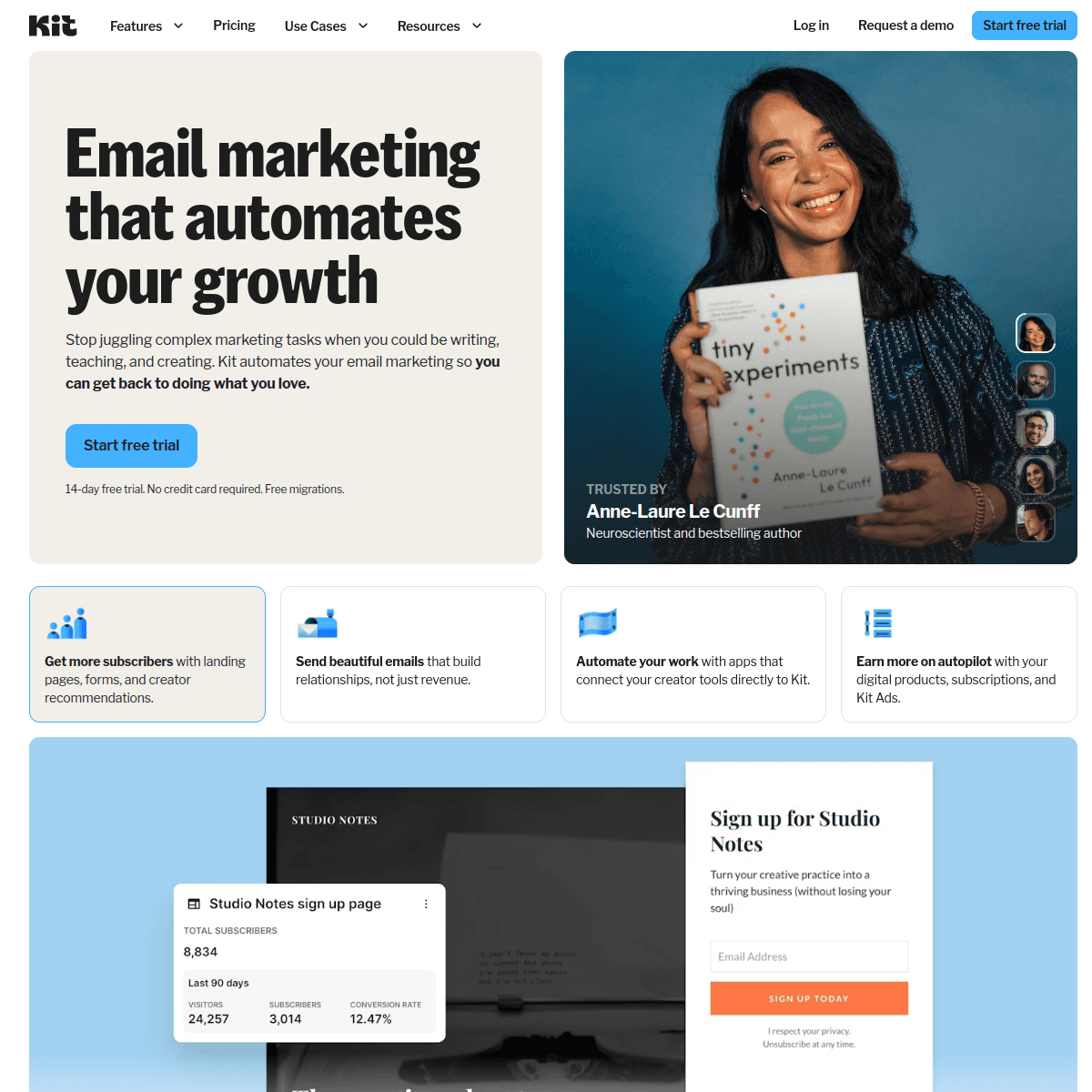
Best for: Creator tools and simple SaaS trial conversion
ConvertKit is built for creators but its automation capabilities work for simple trial conversion sequences. The visual automation builder is easy to use, and the tagging system lets you track trial status.
The strength is simplicity. If your trial conversion needs are straightforward - send a sequence of emails leading to upgrade - ConvertKit handles this without complexity. The interface is clean and the learning curve is gentle.
ConvertKit also supports commerce features, which is useful if your SaaS product serves creators or includes course/digital product components. You can track trial status alongside course progress or product purchases.
For SaaS products in the creator economy or with simple trial models, ConvertKit's creator-focused approach and ease of use make it a viable option. You won't get sophisticated behavioral targeting, but you can build effective basic trial sequences.
- Pricing: Free up to 10,000 subscribers, from $29/month
- Trial features: Visual automations, tagging, commerce integration
- Pros:
- Very generous free tier
- Easy to use
- Creator-focused features
- Clean, modern interface
- Good for simple trial needs
- Cons:
- Limited automation sophistication
- Not built for SaaS specifically
- Basic behavioral targeting
- Less flexible for complex trials
21. Brevo
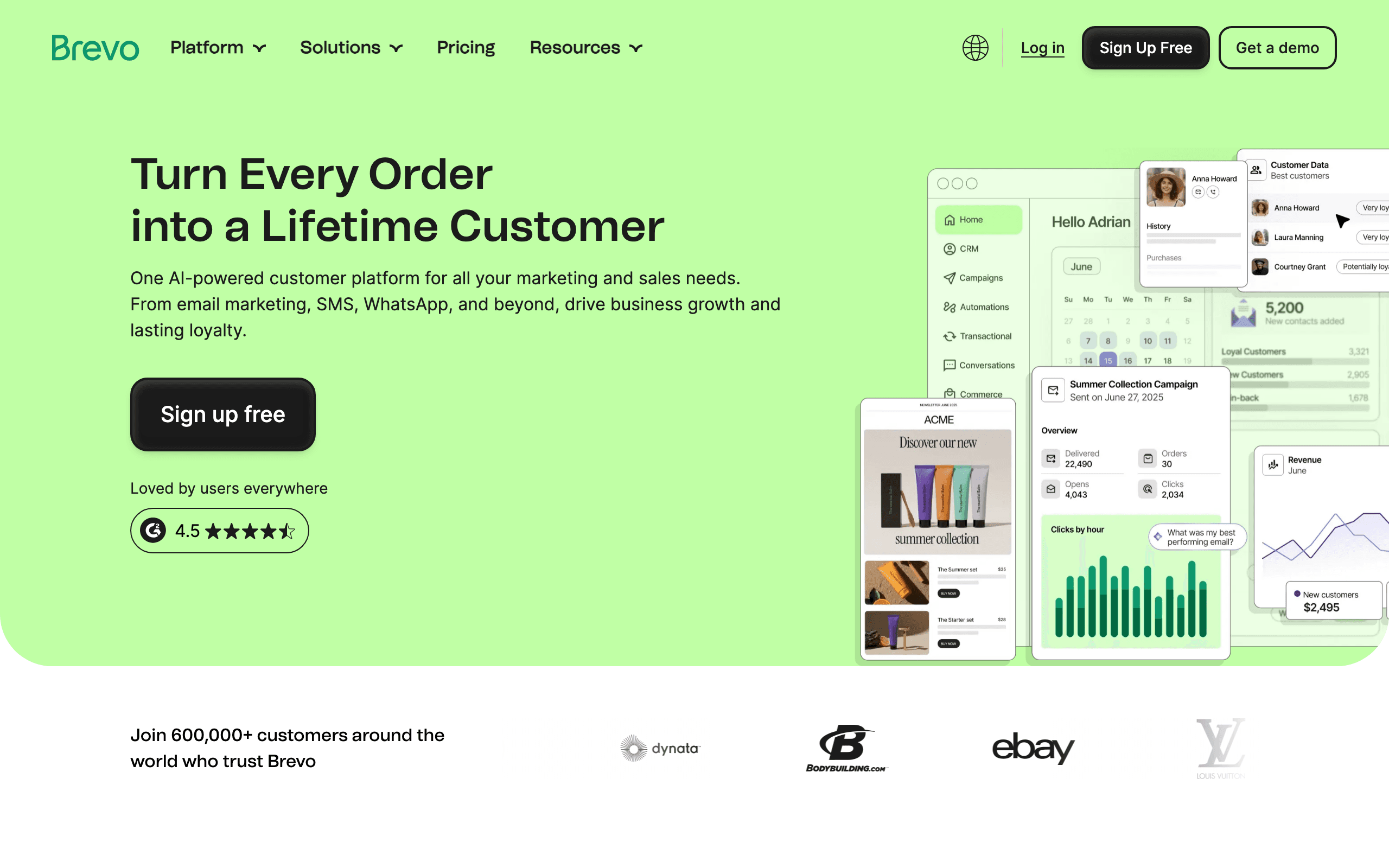
Best for: Budget teams wanting SMS + email trial sequences
Brevo (formerly Sendinblue) offers email and SMS automation at an accessible price point. For trial conversion, this means you can reach users via multiple channels without the enterprise pricing of some multi-channel tools.
The automation workflows support basic branching and conditional logic. You can build trial sequences that branch based on user activity, send different messages to active vs. inactive trial users, and escalate urgency as expiration approaches.
Brevo also offers SMS, which can be valuable for trial expiration reminders. A text message 24-48 hours before trial expiration often sees higher engagement than email alone. This multi-channel approach can improve conversion rates.
For bootstrapped teams or companies with straightforward trial conversion needs, Brevo delivers essential features (email, SMS, basic automation) at a price point that works. You won't get the sophistication of premium tools, but you can build functional trial sequences.
- Pricing: Free tier available, from $9/month
- Trial features: Email + SMS automation, basic workflows, multi-channel
- Pros:
- Very affordable
- SMS + email in one platform
- Basic automation features
- Good free tier
- Easy to get started
- Cons:
- Basic automation capabilities
- Limited behavioral sophistication
- Interface has limitations
- Less powerful than specialist tools
The Trial Conversion Email Framework
Regardless of tool, every trial conversion sequence should include these phases:
Days 1-3: Activation Focus
Help users reach their first success. Setup guides, quick-start tutorials, and "here's what to do first" emails. The goal is to get them to the "aha moment" as fast as possible. If you have data on what activation looks like (e.g., "users who create a project in the first 3 days convert at 3x the rate"), orient your emails around driving that specific action.
Days 4-7: Value Building
Show features they haven't tried. Share how similar users get results. Build the case for why the product is valuable. This is where behavioral email targeting shines, since you can show different features based on what each user has and hasn't tried.
Days 7-10: Social Proof
Case studies, testimonials, usage statistics. "Users who [did what they did] typically see [result]." Social proof is most effective after users have some product experience. They understand the context and can relate to the success stories.
Days 10-14: Urgency + Conversion
Trial expiration warnings. Direct CTAs to upgrade. Offer help for any remaining questions. Address common objections. Make it easy: one-click upgrade links, clear pricing, and a specific explanation of what they'll keep and what they'll lose.
Post-Expiration: Follow-Up
Don't stop at expiration. Send 2-3 follow-up emails over the next week. Many users convert after the trial ends when they realize they miss the product. A "your data is still here" email can be particularly effective. Some companies see 10-15% of their total conversions happen in the post-expiration window.
Key Trial Conversion Metrics
- Trial-to-paid conversion rate: The primary metric (benchmark: 15-25% for opt-in trials, 50-60% for opt-out/credit card required)
- Activation rate: % of trial users who reach the "aha" moment
- Email engagement by trial day: Which emails get the most opens/clicks?
- Conversion by activation status: Activated vs. non-activated trial conversion rates
- Time to conversion: Average days from trial start to upgrade
- Post-expiration conversion rate: % of expired trials that convert in the 1-2 weeks after expiration
Track these metrics consistently and you'll be able to identify exactly where your trial funnel leaks and which emails have the most impact. For a complete framework of email metrics, see our guide to SaaS email marketing KPIs.
Common Trial Conversion Mistakes
Waiting until day 10 to mention pricing. If users don't know what the product costs until the end of the trial, you've wasted the time they could have spent evaluating the value relative to the price. Introduce pricing early, naturally.
Same emails for everyone. A user who's been active every day needs different messaging than a user who signed up and disappeared. Behavioral segmentation is essential for trial conversion.
No post-expiration follow-up. Many companies stop emailing when the trial ends. This leaves money on the table. A 3-email post-expiration sequence can recover 10-15% more conversions.
Feature dumping instead of value communication. "We have 47 features" means nothing to a trial user. "Users like you save 5 hours per week" communicates value. Lead with outcomes, not feature lists.
Not addressing objections. Price too high? ROI unclear? Feature they need missing? Security concerns? Your trial emails should proactively address the objections you hear most often from trial users who don't convert.
FAQ
What's a good trial-to-paid conversion rate? For opt-in trials (no credit card required): 15-25% is good. For opt-out trials (credit card required): 50-60% is typical since there's natural inertia. These vary widely by product, price point, and audience. Don't compare your conversion rate against a generic benchmark without accounting for your trial model.
Should I send different emails to active vs. inactive trial users? Absolutely. Active users should get "here's what else you can do" and "here's what you'd lose." Inactive users should get "need help?" and "here's the quickest path to value." The messaging is fundamentally different. Tools with subscriber segmentation make this easy.
How many trial conversion emails should I send? 7-10 over the trial period (typically 14 days). Front-load activation emails in the first 3 days. Increase conversion urgency in the last 4-5 days. Add 2-3 post-expiration follow-ups. Each email should have a single, clear purpose. Don't try to activate AND convert in the same email.
Should I offer a discount to convert trial users? Only as a last resort (post-expiration follow-up). Leading with discounts trains users to wait for deals. Lead with value. If they don't convert after value-based messaging, a time-limited discount can be the final nudge. And track carefully whether discounted conversions have similar retention to full-price conversions.
Does credit card required vs. not affect email strategy? Yes. Credit-card-required trials need less "convince to pay" messaging since they'll auto-convert. Focus on activation and engagement instead. No-credit-card trials need explicit conversion CTAs since there's no automatic upgrade. The tone is different too: credit card trials benefit from "make sure you're getting value" emails, while no-card trials need more "here's why you should upgrade" emails.
How long should a free trial be? 14 days is the most common and works well for most SaaS products. 7 days works for simple tools where activation is fast. 30 days works for complex enterprise products where evaluation takes longer. The right answer depends on how long it takes a typical user to reach the activation milestone. Your email strategy should adapt to whatever trial length you choose.
What should the very first trial email say? One clear action. Not a product tour, not a feature list. "Welcome! Here's the one thing to do right now to get started: [specific action with link]." The welcome email has the highest open rate of any email in the sequence (60-80%). Use that attention to drive the single most important activation action.
Should I involve sales in trial conversion? For high-value B2B trials, yes. Product-qualified leads (trial users with high engagement, enterprise plans, or large teams) benefit from human outreach. For low-touch, self-serve products, automated email is usually sufficient. Many companies use a hybrid: automated email for all trial users, plus a sales touch for users above a certain value or engagement threshold.