
21 Best Email Tools for SaaS Onboarding (2026)

The first 48 hours after someone signs up for your SaaS product determine whether they'll become a paying customer or a ghost. And the #1 tool for guiding users through those critical hours when they're not in your app? Email.
Good onboarding email tools let you build sequences that adapt to what each user has done. Someone who finished setup gets the next step. Someone who stalled gets a nudge. Someone who went inactive gets a re-engagement email. All automatic.
Not all email tools handle this well. Traditional email platforms think in terms of "send this email on day 3." Onboarding-ready tools think in terms of "send this email when the user completes step 2." That distinction matters enormously. If you're looking for concrete examples of what these sequences actually look like, our guide on onboarding email sequence examples walks through real-world patterns.
Best SaaS Onboarding Email Tool by Use Case
Best onboarding email tool for founder-led SaaS: Sequenzy
Choose Sequenzy when you need a practical onboarding sequence tied to signup, setup, first value, and trial events without building a complex workflow graph. It is strongest for founders who want AI-generated drafts, product-event triggers, and billing-aware follow-up in one place. Start with AI sequences, SaaS onboarding templates, and the automate onboarding guide.
Best onboarding email tool for complex product paths: Customer.io
Customer.io is the better choice when onboarding has many branches: multiple personas, plan types, setup paths, feature dependencies, and wait-for-event logic. It takes more setup, but it handles sophisticated product-event journeys better than simpler SaaS tools. Compare it with Sequenzy on the Customer.io comparison and the event-based automation tools guide.
Best onboarding email tool for B2B team activation: Userlist
Use Userlist when onboarding happens at the company level, not just the user level. It fits B2B SaaS products where an admin, billing owner, and teammate may all need different emails as the account activates. The Userlist comparison is the best next page if company-level lifecycle data is central to your onboarding.
Best onboarding email tool for in-app plus inbox guidance: Intercom
Intercom is strongest when your onboarding needs tours, checklists, in-app messages, chat, and email together. Its email features are not as focused as a dedicated lifecycle platform, but the in-product layer matters for hands-on activation. Use the Intercom comparison if the key question is whether onboarding should happen in-app, by email, or both.
What SaaS Onboarding Email Tools Need
The right tool for onboarding should:
- Accept events from your product. "User completed setup," "user created first project," "user invited teammate" should all be trackable events. This is the foundation of event-based email automation.
- Trigger emails based on behavior, not just time. Behavioral triggers are the foundation of good onboarding email.
- Support conditional logic. If user did X, send email A. If not, send email B. Skip the sequence if they've already completed the goal.
- Stop the sequence when onboarding is complete. Nothing is worse than receiving "complete step 3!" when you already finished step 5.
- Integrate with your broader email stack. Onboarding is just the beginning of the SaaS lifecycle. Your tool should handle what comes after, too.
The 21 Best Onboarding Email Tools
1. Sequenzy
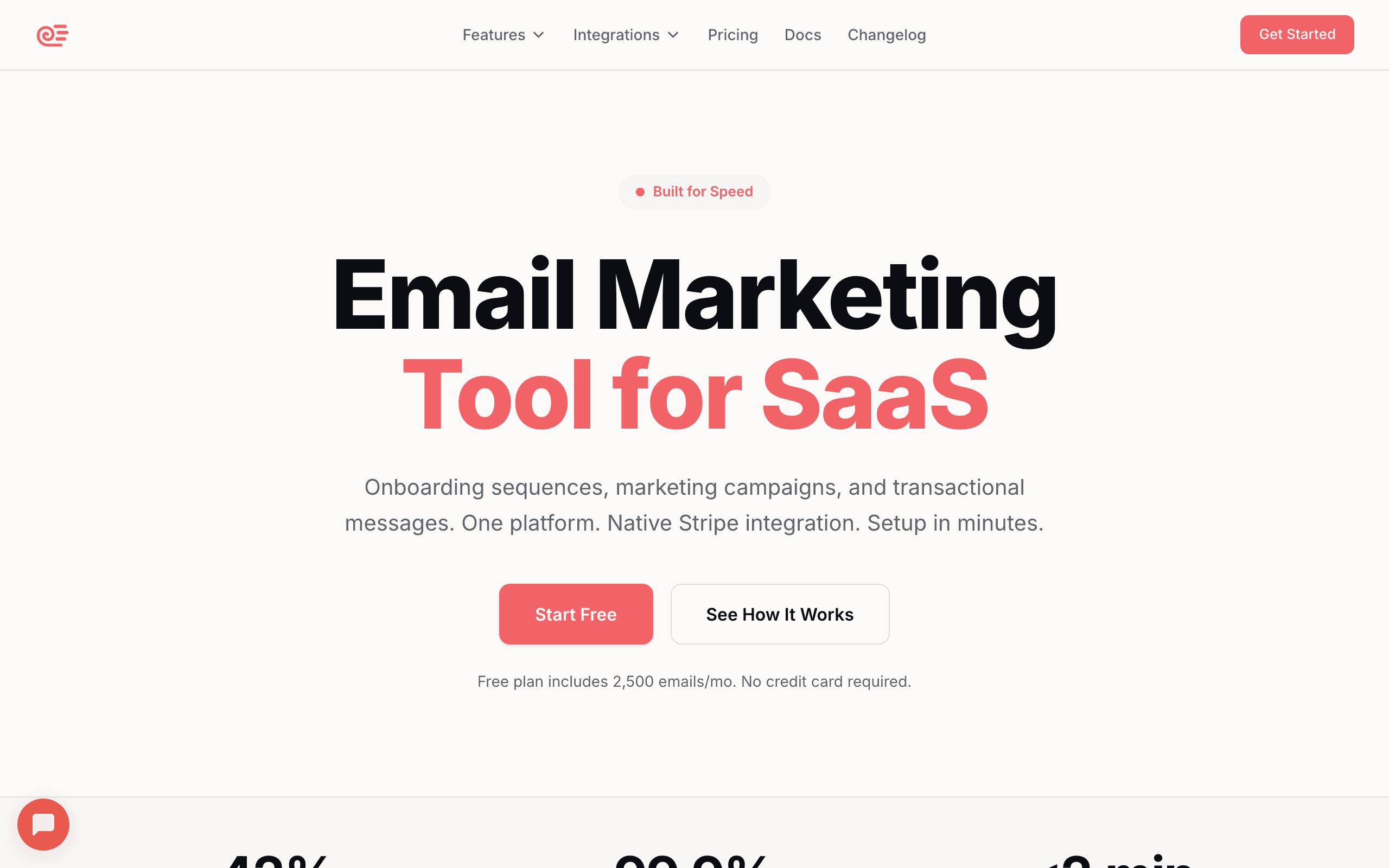
Best for: SaaS founders who want behavioral onboarding without complex setup
Sequenzy makes onboarding sequences straightforward. You define events in your product (signup completed, setup done, first action taken), and those events trigger and control the onboarding sequence.
The AI sequence builder is particularly useful for onboarding. Describe your product and onboarding steps, and it generates a complete sequence with emails for each step, nudges for users who stall, and celebration emails for milestones. Deploy the whole thing in about 10 minutes.
Sequences automatically stop when the goal event fires (e.g., "onboarding.completed"), so users who move fast don't get outdated nudges. This auto-stop behavior is critical for onboarding because users move at wildly different speeds. A technical user might blast through setup in 20 minutes, while another user takes three days. Both should receive relevant emails for where they are, not where a fixed schedule assumes they are.
The unified platform advantage matters for onboarding specifically because the transition from onboarding to the next lifecycle stage (trial conversion, customer engagement) happens seamlessly. The same subscriber record, same event history, same platform. No data handoff to a separate tool.
- Pricing: Free up to 2,500 emails/month, paid plans from $19/month
- Onboarding strength: Event-driven sequences with auto-stop on completion
- Pros:
- Simple event tracking for onboarding steps
- AI generates complete onboarding sequences
- Auto-stop when user completes onboarding
- Combined with marketing and transactional email
- Seamless transition to trial conversion sequences
- Cons:
- No in-app messaging
- Newer platform
- Basic analytics compared to enterprise tools
2. Customer.io
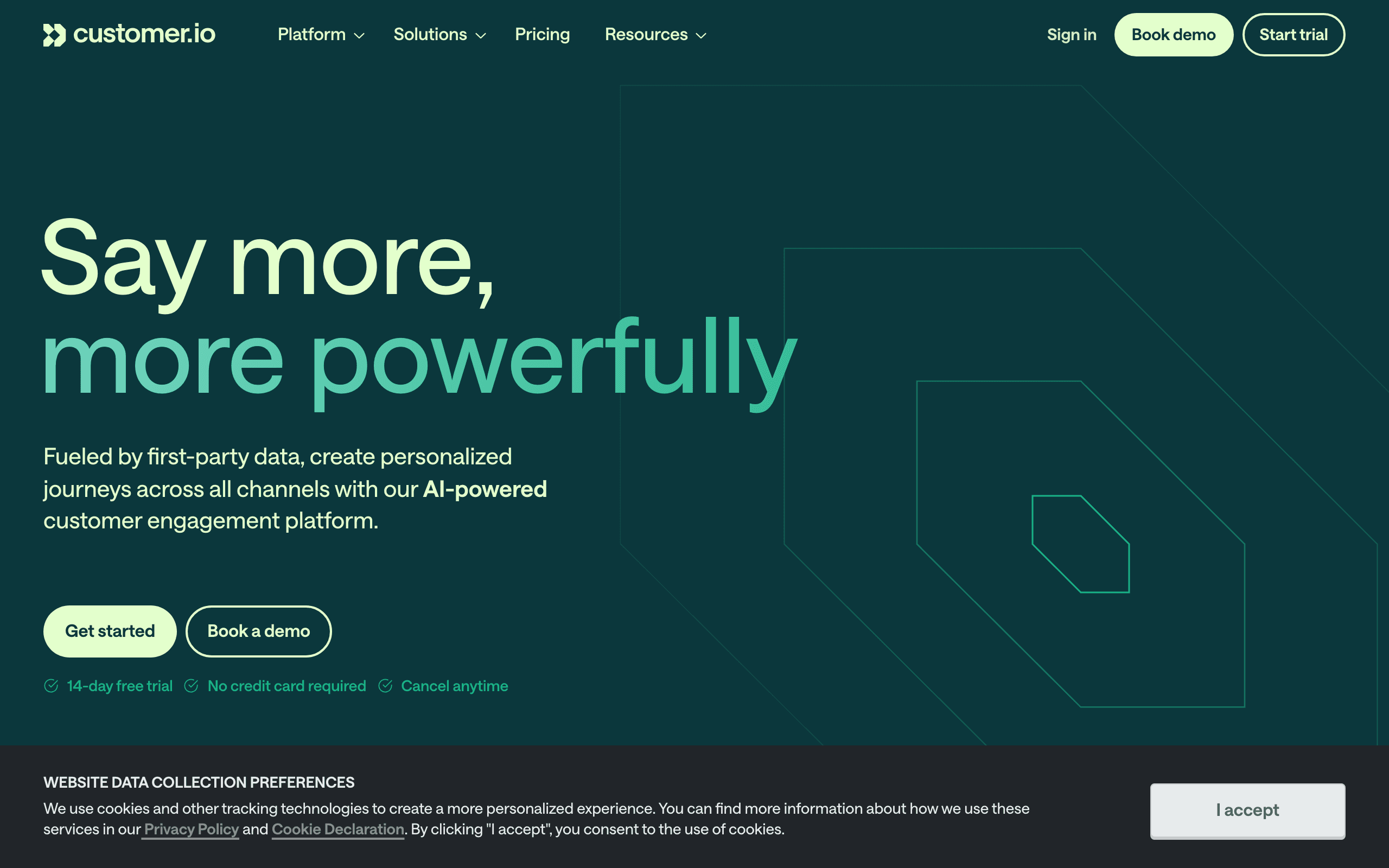
Best for: Technical teams building sophisticated multi-path onboarding
Customer.io offers the most flexible onboarding automation engine. You can build multi-path workflows that branch based on user behavior, plan type, role, and engagement level. The workflow builder supports complex conditional logic that simpler tools can't match.
For example: if a user is on a team plan, send the admin onboarding path. If they're on a solo plan, send the individual path. If they stall for more than 48 hours at any step, branch into a help-offer path. Customer.io handles all of this natively.
The depth of the event data model is where Customer.io really shines for onboarding. You can track not just whether a user completed a step, but how they completed it, how long it took, and what properties were involved. An onboarding email triggered by "project.created" can include the project name, type, and even the template they chose, making the follow-up email feel deeply personalized.
Customer.io also supports "wait for event" conditions inside workflows. Rather than guessing when a user will complete a step, the workflow pauses until the event fires. This means your onboarding sequence moves at exactly the user's pace without any timing guesswork.
- Pricing: Starts at $100/month
- Onboarding strength: Multi-path behavioral workflows with complex logic
- Pros:
- Most flexible workflow builder
- Multi-path branching for different user types
- Supports email, push, SMS, and in-app
- Deep event data integration
- Wait-for-event conditions
- Cons:
- Expensive starting price
- Steep learning curve
- Requires engineering for event setup
- Overkill for straightforward onboarding
3. Userlist
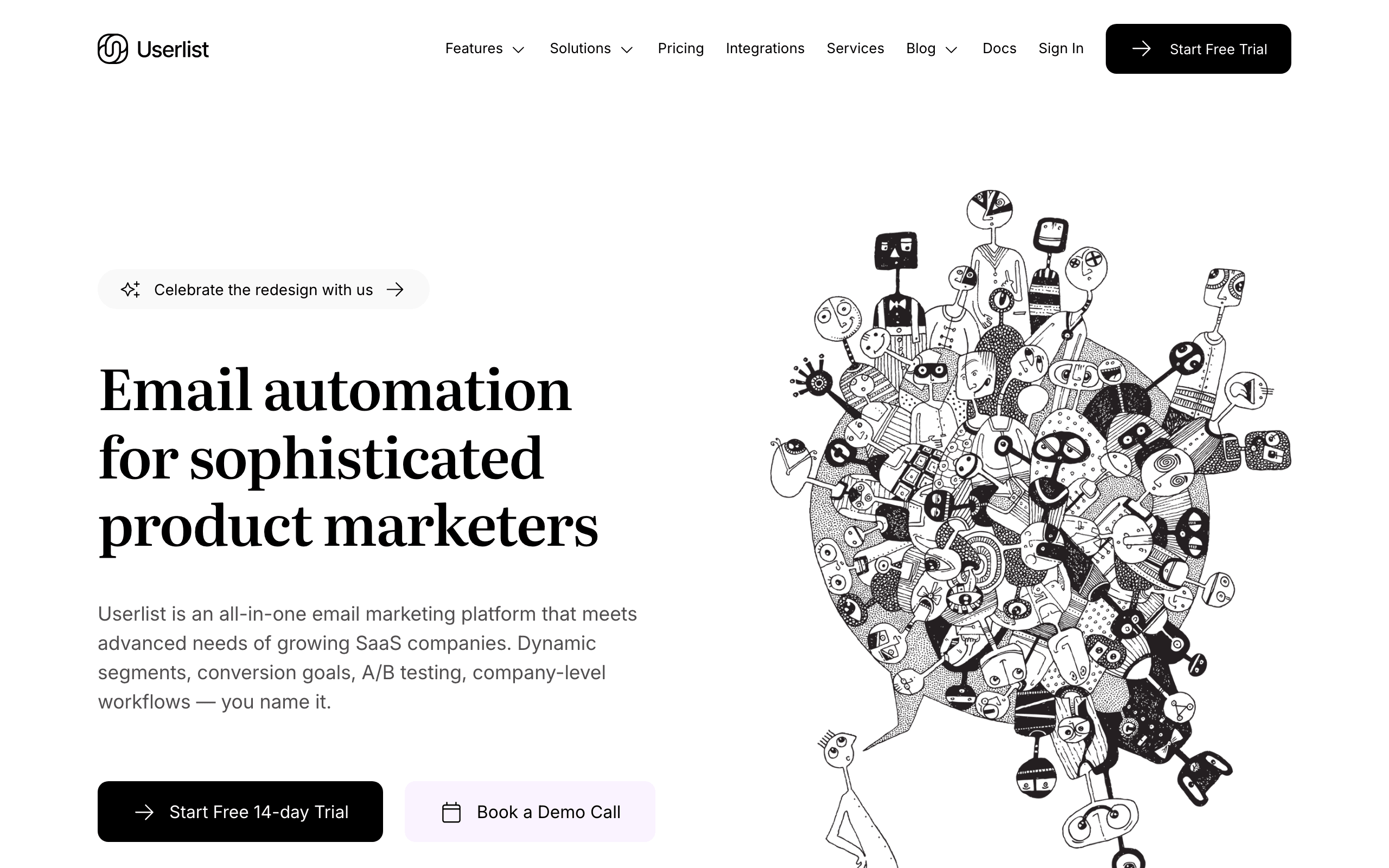
Best for: B2B SaaS with company-level onboarding
Userlist shines for B2B SaaS where onboarding involves multiple people at the same company. It understands the relationship between users and companies, so you can build sequences like "send this to the admin when 3+ team members have logged in" or "trigger the team onboarding email when the company adds its 5th user."
The onboarding templates are SaaS-specific and include common patterns like setup completion tracking, activation milestone emails, and role-based onboarding paths.
For companies where the onboarding goal is team adoption rather than individual activation, Userlist's data model is essential. You can define company-level onboarding milestones: "company has connected their data source," "company has 3+ active users," "company has completed their first report." Each milestone can trigger emails to different people within the organization - the admin who needs to know about progress, team members who should try a new feature, or the billing contact who should see the ROI.
This multi-stakeholder onboarding is something that user-level tools struggle with. In a typical B2B scenario, the person who signs up isn't always the person who needs to complete each onboarding step. Userlist lets you route onboarding emails to the right person at the right time based on their role and the company's overall progress.
- Pricing: Starts at $149/month
- Onboarding strength: Company-level onboarding for B2B
- Pros:
- User + company model for B2B
- SaaS-specific onboarding templates
- Event-driven with behavioral triggers
- Role-based sequence targeting
- Company-level milestone tracking
- Cons:
- Higher starting price
- Smaller ecosystem
- Less flexible than Customer.io
- Not ideal for B2C or solo-user products
4. Intercom
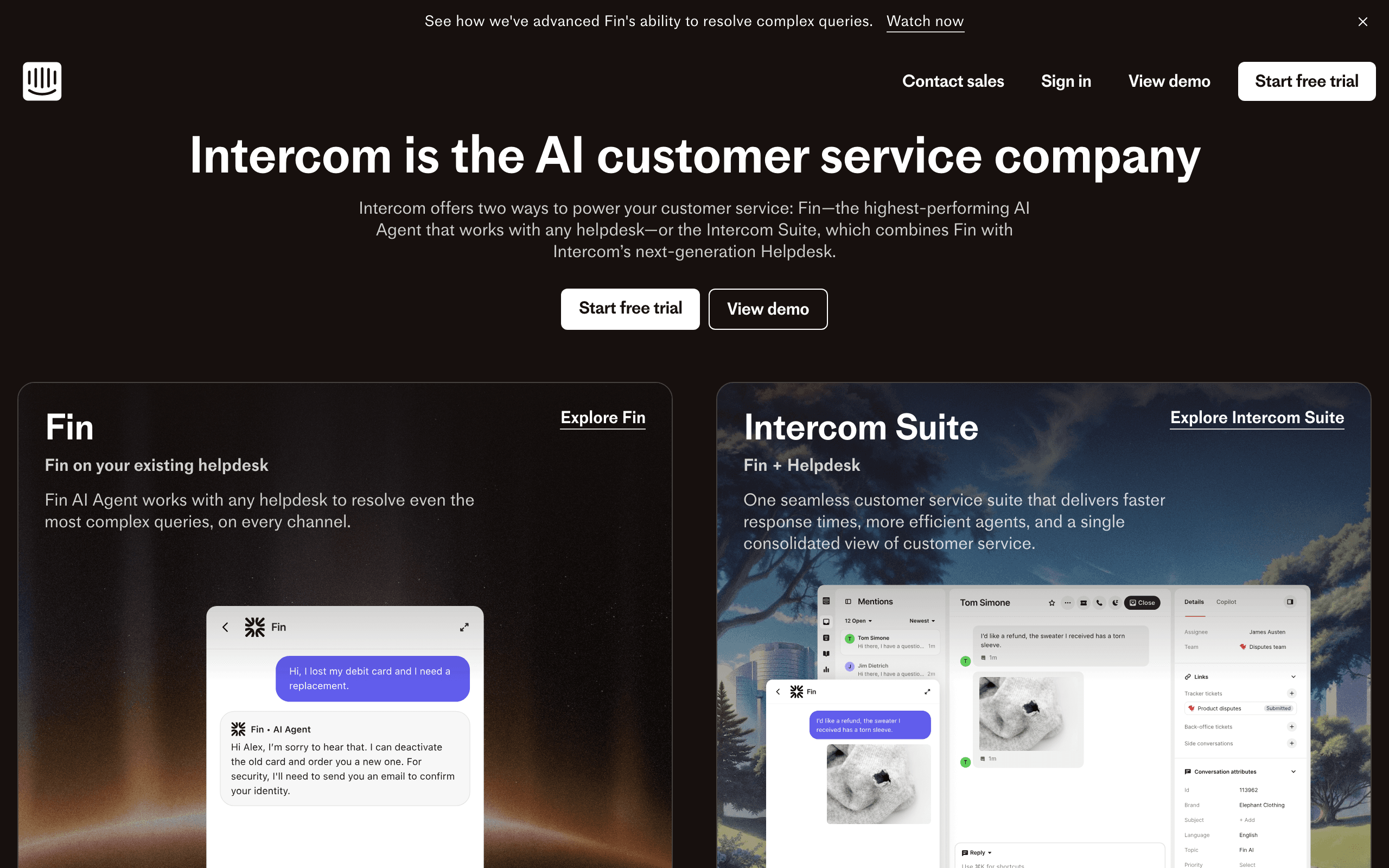
Best for: Teams wanting in-app + email onboarding in one tool
Intercom combines in-app product tours, tooltips, and checklists with email sequences. For onboarding, this multi-channel approach is powerful. Show a tooltip when the user is in the app. Send an email when they're not.
The product tours feature lets you build step-by-step in-app guides that complement your email sequence. A user who completed the in-app tour skips the equivalent email explanation. This coordination between in-app and email is something email-only tools can't do.
The real power of Intercom for onboarding is the channel intelligence. The system knows whether a user is currently active in your app. If they are, the onboarding nudge appears as an in-app message, which has a much higher engagement rate than email. If they're not active, the same nudge goes out as an email. This ensures users get the onboarding guidance wherever they are, without being double-messaged.
The checklist feature is particularly effective for onboarding. Users see a persistent checklist in your app showing their onboarding progress. Each item links to the relevant action. This visual progress indicator keeps users moving forward, and the completion data feeds back into your email sequences for additional targeting.
- Pricing: Starts at $39/seat/month
- Onboarding strength: Combined in-app + email onboarding
- Pros:
- In-app tours + email in one platform
- Checklists and progress tracking
- Multi-channel onboarding coordination
- Rich behavioral targeting
- Channel-aware message delivery
- Cons:
- Expensive (per-seat pricing)
- Email features less sophisticated than dedicated platforms
- Complex to set up properly
- Can be overwhelming
5. Loops
Best for: Early-stage startups wanting clean, simple onboarding email
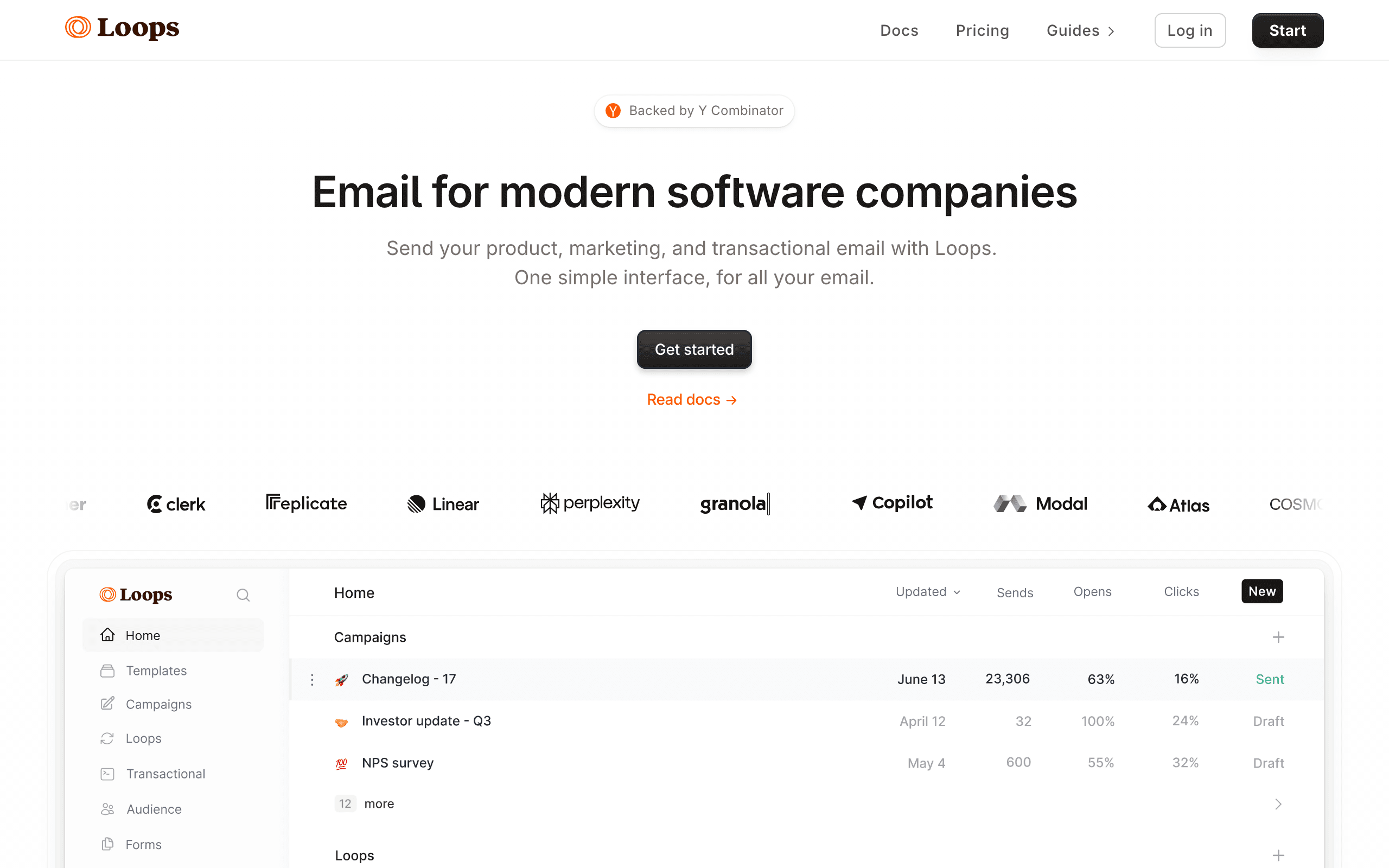
Loops keeps things simple. Define your events, set up triggers, and build sequences. The interface is clean and modern, and you can get a basic onboarding sequence running in under an hour.
For early-stage SaaS that needs a welcome email, a setup nudge, and an activation celebration without overengineering it, Loops hits the right balance of capability and simplicity.
The developer experience is a strong point. The API is clean, the documentation is solid, and the event tracking setup takes minutes. For technical founders who want to ship an onboarding sequence this afternoon rather than next week, the speed-to-launch is compelling. You can literally integrate the event tracking API, create a 5-email onboarding sequence, and have it live in a single work session.
The limitation you'll hit is branching. Loops handles linear sequences well (event triggers sequence, emails send in order with delays), but if you need "if user did X, send A, otherwise send B" logic, the options are limited. For simple products with a straightforward onboarding path, this is fine. For products with multiple user types or complex setup workflows, you'll outgrow it.
- Pricing: Free for 1,000 contacts, paid from $49/month
- Onboarding strength: Simple behavioral sequences with clean UX
- Pros:
- Clean, intuitive interface
- Quick to set up
- Good free tier
- Event-driven triggers
- Great developer experience
- Cons:
- Limited workflow complexity
- Basic segmentation
- No in-app messaging
- Fewer advanced features
6. Encharge
Best for: Non-technical teams building visual onboarding flows
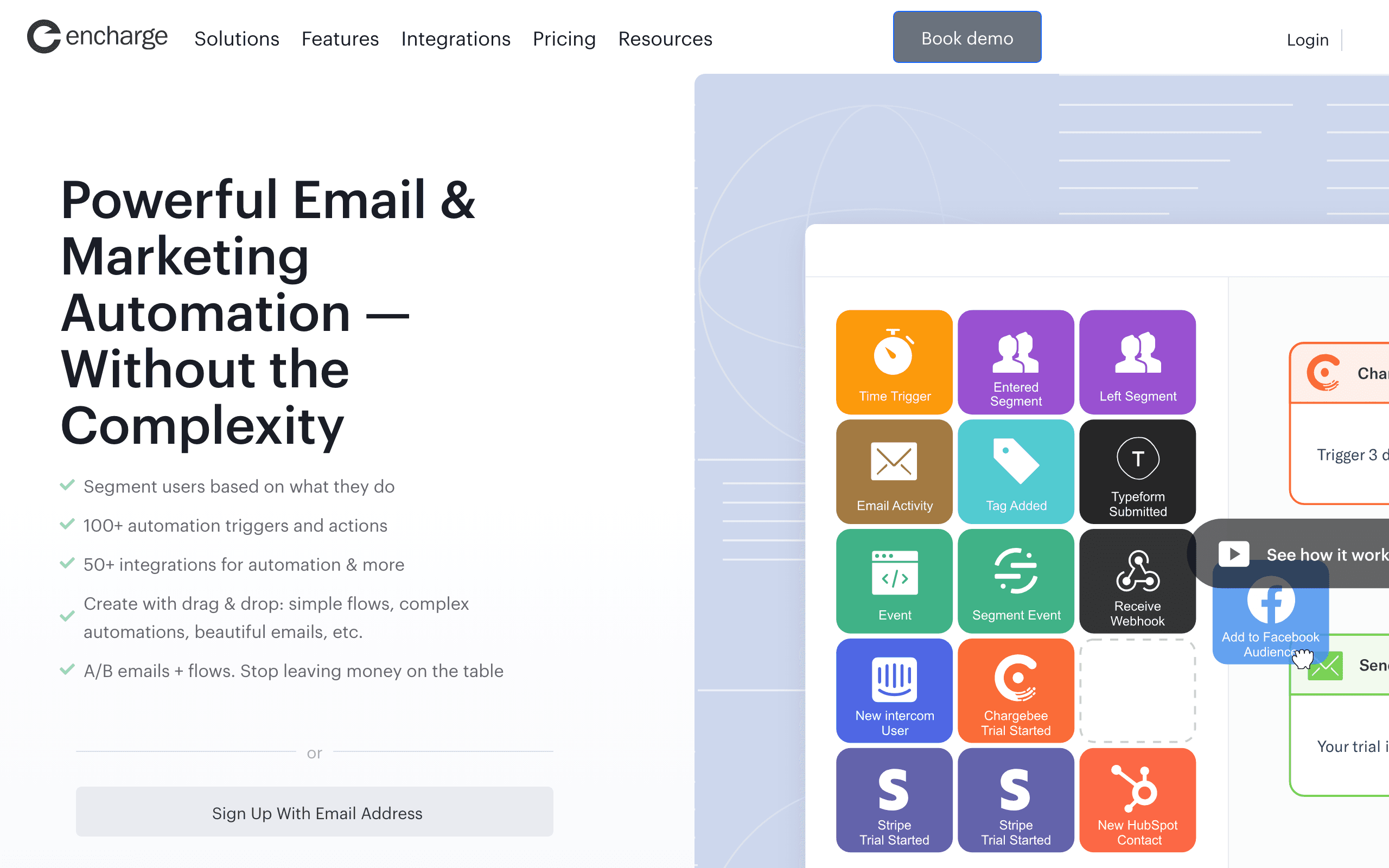
Encharge's visual flow builder makes onboarding logic visible and understandable. You can see the branching paths, timing, and conditions laid out graphically. For teams without dedicated engineering resources, this visual approach makes complex onboarding sequences manageable.
The platform includes user scoring, which can help identify which users are progressing well through onboarding and which are at risk of dropping off. A user's score increases as they complete onboarding steps and decreases if they go inactive. You can then trigger different emails based on score thresholds: high-score users get advanced feature tips, low-score users get help offers.
The visual builder is particularly helpful for onboarding because you can literally see the user journey mapped out on screen. When your product manager asks "what happens if a user completes step 2 but skips step 3?", you can point to the specific branch in the flow. This visibility makes it easier for cross-functional teams to collaborate on the onboarding experience without needing to read code or decipher automation rules.
Encharge also integrates with common SaaS tools like Segment, HubSpot, and Intercom, which means you can pull onboarding data from multiple sources into a single visual flow.
- Pricing: Starts at $79/month
- Onboarding strength: Visual flow builder with behavioral triggers
- Pros:
- Visual automation builder
- User scoring for onboarding progress
- Non-technical friendly
- Good integration ecosystem
- Cross-team collaboration on flows
- Cons:
- Visual builder gets complex for sophisticated flows
- Mid-range pricing
- Smaller user base
- Basic email editor
7. Drip
Best for: Teams with e-commerce experience transitioning to SaaS
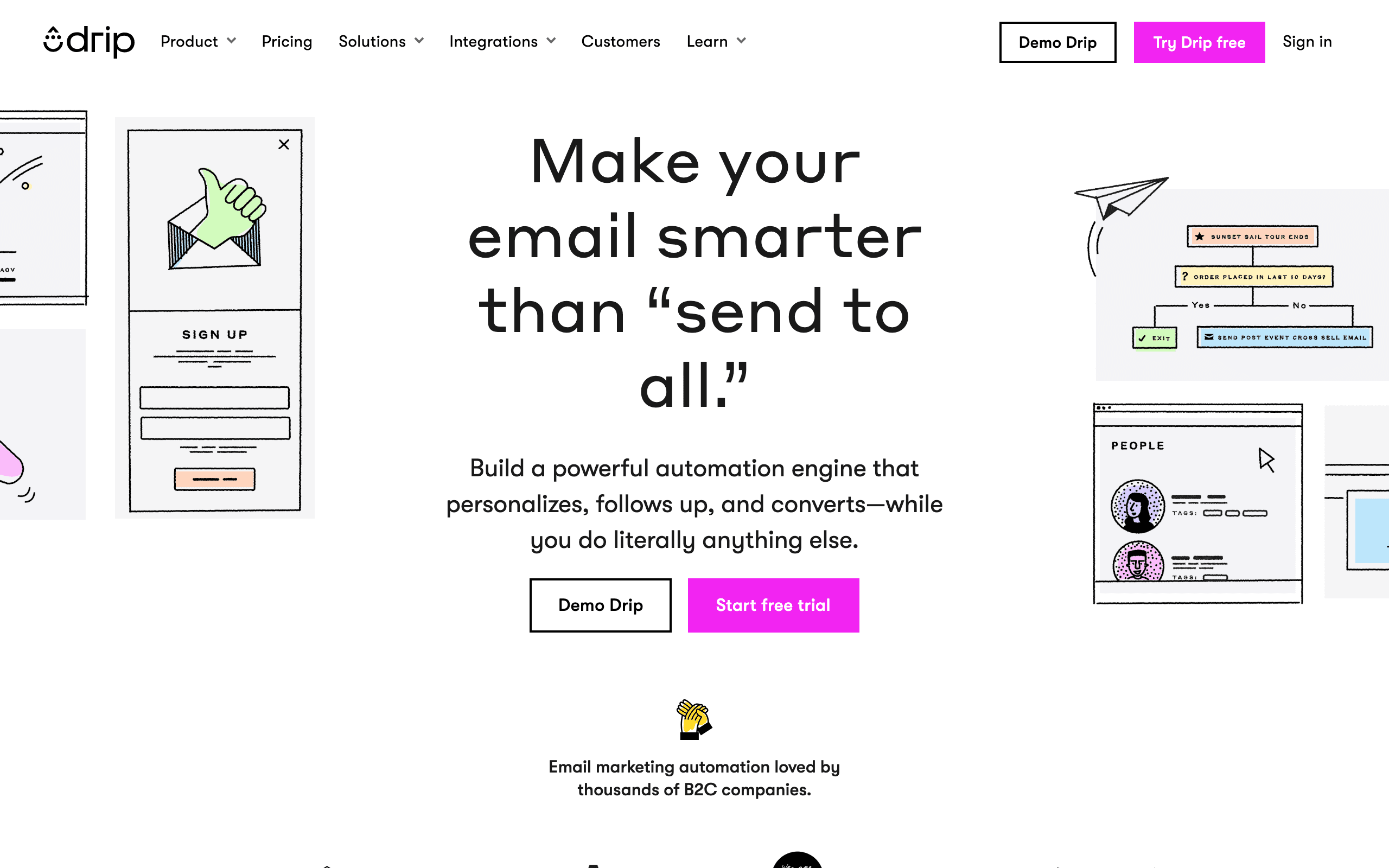
Drip has strong automation capabilities with visual workflows and behavioral triggers. Originally focused on e-commerce, it's increasingly used by SaaS companies for lifecycle email including onboarding.
The automation builder is mature and capable. You can build multi-step onboarding workflows with conditional branching, time delays, and behavioral triggers. The learning curve is moderate and the documentation is solid.
Drip's maturity is actually its main advantage. The platform has been battle-tested by thousands of businesses, and the automation engine is reliable and predictable. When you set up a trigger, it fires. When you set a delay, it's accurate. When you create a branch, the logic works. This reliability matters more than you might think when you're building onboarding sequences that touch every new user.
The tagging system is flexible for onboarding. You can automatically tag users as they complete onboarding steps ("completed-setup," "created-first-project," "invited-teammate"), and then use those tags as conditions in your workflows. This provides a lightweight way to track onboarding progress without a dedicated scoring system.
- Pricing: Starts at $39/month for 2,500 contacts
- Onboarding strength: Mature automation builder with behavioral triggers
- Pros:
- Mature, well-tested automation engine
- Good visual workflow builder
- Strong integration ecosystem
- Solid deliverability
- Reliable trigger execution
- Cons:
- E-commerce DNA (some features less relevant for SaaS)
- Contact-based pricing gets expensive
- Not built specifically for SaaS onboarding
- Limited event-driven capabilities compared to PLG tools
8. Appcues
Best for: Teams wanting the best in-app onboarding with email as support
Appcues is primarily an in-app onboarding tool (tours, checklists, modals) that integrates with email platforms. It doesn't send email itself, but it tracks onboarding progress and can trigger emails in your connected platform when users complete or stall on in-app steps.
If your priority is in-app onboarding with email as a supplementary channel, Appcues + an email tool is a strong combination. The in-app experiences are best-in-class.
The onboarding analytics in Appcues are exceptional. You can see exactly where users drop off in your onboarding flow, how long each step takes, and what the completion rate is for each segment. This data is invaluable for improving your onboarding, both the in-app experience and the supporting email sequence.
The integration model means you're running two tools, which adds cost and complexity. But for products where the primary onboarding experience should happen inside the app (guided tours, interactive checklists, contextual tooltips), with email serving as the fallback channel for users who aren't in the app, the combination is powerful. Appcues handles the in-app layer, and your email tool handles the email layer, with Appcues feeding onboarding progress data to both.
- Pricing: Starts at $249/month
- Onboarding strength: Best-in-class in-app experiences with email integration
- Pros:
- Best in-app onboarding experiences
- Checklists, tours, and tooltips
- Integrates with most email platforms
- Strong analytics on onboarding completion
- Detailed drop-off analysis
- Cons:
- Not an email tool (requires separate email platform)
- Expensive
- Additional cost and complexity of two tools
- In-app only, email is secondary
9. Mailgun
Best for: Engineering teams building custom onboarding logic
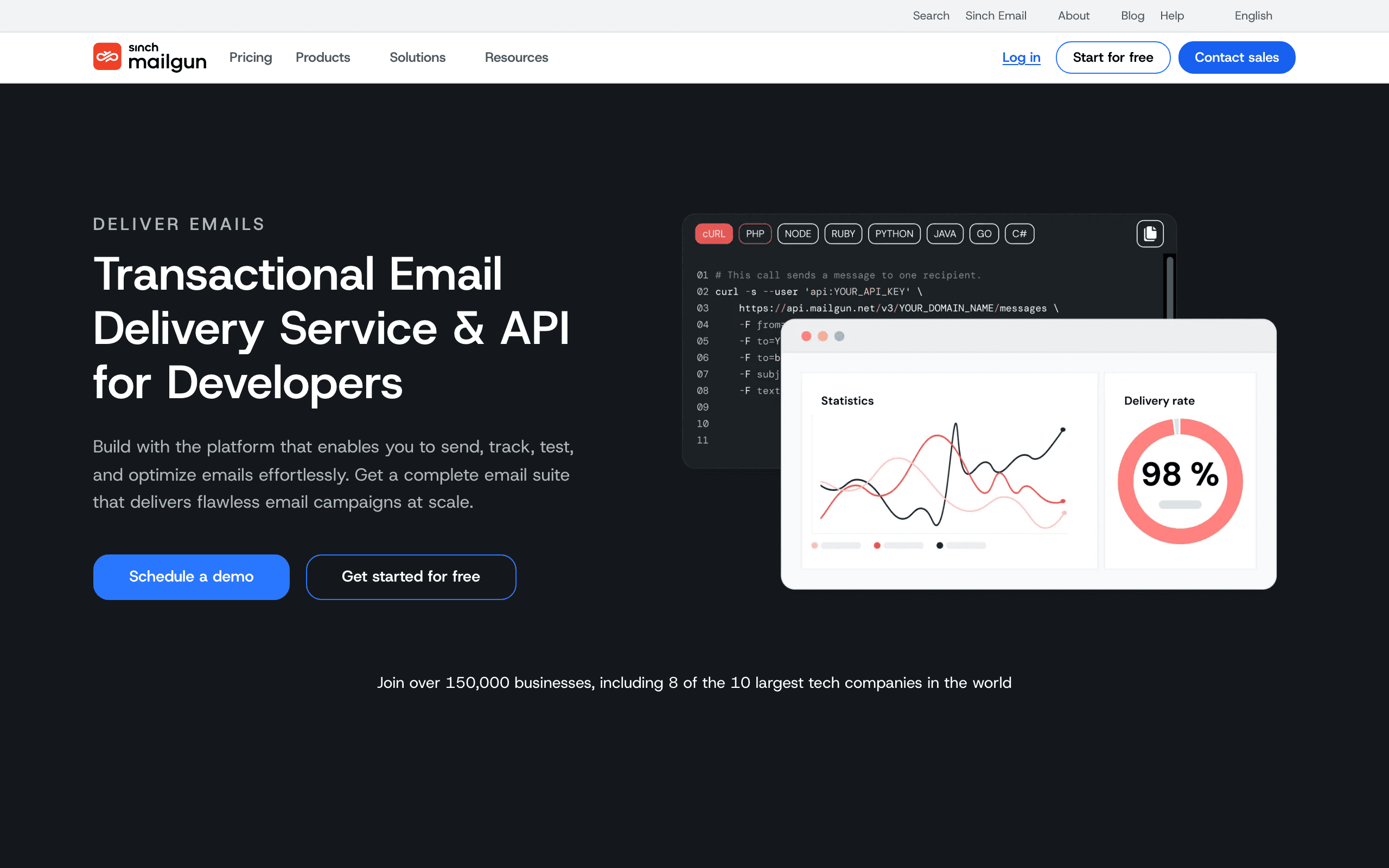
Mailgun is a developer-first email API that lets you build completely custom onboarding sequences programmatically. You control the logic, the timing, and the conditions in your own code. Mailgun handles delivery.
For SaaS companies with strong engineering teams who want complete control over the onboarding experience, Mailgun's API-first approach is compelling. You can build sophisticated onboarding workflows that pull data from your product database, your CRM, your analytics tool, and any other source. The onboarding logic lives in your codebase where your team can version it, test it, and iterate on it using your existing engineering practices.
The trade-off is that you're building everything yourself. There's no visual workflow builder, no pre-built onboarding templates, no drag-and-drop automation editor. You're writing code to evaluate user state, determine what email to send, and trigger the send via API. This gives you maximum flexibility but requires significant engineering investment.
Mailgun's strength for onboarding is really in the transactional side - the welcome email, the setup confirmation, the activation notification. For complex behavioral onboarding sequences with branching logic, you'll need to build the orchestration layer yourself. Some teams consider this a feature, not a bug, because they want complete control. Others find it reinvents wheels that other tools provide out of the box.
- Pricing: Pay-as-you-go, $0.80/1,000 emails
- Onboarding strength: Developer-controlled transactional email with custom logic
- Pros:
- Complete control over onboarding logic
- API-first approach
- Excellent deliverability
- Strong analytics and logging
- Integrates with any tech stack
- Cons:
- No visual workflow builder
- Requires significant engineering work
- No pre-built onboarding templates
- Overkill for simple onboarding
10. SendGrid
Best for: Teams needing reliable transactional email at scale
SendGrid is a mature email delivery platform with strong automation capabilities. Like Mailgun, it's API-first and developer-friendly, but it also includes a marketing automation layer that can handle onboarding sequences without requiring you to build everything from scratch.
The automation engine is capable but not as sophisticated as dedicated behavioral tools like Customer.io. You can build time-based sequences with basic conditional logic, and you can trigger automations via API based on user actions. For many SaaS onboarding scenarios, this is sufficient.
SendGrid's main advantage is scale and reliability. The platform handles billions of emails daily, and the deliverability infrastructure is enterprise-grade. If your SaaS product is growing rapidly and you need an onboarding email solution that won't break at scale, SendGrid is a safe bet.
The limitation for onboarding specifically is that SendGrid's automation features feel like an add-on to the core delivery product rather than a first-class behavioral email platform. Complex multi-path onboarding workflows with deep event integration are possible but require more work than in tools where behavioral automation is the core focus.
- Pricing: Free tier available, paid plans from $19/month
- Onboarding strength: Reliable delivery with basic automation
- Pros:
- Excellent deliverability at scale
- API-first with good documentation
- Marketing automation included
- Template editor for onboarding emails
- Strong analytics and reporting
- Cons:
- Automation features less sophisticated than behavioral tools
- Complex branching requires workarounds
- Not purpose-built for SaaS onboarding
- Limited event-driven capabilities
11. ActiveCampaign
Best for: Teams wanting CRM + onboarding email in one system
ActiveCampaign combines email automation with CRM, which gives you onboarding tracking alongside email execution. You can track where each new user is in their setup journey, assign onboarding stages, and trigger automations based on stage changes.
The automation builder is mature and handles multi-step onboarding sequences well. The CRM component adds context like lead score, last interaction, and account details. For teams that want sales and onboarding management in one tool, it's comprehensive.
The CRM dimension adds value for onboarding that pure email tools can't match. You can track deals, assign onboarding stages in the CRM, and use that data to power email automations. When a lead becomes a customer, the contact automatically enters the customer onboarding email sequence. When an onboarding stage changes from "setup" to "activation," the sales team gets notified.
ActiveCampaign also has a large library of pre-built automations (called "recipes") for common onboarding scenarios. You can import a recipe for post-purchase onboarding, setup completion sequences, or feature adoption campaigns and customize it rather than building from scratch. For teams that want to get onboarding email running quickly without deep technical setup, these templates save significant time.
- Pricing: Starts at $29/month (email only), $49/month (with CRM)
- Onboarding strength: CRM + email for combined onboarding view
- Pros:
- CRM alongside email automation
- Mature automation builder
- Customer scoring for onboarding progress
- Large integration ecosystem
- Pre-built onboarding automations
- Cons:
- Gets complex and expensive with add-ons
- Not SaaS-specific (general purpose)
- Learning curve for the full platform
- Stripe integration requires setup
12. HubSpot
Best for: Teams wanting marketing automation + CRM for onboarding
HubSpot's Marketing Hub includes lifecycle stage tracking, email automation, and CRM. The free CRM means you can start without cost and add marketing automation as you grow. For SaaS companies that want to manage onboarding within a broader marketing context, HubSpot provides a unified platform.
The automation engine is powerful and supports complex workflows. You can build onboarding sequences with conditional branching, trigger based on form submissions, page views, and list memberships, and coordinate onboarding with other marketing campaigns.
The limitation for SaaS onboarding is that HubSpot is primarily designed for marketing-led growth rather than product-led growth. Behavioral triggers like "user created first project" or "user reached feature limit" require custom setup via integrations or API calls. If your onboarding is primarily marketing-driven (lead nurturing, trial signups, demo requests), HubSpot excels. If it's product-driven (in-app events, usage milestones), you'll need to engineer the bridge between your product and HubSpot.
HubSpot's strength for onboarding is really in the enterprise segment where you want onboarding coordinated with broader marketing and sales processes. The contact record accumulates all interactions - from first website visit to onboarding completion to upsell - giving you a complete view of the customer journey.
- Pricing: Free CRM, Marketing Hub from $20/month, Professional from $890/month
- Onboarding strength: Marketing automation + CRM for complete customer view
- Pros:
- Comprehensive contact tracking
- CRM + email + marketing tools
- Free CRM to start
- Massive integration ecosystem
- Strong workflow automation
- Cons:
- Professional features are very expensive
- Not SaaS-specific
- Product-led onboarding requires custom setup
- Onboarding HubSpot itself takes weeks
13. GetResponse
Best for: Budget-conscious teams wanting automation without complexity
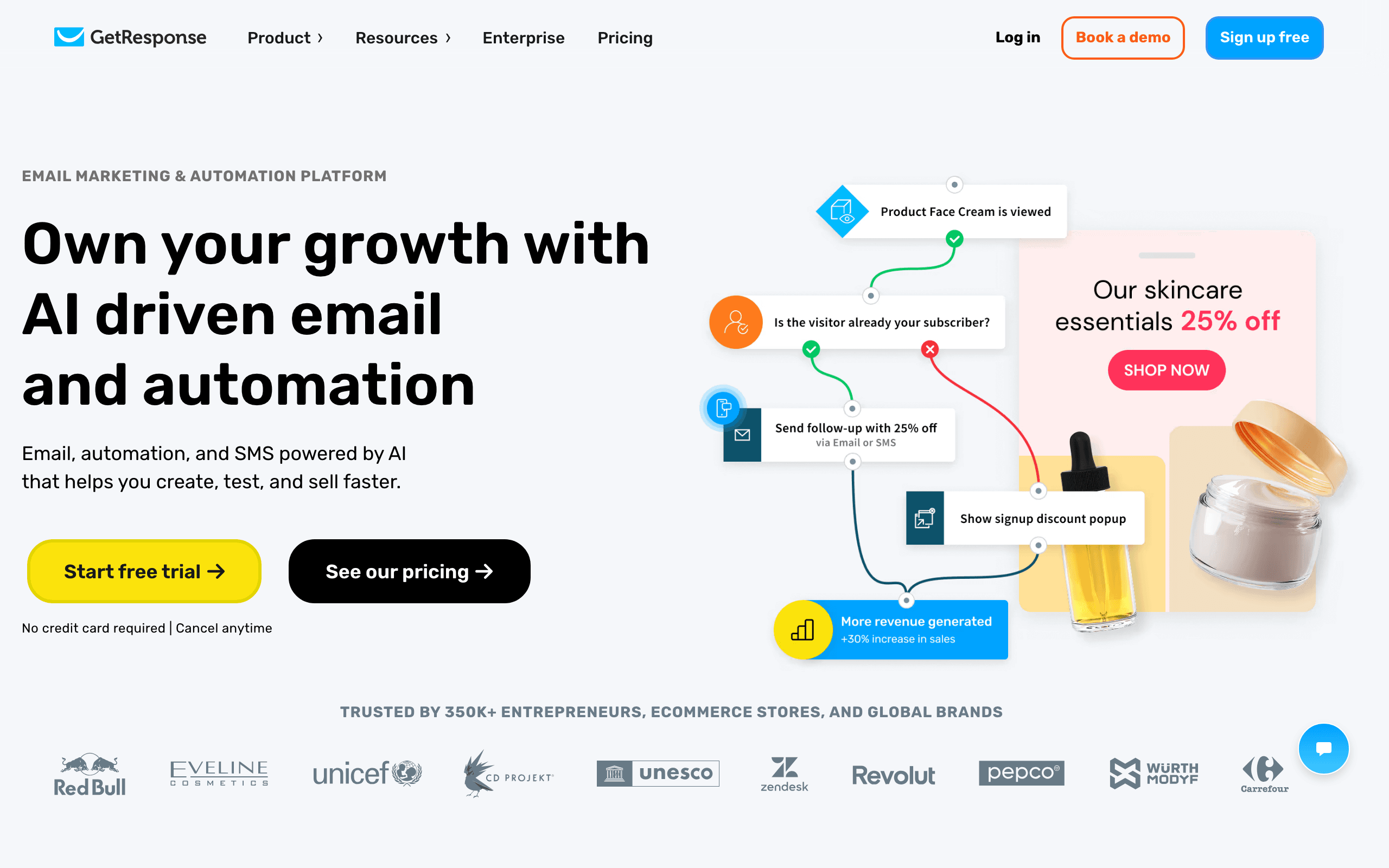
GetResponse is an established email marketing platform with solid automation features at an accessible price point. The automation builder is visual and relatively easy to use, making it possible to build onboarding sequences without technical expertise.
The platform includes pre-built automation templates for common scenarios, including some that work for SaaS onboarding. You can customize these templates rather than starting from scratch, which speeds up implementation.
The limitation for SaaS onboarding is that GetResponse's automation is primarily list-based and time-based rather than event-based. You can trigger automations when someone joins a list or fills a form, and you can build conditional logic based on clicks and opens. But deep behavioral integration with your product - "send email when user completes setup step 3" - requires using their API or webhooks, which is more limited than dedicated behavioral tools.
GetResponse works well for straightforward onboarding sequences where the triggers are relatively simple: welcome email when they sign up, setup reminder after 48 hours of inactivity, feature highlights over the first week. For complex multi-path onboarding with heavy behavioral segmentation, you'll hit limitations.
- Pricing: Starts at $19/month
- Onboarding strength: Accessible automation with templates
- Pros:
- Affordable pricing
- Visual automation builder
- Pre-built automation templates
- Good deliverability
- Includes landing pages and webinars
- Cons:
- Limited event-driven capabilities
- List-based rather than behavior-based
- Less sophisticated than dedicated tools
- Not SaaS-specific
14. MailerLite
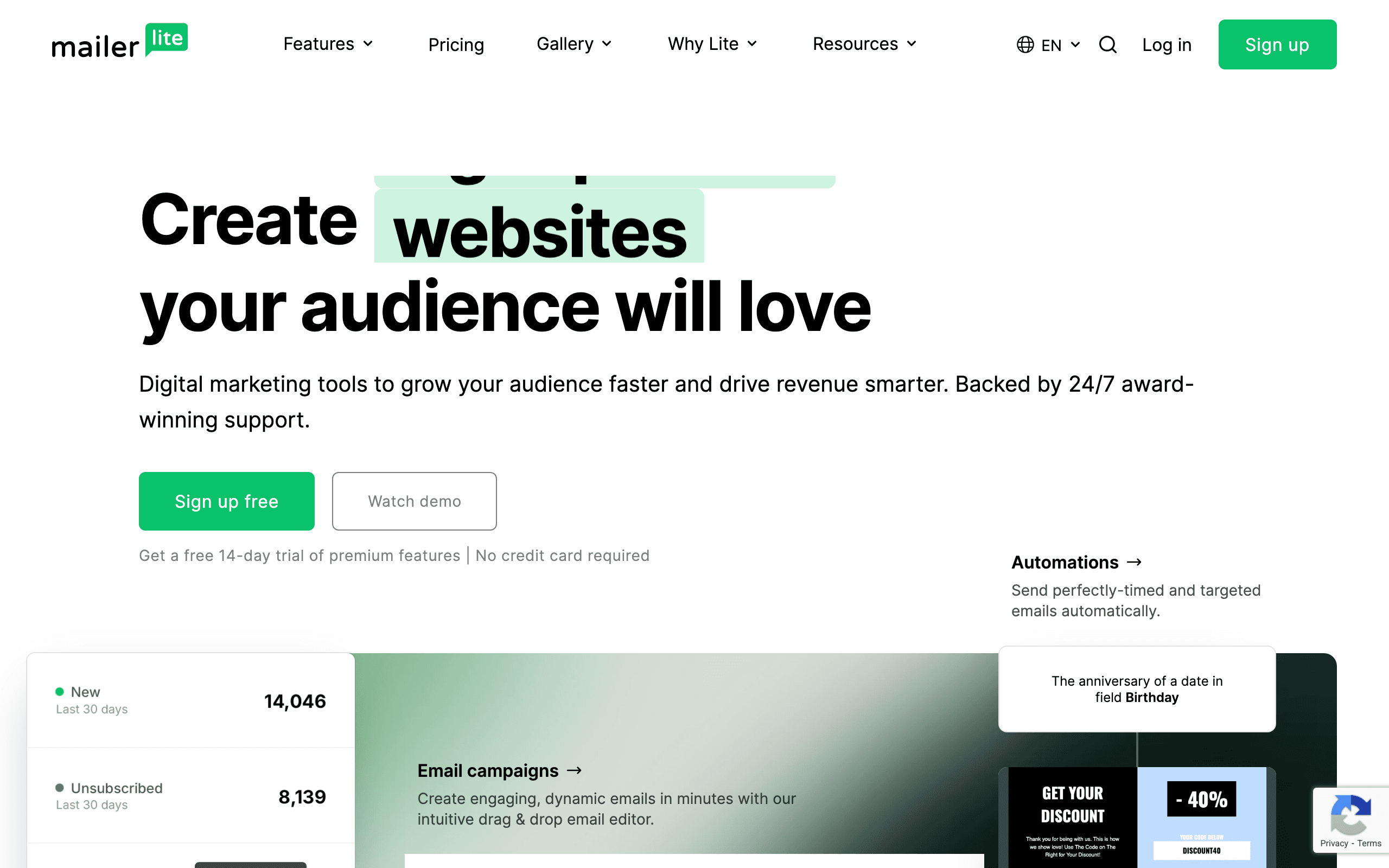
Best for: Simple SaaS products needing basic onboarding sequences
MailerLite is known for simplicity and clean design. The automation builder is straightforward, and you can build basic onboarding sequences without a steep learning curve. For simple SaaS products with straightforward onboarding paths, this simplicity is an advantage.
The platform includes a visual automation builder that supports branching logic and time delays. You can build sequences like: welcome email → 2-day delay → setup check → branch based on click → completion email. This covers many basic onboarding scenarios.
The trade-off is that MailerLite's automation features are not as deep as more sophisticated tools. Complex behavioral triggers, deep event integration, and multi-path workflows based on user attributes are limited or impossible. If your onboarding is "send these 5 emails over 2 weeks," MailerLite handles it beautifully. If your onboarding is "branch into 3 different paths based on user type and product usage," you'll need a more capable tool.
MailerLite's strength is really in the entry-level segment. If you're just starting your SaaS and need basic onboarding email without investing in a complex platform, MailerLite gets you running quickly. You can always migrate to a more sophisticated tool later as your onboarding needs evolve.
- Pricing: Free tier available, paid from $10/month
- Onboarding strength: Simple automations for straightforward onboarding
- Pros:
- Very affordable
- Clean, easy-to-use interface
- Visual automation builder
- Good template library
- Low learning curve
- Cons:
- Limited behavioral triggers
- Basic segmentation
- No event tracking
- Not suitable for complex onboarding
15. ConvertKit
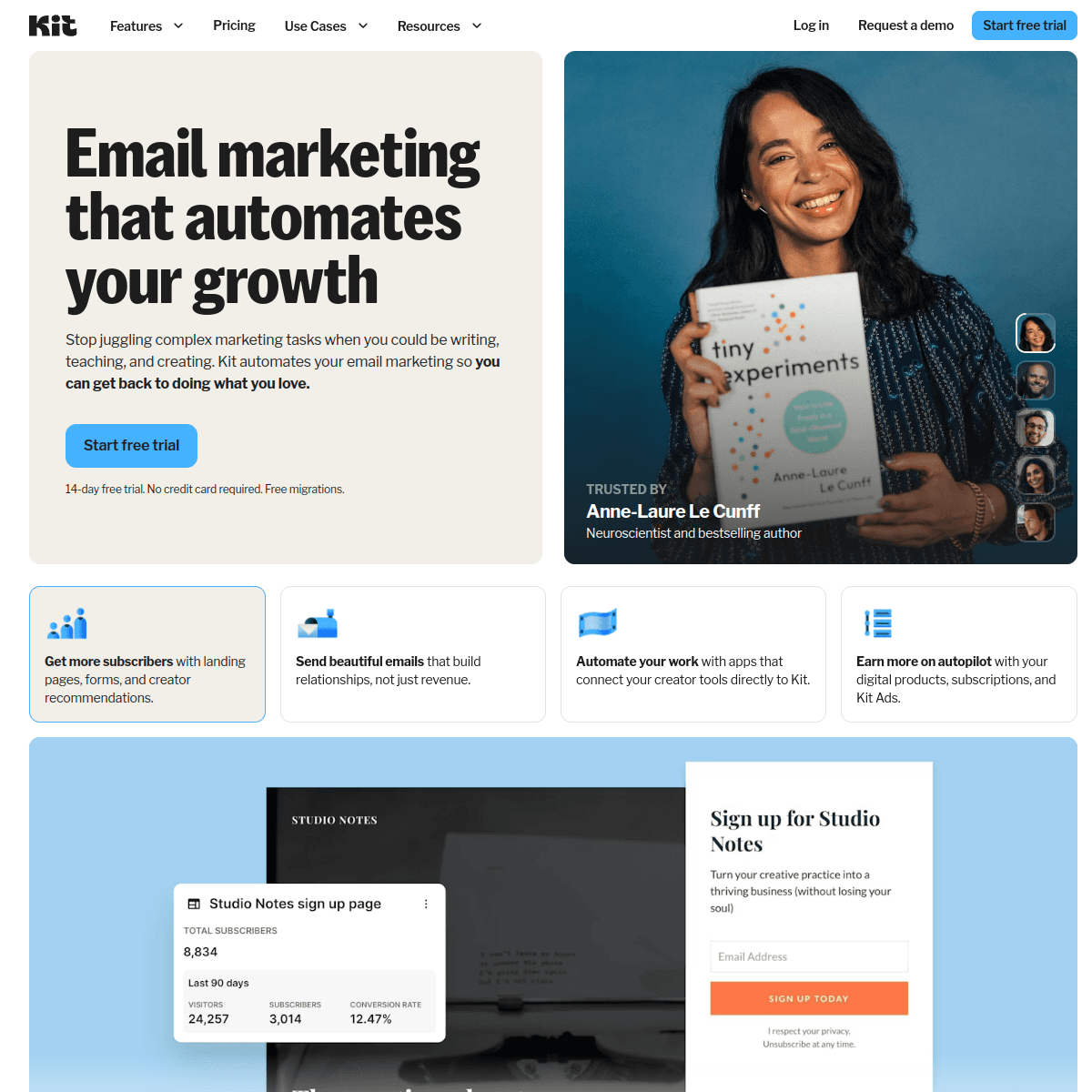
Best for: Creator-focused SaaS with simple onboarding needs
ConvertKit is designed for creators but increasingly used by small SaaS products. Its strength is simplicity and a focus on creator-style email sequences rather than complex behavioral automation.
The automation features are straightforward: sequences, tags, and conditional rules. You can build onboarding sequences where users progress through steps, get tagged based on actions, and branch into different paths. The interface is clean and the learning curve is gentle.
For SaaS products with a creator or solo-founder focus - tools for YouTubers, podcasters, writers - ConvertKit's approach to email feels native. The onboarding sequences can match the creator-focused voice and style of the product. But for more traditional SaaS with complex behavioral needs, ConvertKit feels limited.
The main limitation is that ConvertKit lacks deep behavioral integration. Triggers are primarily based on email engagement (opens, clicks) and form submissions, not product events. If your onboarding needs to know "user completed setup step 3" or "user invited 3 teammates," you'll need to engineer that bridge yourself via API or webhooks, which isn't ConvertKit's strength.
- Pricing: Free tier available, paid from $9/month
- Onboarding strength: Simple sequences for creator-focused SaaS
- Pros:
- Very affordable
- Simple automation model
- Creator-focused features
- Good landing page builder
- Easy to learn
- Cons:
- Limited behavioral triggers
- Not SaaS-specific
- Basic segmentation
- No event tracking
- Limited for complex onboarding
16. Brevo (formerly Sendinblue)
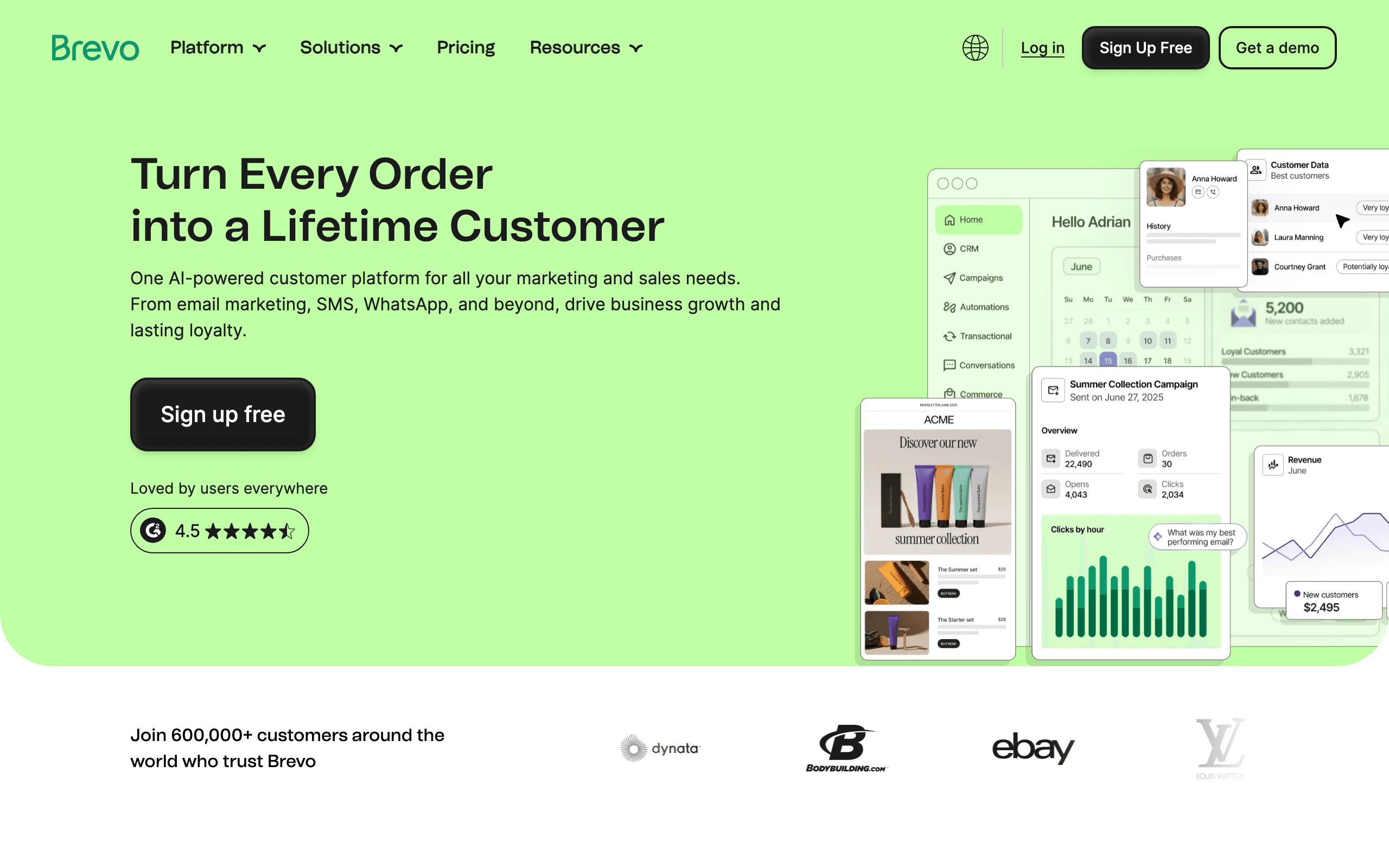
Best for: Teams wanting a free tier with automation capabilities
Brevo offers a generous free tier that includes automation features, making it accessible for bootstrapped SaaS products. The automation builder is visual and supports branching logic, time delays, and conditional splits.
The platform includes both email and SMS, which is useful for onboarding if you want to reach users via multiple channels. You can build sequences that start with email, escalate to SMS for critical setup steps, and return to email for ongoing guidance.
The limitation for SaaS onboarding is similar to other general-purpose platforms: the automation is primarily time-based and list-based rather than event-driven. You can build "send this email 3 days after signup" but not "send this email when user completes setup step 2" without using their API or webhooks, which are more limited than dedicated behavioral tools.
Brevo works well for basic onboarding sequences where you're guiding users through a linear setup process over time. For complex, behaviorally-responsive onboarding that adapts to each user's actual progress, you'll eventually hit limitations.
- Pricing: Generous free tier (300 emails/day), paid from $25/month
- Onboarding strength: Free tier with multi-channel automation
- Pros:
- Generous free tier
- Email + SMS in one platform
- Visual automation builder
- Good template library
- Includes basic CRM features
- Cons:
- Limited event-driven capabilities
- Automation less sophisticated than dedicated tools
- Not SaaS-specific
- Basic behavioral triggers
17. Klaviyo
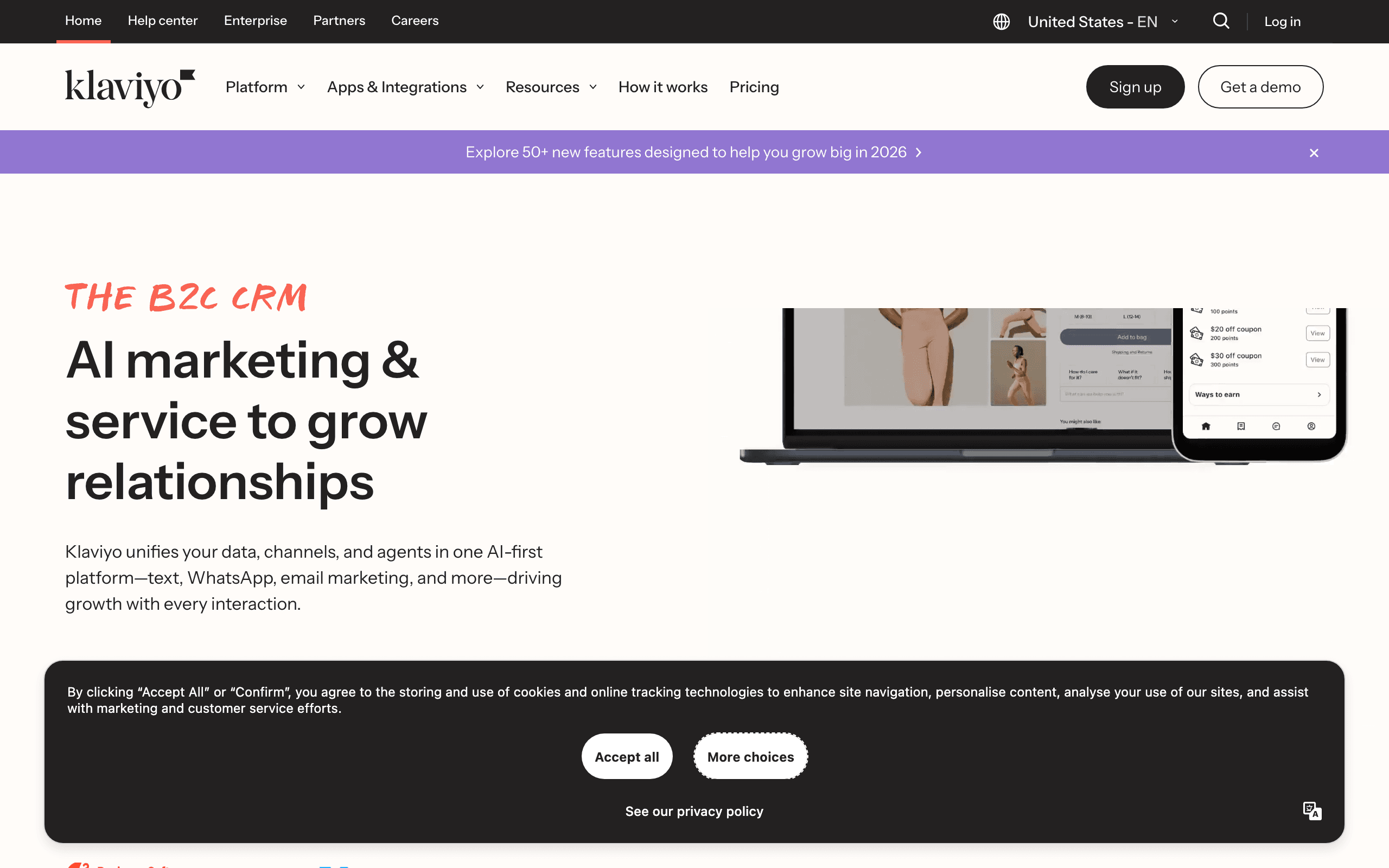
Best for: E-commerce-style onboarding with strong behavioral segmentation
Klaviyo is built for e-commerce but its behavioral segmentation and automation engine are sophisticated enough to handle many SaaS onboarding scenarios. The platform excels at tracking user actions and triggering emails based on those actions.
The segmentation capabilities are particularly strong. You can create segments based on any combination of user attributes and behaviors, which is useful for onboarding when you want to target different user types with different sequences. "Enterprise trial users who completed setup but haven't invited teammates" is a segment you can build and target.
The limitation is that Klaviyo's event model is optimized for e-commerce (viewed product, added to cart, purchased) rather than SaaS (completed setup, created project, reached feature limit). You can track custom events, but the platform's pre-built features and templates assume e-commerce context. For SaaS onboarding, this means more customization work.
Klaviyo works well for SaaS products that have an e-commerce component or that want to leverage e-commerce-style behavioral segmentation for onboarding. If your onboarding involves trial-to-purchase conversion, plan upgrades, or usage-based upsells, Klaviyo's segmentation engine is powerful.
- Pricing: Free tier available, paid from $20/month
- Onboarding strength: Strong behavioral segmentation
- Pros:
- Powerful segmentation engine
- Good automation builder
- Tracks custom events
- Strong analytics
- Integrates with many platforms
- Cons:
- E-commerce focus (not SaaS-specific)
- Event model optimized for commerce
- SaaS onboarding requires customization
- Interface can be complex
18. Iterable
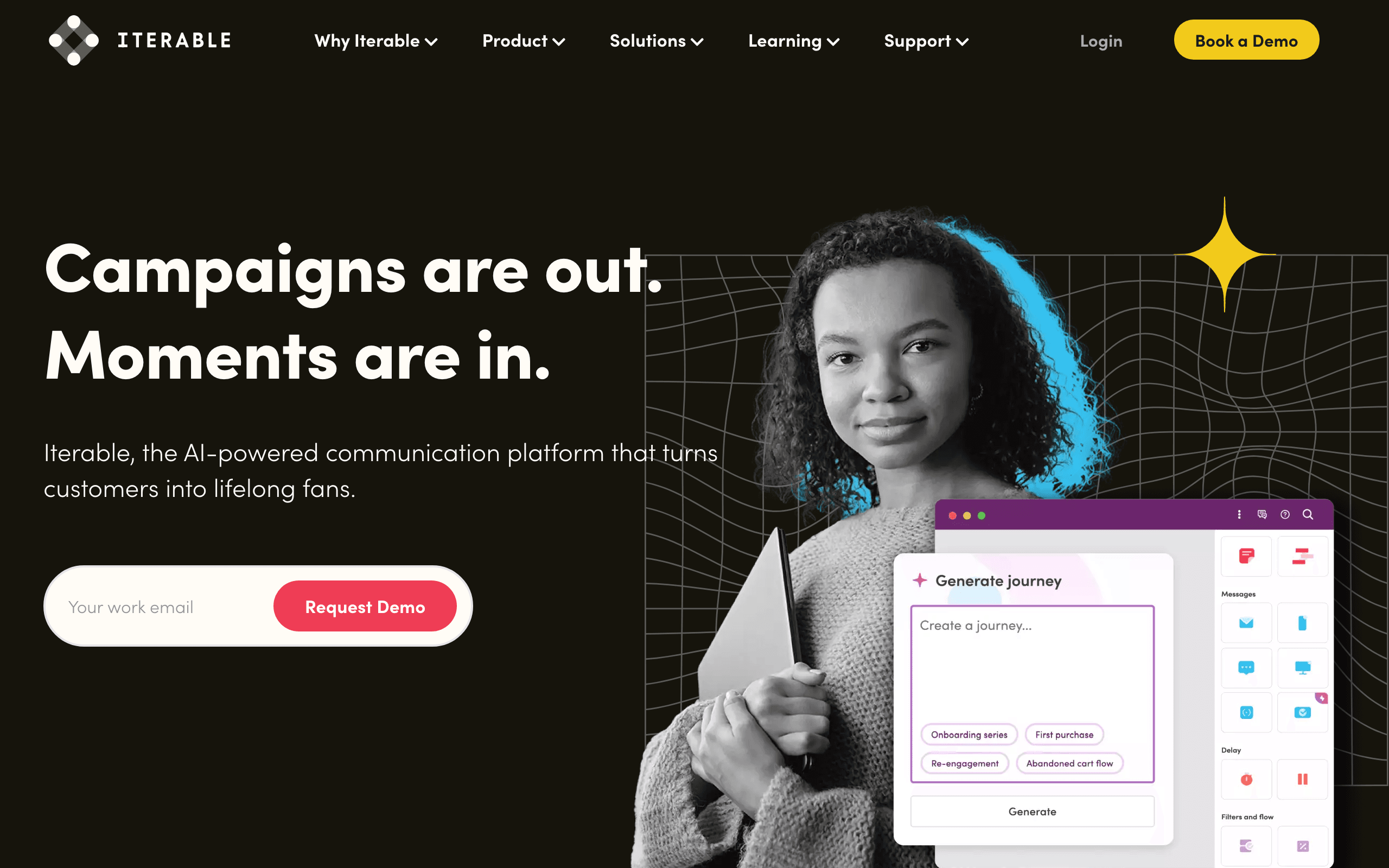
Best for: Mobile-first SaaS with cross-channel onboarding needs
Iterable is a cross-channel engagement platform that handles email, mobile push, SMS, in-app, and web push from a single interface. For mobile apps or SaaS products with strong mobile components, this unified approach to onboarding is valuable.
The workflow automation engine is sophisticated and supports complex branching, time delays, and event triggers. You can build onboarding sequences that coordinate across channels: in-app message when they're using the app, push notification when they're not, email as a fallback.
The strength for onboarding is really the mobile and cross-channel coordination. If your onboarding experience spans web, mobile web, and mobile app, Iterable lets you create a unified onboarding journey that reaches users wherever they are with the right message for that channel.
The trade-off is complexity and cost. Iterable is an enterprise-grade platform with enterprise pricing. For early-stage SaaS or products without strong mobile components, Iterable is overkill. But for established SaaS with sophisticated cross-channel onboarding needs, it's a powerful option.
- Pricing: Enterprise pricing (contact for quote)
- Onboarding strength: Cross-channel onboarding coordination
- Pros:
- Unified cross-channel messaging
- Sophisticated workflow automation
- Strong mobile and push capabilities
- Good event tracking
- Enterprise-grade features
- Cons:
- Enterprise pricing (expensive)
- Complex to set up
- Overkill for simple onboarding
- Steep learning curve
19. Braze (formerly Braze)
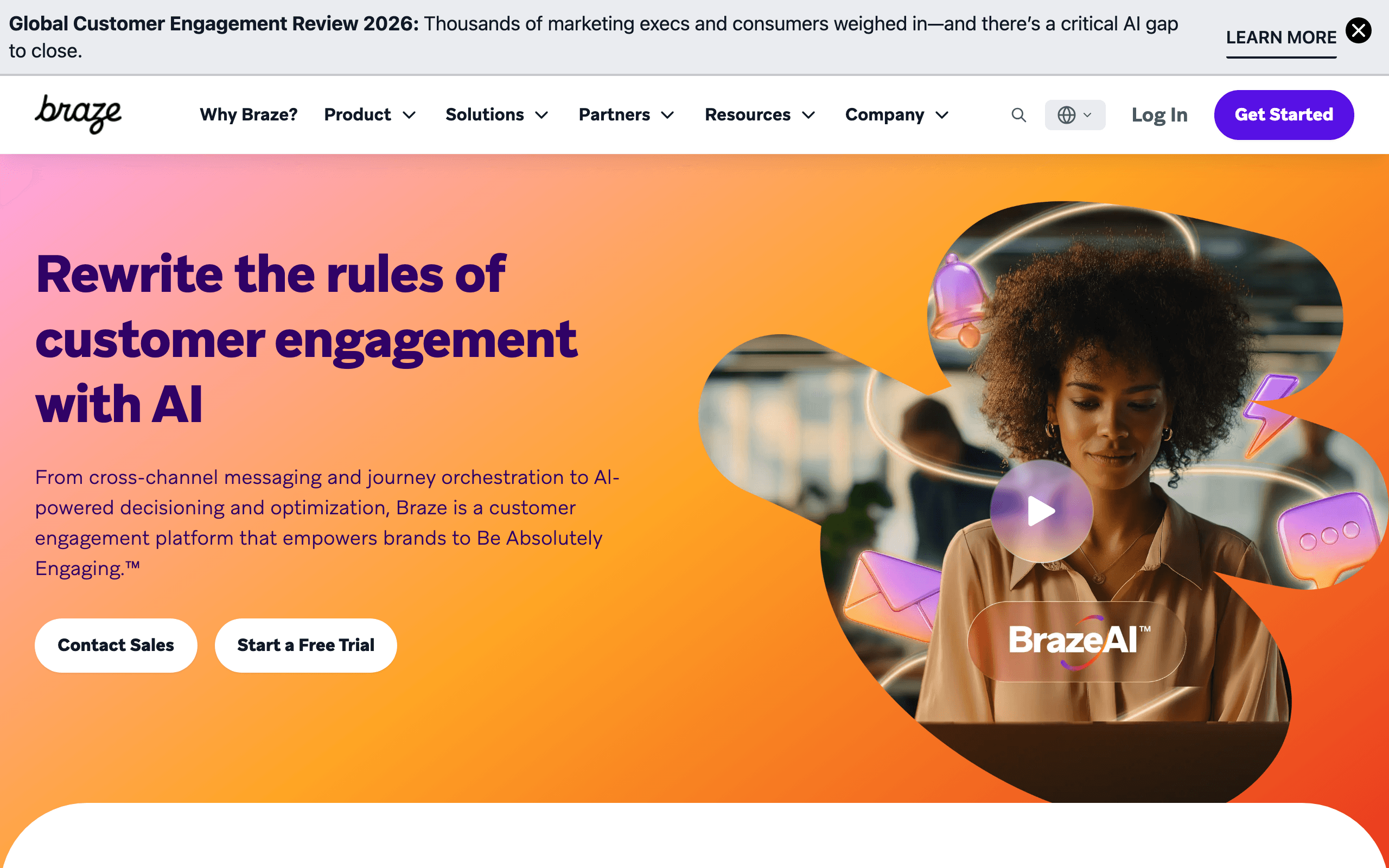
Best for: Established SaaS with sophisticated cross-channel onboarding
Braze is an enterprise customer engagement platform with deep capabilities across email, push, in-app, and more. The workflow engine is powerful and the segmentation is sophisticated, making it possible to build highly personalized onboarding experiences.
The platform excels at real-time messaging and orchestration. When a user completes an onboarding step, Braze can immediately trigger the next message across the optimal channel. This real-time responsiveness is valuable for onboarding where timely guidance matters.
Braze also has strong support for mobile onboarding scenarios. If your SaaS product has mobile apps, Braze's deep push and in-app message capabilities let you create coordinated onboarding experiences that span web and mobile.
The limitation is really the cost and complexity. Braze is an enterprise solution with enterprise pricing and implementation requirements. For early or mid-stage SaaS, Braze is typically overkill. But for established companies with large user bases and sophisticated onboarding needs, Braze provides the capabilities to scale.
- Pricing: Enterprise pricing (contact for quote)
- Onboarding strength: Enterprise-grade cross-channel onboarding
- Pros:
- Sophisticated cross-channel orchestration
- Real-time messaging
- Strong mobile capabilities
- Advanced segmentation
- Enterprise-grade scale and reliability
- Cons:
- Enterprise pricing (very expensive)
- Complex implementation
- Overkill for smaller SaaS
- Long sales and setup process
20. Postmark
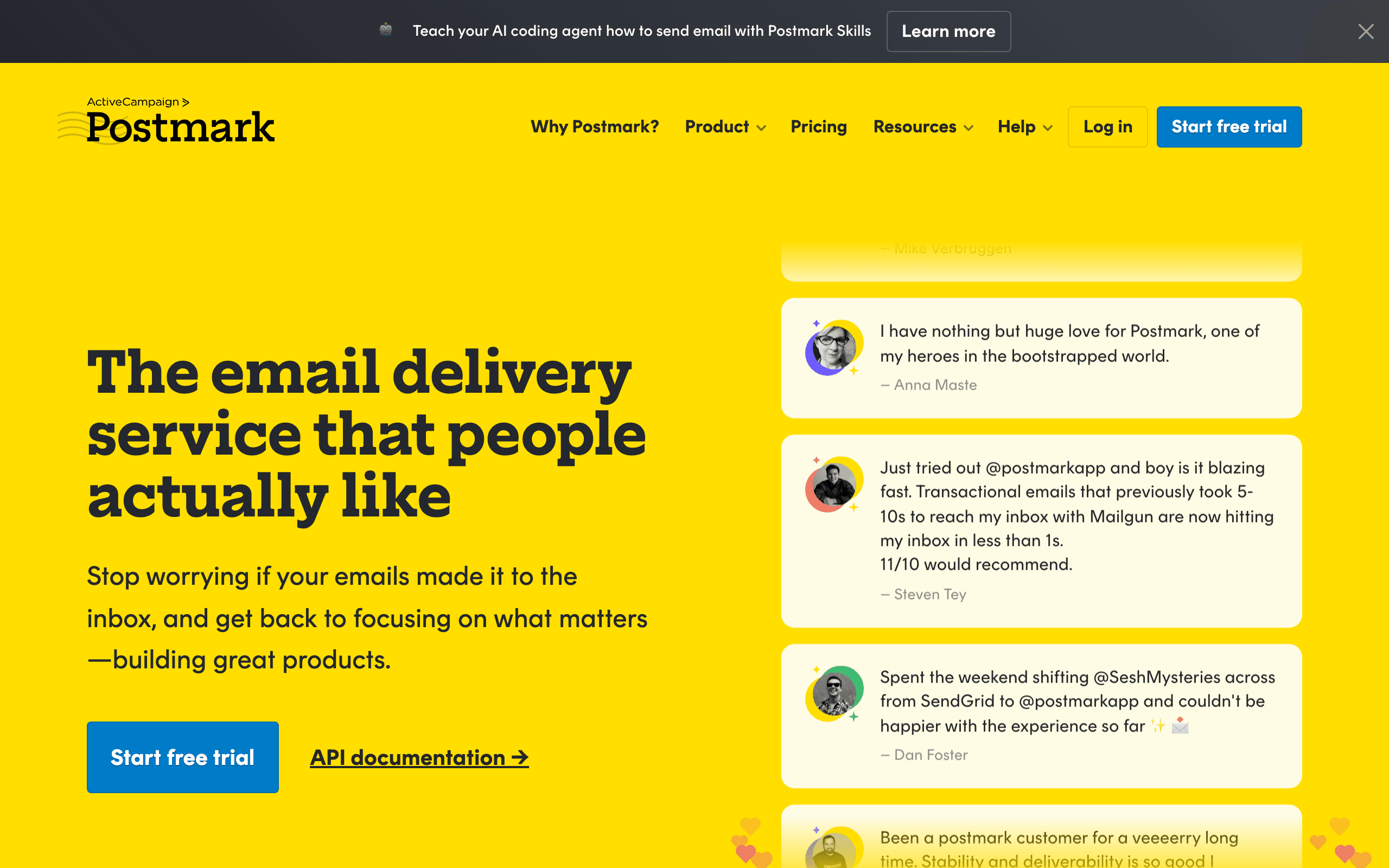
Best for: Teams prioritizing deliverability for transactional onboarding emails
Postmark is a transactional email service known for exceptional deliverability. It's not an automation platform, but it's the best choice for ensuring your critical onboarding emails - welcome, setup confirmations, verification emails - actually reach the inbox.
For SaaS products that rely heavily on transactional onboarding emails (password reset, email verification, setup confirmations), Postmark's focus on deliverability is compelling. The platform is optimized specifically for transactional email, with infrastructure and policies designed to maximize inbox placement.
The limitation is that Postmark doesn't do automation or sequences. You send individual emails via API. For building behavioral onboarding sequences with branching logic, you'll need a separate automation tool or you'll need to build the orchestration logic yourself in your application.
The common pattern is to use Postmark for transactional onboarding emails (verification, confirmation, critical notifications) and a separate tool for marketing/automation onboarding sequences (welcome series, setup nudges, feature adoption). This two-tool approach adds cost and complexity but gives you the best of both worlds: Postmark's deliverability for critical emails and a behavioral tool's sophistication for sequences.
- Pricing: Pay-as-you-go, $1.50/1,000 emails
- Onboarding strength: Best-in-class deliverability for transactional emails
- Pros:
- Exceptional deliverability
- Fast delivery speeds
- Excellent API and documentation
- Focus on transactional email
- Strong reputation and trust
- Cons:
- No automation or sequences
- Not a behavioral tool
- Requires separate tool for onboarding sequences
- Higher cost per email
21. Amazon SES
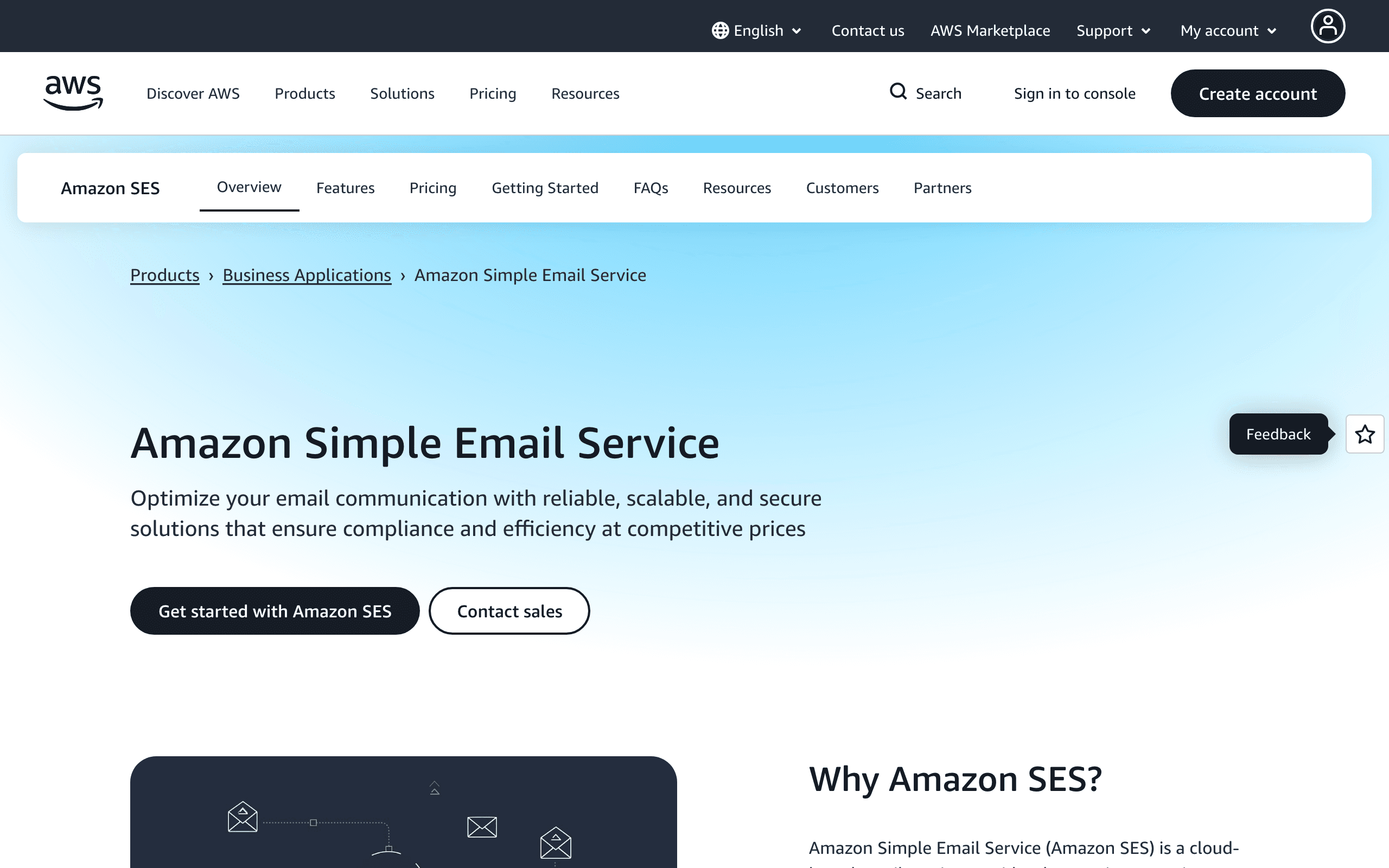
Best for: Engineering teams wanting maximum control at minimal cost
Amazon SES is a raw email sending service with virtually no features beyond delivery. You send emails via API, AWS delivers them. That's it. For engineering teams who want to build completely custom onboarding logic on top of a reliable infrastructure, SES provides the foundation.
The cost is compelling. At $0.10 per 1,000 emails, SES is dramatically cheaper than any other email service. If you're sending millions of onboarding emails, the savings are substantial. But you're trading cost for engineering effort - everything except delivery is on you.
Building onboarding sequences on SES means you're building the trigger logic, the scheduling, the branching, the templates, the analytics, and the error handling in your own application. You have complete control but also complete responsibility. Some teams consider this a feature - they want onboarding logic in their codebase where they can version it, test it, and iterate using their existing development practices.
SES works well for technically sophisticated teams who have already built or are willing to build their own email orchestration layer. For teams that want a pre-built solution with a UI and templates, SES is not the right choice.
- Pricing: $0.10/1,000 emails (pay-as-you-go)
- Onboarding strength: Maximum control at minimal cost
- Pros:
- Extremely low cost
- Reliable AWS infrastructure
- Complete control over sending
- Scales effortlessly
- No usage limits
- Cons:
- No features beyond delivery
- Requires building everything yourself
- No templates, UI, or automation
- Deliverability requires setup work
- High engineering overhead
Quick Comparison
| Tool | Best For | Starting Price | Free Tier | Onboarding Features |
|---|---|---|---|---|
| Sequenzy | SaaS founders wanting behavioral onboarding | $19/mo | Yes (2.5k emails) | AI integration |
| Customer.io | Technical teams building sophisticated workflows | $100/mo | No | Multi-path behavioral logic |
| Userlist | B2B SaaS with company-level onboarding | $149/mo | No | Company-level data model |
| Intercom | In-app + email combined onboarding | $39/seat/mo | No | Multi-channel coordination |
| Loops | Early-stage startups wanting simplicity | $49/mo | Yes (1K contacts) | Clean UX and quick setup |
| Encharge | Non-technical teams wanting visual flows | $79/mo | No | Visual flow builder |
| Drip | Teams transitioning from e-commerce | $39/mo | No | Mature automation engine |
| Appcues | Best-in-class in-app experiences | $249/mo | No | In-app analytics and tours |
| Mailgun | Engineering teams wanting custom logic | $15/mo | No | Developer-first API |
| SendGrid | Reliable delivery at scale | $19/mo | Yes | Enterprise-grade reliability |
| ActiveCampaign | CRM + onboarding in one system | $29/mo | No | CRM integration |
| HubSpot | Marketing automation + CRM | $20/mo | Yes (free CRM) | Complete customer view |
| GetResponse | Budget-conscious teams | $19/mo | No | Accessible automation |
| MailerLite | Simple SaaS with basic needs | $10/mo | Yes | Ease of use |
| ConvertKit | Creator-focused SaaS | $9/mo | Yes | Simple sequences |
| Brevo | Teams needing free tier | $25/mo | Yes (300/day) | Free with automation |
| Klaviyo | Strong behavioral segmentation | $20/mo | Yes | Advanced segmentation |
| Iterable | Mobile-first cross-channel | Custom | No | Cross-channel orchestration |
| Braze | Enterprise cross-channel | Custom | No | Real-time messaging |
| Postmark | Transactional email deliverability | $15/mo | No | Best-in-class deliverability |
| Amazon SES | Maximum control at low cost | $1/10k emails | No | Lowest cost |
Choosing Based on Your Needs
SaaS-specific, affordable start: Sequenzy. Built for SaaS onboarding with AI sequence generation and Stripe integration. Best value for early to mid-stage.
Maximum flexibility, technical team: Customer.io. Most powerful onboarding automation for teams with engineering resources.
B2B with team-based onboarding: Userlist. Company-level data model makes multi-user onboarding manageable.
In-app + email combined: Intercom for built-in, or Appcues + email tool for best-in-class in-app.
Non-technical team: Encharge. Visual builder makes behavioral flows accessible.
Budget-conscious: Loops or MailerLite. Free tiers and simple interfaces get you started quickly.
Enterprise scale: Braze or Iterable. Cross-channel orchestration at volume.
Developer control: Mailgun or Amazon SES. Build exactly what you want, API-first.
Essential Onboarding Emails Every Tool Should Support
- Welcome email (trigger: signup) - One clear first action. This email has the highest open rate (60-80%) of any email you'll send. Don't waste it on a feature dump.
- Setup nudge (trigger: 6+ hours with no progress) - Quick-start instructions. Keep it short and focused on the single next step.
- Step completion (trigger: completed setup step) - Celebrate + next step. Positive reinforcement keeps users moving forward.
- Stuck helper (trigger: 48+ hours with no progress) - Personal help offer. "Reply to this email and I'll help you get set up" works surprisingly well.
- Activation celebration (trigger: first value moment) - Reinforce the experience. This is the "aha" moment email, and it's where the relationship deepens.
- Post-activation guidance (trigger: activation complete) - What to do next. Now that they've seen value, show them the next level.
For a complete walkthrough of building these, check out our step-by-step guide to creating a SaaS onboarding sequence.
Common Onboarding Email Mistakes
Sending a feature dump as your welcome email. Your welcome email should have one clear CTA, not a tour of everything your product does. Users are overwhelmed at signup; simplify.
Using only time-based triggers. "Day 1, Day 3, Day 7" sequences ignore user behavior. A user who completed everything on day 1 shouldn't wait until day 3 for the next relevant email.
Not having a goal event to stop the sequence. Without an auto-stop trigger, onboarding emails keep sending even after users have completed everything. This erodes trust.
Over-designing onboarding emails. Simple, text-like emails from a founder's name outperform heavily designed templates for onboarding. They feel personal and invite replies.
Ignoring the transition to the next stage. Onboarding doesn't exist in isolation. What happens after a user completes onboarding? They should seamlessly enter the next lifecycle stage, whether that's trial conversion or customer engagement.
FAQ
Do I need a separate tool for onboarding email? Not necessarily. If your marketing email platform supports behavioral triggers, you can use it for onboarding too. The key requirement is event-driven automation, not a separate tool. Many of the best email marketing tools for SaaS handle onboarding natively.
How many onboarding emails should I send? 5-8 emails over 14-21 days, triggered by behavior not time. Simple products need fewer. Complex products need more. Each email should have one clear action. The exact number depends on how many steps your onboarding has and how complex your product is.
Should onboarding emails be time-based or behavior-based? Behavior-based whenever possible. "Send when they complete step 2" is better than "send on day 3" because users move at different speeds. Time-based is acceptable as a fallback for users who haven't triggered any events.
What's the most important onboarding email? The welcome email. It has the highest open rate (60-80%) and sets the tone for the entire onboarding experience. Focus it on one clear action, not a feature tour. The subject line and first paragraph determine whether users engage with the rest of your onboarding sequence.
When should I stop the onboarding sequence? When the user reaches your defined activation milestone. Use a goal event or completion trigger to exit users from the sequence automatically. Nobody should receive "complete step 1" after they've already finished everything.
How do I measure if my onboarding emails are working? Track these: activation rate (% of users who reach the "aha" moment), time-to-activation (how long it takes), onboarding completion rate (% who finish all steps), and ultimately trial-to-paid conversion. Email-specific metrics like open rate and click rate are secondary to these product outcomes.
Should I personalize onboarding emails by plan type or role? Yes, if you have the data. An admin user needs different onboarding guidance than a team member. A user on a premium plan should see different features highlighted than a free plan user. Even basic personalization (using the user's name and company name) makes onboarding emails feel less generic.
What about users who never open any onboarding emails? If a user ignores all your emails but is actively using the product, they may not need them. If they're ignoring emails AND not using the product, try a different channel (in-app messages, SMS) or a different approach (personal outreach from a founder or CSM). Some users simply don't engage with email, and that's okay if they're finding value another way.