
21 Best Email Tools for SaaS Lifecycle Marketing (2026)

SaaS lifecycle marketing is the idea that different customers need different emails depending on where they are in their journey. A trial user needs onboarding. A paying customer needs engagement. A user showing churn signals needs retention. A power user needs expansion offers.
Most email tools handle one or two of these stages well. Very few handle the complete lifecycle. You end up stitching together multiple tools or manually managing transitions between sequences. If you're building your lifecycle email strategy from scratch, our guide on SaaS lifecycle emails covers the framework before you pick a tool. For a broader non-SaaS comparison, see the best lifecycle marketing email tools, and if you want AI involved in planning or drafting, read how to use AI for lifecycle marketing.
Here are the platforms that actually handle full lifecycle email for SaaS.
What Lifecycle Email Requires
A true lifecycle email tool needs:
- Stage awareness: Know whether each user is in trial, active, at-risk, churned, or expanding
- Event-driven triggers: React to product behavior, not just email engagement. This is the foundation of behavioral email marketing.
- Sequence management: Multiple concurrent sequences with priority and conflict rules
- Stage transitions: Automatically move users between lifecycle stages and adjust email accordingly
- Revenue context: Know each user's plan, MRR, and payment status for segmentation
- Cross-stage coordination: Ensure that onboarding emails stop when trial conversion emails start, and dunning emails take priority over marketing campaigns
Quick Comparison
| Tool | Best For | Starting Price | Free Tier | Lifecycle Features |
|---|---|---|---|---|
| Sequenzy | SaaS lifecycle automation | $19/mo | Yes | AI integration |
| Customer.io | Technical teams | From $100/month | No | Workflow flexibility |
| Userlist | B2B SaaS companies | From $149/month | No | Company-level stages |
| ActiveCampaign | CRM + email combined | From $29/month | No | CRM integration |
| Intercom | Multi-channel messaging | From $39/seat/month | No | Cross-channel lifecycle |
| HubSpot | Marketing + sales teams | $20/mo | Yes | All-in-one platform |
| Encharge | Visual lifecycle builders | From $79/month | No | Visual flow builder |
| Klaviyo | Ecommerce SaaS | $20/mo | Yes | Product catalog |
| Mailchimp | Basic lifecycle needs | $13/mo | Yes | Accessibility |
| GetResponse | All-in-one marketing | $19/mo | Yes | Cross-channel AI |
| Drip | Ecommerce automation | From $39/month | No | Behavioral triggers |
| Omnisend | Omnichannel ecommerce | $16/mo | Yes | Channel coordination |
| Brevo | Multichannel campaigns | $9/mo | Yes | SMS + email |
| ConvertKit | Creator SaaS | $29/mo | Yes | Content-first |
| Iterable | Enterprise orchestration | Custom pricing | No | Cross-channel scale |
| Braze | Mobile-first lifecycle | Custom pricing | No | Real-time messaging |
| Postscripty | SMS-first SaaS | From $50/month | No | SMS lifecycle |
| Vero | Technical API teams | From $99/month | No | API-first design |
| Iterable | Enterprise lifecycle | Custom | No | Cross-channel orchestration |
| Ortto | CDP + lifecycle | From $99/month | No | Data unification |
| Autopilot | Journey mapping | From $49/month | No | Visual journeys |
Best SaaS Lifecycle Email Tool by Use Case
Best lifecycle email tool for founder-led SaaS teams
Sequenzy is the best fit when you need onboarding, activation, retention, and dunning emails without assigning an engineer to maintain the whole lifecycle system. Start with automated onboarding, churn reduction, and the SaaS onboarding email templates if you want to build the sequences before comparing heavier tools.
Best lifecycle email tool for technical orchestration
Customer.io is the strongest choice when your team has clean product events, engineering support, and complex journey logic. Read the Customer.io comparison for the direct Sequenzy angle, or the Customer.io alternatives list if you are comparing several event-driven platforms.
Best lifecycle email tool for B2B account-based SaaS
Userlist is the better fit when lifecycle stage belongs to an account, not just one user. That matters when admins, buyers, champions, and end users all need different emails. The Userlist comparison is the most relevant next step for B2B SaaS teams evaluating company-level lifecycle marketing.
Best lifecycle email tool for sales-assisted SaaS
ActiveCampaign works well when lifecycle email needs CRM context, sales follow-up, and pipeline automation in the same place. If your lifecycle program is driven by deals as much as product usage, compare it directly in the ActiveCampaign comparison.
The 21 Best Lifecycle Email Tools
1. Sequenzy
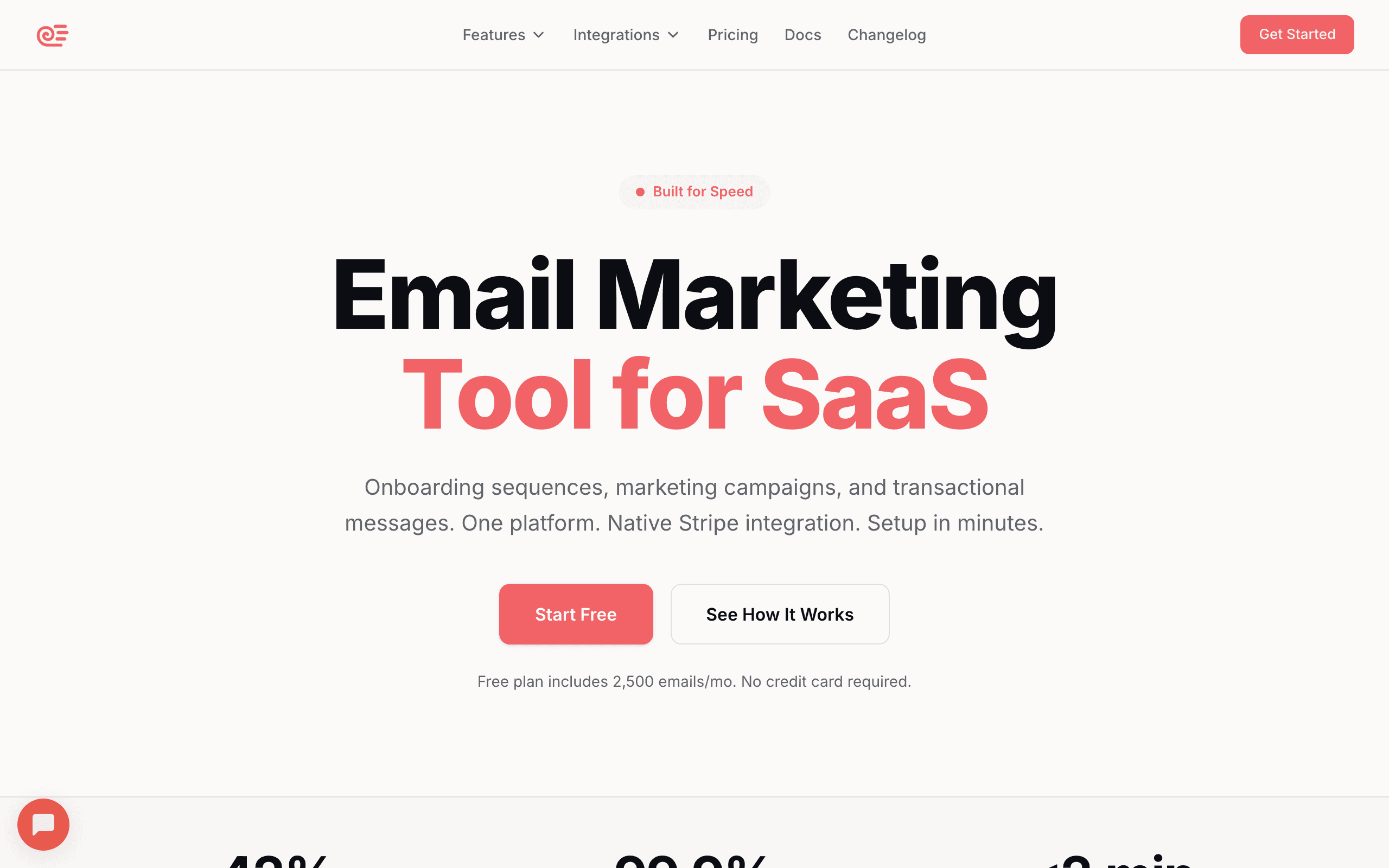
Best for: SaaS founders who want lifecycle automation with minimal setup
Sequenzy maps naturally to the SaaS lifecycle because it was designed for it. The Stripe integration automatically creates lifecycle stages (trial, customer, cancelled, churned, past-due) and the event system tracks product behavior.
You can build sequences for each lifecycle stage and they coordinate automatically. A user in a trial conversion sequence who upgrades exits that sequence and enters the customer engagement track. A paying customer whose payment fails enters the dunning sequence and pauses other marketing. The transitions happen based on events and tags.
The AI sequence builder generates stage-specific sequences quickly. "Create a trial conversion sequence" or "build a re-engagement sequence for users inactive for 14 days" produces deployable sequences in minutes.
What makes Sequenzy particularly strong for lifecycle email is the native Stripe integration. Most lifecycle email tools require you to sync subscription data from Stripe via webhooks, Segment, or manual API calls. Sequenzy connects to Stripe via OAuth, and subscription events flow in automatically. Trial starts, conversions, upgrades, downgrades, cancellations, and failed payments all create tags and trigger sequences without any engineering work. This means your lifecycle stages are always accurate and up-to-date.
The unified platform also means that transactional emails (password resets, receipts, usage alerts) and marketing emails (campaigns, sequences) live in the same system. For lifecycle email, this matters because a single subscriber record accumulates all interactions across every stage, giving you a complete picture of each customer's journey.
- Pricing: Free up to 2,500 emails/month, paid plans from $19/month
- Lifecycle strength: Native stage management with Stripe integration
- AI features: Full sequence generation, website scraping for brand context, SaaS lifecycle templates, subject line generation
- Pros:
- Stripe creates lifecycle stages automatically
- Sequences coordinate across stages
- AI builds stage-specific sequences
- Transactional + marketing in one platform
- Affordable starting price
- Complete subscriber history across stages
- Cons:
- Newer platform
- Simpler workflow logic than enterprise tools
- No in-app messaging
2. Customer.io
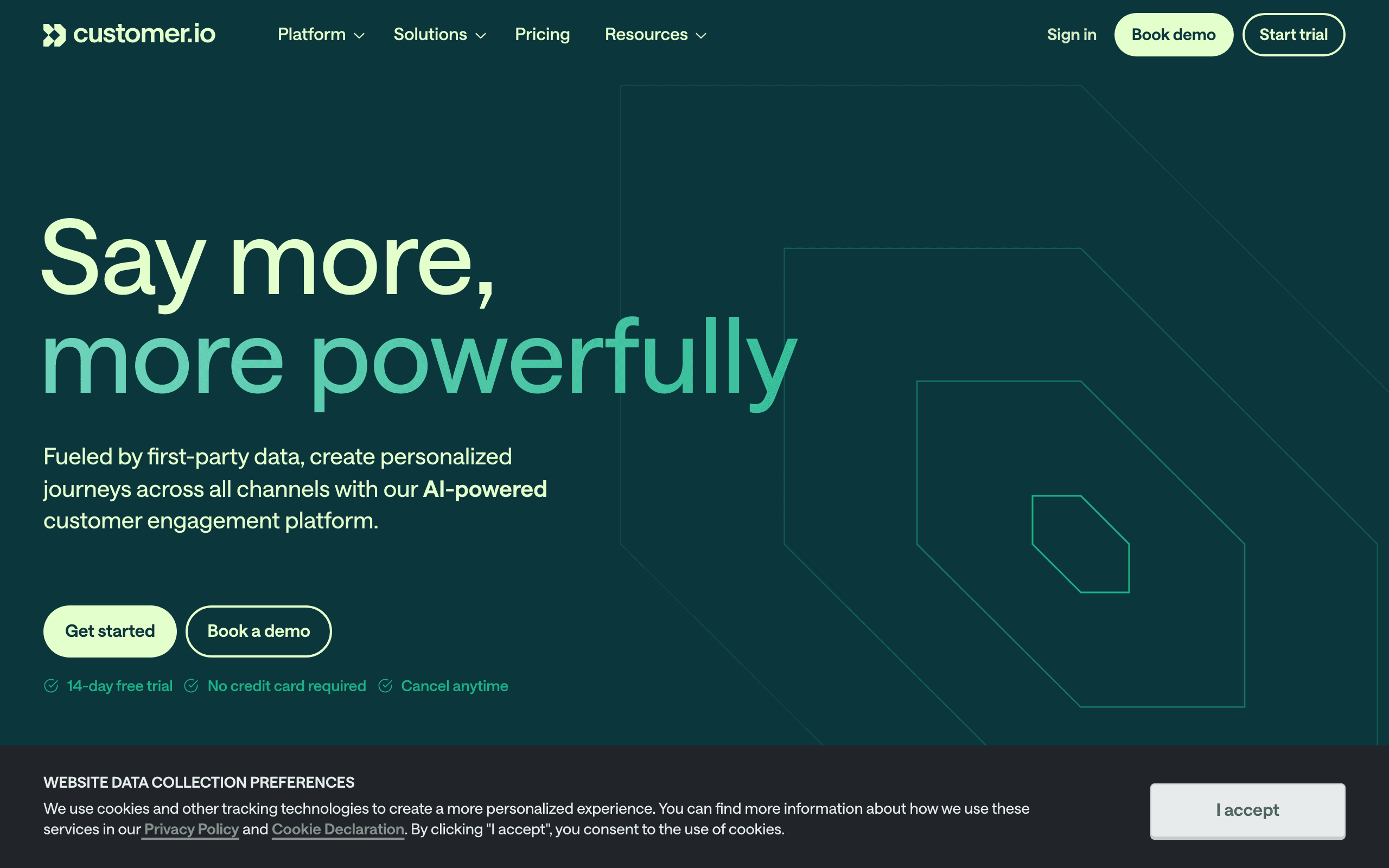
Best for: Technical teams building sophisticated lifecycle journeys
Customer.io is the power user's choice for lifecycle email. The workflow builder can handle complex multi-stage journeys with branching logic, wait conditions, and cross-sequence coordination.
You can model the entire SaaS lifecycle as interconnected workflows. Trial onboarding flows into activation. Activation flows into engagement. Engagement monitors for churn signals and branches into retention if needed. The event-driven architecture makes these transitions smooth.
The trade-off is complexity. Building a full lifecycle system in Customer.io takes significant engineering investment. But once built, it's extremely capable.
Where Customer.io excels for lifecycle is the depth of its automation logic. You can build workflows that trigger other workflows, creating a meta-layer of lifecycle orchestration. For example, a master "lifecycle router" workflow can evaluate each user's current state and route them to the appropriate stage-specific workflow. When their state changes, the router moves them. This pattern is complex to build but produces the most sophisticated lifecycle email systems.
Customer.io also supports "workflow goals" that measure success at each lifecycle stage. You can track what percentage of trial users reach activation, what percentage of activated users convert, and what percentage of customers hit expansion triggers. This gives you lifecycle funnel metrics directly inside your email tool.
- Pricing: From $100/month
- Lifecycle strength: Most flexible journey builder
- AI features: Event-driven content, conditional generation, technical template support, API access
- Pros:
- Most powerful workflow engine
- Complex multi-stage journeys
- Event-driven with deep data model
- Multi-channel (email, push, SMS, in-app)
- Workflow-triggers-workflow orchestration
- Cons:
- Expensive
- Steep learning curve
- Requires engineering resources
- Complex to maintain
3. Userlist
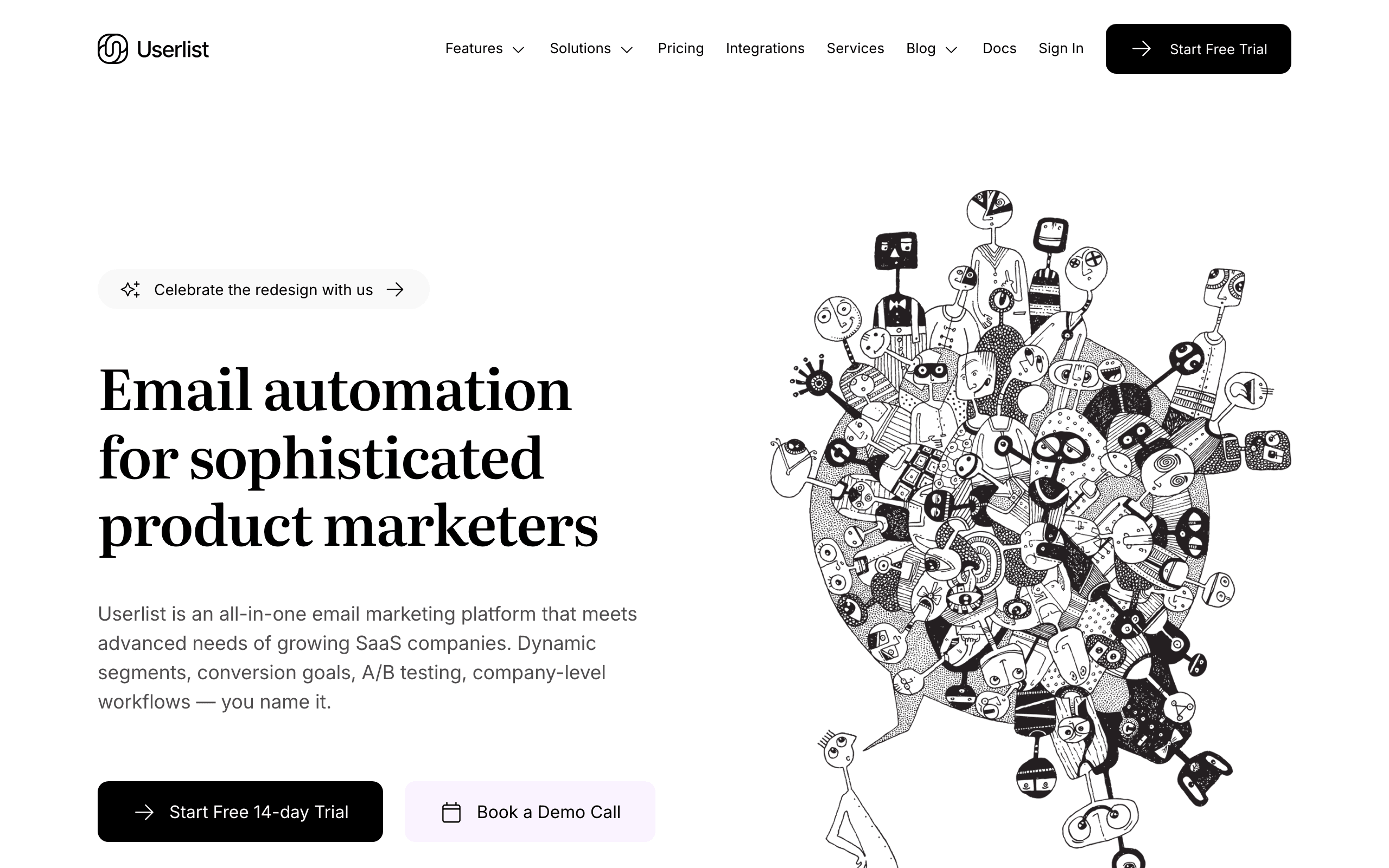
Best for: B2B SaaS with company-level lifecycle management
Userlist understands the B2B lifecycle at the company level. A "company" goes through stages (trial, onboarding, active, at-risk, churned), and individual users within that company receive contextual emails based on both their personal behavior and their company's stage.
This company-centric model is essential for B2B SaaS where buying decisions involve multiple people. The admin gets billing emails. End users get feature adoption emails. Everyone gets lifecycle-appropriate content based on the company's stage.
The company lifecycle model solves a fundamental problem for B2B SaaS. In a user-level tool, if one person at a company is very active and another hasn't logged in, they exist as separate subscribers with separate lifecycle stages. But in reality, they're part of the same account lifecycle. The company is either healthy or at risk, and individual user behavior is just a signal feeding into that company-level assessment. Userlist lets you model this correctly.
For B2B lifecycle email specifically, Userlist's approach means you can build sequences like: "When a company enters the 'at-risk' stage (declining logins across all users), send a check-in to the admin, a feature highlight to inactive users, and a usage report to the billing contact." This coordinated, role-aware approach is what B2B lifecycle email should look like, and it's difficult to achieve with user-level tools.
- Pricing: From $149/month
- Lifecycle strength: Company-level lifecycle stages for B2B
- Pros:
- User + company lifecycle model
- B2B-native with role-based email
- SaaS-specific lifecycle templates
- Event-driven automation
- Company-level health tracking
- Cons:
- Higher starting price
- Best for B2B (less relevant for B2C)
- Smaller ecosystem
- Less flexible than Customer.io
4. ActiveCampaign
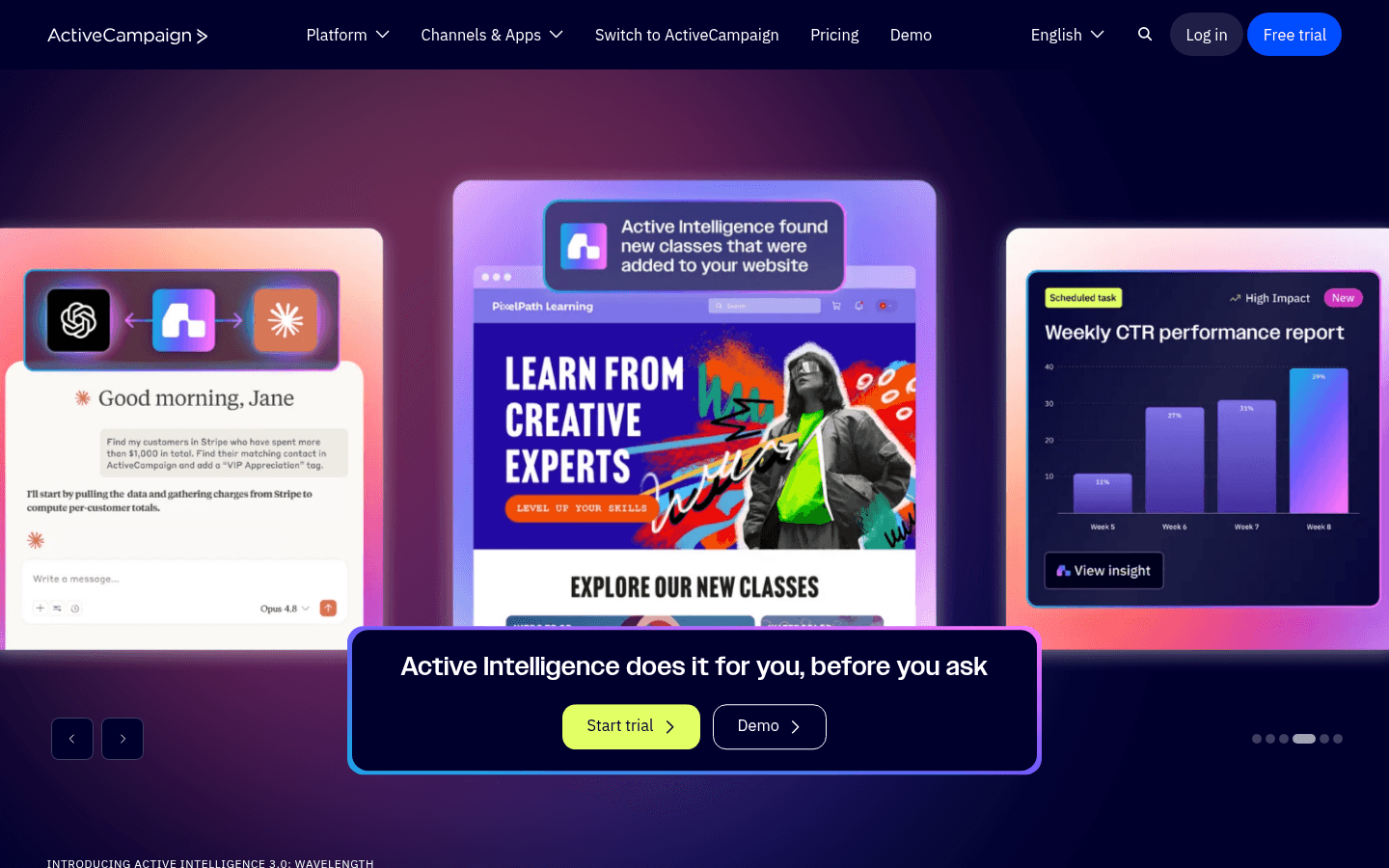
Best for: Teams wanting CRM + lifecycle email in one system
ActiveCampaign combines email automation with CRM, which gives you lifecycle tracking alongside email execution. You can track where each customer is in their journey, assign lifecycle stages, and trigger automations based on stage changes.
The automation builder is mature and handles multi-step lifecycle sequences well. The CRM component adds context like deal value, last interaction, and customer health score. For teams that want sales and marketing lifecycle management in one tool, it's comprehensive.
The CRM dimension adds value for lifecycle email that pure email tools can't match. You can track deals, assign lifecycle stages in the CRM, and use that data to power email automations. When a deal moves to "closed won," the contact automatically enters the customer onboarding email sequence. When a customer health score drops below a threshold, the retention sequence triggers. When a support ticket is resolved, a CSAT survey email sends.
ActiveCampaign also has a large library of pre-built automations (called "recipes") for common lifecycle scenarios. You can import a recipe for post-purchase onboarding, upsell sequences, or win-back campaigns and customize it rather than building from scratch. For teams that want to get lifecycle email running quickly without deep technical setup, these templates save significant time.
- Pricing: From $29/month (email only), $49/month (with CRM)
- Lifecycle strength: CRM + email for combined lifecycle view
- AI features: Workflow-aware generation, predictive content selection, CRM data integration
- Pros:
- CRM alongside email automation
- Mature automation builder
- Customer health scoring
- Large integration ecosystem
- Pre-built lifecycle automations
- Cons:
- Gets complex and expensive with add-ons
- Not SaaS-specific (general purpose)
- Learning curve for the full platform
- Stripe integration requires setup
5. Intercom
Best for: Companies wanting lifecycle communication across channels
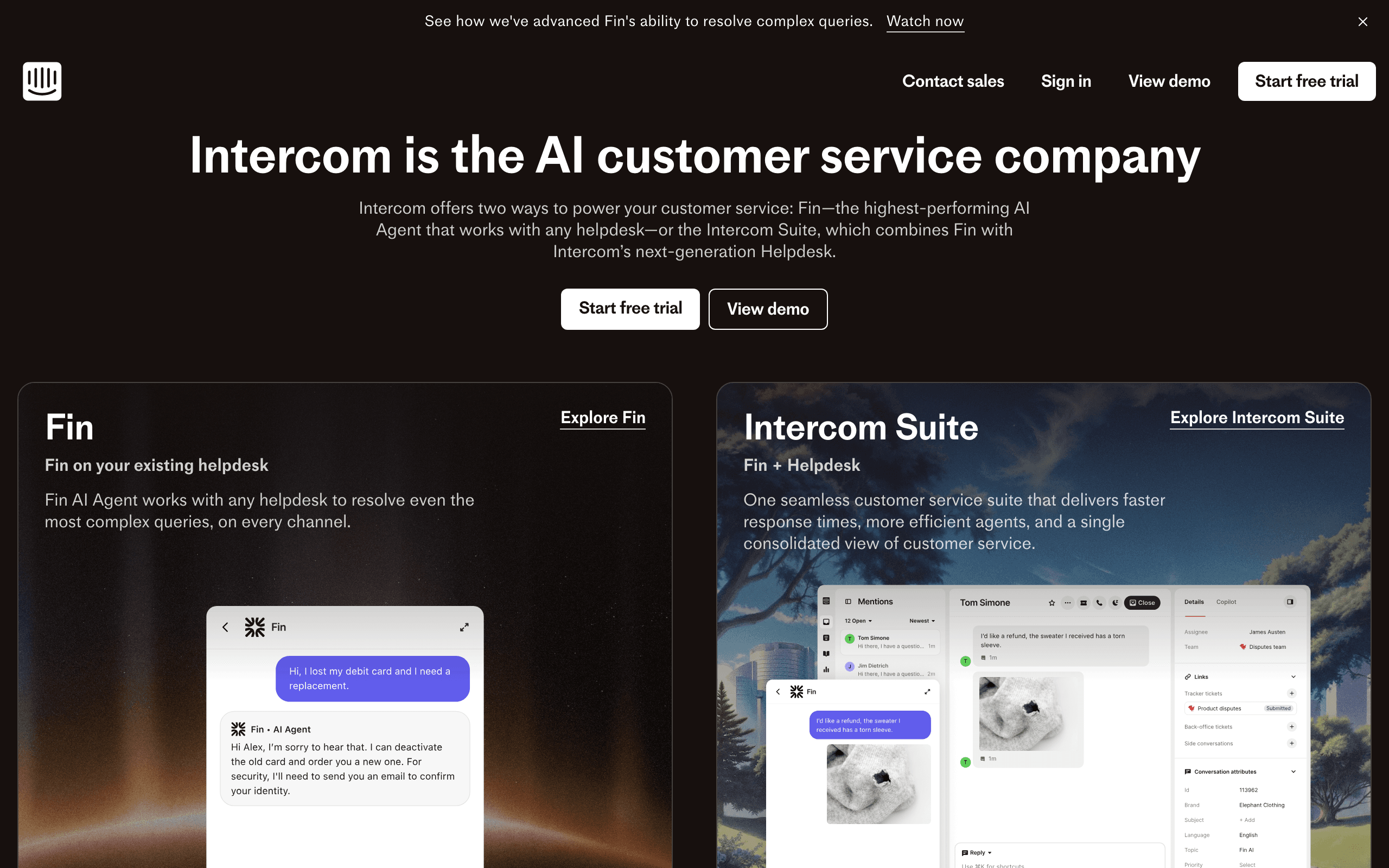
Intercom handles lifecycle messaging across email, in-app, chat, and push. The lifecycle stages are built into the platform (leads, trials, active, at-risk), and you can trigger messages across any channel based on stage transitions.
The multi-channel approach means you can reach users wherever they are. In the app? In-app message. Not in the app? Email. Need immediate attention? Push notification. This channel flexibility is valuable for lifecycle communication.
The cross-channel lifecycle approach is genuinely powerful. At the onboarding stage, Intercom can show in-app checklists and send email nudges. At the engagement stage, it can celebrate milestones in-app and email usage reports. At the at-risk stage, it can trigger a chat prompt when the user logs in and send a re-engagement email when they don't. Each lifecycle stage gets the optimal channel mix.
The downside is that Intercom's email capabilities specifically are less deep than dedicated email platforms. Complex email sequences with multiple branches, A/B testing, and sophisticated personalization are more limited. If email is your primary lifecycle channel, a dedicated email tool will serve you better. If you want coordinated multi-channel lifecycle messaging, Intercom is strong.
- Pricing: From $39/seat/month
- Lifecycle strength: Multi-channel lifecycle messaging
- Pros:
- Cross-channel lifecycle messaging
- In-app + email + chat
- Built-in lifecycle stages
- Good behavioral targeting
- Channel-aware delivery
- Cons:
- Expensive per-seat pricing
- Email features less sophisticated
- Complex to configure fully
- Per-seat model is costly for growing teams
6. HubSpot
Best for: Larger teams wanting all-in-one marketing + sales lifecycle
HubSpot's Marketing Hub includes lifecycle stage tracking, email automation, and CRM. The lifecycle stages (subscriber, lead, MQL, SQL, opportunity, customer, evangelist) map to both marketing and sales processes.
For companies where the lifecycle spans both marketing automation and sales interactions, HubSpot provides a unified view. The free CRM means you can start without cost and add marketing automation as you grow.
HubSpot's lifecycle model is designed for companies with a sales team involved in the customer journey. The stages explicitly include marketing-to-sales handoff points (MQL to SQL to opportunity), which is valuable for SaaS companies with a sales-assisted go-to-market. Email automation can trigger based on these stage transitions: when a contact moves from MQL to SQL, the marketing nurture sequence pauses and the sales team gets notified.
The limitation for SaaS is that HubSpot's lifecycle stages are sales-centric rather than product-centric. "User activated," "user is approaching feature limit," and "user invited 3 teammates" aren't native concepts in HubSpot. You can add them via custom properties, but the platform wasn't designed around product events the way tools like Customer.io or Sequenzy were.
- Pricing: Free CRM, Marketing Hub from $20/month, Professional from $890/month
- Lifecycle strength: Marketing + sales lifecycle in one platform
- AI features: CRM-backed personalization, deal-stage awareness, cross-channel generation
- Pros:
- Comprehensive lifecycle tracking
- CRM + email + sales tools
- Free CRM to start
- Massive integration ecosystem
- Sales-marketing handoff automation
- Cons:
- Professional features are very expensive
- Not SaaS-specific
- Bloated for small teams
- Onboarding HubSpot itself takes weeks
7. Encharge
Best for: Non-technical teams wanting visual lifecycle flows
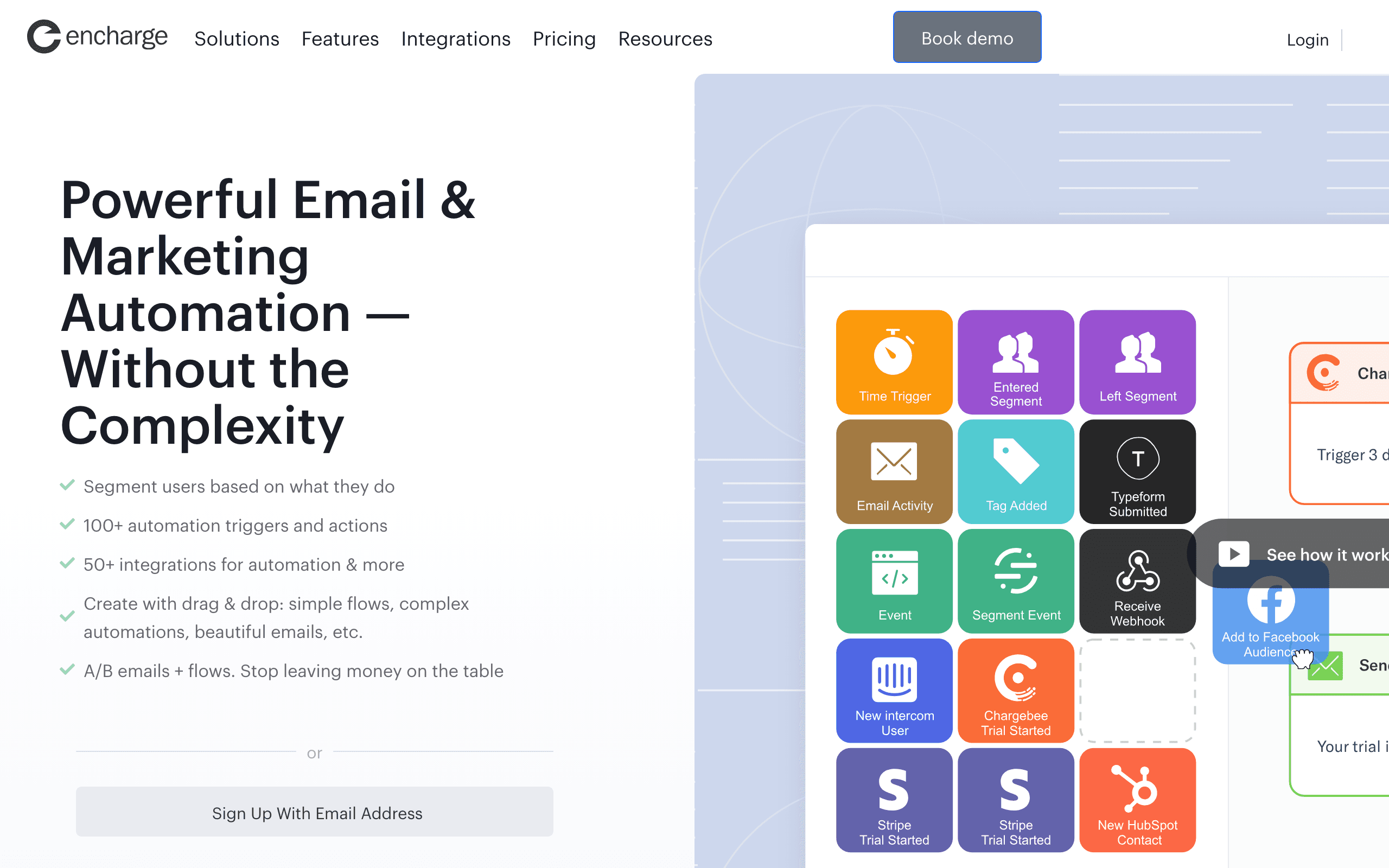
Encharge makes lifecycle email visual. You can see the entire customer journey mapped out as a flow, with branches for different paths and conditions for stage transitions. For teams without engineering resources, this visual approach makes lifecycle email accessible.
The user scoring feature helps identify which users are at risk and which are ready for expansion, adding an intelligence layer to the lifecycle management.
The visual approach is particularly valuable for lifecycle email because the full lifecycle is inherently complex. You have multiple stages, multiple transitions between stages, and multiple sequences at each stage. Seeing this laid out as a visual flow helps teams understand the system and identify gaps. "We have onboarding and trial conversion sequences, but nothing for the expansion stage," becomes obvious when you see the lifecycle mapped visually.
Encharge's scoring system also enables lifecycle stage identification based on user behavior rather than explicit status changes. A user might not have formally "churned" (their subscription is still active), but their declining activity score signals they're moving toward the at-risk stage. Scoring can catch these transitions earlier than waiting for the explicit event.
- Pricing: From $79/month
- Lifecycle strength: Visual lifecycle flow builder
- Pros:
- Visual lifecycle journey builder
- User scoring for stage identification
- Non-technical friendly
- Good integration options
- Early at-risk detection via scoring
- Cons:
- Visual builder limits can feel restrictive at scale
- Mid-range pricing
- Smaller user community
- Less powerful than code-based tools
8. Klaviyo
Best for: SaaS companies with ecommerce components
Klaviyo started in ecommerce but has evolved into a capable lifecycle marketing platform. For SaaS companies that sell physical products, have usage-based billing with ecommerce-style checkout, or operate in the ecom-SaaS hybrid space, Klaviyo's lifecycle flows are strong.
The platform's strength is behavioral email based on product usage and purchasing patterns. You can build lifecycle flows around trial signups, first purchase, repeat purchases, subscription renewals, and lapsed customers.
Klaviyo's integration with ecommerce platforms means purchase data, product catalogs, and customer lifetime value are available for lifecycle segmentation. A customer who buys a specific product category can enter a cross-sell sequence. A trial user who adds payment details can enter a conversion flow. For SaaS companies with an ecommerce dimension, this data richness is valuable.
The limitation for pure SaaS is that Klaviyo's lifecycle model is optimized around purchase behavior rather than product usage. "User activated core feature," "user invited teammates," and "user hit API rate limits" aren't first-class concepts. You can track them as custom events, but the platform doesn't natively think in SaaS lifecycle terms.
- Pricing: Free up to 250 contacts, from $20/month
- Lifecycle strength: Ecommerce-style behavioral lifecycle
- AI features: Product catalog integration, flow optimization, subject line AI, performance-based suggestions
- Pros:
- Strong behavioral triggers
- Deep ecommerce data integration
- Good for hybrid ecom-SaaS
- Sophisticated segmentation
- Performance analytics
- Cons:
- Ecommerce-first mental model
- Less natural for pure SaaS
- Pricing scales with contact count
- Usage-based SaaS features limited
9. Mailchimp
Best for: SaaS companies with basic lifecycle needs
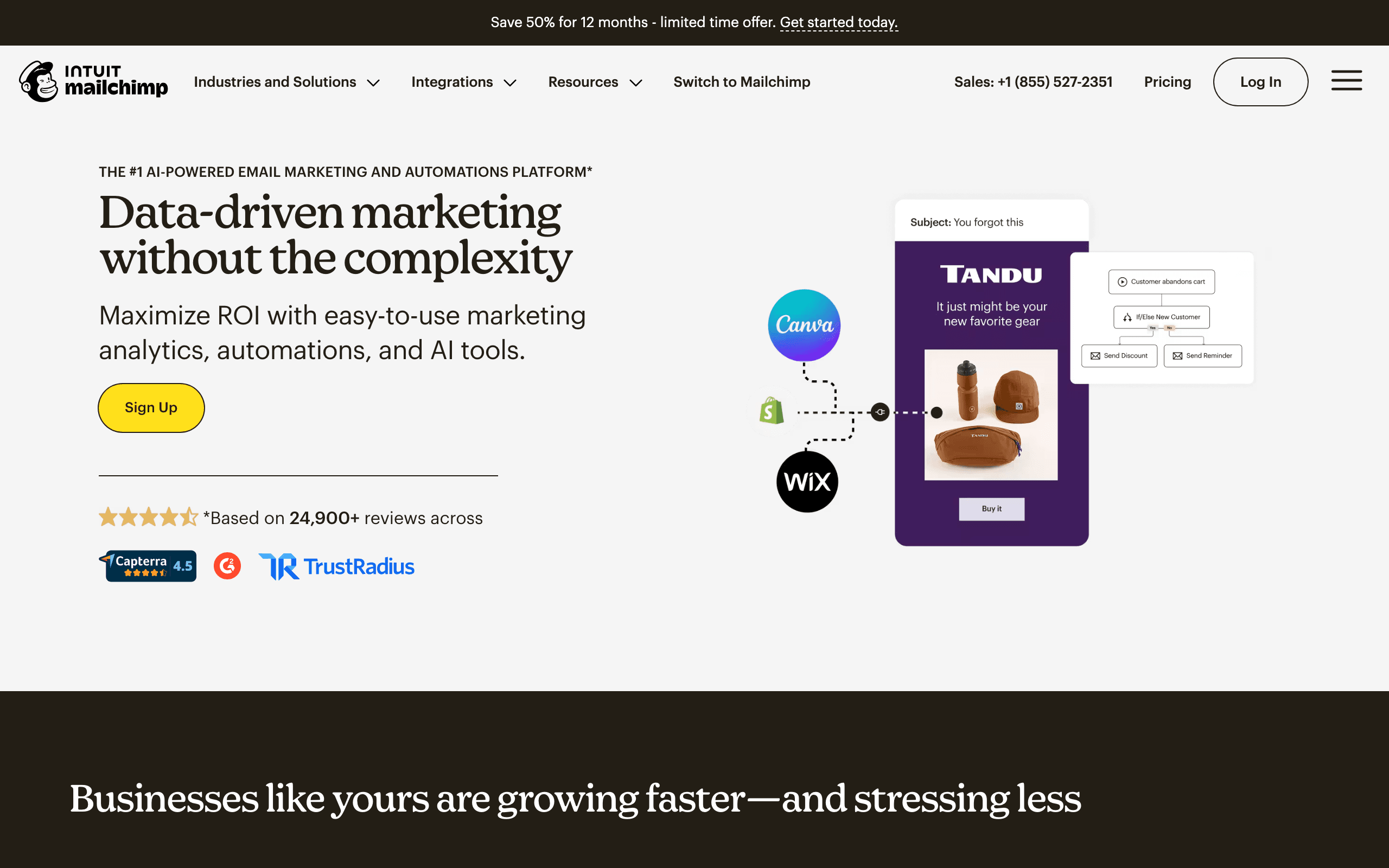
Mailchimp added customer journey automation, making it capable of basic lifecycle email. You can build journeys for new subscribers, new customers, abandoned carts, and re-engagement. For early-stage SaaS companies with simple lifecycle needs, Mailchimp can handle the fundamentals.
The strength is accessibility. Mailchimp is easy to set up, has good documentation, and a massive user community. If your lifecycle needs are straightforward - onboarding sequence, win-back sequence, basic nurture - Mailchimp gets you there without complexity.
Where Mailchimp falls short for sophisticated lifecycle email is in cross-sequence coordination and revenue awareness. If a user is in a trial conversion sequence and their payment fails, Mailchimp doesn't have native dunning management that pauses other sequences. If a user upgrades from trial to paid, you need to manually manage the transition between sequences.
For SaaS companies at the earliest stages or with simple lifecycle requirements, Mailchimp's accessibility and low starting cost make it a reasonable choice. As your lifecycle needs mature, you'll likely outgrow it and migrate to a more specialized platform.
- Pricing: Free up to 500 contacts, from $13/month
- Lifecycle strength: Basic journey automation
- AI features: In-editor content generation, subject line suggestions, design generation
- Pros:
- Very accessible
- Low starting cost
- Good documentation
- Large integration ecosystem
- Easy to learn
- Cons:
- Limited lifecycle sophistication
- Weak cross-sequence coordination
- No native dunning management
- Not SaaS-specific
10. GetResponse
Best for: SaaS companies wanting all-in-one marketing with lifecycle automation
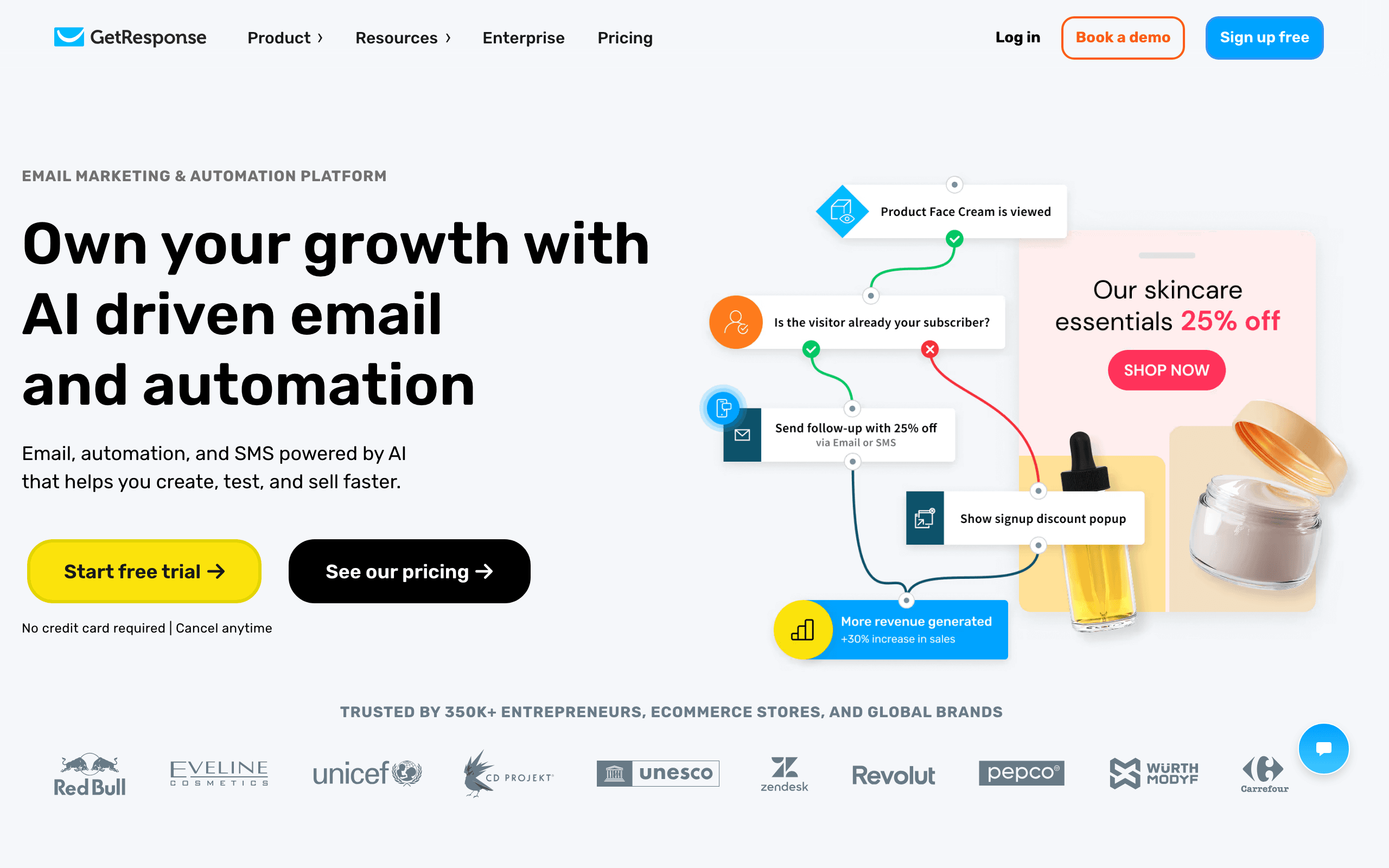
GetResponse combines email marketing, automation, landing pages, and webinars in one platform. For SaaS companies that want lifecycle email alongside lead generation and webinar nurture, the all-in-one approach is convenient.
The automation builder is capable of multi-step lifecycle sequences. You can build onboarding flows, trial conversion sequences, and re-engagement campaigns. The platform also includes CRM functionality, giving you basic deal tracking alongside email automation.
Where GetResponse stands out is in the marketing tools beyond email. If your lifecycle strategy includes webinar onboarding sessions, lead magnet funnels, or landing page optimization, having those tools integrated with your email automation saves you from stitching together multiple platforms.
The limitation for SaaS lifecycle is that GetResponse is a general-purpose marketing tool, not a SaaS lifecycle specialist. Concepts like trial stages, MRR tracking, payment failure handling, and usage-based triggers require customization. For SaaS companies with broad marketing needs beyond lifecycle email, GetResponse is a solid choice. For pure lifecycle sophistication, specialist tools are stronger.
- Pricing: Free tier available, from $19/month
- Lifecycle strength: Marketing automation with broad toolset
- AI features: Multi-channel content generation, in-editor AI suggestions, send time optimization
- Pros:
- All-in-one marketing platform
- Landing pages + webinars included
- Automation builder is capable
- Good feature breadth
- Affordable starting price
- Cons:
- General-purpose, not SaaS-specialized
- Lifecycle features are basic
- Interface feels dated
- Less sophisticated than specialist tools
11. Drip
Best for: Ecommerce-style SaaS with behavioral lifecycle automation
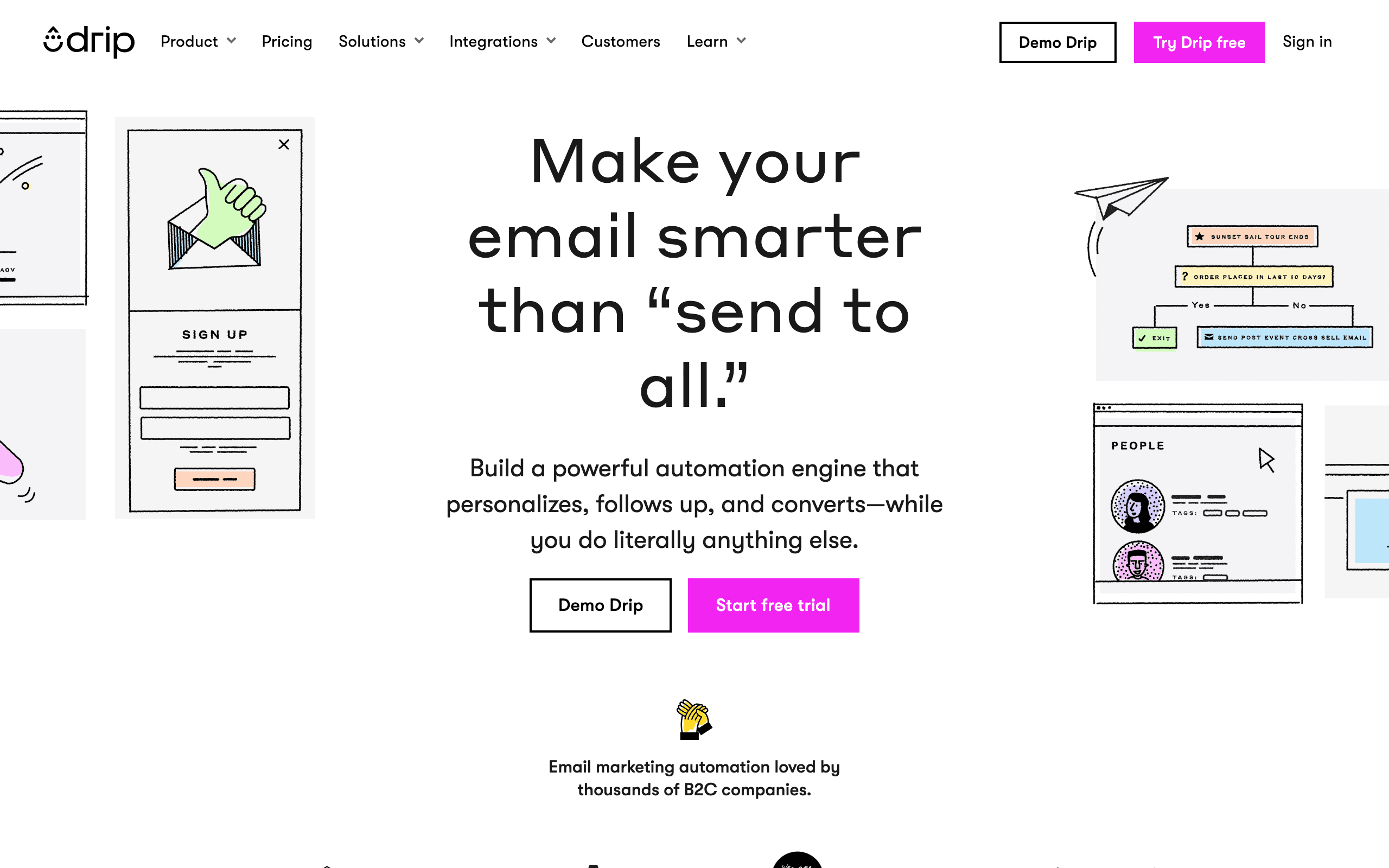
Drip focuses on behavioral email automation for ecommerce, but its event-driven approach works for SaaS companies with an ecommerce dimension. The platform triggers emails based on user actions: site visits, purchases, engagement, and inactivity.
For SaaS companies that sell physical goods, have an online store component, or use ecommerce-style checkout for subscriptions, Drip's behavioral automation is strong. You can build lifecycle flows around first purchase, repeat purchase, lapsed customers, and high-value customer segments.
Drip's RFM modeling (recency, frequency, monetary) helps identify lifecycle stages based on purchasing behavior. A customer who buys frequently and recently is "active." A customer who hasn't purchased in 90 days is "at-risk." This behavioral segmentation works well for ecommerce-lite SaaS.
The limitation for pure SaaS is that Drip's lifecycle model is purchase-centric, not usage-centric. Product activation, feature adoption, team collaboration, and usage-based triggers aren't native concepts. For SaaS companies where purchasing behavior (not usage behavior) defines lifecycle stages, Drip is capable.
- Pricing: From $39/month
- Lifecycle strength: Behavioral ecommerce automation
- AI features: Behavioral trigger content, RFM-aware generation, revenue-focused messaging
- Pros:
- Strong behavioral triggers
- RFM modeling for lifecycle stages
- Good for ecommerce-style SaaS
- Revenue-focused segmentation
- Capable automation builder
- Cons:
- Ecommerce-first mental model
- Less suitable for usage-based SaaS
- Higher starting price
- Steep learning curve
12. Omnisend
Best for: Omnichannel SaaS with ecommerce components
Omnisend specializes in omnichannel automation for ecommerce, but its cross-channel approach works for SaaS companies that communicate across email, SMS, and other channels. You can build lifecycle flows that coordinate messages across channels based on user behavior.
For SaaS companies with ecommerce functionality or that use SMS for transactional and lifecycle messaging, Omnisend's channel coordination is valuable. A user who abandons checkout gets an email followed by an SMS reminder. A lapsed customer gets an email win-back campaign and an SMS re-engagement push.
The platform integrates with ecommerce platforms, so product catalogs, purchase history, and customer data feed into lifecycle segmentation. A customer who bought a specific product tier can enter an upsell sequence. A trial user who purchased an add-on can get a cross-sell flow.
The limitation for pure SaaS is that Omnisend is optimized for ecommerce use cases. Product usage, feature adoption, team collaboration, and usage-based billing aren't first-class concepts. For SaaS companies with strong ecommerce or SMS needs, Omnisend's omnichannel capabilities are valuable.
- Pricing: Free tier available, from $16/month
- Lifecycle strength: Omnichannel behavioral automation
- AI features: Product-aware generation, omnichannel adaptation, sending time optimization
- Pros:
- Strong omnichannel coordination
- SMS + email in one platform
- Ecommerce data integration
- Good for transactional lifecycle
- Affordable starting price
- Cons:
- Ecommerce-first focus
- Less natural for pure SaaS
- Usage-based features limited
- Complex to set up fully
13. Brevo (formerly Sendinblue)
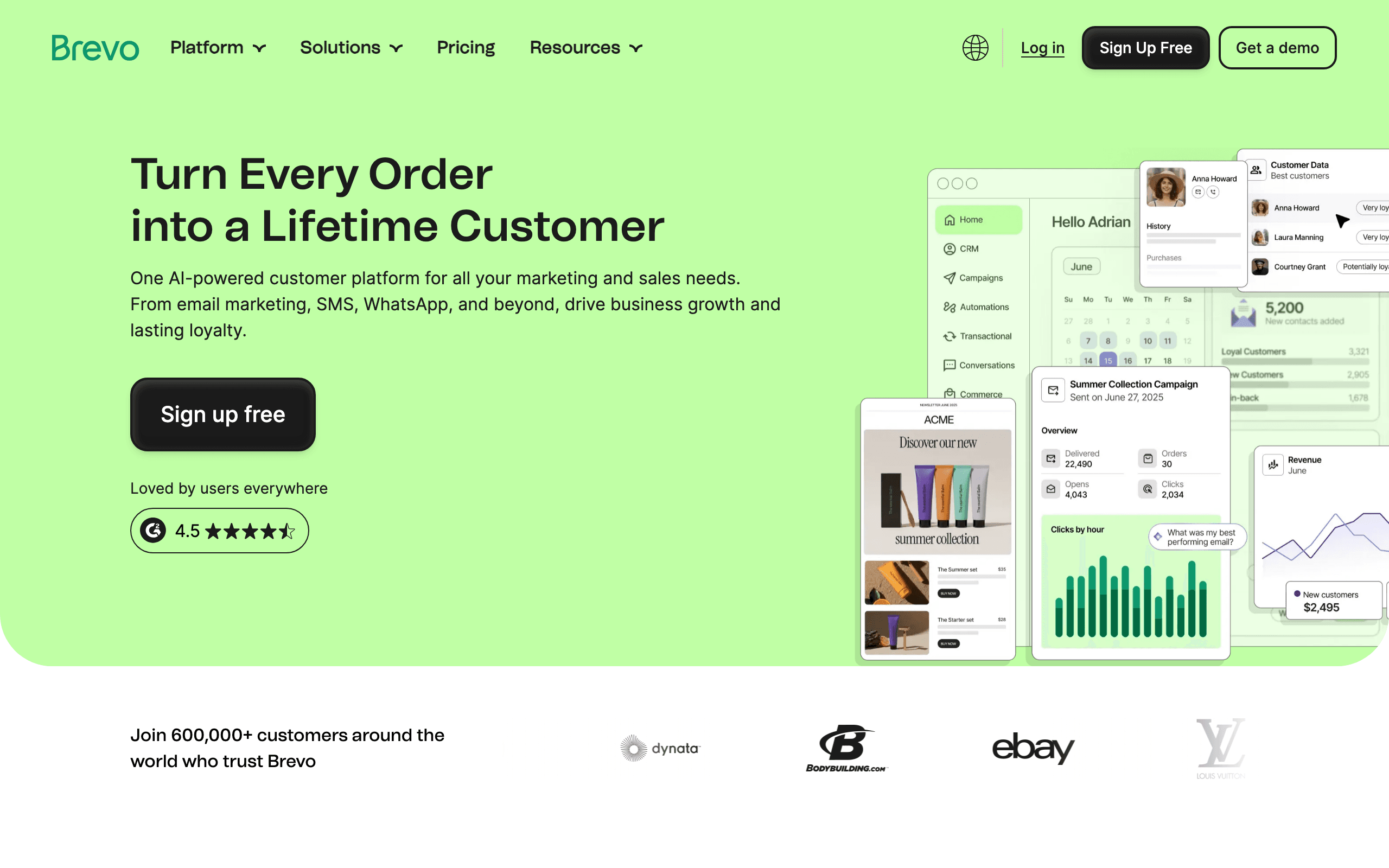
Best for: SaaS companies needing SMS + email lifecycle on a budget
Brevo offers email, SMS, and WhatsApp automation at an accessible price point. For SaaS companies that want lifecycle messaging across channels without enterprise pricing, Brevo's multichannel approach is cost-effective.
The automation workflow builder supports multi-step lifecycle sequences. You can build onboarding flows, trial conversion sequences, dunning management, and re-engagement campaigns. The platform includes basic CRM functionality for contact management and deal tracking.
Where Brevo stands out is in the inclusion of SMS and WhatsApp messaging at the base price. Many lifecycle platforms charge extra for multichannel or require expensive upgrades. Brevo includes SMS from the starting tier, making it accessible for SaaS companies on a budget.
The limitation is that Brevo's lifecycle features are basic compared to specialist tools. Cross-sequence coordination, revenue-aware segmentation, and sophisticated behavioral triggers are limited. For SaaS companies that need affordable multichannel lifecycle and can work within basic automation capabilities, Brevo is a solid value choice.
- Pricing: Free tier available, from $9/month
- Lifecycle strength: Budget-friendly multichannel automation
- AI features: Multichannel content generation, send time optimization, contact scoring
- Pros:
- Very affordable
- SMS + WhatsApp included
- Capable automation builder
- Good for budget-conscious teams
- Multichannel from base tier
- Cons:
- Basic lifecycle features
- Less sophisticated than specialists
- Limited cross-sequence coordination
- Not SaaS-specific
14. ConvertKit (Kit)
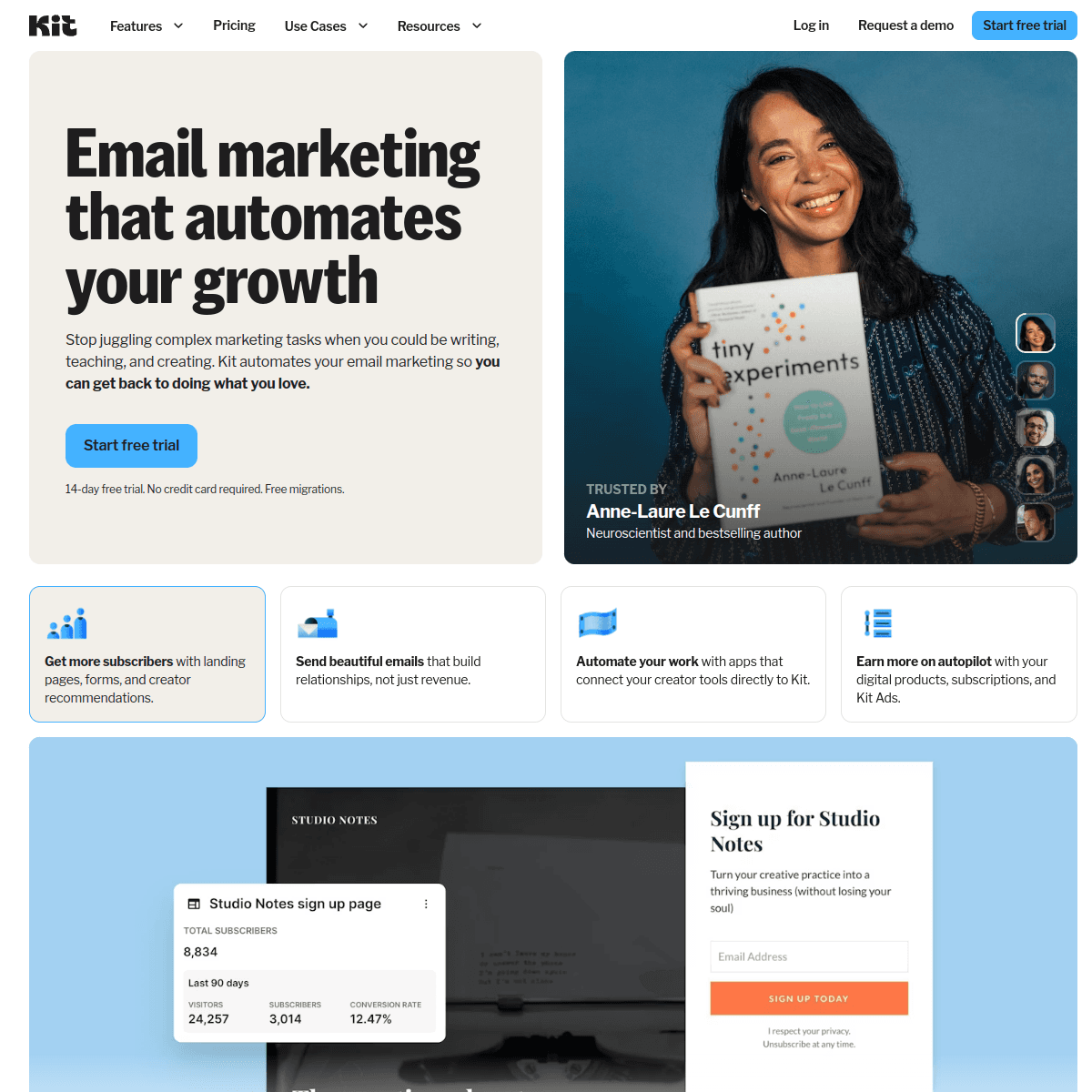
Best for: Creator-focused SaaS and digital product lifecycle
ConvertKit (recently rebranded as Kit) serves creators selling digital products, courses, and memberships. For SaaS companies in the creator economy or selling knowledge products, ConvertKit's lifecycle automation matches the customer journey.
The platform understands creator lifecycle stages: subscriber, lead, free product user, paid customer, superfan. Automations handle the transitions between these stages, from lead magnet delivery to product launch sequences to membership renewal reminders.
ConvertKit's commerce integration means purchases, subscriptions, and product access connect directly to email automations. When someone buys a course, they enter the onboarding sequence. When a membership renews, they get a confirmation email. When a payment fails, dunning emails trigger.
The limitation for broad SaaS is that ConvertKit is creator-optimized, not SaaS-optimized. Concepts like trial stages, usage-based triggers, team collaboration, and API-based event tracking aren't the focus. For creator-economy SaaS selling digital products, courses, or memberships, ConvertKit's lifecycle model is a natural fit.
- Pricing: Free up to 10,000 subscribers, from $29/month
- Lifecycle strength: Creator economy lifecycle stages
- AI features: Creator-focused templates, commerce integration, send time suggestions
- Pros:
- Built for creator lifecycle
- Commerce integration
- Generous free tier
- Simple to use
- Good for digital products
- Cons:
- Creator-focused, not general SaaS
- Limited for usage-based SaaS
- Less sophisticated automation
- Fewer advanced features
15. Iterable
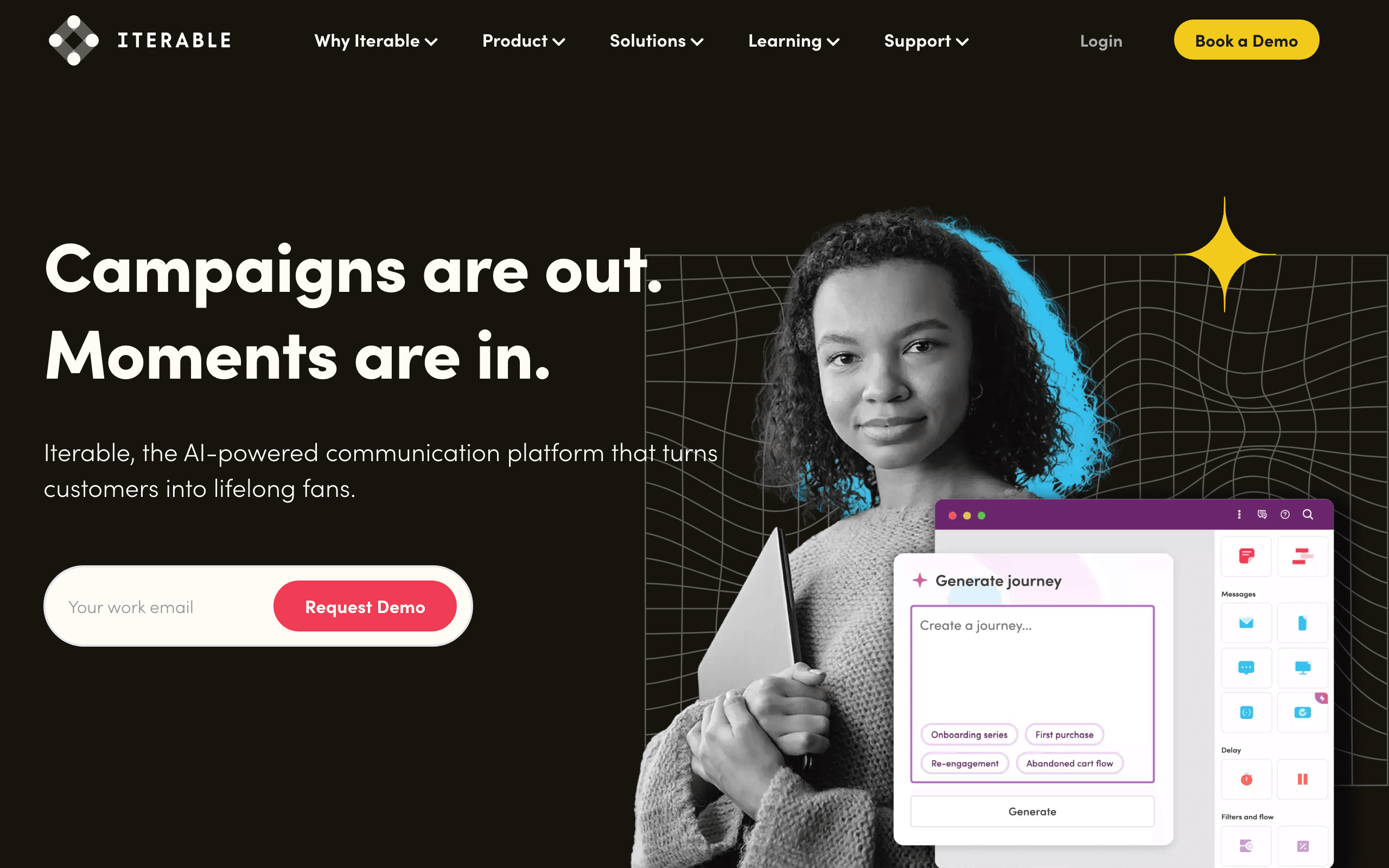
Best for: Enterprise SaaS needing cross-channel lifecycle orchestration
Iterable is an enterprise cross-channel platform handling email, mobile push, in-app messages, SMS, and more. For large SaaS companies with sophisticated lifecycle needs across channels and devices, Iterable's orchestration capabilities are comprehensive.
The platform's strength is in complex, data-driven lifecycle journeys. You can build lifecycle flows that branch based on user behavior, device type, engagement history, and real-time context. Workflows can span weeks or months, with dynamic content and channel selection at each step.
Iterable's "Flex" templates allow for dynamic content assembly. A single lifecycle email template can pull in different content blocks based on user segment, lifecycle stage, or behavioral triggers. This reduces template maintenance while enabling personalization at scale.
The limitation for smaller SaaS companies is cost and complexity. Iterable's pricing is enterprise-level, and the platform requires significant resources to implement and maintain. For early or mid-stage SaaS, Iterable is overkill. For enterprise SaaS with complex cross-channel lifecycle needs and budget to match, Iterable is powerful.
- Pricing: Custom pricing (enterprise)
- Lifecycle strength: Enterprise cross-channel orchestration
- AI features: Cross-channel generation, custom model training, journey optimization, frequency management
- Pros:
- Most sophisticated cross-channel orchestration
- Highly personalized lifecycle journeys
- Dynamic content assembly
- Enterprise-grade scalability
- Advanced testing and optimization
- Cons:
- Very expensive
- Complex implementation
- Requires dedicated team
- Overkill for smaller SaaS
16. Braze
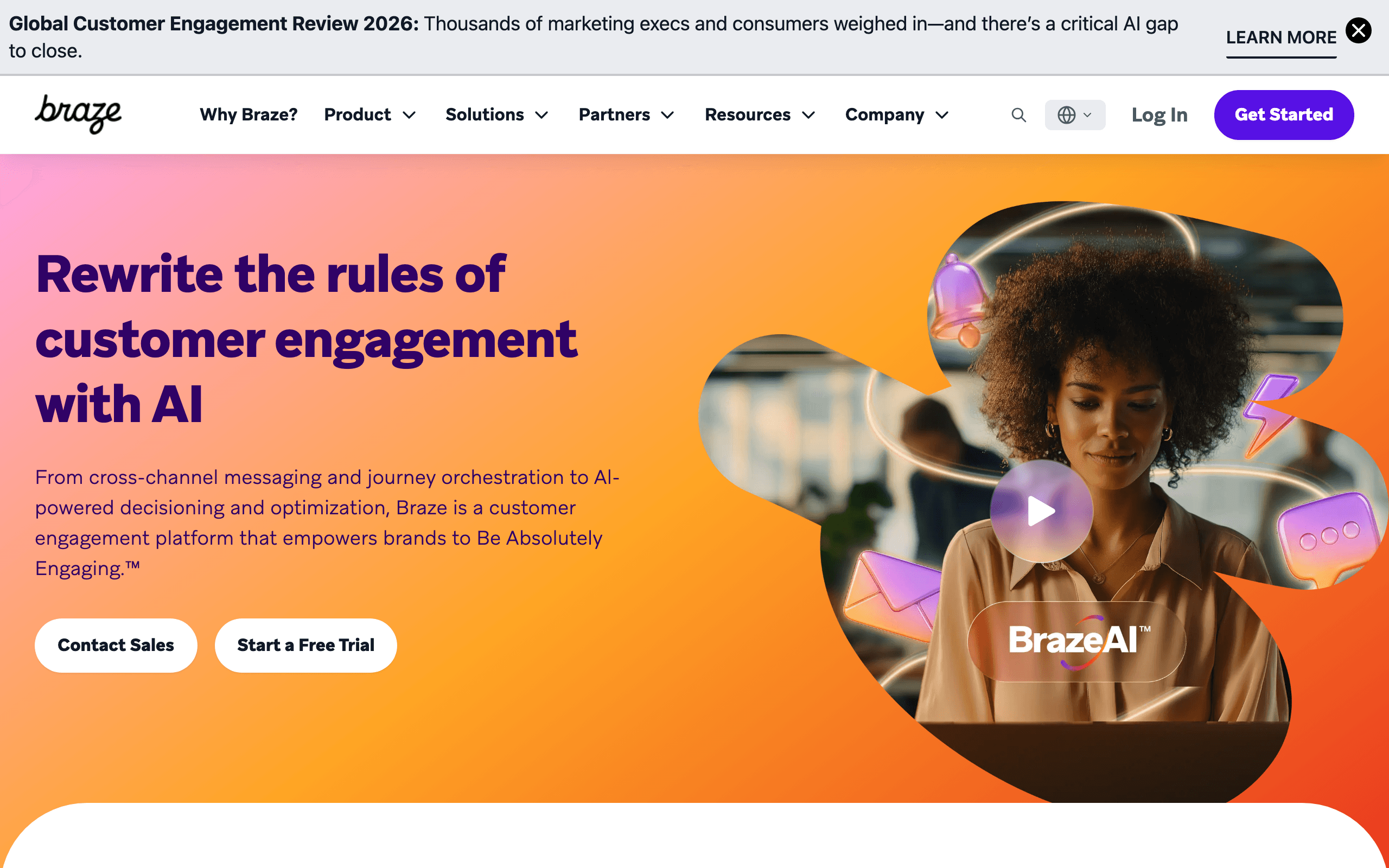
Best for: Mobile-first SaaS with real-time lifecycle messaging
Braze specializes in mobile engagement, handling email, push notifications, in-app messages, and SMS with real-time orchestration. For mobile-first SaaS companies or apps with strong mobile presence, Braze's lifecycle capabilities excel.
The platform's strength is real-time lifecycle messaging based on in-app behavior. A user who completes a key action gets an immediate push notification. A user who hasn't opened the app in 7 days gets an email re-engagement message. A user who churns gets a win-back push followed by an SMS offer.
Braze's "Canvas" feature creates multi-step lifecycle journeys across channels. You can build onboarding canvases that use in-app messages for education, push for engagement, and email for depth - each channel doing what it does best within a unified lifecycle flow.
The limitation for web-first or backend-heavy SaaS is that Braze is mobile-optimized. If your primary user interaction is on the web or your lifecycle triggers are backend events (API usage, billing events), platforms with stronger web and backend focus may fit better. For mobile-first SaaS with real-time lifecycle needs, Braze is strong.
- Pricing: Custom pricing (enterprise)
- Lifecycle strength: Real-time mobile lifecycle messaging
- AI features: Mobile-optimized generation, Canvas journey AI, personalization at scale
- Pros:
- Best-in-class mobile messaging
- Real-time orchestration
- Strong in-app + push + email
- Sophisticated Canvas journeys
- Deep mobile analytics
- Cons:
- Enterprise pricing
- Mobile-first, less focus on web
- Steep learning curve
- Complex to implement
17. Vero
Best for: Technical SaaS teams wanting API-first lifecycle design
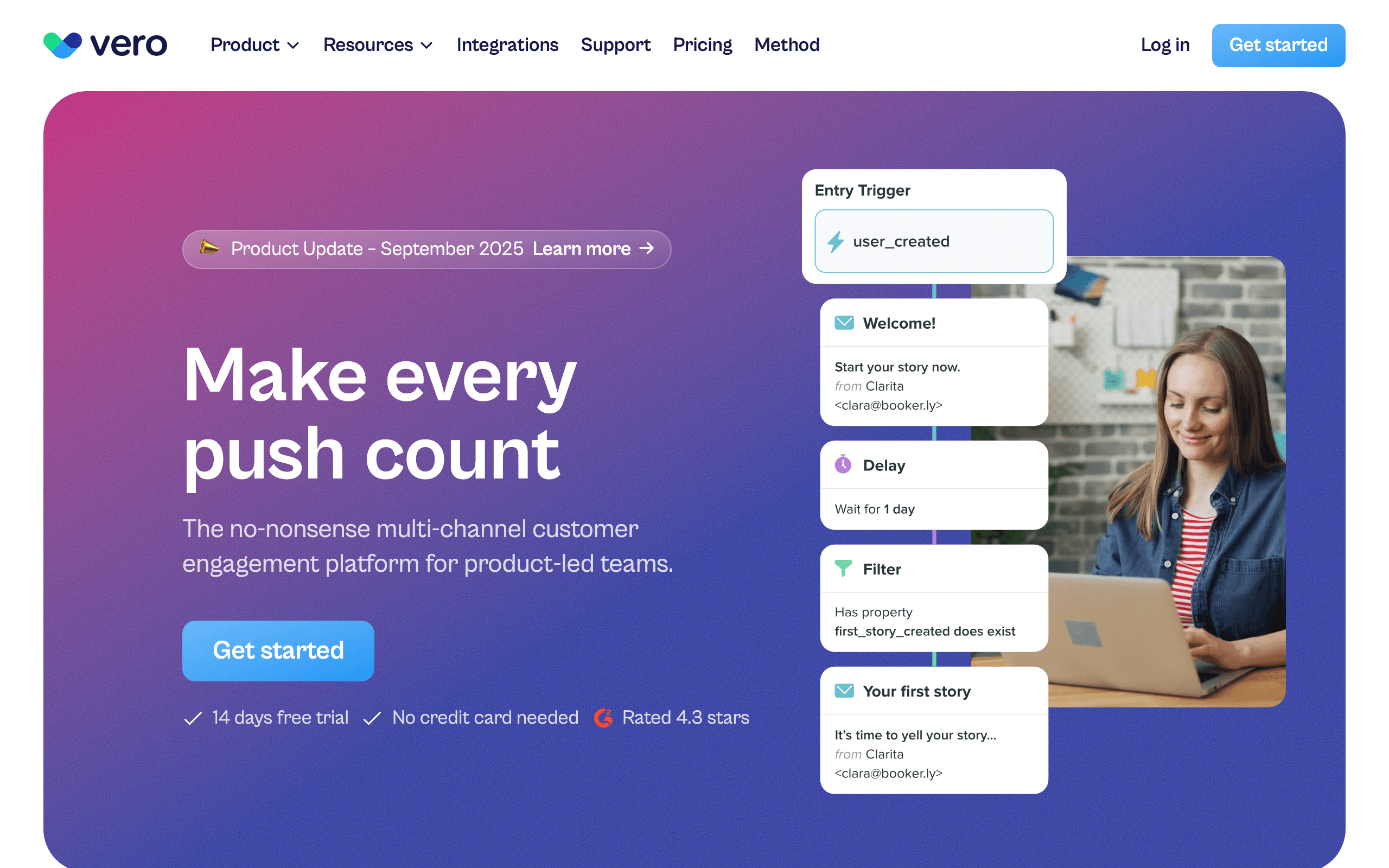
Vero is an API-first email platform built for engineering teams. For SaaS companies with strong engineering resources who want to design lifecycle systems as code, Vero's API-driven approach gives full control.
The platform's strength is in event-driven lifecycle automation based on product behavior. You send events from your backend (user signed up, user activated feature, subscription renewed), and Vero triggers the appropriate lifecycle emails. The event-driven model maps cleanly to SaaS lifecycle stages.
Vero's API-first design means you can build, test, and deploy lifecycle flows programmatically. Lifecycle configurations can live in version control alongside your codebase, reviewed and deployed through the same engineering process. For technical teams who prefer infrastructure-as-code, Vero fits the workflow.
The limitation is that Vero requires engineering investment. There's no visual builder, no drag-and-drop workflow designer - every lifecycle flow is built through API calls or configuration. For non-technical teams, Vero is inaccessible. For technical teams who want full programmatic control, Vero's API-first approach is powerful.
- Pricing: From $99/month
- Lifecycle strength: API-first event-driven lifecycle
- Pros:
- Full API control
- Event-driven automation
- Infrastructure-as-code workflow
- Clean integration with SaaS backend
- Strong for technical teams
- Cons:
- Requires engineering resources
- No visual builder
- Steeper learning curve
- Less accessible to non-technical users
18. Ortto
Best for: SaaS companies wanting CDP + lifecycle in one platform
Ortto combines customer data platform (CDP) capabilities with email automation. For SaaS companies that want unified customer data and lifecycle messaging in one system, Ortto's data unification is valuable.
The platform's strength is in bringing together data from multiple sources - your product database, CRM, support tools, payment systems - and creating a unified customer profile. Lifecycle automations trigger based on this comprehensive view, not just email engagement.
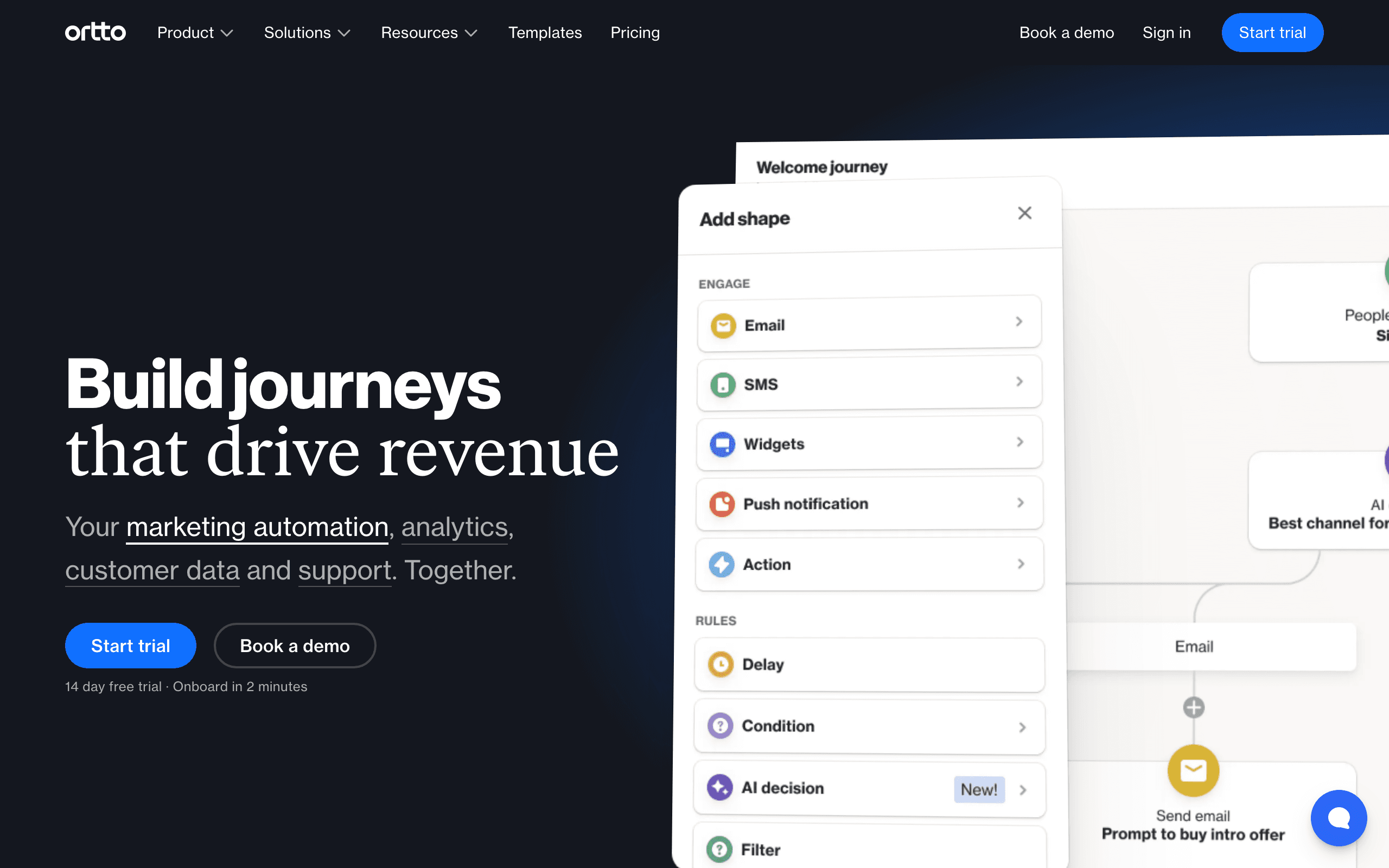
Ortto's "journey" builder creates multi-step lifecycle flows. You can build onboarding journeys, trial conversion sequences, expansion campaigns, and win-back flows. Because the CDP layer unifies customer data, segmentation for these journeys can include product usage, support history, payment status, and more.
The limitation is that Ortto is a broad platform doing many things. For SaaS companies that already have a CDP or don't need data unification, Ortto's lifecycle features are capable but not as specialized as dedicated tools. For SaaS companies wanting CDP and email in one platform, Ortto's unification is valuable.
- Pricing: From $99/month
- Lifecycle strength: CDP-backed lifecycle automation
- Pros:
- Unified customer data
- Multi-source data ingestion
- Capable journey builder
- Good for complex segmentation
- All-in-one data + messaging
- Cons:
- Expensive starting price
- Broad platform, less specialized
- Can feel complex to set up
- Overkill if you don't need CDP
19. Autopilot
Best for: Visual journey mapping for SaaS lifecycle
Autopilot focuses on visual journey mapping for customer lifecycle automation. For SaaS companies that want to see and design the full lifecycle as a visual journey map, Autopilot's canvas-based approach is intuitive.
The platform's strength is in mapping complex customer journeys as visual flows. You can create lifecycle journeys that span multiple stages, with branches, conditions, and cross-channel messaging. The visual canvas helps teams understand the lifecycle system and identify gaps.
Autopilot includes pre-built journey templates for common SaaS scenarios: trial onboarding, new customer activation, re-engagement, and win-back. These templates provide a starting point that you can customize for your specific lifecycle needs.
The limitation is that Autopilot was acquired by Salesforce and has seen less innovation in recent years. For SaaS companies committed to the Salesforce ecosystem, Autopilot's integration is valuable. For SaaS companies not using Salesforce, more actively-maintained lifecycle tools may be better long-term choices.
- Pricing: From $49/month
- Lifecycle strength: Visual journey mapping
- Pros:
- Intuitive visual builder
- Good journey templates
- Salesforce integration
- Easy to understand lifecycle flows
- Capable multi-stage journeys
- Cons:
- Less active development
- Salesforce-centric
- Limited innovation
- Unclear long-term roadmap
20. Postscripty
Best for: SMS-first SaaS lifecycle communication
Postscripty specializes in SMS marketing and automation. For SaaS companies where SMS is the primary lifecycle communication channel - due to customer preference, industry norms, or high email deliverability issues - Postscripty's SMS focus is valuable.
The platform handles SMS lifecycle sequences: onboarding messages, trial conversion nudges, payment reminders, re-engagement campaigns, and win-back offers. SMS has higher open rates than email, and for certain SaaS segments (younger demographics, mobile-first users), SMS is the preferred channel.
Postscripty's automation features include MMS support, scheduled messages, and segmentation based on subscriber behavior. You can build SMS lifecycle flows that trigger based on subscription events, engagement, or inactivity.
The limitation is that Postscripty is SMS-only. If your lifecycle strategy is primarily email-based, a dedicated email platform with SMS add-ons may be more appropriate. For SaaS companies where SMS is the core lifecycle channel, Postscripty's specialization is valuable.
- Pricing: From $50/month
- Lifecycle strength: SMS-focused lifecycle automation
- Pros:
- SMS specialization
- High engagement rates
- MMS support
- Good SMS segmentation
- Strong for mobile-first users
- Cons:
- SMS-only, no email
- Higher cost per message
- Limited to SMS lifecycle
- Requires customer opt-in
21. Customerly
Best for: SaaS companies wanting in-app + email lifecycle together
Customerly combines in-app messaging, email marketing, and help desk in one platform. For SaaS companies that want lifecycle communication across in-app messages and email with unified customer support, Customerly's integrated approach is convenient.
The platform's strength is in coordinated in-app and email lifecycle messaging. You can build lifecycle flows that use in-app messages for real-time engagement and email for deeper communication. A trial user gets in-app onboarding tips and email education. A lapsed customer gets an in-app nudge when they log in and an email when they don't.
Customerly includes customer support features - live chat, knowledge base, ticket management - alongside marketing automation. This means support interactions can trigger lifecycle flows. A customer who resolves a support issue gets a CSAT survey email. A customer who leaves positive feedback gets a referral request.
The limitation is that Customerly's lifecycle features are less sophisticated than dedicated email platforms. Complex behavioral triggers, revenue-aware segmentation, and cross-sequence coordination are limited. For SaaS companies that want in-app + email + support in one simple platform, Customerly is accessible. For sophisticated lifecycle automation, specialist tools are stronger.
- Pricing: From $29/month
- Lifecycle strength: In-app + email lifecycle messaging
- Pros:
- In-app + email coordination
- Built-in help desk
- Live chat included
- Simple to use
- Good for small teams
- Cons:
- Limited lifecycle sophistication
- Less powerful than specialist tools
- Basic automation capabilities
- Not for complex lifecycle needs
Building a SaaS Lifecycle Email System
Regardless of which tool you choose, here's the lifecycle framework to implement:
Stage 1: Trial / Free User
Goal: Activate and convert Key sequences: Onboarding, feature discovery, trial expiration warnings, conversion nudges Success metric: Trial-to-paid conversion rate
Stage 2: New Customer
Goal: Deepen engagement and prevent early churn Key sequences: Post-purchase welcome, advanced onboarding, feature adoption, team expansion prompts Success metric: 30-day retention rate
Stage 3: Active Customer
Goal: Expand revenue and strengthen retention Key sequences: Usage reports, upsell triggers, annual conversion, referral asks Success metric: Net revenue retention
Stage 4: At-Risk Customer
Goal: Prevent churn Key sequences: Re-engagement, "we miss you" nudges, feedback requests, personal outreach triggers Success metric: Save rate (% of at-risk customers retained)
Stage 5: Churned
Goal: Win back Key sequences: Exit survey, win-back offers, product update alerts, "come back" campaigns Success metric: Win-back rate
Cross-Stage: Payment Issues
Goal: Recover revenue Key sequences: Dunning emails, card expiry warnings, payment retry notifications Success metric: Payment recovery rate
Stage Transitions: The Most Important Detail
The transitions between lifecycle stages are where most lifecycle email systems break down. Here's what each transition should look like:
Trial to Customer: All trial-related sequences stop. Welcome/onboarding sequence for paying customers starts. Tags update from "trial" to "customer." This should happen within minutes of conversion, not hours.
Customer to At-Risk: Marketing sequences pause or reduce frequency. Re-engagement sequence starts. Internal alert notifies customer success team (for high-value accounts). This transition should trigger on declining product usage, not just declining email engagement.
At-Risk to Churned: Retention sequences stop. Exit survey sends. Win-back sequence is scheduled with a delay. Account data is preserved for future re-engagement.
Any Stage to Past-Due: Dunning sequence starts immediately. Other marketing sequences pause. When payment recovers, the user returns to their previous stage and sequences resume.
Choosing the Right Tool
SaaS-specific, affordable start: Sequenzy. Built for SaaS lifecycle with Stripe integration. Best value for early to mid-stage.
Maximum flexibility, technical team: Customer.io. Most powerful lifecycle automation for teams with engineering resources.
B2B with multiple users per account: Userlist. Company-level lifecycle management is essential for B2B.
Multi-channel lifecycle: Intercom. Best when you need in-app + email + chat working together.
All-in-one with sales: HubSpot or ActiveCampaign. Best when lifecycle spans marketing and sales teams.
Non-technical team with visual needs: Encharge or Autopilot. Visual lifecycle builders make complex systems accessible.
Mobile-first SaaS: Braze. Real-time mobile lifecycle messaging with strong in-app and push.
Enterprise orchestration: Iterable. Cross-channel lifecycle at scale for large SaaS companies.
FAQ
Do I need a dedicated lifecycle tool or can I use any email tool? Any email tool with behavioral triggers can handle basic lifecycle email. But dedicated lifecycle tools handle stage transitions, cross-sequence coordination, and revenue-aware segmentation that generic tools don't. For the full criteria to consider, see our guide on choosing an email platform for SaaS.
How many lifecycle sequences do I need? Start with 4: onboarding, trial conversion, dunning, and re-engagement. These cover the highest-impact lifecycle stages. Add engagement, expansion, and win-back sequences as you grow. A mature lifecycle system might have 8-12 sequences, but building all of them at once is overwhelming. Start with the highest-ROI stages.
Can I manage lifecycle email manually? At very small scale (under 100 customers), yes. Beyond that, automation is essential. The lifecycle never stops running, and manual management becomes impossible when you have hundreds of users at different stages simultaneously.
How do I know which lifecycle stage a user is in? Use a combination of subscription status (from Stripe or your billing system) and product behavior (from event tracking). A paying customer who hasn't logged in for 30 days is "at-risk" regardless of their payment status. For effective stage detection, you need both data sources.
What's the ROI of lifecycle email? Companies with mature lifecycle email typically see 15-25% lower churn and 20-30% higher expansion revenue compared to those using only broadcast campaigns. The compounding effect over 12 months is substantial.
How do I prevent lifecycle emails from conflicting with each other? Use priority rules. Dunning always takes priority over marketing. Stage-specific sequences take priority over general campaigns. Most tools support this through tags, segment exclusions, or workflow priority settings. The key principle: a subscriber should never receive conflicting messages from different lifecycle stages simultaneously.
Should I personalize lifecycle emails by plan tier? Yes. A customer on a $19/month plan has different expansion potential than one on a $199/month plan. A trial user on an enterprise plan deserves different attention than one on a starter plan. Plan-aware personalization makes lifecycle emails more relevant and effective.
How long should the at-risk stage last before I consider someone churned? It depends on your product's typical usage patterns. For a daily-use tool, 14 days of inactivity might signal churn risk. For a monthly-use tool, 60 days might be the threshold. Analyze your data to find the inactivity duration that correlates with eventual churn, and set your at-risk trigger accordingly.