
21 Best AI Email Sequence Builders for SaaS (2026)

Quick Comparison
| Tool | Best For | Starting Price | Free Tier | AI Features |
|---|---|---|---|---|
| Sequenzy | SaaS lifecycle sequences | $19/mo | Yes (2.5k emails) | Full sequence generation, brand-aware |
| Jasper | Brand voice consistency | $49/mo | No | Brand training, campaign planner |
| Lavender | Sales outbound scoring | $29/mo | Yes | Real-time coaching, reply optimization |
| Copy.ai | Workflow-based generation | $36/mo | Yes | Chaining workflows, multi-language |
| HubSpot | CRM-backed sequences | $20/mo | Yes | Data-aware AI, deal-stage context |
| ActiveCampaign | Automation workflows | $29/mo | No | Predictive content, CRM integration |
| Klaviyo | Ecommerce flows | $20/mo | Yes (250 contacts) | Product catalog, flow optimization |
| Customer.io | Event-driven sequences | $100/mo | No | Technical sophistication |
| GetResponse | All-in-one marketing | $19/mo | Yes | Cross-channel AI, landing pages |
| Mailchimp | Basic AI assistance | $13/mo | Yes (500 contacts) | In-editor generation |
| Instantly | Cold outreach | $37/mo | No | Reply optimization, warmup |
| Writesonic | Budget copy generation | $20/mo | Yes | Templates, tone options |
| Drip | Ecommerce automation | $39/mo | No | Behavioral triggers, RFM |
| Omnisend | Omnichannel ecommerce | $16/mo | Yes (250 contacts) | Product-aware, SMS coordination |
| Brevo | Multichannel campaigns | $9/mo | Yes (300/day) | SMS + email, contact scoring |
| ConvertKit | Creator sequences | From $39/mo | Yes (10k subs) | Commerce integration |
| Beehiiv | Newsletter growth | $39/mo | Yes (2.5k subs) | Network data insights |
| Iterable | Enterprise lifecycle | Custom | No | Cross-channel orchestration |
| Braze | Real-time messaging | Custom | No | Mobile-first AI, Canvas AI |
| Phrasee | Language optimization | Custom | No | Purpose-built linguistic AI |
| Wordtune | Sentence refinement | $10/mo | Yes | Rewriting, tone shifting |
Writing a good email sequence takes hours. You need to figure out the timing, write compelling copy for each email, get the subject lines right, and make sure the sequence flows logically from one email to the next. Multiply that by every sequence you need (onboarding, trial conversion, dunning, re-engagement) and you're looking at days of work.
AI sequence builders promise to collapse that into minutes. You describe what you want, and they generate a complete multi-step sequence with timing, subject lines, and body copy.
Some of these tools are genuinely impressive. Others are basically ChatGPT with an email template wrapper. Here's the honest breakdown of what works.
This guide is part of our best email automation software comparison.
What Makes a Good AI Sequence Builder
A truly useful AI sequence builder should:
- Generate complete sequences, not just single emails. Timing between emails, logical flow, and escalation should all be handled.
- Understand your product and audience. Generic email copy is easy to spot. Good AI tools learn about your brand and customize accordingly.
- Produce production-ready output. You should be able to use the generated sequence with minimal editing.
- Handle sequence logic. When should the sequence stop? What happens if the user takes an action? Smart builders handle these conditions.
Best AI Sequence Builder by Email Workflow
Best for SaaS onboarding and activation: Sequenzy
Sequenzy is the best fit when the AI needs to generate a full lifecycle sequence, not just a single email draft. It is strongest for onboarding, activation, trial conversion, and dunning because the generated copy can be deployed directly into product-triggered flows. Start with AI sequences, SaaS onboarding templates, and the onboarding automation guide.
Best for sales outbound sequences: Lavender
Lavender is better for one-to-one cold outreach than lifecycle marketing. Use it when replies matter more than product events, and keep it separate from customer onboarding, payment recovery, and product notification emails.
Best for e-commerce product flows: Klaviyo
Klaviyo is the stronger AI choice when product catalog data, abandoned carts, replenishment, and purchase history are the source of personalization. If that is your use case, compare it with the Klaviyo alternatives before choosing a general-purpose AI copy tool.
Best for CRM-backed follow-up: HubSpot
HubSpot is strongest when AI sequence copy needs deal stage, contact owner, company size, and pipeline data. It is usually heavier than a SaaS lifecycle tool, but useful for sales-assisted teams already committed to the CRM.
Best for creator newsletters: ConvertKit or Beehiiv
Creator sequences rarely need deep product events. ConvertKit and Beehiiv make more sense when AI is helping with launch emails, audience nurturing, and paid newsletter growth rather than app onboarding.
The 21 Best AI Sequence Builders
1. Sequenzy
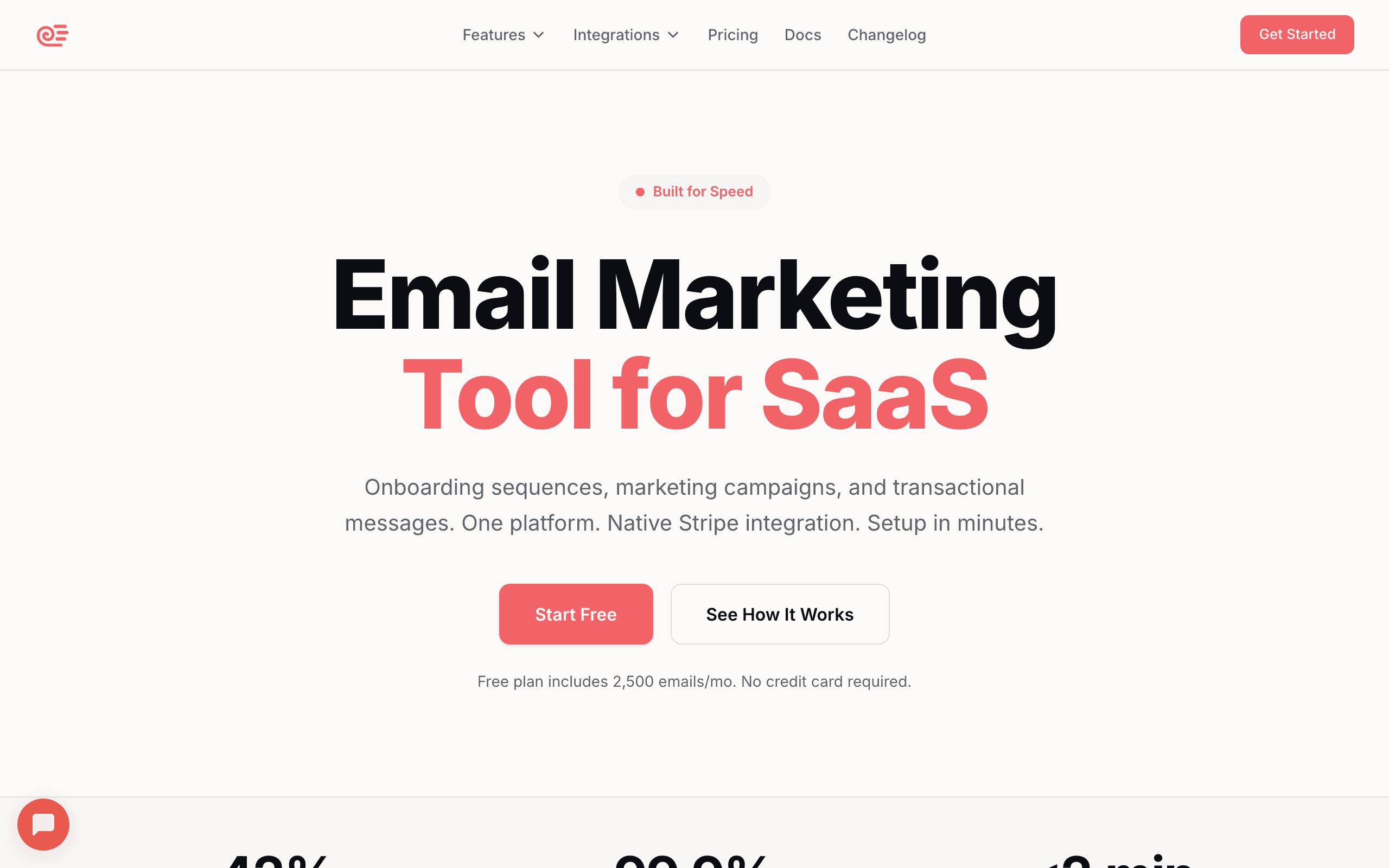
Best for: SaaS founders who want AI-generated sequences deployed in minutes
Sequenzy's AI sequence builder is its core differentiator. You describe the goal ("convert trial users to paid," "recover failed payments," "onboard new signups"), and it generates a complete multi-email sequence with timing, subject lines, and body copy tailored to your brand.
What sets it apart: the AI knows your product because it parsed your website when you created your account. So the generated copy references your actual features, pricing, and value proposition. It's not generic "Dear valued customer" content.
The generated sequences deploy directly into the automation system. Set the trigger, review the emails, and enable. The whole process from idea to live automation takes about 10 minutes.
- AI features: Full sequence generation, website scraping for brand context, SaaS lifecycle templates, subject line generation
- Pricing: Free up to 2,500 emails/month, paid plans from $19/month
- Pros: Generates complete sequences, brand-aware, SaaS lifecycle focus, deploy directly, subject lines included
- Cons: Limited to Sequenzy platform, needs review before activating, generated content may need editing
2. Jasper
Best for: Marketing teams who need AI copywriting across channels
Jasper is a general-purpose AI copywriting tool with email-specific templates. It can generate individual email copy, subject line variations, and follow-up sequences. It's not an email platform itself, so you'd use it alongside your email tool.
Where Jasper excels is brand voice consistency. Feed it your brand guidelines, tone of voice documentation, and example emails, and it generates content that matches your style across all emails in a sequence.
Jasper's campaign builder lets you outline a multi-email sequence (define the number of emails, the goal of each, and the overall narrative arc) before generating content.
- AI features: Email templates, brand voice training, campaign planner, knowledge base
- Pricing: From $49/month
- Pros: Versatile AI, brand voice training, large template library, campaign planning
- Cons: Not an email platform (copy-paste workflow), no sequence logic, expensive for teams
3. Lavender
Best for: Sales teams writing outbound email sequences
Lavender is an AI email assistant focused on sales email. It scores your email in real-time and suggests improvements based on what drives replies. It integrates with Gmail, Outlook, and sales tools.
For outbound sales sequences, it's excellent. The AI understands what makes cold emails work (length, personalization, clarity) and coaches you to improve. But it's not designed for marketing automation sequences.
Lavender's email scoring is data-driven. It analyzes millions of emails to identify patterns that correlate with higher reply rates. Each email you write gets a score from 0-100 with specific suggestions for improvement.
- AI features: Real-time email scoring, personalization suggestions, reply rate optimization
- Pricing: Free for basic features, from $29/month
- Pros: Real-time coaching, trained on reply patterns, integrates with sales tools, data-driven
- Cons: Sales-focused only, doesn't generate full sequences, requires separate email platform
4. Copy.ai
Best for: Content teams needing email copy alongside other content
Copy.ai is a general AI content platform with email workflow templates. It can generate sequences through their workflow feature, where you define the sequence structure and the AI fills in the copy.
The workflow approach gives you more control over sequence structure (you define the number of emails and timing), with AI handling the actual writing. Copy.ai's workflow builder creates multi-step workflows that generate each email with context from previous emails.
For teams that produce content across multiple channels (blog posts, social media, emails, ads), Copy.ai's multi-purpose nature means you're paying for one tool instead of several.
- AI features: Workflow builder, tone customization, multi-language support, A/B variant generation
- Pricing: Free tier available, from $36/month
- Pros: Workflow chaining, consistent tone across sequences, free tier, multi-channel
- Cons: Not an email platform, manual deployment required, workflow setup takes time
5. HubSpot
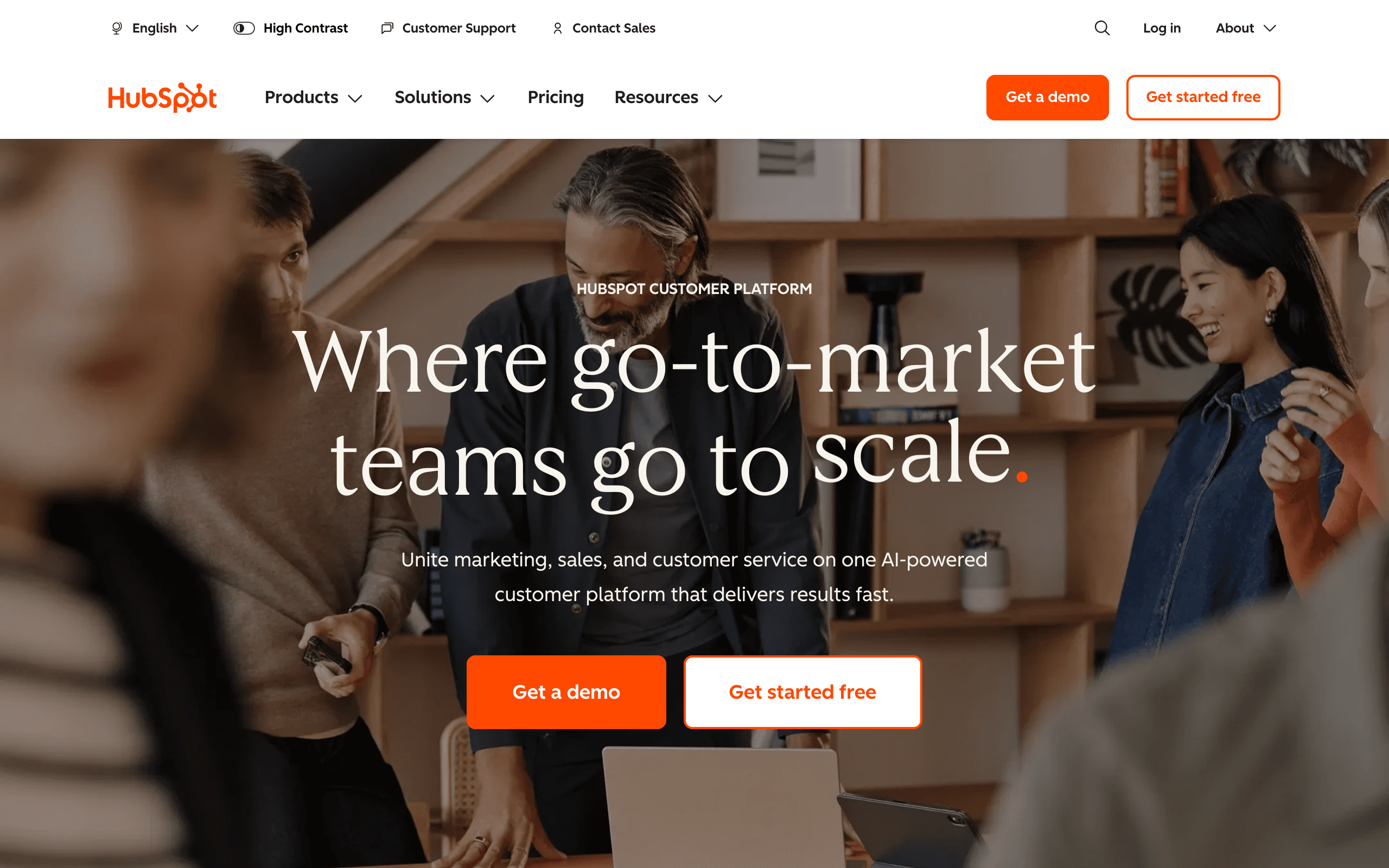
Best for: CRM-backed AI sequence generation
HubSpot's AI generates email sequences using CRM data as context. When creating workflows, the AI can reference contact properties, deal stage, company information, and past engagement to personalize content dynamically.
The integration between CRM and email AI is the differentiator. Generate a follow-up email for a deal, and HubSpot's AI incorporates the prospect's industry, company size, previous interactions, and deal value into the content.
HubSpot also offers content generation for landing pages and ads alongside email, maintaining consistent messaging across channels.
- AI features: CRM-backed personalization, deal-stage awareness, cross-channel generation
- Pricing: Free tier available, from $20/month
- Pros: Deep CRM integration, personalized based on contact data, all-in-one platform
- Cons: Expensive at scale, AI features gated to higher tiers, complex for simple needs
6. ActiveCampaign
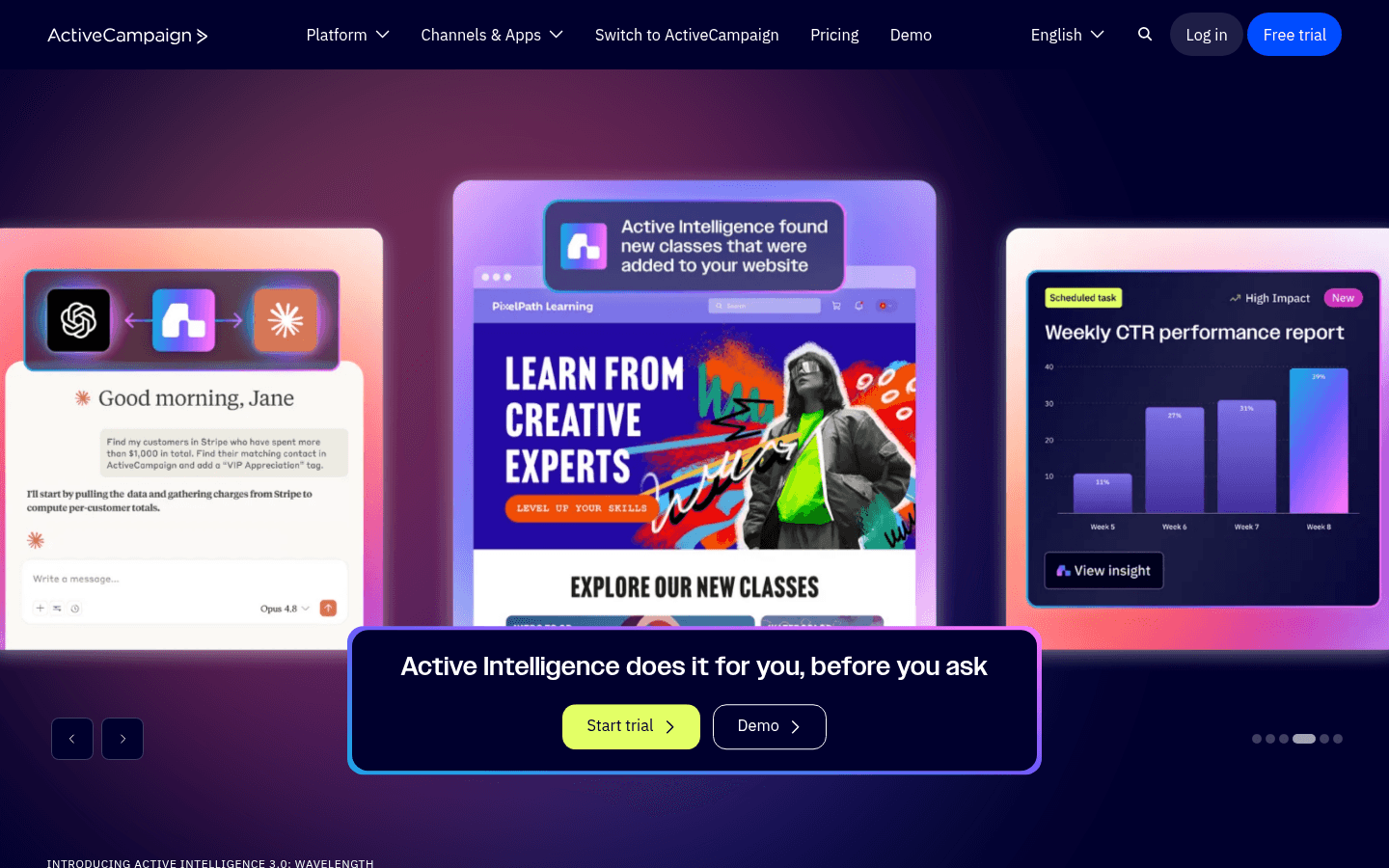
Best for: ActiveCampaign users wanting AI-assisted campaign creation
ActiveCampaign added AI content generation to their campaign builder. You can generate email copy, subject lines, and content variations. The AI leverages their knowledge of email marketing best practices.
Similar to Mailchimp, the AI assists with individual emails rather than generating complete multi-step sequences from a single prompt. You build the automation flow manually and use AI to speed up the copywriting within each step.
Where ActiveCampaign's AI has an edge is predictive content. Create multiple content variants for a single email in your sequence, and the AI learns which variant performs best for different subscriber segments.
- AI features: Workflow-aware generation, predictive content selection, CRM data integration
- Pricing: From $29/month
- Pros: Workflow-aware AI, automation context, CRM data available, predictive content
- Cons: Doesn't generate complete sequences from prompts, AI features limited to specific plans
7. Klaviyo
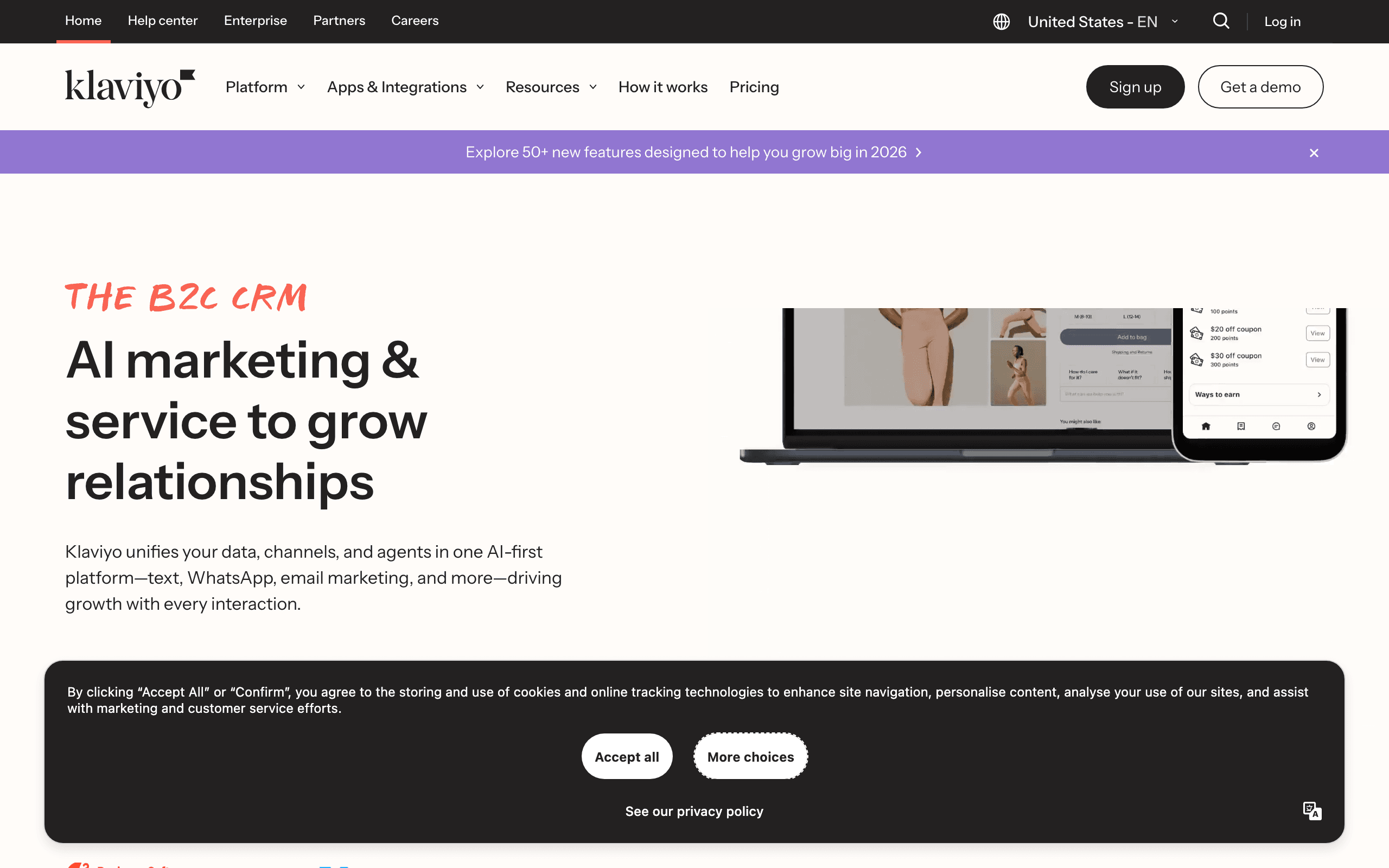
Best for: Ecommerce AI email sequences
Klaviyo's AI generates email content optimized for ecommerce: product announcements, promotional campaigns, abandoned cart sequences, and post-purchase follow-ups. The AI has access to your product catalog and customer data.
For ecommerce businesses, having AI that understands your products and customers produces more relevant email content than a generic AI tool.
Klaviyo's AI also assists with flow optimization. It can suggest improvements to existing email sequences based on performance data.
- AI features: Product catalog integration, flow optimization, subject line AI, performance-based suggestions
- Pricing: Free up to 250 contacts, from $20/month
- Pros: Product catalog awareness, ecommerce-optimized, personalized recommendations, performance-trained
- Cons: Ecommerce-focused, less useful for SaaS, pricing scales with contacts
8. Customer.io
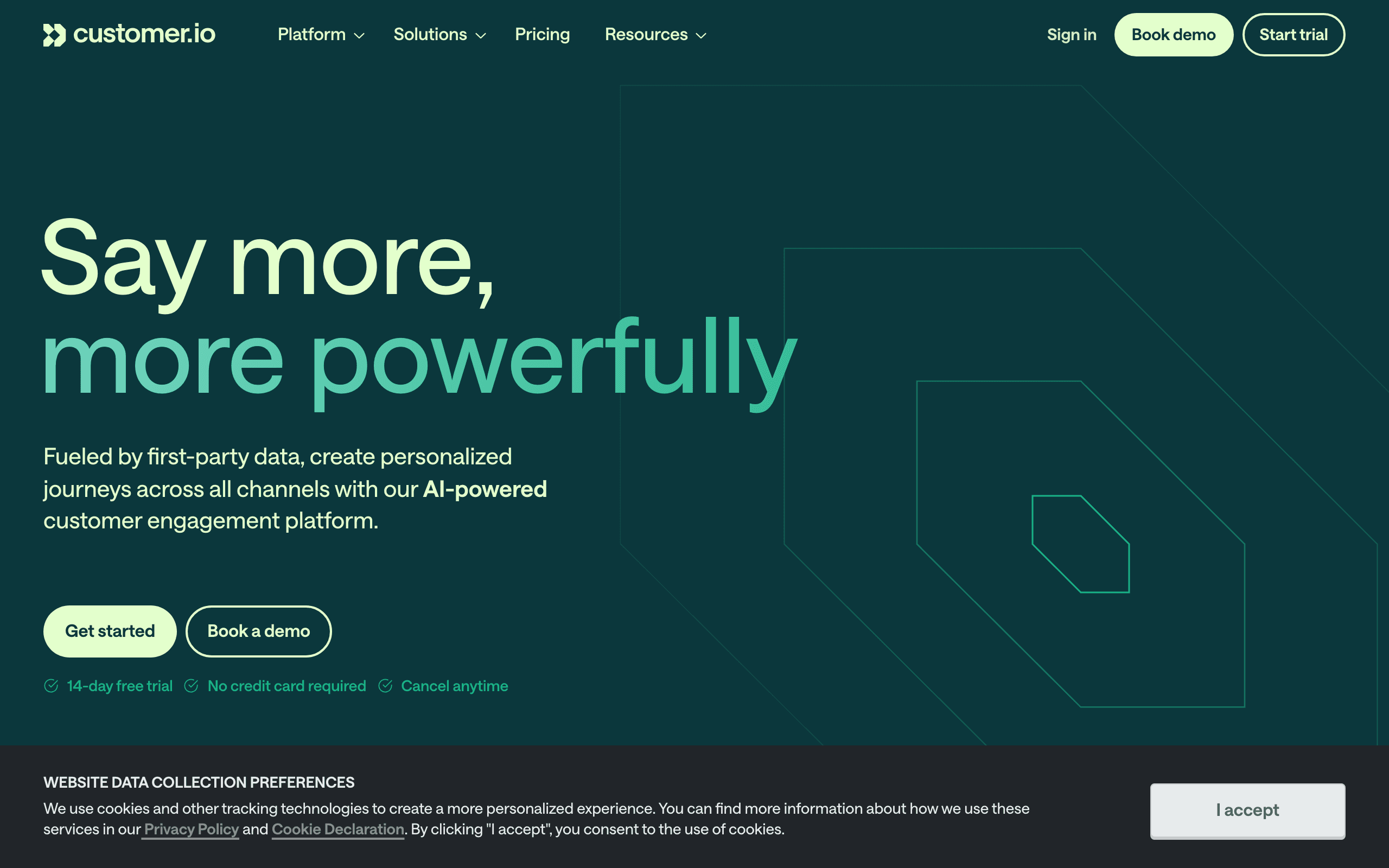
Best for: Technical teams wanting event-driven AI generation
Customer.io's AI generates content within the context of event-driven automations. When creating emails triggered by specific user behaviors (trial signup, feature usage, payment failure), the AI incorporates event data into personalized content.
The technical audience focus means the AI handles complex conditional content well. Generate an email that changes based on user attributes, plan type, or usage patterns, and Customer.io's AI structures the logic and content appropriately.
- AI features: Event-driven content, conditional generation, technical template support, API access
- Pricing: From $100/month
- Pros: Flexible event-based triggers, technical sophistication, strong personalization
- Cons: Expensive, technical learning curve, overkill for simple needs
9. GetResponse
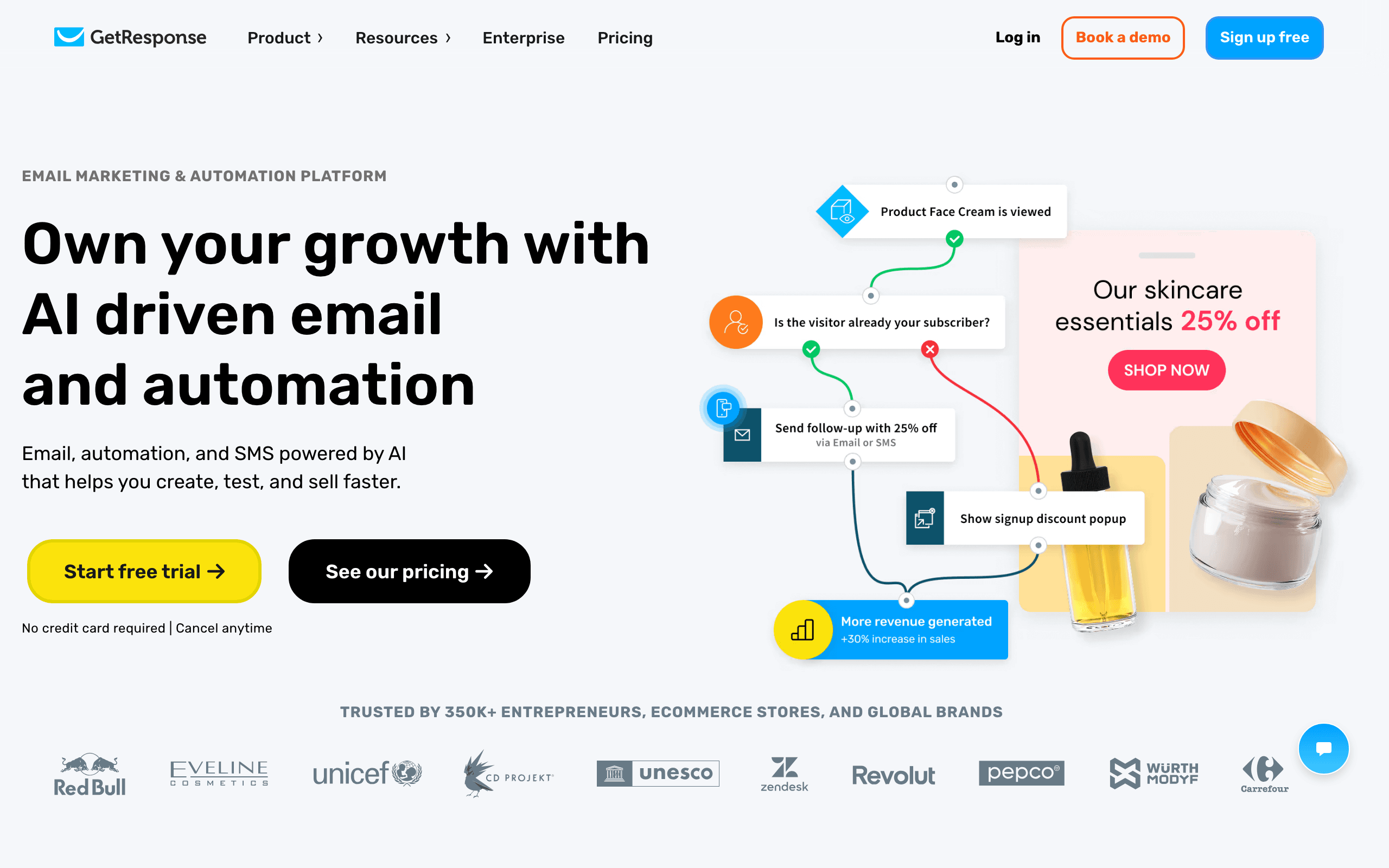
Best for: All-in-one marketing with AI across channels
GetResponse's AI generates content for email campaigns, landing pages, and social media from a single prompt. The AI Content Generator creates subject lines, headlines, and body copy with options for tone and length.
The platform strength is the unified workflow. Generate an email campaign with AI, then use the same AI to create the landing page it links to, all within the same tool.
GetResponse also offers AI-powered send time optimization and list segmentation, complementing the copywriting features.
- AI features: Multi-channel content generation, in-editor AI suggestions, send time optimization
- Pricing: Free tier available, from $19/month
- Pros: All-in-one platform, landing page + email AI, send time optimization included
- Cons: AI quality is average, interface feels dated, less sophisticated than dedicated tools
10. Mailchimp
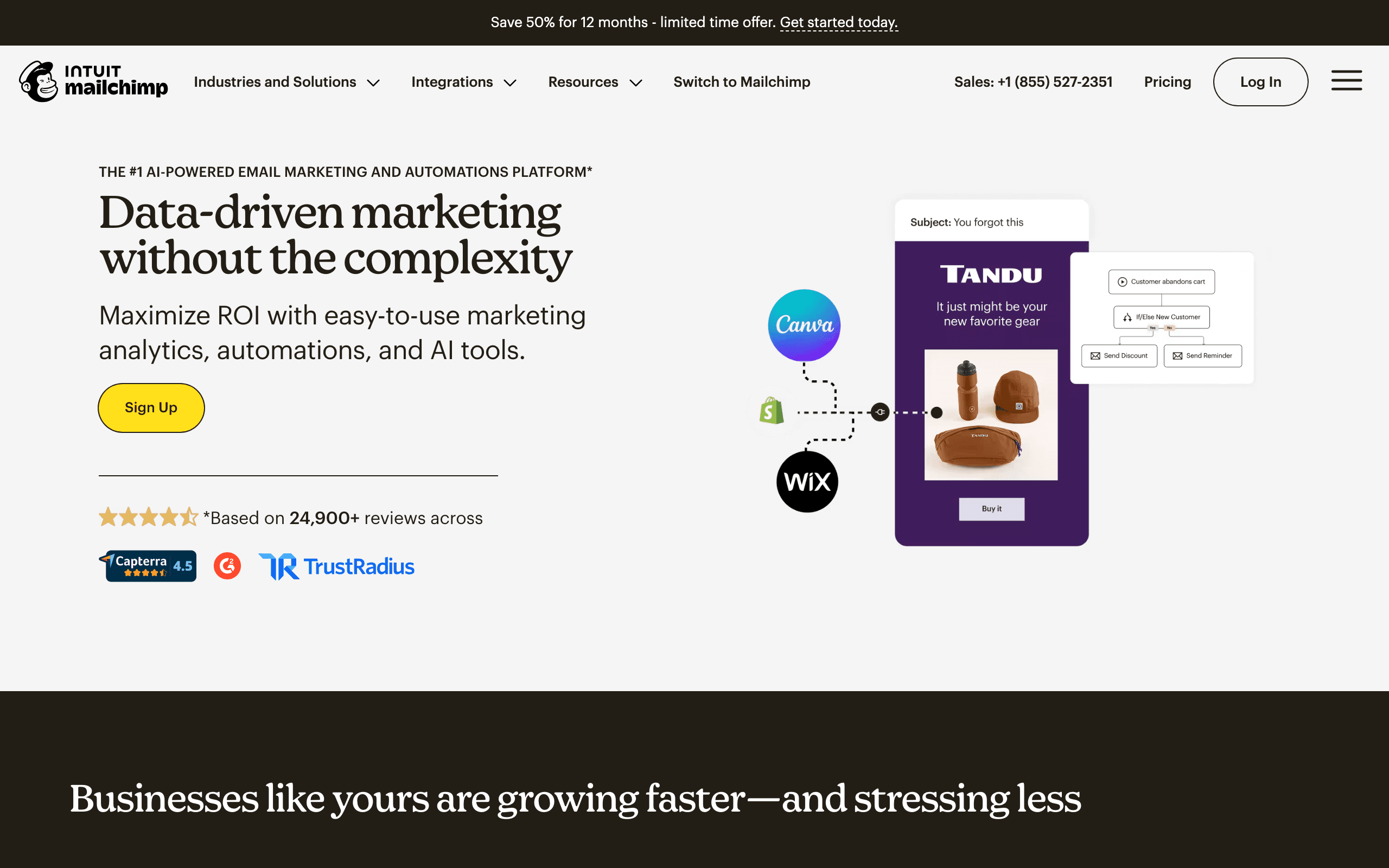
Best for: Non-technical users wanting basic AI assistance
Mailchimp's Intuit Assist feature adds AI capabilities to their existing platform. It can generate email content, suggest subject lines, and help with campaign creation.
The AI is decent for basic email copy but doesn't generate complete sequences from a single prompt. You still build the automation structure manually and use AI to help with individual email content within that structure.
The subject line suggestions are one of the stronger AI features, drawing on Mailchimp's massive dataset of email performance.
- AI features: In-editor content generation, subject line suggestions, design generation
- Pricing: Free up to 500 contacts, from $13/month
- Pros: Built into mature platform, accessible, no additional cost for AI features
- Cons: AI doesn't generate complete sequences, basic AI quality compared to specialized tools
11. Instantly
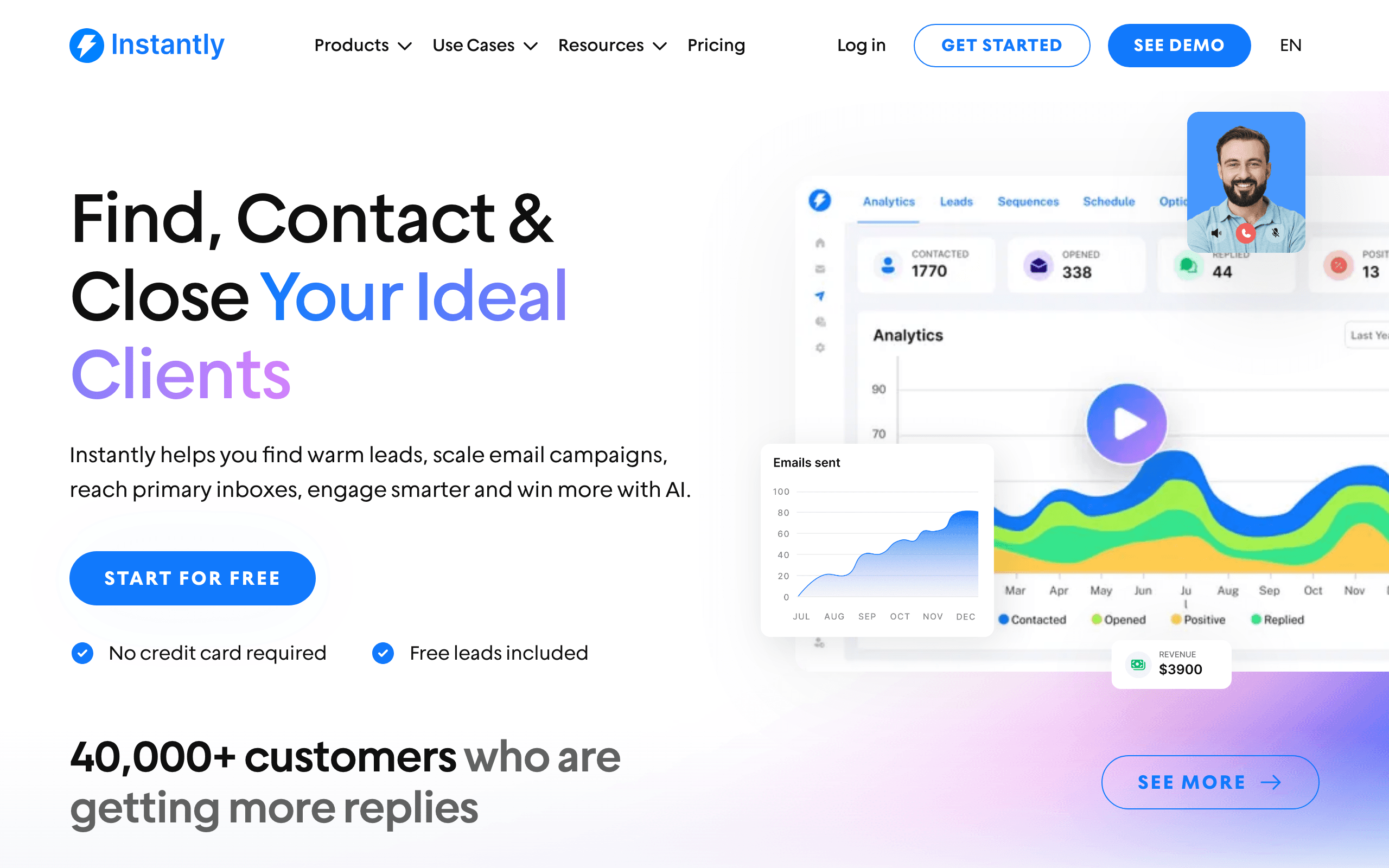
Best for: Cold outreach sequence generation at scale
Instantly is a cold email platform with AI-powered sequence generation. Describe your ideal customer profile and campaign goal, and it generates multi-step outreach sequences optimized for replies.
It's specifically designed for outbound sales email, not marketing automation. If you're doing cold outreach, the AI is strong.
Instantly's AI is trained on outbound email patterns that drive replies. It understands the psychology of cold outreach: short first emails, value-driven follow-ups, breakup emails that create urgency.
- AI features: Cold outreach templates, reply optimization, email warmup, account-based sequences
- Pricing: From $37/month
- Pros: AI generates complete outbound sequences, optimized for reply rates, email warmup included
- Cons: Cold email only, not for SaaS lifecycle sequences, deliverability model focused on cold sending
12. Writesonic
Best for: Budget-conscious teams needing AI email copy
Writesonic offers AI email writing tools as part of their broader content platform. You can generate email subject lines, body copy, and follow-up sequences.
Like Jasper and Copy.ai, it's a writing tool rather than an email platform. You generate the content and then deploy it through your email tool of choice.
Writesonic's advantage is pricing. For solo founders or small teams that need occasional AI email generation, the lower price point makes it accessible.
- AI features: Email templates, tone selection, multiple variations, quality scoring
- Pricing: Free trial available, from $20/month
- Pros: Affordable, good email-specific templates, multiple tone options, free trial
- Cons: Not an email platform, no deployment features, copy needs review, generic templates
13. Drip
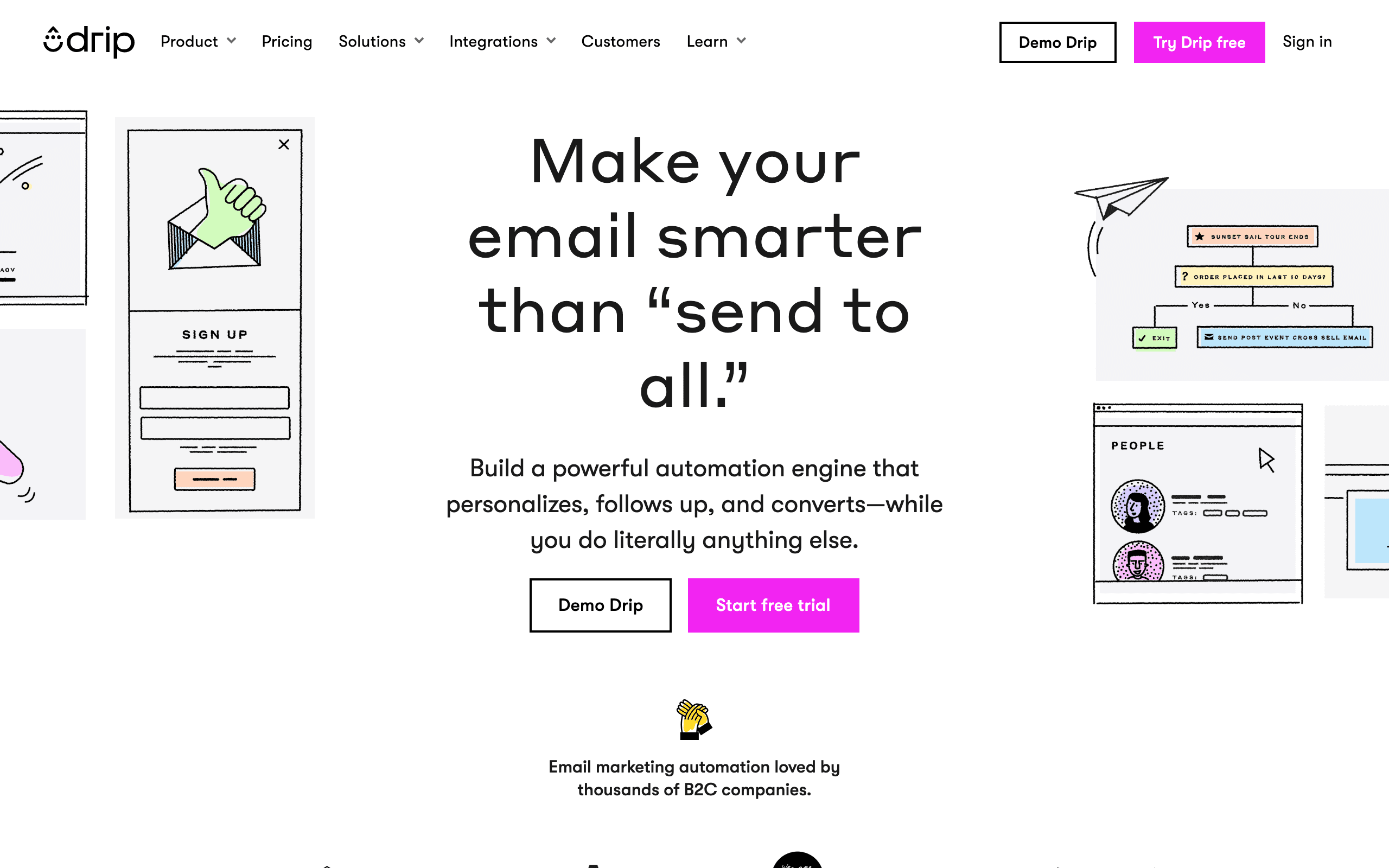
Best for: Ecommerce behavioral automation with AI
Drip's AI generates email content for behavioral triggers: browsed but didn't buy, abandoned cart, lapsed customers, and high-value customer segments. The AI considers purchase history, browsing behavior, and customer lifetime value in its content.
Where Drip's AI is strong is in revenue-focused messaging. Generated content emphasizes urgency, scarcity, and social proof in ways that align with ecommerce best practices.
- AI features: Behavioral trigger content, RFM-aware generation, revenue-focused messaging
- Pricing: From $39/month
- Pros: Strong ecommerce automation, behavioral triggers, revenue-focused approach
- Cons: Ecommerce only, expensive starting price, steep learning curve
14. Omnisend
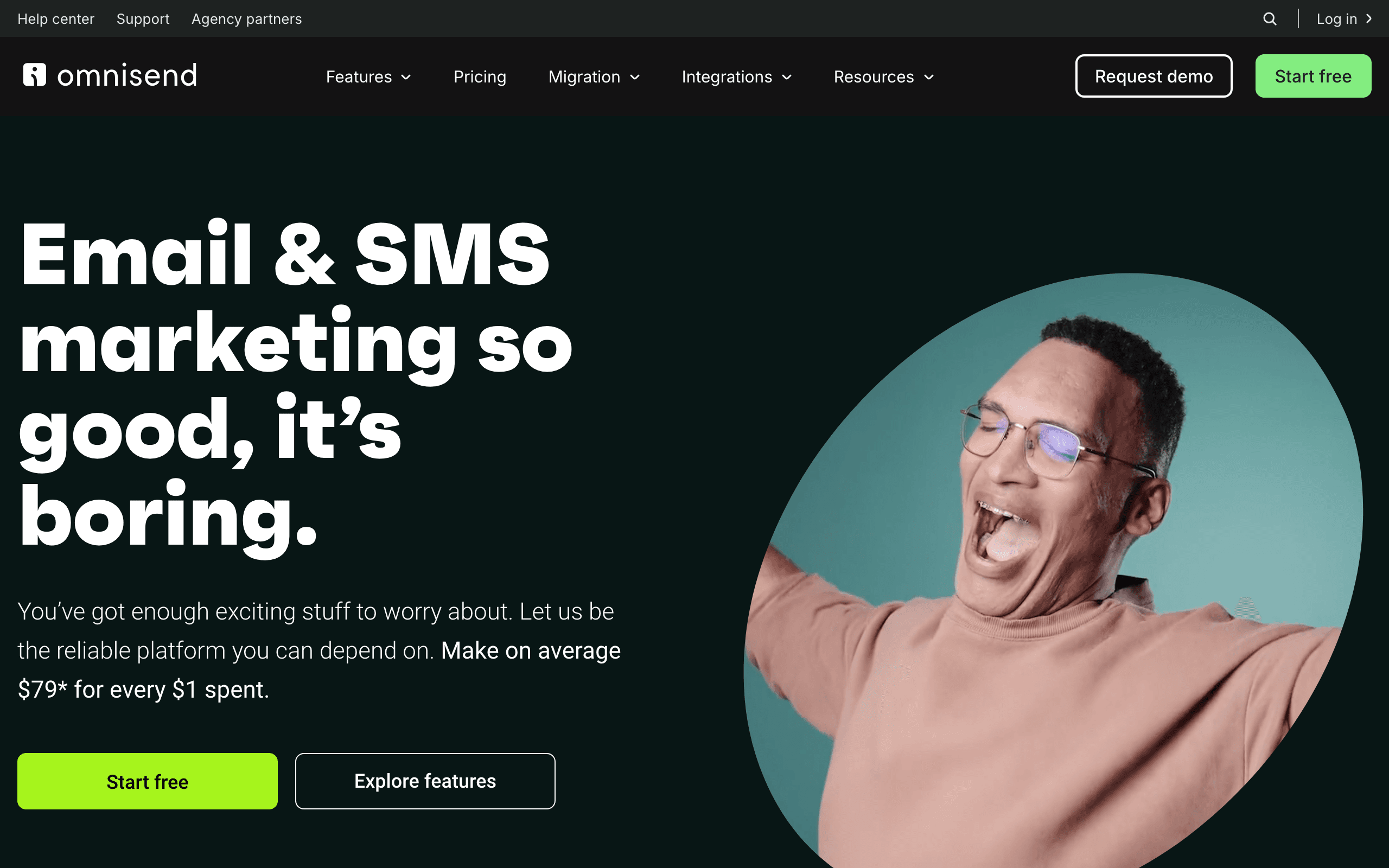
Best for: Omnichannel ecommerce sequences with AI
Omnisend's AI generates email and SMS copy for ecommerce workflows, with deep integration to product catalogs and customer data. The AI can reference specific products, prices, and customer purchase history in generated content.
The omnichannel focus means generated email content can be automatically adapted for SMS, push notifications, and other channels with consistent messaging.
- AI features: Product-aware generation, omnichannel adaptation, sending time optimization
- Pricing: Free tier available, from $16/month
- Pros: Deep ecommerce integration, product-specific content, omnichannel coordination
- Cons: Ecommerce focused, less useful for B2B or SaaS, complex to set up
15. Brevo
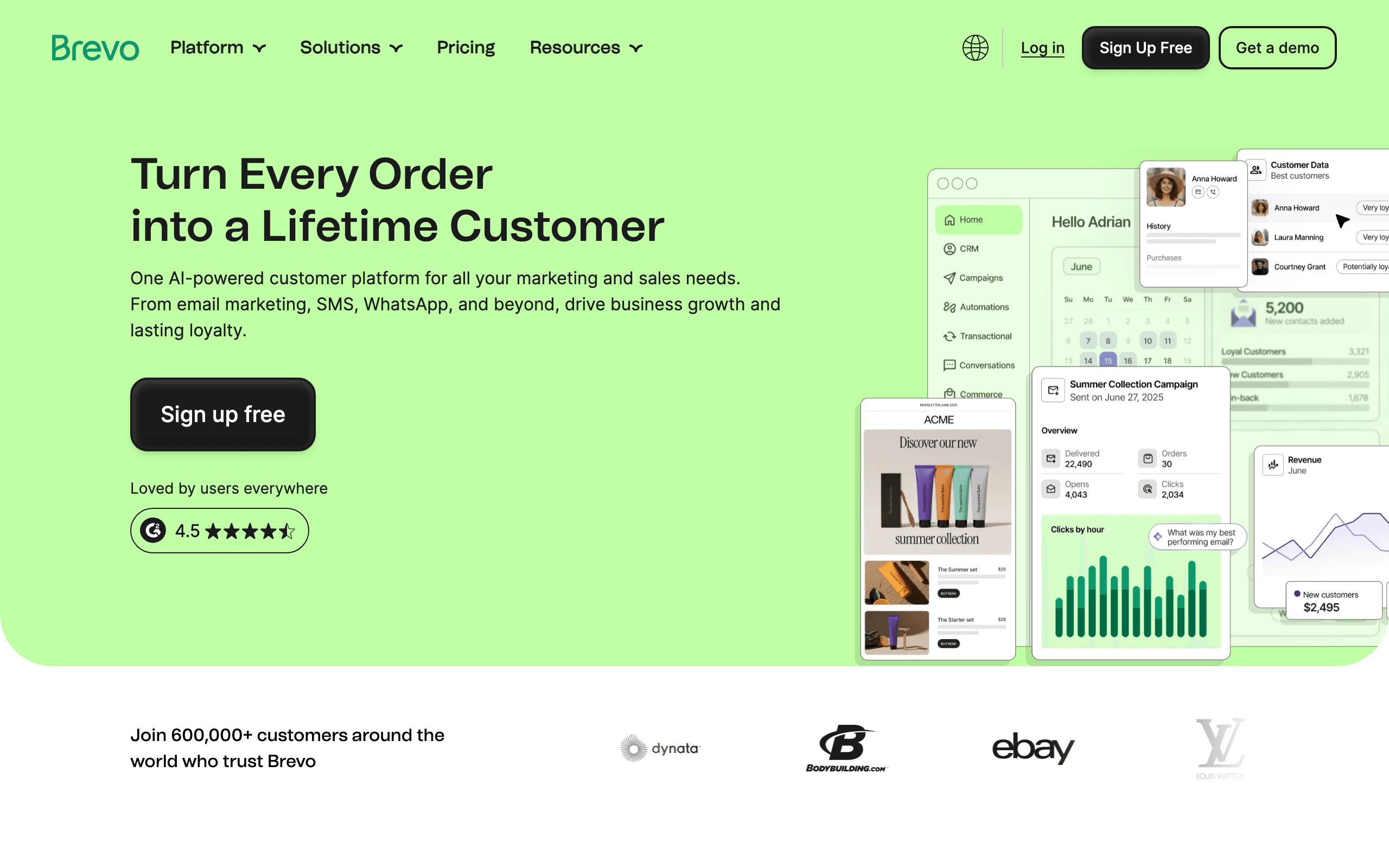
Best for: Multichannel campaigns with SMS + email AI
Brevo's AI generates content for email campaigns, SMS messages, and WhatsApp messages. The strength is consistent messaging across channels - generate a promotional campaign and get coordinated copy for email, SMS, and push notifications.
Brevo also offers AI-powered contact scoring and send time optimization as part of its broader automation platform.
- AI features: Multichannel content generation, send time optimization, contact scoring
- Pricing: Free tier available, from $9/month
- Pros: SMS + email AI combined, affordable, automation features included
- Cons: AI quality is basic, better for simple campaigns, less customization than premium tools
16. ConvertKit (Kit)
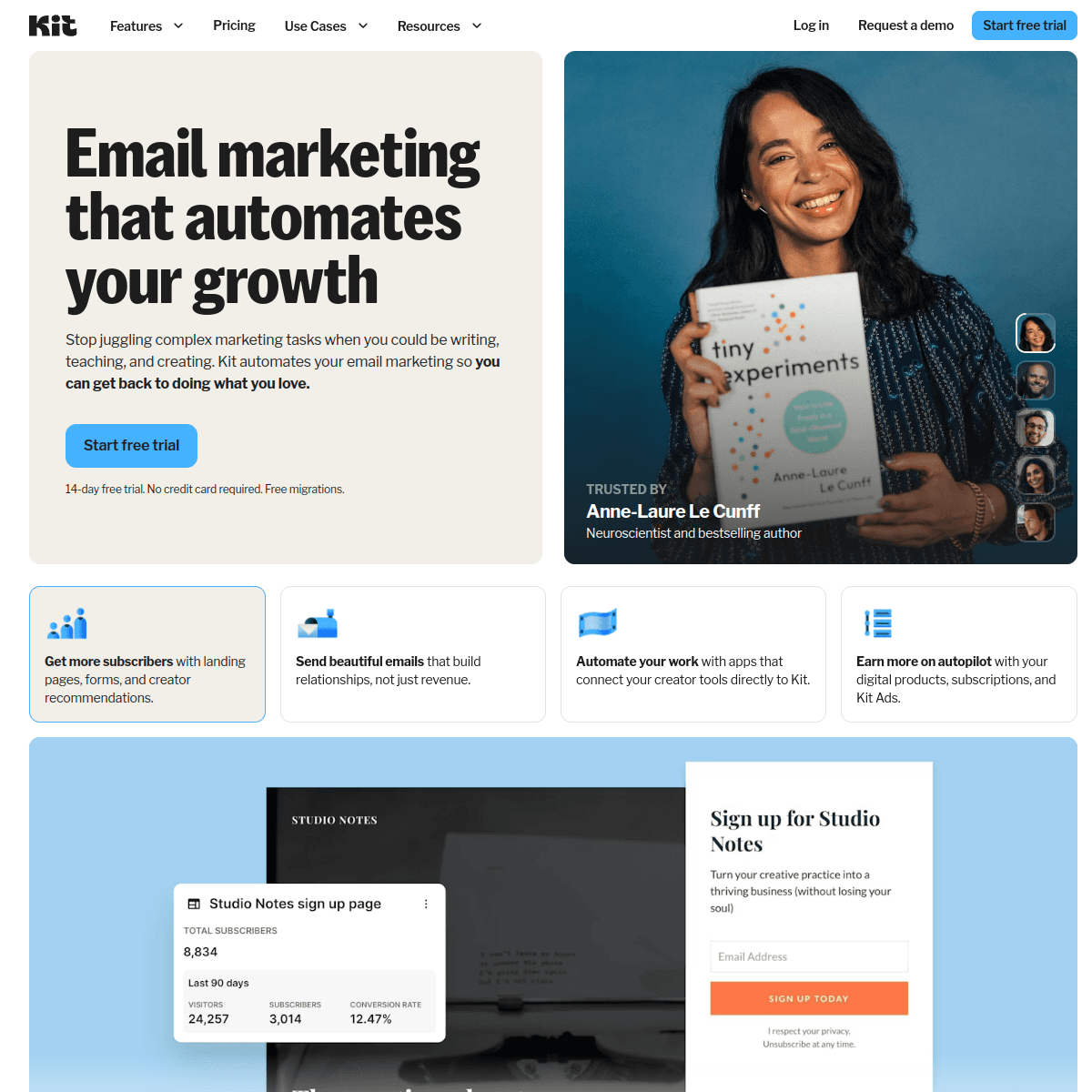
Best for: Creator-focused newsletters with AI assistance
ConvertKit's AI generates subject lines and email content optimized for creator audiences. The AI understands creator economy patterns - sponsorships, product launches, community updates - and generates content that feels authentic.
For paid newsletters and digital product promotions, ConvertKit's AI creates urgency and social proof without feeling salesy.
- AI features: Creator-focused templates, commerce integration, send time suggestions
- Pricing: Free up to 10,000 subscribers, from $29/month
- Pros: Generous free tier, creator-focused, integrates with commerce, authentic voice
- Cons: Newsletter-focused, less sophisticated automation, not for technical teams
17. Beehiiv
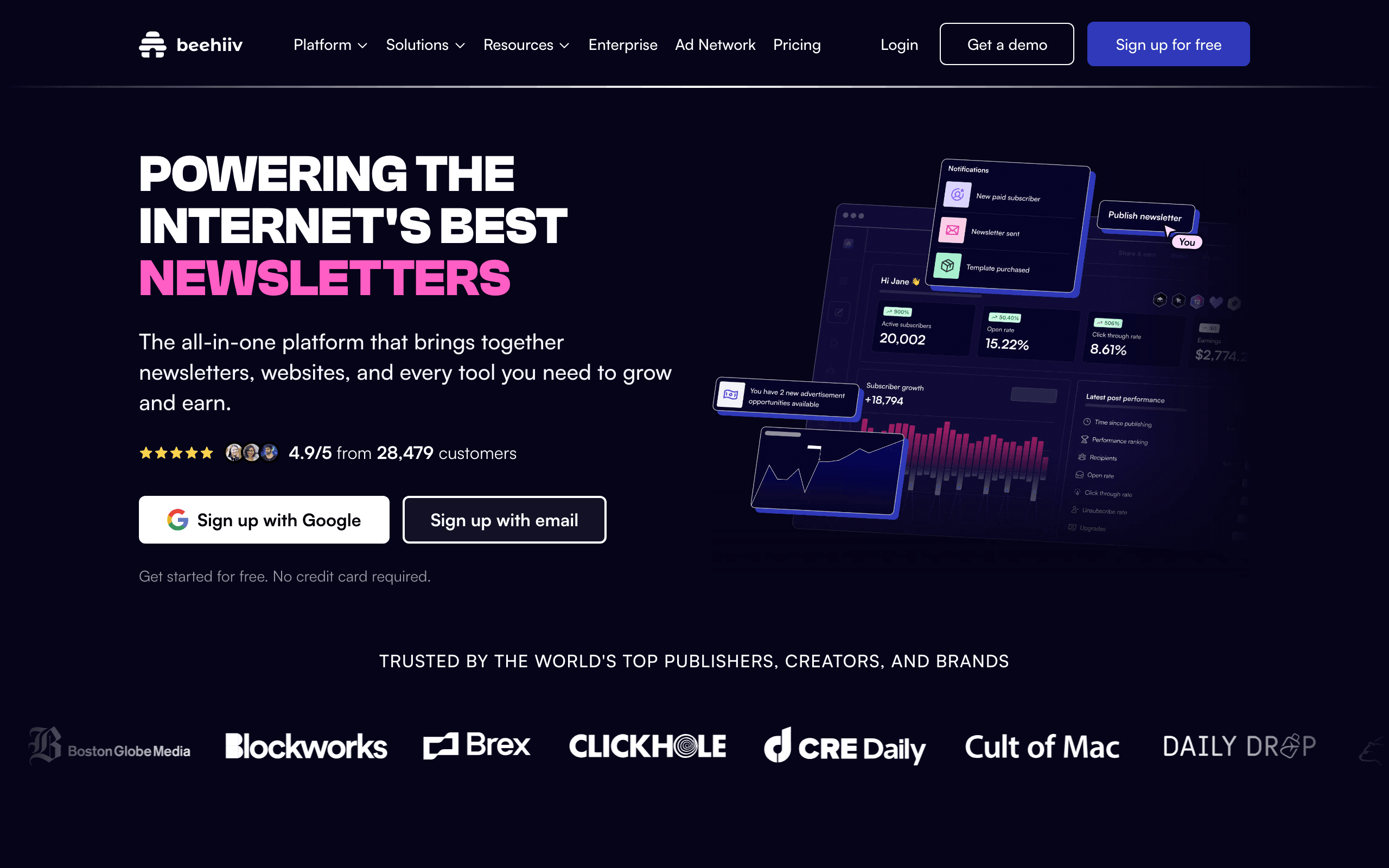
Best for: Newsletter growth with AI-optimized content
Beehiiv's AI generates newsletter content optimized for engagement and growth. The AI understands newsletter-specific patterns - curated links, essays, sponsorships - and produces content that performs well.
The platform's AI also assists with subject line generation for newsletters, with recommendations based on what works for similar newsletters in the Beehiiv network.
- AI features: Newsletter-focused generation, growth-optimized suggestions, network data insights
- Pricing: Free up to 2,500 subscribers, from $39/month
- Pros: Newsletter specialist, growth-focused, data from network effects
- Cons: Newsletter only, not for SaaS lifecycle, expensive jump to paid
18. Iterable
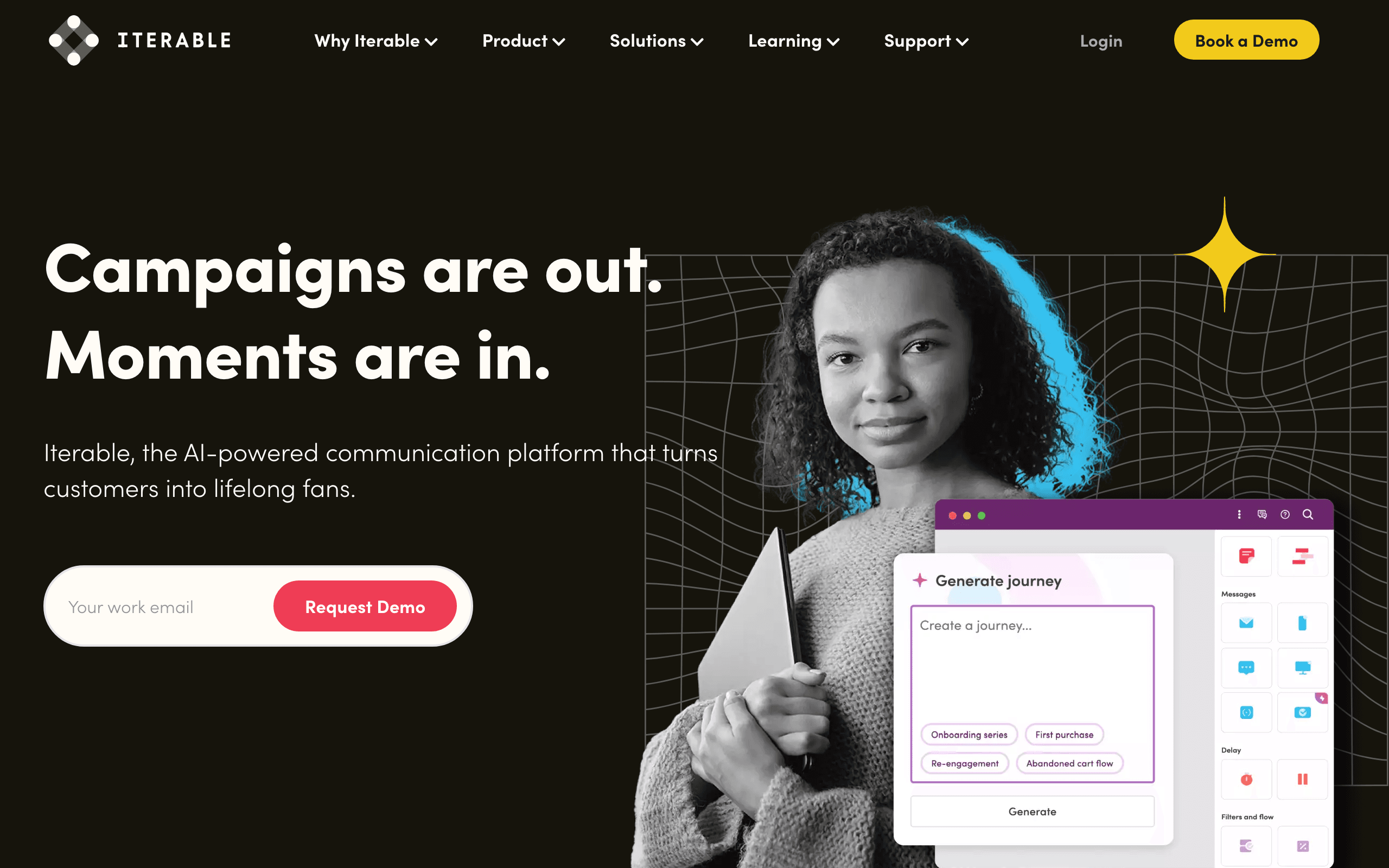
Best for: Enterprise cross-channel AI orchestration
Iterable's AI generates content across email, mobile push, in-app messages, and SMS with consistent messaging. The enterprise focus means the AI can handle complex workflows involving multiple touchpoints.
Iterable also offers AI-powered send time optimization, frequency management, and channel selection.
- AI features: Cross-channel generation, custom model training, journey optimization, frequency management
- Pricing: Custom pricing (enterprise)
- Pros: Enterprise-grade, highly customizable, sophisticated orchestration
- Cons: Very expensive, complex implementation, overkill for small teams
19. Braze
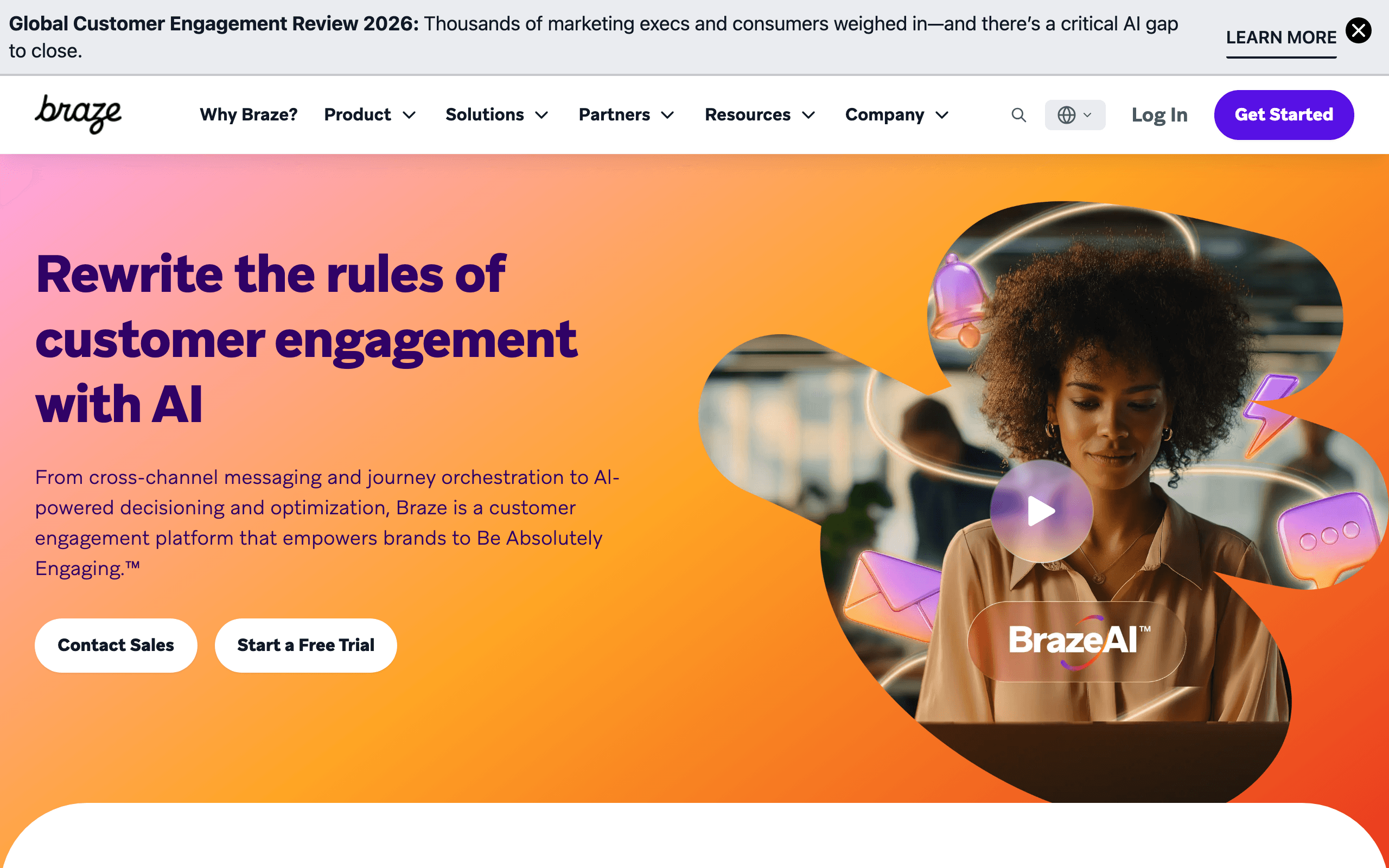
Best for: Mobile-first messaging with AI personalization
Braze's AI generates content optimized for mobile engagement, with particular strength in push notifications and in-app messages alongside email. The AI considers device type, engagement patterns, and mobile behavior.
Braze also offers Canvas AI, which can generate entire multi-step messaging journeys across channels based on campaign goals.
- AI features: Mobile-optimized generation, Canvas journey AI, personalization at scale
- Pricing: Custom pricing (enterprise)
- Pros: Mobile-first, sophisticated orchestration, strong personalization
- Cons: Enterprise pricing, mobile-focused, steep learning curve
20. Phrasee
Best for: Enterprise language optimization and brand consistency
Phrasee uses deep learning specifically trained on language optimization for marketing. Unlike general-purpose AI, Phrasee's model is purpose-built for marketing language, with particular strength in subject lines, CTAs, and promotional copy.
Phrasee also offers A/B testing at scale, generating hundreds of variations and predicting top performers before sending.
- AI features: Marketing-specialized AI, brand voice enforcement, enterprise-grade testing
- Pricing: Custom pricing (enterprise)
- Pros: Purpose-built for marketing, strong brand consistency, enterprise features
- Cons: Very expensive, enterprise only, less flexible than general-purpose AI
21. Wordtune
Best for: Sentence-level refinement and rewriting
Wordtune focuses on improving existing copy rather than generating from scratch. It's particularly useful for editing AI-generated or human-written emails to be clearer, shorter, or more compelling.
Where Wordtune shines is taking generic copy and making it specific. It can expand a generic benefit statement into specific examples, or condense a wordy paragraph into a punchy sentence.
- AI features: Sentence rewriting, tone shifting, expansion/condensation, browser integration
- Pricing: Free tier available, from $10/month
- Pros: Excellent for refinement, integrates with email interfaces, fast and lightweight
- Cons: Not for generating from scratch, limited context awareness compared to LLMs
How to Choose
SaaS lifecycle sequence generation: Sequenzy. Full sequences generated with brand and SaaS context.
Maximum flexibility: ChatGPT/Claude. Best understanding of context and iterative refinement.
Brand consistency for teams: Jasper. Brand voice training with email-specific templates.
Sales outbound scoring: Lavender. Real-time email coaching optimized for replies.
FAQ
Can AI really write good email sequences? Yes, with caveats. AI produces solid first drafts that capture best practices. You should edit for your specific voice and audience. Plan for 80% AI, 20% human polish.
How much time does AI sequence building actually save? A manually written 5-email sequence takes 3-6 hours. An AI-generated one takes 15-30 minutes including review. That's roughly an 80% time savings.
Should I tell subscribers the emails are AI-generated? No need. The emails are your communication, regardless of how the first draft was created. You reviewed and approved them.