
21 Best AI Email Marketing Tools (2026)

What are the best AI email marketing tools?
Klaviyo and Braze lead on genuine predictive modelling (lifetime value, churn scoring, per-subscriber send times). Sequenzy leads on generative work - it writes complete brand-aware sequences and campaigns from a one-line goal and exposes 200+ tools over an MCP server so an AI agent can run the account. Omnisend is the ecommerce pick, ActiveCampaign for predictive content inside a mature automation builder, and Stripo for AI-assisted design. Most other "AI" features are subject-line suggestions you can replicate with ChatGPT.
Prices verified September 2026.
Every email tool now claims to have AI. Most of the time, it's a thin ChatGPT wrapper that generates subject lines and call it a day. That's mildly useful, but it isn't transformative. The email tools where AI actually matters go further: they generate full email sequences from a single goal, optimize send times based on individual subscriber behavior, predict which subscribers will churn before they do, and personalize content at scale without you writing every variant.
The list below covers 21 platforms, ranging from AI-native sequence generators to enterprise messaging stacks with predictive modeling, plus a handful of writing-assistant tools that bolt onto the email platform of your choice. We've tried to be honest about which AI features are genuinely transformative and which are checkbox features marketed as differentiators.
Quick Comparison
| Tool | Best For | Starting Price | Free Tier | AI Features |
|---|---|---|---|---|
| Sequenzy | AI-generated lifecycle email and agent control | $19/mo | Yes (2.5k emails/mo) | AI sequence + campaign generation, brand-voice aware, MCP server (200+ tools) |
| Omnisend | E-commerce AI-tuned automation flows | $16/mo | Yes | Product recs + subject line scoring |
| Klaviyo | E-commerce predictive analytics | $20/mo | Yes | CLV + churn prediction |
| Stripo | AI-powered email design | $15/mo | Yes | Visual builder + AI |
| Venturz | Startups wanting all-in-one stack | $29/mo | Yes | Email + CRM + AI |
| ActiveCampaign | AI-enhanced automation builders | From $15/mo | No | Predictive content |
| Braze | Enterprise multi-channel AI | Custom ($50k+/yr) | No | Channel optimization |
| Mailchimp | Small business accessible AI | $13/mo | Yes | Beginner-friendly AI |
| Customer.io | AI inside event-driven flows | From $100/mo | No | Workflow + AI content |
| Loops | Startup AI-assisted email | $49/mo | Yes | Simple, modern AI |
| HubSpot | CRM-integrated AI email | $20/mo | Yes | Sales + marketing AI |
| Brevo | Budget AI assistant | $9/mo | Yes | Cheap AI content |
| GetResponse | AI for course creators | From $19/mo | No | AI campaign generator |
| Drip | E-commerce AI segmentation | From $39/mo | No | Behavioral segments |
| MailerLite | AI on a budget | $10/mo | Yes | Simple AI writing |
| Encharge | B2B SaaS AI flows | From $79/mo | No | SaaS-shaped AI |
| Smartwriter | AI cold email personalization | From $59/mo | No | Per-recipient AI |
| Lavender | AI for sales reps writing 1:1 | From $29/mo | No | Real-time email coach |
| Instantly | AI cold outbound | From $37/mo | No | Inbox warmup + AI |
| Jasper | AI copywriting for any platform | From $39/mo | No | Long-form AI writing |
| Copy.ai | Free-tier AI for email copy | $36/mo | Yes | Workflow templates |
Where AI Actually Helps in Email Marketing
Content generation: Writing email drafts, subject lines, and full sequences. Saves hours of writing time. Quality varies wildly but the better tools have crossed the threshold of being genuinely useful starting points. If you're specifically looking for writing tools, see our roundup of the best AI email copywriting tools.
Send time optimization: Predicting when each individual subscriber is most likely to engage. Uses historical engagement data, not just "Tuesday at 10am." Platforms with strong STO can improve open rates by 5-15% with zero additional effort after setup. For a deeper look at this feature, check out the best email tools with send time optimization.
Predictive analytics: Identifying subscribers likely to churn, convert, or upgrade based on behavioral patterns. Lets you target the right people before it's too late. This is where AI goes from "nice to have" to "revenue impacting."
Smart segmentation: Automatically creating segments based on behavioral patterns rather than manual rules. Finds groups you wouldn't have thought to create. Traditional subscriber segmentation requires you to define the rules. AI segmentation discovers the rules.
Subject line optimization: Testing and predicting subject line performance before sending. More useful than A/B testing because it doesn't require splitting your audience.
How we separated real AI from ChatGPT wrappers
Every entry was scored against three questions. Is the model using platform data? A subject-line generator that never sees your list is a wrapper; a churn score built on your engagement history is not. Does it change what you can do, or only how fast? Generation features save time; predictive features let you act on things you could not previously see. Can you verify the claim from the product, not the marketing page? Anything we could not confirm in the product or documentation is described as a claim rather than a capability. Prices are the lowest published paid tier in September 2026. Sequenzy is our own product, and its entry says plainly where its AI stops.
The 21 Best Options
1. Sequenzy
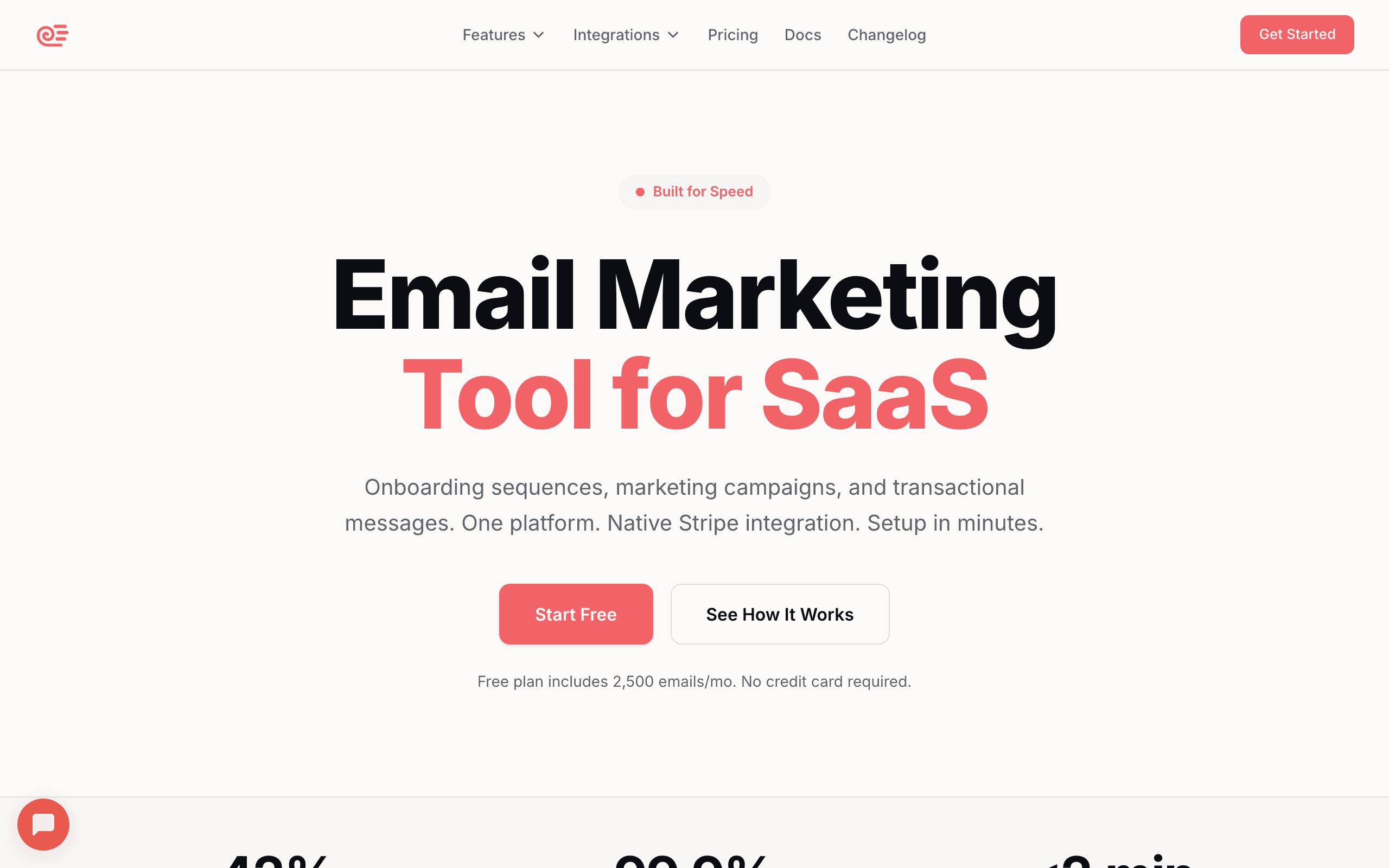
Best for: AI-generated email sequences that actually sound human
Sequenzy uses AI to generate complete email sequences based on your goal and your company's brand voice. Tell it "create a trial conversion sequence" and it generates 4-5 emails with subject lines, body content, and optimal timing. The content is tailored to your brand (it reads your website) and your specific use case rather than reaching for generic templates.
The practical value is speed. What would take hours of writing and strategic planning takes minutes. The generated sequences aren't perfect (always review before activating), but they're a strong starting point that you can refine. For SaaS founders who need lifecycle email but don't have a copywriter on staff, this is the most genuinely useful AI feature in the email space.
Where Sequenzy's AI stands out from generic content generation is SaaS awareness. The AI understands common SaaS email patterns: onboarding sequences that drive activation, trial conversion flows that emphasize value before the deadline, and dunning sequences that recover failed payments with the right tone and urgency. These aren't generic templates with your company name swapped in; the structure, timing, and content reflect what actually works for SaaS businesses.
The Stripe integration adds another layer of intelligence. When the AI generates a dunning sequence, it accounts for your pricing model and payment flow. When it generates an upgrade sequence, it references your actual plan tiers and pricing. The downside is that Sequenzy is a newer platform without the deep predictive analytics that Klaviyo or Braze have built up over the years. If you need churn scoring with five years of historical data behind it, Sequenzy isn't there yet.
The other half of the AI story is agent control. Beyond AI sequences and AI campaigns, Sequenzy ships an MCP server exposing 200+ tools, so Claude Code, Cursor or any MCP-capable assistant can build a segment, draft a campaign, launch an A/B test and read the results without anyone opening the dashboard. Almost no other email platform on this list has that surface. If you just want to draft one email without signing up for anything, our free AI email writer uses the same generation approach.
- AI features: Full sequence generation, campaign generation, brand-aware content, subject line generation, goal-based automation creation, Stripe-aware dunning, MCP server with 200+ tools for agent-driven workflows
- Pricing: Free up to 2,500 emails/month (unlimited subscribers), paid plans from $19/month
- Pros: AI generates complete sequences and campaigns, brand-aware, SaaS-focused, time-saving, transparent pricing, agent-native via MCP and CLI
- Cons: No predictive analytics (no churn or lifetime-value scoring, no per-subscriber predictive send time), no AI product recommendations, generated content needs review, AI quality depends on brand input quality, newer platform with less historical data than incumbents
2. Omnisend
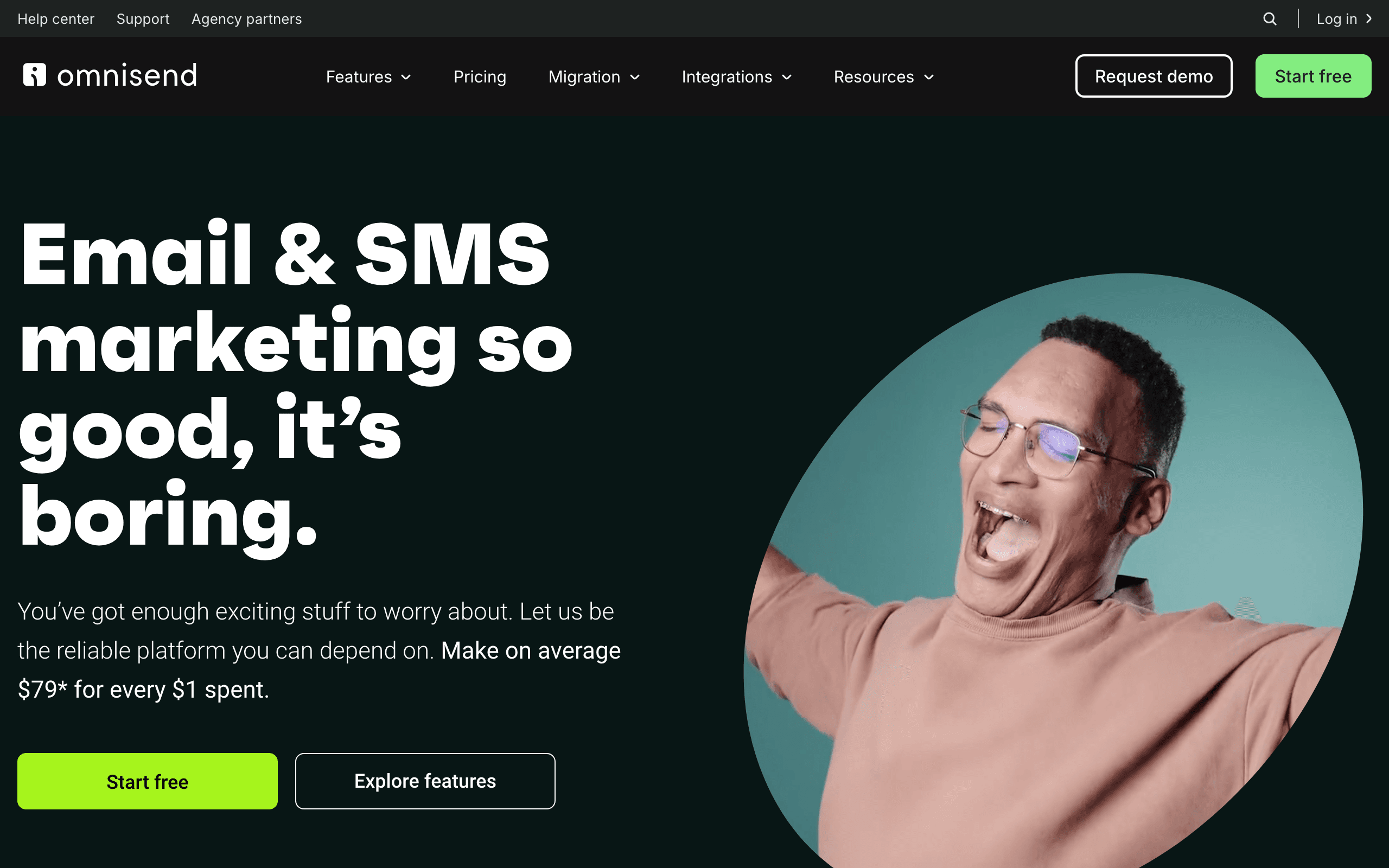
Best for: Shopify stores that want AI-driven flows out of the box
Omnisend is built for e-commerce, with deep Shopify and BigCommerce integrations. The AI features are tuned to that context: AI-generated product recommendations in emails, AI subject line scoring against e-commerce benchmarks, pre-built AI-tuned automation flows for cart abandonment, browse abandonment, and post-purchase, and AI-assisted send time optimization.
For e-commerce teams that want Klaviyo-like sophistication without Klaviyo's pricing, Omnisend is the obvious step down in cost. The AI does less than Klaviyo's predictive analytics, but the pre-built flows handle most common e-commerce automation needs without configuration.
For SaaS use cases this is essentially the wrong tool. The AI assumes a product catalog, an order history, and a cart. None of that maps onto SaaS data.
- AI features: AI product recommendations, AI subject line scoring, pre-built AI-tuned e-commerce flows, send time optimization, MCP connector for querying account data in Claude
- Pricing: Free up to 250 contacts, from $16/month
- Pros: Deep e-commerce focus, ready-to-go AI flows, up to 35% lower cost than Klaviyo, strong Shopify integration
- Cons: E-commerce only, no SaaS relevance, no advanced predictive modeling
3. Klaviyo
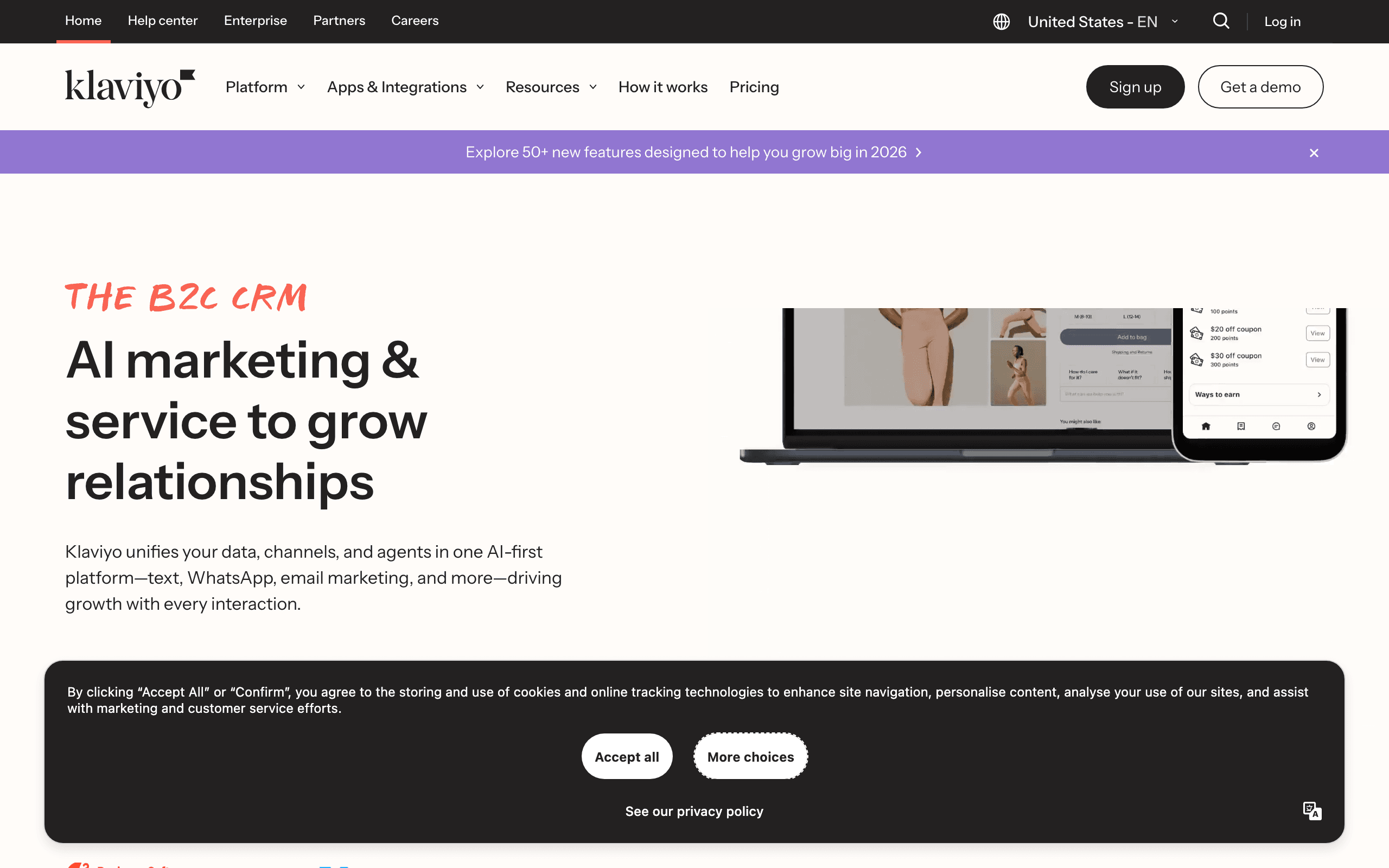
Best for: AI-powered e-commerce email with predictive analytics
Klaviyo's AI features are built around e-commerce intelligence. Predictive analytics estimate customer lifetime value, predict next purchase dates, and identify churn risk. These predictions then power automated flows: email customers who are predicted to churn, upsell customers with high predicted LTV.
The AI subject line generation and content suggestions are solid but not differentiating. Where Klaviyo stands out is the predictive modeling. Having an AI tell you "this customer is 85% likely to churn in the next 30 days" and automatically triggering a retention email is powerful for e-commerce businesses with enough purchase data to make those predictions reliable.
Klaviyo's predictive analytics need data to work well. With fewer than 500 customers and 6 months of purchase history, the predictions are unreliable noise. But for established e-commerce stores with sufficient data, the predictions are genuinely actionable and can directly impact revenue attribution.
The AI also powers Klaviyo's product recommendation engine. Emails can dynamically include product suggestions based on each recipient's browsing and purchase history. For product-focused businesses, this personalization drives measurably higher click and conversion rates. The trade-off is that almost none of this matters for SaaS use cases where you don't have a product catalog or repeat-purchase data shape.
- AI features: Predictive analytics (CLV, churn risk, next order date), AI subject lines, smart send time, product recommendations
- Pricing: Free up to 250 contacts, paid from $20/month
- Pros: Best predictive analytics for e-commerce, CLV prediction, churn prediction, product recommendations
- Cons: E-commerce-focused, limited SaaS relevance, pricing scales aggressively with contacts, needs substantial data volume
4. Stripo
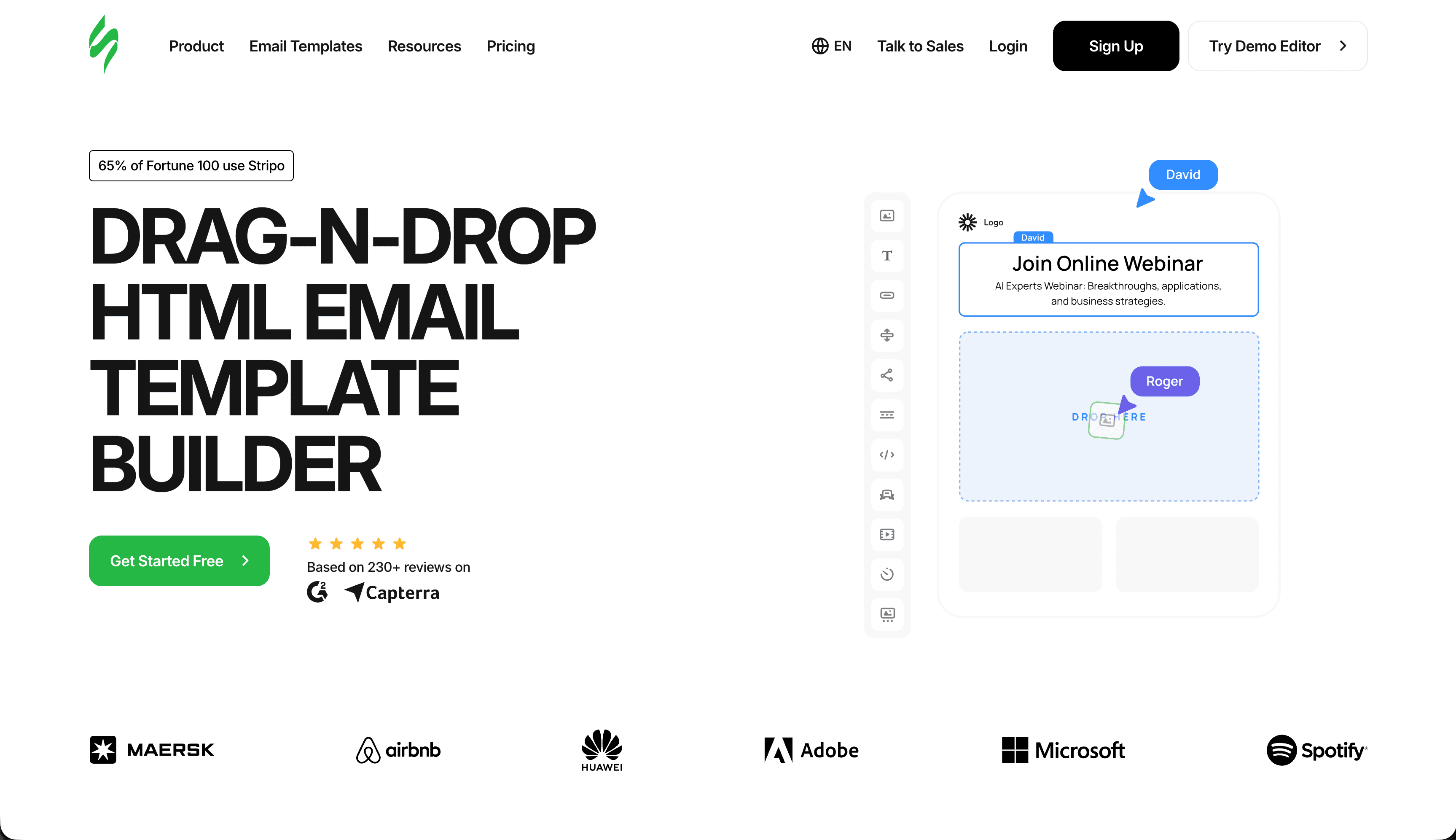
Best for: AI-powered email creation and design that saves time without sacrificing quality
Stripo combines email design and AI tools to help teams create professional, high-performing emails faster. Instead of starting from scratch, you can use AI to generate content, improve copy, generate visuals, and build structured emails within a visual editor. Whether you need a promotional email, an onboarding message, or a newsletter, Stripo helps you go from idea to a ready-to-send email in minutes.
Where Stripo's AI stands out is its integration into the email creation workflow. It's not just about generating text, it's about building complete emails. You can combine AI-generated copy, AI-generated images, pre-built templates, reusable modules, and drag-and-drop editing to create consistent, on-brand campaigns. The platform supports real email design needs, from responsive layouts to export-ready HTML.
Stripo is primarily a design tool with AI bolted on, not an end-to-end email platform. You'll typically export the HTML and send through another provider. For teams that already have a sending platform they like and just need a better authoring experience with AI assistance, Stripo fits cleanly into that gap.
- AI features: AI Widgets, AI copy generation, AI subject line generation, content improvement, AI image generation, AI alt text generation
- Pricing: Free plan with AI features included; paid plans from $15/month
- Pros: Speeds up email production, reduces manual work, improves content quality, streamlines workflow, enables faster campaign creation
- Cons: AI image generation has limits depending on the selected model; not a sending platform on its own
5. Venturz
Best for: Startups that want AI-assisted email marketing inside an all-in-one platform
Venturz combines email marketing with CRM, website tools, analytics, live chat, and an AI assistant in one platform. On the free Seed plan, it includes 5,000 contacts, unlimited campaigns, drip automation, segmentation, personalization, A/B testing, email templates, a drag-and-drop email builder, and 100,000 AI tokens. That makes it a strong option for startups that want to manage campaigns and customer data from one place instead of stitching together multiple tools.
What makes Venturz useful is that the AI sits inside a broader growth stack rather than as a standalone writing layer. You can build campaigns, organize contacts, automate follow-ups, track engagement, and use AI within the same system. For early-stage teams, that can be more practical than paying for separate tools for email, CRM, and AI support.
The main limitation is the shared outbound quota on the free plan. The 1,000 limit covers all outbound messages, including emails, posts, DMs, notifications, and automations, so active teams may outgrow it quickly. Paid plans start at $29/month, with higher message limits and larger contact capacity.
- AI features: AI assistant, 100,000 AI tokens, content generation across modules
- Pricing: Free plan available, paid plans from $29/month
- Pros: All-in-one setup, generous free contact limit, built-in CRM, automation included, unlimited campaigns
- Cons: AI positioning is broader than email-only, free plan has a shared message cap, some listed features are marked coming soon
6. ActiveCampaign
Best for: AI that enhances existing automation workflows
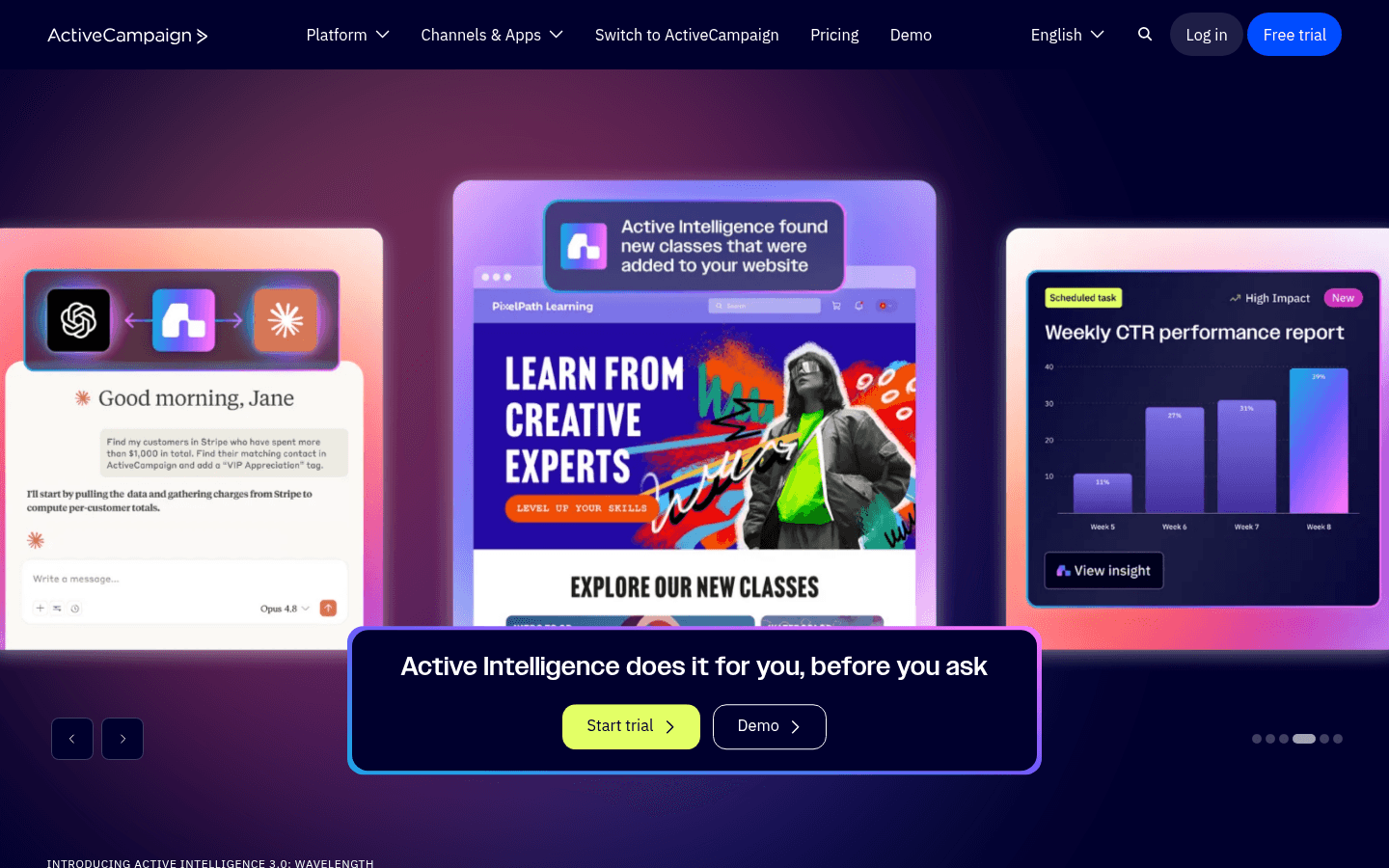
ActiveCampaign integrates AI into its automation builder. AI-powered predictive sending optimizes delivery time per subscriber. Predictive content selects the best content variant for each recipient. Win probability scoring predicts deal outcomes for the CRM.
The AI features complement ActiveCampaign's existing automation strength. Rather than replacing the workflow builder with AI, the AI enhances it. You build the workflow, and AI optimizes individual elements (timing, content selection, scoring) within the flow.
Predictive content is the standout feature. Create 3-5 content variants for an email in your automation. ActiveCampaign's AI analyzes each recipient's profile and engagement history, then selects the variant most likely to drive engagement. Over time, the selection gets smarter as more data accumulates. This is more sophisticated than A/B testing because it's personalized, not random.
The CRM integration adds a dimension that pure email tools miss. Win probability scoring predicts which deals are likely to close, letting you prioritize email follow-ups for high-probability opportunities. For B2B SaaS companies with a sales component, this AI-CRM connection is valuable.
- AI features: Predictive sending, predictive content, win probability, AI content generation, sentiment analysis
- Pricing: From $29/month
- Pros: AI integrated into automation builder, predictive sending, win probability, broad feature set, CRM AI
- Cons: Best AI features locked to higher tiers, can feel complex, not transformative on lower plans
7. Braze
Best for: Enterprise AI across the entire messaging stack
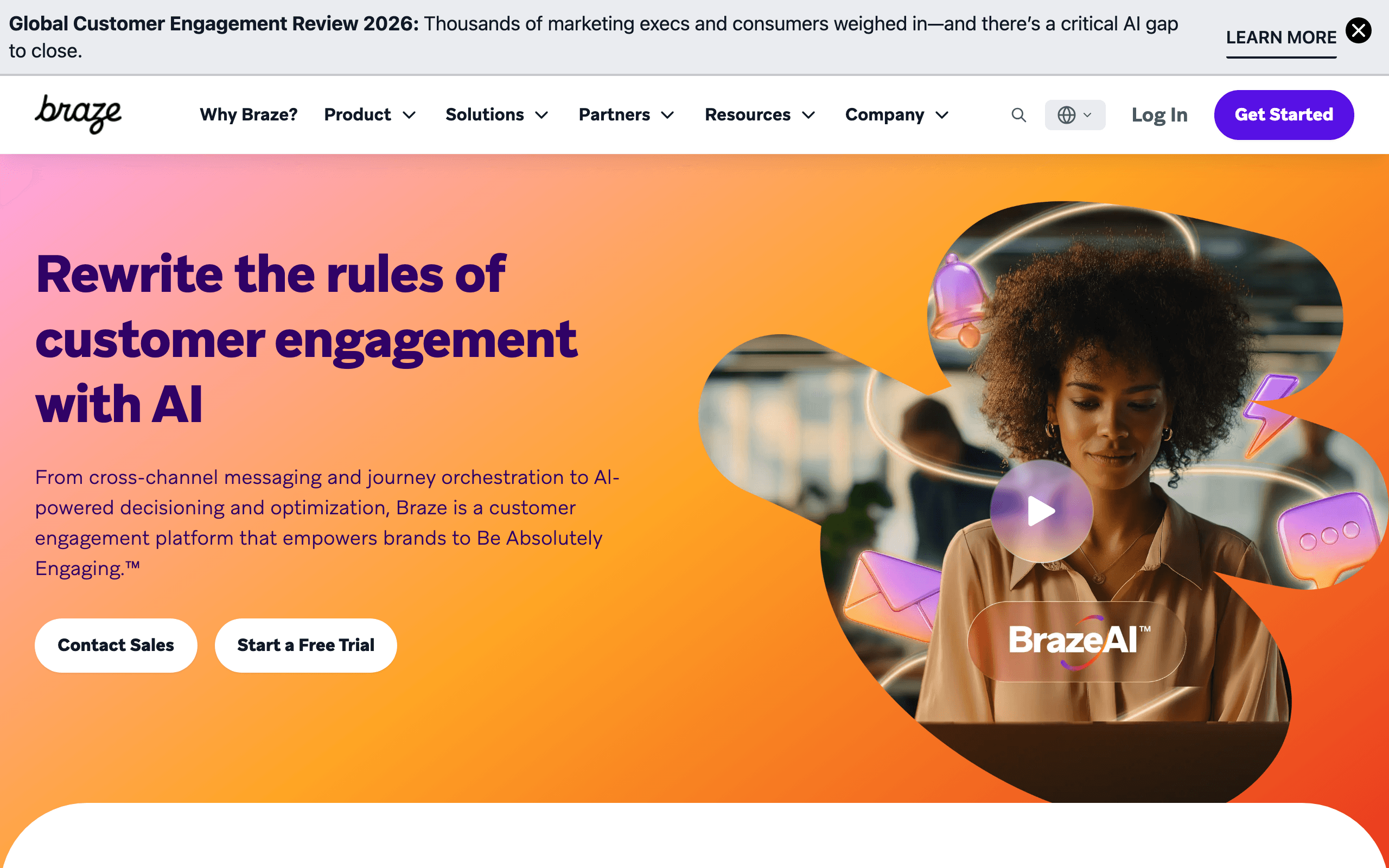
Braze's AI features span the platform: intelligent send timing per user, message content generation, channel optimization (choosing the best channel for each user), and intelligent selection (automatically choosing the best message variant). At enterprise scale, these optimizations compound into measurable revenue.
Braze's AI also powers Sage, their AI assistant that helps build campaigns, analyze performance, and troubleshoot issues. For enterprise teams managing complex multi-channel campaigns, having AI assist with both execution and analysis saves significant time.
Channel optimization is Braze's most unique AI capability. The AI learns each user's channel preferences (email, push, SMS, in-app) and routes messages through the channel most likely to drive engagement. For companies sending across multiple channels, this optimization eliminates the guesswork of channel selection.
Intelligent selection automatically allocates more traffic to winning message variants over time, rather than splitting traffic evenly as traditional A/B tests do. This means you get results faster and lose less engagement to underperforming variants during the test period. The catch: none of this is accessible without an enterprise contract and a team to run it.
- AI features: Intelligent timing, channel optimization, content generation, intelligent selection, AI assistant (Sage)
- Pricing: Custom (typically $50K+/year)
- Pros: Enterprise-scale AI, multi-channel optimization, AI assistant, intelligent selection
- Cons: Enterprise pricing, complexity, AI features need volume to be effective, long sales cycle
8. Mailchimp
Best for: Accessible AI features for small businesses
Mailchimp's AI features are designed for accessibility. The Creative Assistant generates email designs based on your brand assets. Intuit Assist (Mailchimp's AI) helps write email content, suggest subject lines, and optimize send times. Smart recommendations suggest products for e-commerce businesses.
The AI isn't as sophisticated as Braze's or Klaviyo's, but it's accessible. Small businesses without marketing expertise can use AI to get better results from their email campaigns without understanding the underlying mechanics.
Mailchimp's benchmarking AI is underappreciated. It compares your campaign metrics against similar businesses in your industry and tells you where you're above or below average. This context is valuable for beginners who don't know what "good" looks like for their industry and audience size.
The send time optimization is basic but functional. Rather than individual-level optimization, Mailchimp identifies the best sending windows for your audience as a whole. It's not as granular as ActiveCampaign or Braze, but it's a step up from guessing.
- AI features: Content generation, design generation, send time optimization, smart recommendations, AI-powered analytics, benchmarking
- Pricing: Free up to 500 contacts, from $13/month
- Pros: Accessible AI, design generation, beginner-friendly, broad feature set, industry benchmarking
- Cons: Less sophisticated than enterprise options, limited predictive analytics, basic for SaaS, scales expensively
9. Customer.io
Best for: AI-assisted content within event-driven automations
Customer.io has added AI content generation to its workflow builder. You can generate email content, subject lines, and message variants directly within the automation builder. The AI considers the workflow context (trigger event, user segment) when generating content.
The value is in combining Customer.io's powerful event-driven automation with AI-generated content. Build the workflow logic manually (where Customer.io excels), then let AI handle the content creation for each step. This hybrid approach plays to both strengths.
Customer.io's strength has always been behavioral triggers and event-driven automation. The AI layer makes it faster to populate those sophisticated workflows with content. Previously, you'd spend hours building the perfect automation flow and then additional hours writing content for each branch. The AI cuts that second step significantly.
For technical teams that want fine-grained control over automation logic but don't want to spend all their time on copywriting, this combination hits the right balance.
- AI features: Content generation, subject line generation, AI within workflow builder
- Pricing: From $100/month
- Pros: AI integrated into workflow builder, context-aware generation, event-driven, behavioral triggers
- Cons: Expensive, AI content generation is supplementary not primary, limited predictive analytics
10. Loops
Best for: Simple AI-assisted email for startups
Loops includes AI features for generating email content and subject lines. The AI is focused on simplicity, matching Loops' overall philosophy. Generate an email draft from a prompt, refine it, and schedule. No complex AI features, but the basics work well.
For startups that need to write emails quickly without a copywriter, Loops' AI generation covers the common need. The generated content tends toward the conversational, SaaS-friendly tone that works for startup communications.
Loops is worth considering if you value a clean, modern interface and don't need advanced AI features like predictive analytics or smart segmentation. The AI helps you write faster, but it doesn't try to optimize every aspect of your email program. For early-stage SaaS companies, that simplicity is often exactly right.
- AI features: Content generation, subject line suggestions
- Pricing: Free for 1,000 contacts, from $49/month
- Pros: Simple, developer-friendly, AI that matches startup tone, good free tier
- Cons: Basic AI features, no predictive analytics, no send time optimization, jumps in price after free tier
11. HubSpot
Best for: AI email tied tightly to CRM data
HubSpot's email tools sit on top of its CRM, and the AI features lean into that integration. The AI content assistant generates email copy informed by contact properties, deal stage, and lifecycle stage. Subject line generation considers historical performance against similar segments. The send time AI uses CRM activity data, not just open history.
For teams already running marketing and sales on HubSpot, the AI features feel natural. You're not duplicating data into yet another tool to get personalization. The drawback is that HubSpot's AI is conservative compared to dedicated marketing platforms; it focuses on suggestions and assistance rather than autonomous optimization.
Pricing is a real factor. The free tier includes basic AI, but anything serious requires Marketing Hub Professional ($800+/month with the contact tier). For SaaS companies already paying for HubSpot CRM, adding the marketing layer is incremental. For pure email use cases, it's overpriced.
- AI features: AI content assistant, subject line generation, send time optimization, CRM-aware personalization
- Pricing: Free tier, paid Marketing Hub from $20/month (real AI requires Pro at $800+/month)
- Pros: Deep CRM integration, contextual AI, broad ecosystem, decent content quality
- Cons: Real AI features locked behind expensive tiers, pricing scales aggressively, AI is conservative vs. dedicated tools
12. Brevo (formerly Sendinblue)
Best for: Budget-friendly AI email assistant
Brevo's AI assistant generates email content, subject lines, and short campaign summaries. It's not a category leader, but it's bundled into a low-cost email platform that already covers transactional, marketing, and SMS. For teams on a tight budget who want AI assistance without paying for it as a premium feature, Brevo is a reasonable choice.
The AI quality is middle-of-the-pack. It produces serviceable drafts that need editing before sending. There's no predictive analytics, no individual send time optimization, no advanced personalization. What you get is a writing helper inside an affordable email platform.
Where Brevo stands out is the unified pricing model: you pay per email sent, not per contact stored. For lists with low engagement (where you'd be paying for thousands of inactive contacts on Mailchimp or ActiveCampaign), Brevo's model is dramatically cheaper.
- AI features: AI content assistant, subject line suggestions, summary generation
- Pricing: Free up to 300 emails/day, paid from $9/month
- Pros: Cheap, pay-per-email pricing, AI bundled at no extra cost, multichannel (email + SMS)
- Cons: Basic AI quality, no predictive features, no individual STO, daily send limits on free tier
13. GetResponse
Best for: Course creators wanting AI-generated campaign flows
GetResponse has invested in an AI Email Generator that builds complete campaigns from a short prompt: pick a goal, describe your audience, and the tool drafts subject lines, body content, and a basic structure. For solopreneurs and course creators who run launch campaigns, this saves real time.
The platform also includes AI for landing page copy and webinar follow-ups, which makes sense given GetResponse's positioning as a tool for digital product creators. The AI is reasonably good at the launch-sequence pattern (anticipation → launch → close → follow-up), which is the use case GetResponse customers are most likely to need.
Outside of that pattern, the AI is unremarkable. For SaaS lifecycle email, predictive analytics, or B2B segmentation, GetResponse isn't the strongest choice. But for the specific niche of course creators and digital product launches, the AI workflow lines up well.
- AI features: AI campaign generator, AI subject lines, AI landing page copy, AI webinar follow-up
- Pricing: From $19/month for email marketing tier
- Pros: Strong launch-sequence AI, integrated landing pages, course-creator features, decent automation
- Cons: AI weakest outside launch use cases, dated UI in places, not SaaS-shaped
14. Drip
Best for: Mid-market e-commerce with AI segmentation needs
Drip is another e-commerce-focused platform, with stronger emphasis on behavioral segmentation than Omnisend. The AI features focus on automatic segment discovery: the platform analyzes engagement and purchase patterns and suggests segments you haven't created manually.
For e-commerce teams who feel their segmentation is too coarse but don't have a data analyst on staff, this AI assistance is genuinely useful. It surfaces patterns like "subscribers who open every product launch but never buy" or "customers who buy seasonally but not year-round," then makes those segments easy to act on.
Drip is between Omnisend and Klaviyo on cost and capability. If you're outgrowing Omnisend but Klaviyo is overkill, Drip is the middle option. It's not a SaaS tool.
- AI features: AI segment discovery, AI subject line suggestions, content recommendations
- Pricing: From $39/month for 2,500 contacts
- Pros: Good segmentation AI, e-commerce focused, mid-market pricing, strong automation
- Cons: E-commerce only, limited content generation AI, smaller ecosystem than Klaviyo
15. MailerLite
Best for: Cheap AI email assistance for small lists
MailerLite added an AI writing assistant that generates subject lines, email body content, and short blog-style intros. It's not differentiated technology, but it's bundled into one of the cheapest credible email platforms on the market.
For small businesses and creators with lists under 10,000 subscribers who want occasional AI help without paying $30+/month for it as a feature, MailerLite is a sensible default. The AI quality is good enough for first drafts. The platform itself has a clean editor, decent automation, and honest pricing.
There's no predictive analytics, no individual send time optimization, no advanced segmentation AI. This is a budget tool with a writing assistant attached, and that's exactly what some users want.
- AI features: AI writing assistant, subject line generation, content suggestions
- Pricing: Free up to 1,000 subscribers, from $10/month
- Pros: Very affordable, clean interface, AI bundled at no extra cost, generous free tier
- Cons: Basic AI features, no predictive analytics, no individual STO, automation simpler than competitors
16. Encharge
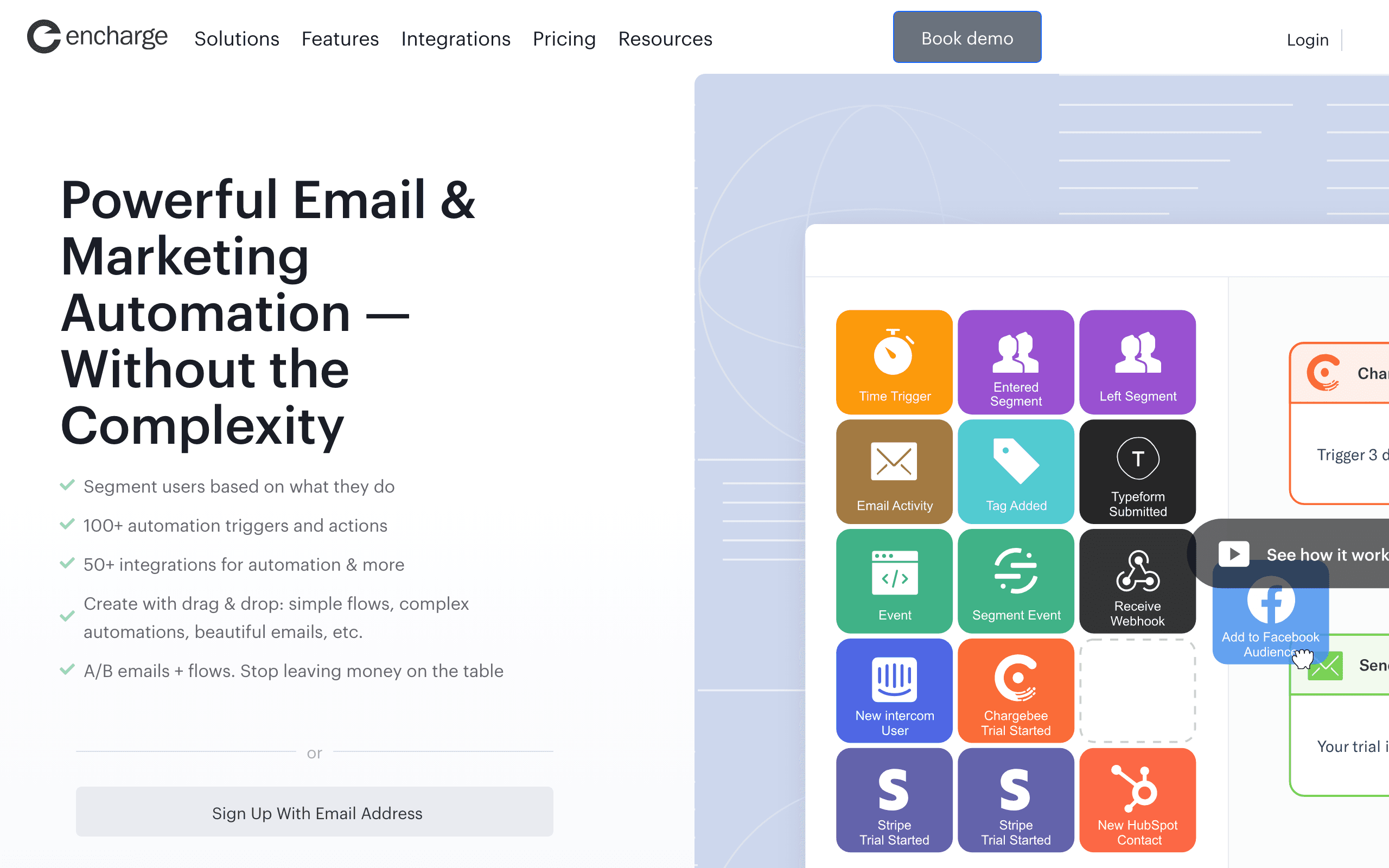
Best for: B2B SaaS teams wanting AI inside flow-based automation
Encharge is a behavior-based marketing automation tool aimed at B2B SaaS, similar in shape to Customer.io but at a lower price point. The AI features include content generation inside the visual flow builder, subject line suggestions, and AI-assisted segment building based on user behavior.
For SaaS teams that want event-driven automation but don't want to pay Customer.io's $100/month entry price, Encharge fills the gap. The AI isn't best-in-class but it's well integrated with the SaaS-shaped data model (users, accounts, events, tags).
The platform is smaller and the ecosystem is thinner. You won't find as many integrations or as deep a community as with the bigger players. For teams comfortable with that trade-off, Encharge is one of the more thoughtful AI implementations for B2B SaaS lifecycle email.
- AI features: AI content generation in flows, subject line suggestions, AI-assisted segmentation
- Pricing: From $79/month
- Pros: B2B SaaS-shaped, affordable vs. Customer.io, flow-based automation, AI inside the builder
- Cons: Smaller ecosystem, limited integrations, AI not as polished as larger competitors
17. Smartwriter
Best for: Cold outbound where every email needs personalization
Smartwriter is purpose-built for AI personalization in cold outbound. Feed it a list of prospects and the AI scrapes LinkedIn profiles, recent posts, podcast appearances, and company news to generate genuinely customized opening lines and full email drafts. The personalization is meaningfully better than generic merge tags.
For sales teams running cold outbound at scale (50-500 emails per day per rep), Smartwriter's per-recipient AI is the differentiator. Reply rates from teams using this kind of deep personalization typically run 2-3x generic templated outbound, which justifies the cost for sales-driven SaaS businesses.
This isn't a marketing email tool. There's no broadcast, no automation flows beyond simple sequences, no list management for newsletter-style use cases. It's a specialist tool for cold outbound personalization.
- AI features: Per-recipient research, personalized opening lines, full email generation, LinkedIn-aware drafting
- Pricing: From $59/month
- Pros: Strong personalization, high reply rates for cold outbound, scrapes multiple data sources
- Cons: Cold outbound only, not a marketing email tool, ethical concerns about scraping personal content
18. Lavender
Best for: Real-time AI coaching for sales reps writing 1:1 emails
Lavender is a browser extension that sits inside Gmail and Outlook and gives sales reps real-time AI feedback as they write. It scores emails for clarity, length, tone, personalization, and likelihood of reply, then suggests specific edits. It's the closest thing to a writing coach that lives in your inbox.
For revenue teams trying to improve the quality of 1:1 outbound and follow-up emails, Lavender is unusually useful. New SDRs ramp faster. Senior reps get a sanity check on their drafts. Managers can review aggregate writing quality across the team.
It doesn't send broadcasts, doesn't manage lists, and doesn't run automation. It's a writing-quality tool for reps who already have an email client. For pure marketing email use, it's not relevant.
- AI features: Real-time email scoring, suggested edits, personalization assistance, reply-rate prediction
- Pricing: From $29/month per user
- Pros: Improves rep writing quality, lives inside Gmail/Outlook, fast ramp for new SDRs
- Cons: Per-user pricing, sales-only use case, doesn't send or automate
19. Instantly
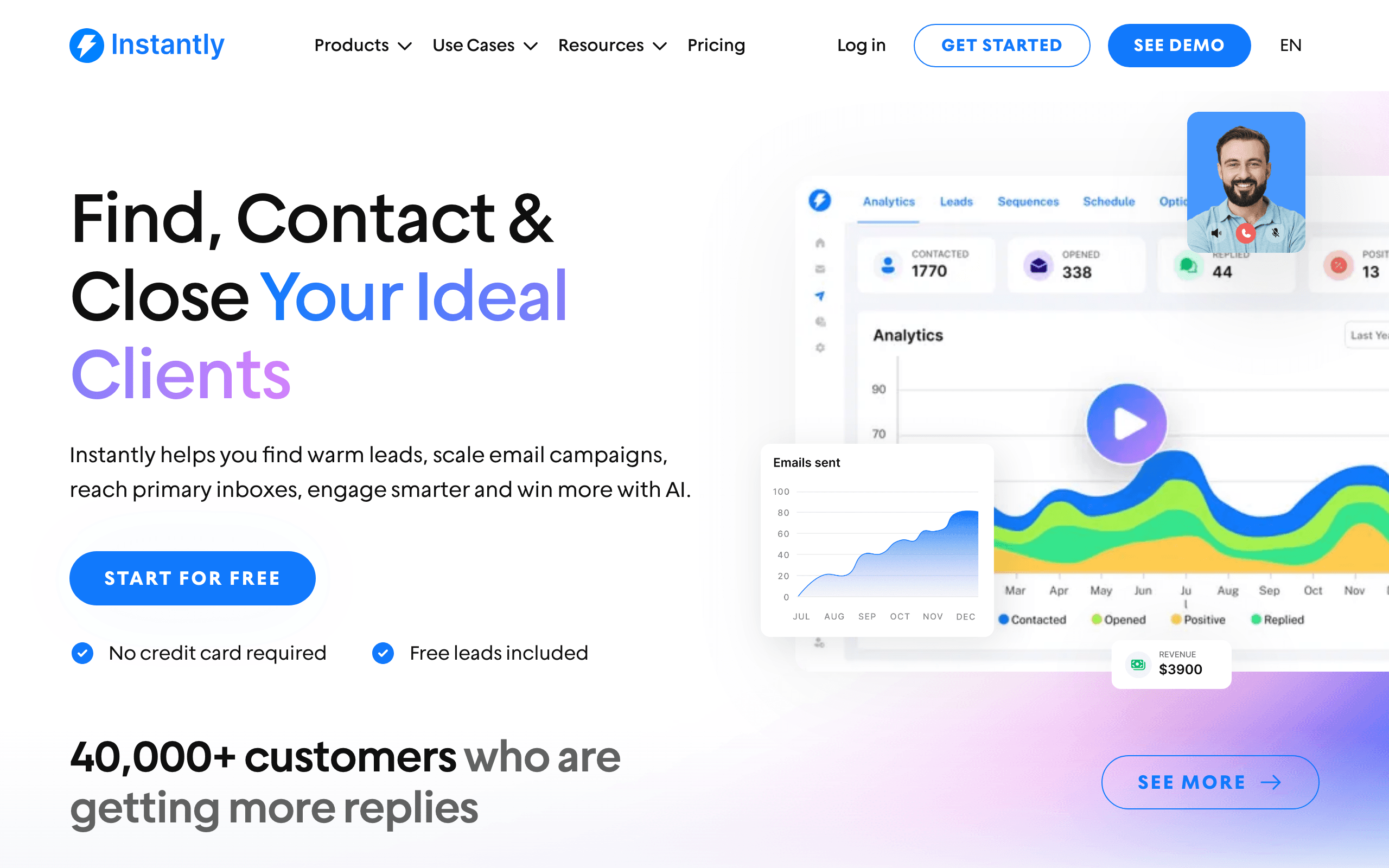
Best for: AI cold email at scale with inbox warmup
Instantly is a cold email platform built around scale: rotate dozens of sending inboxes, warm them up automatically, and send AI-personalized cold sequences. The AI generates subject lines, opening lines, and body copy at the per-recipient level using prospect data you upload or scrape.
The platform's most-loved feature is the inbox warmup network, where Instantly inboxes auto-engage with each other to build sender reputation. Combined with AI personalization, this lets cold-outbound teams send tens of thousands of emails per month with reasonable deliverability.
This is firmly a cold outbound tool. Using it for opt-in marketing email or transactional sending isn't its purpose, and it's not optimized for those workflows. The AI quality on personalization is good but not as deep as Smartwriter's research-based approach.
- AI features: AI subject lines, AI personalized opening lines, AI body copy, AI sequence generation
- Pricing: From $37/month
- Pros: Inbox warmup network, scales to thousands of inboxes, decent AI personalization, cold-outbound focused
- Cons: Cold outbound only, deliverability tactics may not suit all senders, not a marketing platform
20. Jasper
Best for: Long-form AI copywriting that plugs into any email tool
Jasper is a general-purpose AI writing platform with strong template support for marketing email, sequences, and long-form content. It doesn't send email itself; you generate content in Jasper and paste it into whatever email platform you use.
For teams that want consistently-styled AI writing across channels (email, blog, ads, social) and want to maintain brand voice across all of them, Jasper's brand voice training is genuinely useful. You upload examples of your existing writing and Jasper produces new content that matches.
The drawback is the missing integration with email-specific data. Jasper doesn't know your subscriber segments, doesn't know past performance, doesn't know what's coming up in your automation. You're using it as a writing tool, not an email optimization platform.
- AI features: Brand voice training, marketing email templates, sequence generation, long-form content, multi-language
- Pricing: From $39/month per user
- Pros: Strong brand voice control, broad use cases beyond email, good templates, mature product
- Cons: Doesn't send email, no email-data awareness, per-user pricing adds up for teams
21. Copy.ai
Best for: Free-tier AI copywriting for solo founders and small teams
Copy.ai offers an unusually generous free tier and a workflow-template library that includes email-specific templates: cold outreach, follow-ups, newsletter intros, product announcements. Like Jasper, it's a writing tool that pairs with your existing email platform rather than replacing it.
For solo founders who need email copy occasionally and don't want to commit to a paid subscription, the free tier covers a meaningful amount of usage. The quality is competitive with Jasper for short-form content and slightly weaker for long-form. The workflow templates ("warm up sequence for trial users", "win-back email") are a nice shortcut.
The platform leans heavily into "workflows" that chain AI prompts together. This is genuinely useful for repeatable email writing tasks, but the learning curve to build a good workflow is real.
- AI features: Workflow templates, email copy generation, brand voice tuning, multi-step prompt chains
- Pricing: Free tier (2,000 words/month), paid from $36/month
- Pros: Generous free tier, workflow-based approach, good for short-form email copy, easy to start
- Cons: Doesn't send email, weaker long-form than Jasper, workflows take time to build well
AI Features That Actually Matter
Worth paying for:
Send time optimization per subscriber. This genuinely improves open rates (typically 5-15% improvement). It needs enough data (1000+ subscribers with engagement history) to work well, but once it does, the improvement is measurable and consistent. The best part is it's completely hands-off once enabled.
AI-generated first drafts. Not because the AI writes perfectly, but because starting from a draft is faster than starting from blank. Expect to edit 30-50% of AI-generated content, but that's still faster than writing from scratch. For SaaS lifecycle sequences that need multiple emails across different stages, AI generation can cut days of work into hours.
Predictive churn/conversion scoring. Knowing which users are at risk lets you act before they're gone. This requires behavioral data and enough historical patterns, but when it works, it directly impacts retention. Combine this with churn prevention email sequences and you have a proactive retention system.
Not worth switching tools for:
AI subject line suggestions. Every tool has these. They're marginally useful but not differentiating. You can use ChatGPT for subject lines with any email tool.
AI-powered analytics summaries. Nice to have, but a competent marketer reads the same dashboards. AI summaries are a convenience, not a capability.
"AI-powered" segmentation that's really just rules-based filtering with a different label. True AI segmentation (finding behavioral clusters automatically) is rare and requires significant data.
How to Choose
You're SaaS and want AI-generated sequences: Sequenzy. Full sequence generation tailored to your brand and use case, with a free tier that lets you start without commitment.
You're e-commerce wanting predictive analytics: Klaviyo for the high end, Drip for mid-market, Omnisend for Shopify-first teams.
You want AI-powered email design and export-ready HTML: Stripo. Best for building complete, polished emails in a visual editor.
You want all-in-one with AI baked in: Venturz. Email, CRM, website, and AI in one place for early-stage teams.
You want AI enhancing existing automation: ActiveCampaign. AI features integrated into a powerful automation builder.
You're enterprise: Braze. AI across channels at scale with intelligent optimization.
You want accessible AI for small business: Mailchimp or Brevo, depending on whether brand recognition or pay-per-email pricing matters more.
You want AI + event-driven automation: Customer.io for budget-no-object, Encharge for budget-conscious B2B SaaS.
You want simple AI for a startup: Loops. Basic AI generation that matches startup communication style.
You're already on HubSpot CRM: HubSpot's email AI, since the data is already there.
You're a course creator: GetResponse. The AI campaign generator handles launch sequences well.
You're doing cold outbound: Smartwriter for deep personalization, Instantly for scale.
You write 1:1 sales email: Lavender for real-time coaching inside Gmail/Outlook.
You want a writing tool that pairs with any platform: Jasper for brand-voice consistency, Copy.ai for a free tier.
Best AI Email Tool by Use Case
Best AI email marketing tool for SaaS onboarding
Choose Sequenzy when the AI output needs to become a real onboarding, activation, upgrade, or churn-prevention sequence. Generic AI copy tools can draft emails, but they do not understand product lifecycle context. Pair this page with SaaS onboarding templates, best AI email sequence builders, how to use AI for lifecycle marketing, and best AI lifecycle marketing tools.
Best AI email marketing tool for ecommerce
Klaviyo, Omnisend, and Drip are stronger when AI is tied to product catalogs, purchase history, and revenue attribution. This is not just copywriting; it is prediction and segmentation. Compare ecommerce email tools, Klaviyo alternatives, and cart abandonment templates.
Best AI email marketing tool for CRM-heavy teams
HubSpot and ActiveCampaign make sense when AI suggestions need CRM, deal, or sales context. They are heavier than standalone email tools, but useful when marketing and sales share the same system. Review HubSpot alternatives, ActiveCampaign comparison, and sales email sequences.
Best AI email marketing tool for creators
GetResponse, ConvertKit, Beehiiv, Jasper, and Copy.ai fit creator workflows when the primary job is launch copy, newsletter ideas, or brand-voice writing. If audience monetization is the goal, compare creator email tools, course creator email tools, and ConvertKit alternatives.
For more detailed comparisons of AI writing tools specifically, check out our guide to AI email sequence builders.
FAQ
Is AI-generated email content good enough to send without editing? For internal communications and quick updates, sometimes. For marketing emails and customer-facing sequences, always review and edit. AI content tends to be generic and can miss brand-specific nuances. Use it as a starting point, not a final product. Human editing not only strengthens your brand voice but also helps the content read more naturally, which can improve results in AI detection tools. The 80/20 rule works well: let AI generate 80% of the structure and content, then invest human effort in the 20% that requires voice, nuance, and brand specificity.
Does AI really improve send time optimization? Yes, measurably. Individual-level send time optimization (not batch optimization) typically improves open rates by 5-15%. It needs 2-3 months of engagement data per subscriber to be effective. Platforms that claim 30%+ improvements are likely measuring against a poor baseline.
Will AI replace email marketers? No. AI handles content generation and optimization well. It doesn't handle strategy, brand voice, customer empathy, or creative direction. Email marketers who use AI tools are more productive, not replaced. The role shifts from "write every email" to "direct the AI and refine its output."
How much data does AI need to be useful? Content generation works immediately (it draws on general knowledge, not your specific data). Predictive analytics and send time optimization need at least 1,000-5,000 subscribers with 3+ months of engagement history. More data means better predictions. If you're just starting out, focus on AI content generation and grow into predictive features as your list matures.
Should I choose my email platform based on AI features? No. Choose based on core email capabilities first: deliverability, automation quality, API access, pricing model, and integration ecosystem. AI features are a bonus, not the foundation. A platform with great automation and no AI is more useful than a platform with flashy AI and poor deliverability.
Can AI personalize emails at the individual level? Getting there. Predictive content selection (ActiveCampaign, Braze) picks the best content variant per recipient. Product recommendations (Klaviyo) personalize based on browsing and purchase history. True individual-level content generation (writing unique emails for each subscriber) isn't practical yet at scale for marketing email, but cold-outbound tools like Smartwriter and Instantly are doing it for outbound use cases. Dynamic content blocks powered by AI are a strong middle ground for marketing.
What's the difference between AI email marketing tools and AI copywriting tools? AI copywriting tools (Jasper, Copy.ai, Lavender) focus on generating text: subject lines, body copy, sequences. AI email marketing tools (Sequenzy, Klaviyo, ActiveCampaign) go further with optimization features: send time prediction, churn scoring, segmentation, and performance analytics. Copywriting is one feature; AI marketing tools use AI across the entire email lifecycle.
How do I measure the ROI of AI features in my email tool? Track before-and-after metrics for each AI feature you enable. For send time optimization, compare open rates. For AI-generated content, compare time spent writing. For predictive analytics, track whether identified at-risk customers were successfully retained. Most platforms don't isolate AI-specific ROI, so you'll need to run your own comparisons over 2-3 months. See our guide on calculating email marketing ROI for more frameworks.
Are cold-outbound AI tools (Smartwriter, Instantly) the same as marketing AI tools? No, and you shouldn't conflate them. Cold outbound AI tools optimize for per-recipient personalization at low send volume per inbox, often using scraped public data. Marketing AI tools optimize for opt-in lists at scale with first-party engagement data. Using a cold-outbound tool for opt-in marketing wastes its strengths. Using a marketing tool for cold outbound usually breaks deliverability fast.
Is it worth paying extra for AI features as an add-on? Usually no. If a platform charges meaningfully more for AI features (HubSpot is a common offender), evaluate whether the AI is genuinely better than a free ChatGPT prompt. Often it isn't. Pay for AI when it's deeply integrated with platform data (predictive analytics, brand-aware sequence generation). Skip the upcharge for generic content suggestions you can replicate with a separate AI tool.
Which email platforms can an AI agent operate directly? As of September 2026, Sequenzy and Mailtrap are the platforms on this list shipping a first-party MCP server; Sequenzy's exposes 200+ tools covering subscribers, segments, campaigns, sequences, A/B tests and analytics. Everything else requires an agent to drive the REST API or a browser. See best email APIs for AI agents for the agent-first view.
Try the AI, free
- Draft something right now with the free AI email writer - no account needed
- Create a free account for 2,500 emails a month and unlimited subscribers, then generate a full sequence from one line of intent
- Read about AI sequences, AI campaigns and the MCP server
- Compare plans on the pricing page