Updated 2026-02-12
Buttondown
MailerLite

Buttondown vs MailerLite

minimalist Markdown-first newsletter platform vs affordable managed email marketing with landing pages

8
Features Compared
3
Key Differences
4
User Reviews
8
FAQs Answered
TL;DR

Buttondown is a minimalist Markdown-first newsletter platform for writers, developers, and publishers. MailerLite is an approachable email marketing platform with a visual editor, landing pages, signup forms, automations, and website tools. Choose Buttondown for focused technical publishing. Choose MailerLite when visual emails, landing pages, and creator-friendly marketing tools matter.

Platform Overview

See how each platform looks

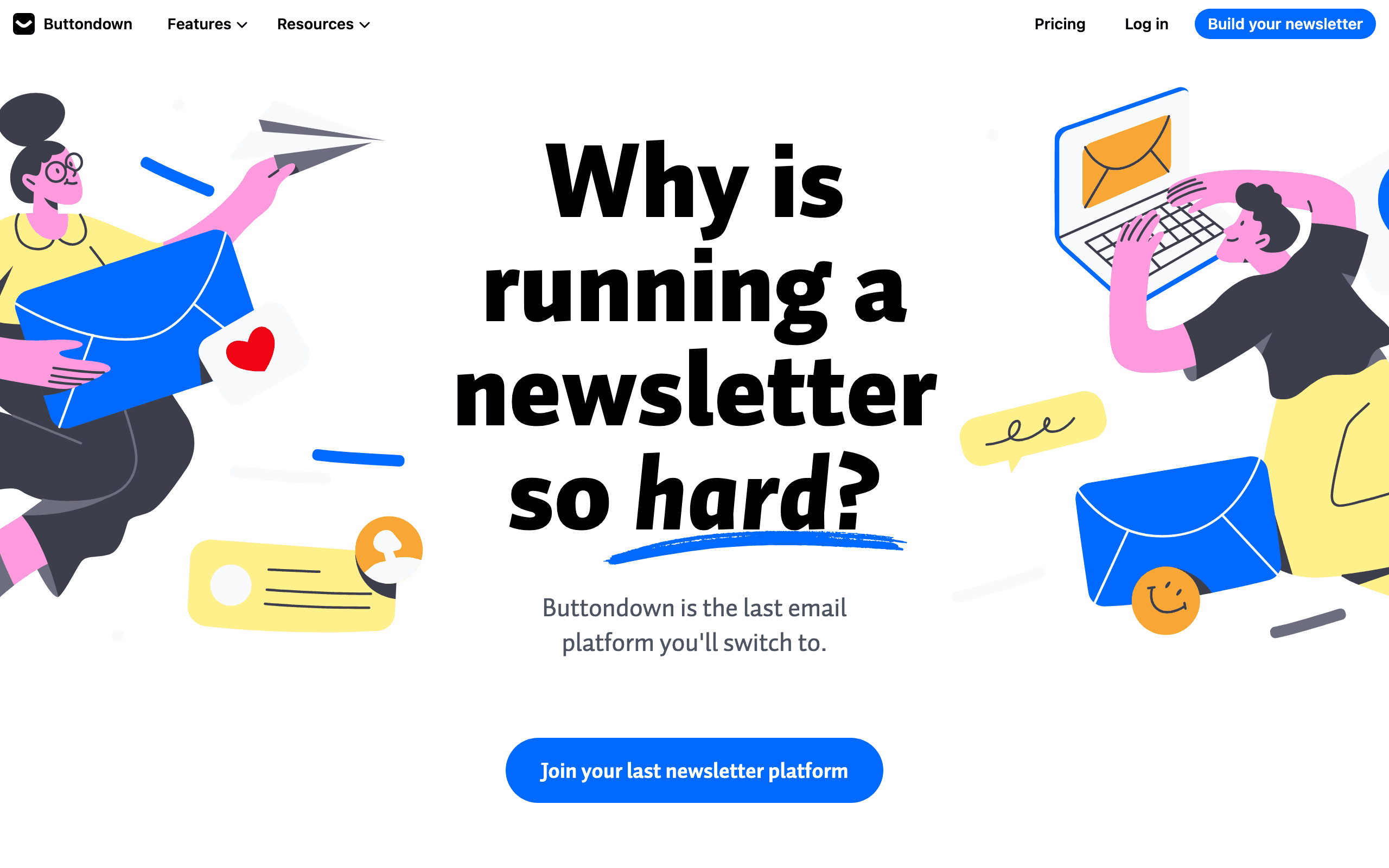
Buttondown

Buttondown dashboard screenshot

Privacy-focused newsletter platform for writers and developers with a clean API.

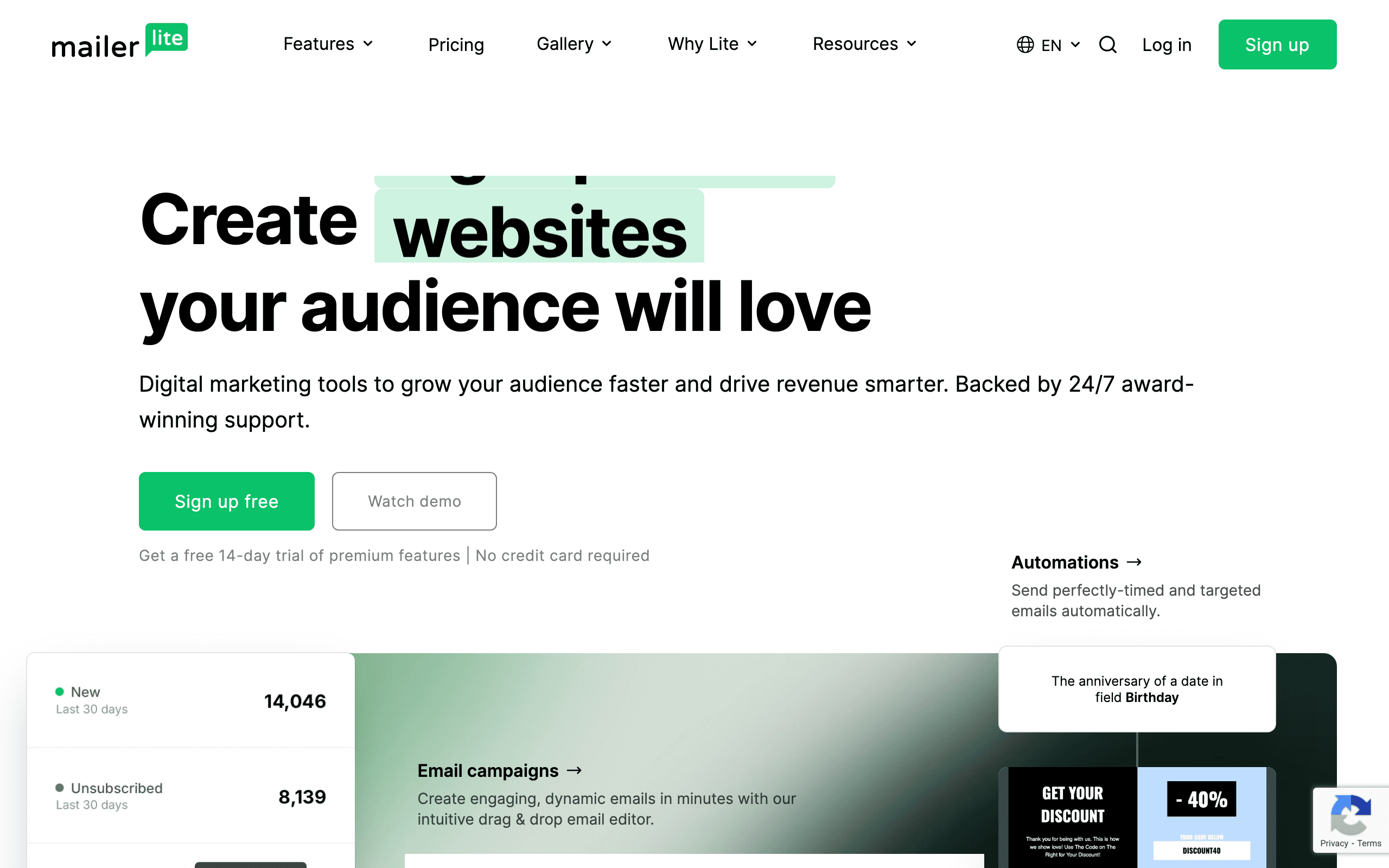
MailerLite

MailerLite dashboard screenshot

Affordable email marketing platform with landing pages, websites, and automation.

Key Differences

The main things that set these tools apart

Pricing model
Tie

Buttondown and MailerLite should be compared by workflow. Buttondown pricing is mainly about newsletter publishing and subscribers. MailerLite pricing is about subscribers, email limits, landing pages, websites, automations, branding, and approval rules.

Primary use case
Tie

Buttondown is best for markdown-native. MailerLite is best for no server management. They optimize for different goals.

Feature depth
Tie

Buttondown strengths: Markdown-native, Clean API, Paid newsletter support. MailerLite strengths: No server management, Landing pages + websites, Good email editor.

Pricing Comparison

At comparable usage

Buttondown
~$90/month

Markdown-first newsletter. Paid newsletters via Stripe.

Visit Buttondown
MailerLite
$73/month

Landing pages, website builder. 500 sub free tier.

Visit MailerLite
Best for SaaS
Sequenzy
$49/month

SaaS marketing + transactional, Stripe integration, 10k contacts

Start Free Trial

Feature Comparison

8 features compared side-by-side

Feature
Buttondown
MailerLite
Sequenzy
Core Features
Markdown-native
Varies
No server management
Varies
Email API
Limited
Limited
Visual email editor
Full drag-and-drop
Marketing & Automation
Marketing automation
Basic
Basic
AI-powered sequences
Subscriber management
Full lifecycle management
Stripe integration
Native
Transactional email

Pros & Cons

Honest strengths and weaknesses of each platform

Buttondown

Pros
  • Native Markdown editor for clean technical content
  • Clean REST API for developer-driven management
  • Built-in paid newsletter monetization via Stripe
  • Privacy-first with minimal default tracking
  • Simple per-subscriber pricing without tier gating
  • Focused interface that prioritizes writing workflow
  • RSS-to-email for automated content publishing
Cons
  • No landing page or website builder
  • No visual drag-and-drop email editor
  • Basic automation without visual workflows
  • No free tier for getting started
  • Limited template options for visual emails
  • Smaller ecosystem with fewer integrations

MailerLite

Pros
  • Excellent drag-and-drop email editor praised across reviews
  • Website and blog builder included on paid plans
  • Landing page builder with templates for lead capture
  • Entry-level plan can work for small lists depending on current limits
  • Visual automation workflow builder on Growing Business plan
  • Paid newsletter support with Stripe integration
  • Broad creator-friendly feature set for the price
  • Photo editing tools built into the email editor
Cons
  • No Markdown support for technical content
  • Free plan includes MailerLite branding in emails
  • Approval process for new accounts can delay getting started
  • No native Stripe integration for SaaS billing events
  • Website builder is basic compared to dedicated tools
  • Advanced automation requires Growing Business plan
  • Limited API compared to developer-first platforms

What Users Say

Real reviews from Buttondown and MailerLite users

Buttondown Reviews

G2

As a software engineer writing a systems programming newsletter, Buttondown is perfect. Markdown with code blocks, a clean API for managing subscribers, and none of the marketing fluff I'd never use from MailerLite.

Ian C.2025-11-14
Capterra

Switched from MailerLite because I only needed newsletter sending. MailerLite's website builder and landing pages were features I paid for but never used. Buttondown is simpler and more honest about what it is.

Stephanie W.2026-01-28

MailerLite Reviews

G2

MailerLite has the best email editor I've used at this price point. Drag and drop with inline photo editing, beautiful templates, and the free plan let me start without any risk. Built our website and landing pages too.

Oliver D.2025-10-25
Trustpilot

Great value platform but the account approval process is frustrating. Took 3 days to get approved and we had to provide detailed information about our business. Once in, the platform is excellent for the price.

Amy N.2025-12-10

Best For

When to choose each tool

Choose Buttondown if you...
  • Markdown-native
  • Clean API
  • Paid newsletter support
  • Privacy-conscious
Choose MailerLite if you...
  • No server management
  • Landing pages + websites
  • Good email editor
  • User-friendly

Why Consider Sequenzy Instead

Built for SaaS

Neither Buttondown nor MailerLite offers native Stripe integration. Sequenzy connects to [Stripe](/features/stripe-integration) and triggers emails based on subscription events automatically.

Marketing + transactional unified

One platform for [campaigns](/features/campaigns), [transactional emails](/features/transactional-emails), and [AI sequences](/features/ai-sequences). No stitching tools together.

AI-powered sequences

Describe what you want and Sequenzy generates the email sequence. Neither Buttondown nor MailerLite has AI content generation.

Simple pricing

Sequenzy is worth comparing when you need SaaS lifecycle and transactional email instead of a publisher-first newsletter tool or a creator marketing suite.

Overview

Buttondown and MailerLite serve different needs in the email space. Buttondown is a minimalist Markdown-first newsletter platform. MailerLite is a affordable managed email marketing with landing pages.

The choice depends on what you need: markdown-native (Buttondown) or no server management (MailerLite). For SaaS businesses specifically, Sequenzy offers purpose-built features that neither tool provides.

Pricing Comparison

  • Buttondown: ~$90/month - Markdown-first newsletter. Paid newsletters via Stripe.
  • MailerLite: $73/month - Landing pages, website builder. 500 sub free tier.
  • Sequenzy: $99/month for 120,000 emails, unlimited subscribers, fully managed. See pricing.

Use-case matchups

Need Better fit Why
Markdown-first technical newsletter Buttondown Buttondown is built around writing, code blocks, and a focused newsletter workflow.
Visual email design, forms, landing pages, and website tools MailerLite MailerLite is the better fit for creator marketing and visual campaigns.
SaaS lifecycle plus transactional email Sequenzy Sequenzy is better when billing and product events should trigger messages.
Paid newsletter without a broad marketing suite Buttondown Buttondown keeps publishing simpler when extra web tools are unnecessary.
Creator needs starter marketing pages MailerLite MailerLite bundles landing pages, forms, and website tools with email.

Best Fit by Creator Tooling Need

Best newsletter tool for technical paid publications

Buttondown is the better fit when the creator wants Markdown, code-friendly emails, a simple paid newsletter workflow, API access, and minimal marketing overhead. It is strongest when the newsletter itself is the product.

Best email marketing tool for visual creator campaigns

MailerLite is the better fit when the creator needs forms, landing pages, a website or blog, templates, visual editing, and broader automations around the list. It gives more marketing surface area than Buttondown.

Best email marketing tool for SaaS teams with newsletters

Sequenzy is the better fit when the newsletter is part of a product email stack with transactional, onboarding, retention, and Stripe-triggered messages. That workflow needs more product context than either Buttondown or MailerLite provides.

Pricing reality

Buttondown and MailerLite should be evaluated by workflow and required surfaces. Buttondown's pricing is mainly about subscribers, paid publishing, API needs, and newsletter simplicity. MailerLite's pricing is about subscribers, send limits, branding, approval rules, landing pages, websites, automations, support, and whether the visual editor replaces design work.

Review signals

The structured review data on this page keeps sourced snippets from G2, Capterra, and Trustpilot. Buttondown reviews emphasize technical publishing and not paying for unused marketing features. MailerLite reviews emphasize visual editing, templates, and value, with approval delays and plan gates as cautions.

Where Buttondown Wins

Markdown-native

Buttondown offers markdown-native, which is a genuine advantage for teams that need it.

Clean API

Buttondown offers clean api, which is a genuine advantage for teams that need it.

Paid newsletter support

Buttondown offers paid newsletter support, which is a genuine advantage for teams that need it.

Privacy-conscious

Buttondown offers privacy-conscious, which is a genuine advantage for teams that need it.

Where MailerLite Wins

No server management

MailerLite offers no server management, which matters for teams that prioritize this.

Landing pages + websites

MailerLite offers landing pages + websites, which matters for teams that prioritize this.

Good email editor

MailerLite offers good email editor, which matters for teams that prioritize this.

Migration checklist

Step What to check
Contacts and consent Export subscribers, groups, tags, fields, unsubscribes, bounces, and consent records.
Signup paths Rebuild forms, landing pages, popups, websites, thank-you pages, and embedded widgets.
Publishing archive Decide whether old posts, public archives, and paid content need to move.
Automations Rebuild welcome sequences, segments, suppression rules, and personalization manually.
Sender setup Reverify domains, DKIM, SPF, DMARC, unsubscribe behavior, and link tracking.

Decision checklist

  • Is the daily workflow mostly writing or visual campaign building?
  • Do landing pages, forms, and website tools replace other software?
  • Do you need Markdown and API control more than a drag-and-drop editor?
  • Are approval rules, branding, and automation plan gates acceptable?
  • Would SaaS lifecycle and transactional email make Sequenzy a better fit?

User-friendly

MailerLite offers user-friendly, which matters for teams that prioritize this.

Why Sequenzy for SaaS

If you are building a SaaS product, Sequenzy offers what neither Buttondown nor MailerLite provides: native Stripe integration for billing-based automation, AI sequences that generate onboarding and retention emails, and unified transactional + marketing email in one platform. Check our pricing page for details.

The Email Editor Quality Gap

MailerLite's drag-and-drop email editor is consistently praised as one of the best among mid-market email platforms. The interface is intuitive, the template library is well-designed, and built-in photo editing tools eliminate the need for external design software. Creating visually appealing marketing emails takes minutes, not hours.

Buttondown's editor is Markdown. You write text with formatting syntax, and the platform renders it into a clean email. There is no drag-and-drop builder, no template gallery, and no photo editor. For technical writers who think in Markdown, this is a feature. For marketing teams creating branded visual campaigns, the lack of a visual editor is a dealbreaker.

The editor difference reflects the fundamental audience split. MailerLite users want to create beautiful-looking marketing emails without design skills. Buttondown users want to write content efficiently without marketing tools getting in the way. Both editors are excellent for their intended audience and completely wrong for the other.

Entry Plan Evaluation

MailerLite has often appealed to new creators because it gives them a lower-friction way to start with visual email tools, forms, and landing pages. Buttondown is more intentionally focused on writers who already know they want a simple publishing workflow. Check current entry plans, send limits, branding, automation access, approval requirements, and support before relying on either platform as the lower-cost path.

The entry-plan question matters most before a newsletter has traction. A creator starting from zero may value a broad starter toolkit. A technical writer with an existing audience may value Buttondown's Markdown workflow more than landing pages or a visual editor.

Website and Landing Page Bundling

MailerLite includes a website builder and landing page creator on paid plans. For creators who need a simple web presence alongside their newsletter, this bundling eliminates one additional tool and monthly cost. The website builder is basic compared to Squarespace or WordPress, but adequate for a landing page, about page, and blog.

Buttondown includes no web publishing features. If you need a website, you need a separate tool. If you need landing pages for lead capture, you need a separate tool. Each additional tool adds cost, integration complexity, and cognitive overhead.

For SaaS companies, neither platform's website or landing page features are relevant - you already have a product website. What SaaS companies need is email automation connected to their billing system. Sequenzy provides this with native Stripe integration and AI-powered sequences designed for subscription lifecycle automation rather than content publishing.

Frequently Asked Questions

8 questions answered about Buttondown vs MailerLite

Testimonials

Sequenzy Testimonials

Not sure which to pick?

If you're a SaaS founder who needs Stripe integration and unified email, try Sequenzy free. No credit card required.

Related Comparisons

Sequenzy pricing reference

Sequenzy - Complete Pricing Guide

Pricing Model

Sequenzy uses email-volume-based pricing. You only pay for emails you send. Unlimited contacts on all plans — storing subscribers is always free.

All Pricing Tiers

  • 2.5k emails/month: Free (Free annually)
  • 15k emails/month: $19/month ($205/year annually)
  • 30k emails/month: $29/month ($313/year annually)
  • 60k emails/month: $49/month ($529/year annually)
  • 120k emails/month: $99/month ($1069/year annually)
  • 300k emails/month: $199/month ($2149/year annually)
  • 600k emails/month: $399/month ($4309/year annually)
  • 900k emails/month: $599/month ($6469/year annually)
  • 1.2M emails/month: $799/month ($8629/year annually)
  • 2M emails/month: $1299/month ($14029/year annually)
  • 3M emails/month: $1999/month ($21589/year annually)
  • 4M emails/month: $2499/month ($26989/year annually)
  • 5M emails/month: $2999/month ($32389/year annually)
  • Unlimited emails/month: Custom pricing (Custom annually)

Yearly billing: All plans offer a 10% discount when billed annually.

Free Plan Features (2,500 emails/month)

  • Visual automation builder
  • Transactional email API
  • Reply tracking & team inbox
  • Landing pages
  • Unlimited team members
  • Goal tracking & revenue attribution
  • Unlimited lists and segments
  • Payment integrations
  • API, MCP, and CLI access
  • Unlimited sending domains
  • SPF, DKIM, and DMARC
  • Deliverability monitoring
  • Send time optimization
  • A/B testing

Paid Plan Features (15k - 5M emails/month)

  • Visual automation builder
  • Transactional email API
  • Reply tracking & team inbox
  • Landing pages (Create hosted signup pages and attach a custom domain.)
  • Unlimited team members
  • Goal tracking & revenue attribution
  • Unlimited lists and segments
  • Payment integrations (Stripe, Paddle, Lemon Squeezy)
  • API, MCP, and CLI access
  • Unlimited sending domains
  • SPF, DKIM, and DMARC
  • Deliverability monitoring
  • Send time optimization
  • A/B testing

Enterprise Plan Features (Unlimited emails)

  • Visual automation builder
  • Transactional email API
  • Reply tracking & team inbox
  • Landing pages
  • Unlimited team members
  • Goal tracking & revenue attribution
  • Unlimited lists and segments
  • Payment integrations
  • API, MCP, and CLI access
  • Unlimited sending domains
  • SPF, DKIM, and DMARC
  • Deliverability monitoring
  • Send time optimization
  • A/B testing

Important Pricing Notes

  • You only pay for emails you send — unlimited contacts on all plans
  • No hidden fees - all features included in the price
  • No credit card required for free tier

Contact

  • Pricing Page: https://sequenzy.com/pricing
  • Sales: hello@sequenzy.com



