Sell More using FOMO effect ͏ ͏ ͏ ͏ ͏ ͏ ͏ ͏ ͏ ͏ ͏ ͏ ͏ ͏ ͏ ͏ ͏ ͏ ͏ ͏ ͏ ͏ ͏ ͏ ͏ ͏ ͏ ͏ ͏ ͏ ͏ ͏ ͏ ͏ ͏ ͏ ͏ ͏ ͏ ͏ ͏ ͏ ͏ ͏ ͏ ͏ ͏ ͏ ͏ ͏ ͏ ͏ ͏ ͏ ͏ ͏ ͏ ͏ ͏ ͏ ͏ ͏ ͏ ͏ ͏ ͏ ͏ ͏ ͏ ͏ ͏ ͏ ͏ ͏ ͏ ͏ ͏ ͏ ͏ ͏ ͏ ͏ ͏ ͏ ͏ ͏ ͏ ͏ ͏ ͏ ͏ ͏ ͏ ͏ ͏ ͏ ͏ ͏ ͏ ͏ ͏ ͏ ͏ ͏ ͏ ͏ ͏ ͏ ͏ ͏ ͏ ͏ ͏ ͏ ͏ ͏ ͏ ͏ ͏ ͏ ͏ ͏ ͏ ͏ ͏ ͏ ͏ ͏ ͏ ͏ ͏ ͏ ͏ ͏ ͏ ͏ ͏ ͏ ͏ ͏ ͏ ͏ ͏ ͏ ͏ ͏ ͏ ͏ ͏ ͏ ͏ ͏ ͏ ͏ ͏ ͏ ͏ ͏ ͏ ͏ ͏ ͏ ͏ ͏ ͏ ͏ ͏ ͏ ͏ ͏ ͏ ͏ ͏
Hi
In this email, we'll discuss how you can use Urgency and CTA widgets to boost your sales.
Here are two powerful widgets to drive sales and create urgency:
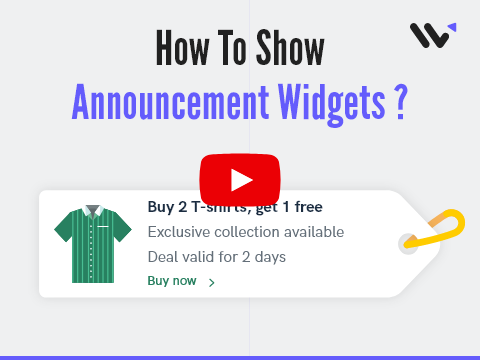
Announcements Widget:
- Boost Visibility: Launch your latest offers and products with a bang! This widget showcases announcements the moment a visitor lands on your site.
- Drive Urgency: Create a FOMO effect with limited-time offers to capture customer attention immediately.
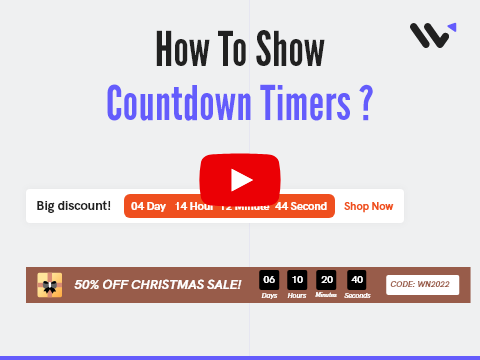
Countdown Timer:
- Increase Sales: Remember the last-minute purchase you made during a countdown sale? It’s a universal reaction. Keep a sale timer on your site to significantly boost your revenue by playing on the natural urgency of time-sensitive discounts.
How to Get Started:
- Go to Add Notification > Widgets, select Timer or Announcement Widgets, and set them up to drive more conversions.
If you need any guidance or have questions, our support team is just a chat away.
Thanks,
Team WiserNotify
Rated ⭐⭐⭐⭐⭐
Based on 100+ Capterra Reviews
Unsubscribe