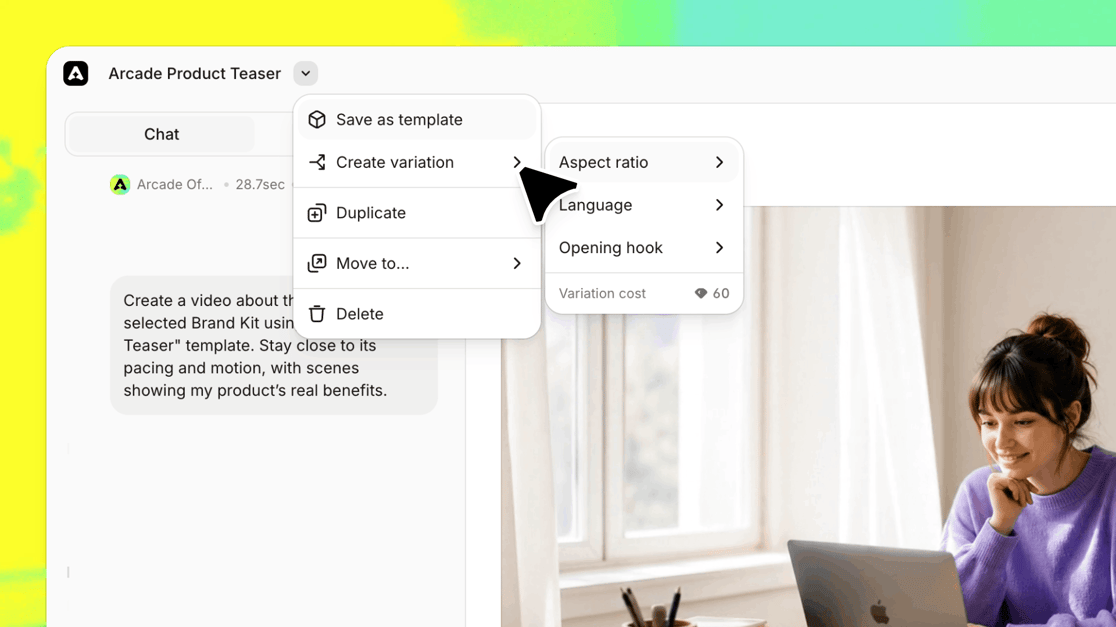
Need a vertical cut for social, a version in another language, or a fresh opening scene? Open the menu next to your video's title and choose Create variation. Arcade builds the new version, and your original stays as it is.
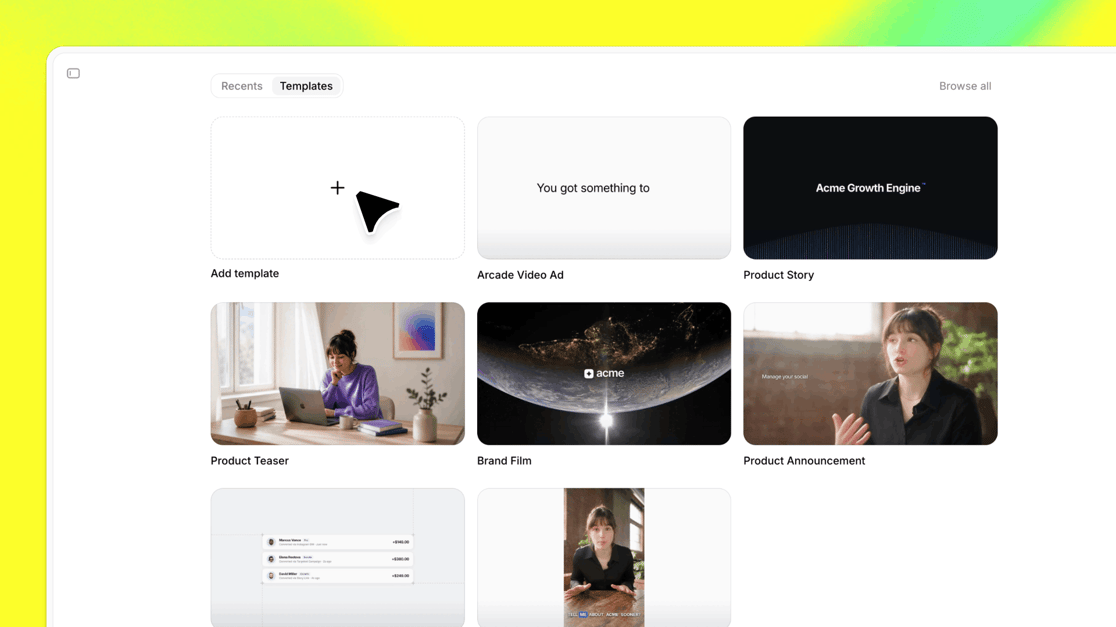
Give your next video a head start with templates like Product Story, Product Teaser, and Brand Film, or type @ in the chat to pull one in. Made something worth repeating? Save it as a template for next time.
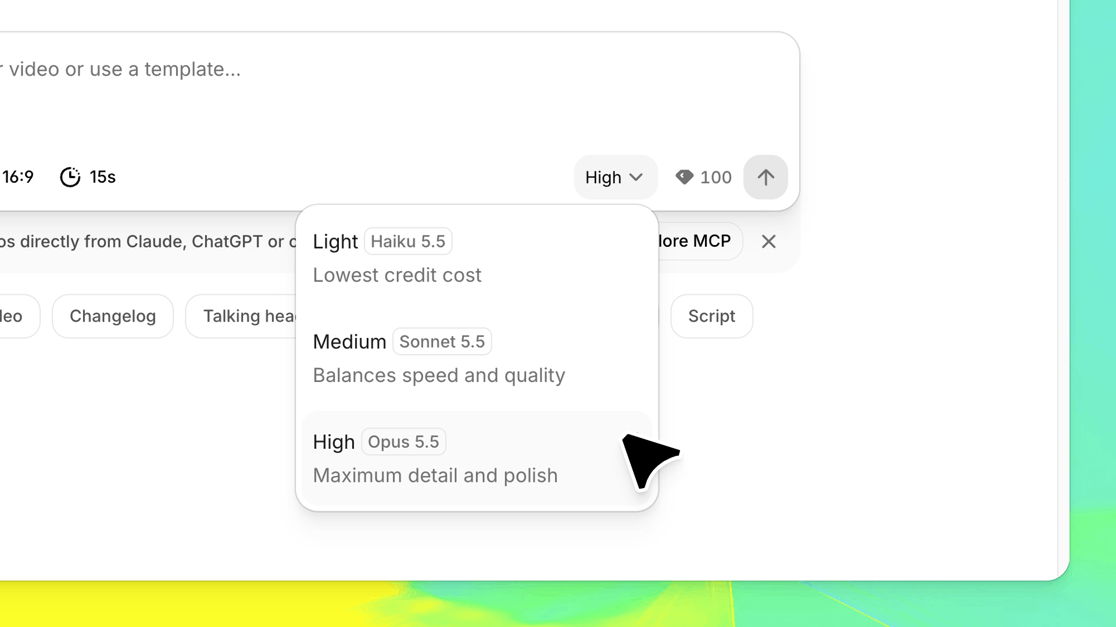
Pick the AI model behind each video: Opus 5.5 for maximum detail and polish, Sonnet 5.5 to balance speed and quality, or Haiku 5.5 when you want something light and fast. Arcade remembers your pick.
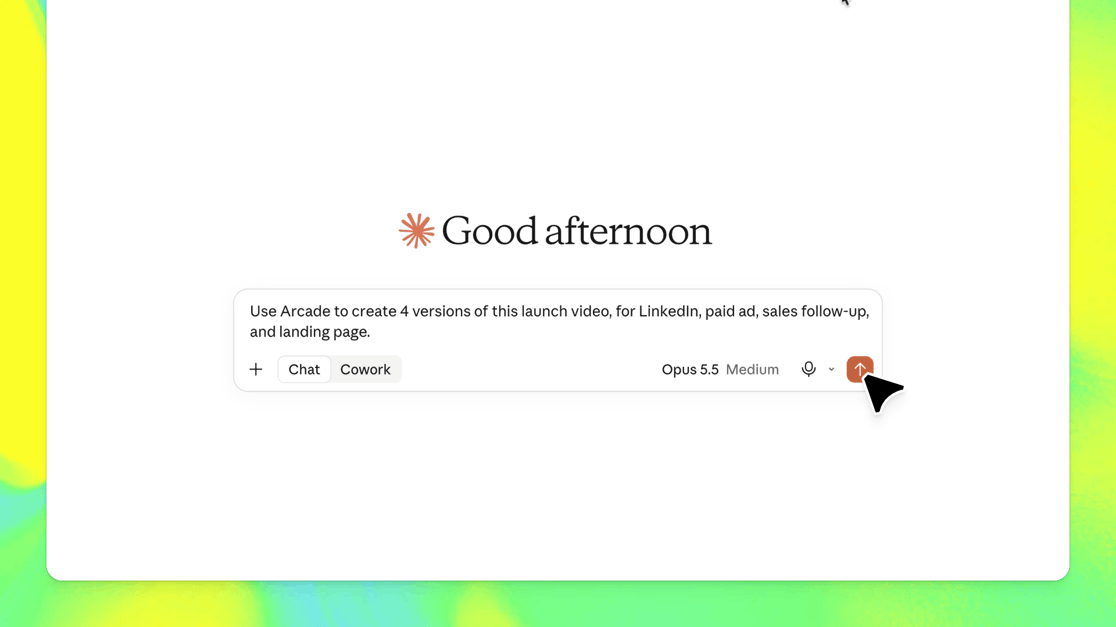
Using the Arcade MCP in Claude, ChatGPT, Gemini, or your AI tool of choice? Keep shaping your video in the same chat: rework the voiceover, adjust the pacing, or change the ending. You'll see your credit balance as you go.
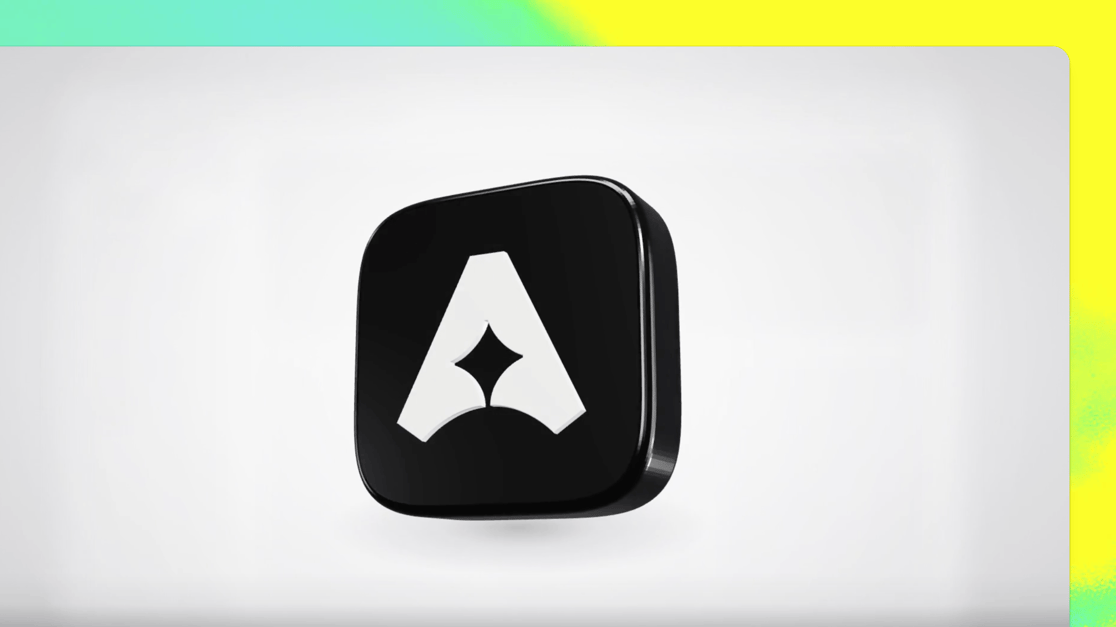
Ask for 3D, and Arcade builds a true 3D scene with real depth, lighting, and camera movement. Spin a product in space or make your logo pop off the screen for a launch moment people remember.
Rich built this one, with Boogie lending a hand 👏
✨ Other Improvements
60 new native voices in 15 more languages. Name a language in the chat and hear up to three voices read your script
Save your favorite scenes, then type @ in the chat to add them, or one of Arcade's ready-made scenes, to any video
More sound effects, plus new scene styles like maps, hand-drawn sketches, morphing shapes, and 3D text
Fit the music to your video's length in one click, and newly generated music sounds richer
Attach a PDF and the AI reads every page, including charts, slides, and logos
Undo, redo, copy, paste, and duplicate scenes with keyboard shortcuts, and press Cmd+K to find any video
Choose the preview image people see when you share a link
Ask the AI to bring back an earlier version, right in the chat
Arcade extension recordings get a smooth cursor, highlighted clicks, and automatic zooms you can adjust by asking the AI
New workspaces start with a Brand Kit built from your website, brand fonts work on every plan, and teams can set a default Brand Kit
Enterprise workspaces can turn on auto-join for anyone with your company email
🐛 Bug Fixes
If publishing fails, you can try again right away
Exports and shares match what you see in the editor, including edits you make by hand
3D videos and 4K exports render smoothly
Screen recordings no longer go blank or get lost when an upload stalls
Long chats keep responding, however many edits you've made
Previews, voiceovers, and scene thumbnails load reliably in the editor
Your chosen voice sticks when the AI re-records narration
Duplicated or pasted scenes keep their AI edits and motion
The AI only adds a call-to-action ending when you ask for one