|
|
|
|
New in Subframe.
|
The motion library for agents.
|
|
|
|
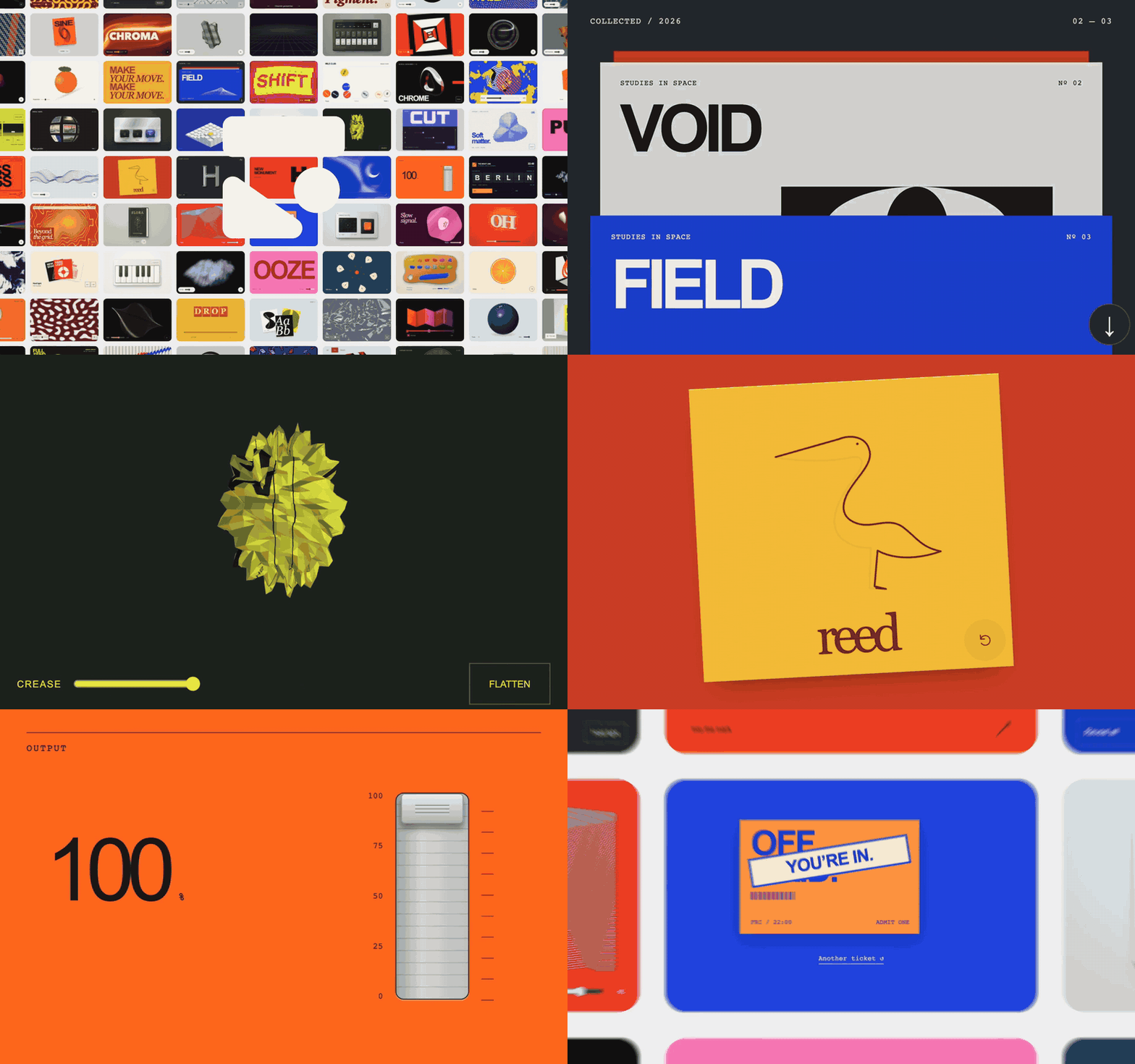
As more people are working directly in their codebase in Subframe, it opens up opportunities for animations & motion that are only possible in the browser. So we hand-crafted a library of high-quality animations available to browse for inspiration and use with your agent.
|
|
|
|
|
What's new
|
|
|
|
|
Give your agent taste in motion.
|
|
Hundreds of open-source React animations, Motion components and WebGL shaders, available as inspiration and code examples for your project over MCP.
|
|
|
|
|
|
|
|
|
|
|
Edit a selection with agents.
|
|
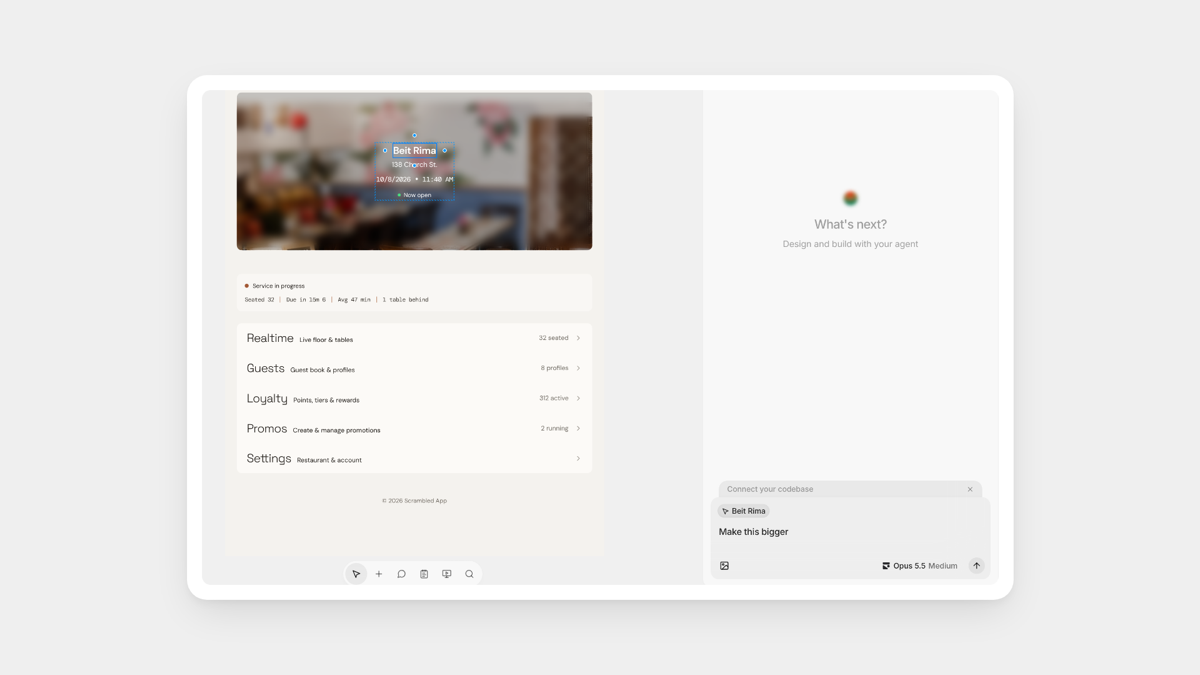
Agent chat is now aware of the exact selection on your design, so you can request changes exactly where you need it, all while keeping the history in one chat.
|
|
|
|
|
|
|
|
|
What changed
|
|
|
-
Export designs in agent chats. Ask the agent to export a design as an image, then preview and download it from the conversation.
|
-
Agents that work from reference images. Your agent can design from an image in your project, like a mockup or screenshot you uploaded. Works with Subframe MCP.
|
-
Subframe links open in the desktop app. Links from Slack, email or other apps open directly in the desktop app, in that project's window.
|
|
|
Fixes & improvements
|
|
|
-
Agent chat. Long chats continue with many screenshots in context, and better reliability during network drops.
|
-
Generated designs. Pages designed by agents open more reliably, and component edits keep other variant styling.
|
-
Performance. The canvas is faster on large designs, and improved speed of Subframe MCP.
|
-
Desktop app. Reconnects after network drops, and switching tabs keeps your selection in a design.
|
|
|
|
|
Follow everything we shipped on the changelog.
|
|
|
|
How can we make Subframe better for you? Just reply to this email – I read every response :)
|
|
|
|
– Irvin
|
|
|
|
|