|
Here are some tips for keeping your Zulip conversations organized with topics.
In Zulip, channels determine who gets a message. Topics tell you what the message is about. Using topics, you can read Zulip one conversation at a time. You'll see each message in context, no matter how many different discussions are going on.
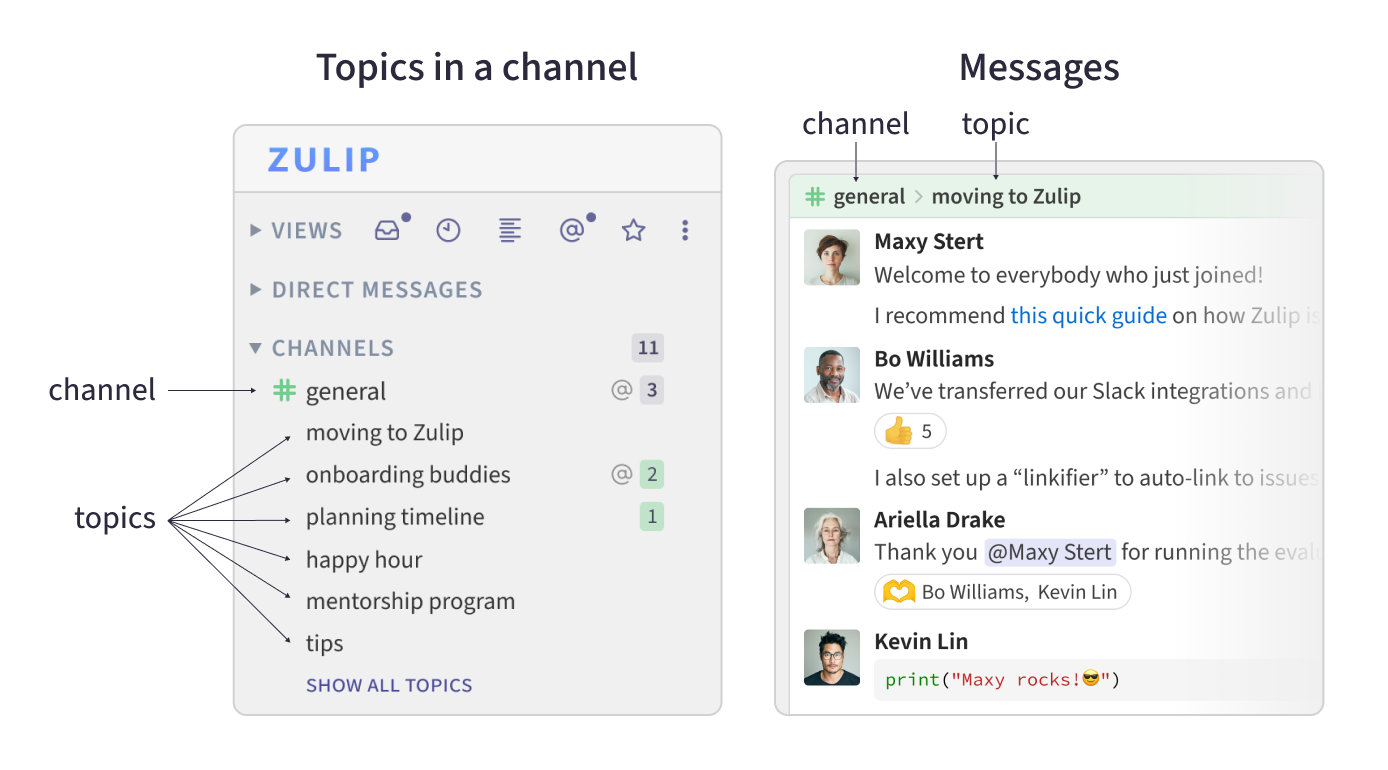
To kick off a new conversation, just pick a channel and start a new topic. This way, the new conversation thread won't interrupt ongoing discussions. For a good topic name, think about finishing the sentence: “Hey, can we chat about…?”
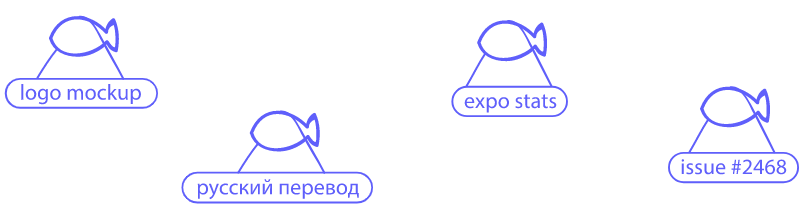
Don't stress about picking the perfect name for your topic. If anything is out of place, it's easy to move messages, rename topics, or even move a topic to a different channel.
Go to Zulip
|