This month we're excited to share four new product updates.
Silent Theater Audio Streaming
Now you can run silent sessions without renting a single headset.
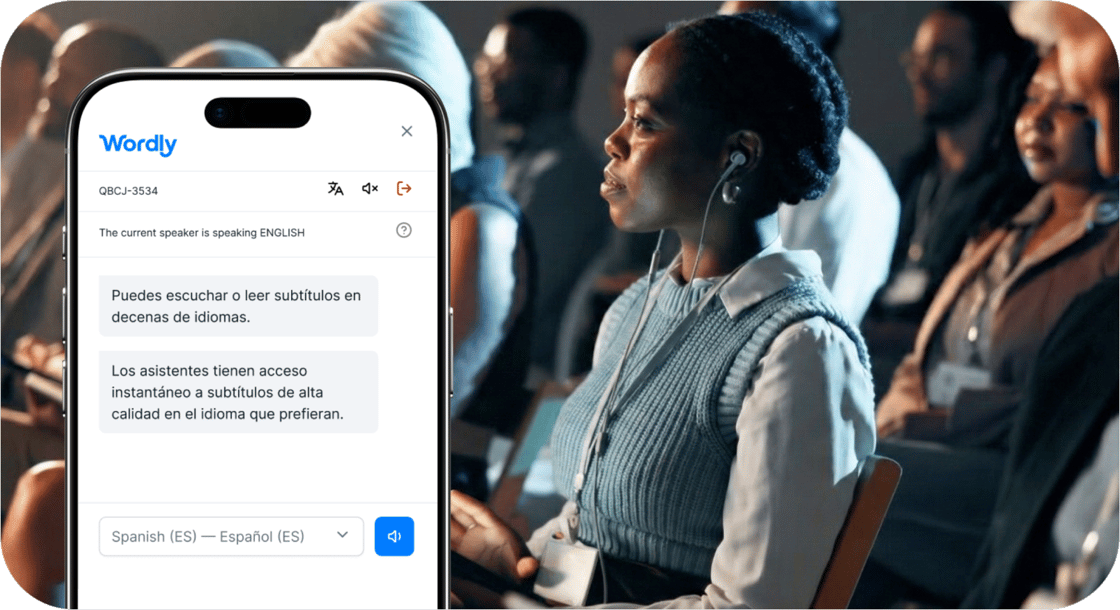
With Silent Theater, attendees scan a QR code and listen to the presenter on their phone and headphones. Nothing gets shipped, charged, handed out, or sanitized, and there is no check-in desk to staff.
Each room, stage, or booth gets its own channel, so you can run multiple sessions at the same time.
3-in-1 Solution
In addition to hearing the original speaker audio, attendees can read their preferred language captions or listen to translated audio, all powered by Wordly’s trusted AI platform. Each attendee picks their own language, so every session matches your audience.
Setup takes 2-3 minutes per stage, and all you need is a presenter with a microphone, a wireless connection, and a Wordly account. Best of all, it’s less expensive and less work than a traditional hardware-based solution.
Teams use it wherever sound is a problem: breakout stages without walls, lounges where audio bleeds into the next session, and busy expo floors where a booth presentation competes with the noise of the hall.
Silent Theater is available on its own or as an add-on to your existing Wordly package.
Caption Bridge - Broadcast Live Captions in Multiple Languages
Captioning rules are tightening, and hiring a specialist for every language and every meeting gets expensive fast. But adding live closed captions to your broadcast doesn’t mean you have to book a captioner.
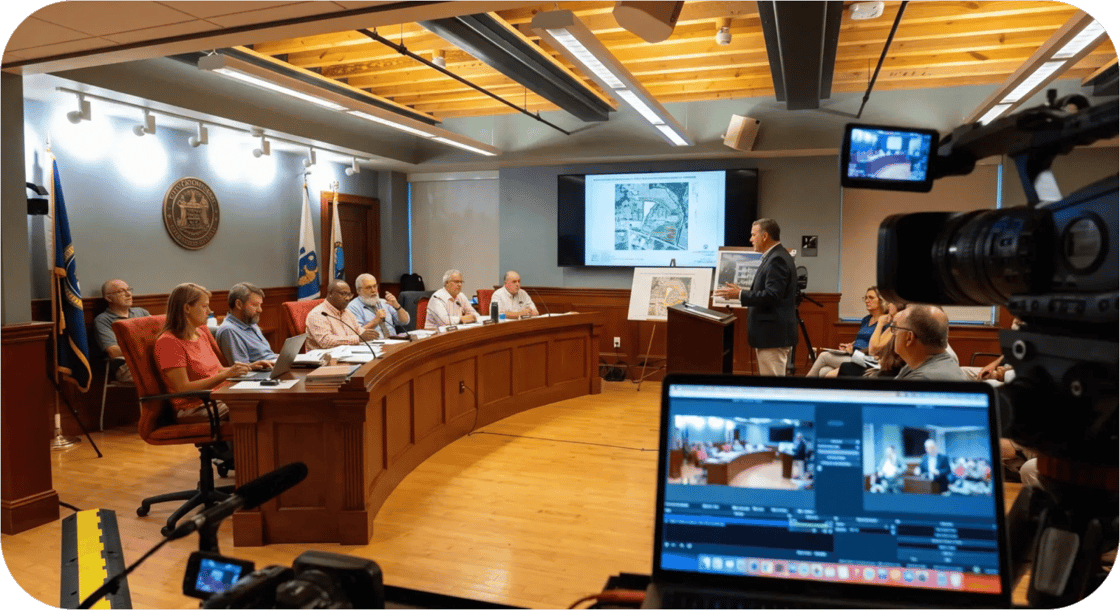
Caption Bridge connects Wordly’s live AI captioning to your Closed Caption encoder, so the council meetings, public hearings, lectures, and ceremonies you stream carry CEA-608 captions in real time.
Run up to four caption channels, each in a different language, all from one Wordly session.
Caption Bridge is compatible with most captioning encoders and is an add-on to your Wordly subscription.
Sponsor Logos - Turn Your Captions Into Sponsorship Revenue
Most events sell out their sponsorship inventory: signage, lanyards, keynote slots, the event app. Sponsors keep asking what’s next.
Your live translation and caption feed is one of the most-watched screens at the event. Attendees read it on their phones, room monitors, and on the main stage.
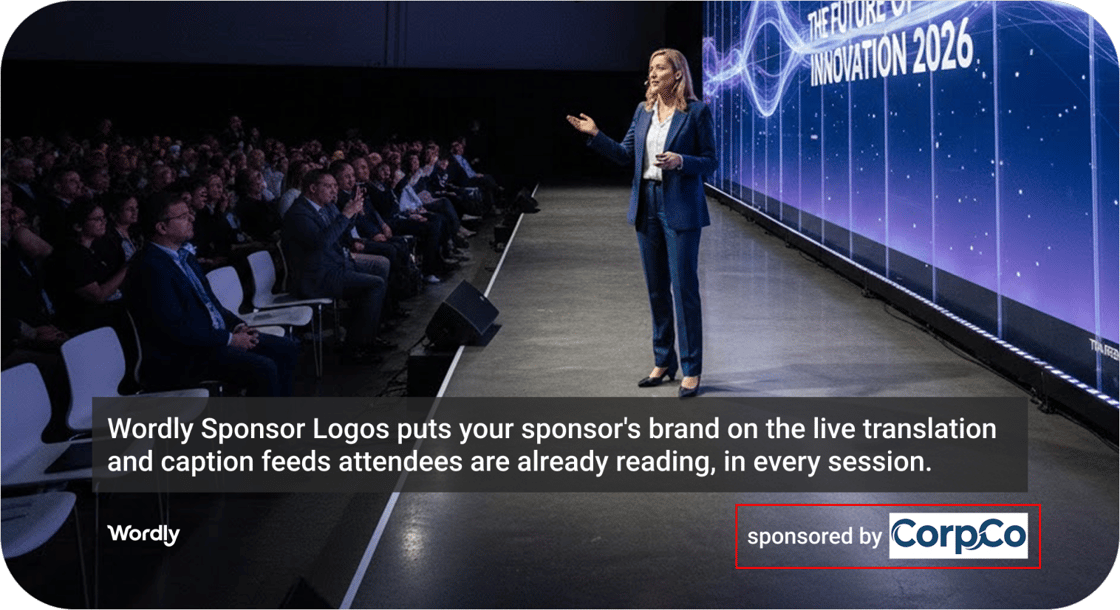
Sponsor Logos puts a partner’s brand right there, in every language you’re running, without changing anything about how your sessions operate.
Each room or stage runs its own feed, so instead of one event-wide placement you have a separate sponsorship to sell for every room.
And if budget is the reason translation and captions get skipped at your events, Sponsor Logos can help fund the service.
If you run Wordly across departments, regions, or events, Custom Fields tag every session with the details you report on, so you can see exactly where your minutes go.
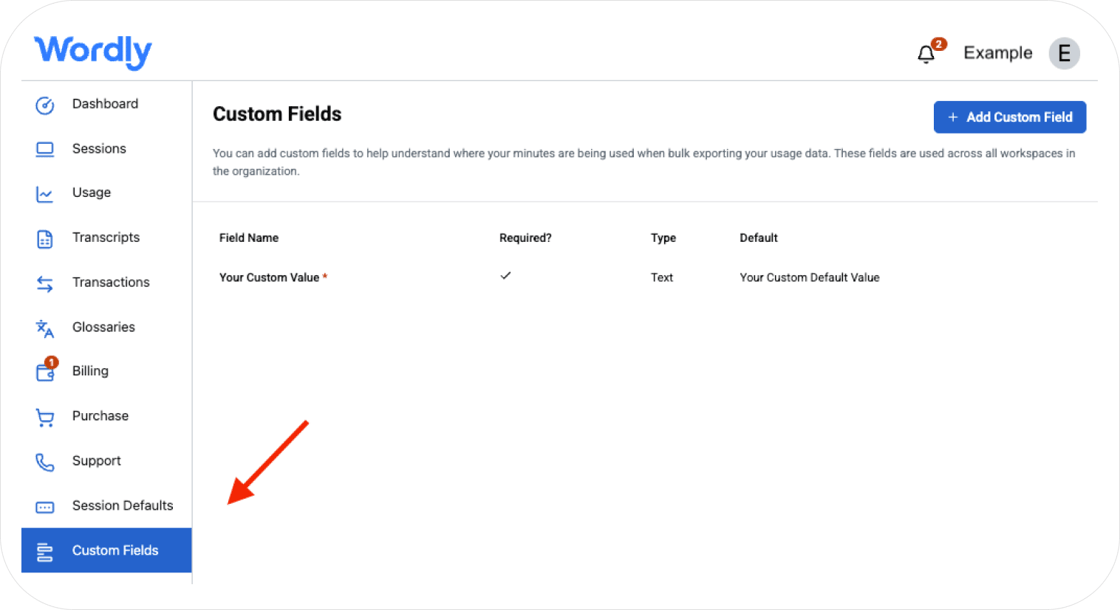
Custom Fields now support Numeric, Single Choice, and Multi-select formats in addition to text. Define your list of values once, your team picks from it, and every session gets tagged the same way.
Organization admins can create and edit fields right from the Custom Fields menu in their Wordly portal.
Paired withWorkspaces, our enterprise translation management platform, you get a clear view of usage across every team, department, and event.
For everything else we shipped recently, check the what's new page.
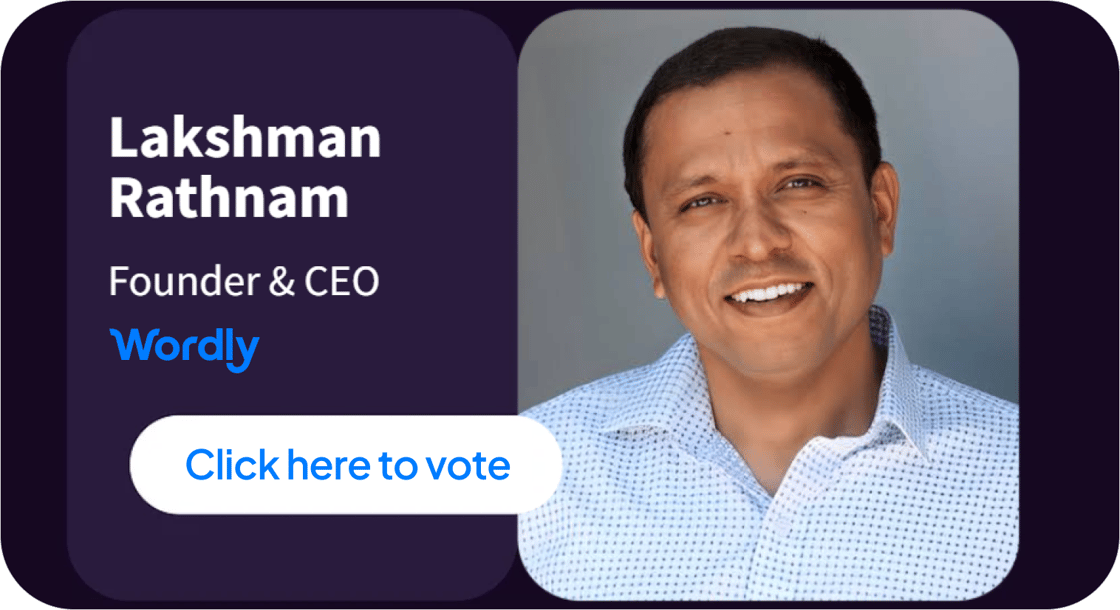
Vote Lakshman Into the ET50
There’s still time to vote in the ET50 2026! Our founder, Lakshman Rathnam, has been nominated for the inaugural list recognizing the 50 most influential people in event technology.
Lakshman founded Wordly in 2017 and launched one of the first AI-powered solutions built for the events industry, making it easy and affordable to provide live translation and captions at events.
The final 50 are determined by public voting, so anyone can participate. It takes about 30 seconds, and no account is required.
Cast your vote today, and feel free to share the link with others in the events industry.
Join thousands of global organizations using Wordly to make their meetings and events more inclusive, accessible, and engaging with live AI translation, captions, transcripts, and summaries.
Follow us on LinkedIn for the latest updates, or reach out to learn how Wordly can support your team.