|
Black Friday is one week away.
|
|
Next week brings some of the heaviest traffic of the year, and not only for online stores. If add to cart, sign-up, booking or payment stops working, every minute costs sales. Most teams find out when a customer tells them.
|
|
We put together a checklist of 12 things to set up before peak weekend. Each item explains what to do, then how to do it in Checkly. No sign-up required.
|
|
|
|
Three things to do this week
|
|
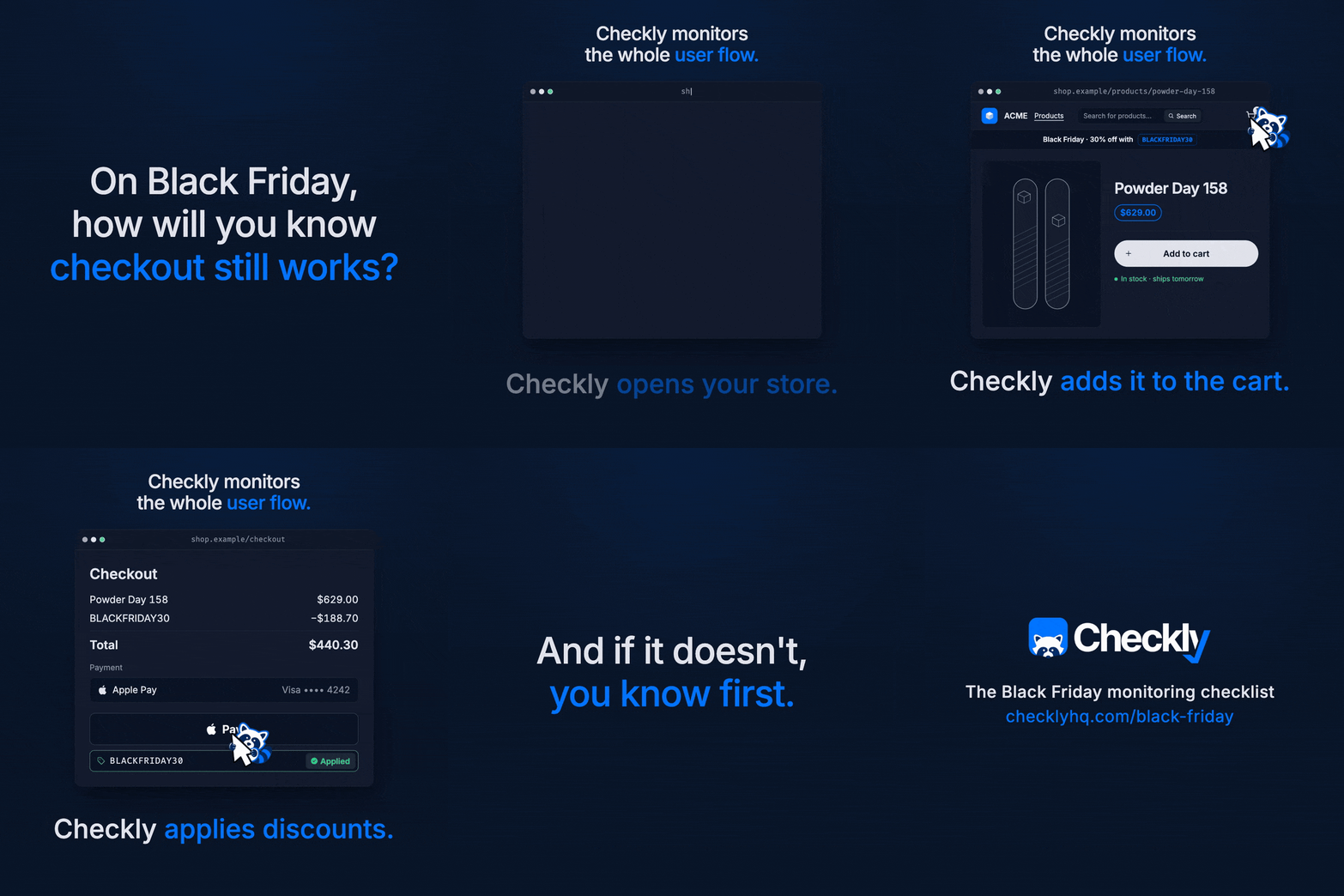
1. Check the flows that matter, not one page. Pick the two or three things your users can’t do without, like logging in, booking or paying. A browser check can go through each one the way a user does, as often as every minute.
|
|
2. Run checks from where your users are. A flow can work from Virginia and time out from Frankfurt. Add the regions your traffic comes from.
|
|
3. Make sure an alert reaches a person. Send a test alert, confirm who is on call each day from Friday to Monday, and get your status page ready.
|
|
|
|
Already in a code freeze?
|
|
You can still get ready. Adding a check doesn’t change your app. Neither does sending a test alert, checking the on-call schedule or setting up your status page.
|
|
|
|
|
|
Here’s to a quiet peak weekend,
The Checkly team
|
|
|
|