Turn your work into reusable workflows
|
|
Hi all, Louis here.
|
|
Many companies today are hiring engineers or consultants to watch employees' screens and create agents to automate their work.
|
|
|
|
Today, we're automating this, for every company size from 1 to 1m.
|
|
|
|
Workflows is now part of the normal Screenpipe app. It turns recorded work into procedures you can review, improve, share and hand to an AI agent.
|
|
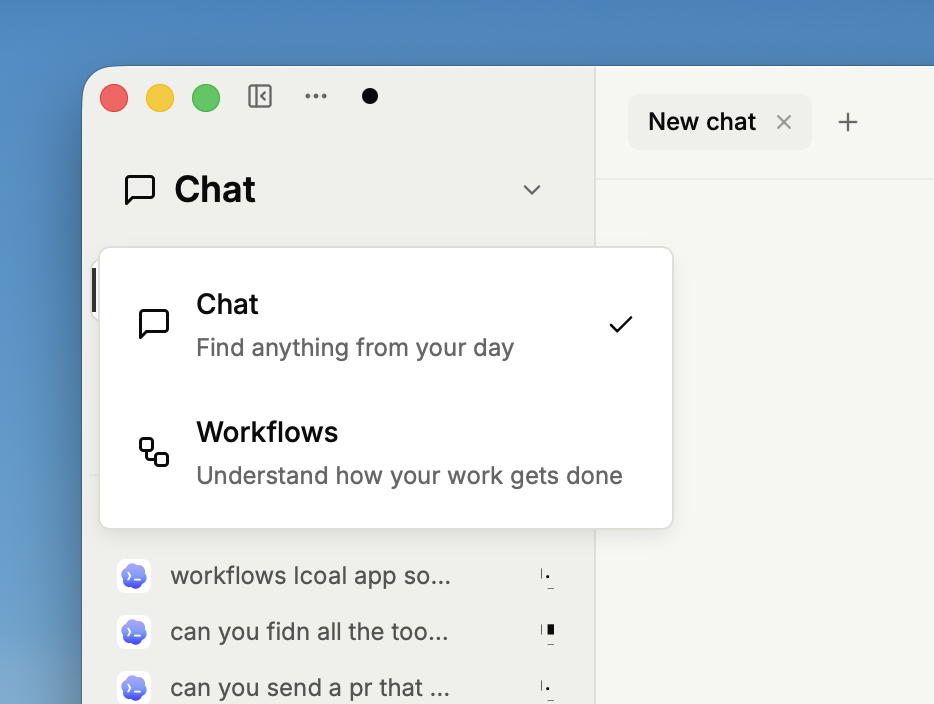
The next time you finish a tricky task, you have a starting point for doing it again. Open the workspace dropdown at the top left, choose Workflows, and select This device.
|
|
|
Find the process behind the task
|
|
Automatic workflow discovery requires Business or another eligible paid plan. Turn on Automatic updates in Workflows when you want it to keep the catalog current.
|
|
|
|
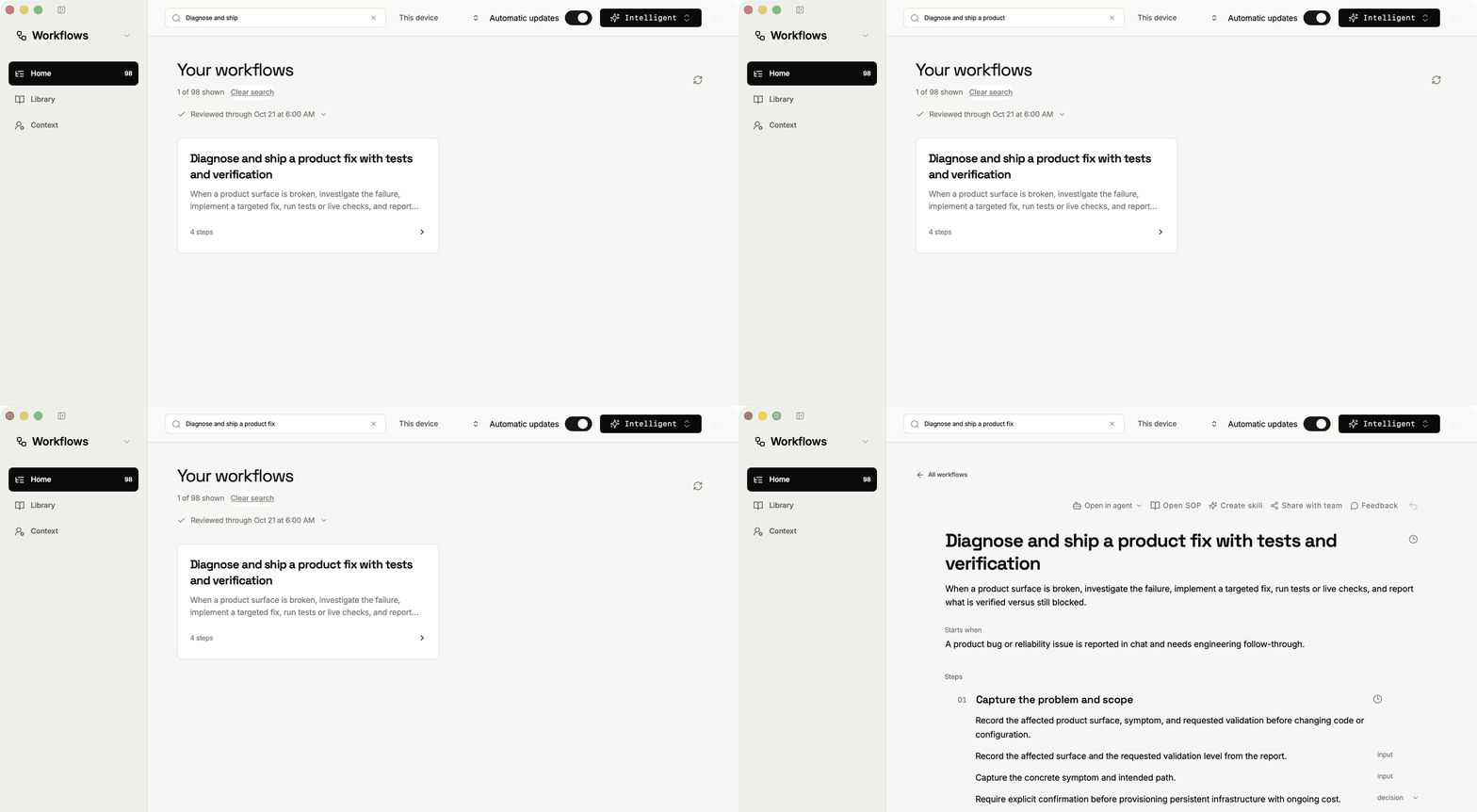
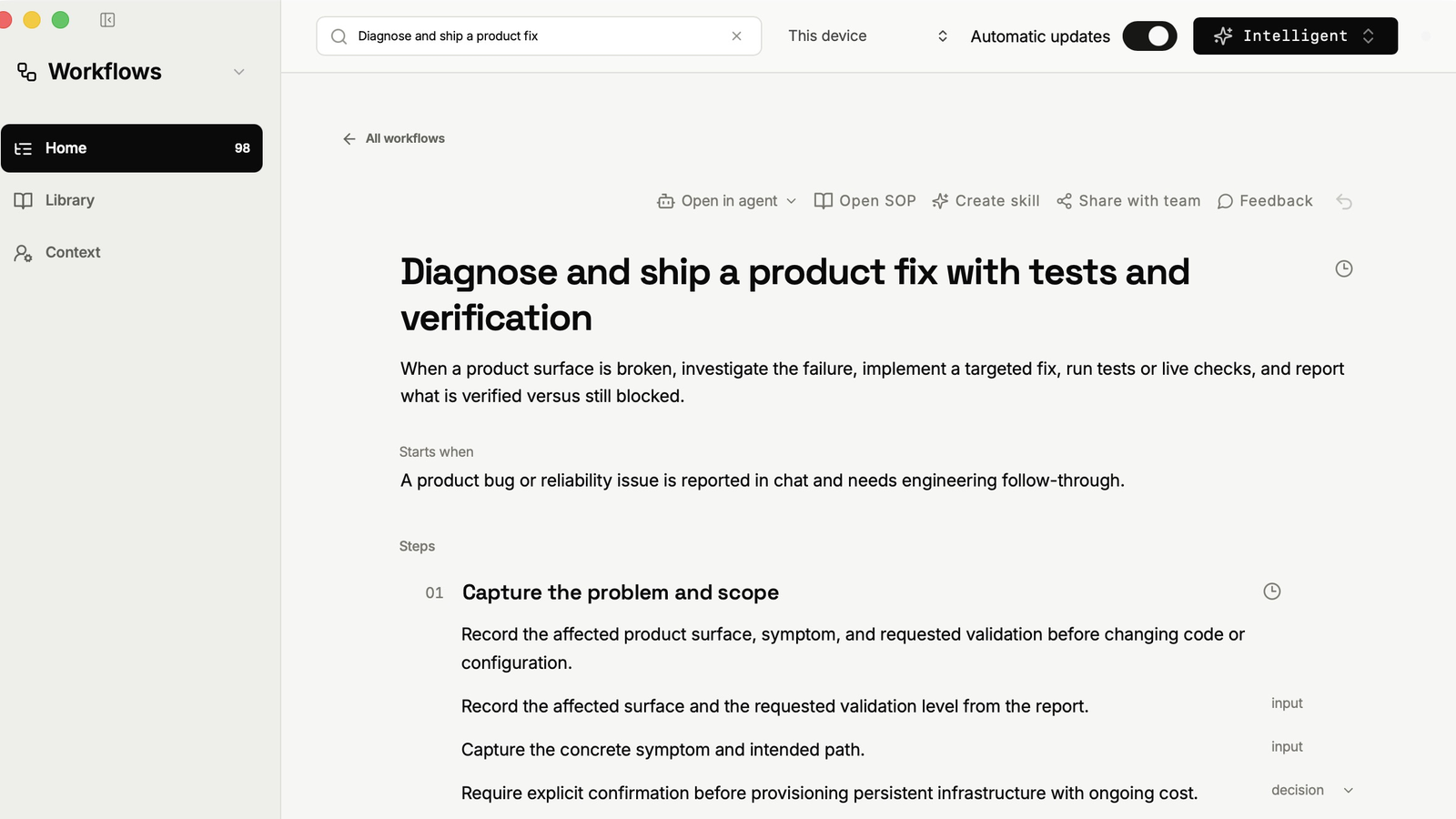
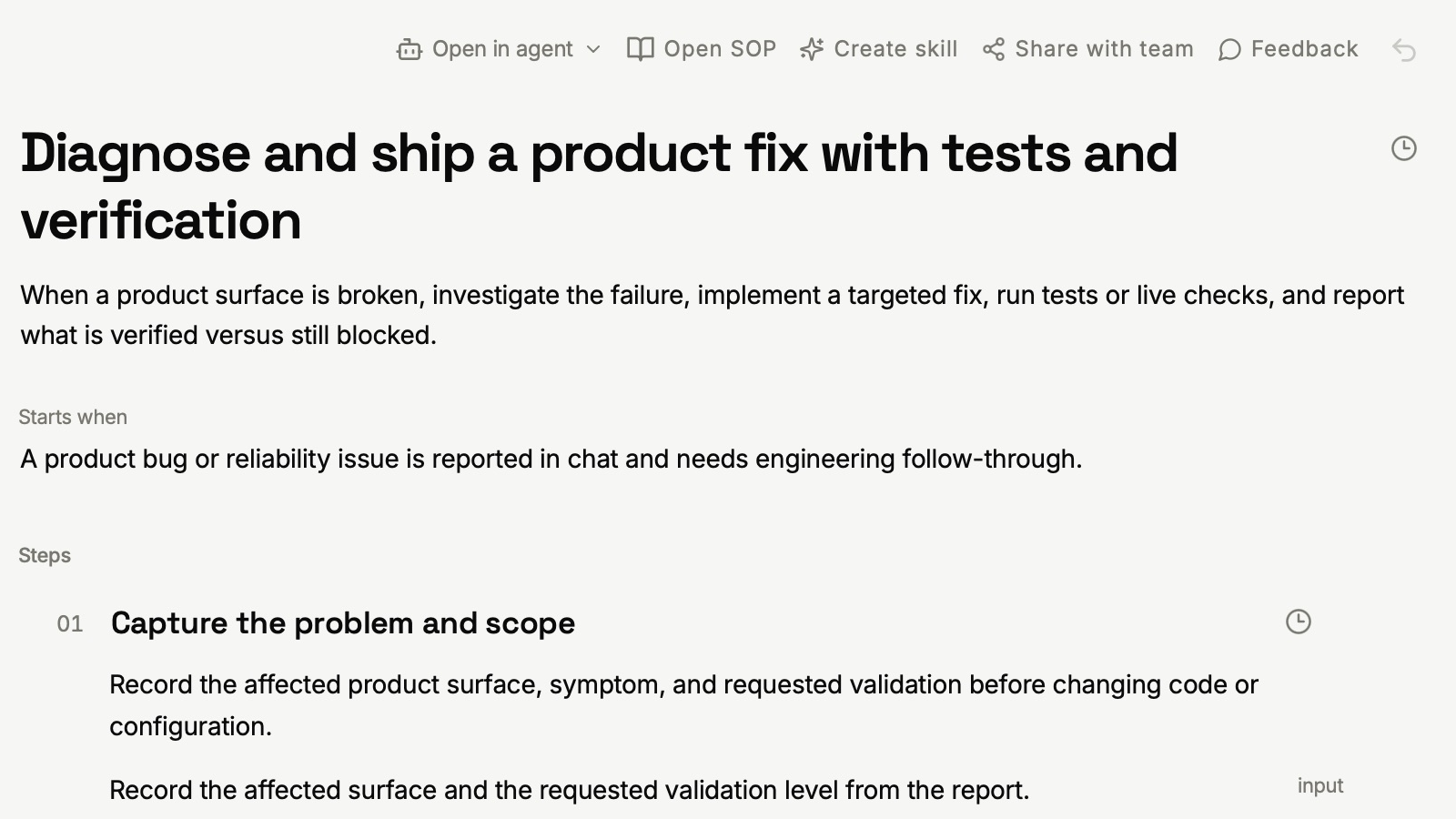
Your workflow catalog brings the steps together in one place. Search for the job you want to revisit and open its document. The example here follows a product fix from the initial problem through implementation and verification.
|
|
|
Make it yours
|
|
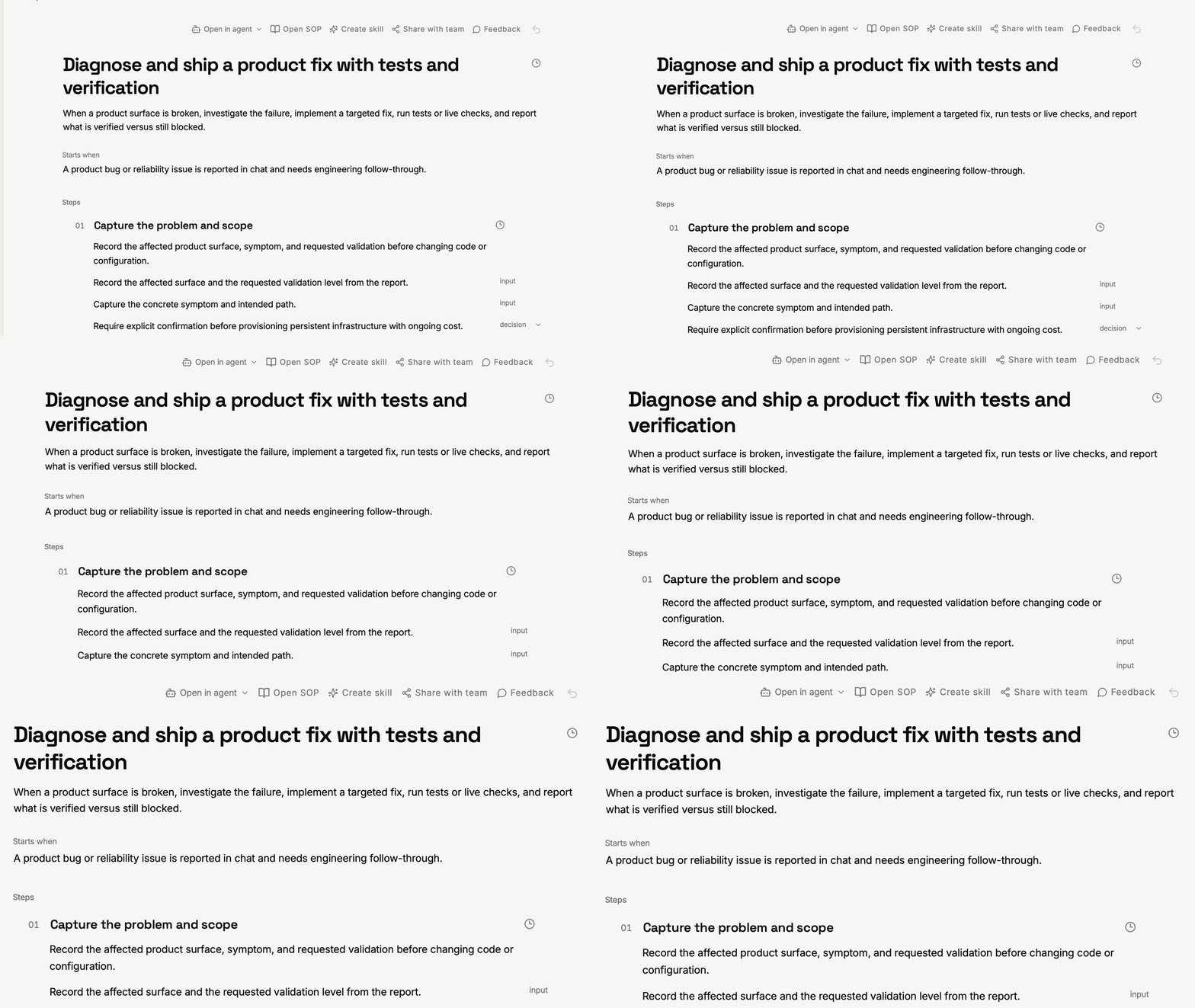
Read the starting point, steps and expected result. Edit the instructions where your judgment matters: what to check, which decision to make, and when to stop. Source recordings remain available as references while you refine the procedure.
|
|
|
Use it in your next agent session
|
|
Open in agent gives you a way to carry the workflow into your AI tools. You can also create a skill or SOP from the workflow. Start with one task you repeat, review the instructions, and test the result before relying on it.
|
|
|
|
Try it with a bug investigation, a weekly report or another task you already know well. Correcting a real example is often easier than writing the whole procedure from a blank page.
|
|
|
|
Workflows is still experimental, reply for any feedback
|
|
|
|
Louis
|
|
|
|
|