|
Custom style guides now available
Hemingway Editor Plus can now catch more types of writing issues. Set up a custom style guide to refine which errors it finds and build a brand dictionary of terms unique to your writing.
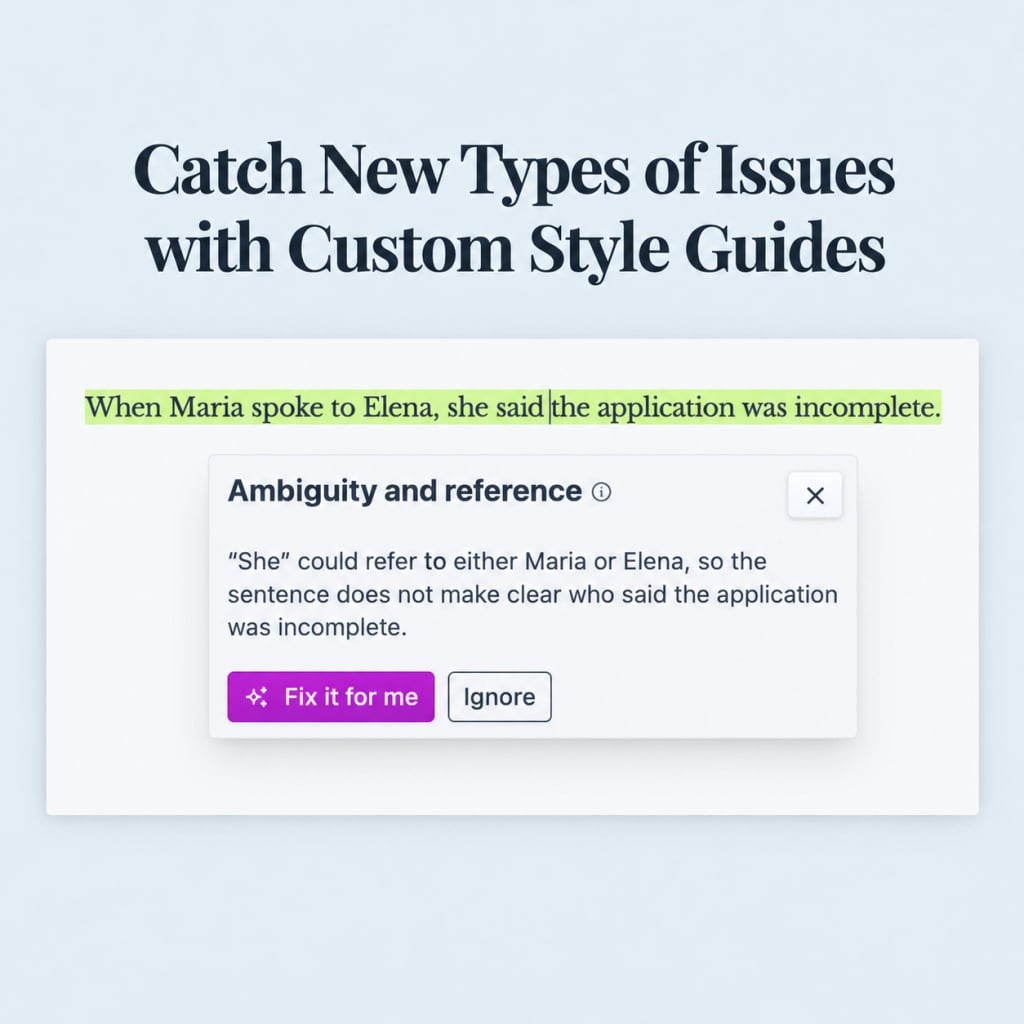
Highlight more kinds of issuesOriginally, our green highlights only flagged spelling and grammar errors. Now, we’re introducing a range of new issue types that you can toggle on or off in your style guide. Try customizing your guide now to turn on checks for unclear language, ambiguity, unnecessary complexity, tone issues, and more. |
Create a brand dictionaryNow, you can build a custom dictionary of the brand names, acronyms, proper names, and technical terms unique to your writing. Hemingway will check that they’re spelled and capitalized the way you specify. |
Customize your style guideCustom style guides are available now for all Hemingway Editor Plus plans. Click the button below to get started. |
| Create style guide |