Plus surveys on every plan, split tests, quotas, display logic, and default study branding. ͏  ͏  ͏  ͏  ͏  ͏  ͏  ͏  ͏  ͏  ͏  ͏  ͏  ͏  ͏  ͏  ͏  ͏  ͏  ͏  ͏  ͏  ͏  ͏  ͏  ͏  ͏  ͏  ͏  ͏  ͏  ͏  ͏  ͏  ͏  ͏  ͏  ͏  ͏  ͏  ͏  ͏  ͏  ͏  ͏  ͏  ͏  ͏  ͏  ͏  ͏  ͏  ͏  ͏  ͏  ͏  ͏  ͏  ͏  ͏  ͏  ͏  ͏  ͏  ͏  ͏  ͏  ͏  ͏  ͏  ͏  ͏  ͏  ͏  ͏  ͏  ͏  ͏  ͏  ͏
Versive

What's new in September

This month Versive got easier to start with and easier to run. Anyone can now sign up and field a survey for free. One assistant now works across the whole app, and new study tools handle fieldwork you used to manage by hand, like comparing versions and filling target groups. You still decide what happens to your studies.
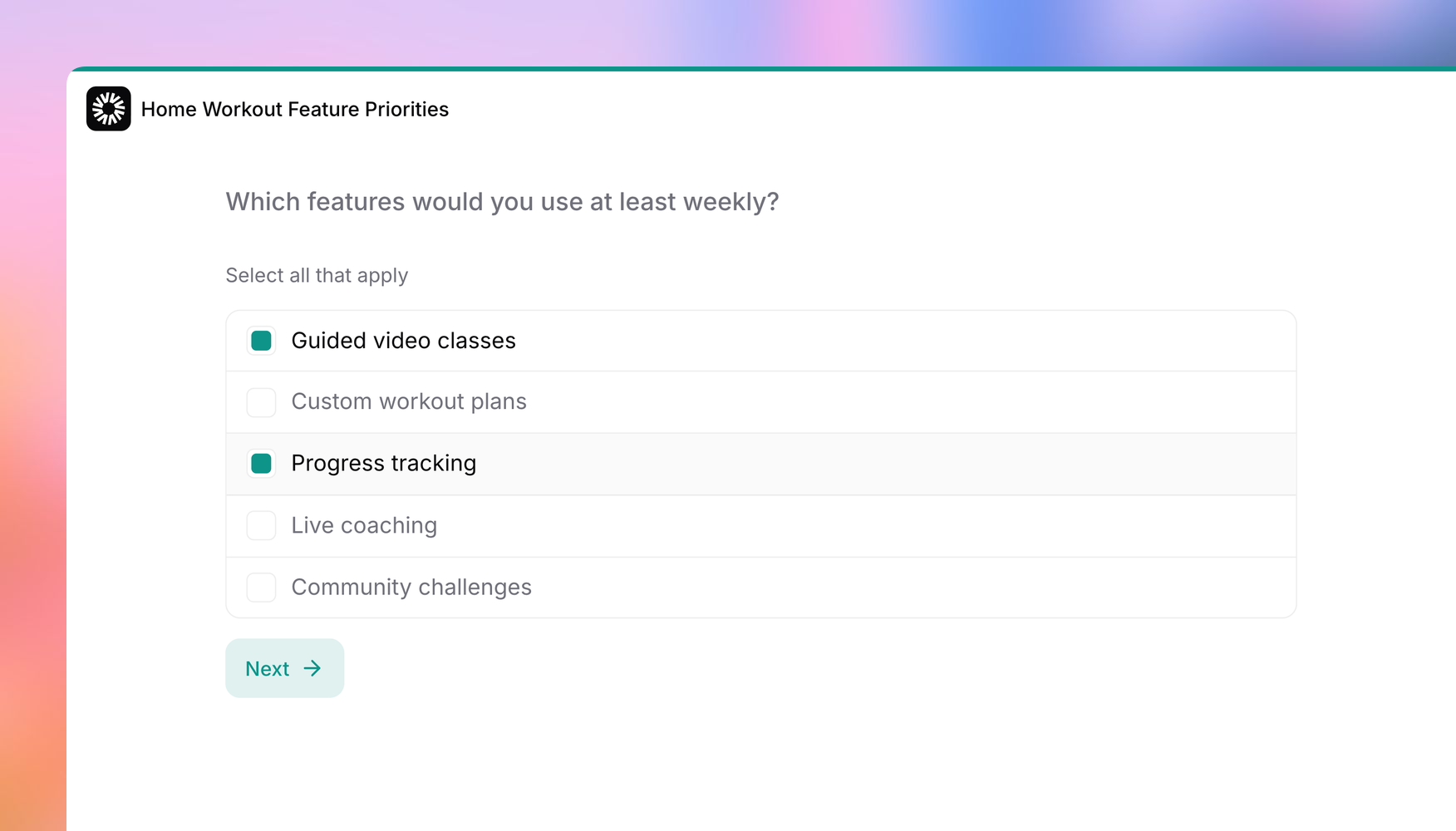
Versive is now free to start, with surveys on every plan

Versive is now free to start, with surveys on every plan

You can now sign up for free and run surveys with no credit card and no end date. Every plan also includes a monthly survey allowance that doesn't use your AI credits, and if you're already a customer, your current plan keeps its limits and pricing.

Read the post →
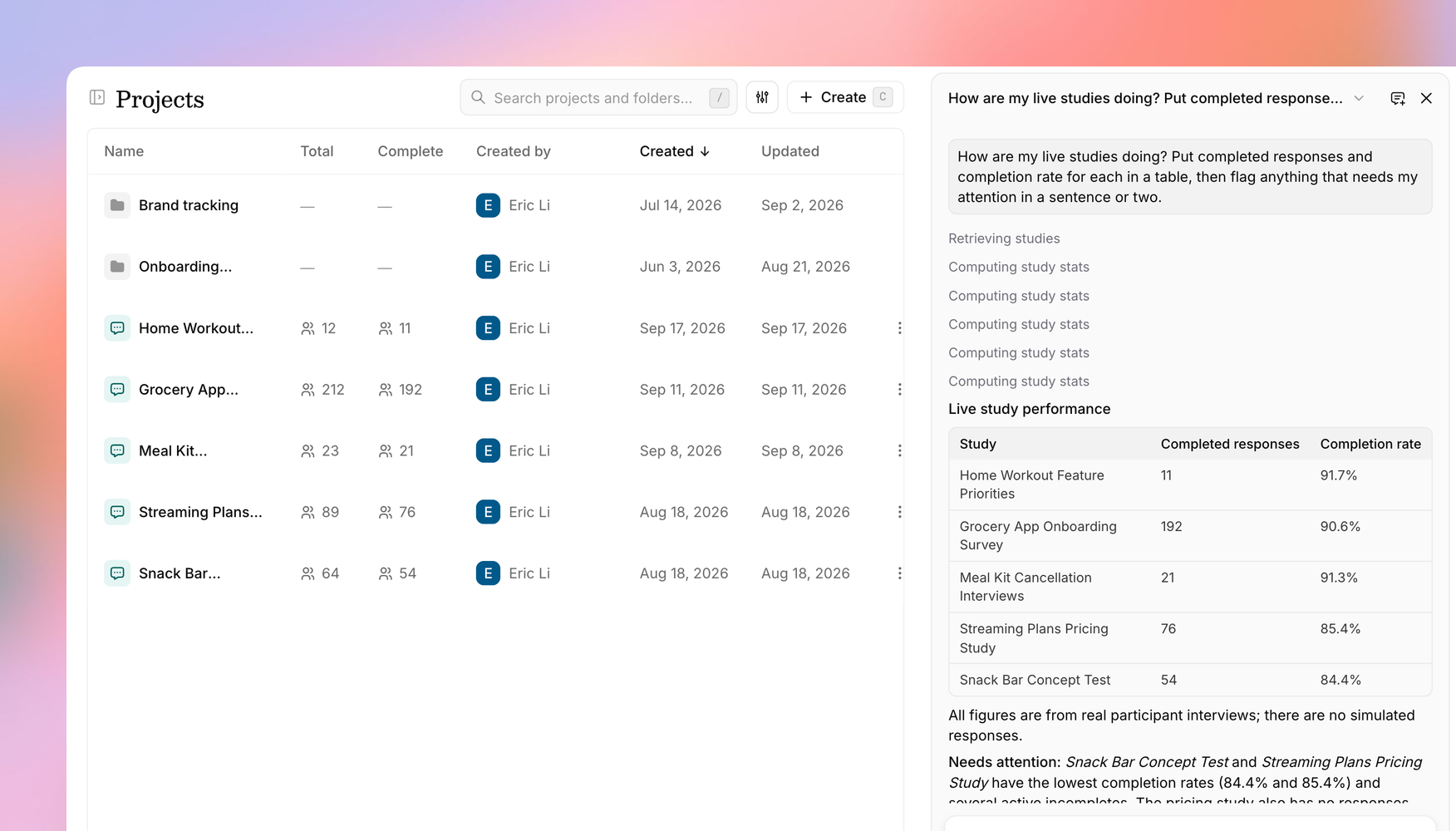
Introducing the Versive Assistant: an AI agent on every page

Introducing the Versive Assistant: an AI agent on every page

Open the Assistant from any page, or press ⌘J, to check on your live studies, analyze results, export a CSV, or edit a study. It asks you to confirm anything destructive, and changes you make in the editor don't go live until you save.

Read the post →
What's new: display logic, default study branding, and more

What's new: display logic, default study branding, and more

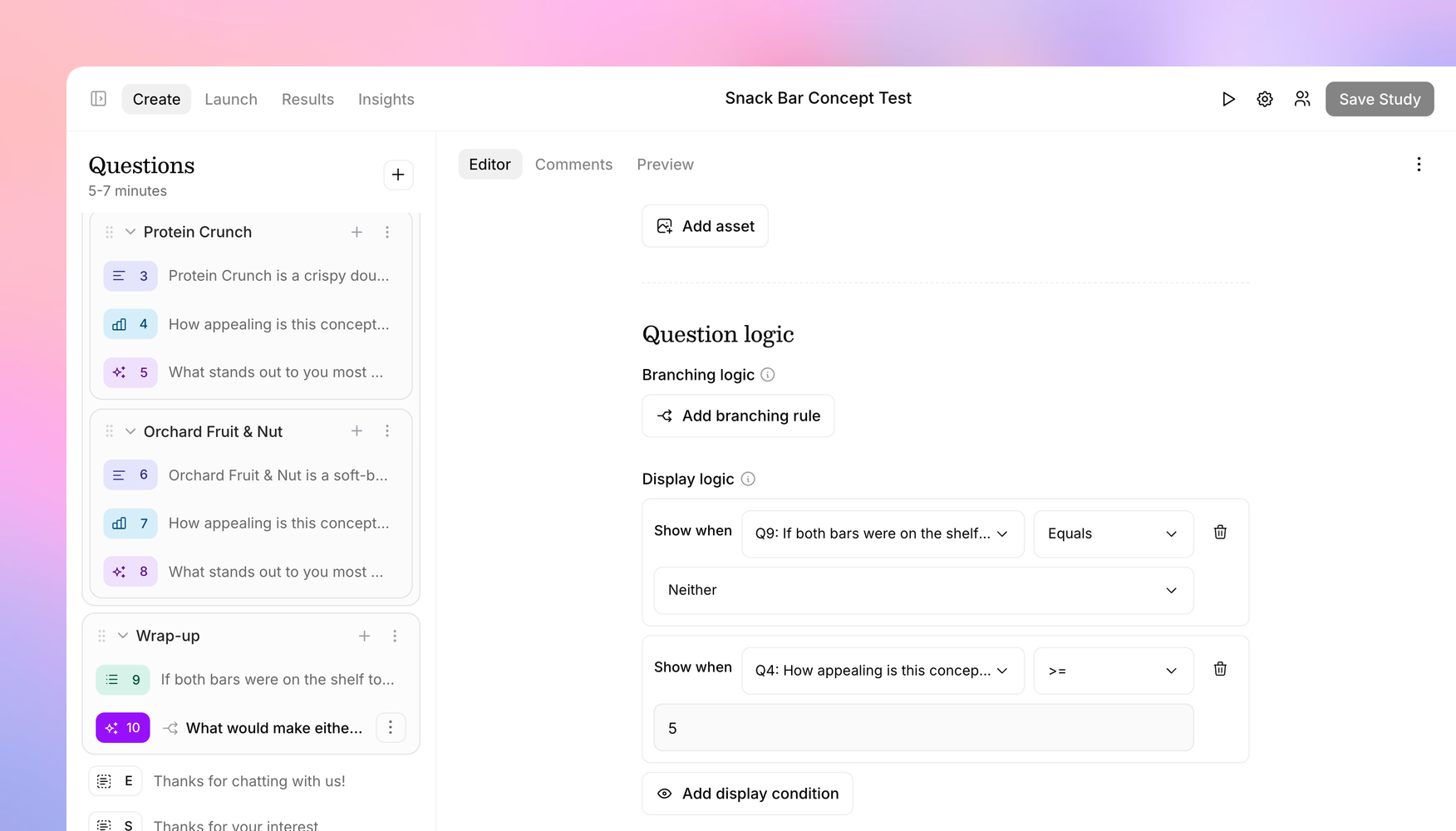
You can now show a question only to the participants it applies to. Conditions can be based on structured answers, or written in plain language for AI to check against open-ended answers. Admins can also set a default logo and brand color for new studies, and prototypes from tools like Figma Make and v0 now load inside the interview.

Read the post →
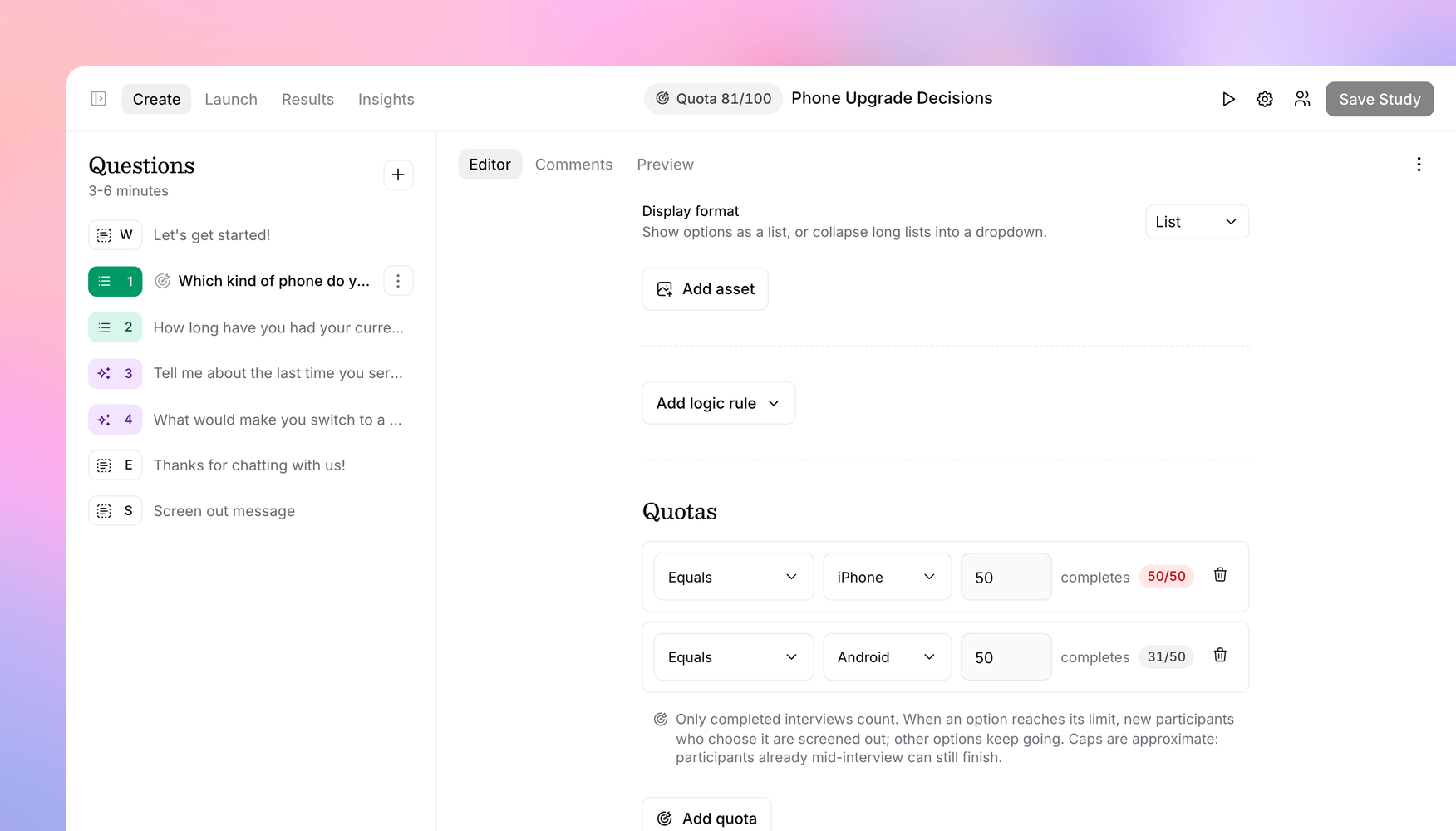
Introducing quotas: stop at the right number of completes

Introducing quotas: stop at the right number of completes

Cap a study at a total number of completes, set a separate cap for each recruiting link, or cap individual answer options, and each one closes when it fills. Only completed interviews count, so you no longer have to watch the dashboard and pause the study yourself.

Read the post →
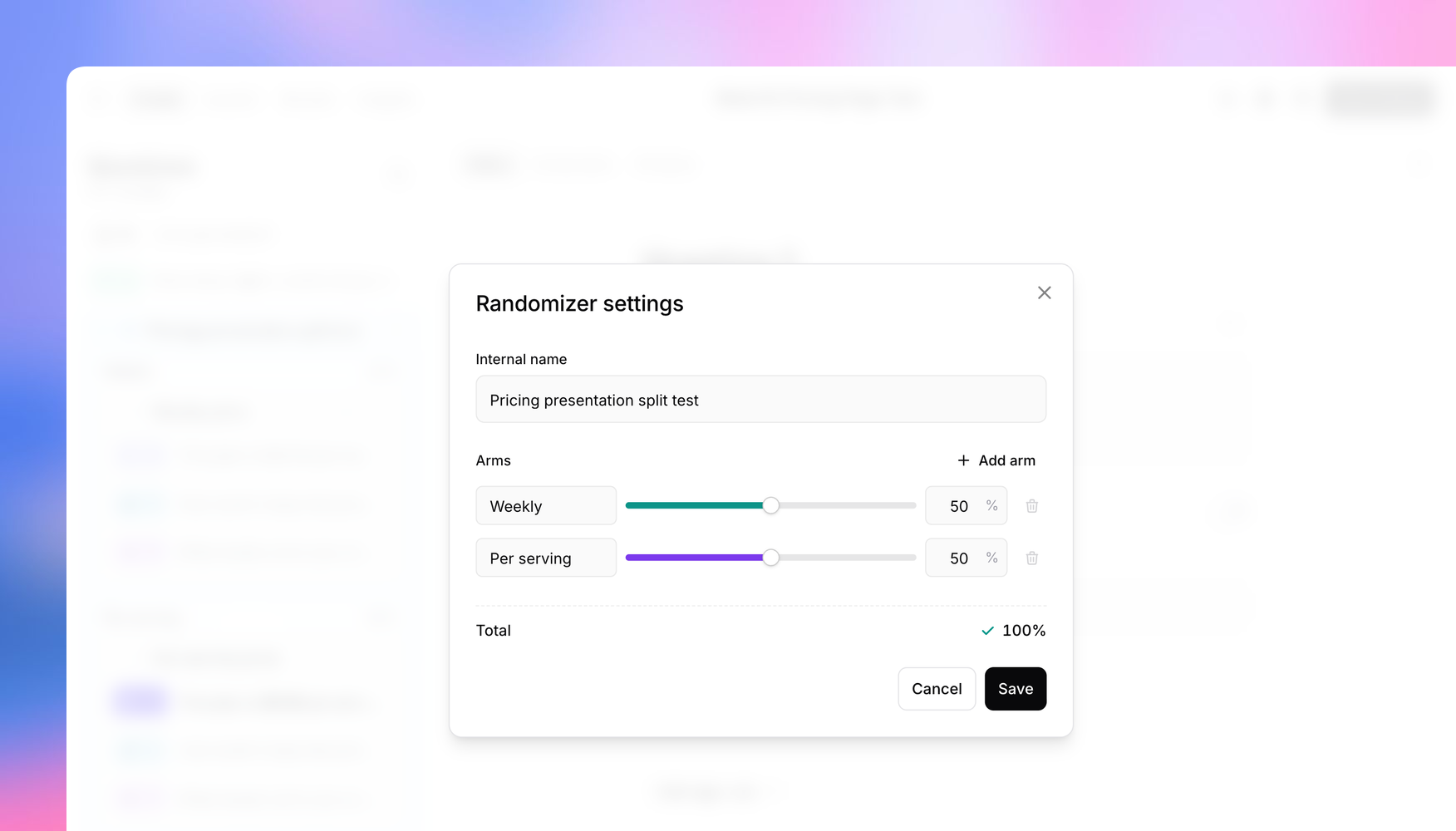
Introducing split tests: show each participant one version and compare the results

Introducing split tests: show each participant one version and compare the results

Within one study, randomly assign each participant to one version of a concept, message, or price, then filter results, insights, and exports by version. Describe the test in a sentence and the study editor's assistant can build it for you.

Read the post →
See all updates

Have a question?

Reply to this email and we’ll get back to you.

You're receiving this because you have a Versive account. 1560 3rd St, San Francisco, CA, US. Unsubscribe