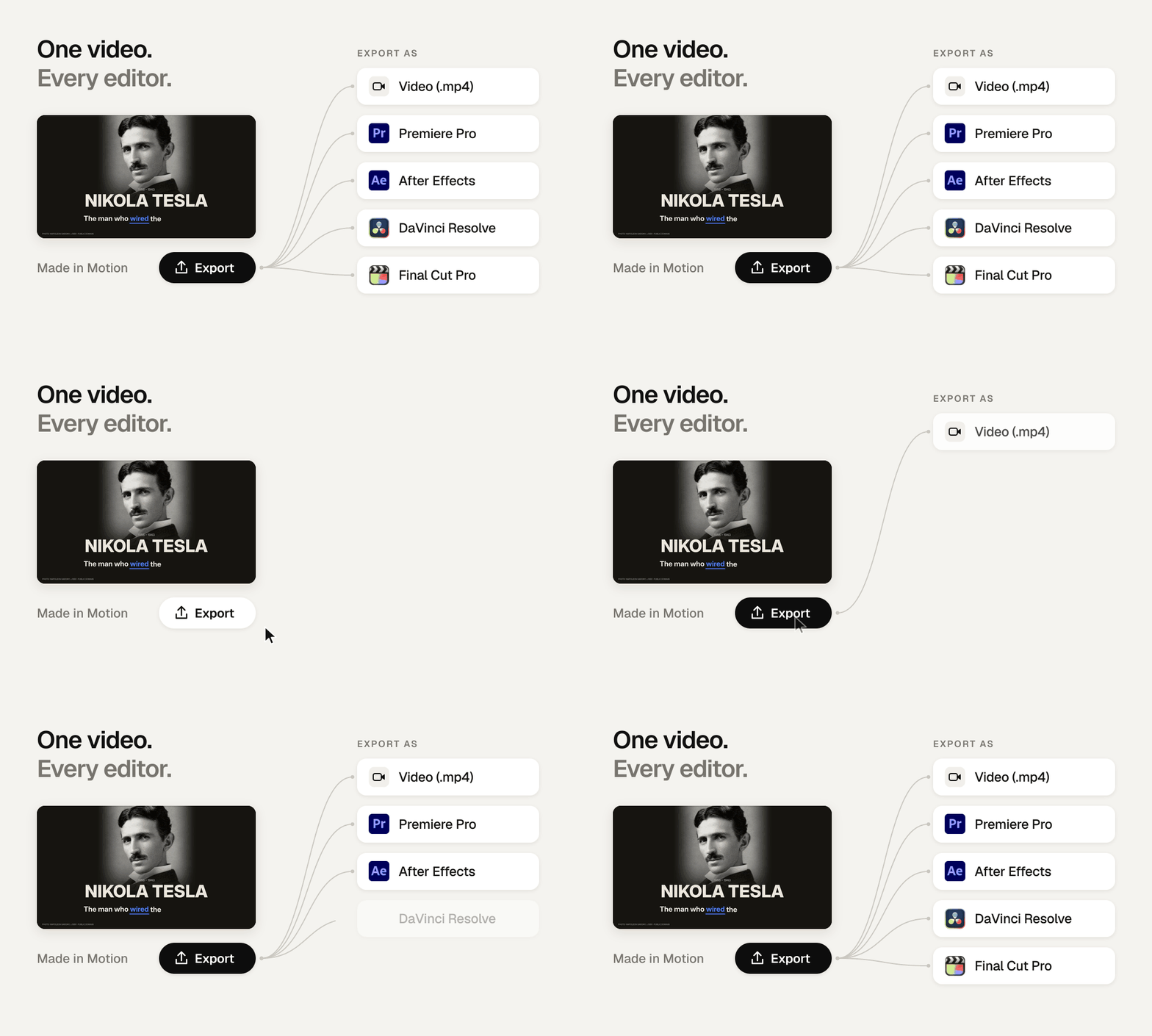
Take any video Motion makes into After Effects, Premiere, DaVinci Resolve or Final Cut Pro, with every layer intact.
FEATURE SPOTLIGHT
Take any Motion video into your own editor
Motion, the general video agent, already exports every video as a full-resolution MP4. Now you can also export it as a real project file for After Effects, Premiere, DaVinci Resolve or Final Cut Pro, with every layer named and editable.
How editors are using it
• Motion does the first pass, they do the finish. The cut, captions and motion graphics arrive ready to refine.
• Color, sound and final timing stay in the tool they already know.
• Clients and teams get an editable file, not a locked render.
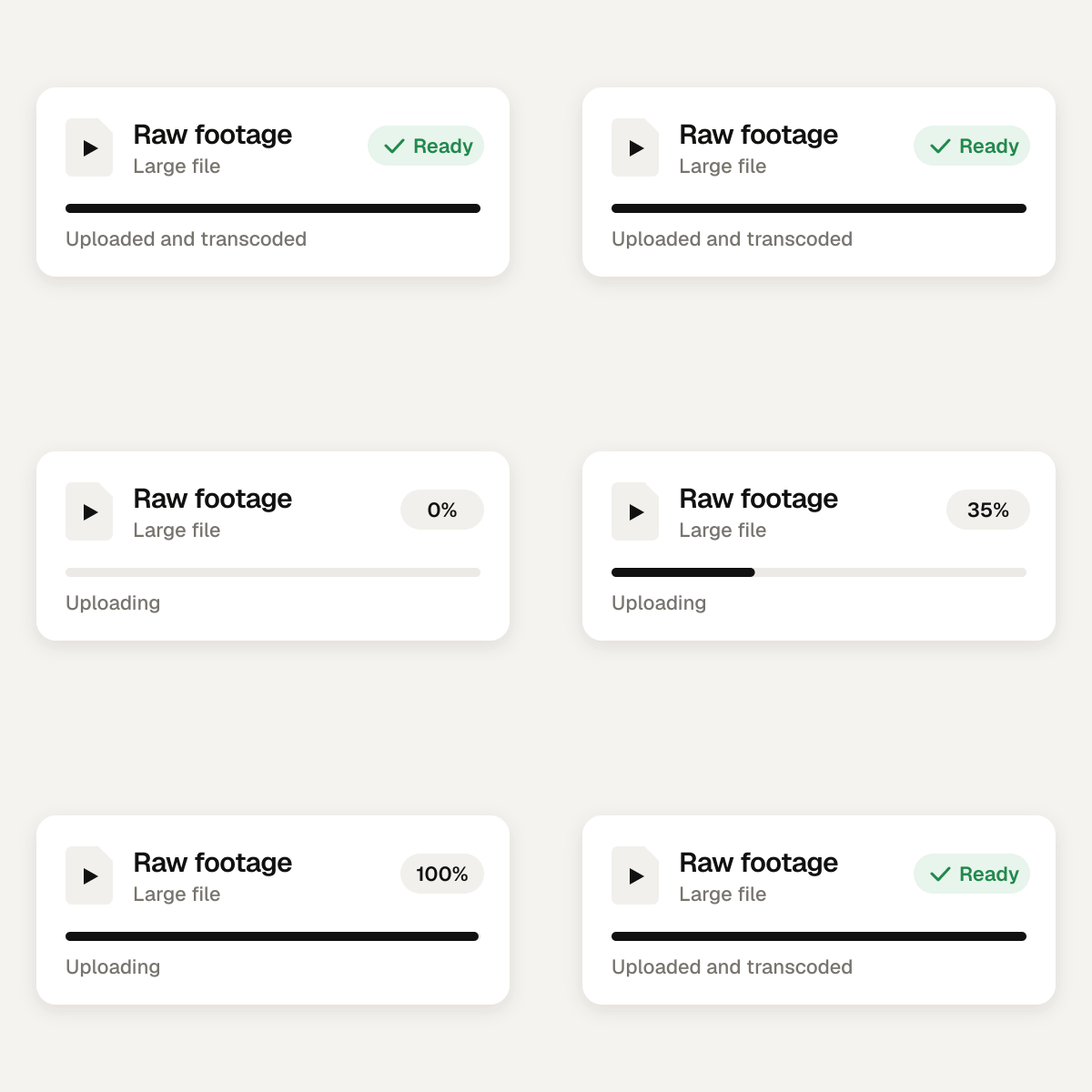
Bring in bigger files. Better transcoding means large, heavy footage uploads and processes smoothly.
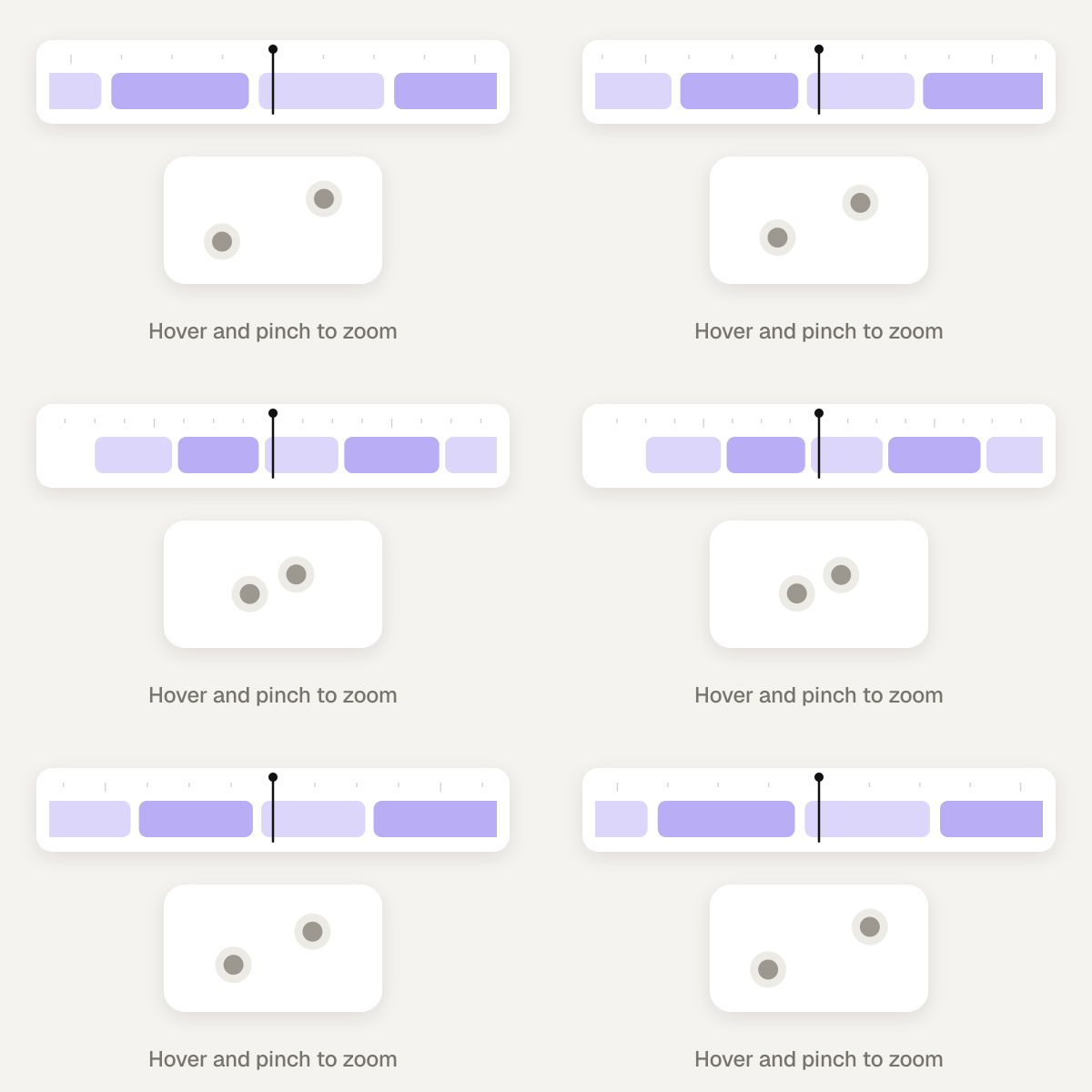
Smoother playback. Previews play back far more smoothly, and you can hover over the timeline and pinch your trackpad to zoom in and out.
Questions? Hit reply. We read everything.
More soon, The Motion Team
You're receiving this because you signed up for updates from Motion. Unsubscribe
You received this email because you agreed to receive emails from Mosaic / Motion. If you no longer wish to receive emails like this, please update your preferences.