|
|
|
|
|
Dear community,
We were going to make this newsletter a meeting, but then we remembered nobody wants another meeting. So here we are, straight to your inbox! Ready for the latest updates? 😇
|
|
|
Product updates
|
🐧 Diversion Desktop is now on Linux!
|
|
Good news, Linux users! You can now use the Diversion Desktop app on Linux, bringing the same visual version control experience to your favorite OS.
|
|
Ready to give it a try? Follow our quickstart guide to get up and running.
|
|
|
|
|
✅ Reviews, now with more control
|
|
Keeping up with reviews just got easier! You can now:
|
-
Find reviews faster - filter by author, reviewer, status, or branch, and even select entire groups.
|
-
Resolve comment threads - mark conversations as resolved to keep things tidy, and reopen them whenever needed.
|
-
Catch conflicts before merging - see when a review's branch conflicts with its base branch, with a warning right next to the Merge review button.
|
|
|
|
|
|
|
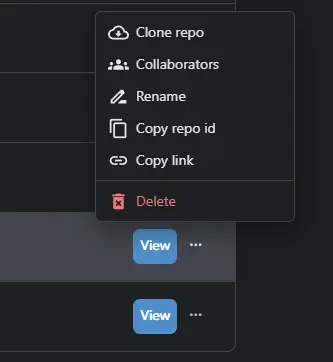
🔗 Share exactly what you're looking at
|
|
Ever tried explaining exactly where to find something in a repository? Now you can just send a link. Share direct links to repositories, commits, branches, files, and tags. Anyone with access can open the link and land right where you want them.
|
|
|
|
|
|
|
|
A couple more improvements:
|
-
Branch graph filtering - filter by author across the entire repository using the All authors menu.
|
-
Cherry-pick visibility - files brought in through cherry-picks are now marked in pending changes and listed separately in dv status.
|
|
No more "scroll down a bit... no, the other file." 😉
|
|
|
🛠️ A better way to handle merge conflicts
|
|
Merge conflicts happen, and we've added a few more ways to handle them.
|
-
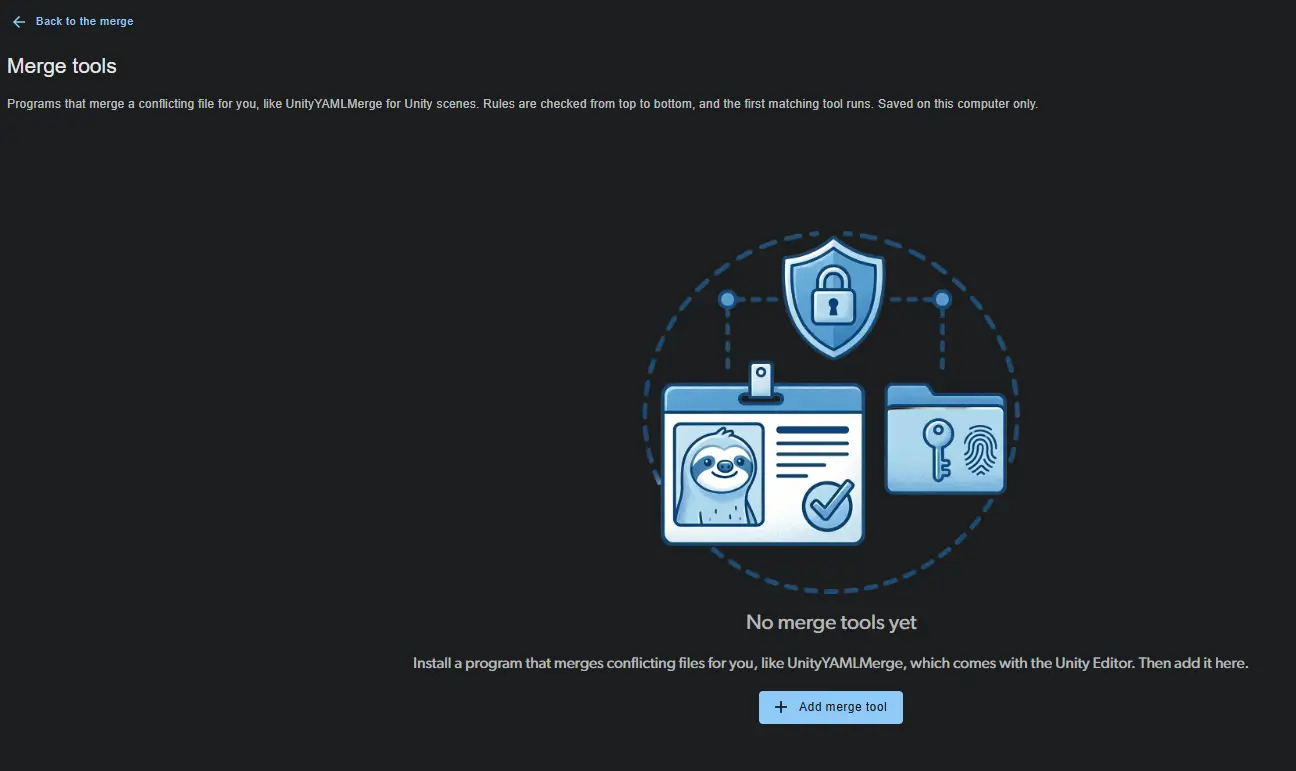
Use your favorite merge tools - configure external tools under Settings > Merge tools in the Desktop app and launch them on conflicting files. Diversion automatically chooses the most specific matching tool.
|
|
|
|
|
|
|
-
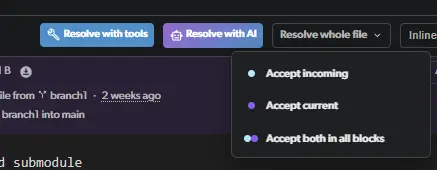
Keep both sides in one click - accept both versions of every conflict in a file at once.
|
-
Combine newly added files - when both branches add the same file, you can combine parts of each version instead of choosing one over the other.
|
|
|
🤖 Let AI help resolve merge conflicts
|
|
Some conflicts are straightforward. Others could use a little help. That's where AI comes in!
|
|
You can now use AI-powered conflict resolution directly in Diversion:
|
-
Desktop & Web: Select a conflicting file and click Resolve with AI, or resolve multiple text files at once.
|
-
CLI: Add --conflict_resolution ai when running dv merge, dv update, or dv revert.
|
|
Available on Professional, Studio, and Enterprise plans, and during your trial.
|
|
|
|
|
🔄 Submodules that stay in sync
|
|
Working with submodules? There's one less thing to keep track of.
|
|
With the new dv submodule auto-update on command, Diversion automatically keeps each submodule synced to the commit recorded by its parent repository, updating it whenever that reference changes.
|
|
It's off by default, so you decide when to enable it, and the CLI shows its current status for your workspace.
|
|
|
🎮 Unreal Engine plugin updates
|
|
A few more improvements for our Unreal Engine users!
|
-
日本語に対応しました - 日本語を使用するチームの皆さまにも、より快適にプラグインをご利用いただけるようになりました。
|
-
Choose your default save action - set your preferred option (Save, Lock & Save, etc.) directly in the plugin settings.
|
-
Clearer lock configuration warnings - get a helpful notice with steps to fix things when automatic lock release isn't configured for your repository.
|
|
|
|
|
Community spotlight - latest news & guides:
|
🎮 Ready for the Epic AI MegaJam?!
|
We're super excited to sponsor the Epic AI MegaJam for the second year, and we've got some special Diversion perks lined up for everyone joining the jam!And there's more! During the jam, we'll be making more AI features available across all Diversion plans to help you bring your ideas to life. Stay tuned - we'll share more details very soon! 👀
|
|
|
|
|
|
|
🔒 Soft locks vs. hard locks: What's the difference?
|
|
Two people editing the same game asset? Things can get messy fast😅
|
|
Our latest blog explains how file locking works, the difference between soft and hard locks, and how to prevent conflicts before they happen.
|
|
|
|
|
|
|
|
Thank you for being part of the Diversion community 💙
|
|
|
|
The Diversion Team 🦥
|
|
|
|
|
|
|
|
|
|
|
|
|