Hey there, are your Quotes and your books speaking the same currency?  ͏  ͏  ͏  ͏  ͏  ͏  ͏  ͏  ͏  ͏  ͏  ͏  ͏  ͏  ͏  ͏  ͏  ͏  ͏  ͏  ͏  ͏  ͏  ͏  ͏  ͏  ͏  ͏  ͏  ͏  ͏  ͏  ͏  ͏  ͏  ͏  ͏  ͏  ͏  ͏  ͏  ͏  ͏  ͏  ͏  ͏  ͏  ͏  ͏  ͏  ͏  ͏  ͏  ͏  ͏  ͏  ͏  ͏  ͏  ͏  ͏  ͏  ͏  ͏  ͏  ͏  ͏  ͏  ͏  ͏  ͏  ͏  ͏  ͏  ͏  ͏  ͏  ͏  ͏  ͏  ͏  ͏  ͏  ͏  ͏  ͏  ͏  ͏  ͏  ͏  ͏  ͏  ͏  ͏  ͏  ͏  ͏  ͏  ͏  ͏  ͏  ͏  ͏  ͏  ͏  ͏  ͏  ͏  ͏  ͏  ͏  ͏  ͏  ͏  ͏  ͏  ͏  ͏  ͏  ͏ ­ ­ ­ ­ ­ ­ ­ ­ ­ ­ ­ ­ ­ ­ ­ ­ ­ ­ ­ ­ ­ ­ ­ ­ ­ ­ ­ ­ ­ ­ ­ ­ ­ ­ ­ ­ ­ ­ ­ ­ ­ ­ ­ ­ ­ ­ ­ ­ ­ ­ ­ ­ ­ ­ ­ ­ ­ ­ ­ ­ ­ ­ ­ ­ ­ ­ ­ ­ ­ ­ ­ ­ ­ ­ ­ ­ ­ ­ ­ ­ ­ ­ ­ ­ ­ ­ ­ ­ ­ ­ ­ ­ ­ ­ ­ ­ ­ ­ ­ ­ ­ ­ ­ ­ ­ ­ ­ ­ ­ ­ ­ ­ ­ ­ ­ ­ ­ ­ ­ ­ ­ ­ ­ ­ ­ ­ ­ ­ ­ ­ ­ ­ ­ ­ ­ ­ ­ ­ ­ ­ ­ ­ ­ ­ ­ ­ ­ ­ ­ ­ ­ ­ ­ ­ ­ ­ ­ ­ ­ ­ ­ ­ ­ ­ ­ ­ ­ ­ ­ ­ ­ ­ ­ ­ ­ ­ ­ ­ ­ ­ ­ ­ ­ ­ ­ ­ ­ ­ ­ ­ ­ ­ ­ ­ ­  
Email Banner

Foreign Currency Built into Your Books

Just Released: Multi-Currency for Steelhead Accounting


Multi-Currency was recently released, so shops using Steelhead Accounting can now quote, buy, invoice, and take payment in a Customer or Vendor’s currency while books stay in their home currency. This is a big feature add for shops that win work from across their borders, and makes Accounting even stronger. 

OLD WAY: "Floor says we shipped it. The books still say open?"
 
NEW WAY: "Not anymore. Steelhead Accounting keeps both sides in sync."

WITH STEELHEAD ACCOUNTING:

  • Data flows from Quotes, Sales Orders, Invoices, and Purchase Orders directly into your financials.

  • Receive or make payments in your home or foreign currency, with exchange rates calculated and locked in from Quote through Invoice.
  • At month-end, reconciling is quick and easy verification with data that was never separated in the first place.

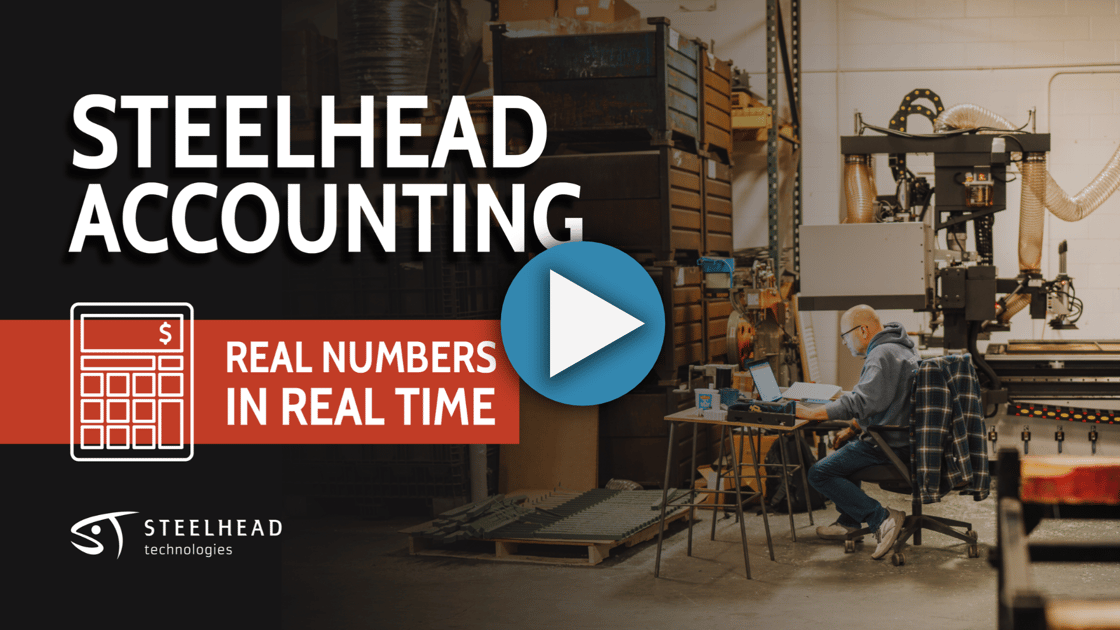
View the Steelhead Accounting walkthrough below:

Accounting-With-Ease

Interested in gaining the benefits of Steelhead Accounting? Reach out today!

READ MORE

SAVE THE DATE!

Revenue Riptide | Feb 2-3, 2027

The annual Job Shop Summit and Steelhead User Conference is planned for this coming February. Save the date and get your registration taken care of today!

EARLY-BIRD REGISTRATION

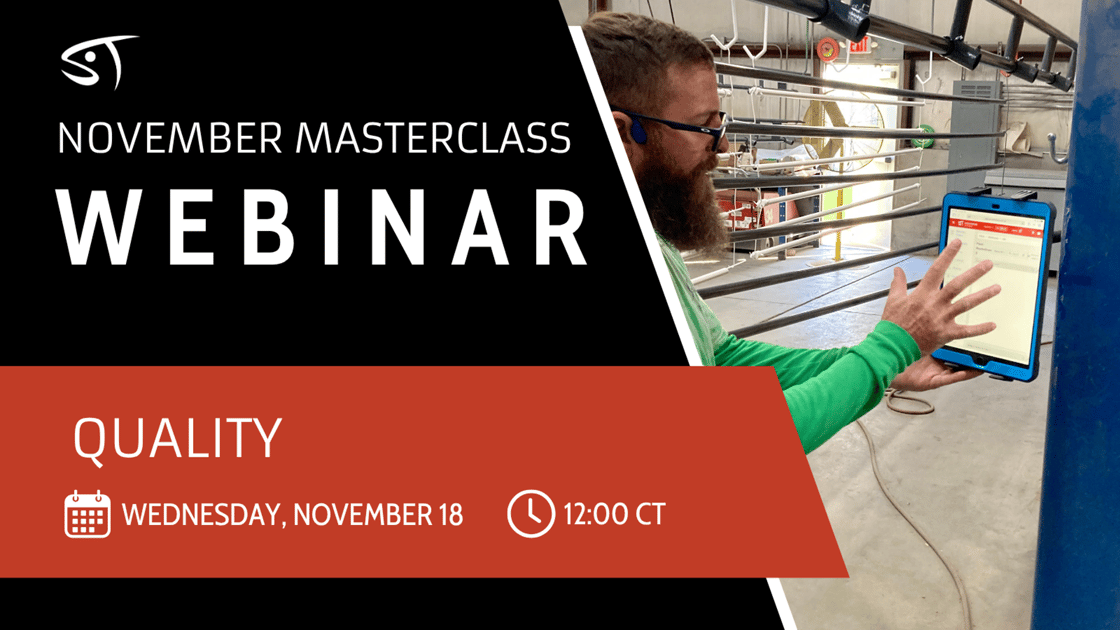
November Monthly Masterclass

Catch quality issues earlier and ship with confidence.


Whether you’re just getting Quality set up in Steelhead or you’ve been tracking Holds and Certs the long way, there’s something here for you. This month’s Masterclass on Wednesday, November 18 at 12:00 PM CT walks you through Quality in Steelhead. Keep every Part on track, answer customer and audit questions faster, and ship everything with a fully traceable record.


ON THE AGENDA:

  • Spot holds and nonconformances early so nothing moves further down the line until it’s cleared.
  • Pull Specs and Certificates of Conformance from the job data you already have, without digging through folders.
  • Trace every Part back to its source so Customer questions and audit pulls get answered in minutes. 

Ready to tighten Quality without slowing the floor? Register now, and let us know what you want to master next.

Improve-Quality-Nov-Masterclass
REGISTER NOW!

POLL: What would save you more time this week?

FASTER HOLD VISIBILITY
ONE-CLICK CERTS

Product Enhancement Highlights

See what's new and improved in your workflow!

ON THE FLOOR


Searchable Workboard Settings

Workboard settings are now grouped into sections, with a search box on both Display Settings and All Workboard Settings.

Workboards Details →
 

Revise Container Slips

Packing Slip revisions now let you edit or remove Parts inside a Container, and the new Add Parts button on a Container adds Parts straight into it.

Shipping Details →


See Who's on the Clock

On the Home page, click the number on the Active Timers or Employees Clocked In tile to see the people behind the count. Active Timers now counts every running timer.

Timers Details →
 

Spec Labels at Every Step

Turn on Show Spec Labels Always in a Workboard's Display Settings to keep a Part's Spec Labels on its card at every step. Limit Spec Labels to the Current Node can be set per Workboard.

Workboards Details →


Instructions on Process Tree

Turn on Show all instructions in a Part Number's Process tree to read and edit every step's instructions without clicking through them one by one.

Part Numbers Details →
 

RMA List Columns

Click the new gear icon on the RMA List page to show, hide, or drag to reorder columns. RMA Custom Fields can be added as columns too.

Quality Details →

IN THE OFFICE


Card-Paid PO Purchases

Use the new Create Purchase button on a Purchase Order to record spend already paid by card or Check, so it stays out of A/P. Purchases can be partial, voided, and un-voided.

Accounting Details →
 

Split PO Charges

Click Split on a Purchase Order line linked to several BOM items to divide a charge like Freight across them, so each item's share counts toward its Inventory cost.

Purchasing Details →

Have questions? Sonar has answers!

VIEW DOCUMENTATION

P.S. Job Shops and Manufacturers lose hours every month reconciling the floor to their books. Steelhead Accounting removes the need for manual exports to other softwares and eliminates re-typing. Get started today!

Steelhead Technologies, 100 5th Street, Suite 2, Calumet, MI 49913, United States

Unsubscribe Manage preferences