
Hi [First name],
A Contact could be a customer in HubSpot and still a lead in respond.io.
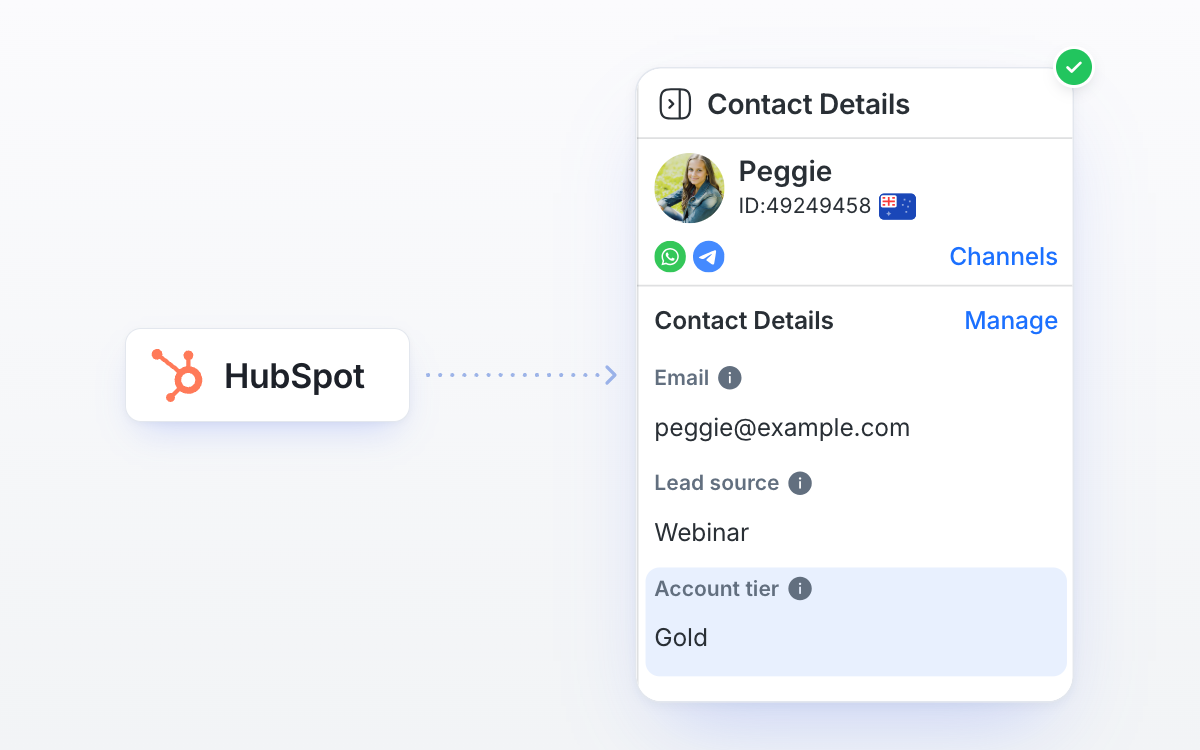
Contact sync now keeps existing Contacts up to date too. Choose whether HubSpot creates new Contacts, updates existing ones, or both. Then map up to 100 HubSpot properties to the respond.io Contact fields your team uses. Synced data works like any other Contact field, so you can use it in Inbox filters, Broadcast segments, Workflows, and AI Agent replies.
A couple of things to keep in mind:
- Contact sync only picks up contacts created or updated in HubSpot after you turn it on. It doesn't backfill contacts that already exist.
- To sync updates, set How Contacts are synced to Create and update Contacts or Update Contacts only.
Using Salesforce? Contact sync works the same way for Salesforce. It's part of the Salesforce integration, which is available on the Advanced plan and above. Upgrade your plan to connect Salesforce and keep its Contacts synced too.
Need help? Contact us


🎁 Refer & Earn $100 | Get respond.io for iPhone • Android
You received this email because you signed up for a respond.io (formerly rocketbots.io) account. Unsubscribe

