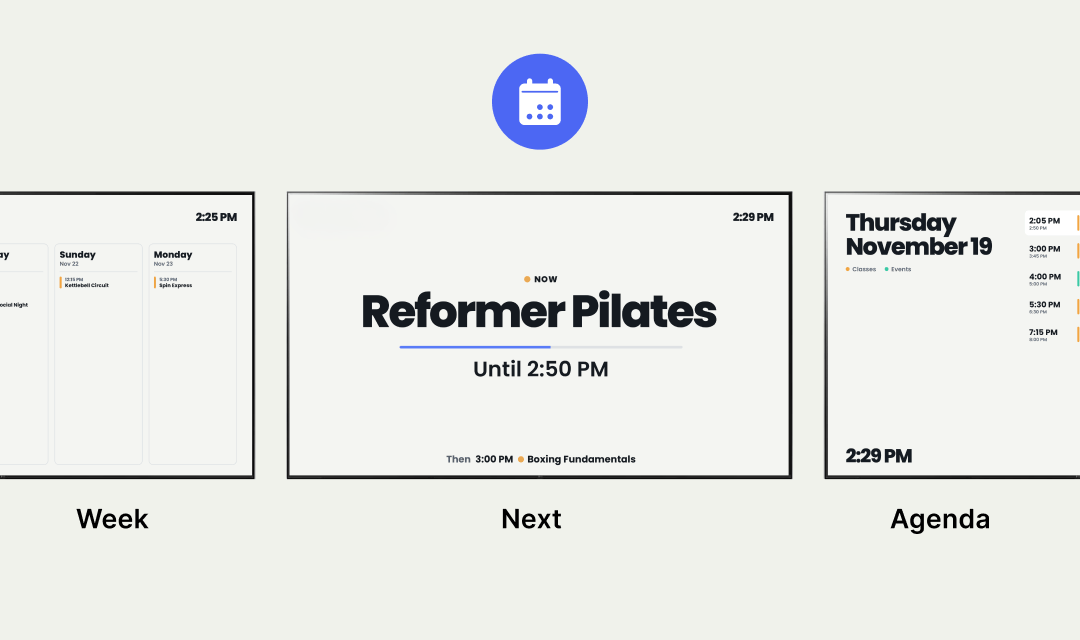
Three views, one calendar
Add a public calendar URL or a secret iCal link, and your schedule shows up on screen.
Pick Week to show the next few days at a glance. Pick Next to put the current event front and centre with what's coming up underneath. Pick Agenda for a clean, single-day list.
Public calendars are great for anything already shared, like a class timetable, event schedule, or team roster. Secret URLs let you pull in private Google, Outlook, or Apple calendars without exposing them to the world.
Gyms, studios, waiting rooms, co-working spaces, reception desks, anywhere the day runs on a schedule.
One app, every room that needs to know what's next.