Hey [First name] [First name],
Jordan from Superwall here 👋
This week, Customer Center is here. It's a native screen where your users can manage, cancel, refund or restore their subscriptions without ever leaving your app, and it's live on both iOS and Android. Plus, Joseph walks through how he'd validate a new app idea in the comments before writing a line of code, there's a handful of SDK fixes, and you can find us in New York today and Toronto next week.
Here's what you need to know:
🧾 Customer Center is here
First up, Customer Center! If you've shipped any sort of subscription app, then you know these support emails by heart. "How do I cancel?" "Can I get a refund?" "Wait, why am I paying twice?" Customer Center gives your users one place to handle all of it, and you open it with one line: Superwall.shared.presentCustomerCenter() (or the presentSuperwallCustomerCenter(isPresented:) modifier in SwiftUI).
From there, people can cancel, request a refund, switch plans and restore purchases. Their App Store and web subscriptions show up side by side, and if someone's paying through both at once, it warns them before they get charged twice. There's even a Copy button for their user ID, which makes those support emails a lot easier to answer.

Before anyone cancels, they get a quick survey (too expensive, don't use the app, bought by mistake, or your own answers). Each response fires a customerCenterSurveyResponse event, so you can send it straight to your analytics. And the new CustomerCenterDelegate tells you when it opens or closes, when someone picks an action, and when they ask for a refund.
You can customize almost all of it, too:
- Content: Pick which rows should appear, their order and their titles, or add your own that run your code when they are tapped.
- Support: Add a contact row with your support email.
- Branding: Set an accent color for light and dark mode.
- Flexibility: And, present it as a sheet or embed
CustomerCenterViewright in your own navigation stack.
It's in iOS 4.18.0, localized into 41 locales, and it's on Android too (it shipped in 2.8.5, and the Android guide now covers it fully). One heads-up for iOS: 4.18.0 now requires iOS 15+ and Xcode 26 to build, and plan changes need iOS 17.
I wrote up everything, with screenshots, in the post. And the iOS guide walks through setup and customization.
📖 Read the Customer Center post
🎬 Validate the idea in the comments, then build
Next up, Joseph shared how he'd start a consumer app from zero if you handed him a laptop today. He's talked to over a thousand app founders and helped more than 700 of them with positioning and creative, so this one comes from a lot of reps.
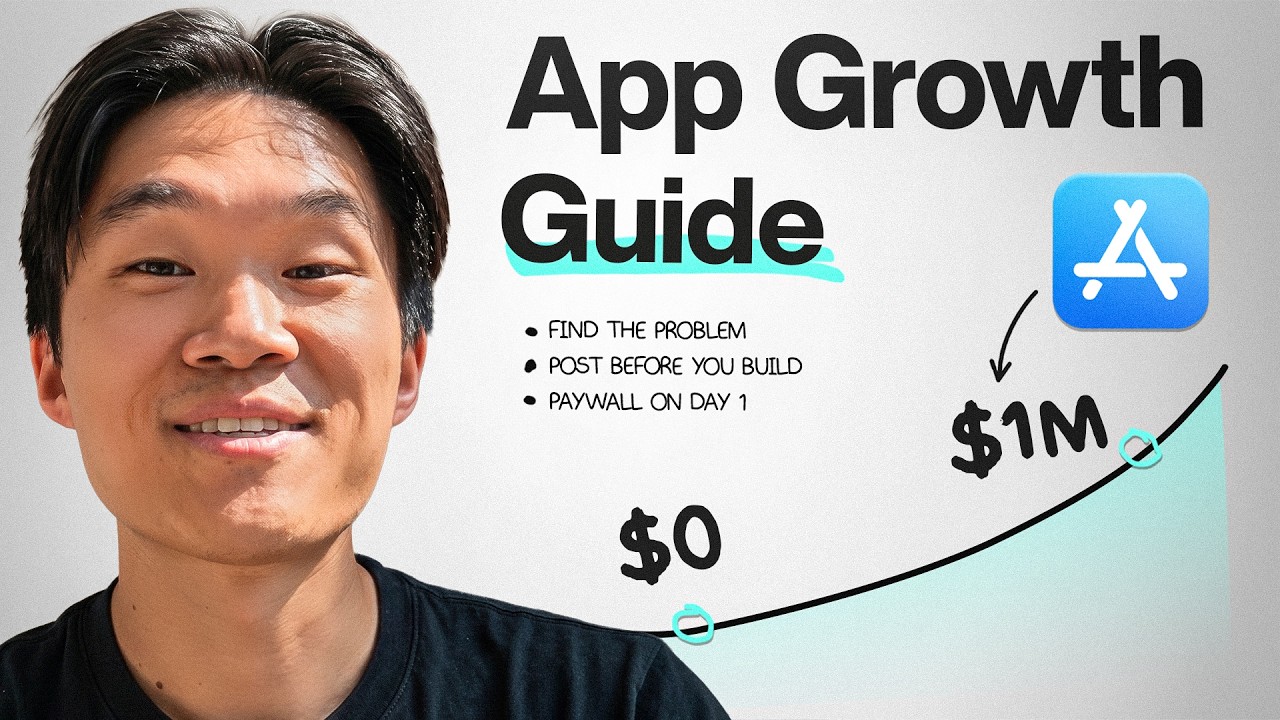
His order of operations is poignant in today's age of AI. Building is easy, which means that validating an idea means more than ever. He starts by picking a niche from the top charts, sizes it with Sensor Tower, reads the reviews, and then saves around 20 TikTok and Instagram videos people are already watching about that problem. The valuable signal is in the comments. If people are saying "I've been dealing with this for months" or "wait, what's the app called?", that's proven demand. If they're laughing at the joke and scrolling on, it's not, no matter how many views it got. And if he can't come up with a video that makes the app interesting to the right people, he scraps the idea before building anything.
He's also wary of chasing views. One founder he talked to was paying around $8 per download, and roughly 70% of those people dropped off. More reach would have just meant paying for the same problem again.
🛠️ A few smaller updates
- Ad consent: Report each user's ad consent, and Superwall passes it along with the conversions it uploads to Google Ads and Meta. It reads IAB TCF consent banners automatically, too.
- iOS fixes: Paywalls no longer go blank after iOS kills their web process, apps no longer get stuck in test mode, and paywalls that close after a purchase now correctly report
.purchased. - Prioritized preloading on Android now actually loads your prioritized campaign's paywalls first (Android 2.8.6).
- In-window paywalls (experimental): A new opt-in
PresentationHost.IN_WINDOWshows paywalls in your own activity's window, so Unity and other game engines keep running underneath. - Superwall with AI: Every AI route, from the dashboard assistant to the Claude plugin, MCP, CLI and skills, now lives in one place in our docs, with a guide to picking the right one.
📆 New York today, Toronto and Office Hours next week
If you're in New York, our Deadly Good Growth Session is happening right now and runs through the afternoon workshop. Tonight's two founders dinners, Jake's in NoMad and our Hell's Kitchen dinner with Elemental Growth, are full, but the waitlists are open.
Then on Thursday, October 29, we've got two more:
- Superwall Office Hours, 12 to 1 PM ET: Open Q&A with Nick, Duncan and me on anything growth, Superwall or development, with paywall teardowns at the end. Bring yours.
- App Founders Happy Hour in Toronto, 7:30 to 10 PM ET: Drinks and conversation with founders and operators building mobile apps. It's approval-only, so request early.
That's all for this week! As always, feel free to reply back and I'll be happy to help!
- Jordan
©2026 Superwall
This landed in you@example.com because you signed up for Superwall. If you'd rather not get these emails, you can unsubscribe here.


