|
||||||||
Describe it. Review it. Publish it. |
||||||||
 |
||||||||
|
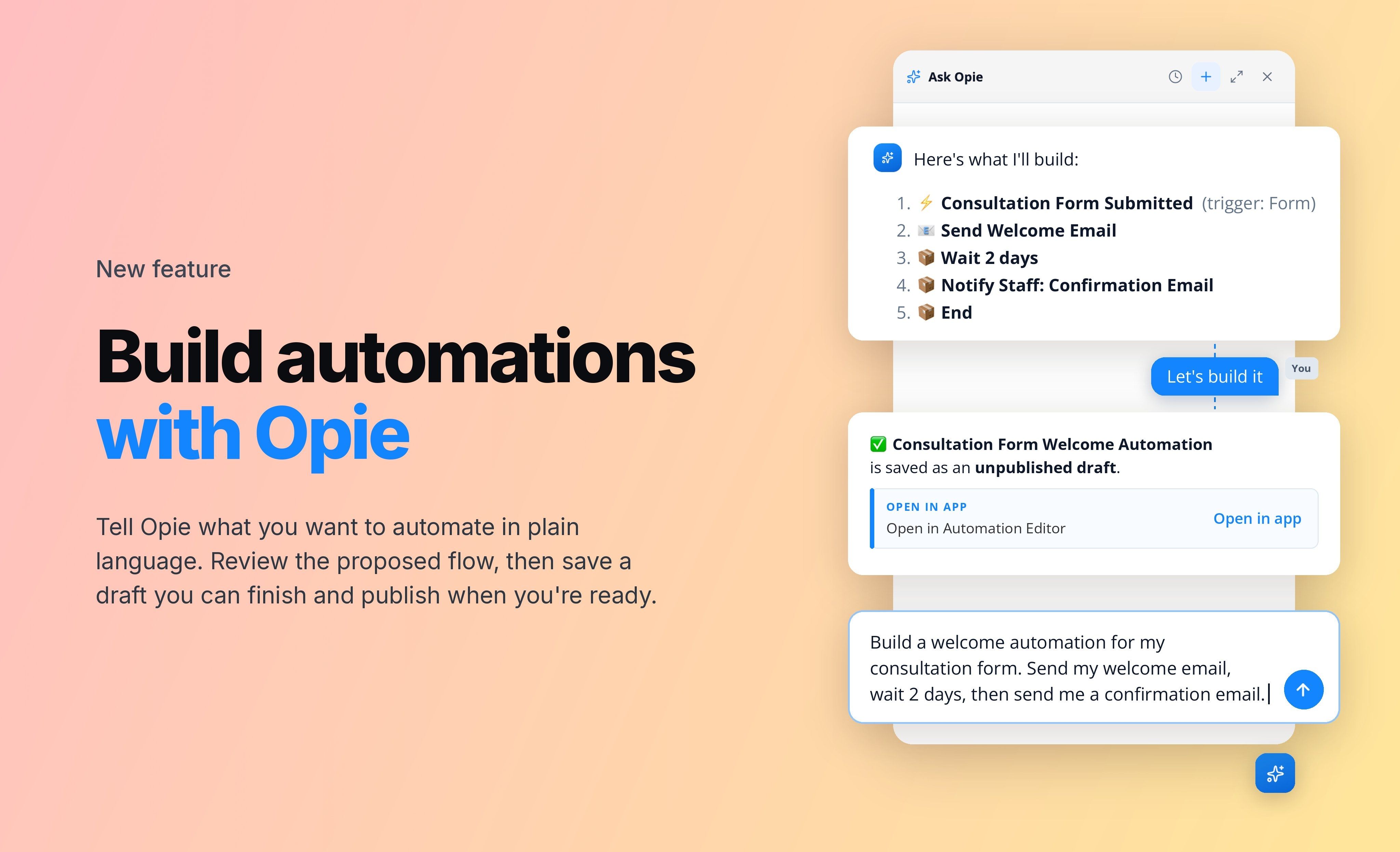
With Opie, Ontraport’s built-in AI assistant, you can build automations for your contacts just by describing them, even if you’re new to Ontraport. Opie turns your idea into a draft you can review and publish when you’re ready. |
||||||||
|
Ontraport users can:
|
||||||||
|
Before publishing, open the draft in the Automation Editor to finish any remaining settings and add content to any newly created emails. Users stay in control: nothing is built until they approve it, and nothing runs until they publish it. Ontraport doesn't train AI on your data. Learn more in our Support Center article. |
||||||||
|