|
|
What's New in Landingi
Product Team Updates
|
|
|
|
|
|
|
|
|
|
NEW FEATURE
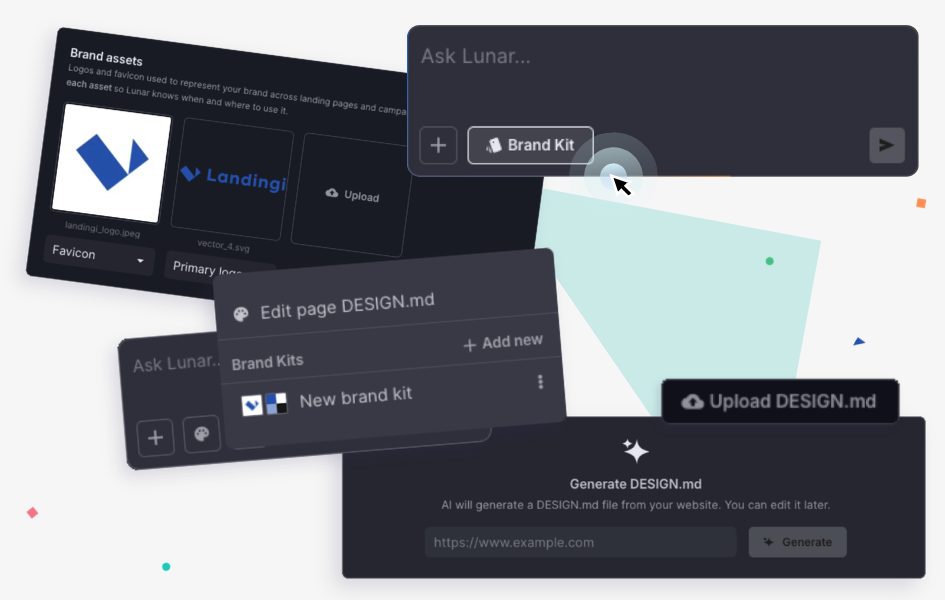
Brand Kit Now Available in Lunar
Save your brand essentials in Lunar and use them when creating landing pages!
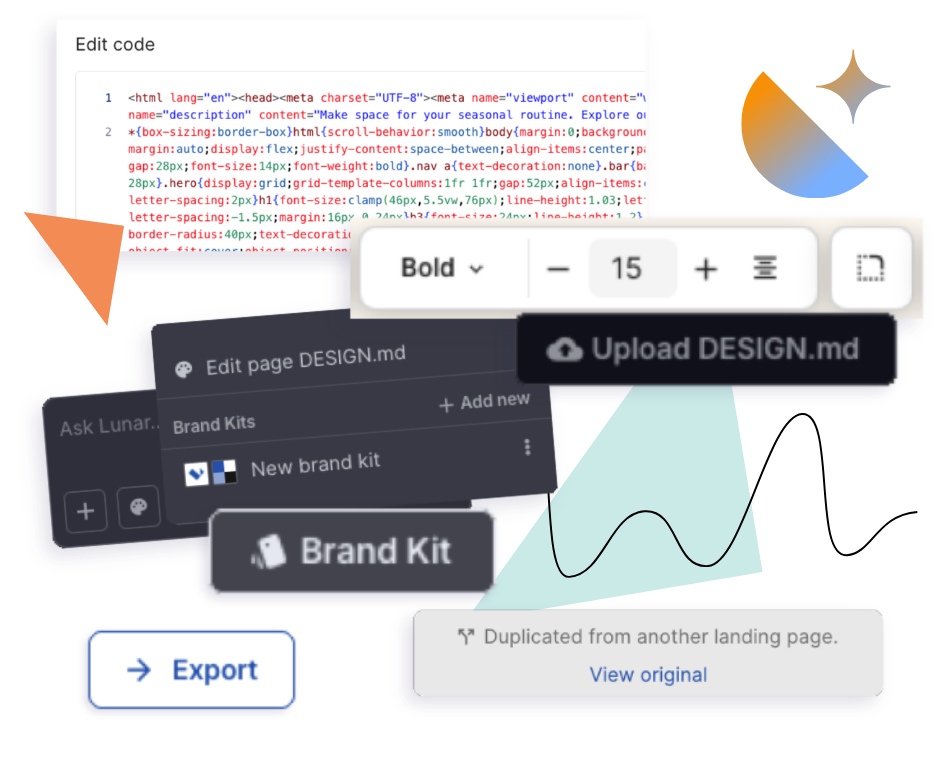
Brand Kit helps Lunar generate pages that stay closer to your visual identity from the start. It includes two key parts: DESIGN.md, which defines your brand’s visual rules, and Brand Details, where you can store logos, favicon, links, and basic brand information.
You can create a Brand Kit from scratch, generate it from an existing Lunar landing page, or import brand data from your website to speed up the setup.
Once ready, Brand Kit can be used to generate a new landing page or applied to an existing one.
|
|
|
|
IMPROVEMENT
More Editing Control in Lunar
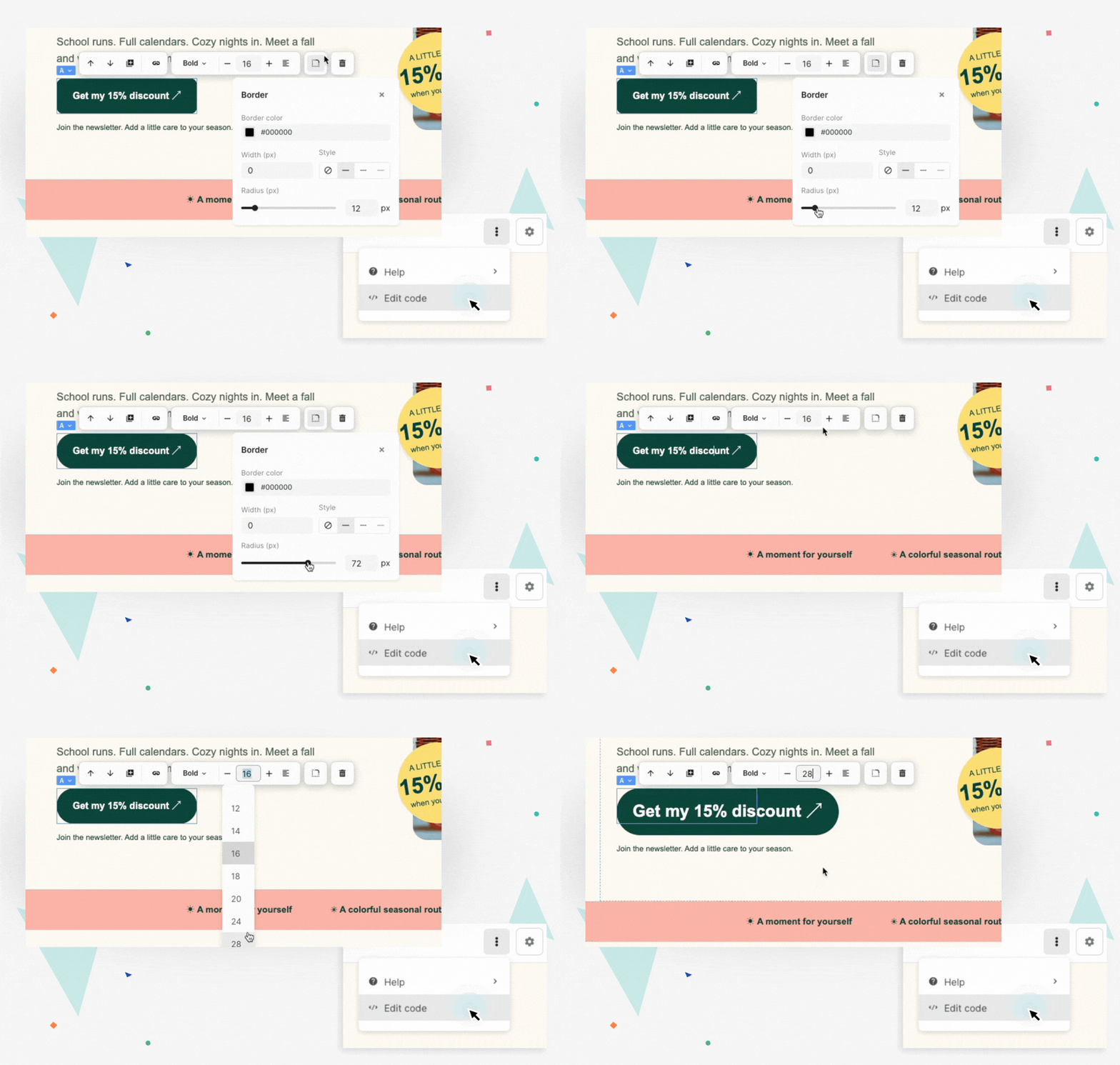
We’ve added new manual editing options to Lunar, giving you more control over landing page adjustments without asking Lunar to make every change.
You can now style text directly in the inline editor, including font size, weight, alignment, and selected fragments of text. You can also adjust borders and corner radius for page elements, including border width, color, style, and rounding.
For more advanced users, Lunar now also supports HTML code editing for landing pages created with Lunar.
These updates make it easier to fine-tune AI-generated pages, match your design needs, and make precise changes faster.
|
|
|
|
IMPROVEMENT
Cleaner Export Options for Landing Page Data
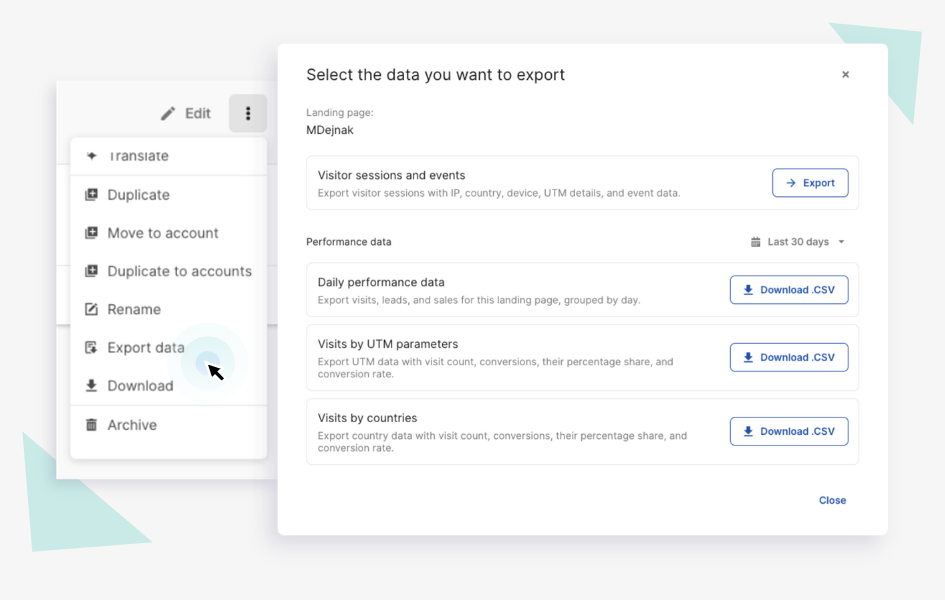
We’ve introduced a new export modal that organizes all landing page data export options in one place.
From the landing page dashboard, you can now access the available exports through a single Export data tab. Depending on your plan and EventTracker access, this may include daily statistics, UTM data, country data, and detailed session and event exports.
|
|
|
|
IMPROVEMENT
Better EventTracker Support for Lunar Pages
We’ve improved how EventTracker collects events on landing pages created with Lunar.
Event tracking is now more flexible across different page structures, so interactions can be recorded and interpreted more reliably on AI-generated landing pages.
This update gives Lunar more freedom when generating page code while helping you keep access to meaningful behavior data for analysis and optimization.
|
|
|
|
IMPROVEMENT
Conversation History Now Copies with Lunar Pages
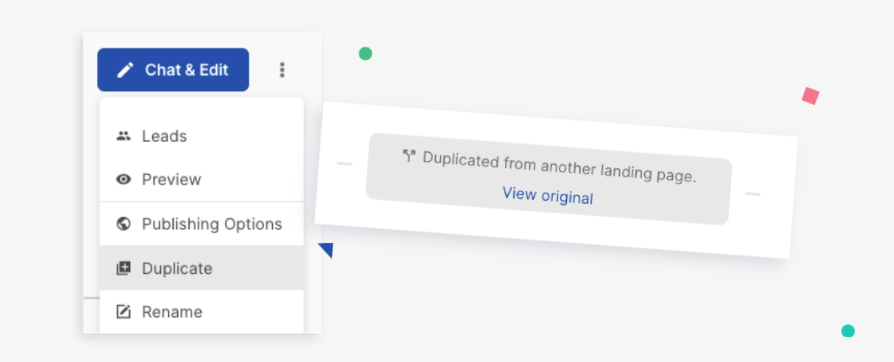
When you duplicate a landing page created with Lunar, the conversation history is now copied with it.
This means Lunar keeps the context of previous work on the page, making it easier to continue editing, refine the duplicated version, or build a new variation based on the same direction.
It’s a small change that makes duplicated Lunar pages more useful from the start – especially when you want to reuse a page concept without starting the conversation over.
|
|
|
|
Also this month...
We’ve rolled out a few additional improvements to make daily work in Landingi smoother, clearer, and more reliable:
- Improved Lunar interface – We’ve refreshed the Lunar interface to make manual editing more comfortable. You can now hide the chat sidebar to get more workspace for editing your landing page.
- Easier domain configuration sharing – You can now copy domain configuration instructions and share them with someone else, such as your domain administrator.
- Improved text formatting in Accordion widgets – The text editor now supports superscript and subscript formatting in Accordion content.
- Smoother work with Programmatic Landing Pages – We’ve added tooltips for long names and improved handling of incorrect URL formats in CSV files.
- Clearer GetResponse field mapping – You’ll now see warnings when mapping Phone and Date fields in the GetResponse integration.
|
|
|
|
|
|
|
You’re up to date – time to put the updates to work!
Paweł Sałajczyk
Head of Product
|
|
|
|
|
Landingi
Europe
Landingi Sp. z o.o.
Dworcowa 25
Gliwice (44-100), Poland
North America
Landingi Inc. 1341 West Mockingbird Lane Suite 600W
PMB 583
Dallas, TX 75247, USA
|
|
You received this email because you subscribed to our newsletter.
|
|
|
|
|