|
|
|
|
|
|
|
|
|
|
|
|
|
Hey there,
|
|
|
Welcome back to your Upsolve AI newsletter! The first two issues covered what your agent knows and who can see what. This one is about what your agent can do with an answer once it has one.
|
|
TL;DR
|
-
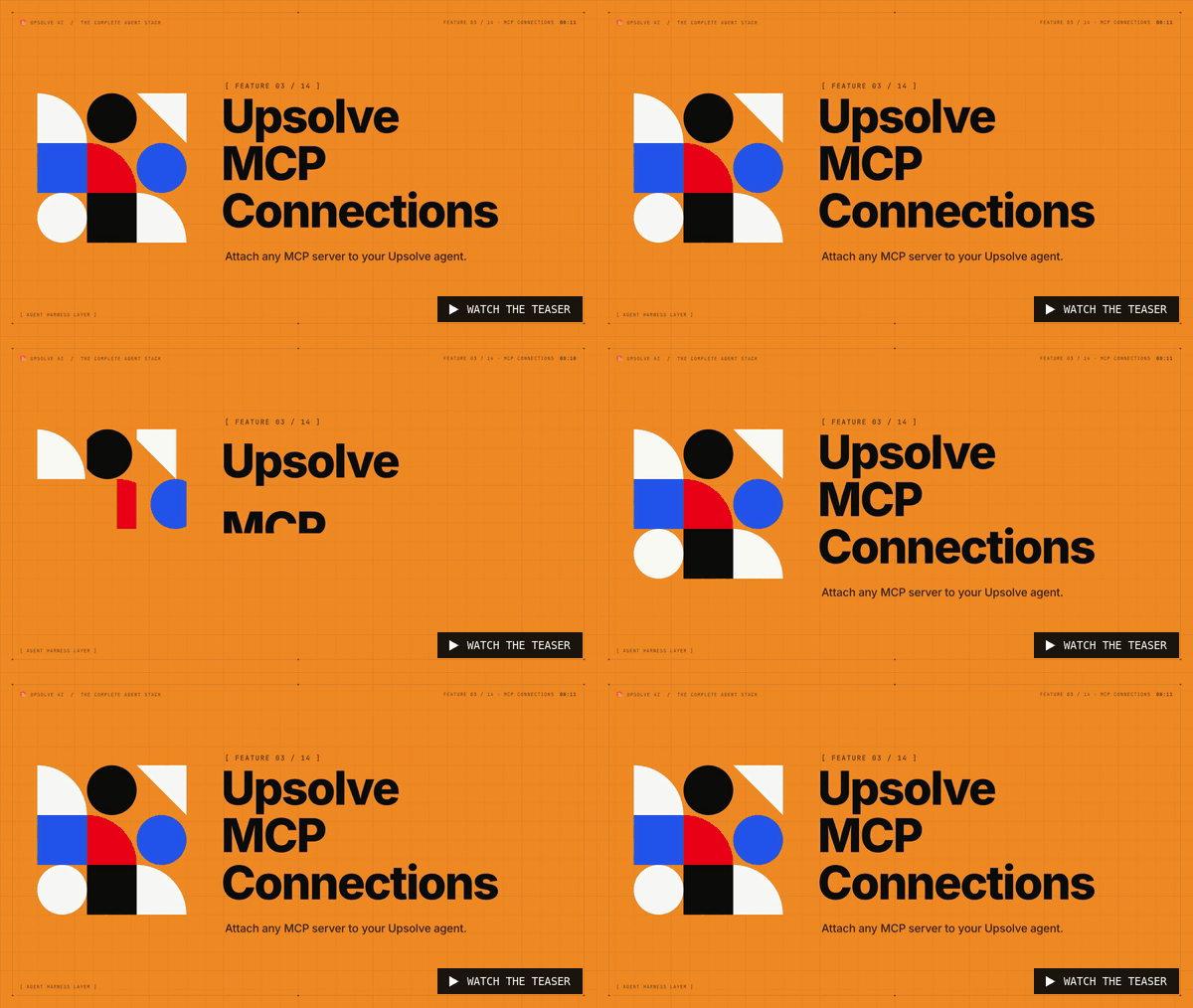
Attach any MCP server to your Upsolve agent, such as Notion, Linear, GitHub or PostHog.
|
-
The agent still answers from governed warehouse data, and can now read and write where your team works.
|
-
You choose which tools each server exposes and tell the agent when to use it.
|
|
|
🔌 Plug Notion, Linear and more into your data agent.
|
|
A good analysis usually gets copied by hand into a doc or a ticket, and it loses its context on the way. Useful context also sits in tools your data agent can't reach, and every new integration used to mean custom engineering work.
|
|
|
🛠️ How it works
|
|
|
-
Add a server. Paste the MCP server URL in project settings and add a one-line instruction, like "use this to save analyses in Notion docs".
|
-
Authenticate and choose tools. Connect through OAuth, then allow all tools or block the ones you don't want the agent to use.
|
-
Ask and act. Ask a data question, then tell the agent to write the analysis to Notion. It finds the right page and creates it.
|
|
|
|
|
|
|
📦 What's included
|
|
|
-
Any MCP server: Notion, Linear, GitHub, PostHog and any other tool that exposes an MCP server.
|
-
Per-tool control: allow or block individual tools on every server you connect.
|
-
Instructions per source: tell the agent when and why to use each connection.
|
-
Still governed: questions still run through your data model and row-level security.
|
|
|
🚀 Try it
|
|
|
|
Already a customer? MCP Connections are live in your workspace. Add the server your team writes in most, then ask the agent to save its next analysis there.
|
|
|
|
|
|
Next issue: Harness 2.0, a data agent that's twice as fast and learns every user.
|
|
Questions? Reply to this email or reach us at kaling@upsolve.ai
|
|
|
|
|
|
|
|
Building the future of data-intelligent AI,
|
|
The Upsolve Team
|
|
|
|
|
|
The conduit between data and decisions
|
|
|
|
|
|
|
|
|
Stay tuned for more exciting updates, customer stories, and news from us!
- Team Upsolve AI
|
|
|
|
|