Google Search Console
Filter Data by Project URL
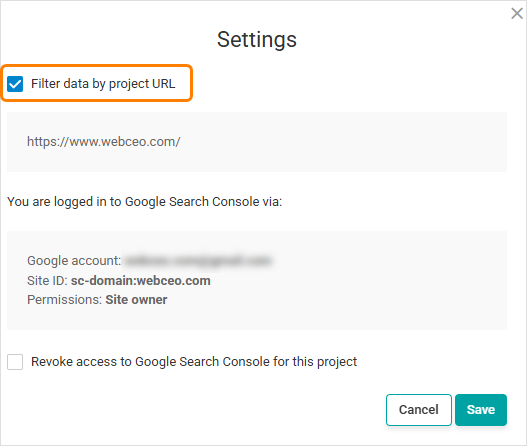
Google Search Console integration now includes a Filter data by project URL setting that limits imported data to URLs belonging to your WebCEO project, even when the connected Search Console property covers the entire domain.
Enable the option in Google Search Console settings to keep reports focused on the project URL. For example, if the connected property is sc-domain:domain.com and the WebCEO project is domain.com/subfolder/, only URLs under /subfolder/ will be included.
Google Analytics & Google Ads
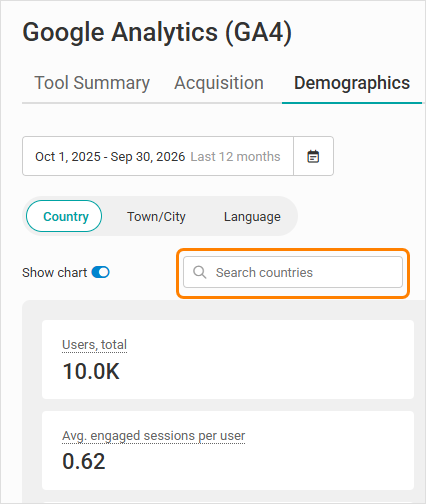
Search in All Table Reports
All Google Analytics and Google Ads table reports now include a search field to find matching rows by the values in the first column, making it easier to find the data you need in reports with larger datasets.
Unified Events Filter
In Google Analytics (GA4), a single Events filter now controls both Event count and Key events. The selected event is applied consistently to the table, totals, metric cards and charts displaying these metrics. Key events are marked with a star.
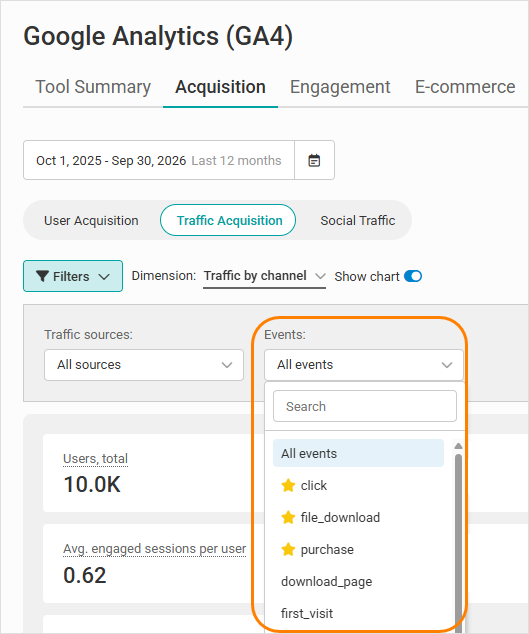
In Google Ads (GA4), the existing Key events filter now also updates the relevant metric card and chart in the Campaigns report.
Widgets
Google Analytics Event Trend Widget
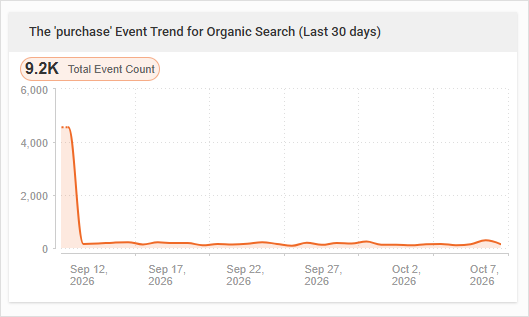
The new Event Trend widget shows the Total Event count for one selected GA4 event, summed across selected traffic channels, and its trend over the reporting period.
Add separate widgets with different events or channel selections to compare phone-click events, form submissions and other tracked events.
Custom Range Limits for Ranking Distribution Widgets
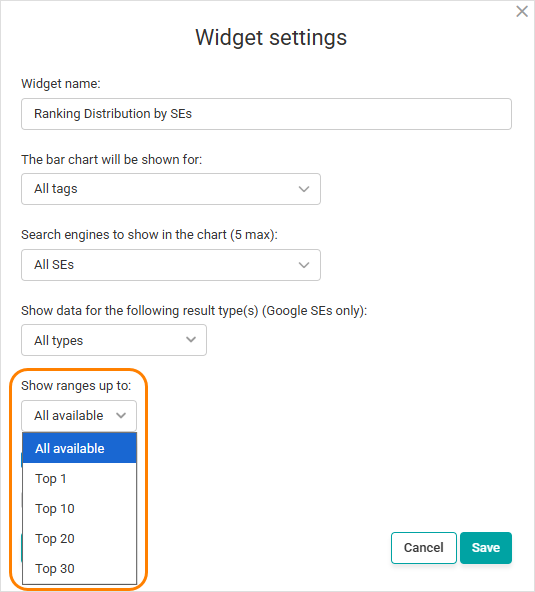
All Ranking Distribution widgets now include a Show ranges up to: setting, allowing you to limit the ranking ranges displayed in the widget.
Set the option to Top N to display all available ranking ranges up to and including the selected position, making it easier to focus reports on the ranking ranges that matter most.
PDF Reports
New Date Variables for PDF Reports
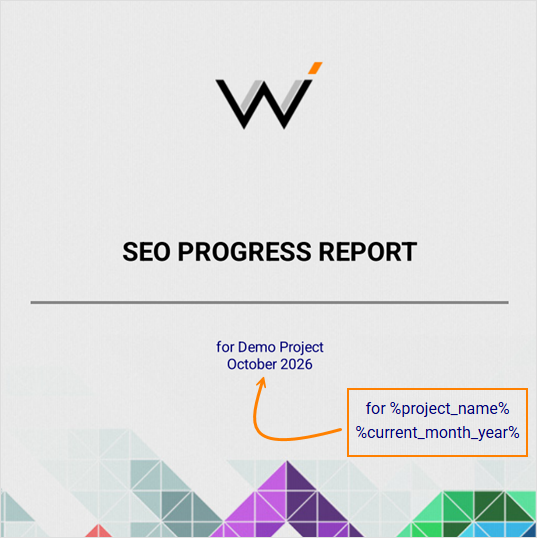
PDF report cover pages and email templates now support %current_month_year% and %previous_month_year% variables to automatically insert the current or previous calendar month and year. Values are based on when the PDF or email is generated.
Journal of Events
Duplicate Existing Events
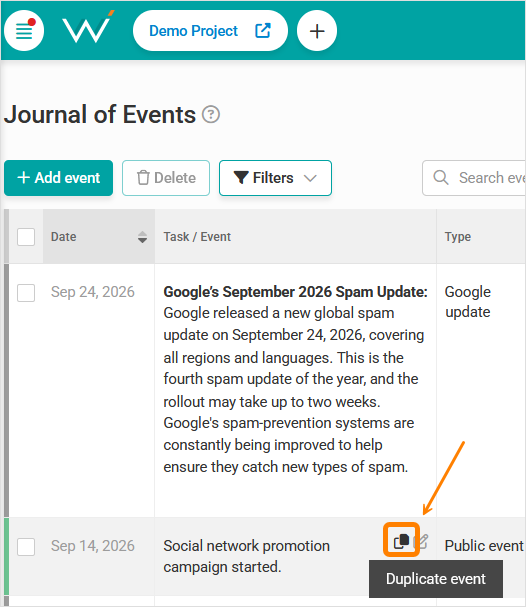
You can now duplicate existing events in the Journal of Events.
Click the Duplicate event icon to create an exact copy of an event that you can edit further. The date of the event copy defaults to today; adjust the fields and click Save to create a new event. This makes it faster to create similar events without entering the same information again.
System-generated events cannot be duplicated.
CSV Export
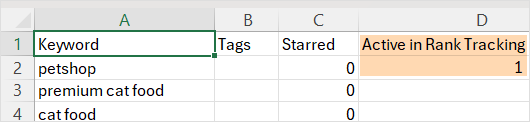
The Keyword Basket CSV export now includes an Active in Rank Tracking column.
The column shows 1 for keywords that are actively tracked in Rank Tracking and is blank for keywords that are not, making it easier to identify which keywords from your basket are currently being monitored.
|