
Product Updates – Fall 2026 🚀Hey there! I've been heads-down for the past few months, powered by way too much coffee ☕ Here's everything I shipped while you weren't looking. 🎠 Carousel Generator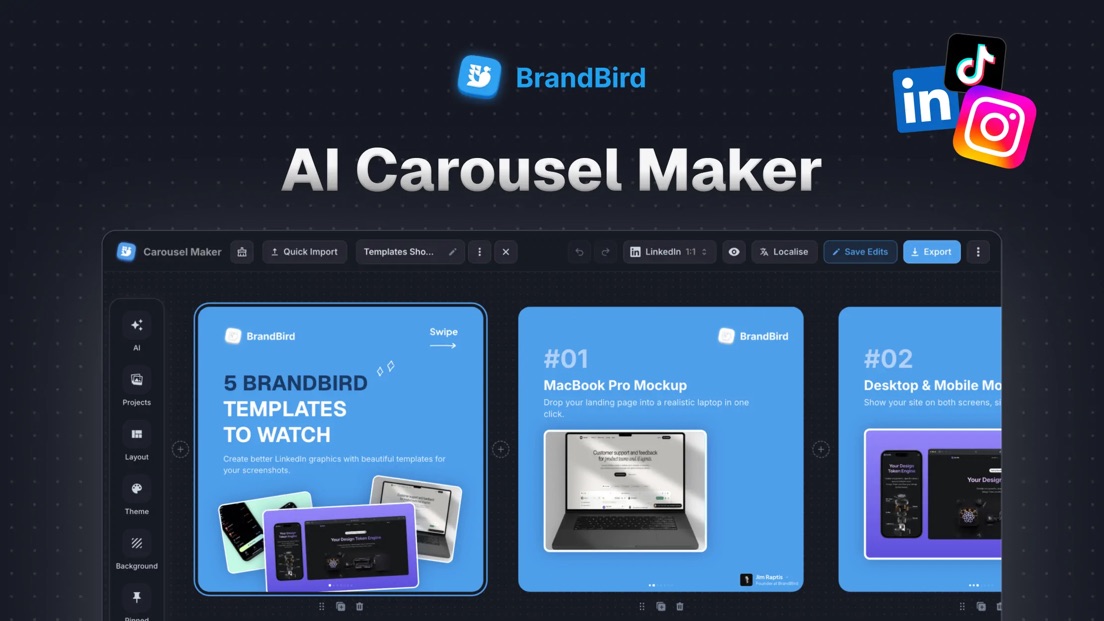
Design multi-slide carousels for LinkedIn, Instagram and X, with layers that flow across slides.
• Quick import turns your
content into ready-to-edit slides with AI. 🤖 Edit with AI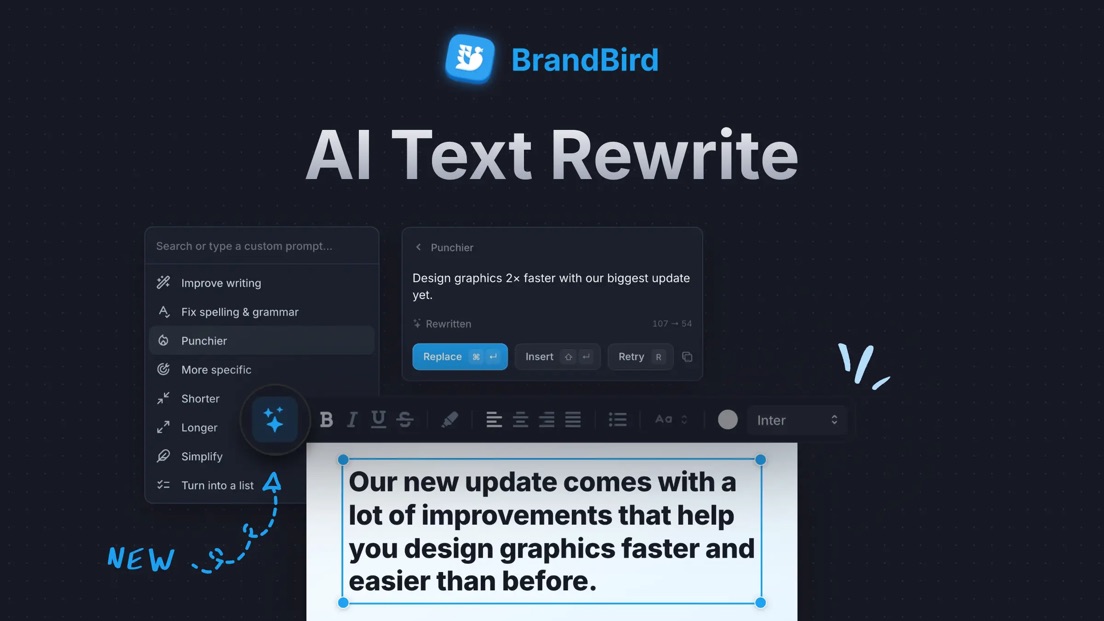
Rewrite any text layer with AI right from the text toolbar. Shorten, rephrase or polish your copy without leaving the editor. In the Carousel and App Store Screenshot generators you can go further: describe a change and AI edits your design, from restyling a layer to updating a whole group. Try it in Studio🌀 3D Text Effects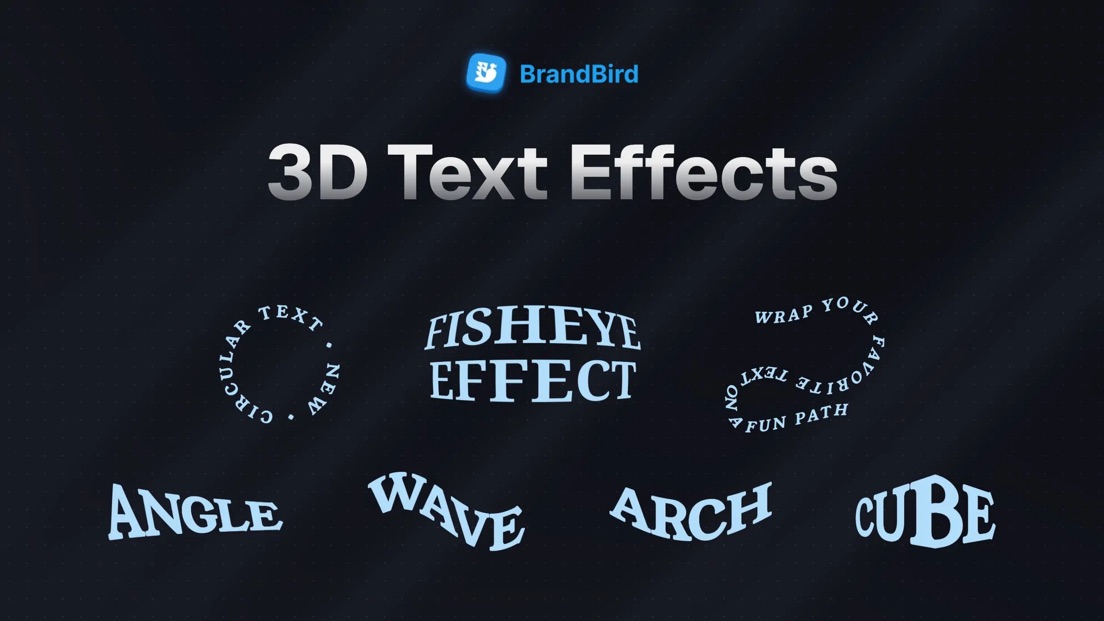
Make your headlines pop. Bend and shape text with fisheye, wave, arch, cube, angle, circular and snake effects, in Studio and the Carousel Generator. Try 3D Text🎨 Brand Kit Upgrades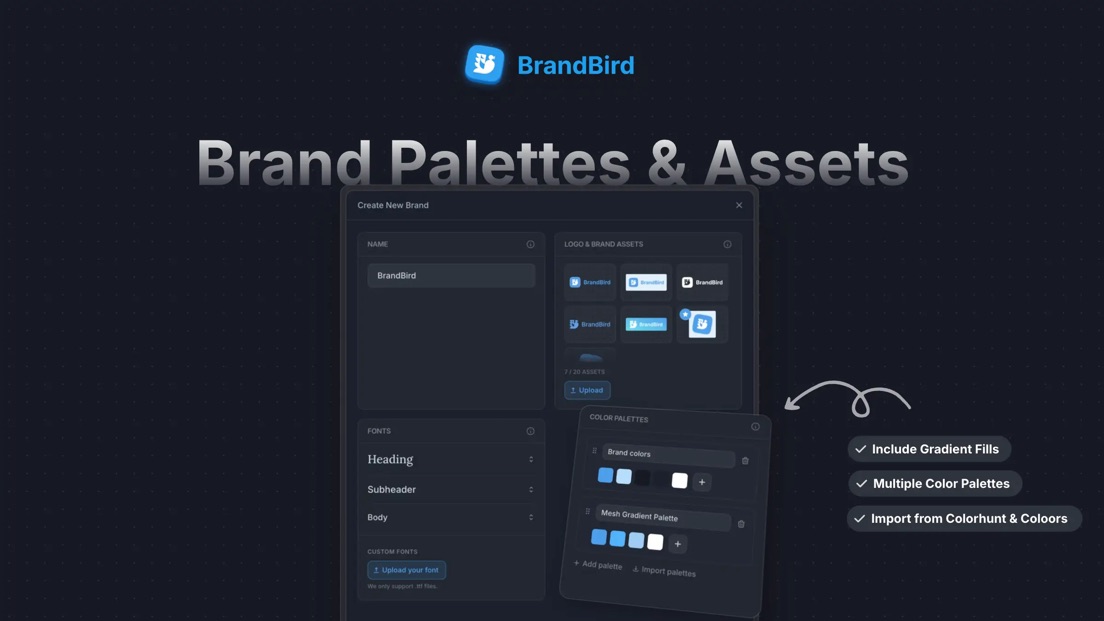
Paste your website URL and BrandBird imports your logos, colors and fonts automatically. Your brands now live in one sidebar shared across every tool, with brand palettes and a brand assets tab one click away. Set Up Your Brand📱 App Store Screenshots: Projects & 45+ Languages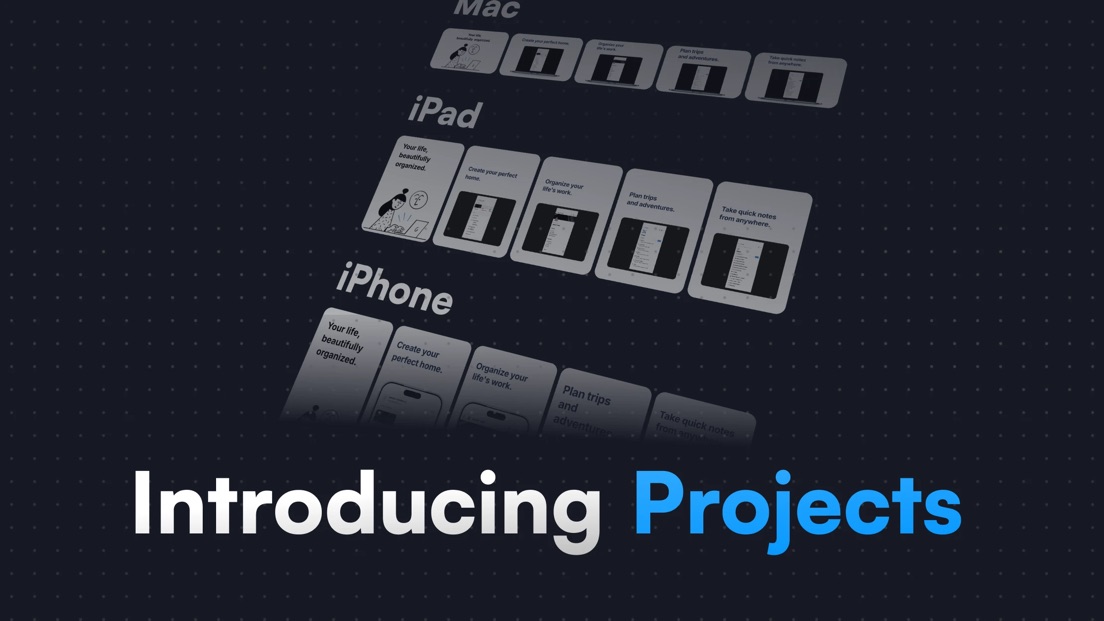
The App Store Screenshot Generator now works in projects. Design once, and BrandBird derives the iPhone, iPad, Android and Watch sizes for you. It also speaks 45+ languages. Override text per locale and export every language in a single run. Create App Store Screenshots💻 BrandBird for Mac (Beta)Capture any area of your screen with a keyboard shortcut, keep recent captures in floating cards, and open them straight in BrandBird Studio to add mockups, backgrounds and annotations. Get the Mac App⚡ And a lot more
• New layers panel with
grouping, renaming and drag-to-select. 📣 Affiliate program updateOur affiliate program has now ended, and we're no longer accepting new affiliates or referrals. A huge thank you to everyone who shared BrandBird along the way. If you have any questions about your account, just reply to this email. ✌️ It's a wrapAs always, if you have a question or want to suggest the next big feature, just reply to this message. I read every reply!
Happy designing!
The design toolkit for product marketing: social media, screenshots, mockups, carousels and App Store graphics in minutes.
BrandBird is a product by BRANDFLOW EE. Kaisareias 12, Thessaloniki, GR 54454
You're getting this email because you signed up for
BrandBird. |
