
Introducing Connectors
Hey [First name],
Today we're introducing Connectors. Your PAL now works with you in the tools you already use.
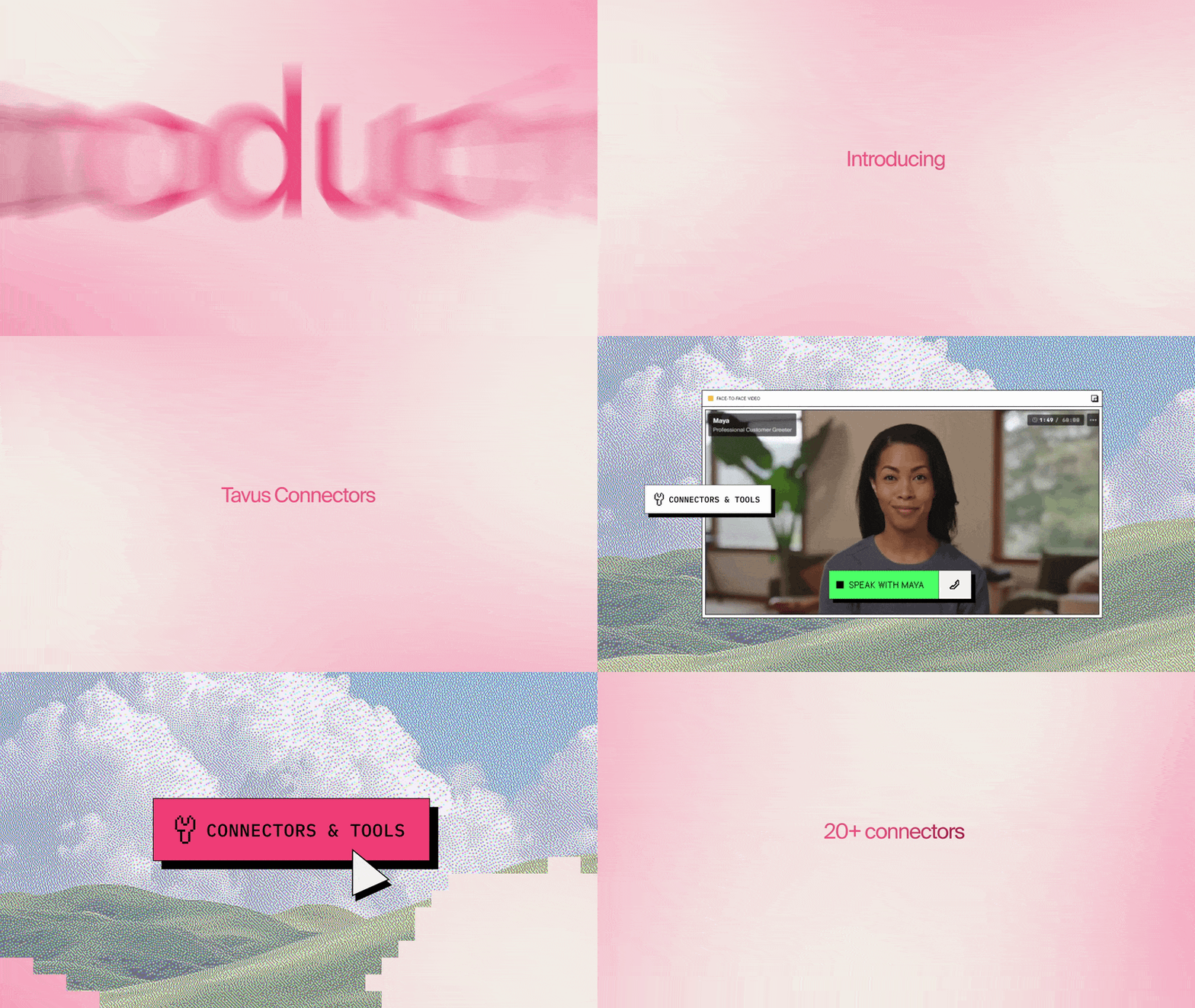
Connect Slack, Gmail, Google Calendar, Notion, Linear and twenty more apps with a normal sign-in, add them to your PAL, and ask for what you need the way you'd ask a colleague. It does the work while you keep talking and tells you when it's done, with a link to what it made.
What that looks like
On the ride in. Tell your PAL what the client is waiting on. By the time you're at your desk, it has found the thread in Gmail, pulled the contract from Google Drive and drafted the reply. You read it over and hit send.
Between meetings. "Close out the pricing meeting." Before the next one starts, the decisions are in Notion, the action items are in Linear with owners, the follow-up is on your calendar and the recap is in Slack.
On a support call. A customer tells you there's an issue. Before they hang up, their ticket is pulled up in Pylon, the issue is filed in Linear and the team knows in Slack.
It keeps working after you hang up, so the recap can land after the call ends.
How it works
Connect. Open Connectors in PAL Maker, pick an app and sign in. No code, and for most apps no keys to paste. You can disconnect it at any time.
Add. Add the connector to your PAL, or tell Charlie which apps it should use and he adds them while you build. You choose which of an app's tools a PAL may use.
Ask. Talk to your PAL the way you'd talk to a colleague. You never name a tool. It works out which app the job needs.
The apps
Gmail, Google Calendar, Google Drive, Notion, Linear, Jira and Confluence, Webflow, Superhuman Docs, Mintlify, Excalidraw, Apollo.io, Calendly, Cal.com, Customer.io, Windsor.ai, Amplitude, LogRocket, Pylon, Granola, Consensus, Zapier, Higgsfield and Stripe. Tavus is on the list too: a PAL can check on your other PALs and their conversations, and answer questions about the API straight from the Tavus docs. Zapier reaches anything you've built a Zap for.
For developers
Attach connectors to any PAL through the API, choose the tools each one may use, and follow every job in your app through start, update and stop events. The docs cover the setup, the limits and the events.
Add a connector · Read the docs
The Tavus Team
P.S. On Thursday, November 5 at 10:00 AM PT, the Tavus team builds a PAL from scratch in a live webinar: face, voice, personality, connectors, testing and deploying. Save your seat

You're getting this because you have a Tavus account.
Tavus Inc., 2261 Market Street STE 86391, San Francisco, CA 94114