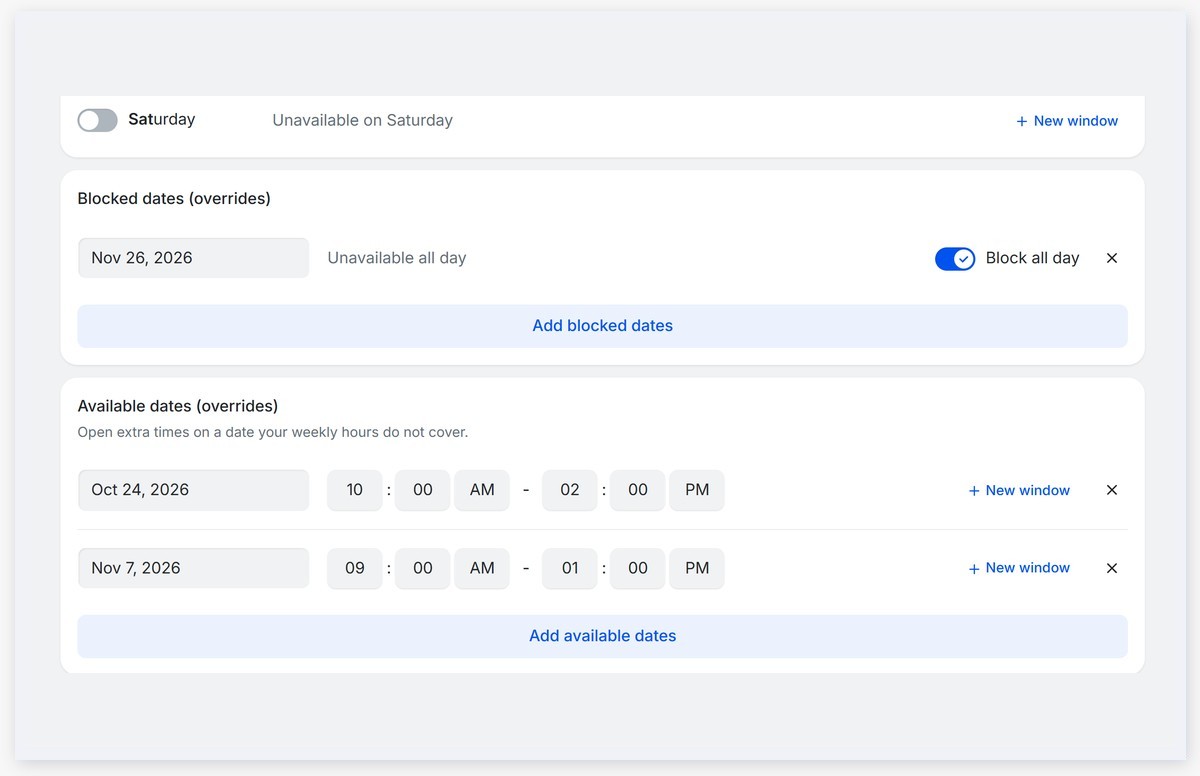
TidyCal Updates: New Features & ImprovementsThis month is all about making the switch easy. You can now bring everything over from Calendly, open extra hours on any date, and get found by new clients in the TidyCal Directory. But first, we need your help with something. What Should We Build Next? 🗳️Tell us the one thing that would make TidyCal better for you. A few quick questions, about a minute. 5 people who finish by Tuesday, October 27rd will get $25 in AppSumo credit. Open Extra Hours on Any Date 📅Date overrides can now add time, not just block it. This was one of your most requested features, with 333 votes on our feedback board. Open a Saturday workshop or a late evening before a launch, and your weekly hours stay exactly as they are. What's new:
Available now for all users. Get Found in the TidyCal Directory 🔎The TidyCal Directory is now open to every plan, including Free. People looking for a coach, tutor, consultant or therapist can find you there and book you on the spot. It now shows who just got booked and your best reviews, so busy pages get noticed. How to get listed:
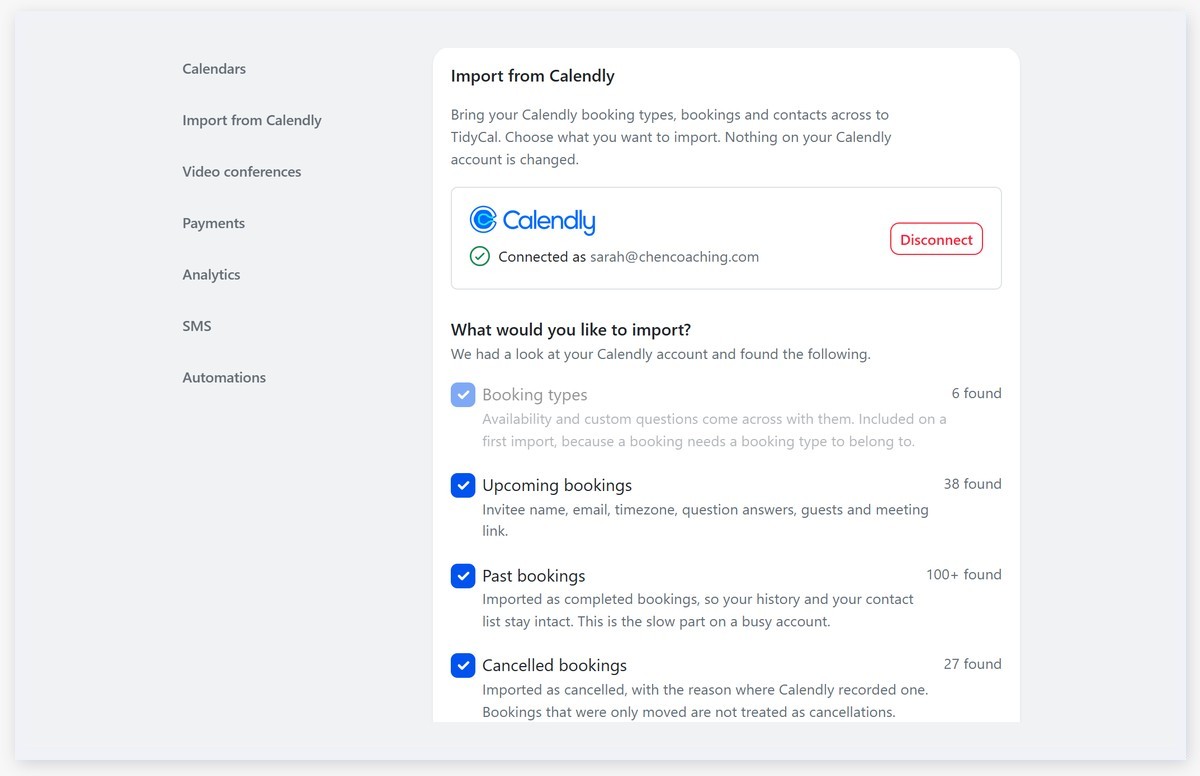
Available now for all users. Bring Your Calendly Over in One Go 📦Moving from Calendly no longer means starting over. Connect your Calendly account, tick what you want, and TidyCal brings your booking types, bookings and clients across. How it works:
Available now for all users. A Few More Things You Asked For 🙌
One last thing: if you have not taken the survey yet, it takes about a minute, and you could win $25 in AppSumo credit. ❤️ & 🌮 The TidyCal team You're receiving this email because you have a TidyCal account. If you have any questions or need any help, please reply to this email.
|