Thanks for trying Pop, the tool for working together, remotely. You can use Pop in any browser, and with the desktop app, you’ll unlock Pop’s best features: blazing fast screen sharing, remote control, direct calling, and many, many more.
Welcome to Pop
Thanks for trying Pop, the tool for working together, remotely. You can use Pop in any browser, and with the desktop app, you’ll unlock Pop’s best features: blazing fast screen sharing, remote control, direct calling, and many, many more.
Available for Mac, Windows & Linux
Fast Screen Sharing & Remote Control
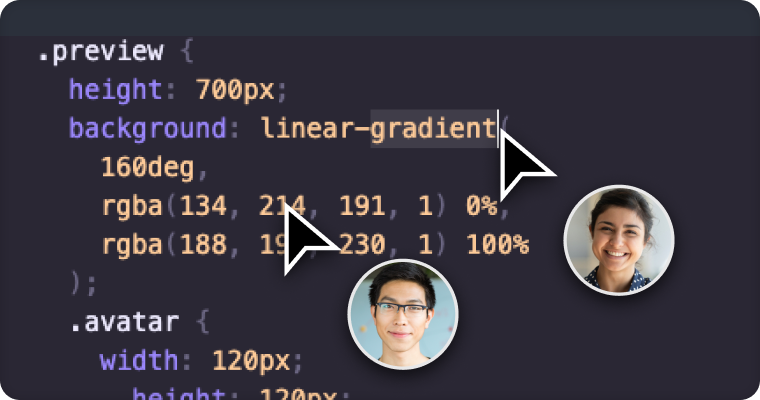
Pop’s speed and image quality give screen sharing a whole new meaning. You can even control the shared screen as if it were your own. Thanks to Pop’s low latency, it feels like everyone in the meeting is connected to the same computer.
Drawing
A picture is worth a thousand words, or at least worth sharing. Everyone can see and even add to your drawing in Pop. Show what you mean and collaborate without opening another app.
Direct Calling
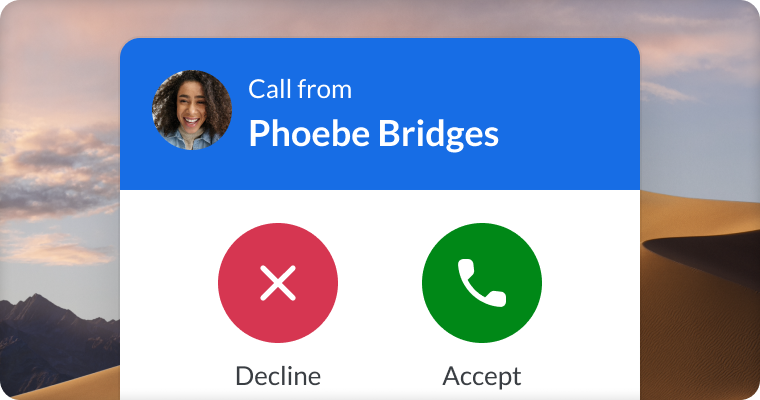
Add people to your contact list, or simply connect Pop to Slack, and you’ll be able to call your contacts directly with the app. No need to share a link or invite them to a calendar event.
Start with a Screen Share
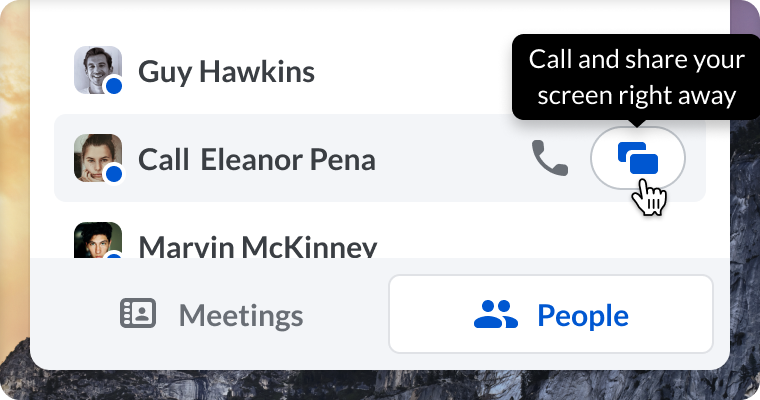
Share your screen instantly, without having to go through additional steps. When someone joins, they’ll immediately see your screen, so you can get to work right away.