A refreshed project view, a new pivot table, 16 new reports, and more in TimeCamp.
TimeCamp
Product Update
Delivering you the latest TimeCamp improvements ✨
New project view
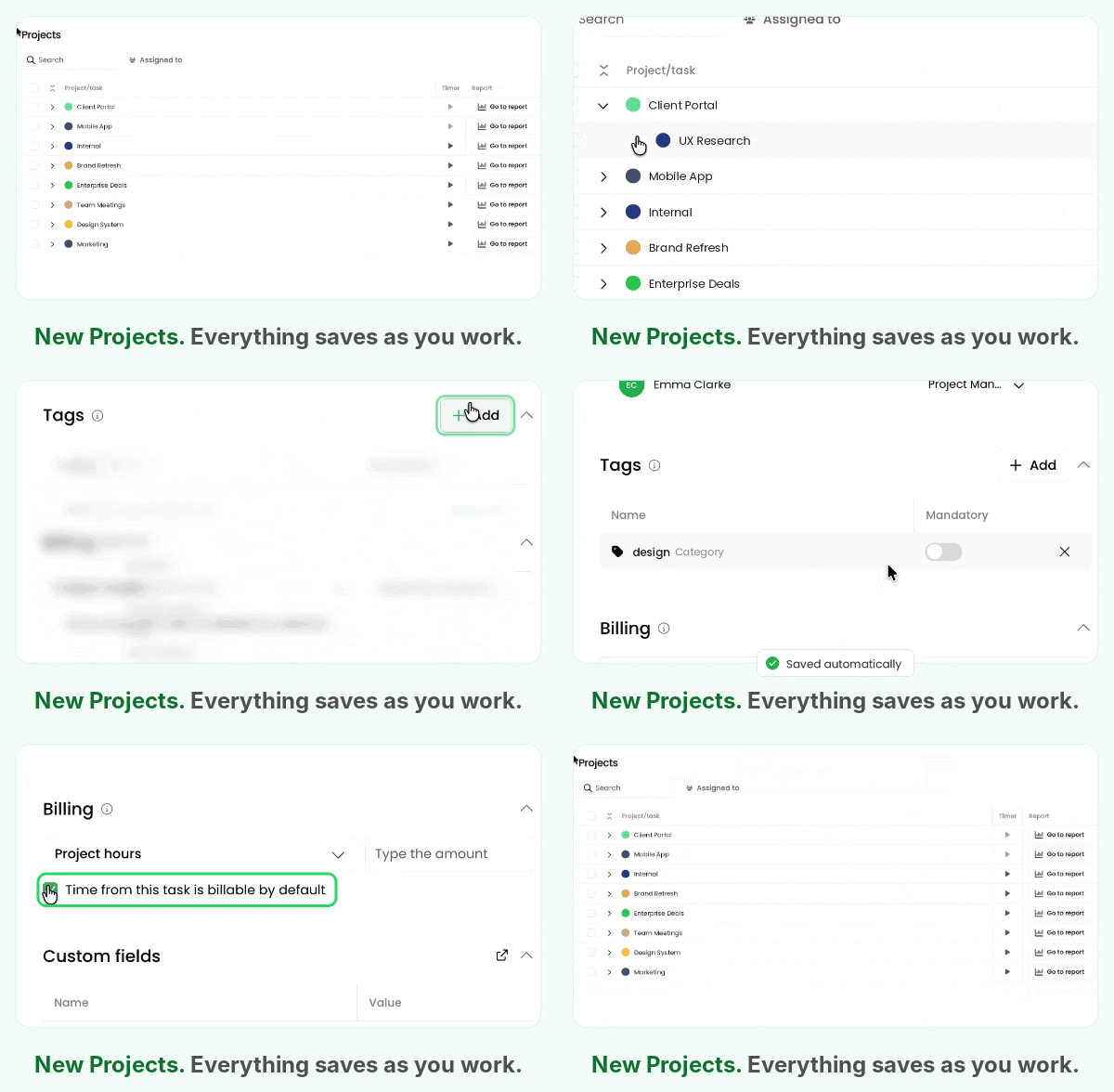
Updated project and task details in the side panel, with changes saving automatically - now available across all plans.
New project view: project and task details in the side panel, saved automatically
Go to projects →

New pivot table
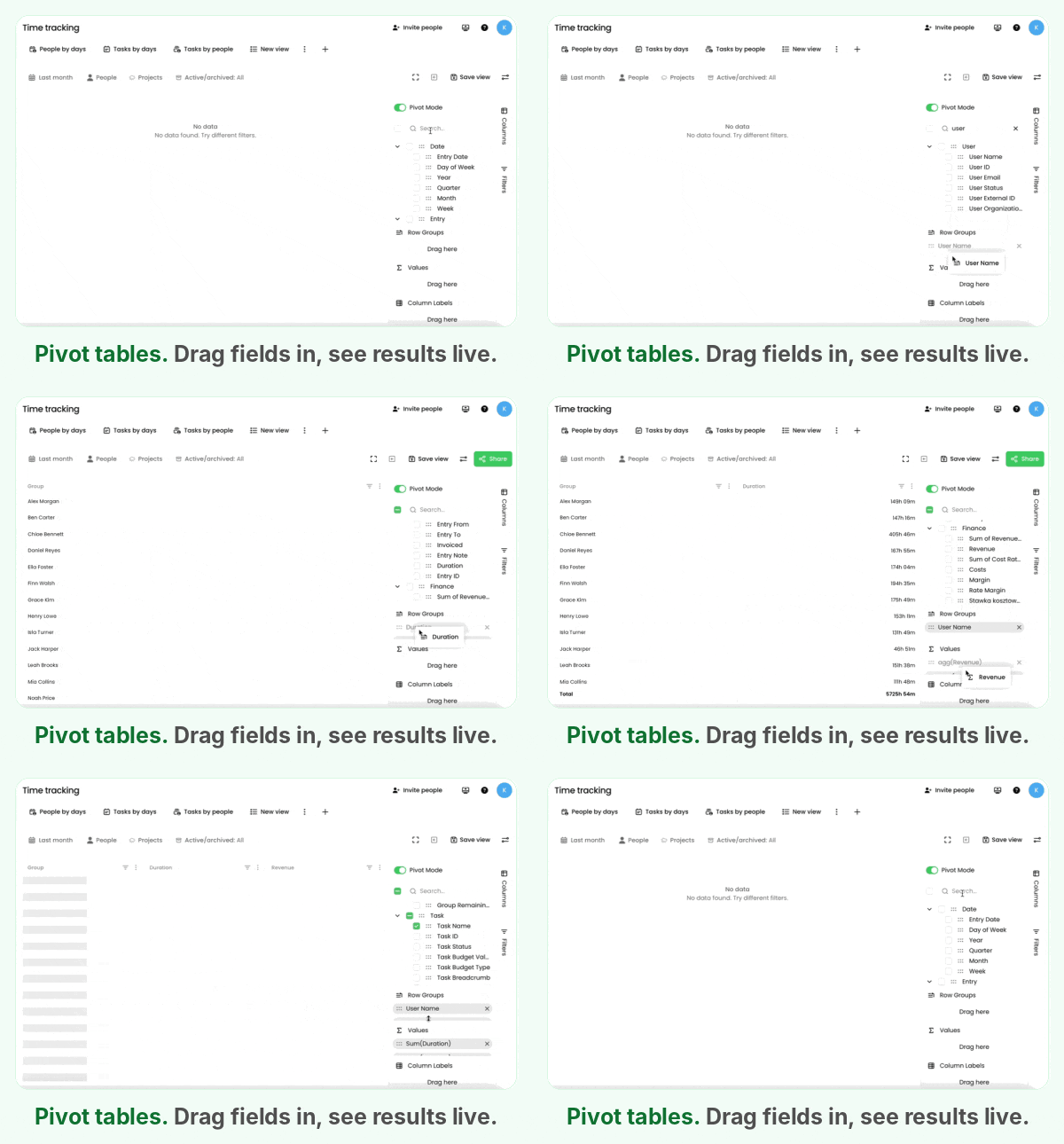
Build reports around your own needs. Analyze time records by person, project, task, activity category, and more. Save preferred views to reuse them later.
New pivot table: drag fields in and see results live
Build your own →

16 new reports in the marketplace
Compare project hours with budgets, costs, and margins; use the Invoiced Hours Funnel to see how recorded time moved through billable, approved, and invoiced stages. Browse the new dashboards in the More Reports tab of the main menu, without leaving TimeCamp!
Note: Availability depends on your enabled modules and permissions.
Open Reports and Dashboards →

Updated menu
Reports are now easier to find and browse. Open More Reports to enable additional analytics without leaving TimeCamp. Extra: the menu is now resizable!

Extended Data Export
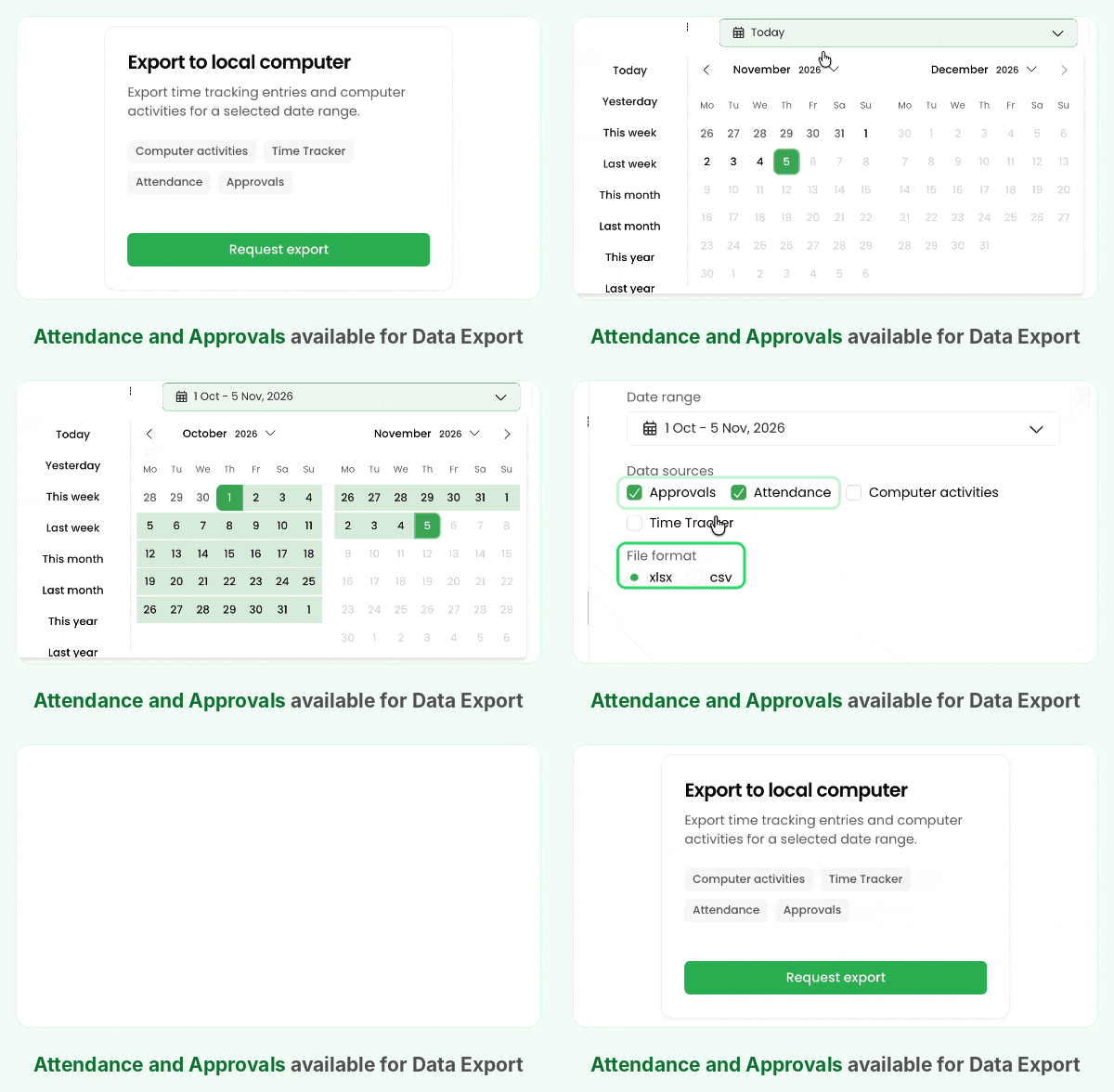
Data Export now includes attendance records and timesheet approvals with approval history. Bring these datasets into your external reporting alongside your other TimeCamp data.
Data Export: attendance and approvals are now available as data sources
Go to Data Export →

Questions or feedback? Hit the reply button or chat with us.
See you next time! 👋
Ola at TimeCamp
© TimeCamp Inc., 2026 • 440 N Barranca Ave, Covina, California 91723, US
Privacy Policy • Unsubscribe from product updates