|
Hey Taskleteers,
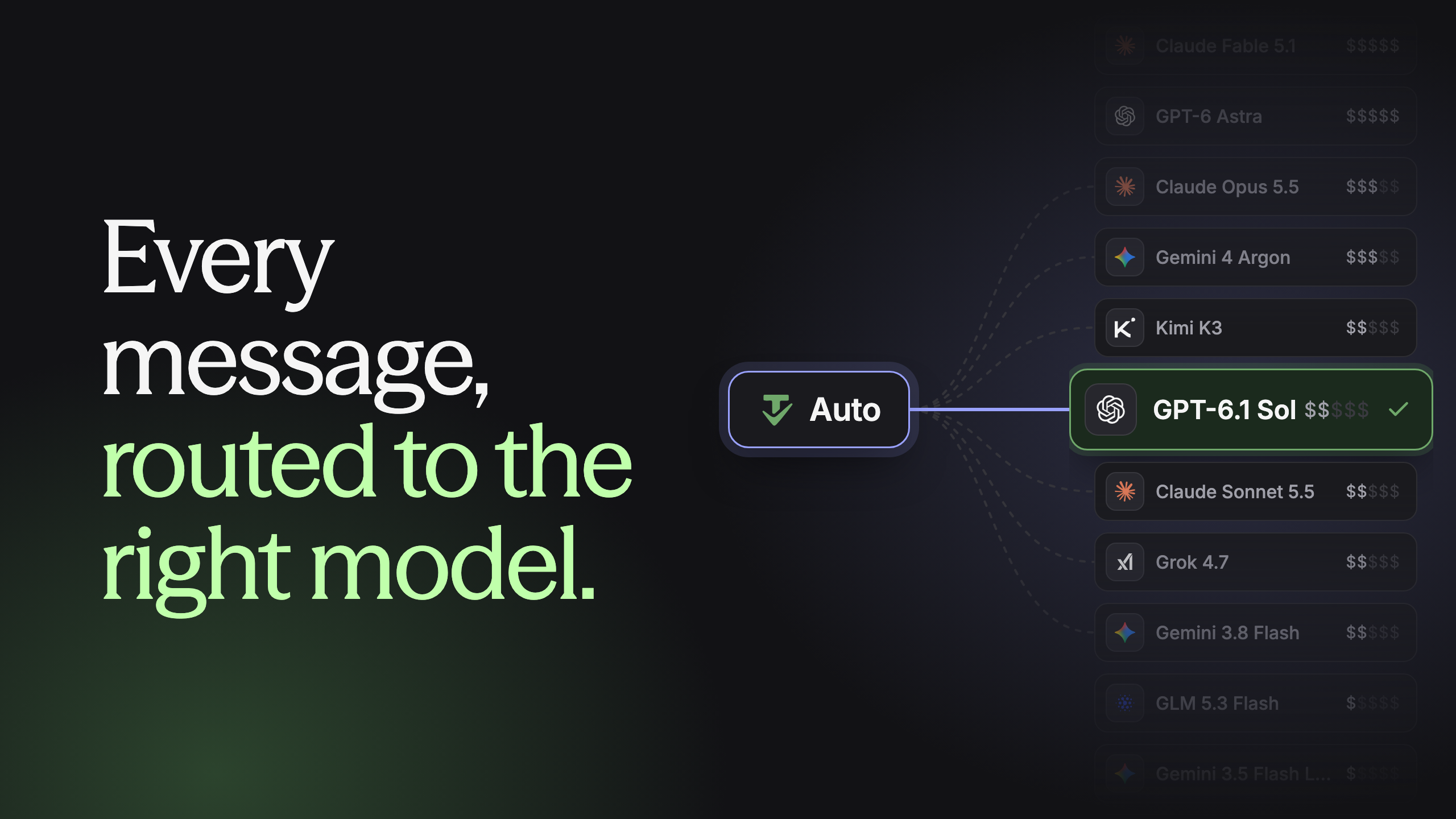
Today we’re launching Auto model routing,
available to all your Tasklet agents. We’re also launching
Ultrafast, so you can turn up the speed
when the work can’t wait.
It’s nearly impossible to keep track of all the model changes, so you either overpay for simple
tasks or get second-rate results on the work that matters most. Auto mode gives you the best model
for every task, automatically.
|
See how Auto mode and Ultrafast work →
|
|
✓
|
Best result, lowest cost. Use the model
that can handle each message well at the lowest price.
|
|
|
✓
|
Built on our testing. We're constantly
testing and evaluating models so you don't have to.
|
|
|
✓
|
Decided in an instant. A fast,
lightweight model chooses the best model for each message.
|
|
|
✓
|
Better over time. We keep improving
Auto mode and as the models get better, your agents do too.
|
|
|
✓
|
Moving quick? Go Ultrafast. Auto mode
picks the model, you pick the speed.
|
|
|
See how it works →
|
|
To make Auto your default:
-
Go to Settings → General (under My
account).
-
Set Default model to Auto.
|
|
Best,
Tyler Rockwood
Software Engineer
|
|
You’re receiving this because you signed up for Tasklet updates.
You can
unsubscribe from this list
at any time.
|