This month, start your videos with a lot more than a blank prompt.
Drop in ready-made scenes that match your brand. Answer setup questions upfront. Use any video as a style reference. And turn a webpage into a video with our Chrome Extension.
Why this matters: In our State of AI Video report, the #1 challenge marketers run into is still AI video that looks obviously AI-generated. The more of your own brand, footage, and style you bring in, the less generic your videos get.
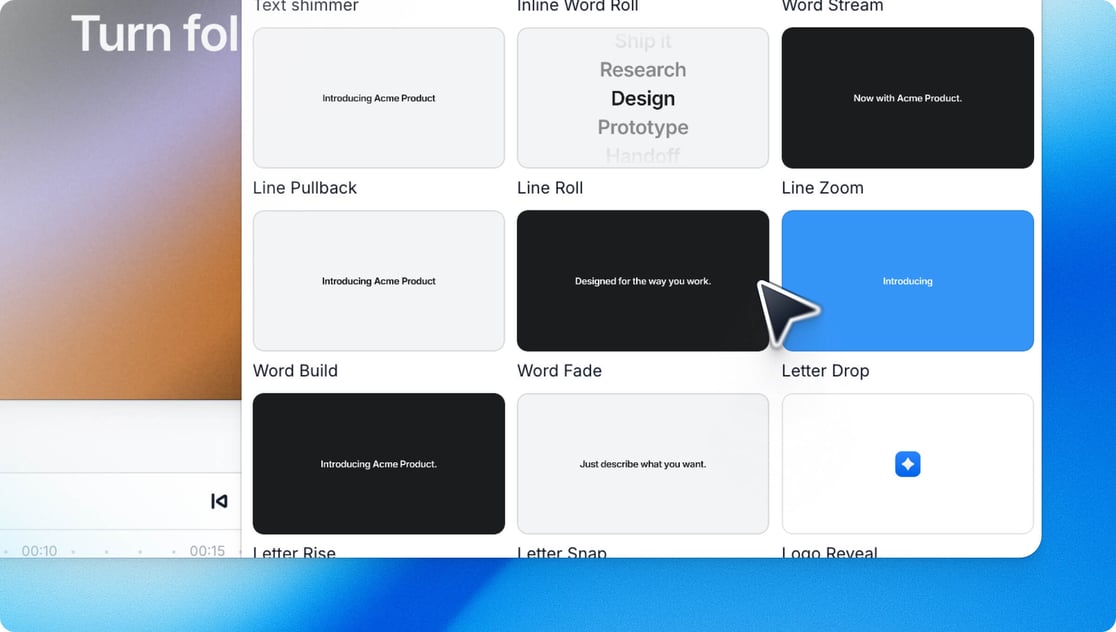
Hit the + button in your timeline to add a ready-made intro, logo reveal, text animation, or transition, already styled with your Brand Kit's colors, fonts, and logo. Edit it by hand or ask the AI.
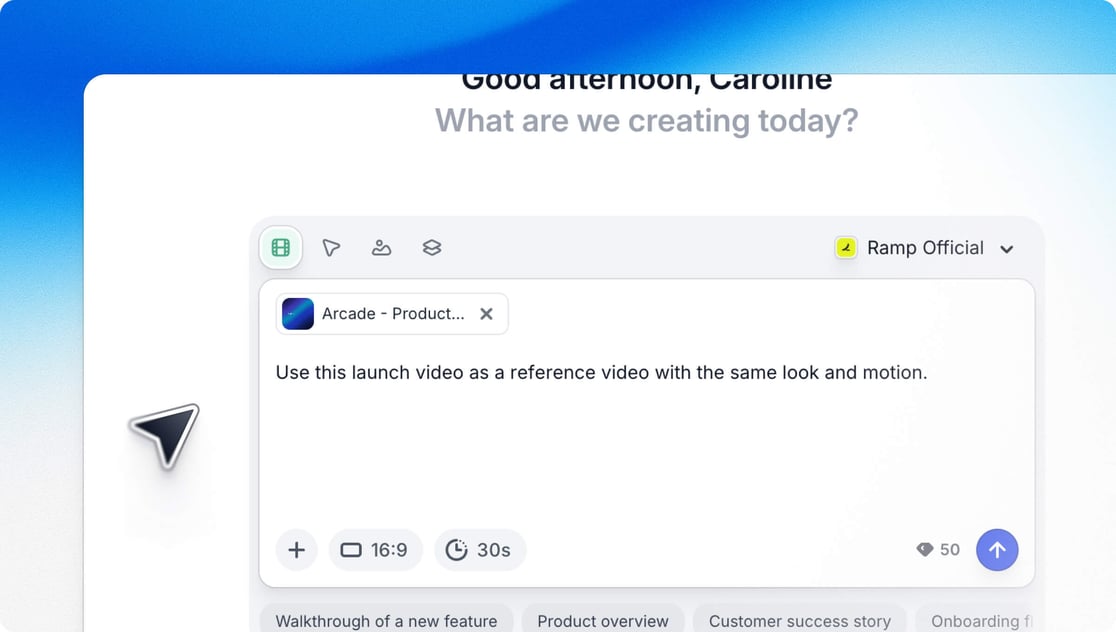
Want your next video to match the style of an existing one? Upload a file or pick any Arcade video, even a draft. Its pacing, transitions, and camera work carry straight into your new one.
Team effort by Aleks and Rich, with an assist from Boogie 👏
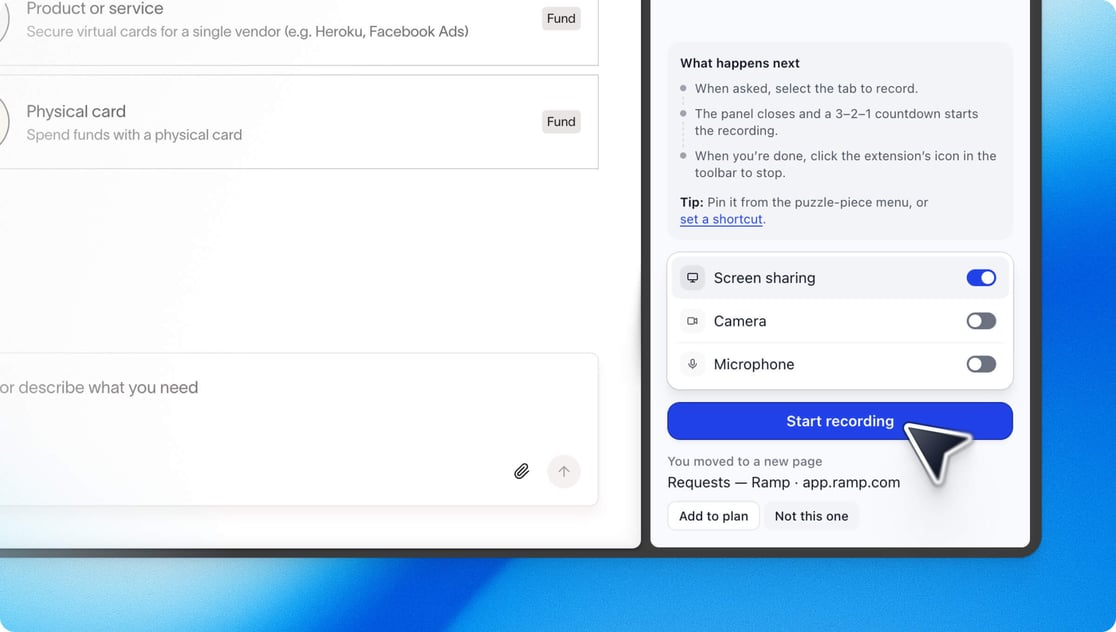
Turn any webpage into a video. The AI Video Chrome extension records your screen, adds camera and voice, and plans a video with you, all without leaving the tab. Give it a try and leave us a rating in the Chrome Web Store!
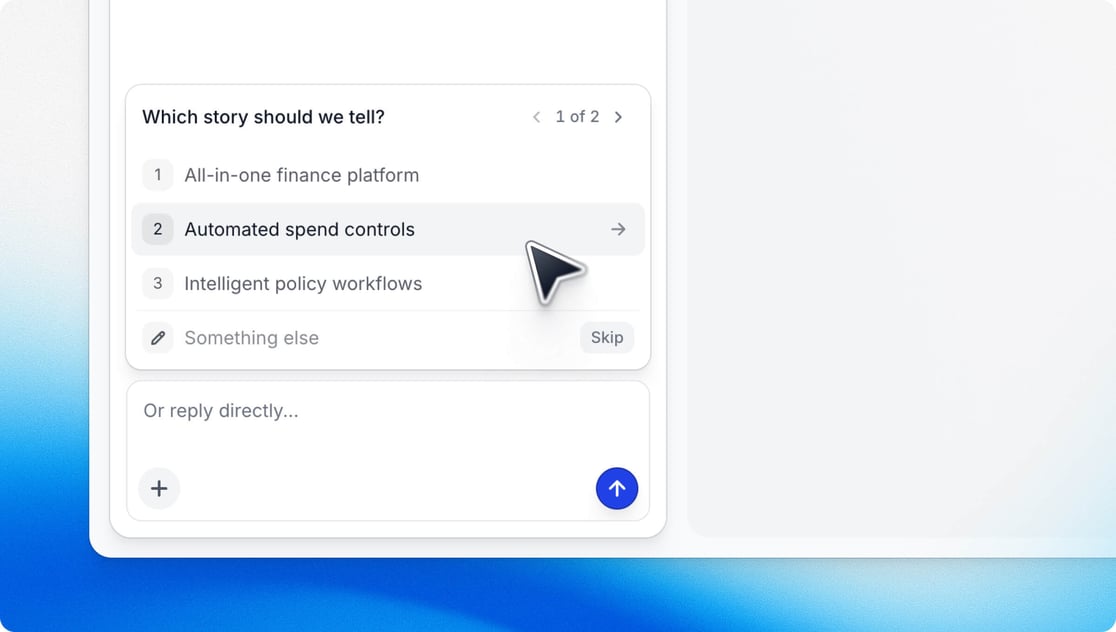
Before it starts building, Arcade asks a few quick questions about your story, audience, and tone, one card at a time. Tap an answer or type your own, so nothing important gets lost in the chat.
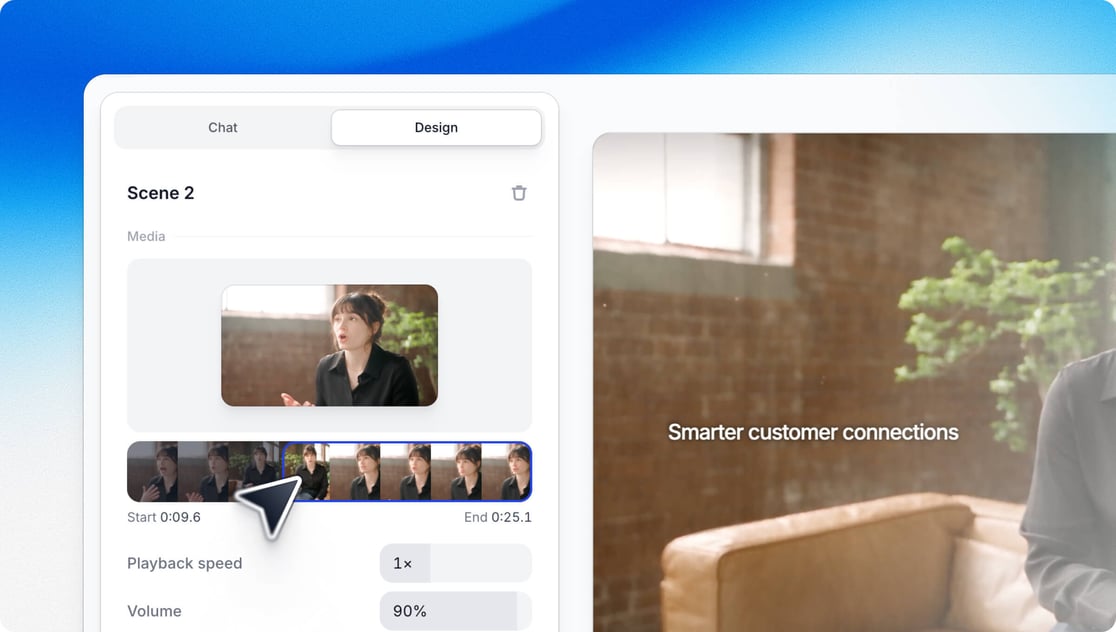
When your video includes footage, scrub to the moment a clip should start, set its speed, and turn on its original sound, right from the Design panel. Or just ask the AI to do it.
Another one from Raul 👏
✨ Other Improvements
Ask for a different narrator and hear up to three voices reading your script. Arcade remembers your pick.
Fix a mispronounced word right from the chat and save it to your Brand Kit
Uploaded clips of you talking can keep your own voice instead of narration
Copy any scene and paste it into another video
Highlight part of the AI's reply to respond to just that point, and paste screenshots straight into the composer
Existing Brand Kits suggest updates, like sharper colors and missing logo variants, that you can accept or reject
The agent now watches the videos it generates and fixes real problems before you see them
Agent edits land almost twice as fast, and you can watch the AI think while your first video builds
Arcade remembers more of your style preferences, and knows a passing reaction from a lasting rule
Videos pick up your brand colors as they build, and Brand Kit backgrounds render instantly from those colors
More polished layouts, and better b-roll when you reference a URL or an Arcade
API and MCP prompts can run up to 20,000 characters
🐛 Bug Fixes
A turn that times out now shows an error and keeps your credits
Video generation handles image-heavy prompts more smoothly
Exports keep your brand's actual fonts
Short stock clips near the end of a scene now export reliably
The video embed link is available in the export panel
Reordering a scene no longer cuts off a long voiceover
Trimmed-scene audio no longer carries into the next scene
Turning off captions no longer removes your on-screen headlines
Duplicating a video or restoring an earlier export works, even after lots of edits
Brand Kits capture your true logo and brand colors
A failed invite now tells you why
That's a wrap for September. The full list lives in the Arcade changelog.