SSO, switch between accounts, import with the API, and more.
͏ ͏ ͏ ͏ ͏ ͏ ͏ ͏ ͏ ͏ ͏ ͏ ͏ ͏ ͏ ͏ ͏ ͏ ͏ ͏ ͏ ͏ ͏ ͏ ͏ ͏ ͏ ͏ ͏ ͏ ͏ ͏ ͏ ͏ ͏ ͏ ͏ ͏ ͏ ͏ ͏ ͏ ͏ ͏ ͏ ͏ ͏ ͏ ͏ ͏ ͏ ͏ ͏ ͏ ͏ ͏ ͏ ͏ ͏ ͏ ͏ ͏ ͏ ͏ ͏ ͏ ͏ ͏ ͏ ͏ ͏ ͏ ͏ ͏ ͏ ͏ ͏ ͏ ͏ ͏ ͏ ͏ ͏ ͏ ͏ ͏ ͏ ͏ ͏ ͏ ͏ ͏ ͏ ͏ ͏ ͏ ͏ ͏ ͏ ͏ ͏ ͏ ͏ ͏ ͏ ͏ ͏ ͏ ͏ ͏ ͏ ͏ ͏ ͏ ͏ ͏ ͏ ͏ ͏ ͏ ͏ ͏ ͏ ͏ ͏ ͏ ͏ ͏ ͏ ͏ ͏ ͏ ͏ ͏ ͏ ͏ ͏ ͏ ͏ ͏ ͏ ͏ ͏ ͏ ͏ ͏ ͏ ͏ ͏ ͏ ͏ ͏ ͏ ͏ ͏ ͏ ͏ ͏ ͏ ͏ ͏ ͏ ͏ ͏ ͏ ͏ ͏ ͏ ͏ ͏ ͏ ͏ ͏ ͏ ͏ ͏ ͏ ͏ ͏ ͏
|
|
|
|
|
Hey [First name],
|
|
|
|
In September, we put extra time into performance and polish: dozens of improvements that make Circleback smoother every day. We also released SSO, account switching, meeting imports through the API, and more.
|
|
|
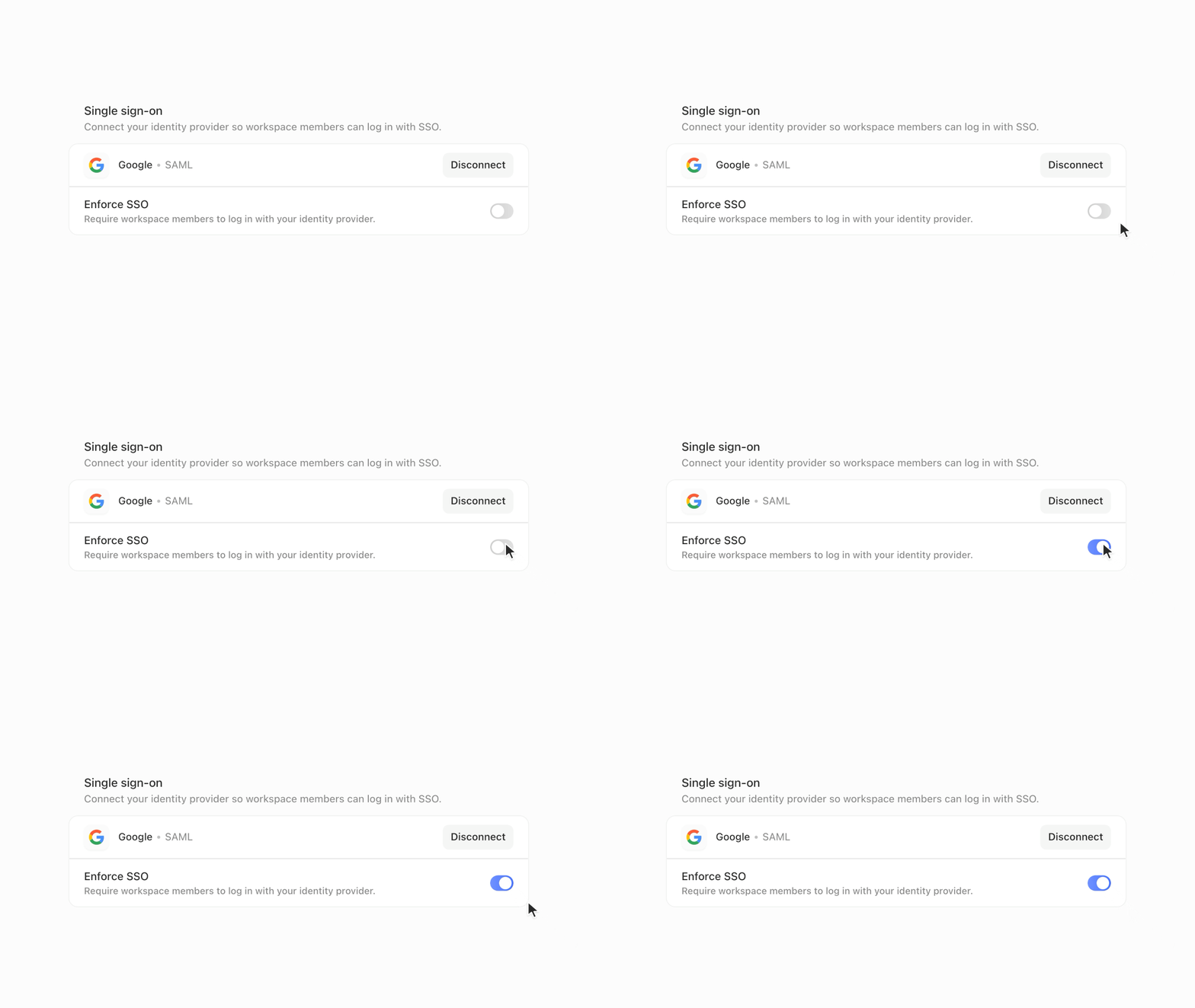
Single sign-on
|
Circleback now supports SSO. Connect Okta, Google Workspace, Microsoft Entra ID, or any SAML or OIDC provider. You can enforce it for your workspace, and use SCIM to manage members automatically.
|
|
|
|
|
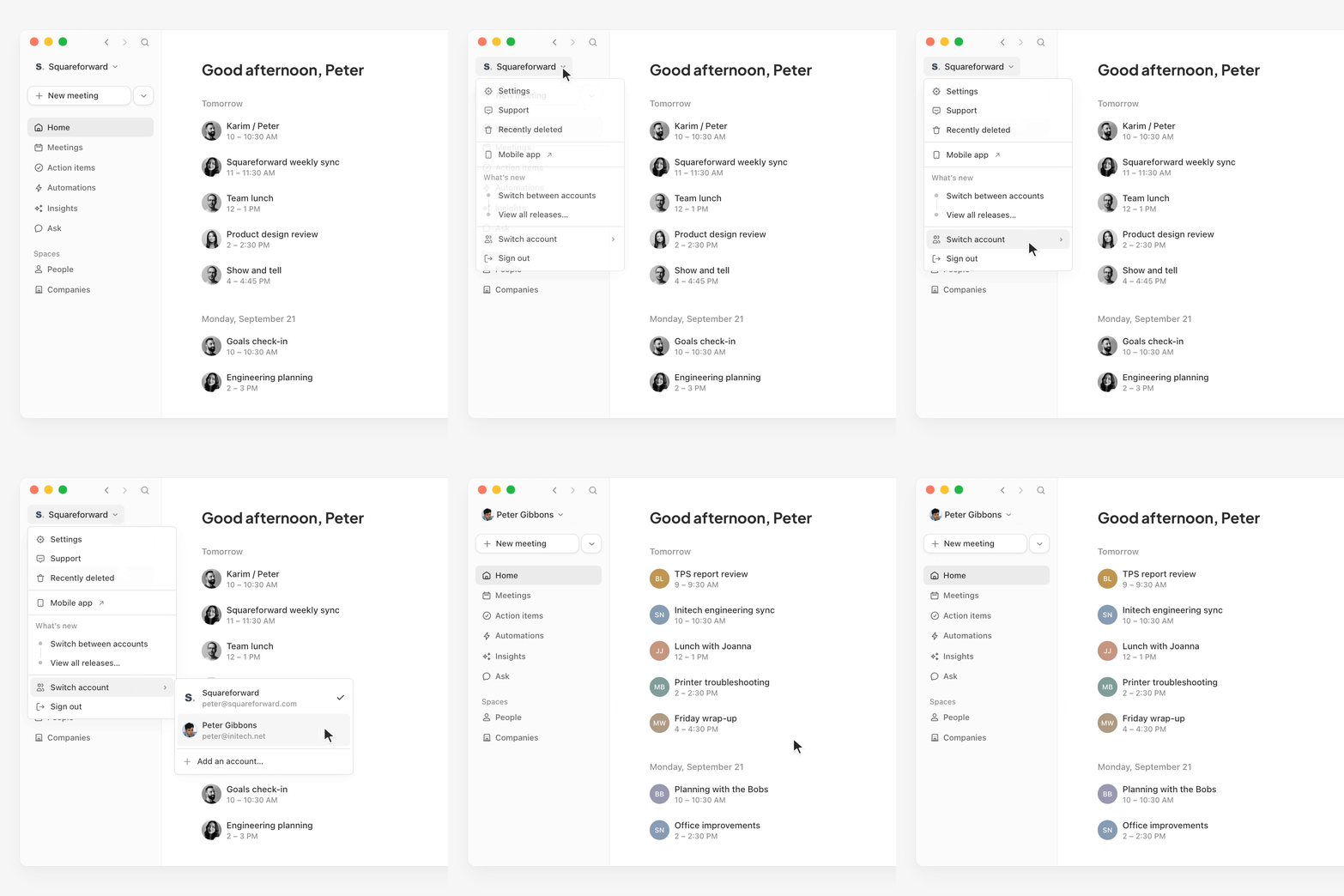
Switch between accounts
|
You can now add multiple Circleback accounts and switch between them. If you use one account for work and another for personal meetings, or you belong to workspaces under different email addresses, you no longer have to sign out and log back in each time.
|
|
|
|
|
Import meetings with the API
|
The API now lets you import meetings into Circleback. Send a meeting's name, date, attendees, notes, transcript, and who it's shared with. Imported meetings work like any other meeting. You can search them and ask questions about them.
|
|
|
|
We've also added imports from more apps. You can now bring past meetings over from Fathom, Fireflies, Granola, and Read AI, so switching to Circleback doesn't mean leaving your history behind.
|
|
|
Other releases
|
|
|
|
|
|
|
|
|
|
See you next month,
|
|
Ali
|
|
|
|
P.S. Want to use your keyboard more in Circleback? Press ⌘ / (or Ctrl / on Windows) to see the available keyboard shortcuts.
|
|
|
|
|
|
|
|
|
|