Let's get started! Here's a quick guide on how to go from nothing to building a super-relevant lead list with verified emails and/or mobile numbers!
Let’s dive directly into the first part - building that sweet list!
Step 1 - Build your contact list
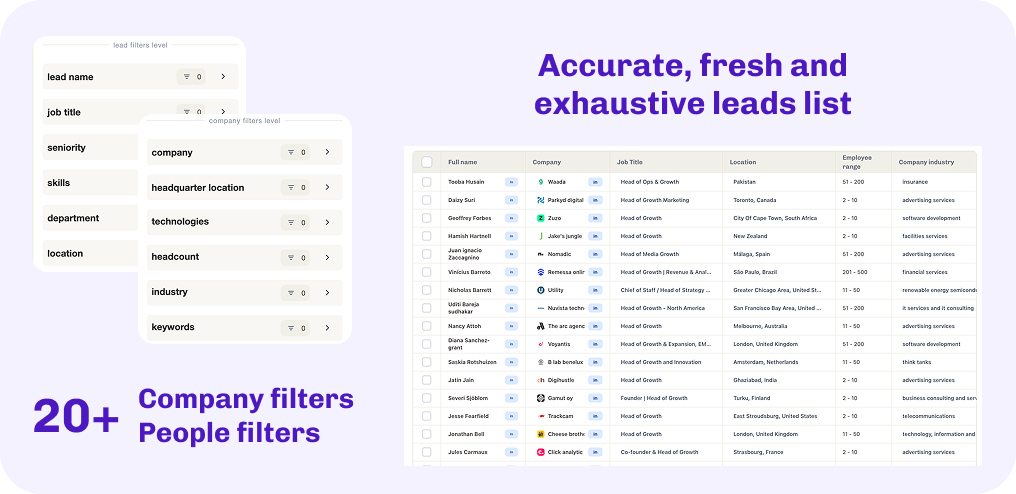
Open BetterContact, and head to the 'Lead Finder' tab. Now apply the filters that best match your needs & hit 'Run' - tada! Here is your relevant list of leads.
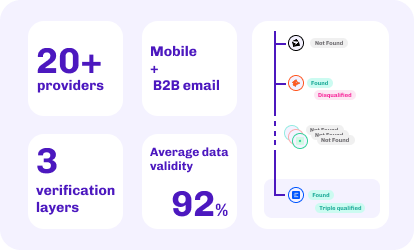
We aggregate over 20+ premium providers & use 4 validation layers to make sure that every email and mobile phone numbers is actually valid, and connects you to the right decision maker. Just select if you want either, or both.
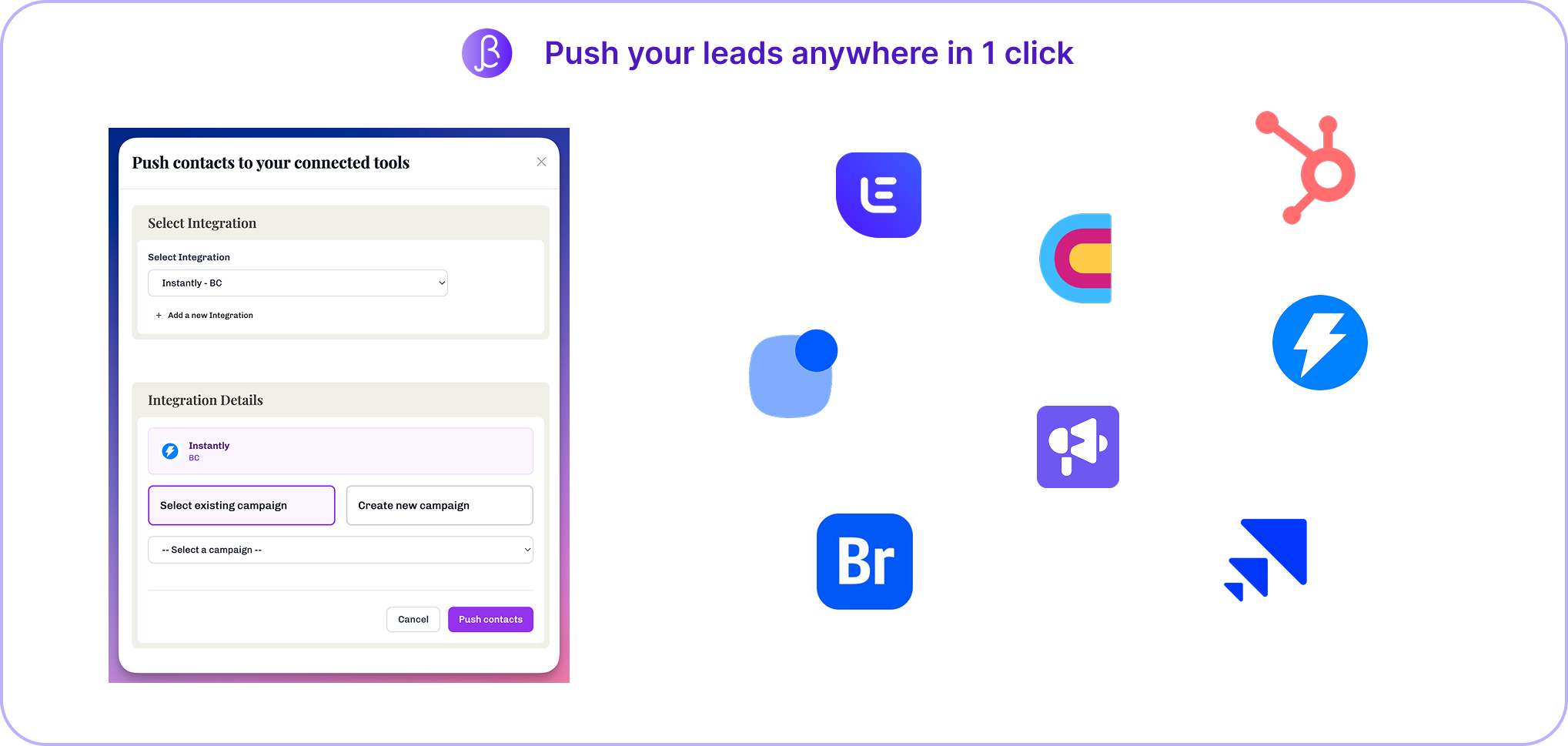
We want you to have it easy. That's why we partnered with the most popular tools (CRMs, outbound sequencers etc.) in the space to build a direct connection between each other. Just click the button and we'll safely transfer your data over.