|
|
|
|
|
|
|
|
|
|
|
|
|
Hey there,
|
|
|
Welcome back to your Upsolve AI newsletter! Your agent now answers faster and from better context. This issue makes sure those answers don't vanish into chat history once the conversation ends.
|
|
TL;DR
|
-
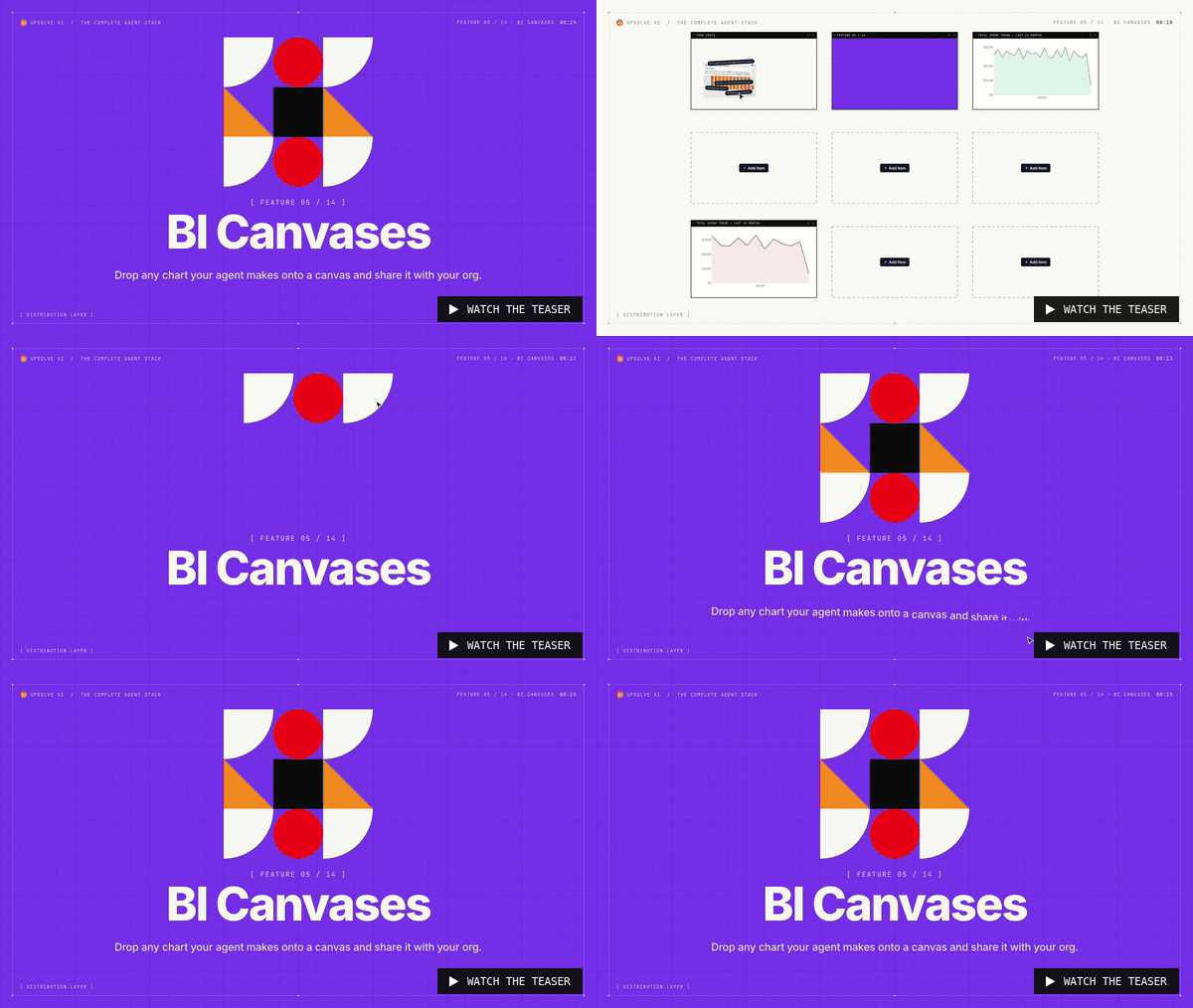
Favourite any chart your agent makes, and it keeps the full conversation behind it.
|
-
Drag favourites onto a canvas and share it with your organisation.
|
-
Teammates can fork the conversation behind any chart and keep digging.
|
|
|
📊 Turn agent answers into dashboards your team shares.
|
|
Chat answers get buried in history, so nobody can revisit or reuse them. A screenshot of a chart loses the question and the context behind it, which means teams can't build on each other's analysis without starting over.
|
|
|
🛠️ How it works
|
|
|
-
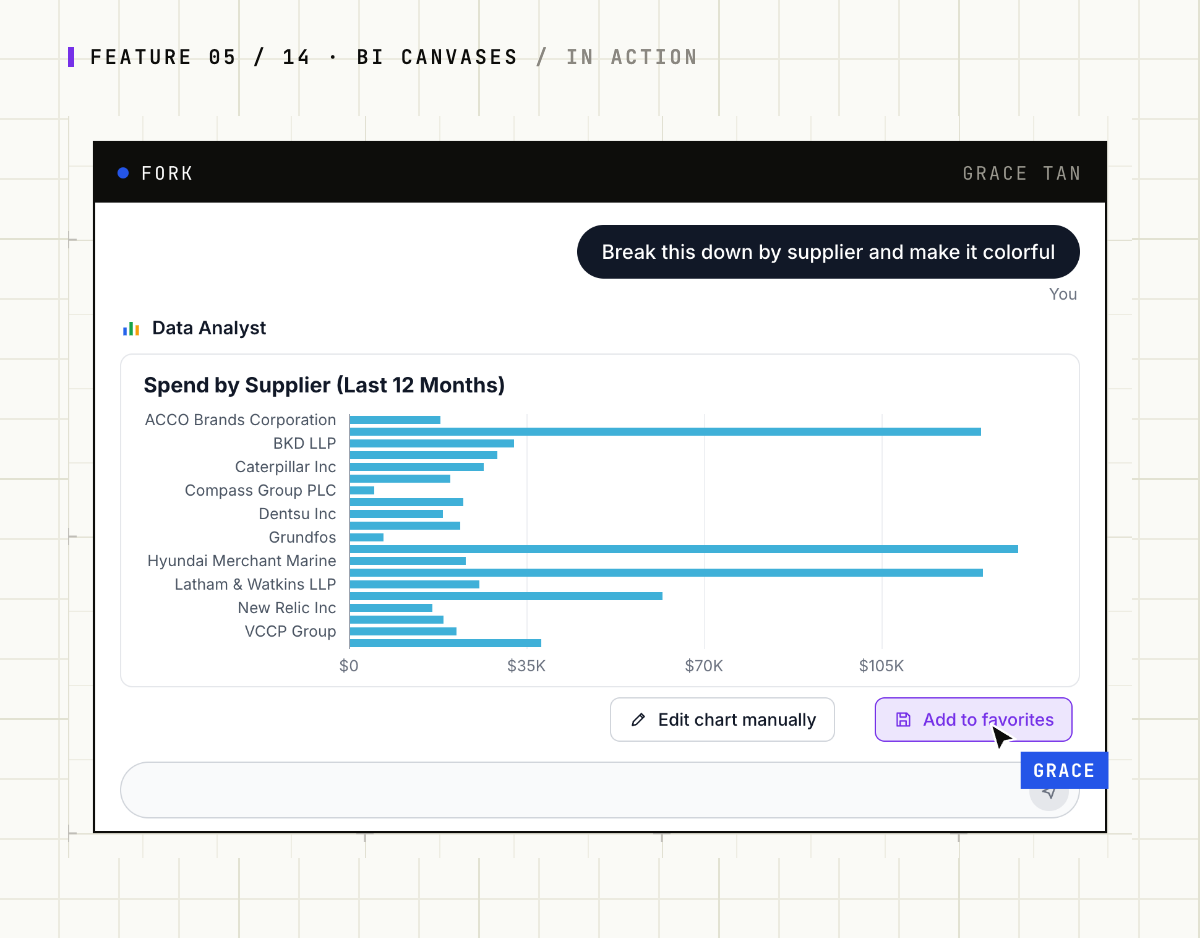
Favourite. Save any chart. It keeps the full conversation, so you can reopen it and continue.
|
-
Arrange. Drag favourites onto a canvas, resize and position them, and save versions.
|
-
Share and fork. Share with your organisation or publish a read-only snapshot, and teammates can fork the chat behind any chart.
|
|
|
|
|
|
|
|
|
📦 What's included
|
|
|
-
Favourites with history: every saved chart links back to the conversation that made it.
|
-
Drag-and-drop canvases: build a board from charts created over weeks of analysis.
|
-
Forkable conversations: pick up a teammate's analysis and drill further in your own thread.
|
-
Snapshot or live: snapshots show what the creator saw, and live views re-run under each viewer's permissions.
|
|
|
🚀 Try it
|
|
|
|
Already a customer? BI Canvases are live in your workspace. Favourite three charts from this week's questions and put them on your first canvas.
|
|
|
|
|
|
Next issue: Observability, so you can see every step your data agent took and fix it.
|
|
Questions? Reply to this email or reach us at kaling@upsolve.ai
|
|
|
|
|
|
|
|
Building the future of data-intelligent AI,
|
|
The Upsolve Team
|
|
|
|
|
|
The conduit between data and decisions
|
|
|
|
|
|
|
|
|
Stay tuned for more exciting updates, customer stories, and news from us!
- Team Upsolve AI
|
|
|
|
|