Hey [First name] [First name],
Jordan from Superwall here 👋
This week, Superwall comes to the Mac! Native macOS apps can now show paywalls, run purchases and open the Customer Center. Plus, you can set up Apple's retention messaging yourself, the Superwall plugin lands in ChatGPT and Codex, and we're in Berlin this week.
Here's what you need to know:
🖥️ Superwall, now on the Mac
First up, native macOS support! Woohoo! If you've shipped a Mac app alongside your iPhone app, you've probably had to build its paywall some other way. Not anymore!
iOS SDK 4.19.0 brings Superwall to native AppKit and SwiftUI Mac apps on macOS 12 and later. That means paywalls, embedded paywall views, purchases, the Customer Center and Test Mode, all with the same configure and register calls you already use on iOS. There's even a Mac example app in the repo to start from.
A couple of things to know:
- Install: Add SuperwallKit 4.19.0 or later with Swift Package Manager.
- Sandboxed apps: Turn on Outgoing Connections (Client) so paywalls can load.
- Not Catalyst: This is pure native Mac support, separate from running your iPhone app on a Mac.
And if you build for the Apple Watch or Apple TV, 4.19.1 adds watchOS 8+ and tvOS 15+ support for purchases, entitlements and events through Swift Package Manager (paywalls don't show on those platforms, though).
🔁 Retention messaging is now self-serve
Next up, Apple's retention messaging. It lets you pick the message someone sees on the App Store's cancellation screen right after they tap Cancel Subscription, like a reminder of what they'd lose or an offer to switch plans.
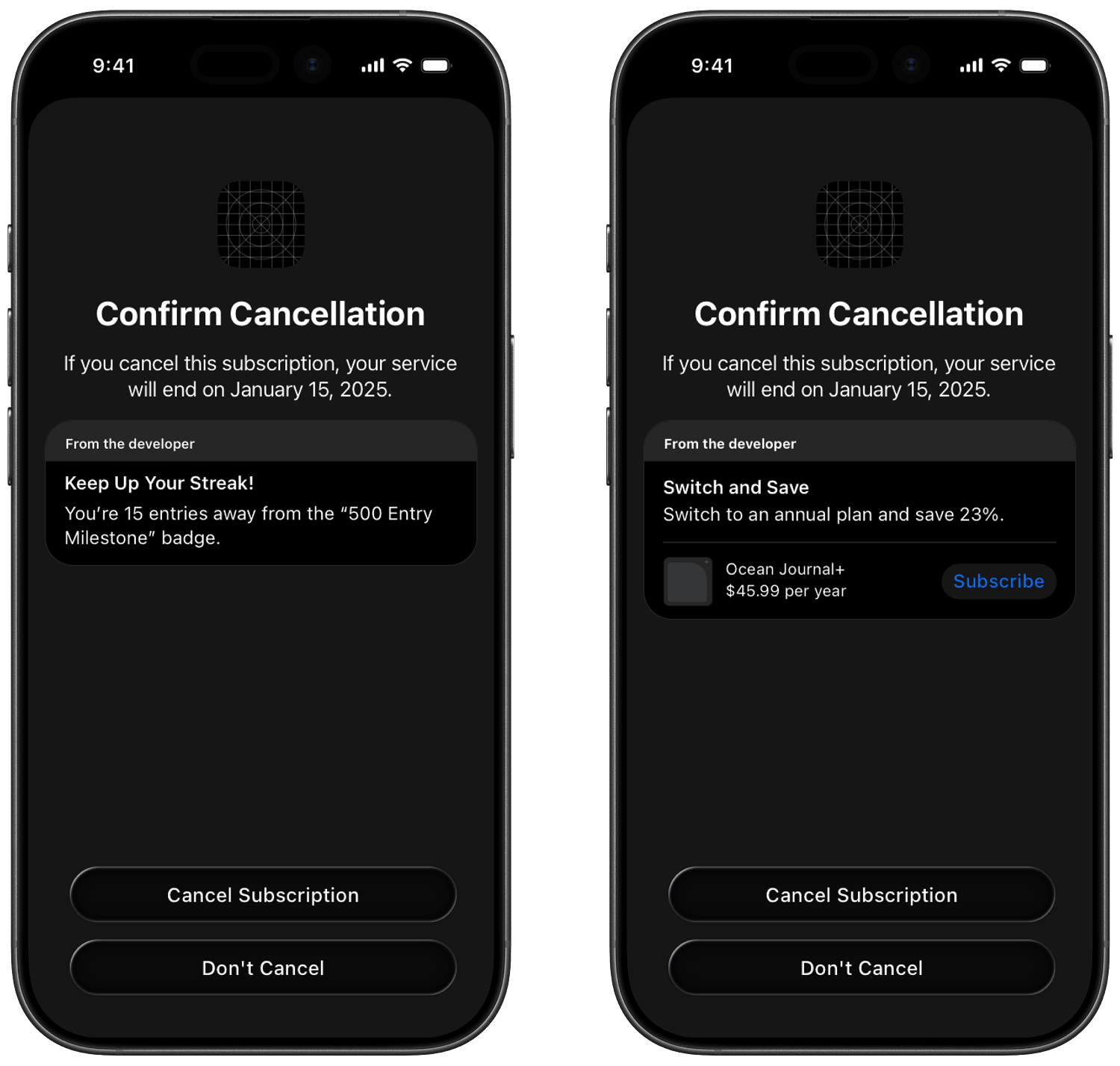
Until now, turning it on in Superwall meant going through our support team. Now you can do the whole thing yourself from the Retention messaging page (Apple still has to approve your app for the API first - which then lets you run A/B tests). And if you already had messages set up, a new import flow moves them into a campaign for you, with a preview before anything changes.
📖 Read the retention messaging docs
Want to see it live? That's exactly what we're covering at App Growth LIVE on November 19 (more below).
🤖 Superwall in ChatGPT and Codex
The Superwall plugin is now in ChatGPT's plugin directory, and the same install works in Codex, including the Codex CLI. Your agent gets the full Superwall MCP (apps, products, campaigns, paywalls, analytics and more) plus our skills for integrating the SDK and editing paywalls. So whatever agent you use, it can work on your monetization with you.
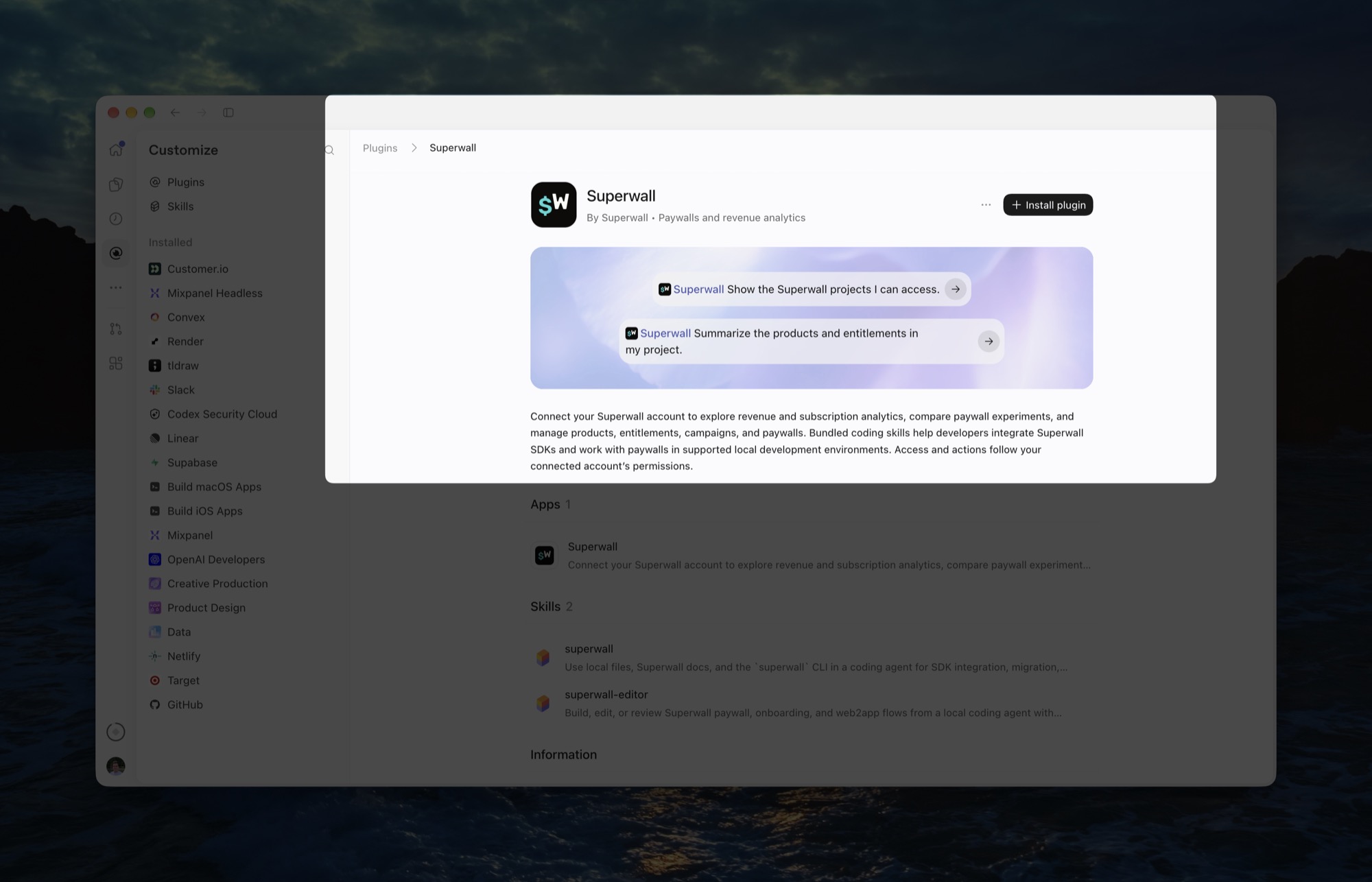
📖 Install the Superwall plugin
🛠️ A few smaller updates
- Active Trials chart: See how many trials are in progress, and how many are still set to convert.
- Custom products on iOS: In 4.19.0, paywalls can sell custom store products through the checkout you set up on the dashboard, no PurchaseController required.
- Custom products on Android: Android 2.10.0 fixes buying custom products from a paywall, and the new entitlements show up right away.
- No surprise trials: Apps without a PurchaseController on Android 2.10.1 no longer put users on a free trial when the paywall shows a full-price product.
- Paywall notes: Leave searchable markdown notes on paywalls and audiences, like why an experiment exists. They're in the API too.
- RevenueCat users: Revenue tracking now runs through a RevenueCat webhook, which is quicker, faster and easier set up.
💡 Tip: Make your buy button feel good to tap. In the paywall editor, open any element's tap behavior and pick a haptic from the Haptics dropdown. Try Success on your purchase button and Light on plan toggles. It's a tiny detail, but it makes a paywall feel like part of your app instead of a web page, and you don't need to touch your app's code. Check out the haptics guide for every option.
📆 Retention messaging live, Berlin, Montreal and a holiday party
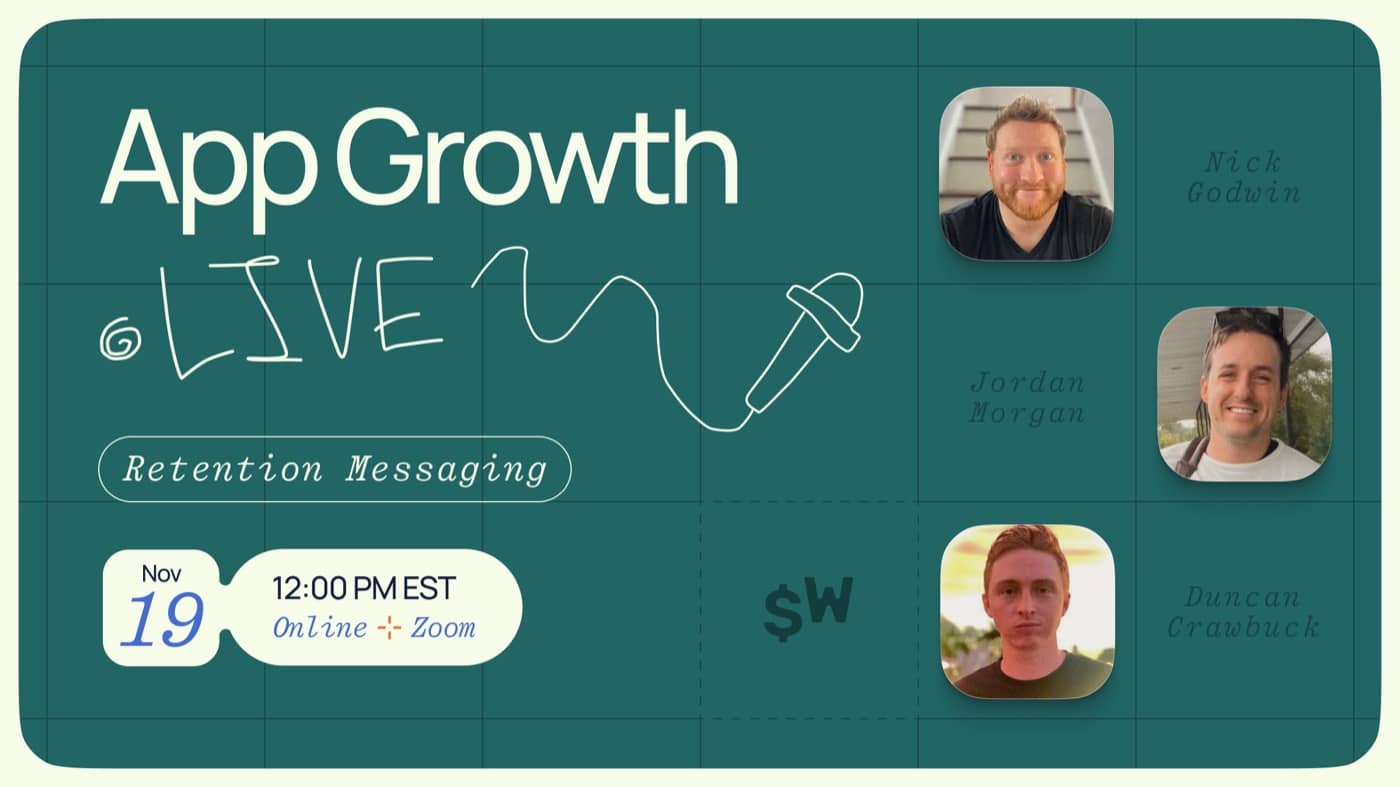
📺 App Growth LIVE: Retention Messaging, Thursday, Nov 19 at 12 PM ET
Someone just tapped "cancel." What do you show them next? We'll cover what converts right before churn and build a retention messaging experiment live in Superwall, now available to everyone. Then live paywall teardowns and Q&A. Save your seat.
🐻 Last call: Berlin, this week, Nov 11 to 13
Jake's keynote, From Ad to Paywall by Agents, at Business of Apps Berlin, then Booth #18 for a paywall review and a bear sticker. Grab time with the team.
Landing early? The App Founders Dinner with Phiture is tomorrow night. Request a seat.

🍁 Montreal, Nov 19
Our first happy hour in Montreal, drinks on us, co-hosted with AppCap. Request to join.

🎄 Save the date: Dec 10, New York
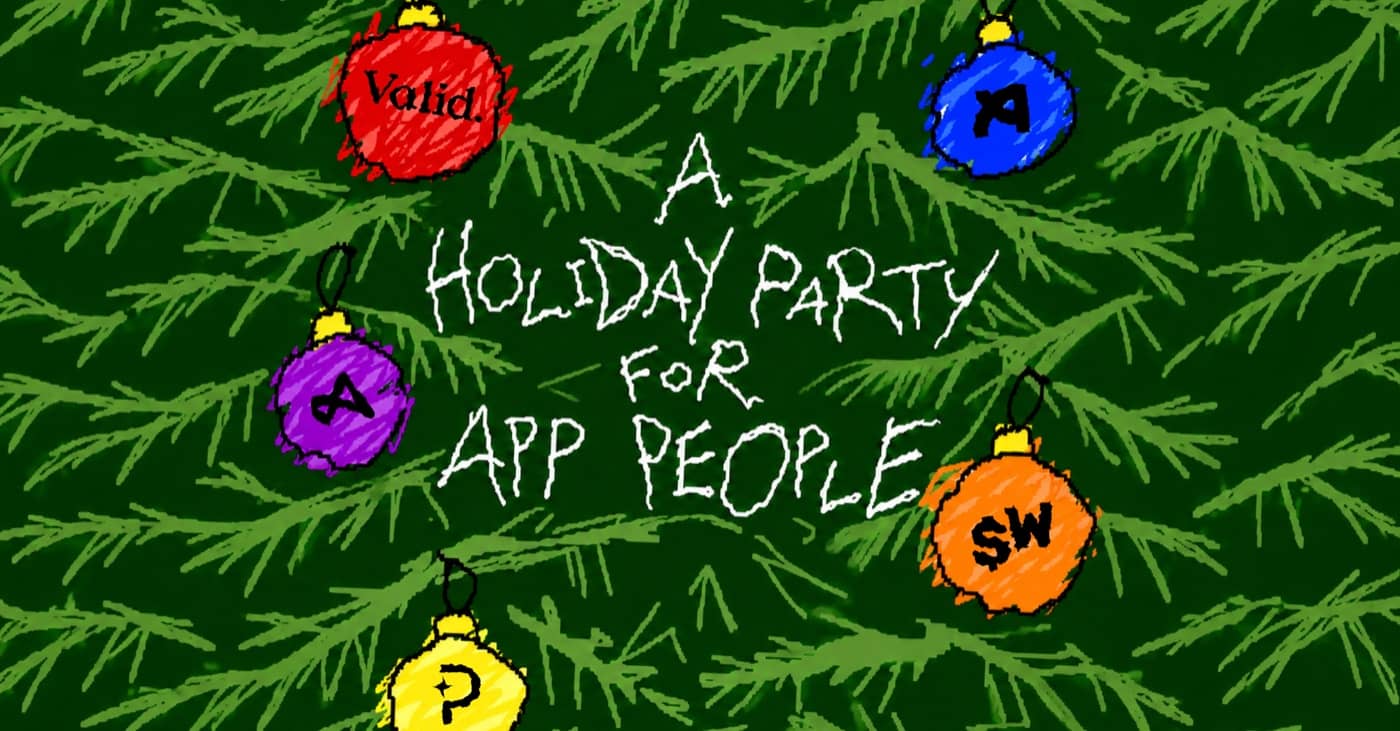
Superwall's holiday party is coming to NYC. Ship your paywall tests early and block the evening. Request an invite.
❤️ Superlove
Finally, Felippe went from sign up to his first paywall in five minutes:
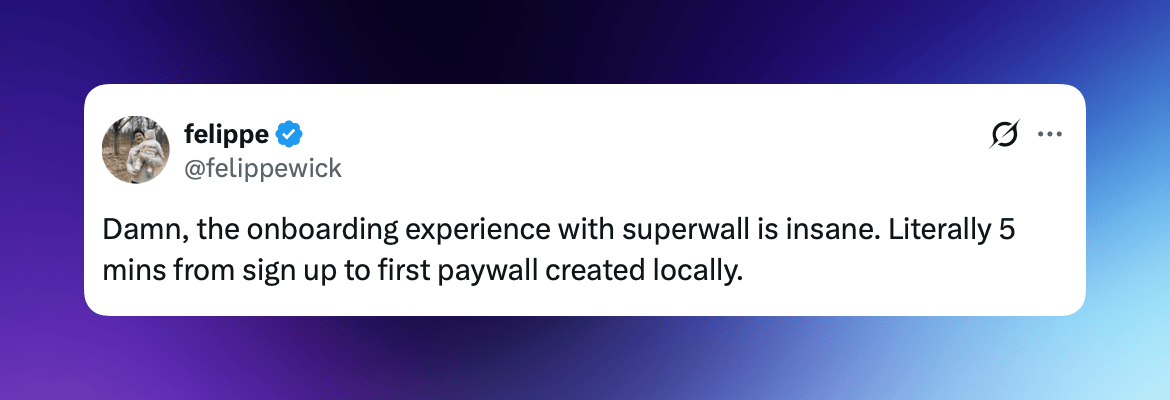
Five minutes! Thanks, Felippe 🫡
That's all for this week! As always, feel free to reply back and I'll be happy to help!
- Jordan
©2026 Superwall
This landed in you@example.com because you signed up for Superwall. If you'd rather not get these emails, you can unsubscribe here.


