We've got interesting updates for you this month. We've been working pretty hard to make Colossyan better for your team. Here's what’s new in October:
PRODUCT UPDATE
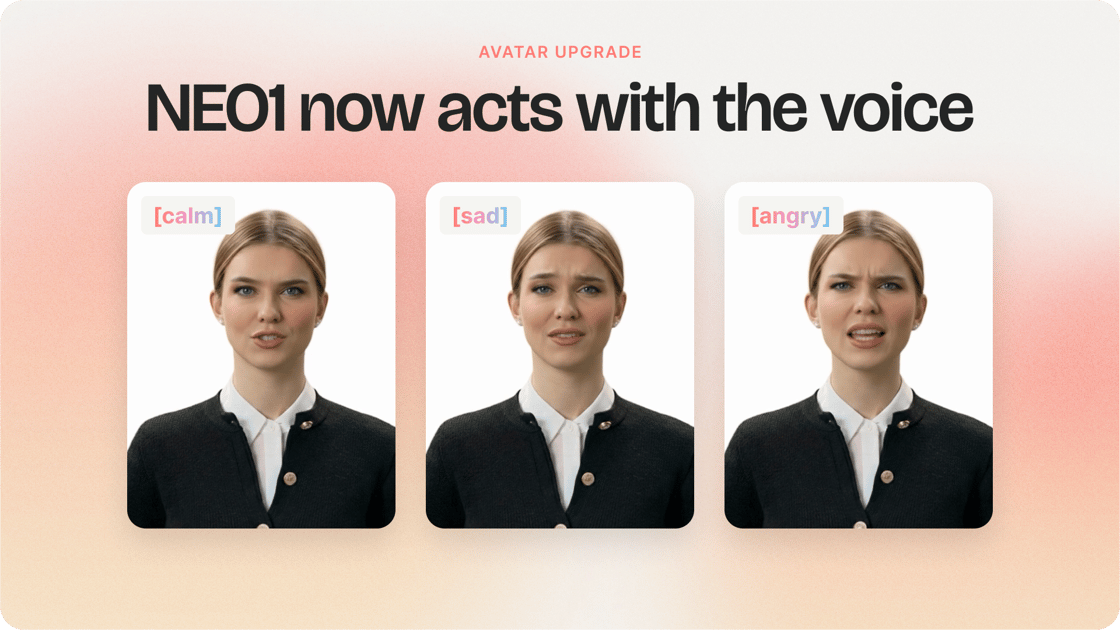
NEO1 just got more expressive
Your NEO1 avatars now act with the voice. When a line warms up, the face warms up too. They also look more lifelike and move their heads more naturally.
NEO1 remains our fastest model, ideal for videos using shoulder or bubble view.
What's more? The update is automatic, available at no extra cost, and applies to custom avatars too.
Create interactive software walkthroughs that help learners practice tasks, not just watch how they're done.
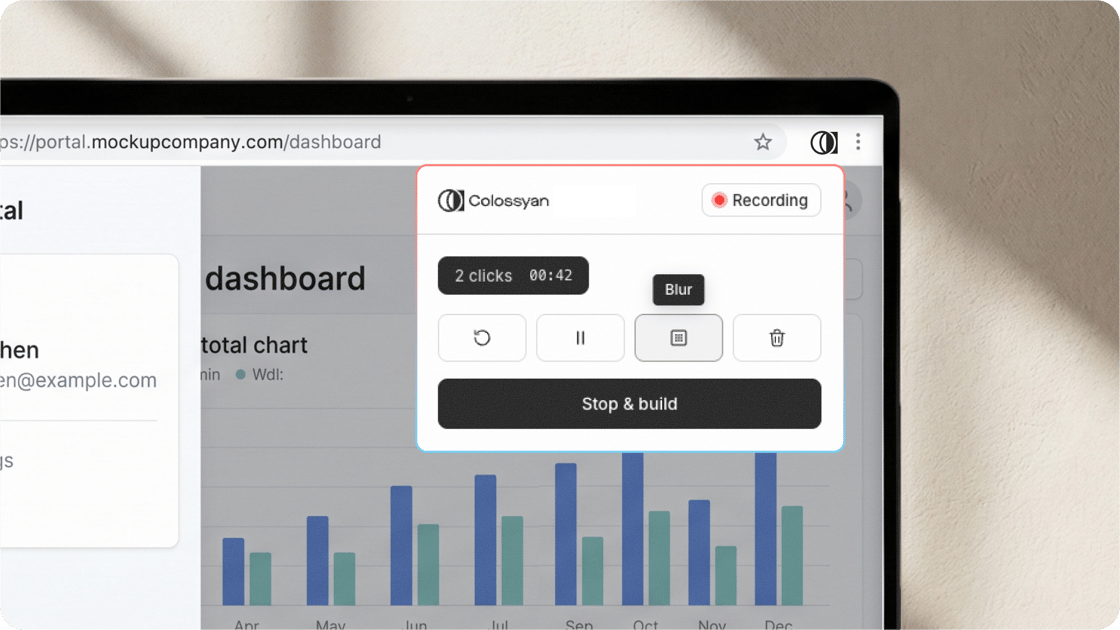
Simply open a web app in Chrome or Edge, start recording, and click through a task while explaining each step. Every screen and click is captured automatically, your narration becomes the script, and each click becomes an interactive step learners must complete to progress.
Instead of passively watching a tutorial, learners follow along, click through each step, and learn by doing.
Once recorded, you can edit individual scenes, blur sensitive information, and review everything before publishing.
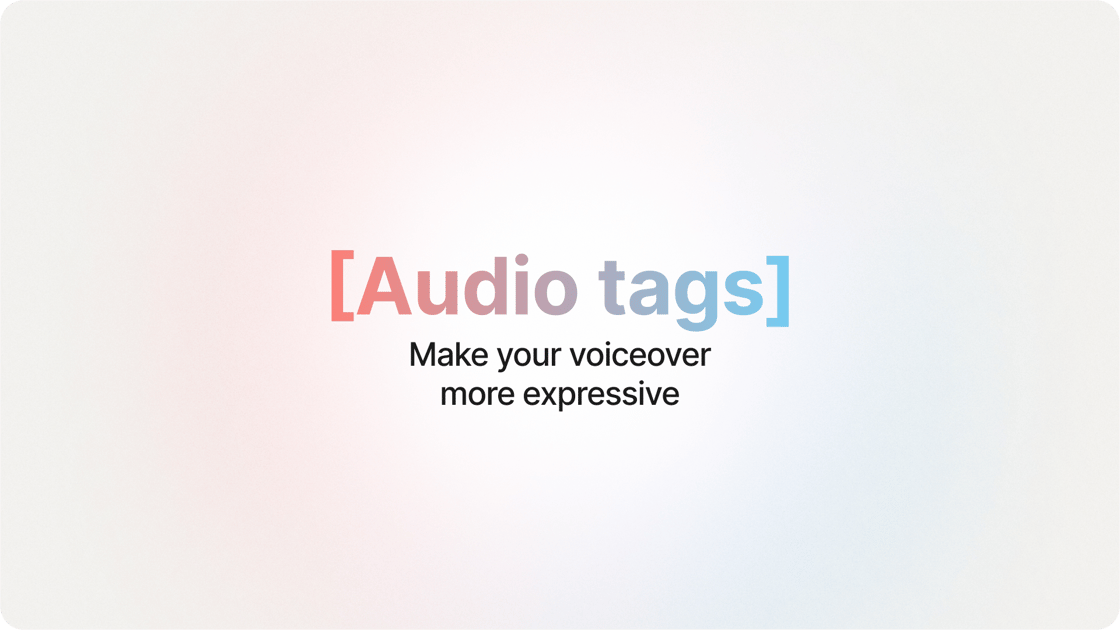
Make your videos sound more natural with greater control over how each line is delivered. Simply add a cue in square brackets before a line to guide the voice's tone and expression. For example:
[warmly] Welcome to the team.
[reassuringly] You don't need to memorize all of this today.
[with emphasis] This part matters.
The cues won't be spoken aloud, and there's no fixed list to learn. Just describe how you want the line delivered, as you would to a real presenter.
To get started, select a voice labelled "Audio tags" in the voice selector. For the most natural results, use subtle cues and preview your delivery before publishing.
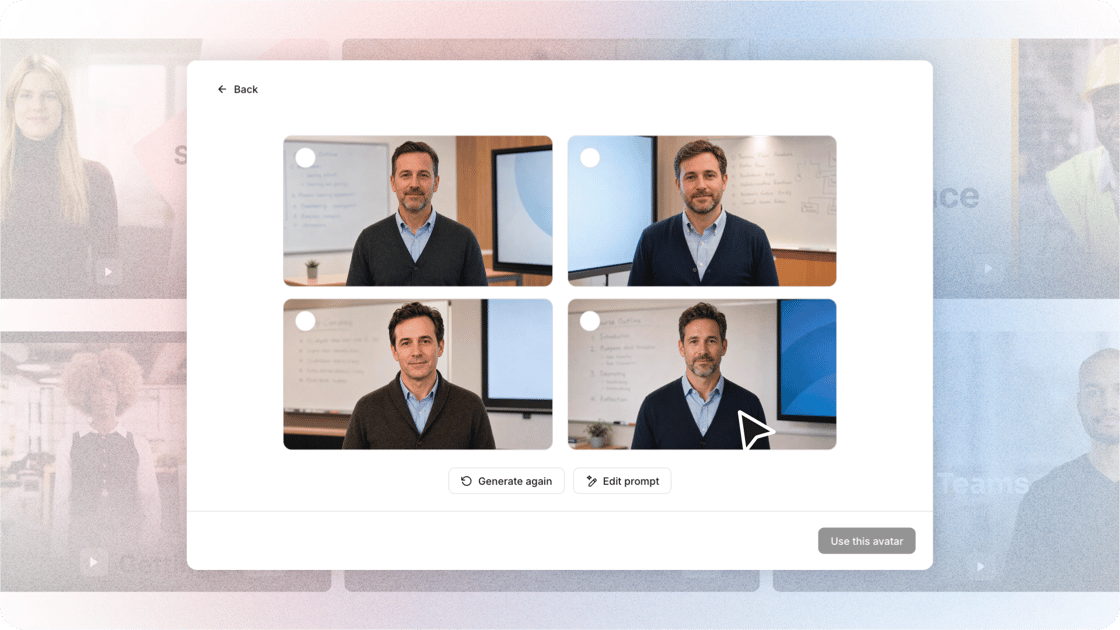
Describe the person and the space they’re standing in, and Avatar Studio builds them: an original presenter, invented for your video, with four options to choose from.
Keep the one that fits, or refine the prompt and try again. Make them yours with your brand kit: put your logo on their clothing or in the background, and dress them in your brand colors. If you want an illustrated character, just say so in the description.
From a warehouse supervisor by a loading bay to a pharmacist behind the counter, you stay in control of what gets generated and what makes the final cut.
How FORVIA HELLA's experts make their own training videos
FORVIA HELLA, the automotive supplier with around 34,000 people worldwide, gave its engineering experts a way to create and update training videos themselves. Experts now make short explainers, guideline summaries and software demos, while e-learning designers focus on complex projects.
For suitable content updates, turnaround dropped from up to two weeks to around two days. Topic coverage grew by 50%, and teams across six countries now create and collaborate in one place.
"Colossyan has helped us establish a flexible model where experts can contribute directly, while e-learning designers focus on more complex learning projects." Dr. Malte Ortgiese, Head of Global Engineering Academy Electronics, FORVIA HELLA
Toolkit in the app. The course design and SCORM tools now live in the left navigation, next to your library. Open a course outline straight into Colossyan.
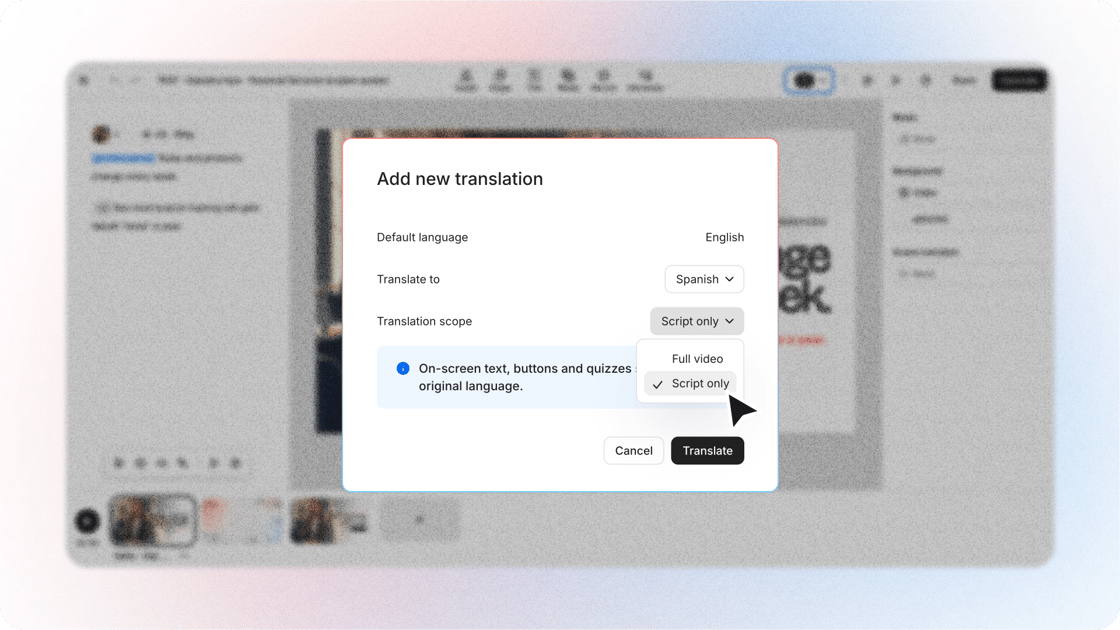
Translate the script only. When you create a language variant, translate what the video says and keep on-screen text, buttons and quizzes as they are. Ideal for software walkthroughs.
Find and replace. Ctrl+F finds text across every scene and Ctrl+H replaces it everywhere at once.
Dictate to Cora. Say your brief out loud in the Cora chat and your words become your message.
Sort your library by name. Order videos A to Z or Z to A.
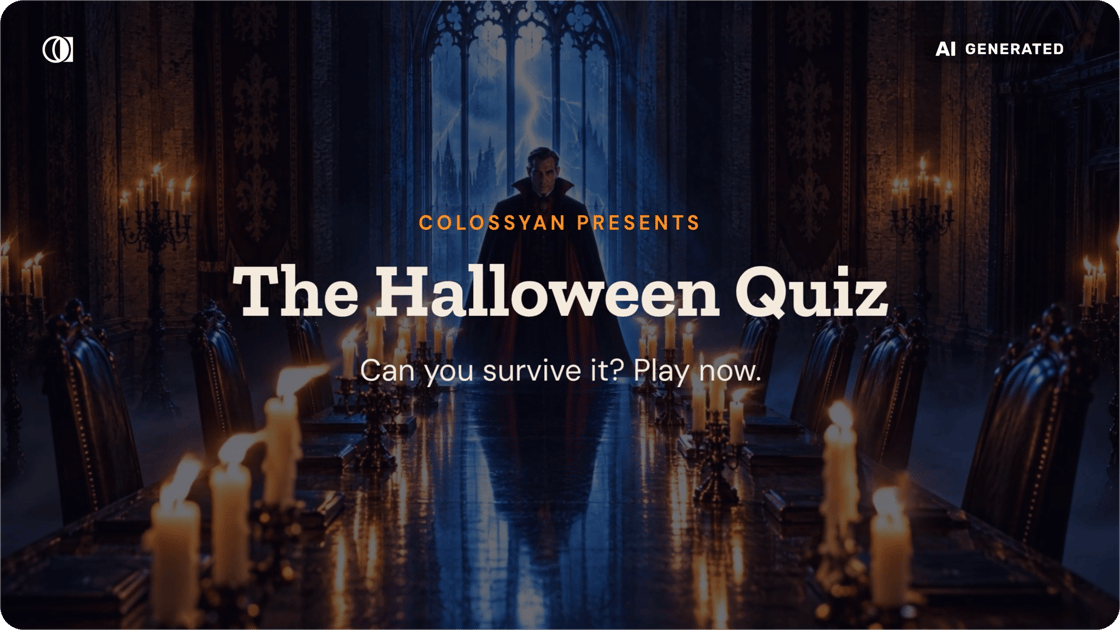
This year's mandatory training is hosted by Dracula
Four colleagues each bring one question, and you answer inside the video: a witch from Health & Safety, Frankenstein's monster from Onboarding, a mummy from Compliance and a skeleton from People Ops. One question involves an email asking for your password at midnight. Please don't.
Under the costumes it's a normal interactive training video. Avatars present, quizzes check understanding, and you decide every line and every answer before it ships. About three minutes to play.