v0.30.0 |
Download Bitrig
Hello Bitrigger, iPhone Duo arrives tomorrow. If you’re one of the lucky people getting one, Bitrig Remote will be ready for you to play with on day one. We took this opportunity to redesign Bitrig Remote. It now has all the tabs you’re used to from Bitrig Mac—the 3D simulator, code, and App Store listing—and when you unfold the Duo, they sit side by side with your agent. 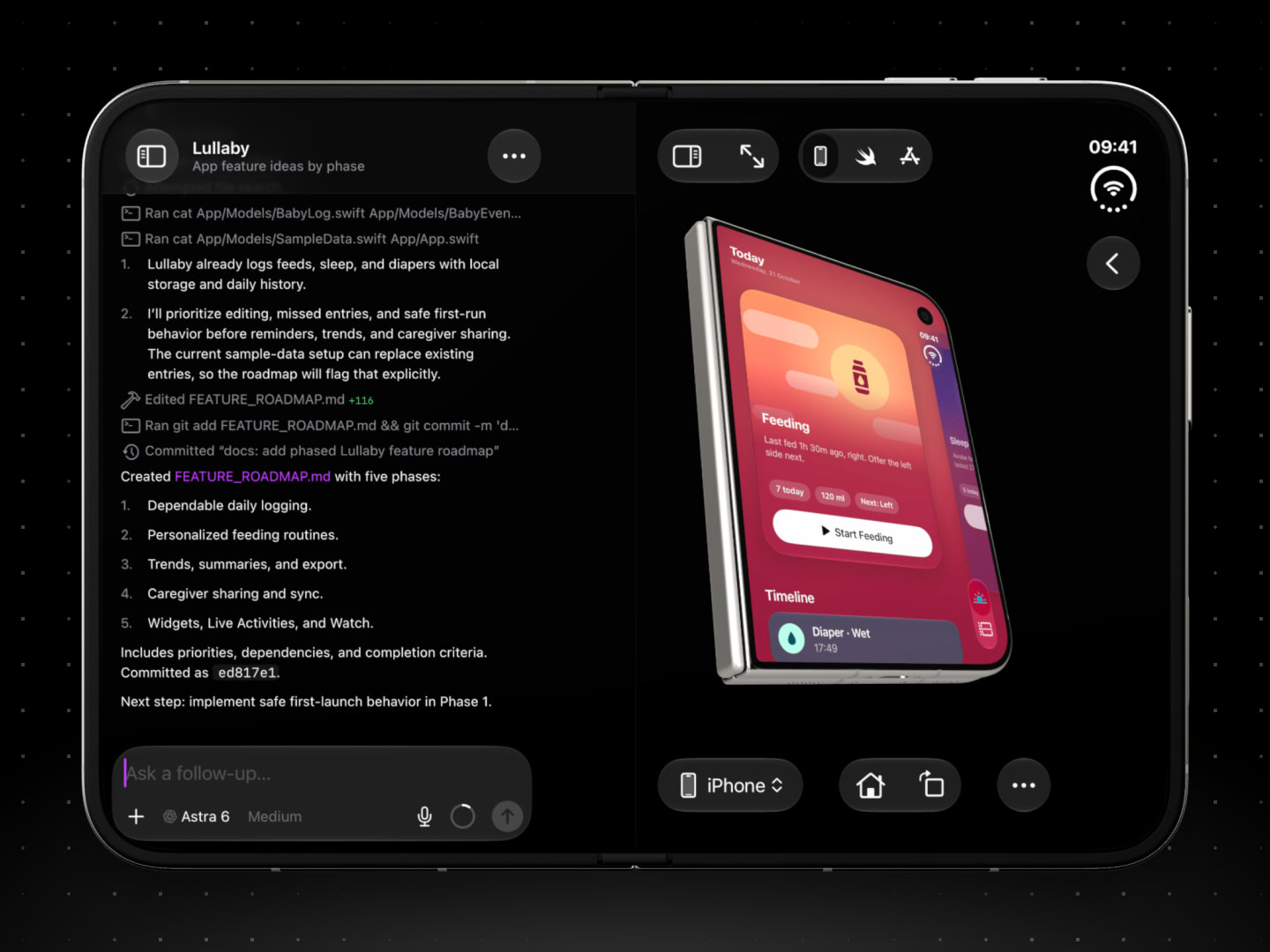
You can:
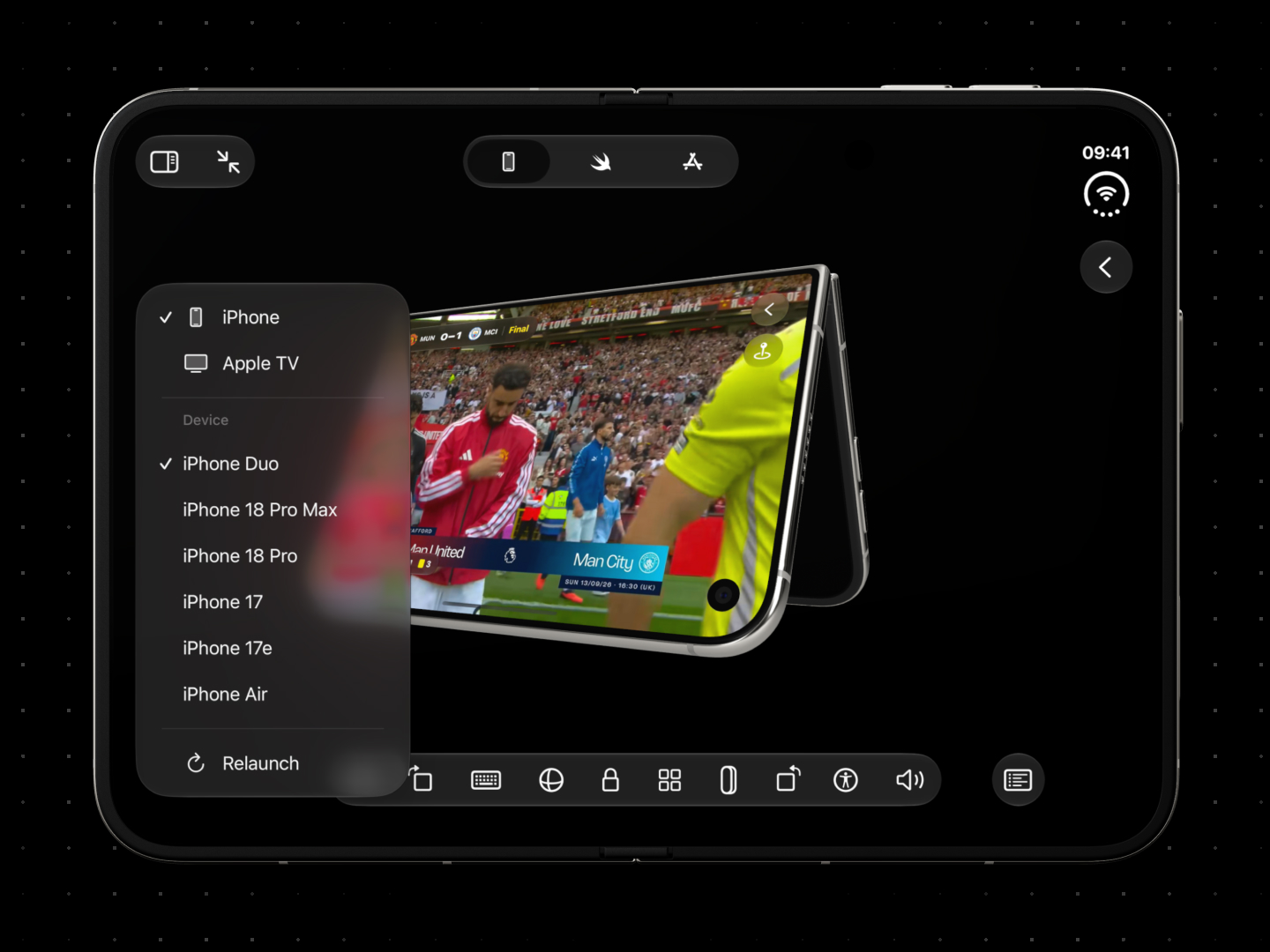
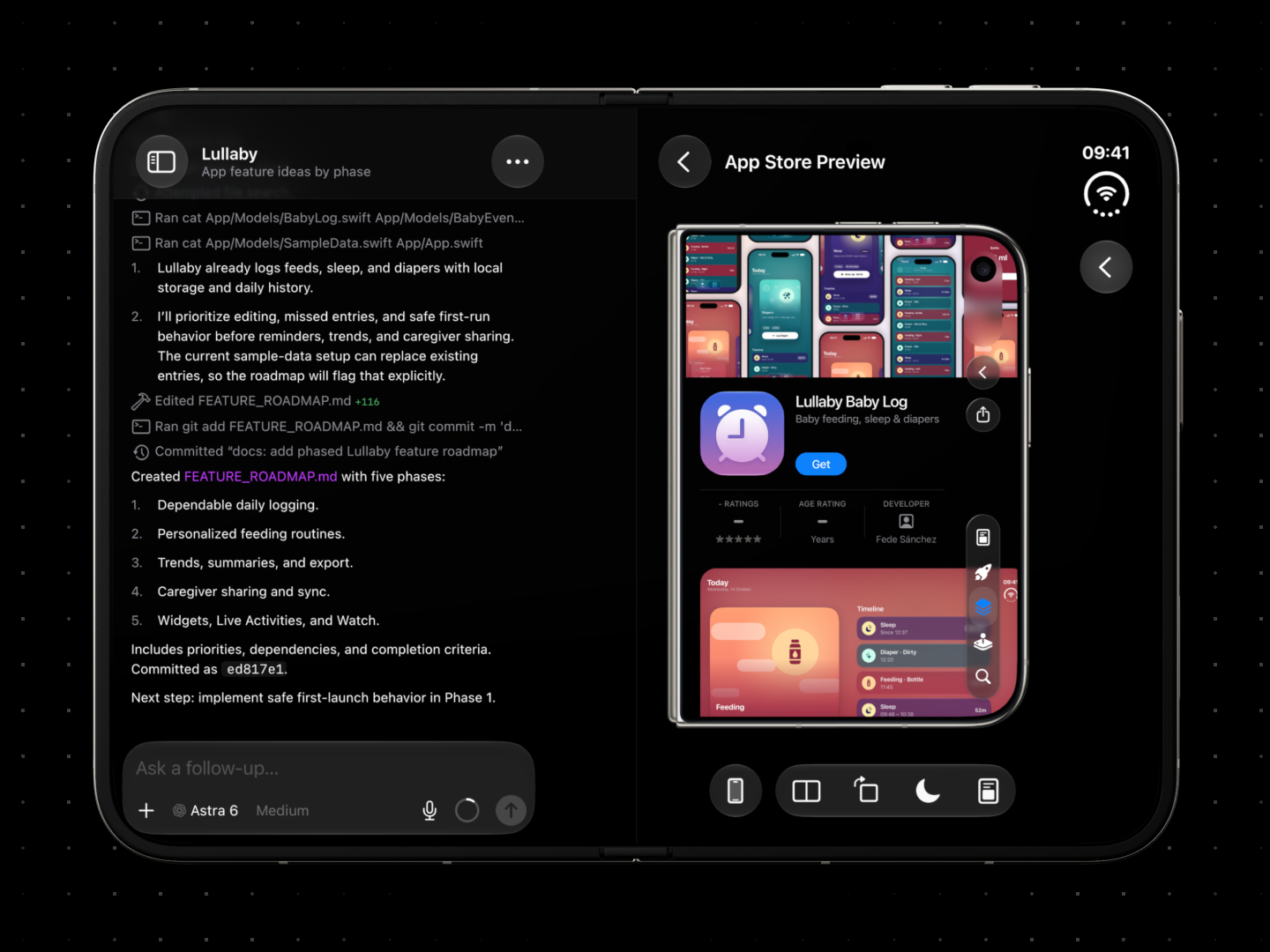
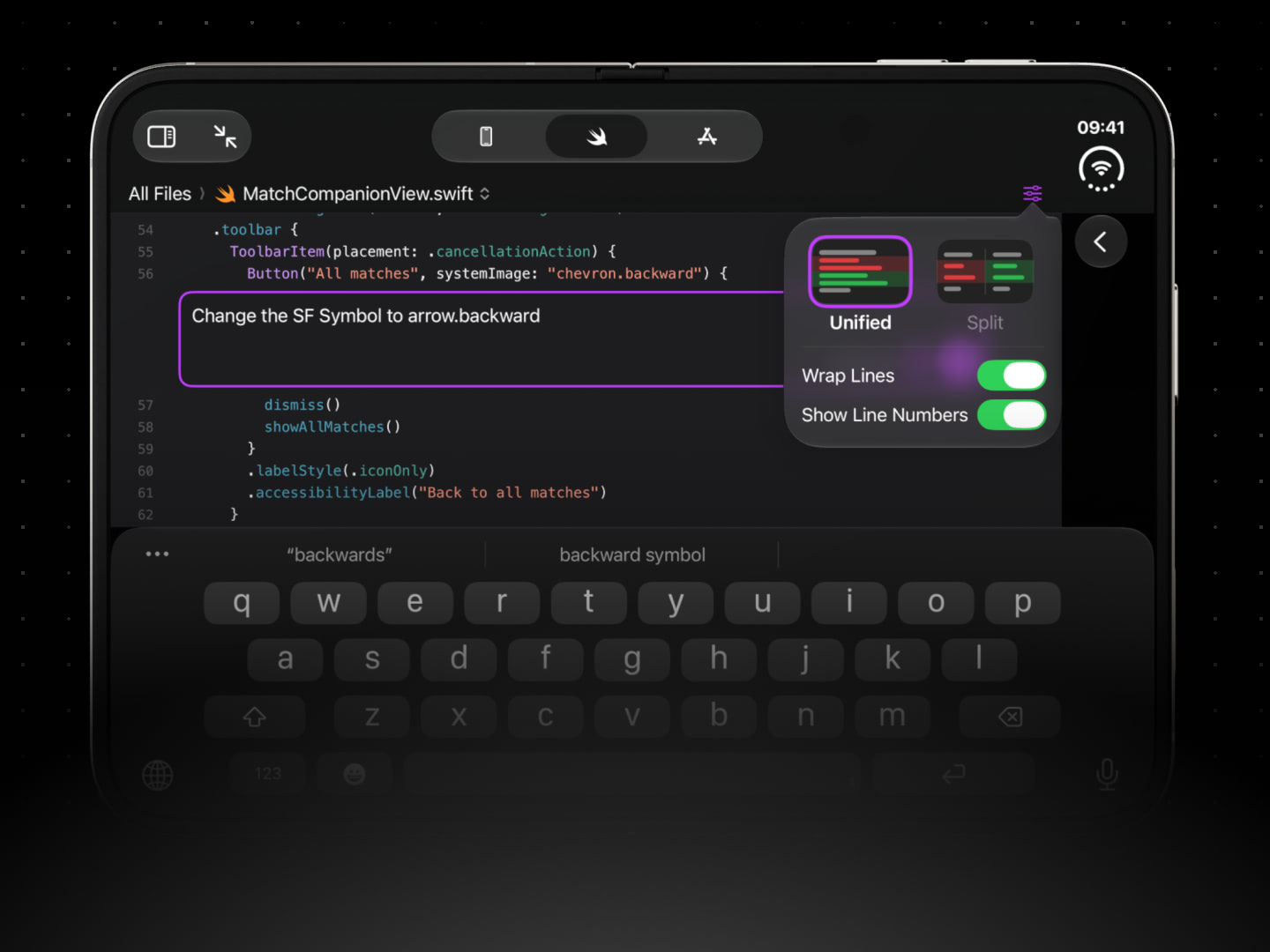
If you’re new to Bitrig Remote, it connects to Bitrig running on your Mac, turning your iPhone into a professional app development environment. Build with frontier AI agents like Claude Code and Codex, the full Xcode toolchain, and the SDKs for all of Apple’s major platforms. Bring your existing Xcode projects and GitHub repositories, and install your app right on your Home Screen with one tap. Almost anything possible on Bitrig Mac, you can now do from Bitrig Remote. Change your agents’ permissions, add plugins and MCP servers, choose your simulators, and delete build artifacts taking up space on your Mac. For the first time, the full Bitrig experience fits in your pocket. With your Duo closed, make quick edits on the go. When you’re ready for an extended working session, unfold it, and your whole workspace opens up in a layout optimized for the inner display. Cheers,
|
