|
Hey Taskleteers,
Tasklet is now on iPhone and iPad, so you can delegate work to your team of AI agents wherever you are. It’s been one of your most requested features since launch, and we’re excited to finally get it into your hands.
|
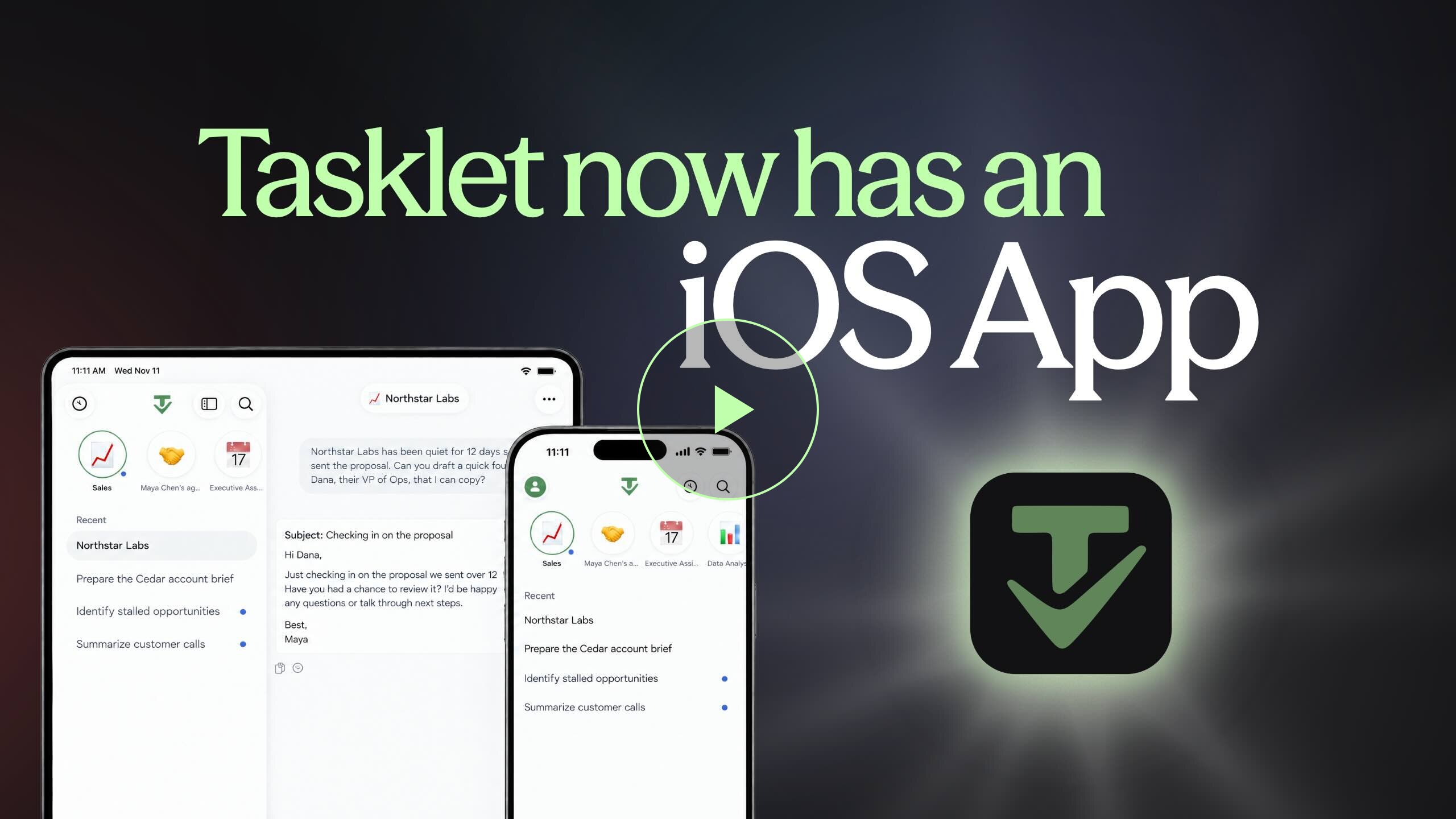 |
| What you can do from the app |
|
| |
| ✓ | Work across your tools. Your agent connects to 3,000+ apps, plus anything with an API or MCP server. Connect an app or approve an action in a couple of taps. |
|
| ✓ | Set up automations by asking. Your agent handles ongoing work on a schedule or the moment something happens. It runs in the cloud, so your phone doesn’t need to be open. |
|
| ✓ | Use websites that don’t have an integration. Your agent has its own browser, so it can sign in, fill out forms, pull data, and make purchases. Save a login once, or connect 1Password, and it signs in for you. |
|
| ✓ | Build custom dashboards and apps. Connects to and pulls in live data across your tools. Describe the dashboard you want, and your agent can build it. |
|
| ✓ | Collaborate with your team. Join teammates in a conversation with a shared agent and pick up where the last person left off. Your team’s shared tools and Drives come with you too. |
|
| ✓ | Talk instead of type. Brief your agent the way you’d talk to a teammate, and it takes it from there. |
|
| ✓ | Multitask on iPad. Keep Tasklet open next to your other apps with Split View, or open multiple threads and agents in their own windows. |
|
| Watch the full tour → |
Ready to try it? Download from the App Store. |
We can’t wait to see what you hand off next! |
Michael Latman
Senior Software Engineer |
You’re receiving this because you signed up for Tasklet updates. You can unsubscribe from this list at any time. |