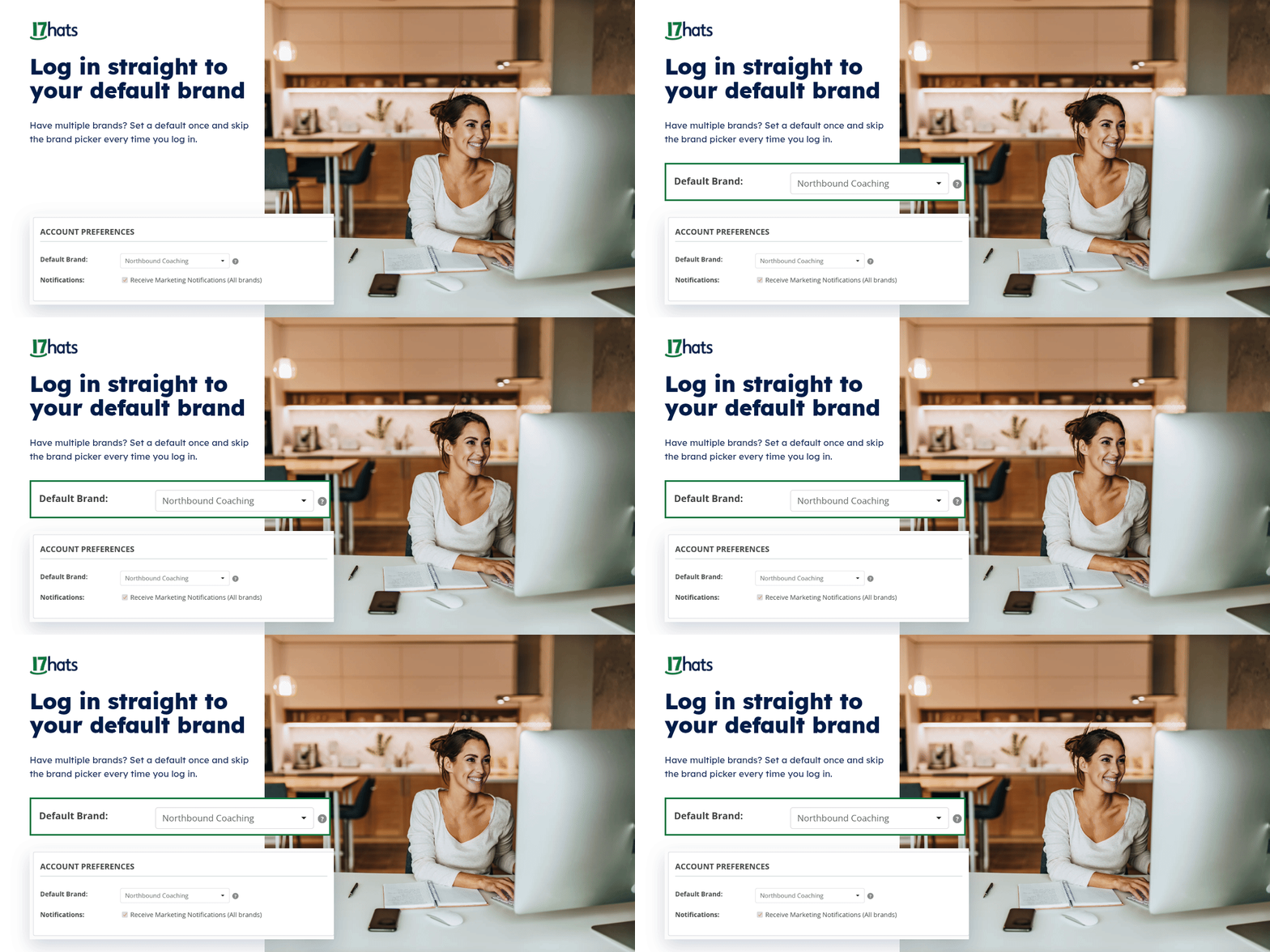
Run more than one Brand? Skip the picker.
If you manage a second business as a Brand in 17hats, every login starts the same way: choose a Brand, then get to work. Small friction, but you pay it every single day.
Now you can set a Default Brand. Choose the Brand you work in most, and from that point on, logging in takes you straight there.
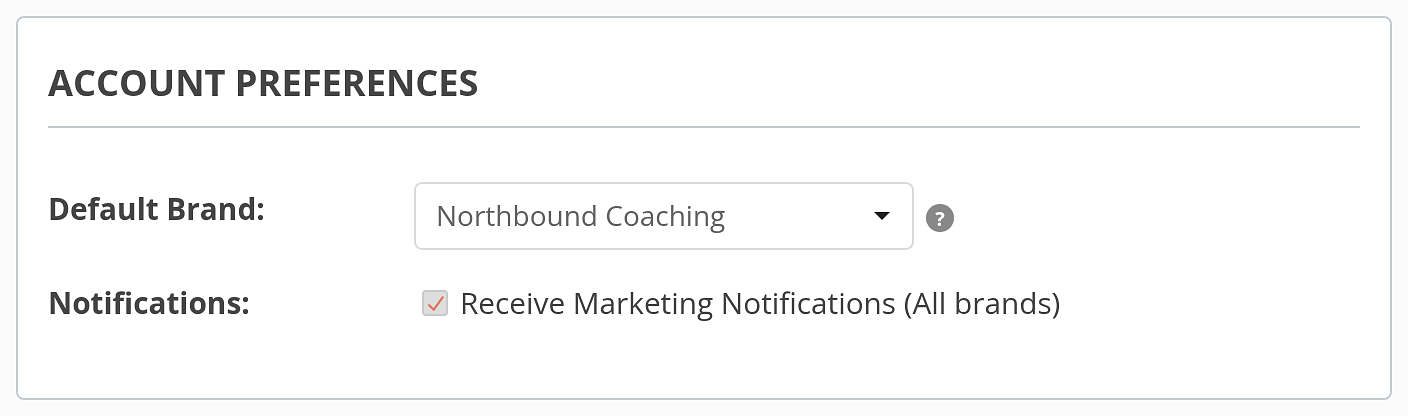
Set it once in your Account Settings.
Select your Default Brand, save, and you're done.
Need the other Brand?
Use the Brand switcher in the top right corner of your 17hats account. Nothing about switching changes — you just stop doing it on the way in.
This is an easy win. One click saved, every login, forever. |